Week 7 Challenge - Assembly Workbench
1 Question:
In this week’s assignment, you will have to create 2 assemblies according to the content covered in the course videos. You will be provided with 2D diagrams of the components and you will have to first create the individual part files and then create a complete assembly of those part files in the assembly workbench. After creating the assembly make use of the drafting tools to create a 2D drawing similar to the one given in the assignment folder.
(A) 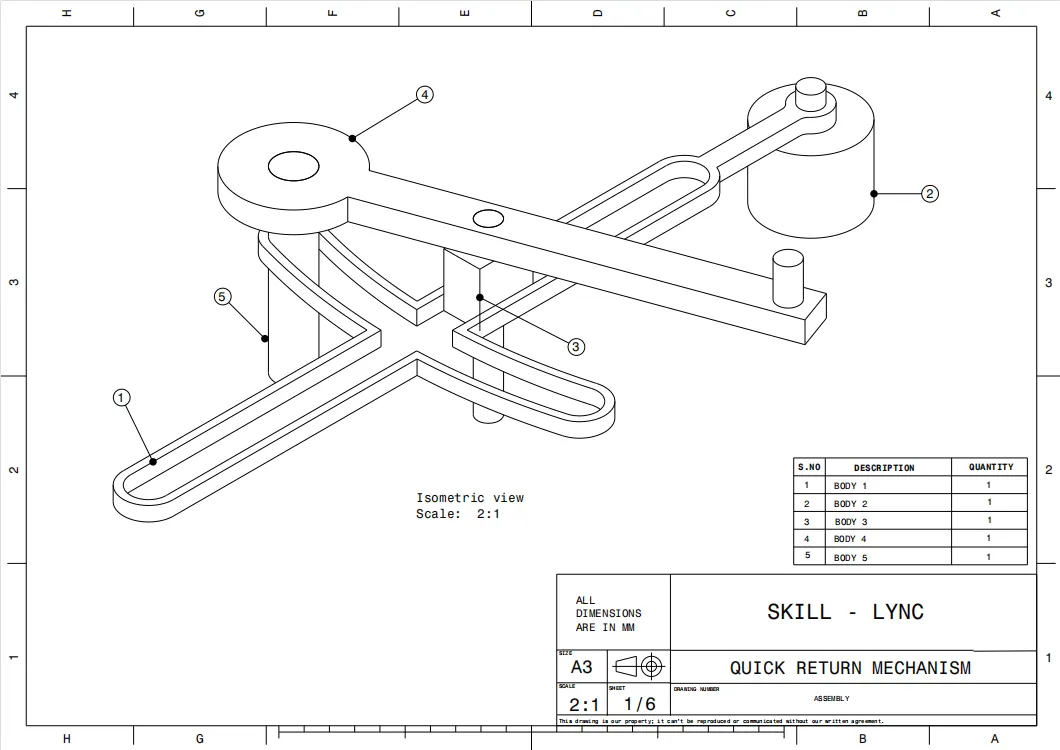 (B)
(B) 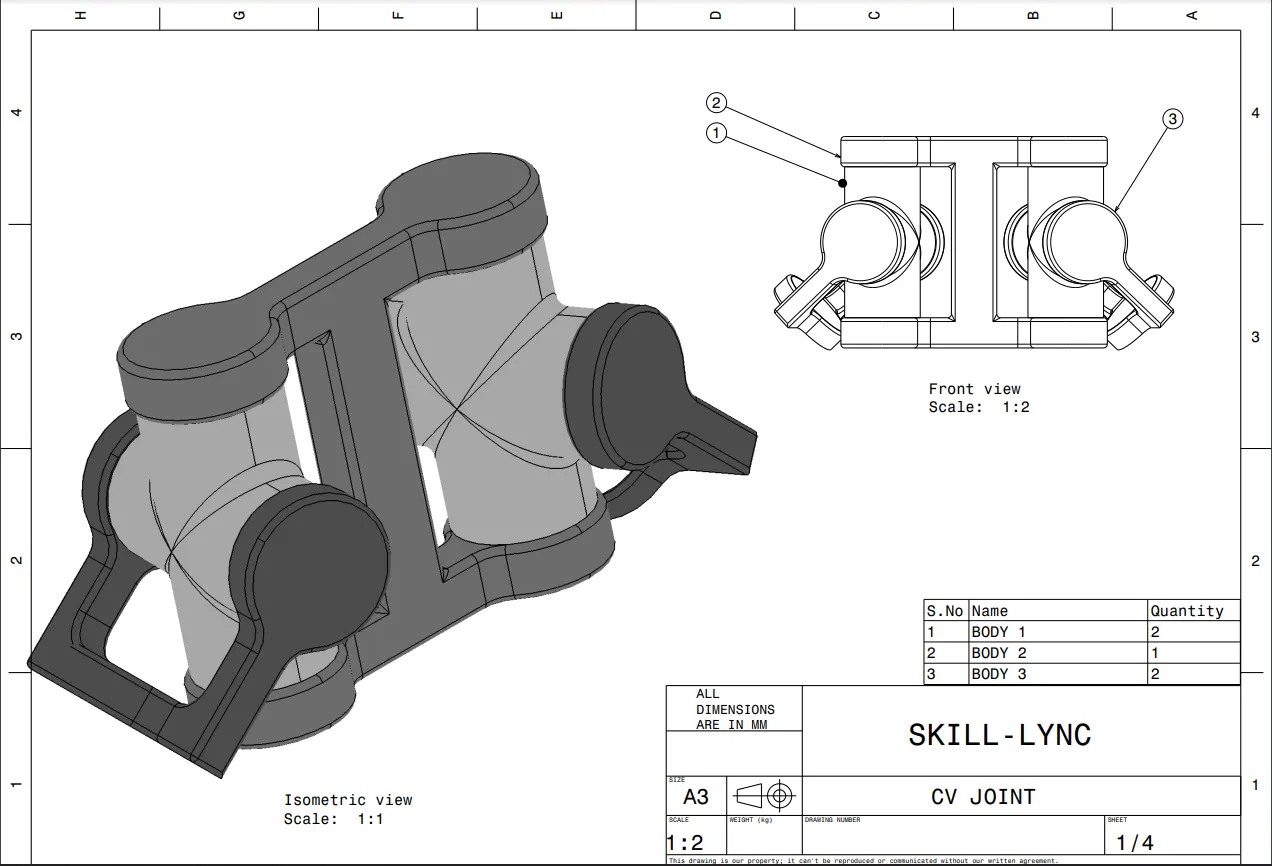
Answer:
(A) Quick Return Mechanism:
- when create the quick return mechanism we need seperate body then assemble into a single body
- first create the base part and given name as body 1 and also create the 2d drawing using a drafting workbench
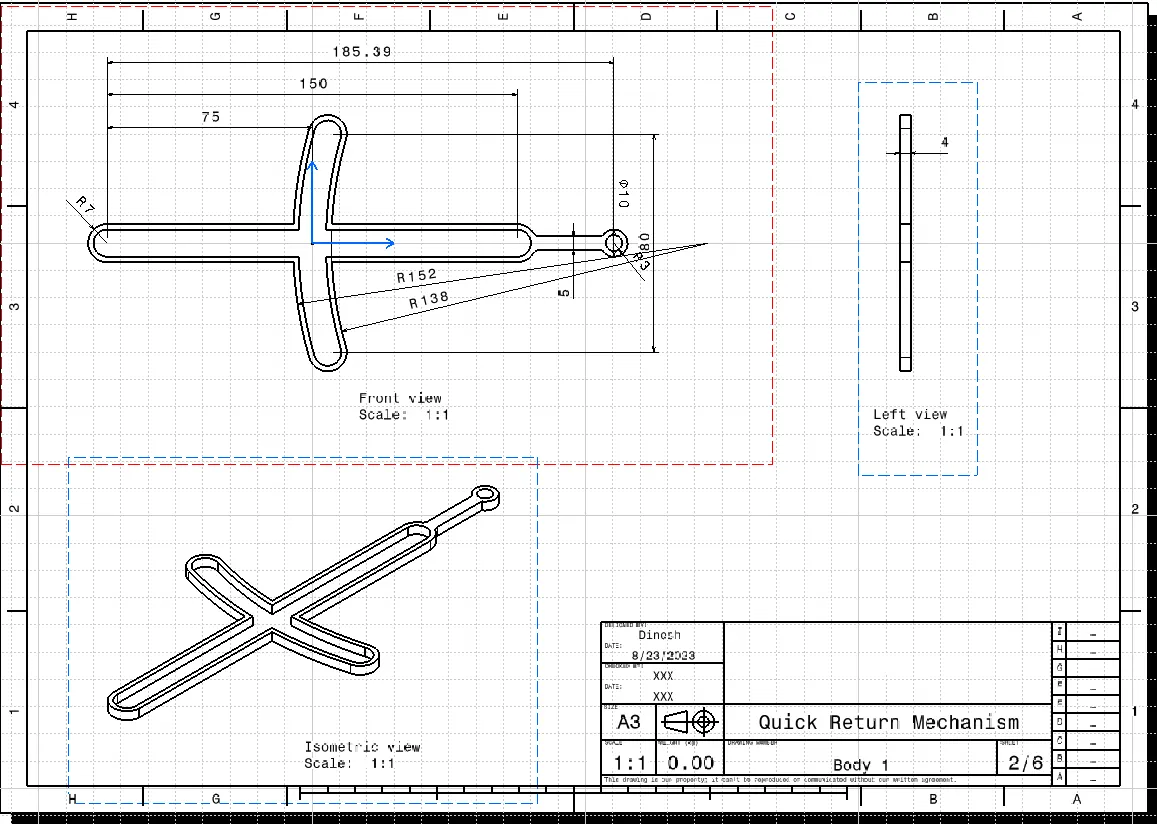
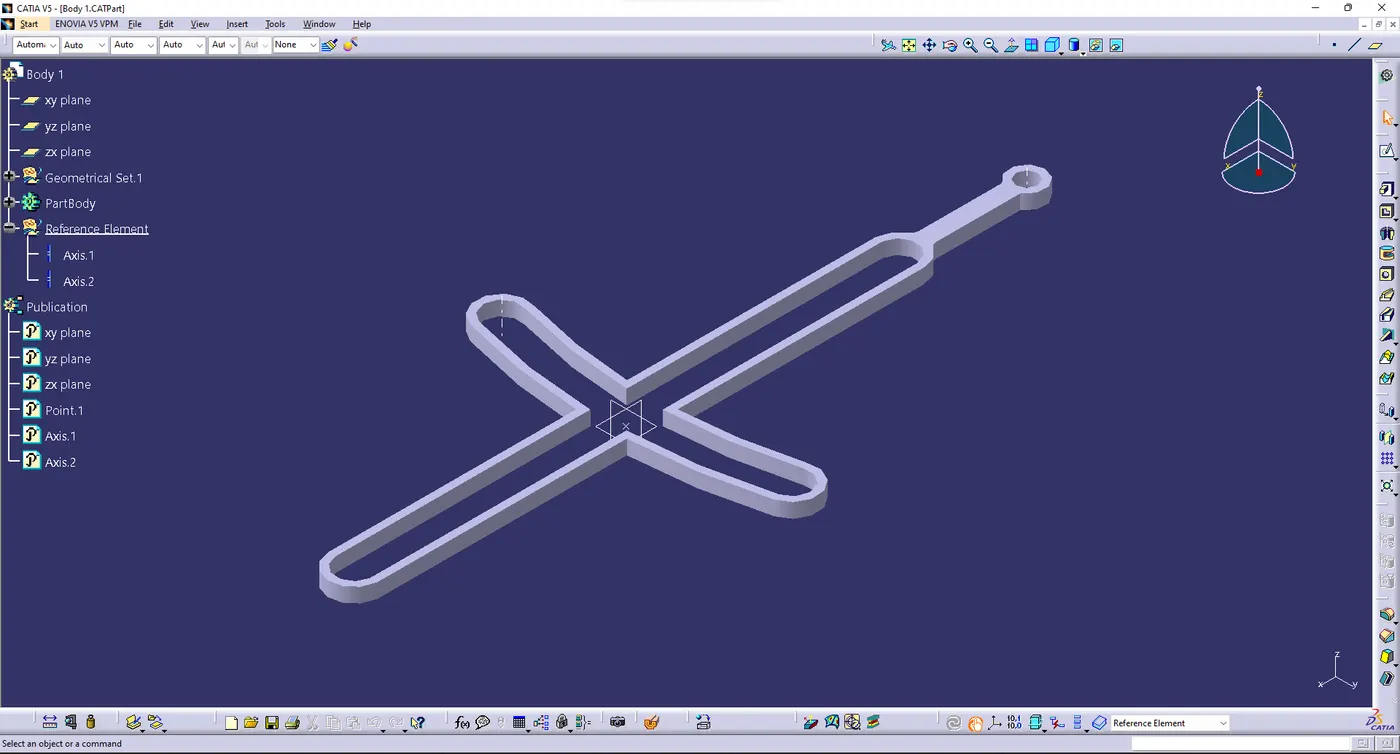
- Then create the second part and named as body 2 and also create the 2d drawing using a drafting workbench
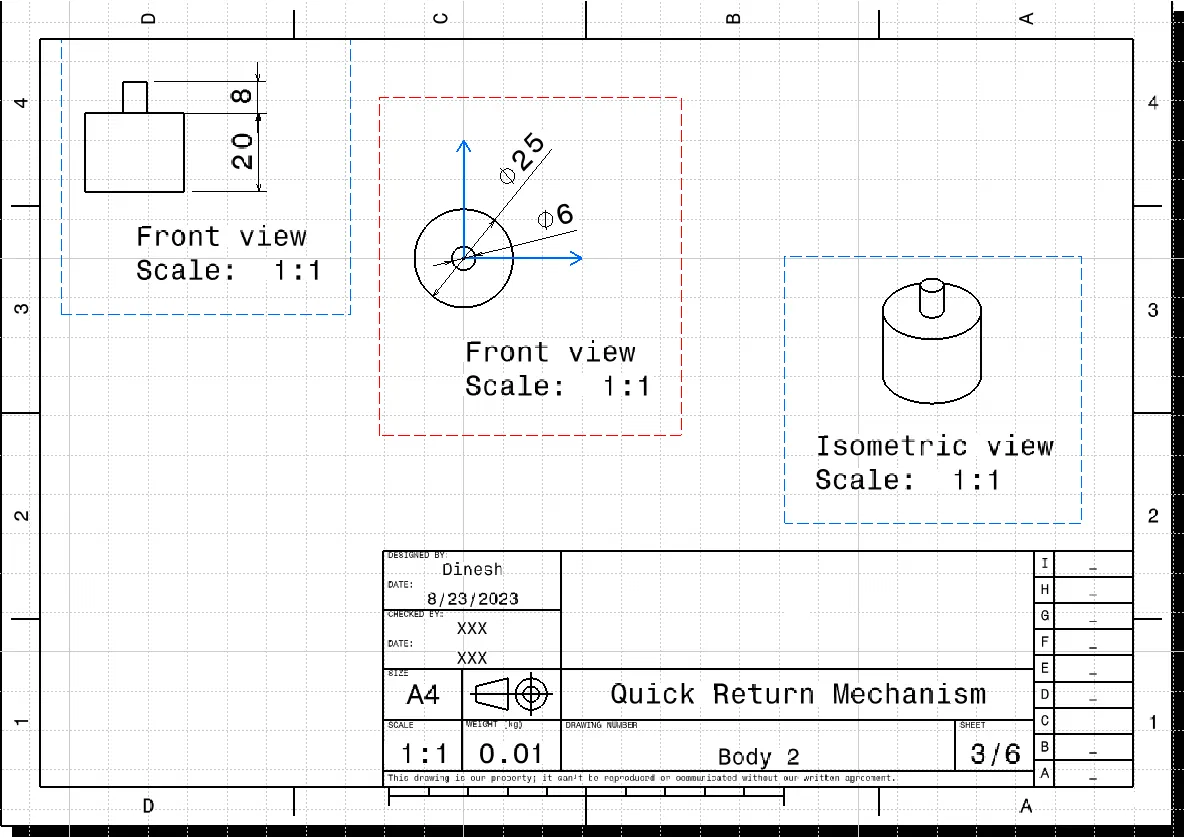
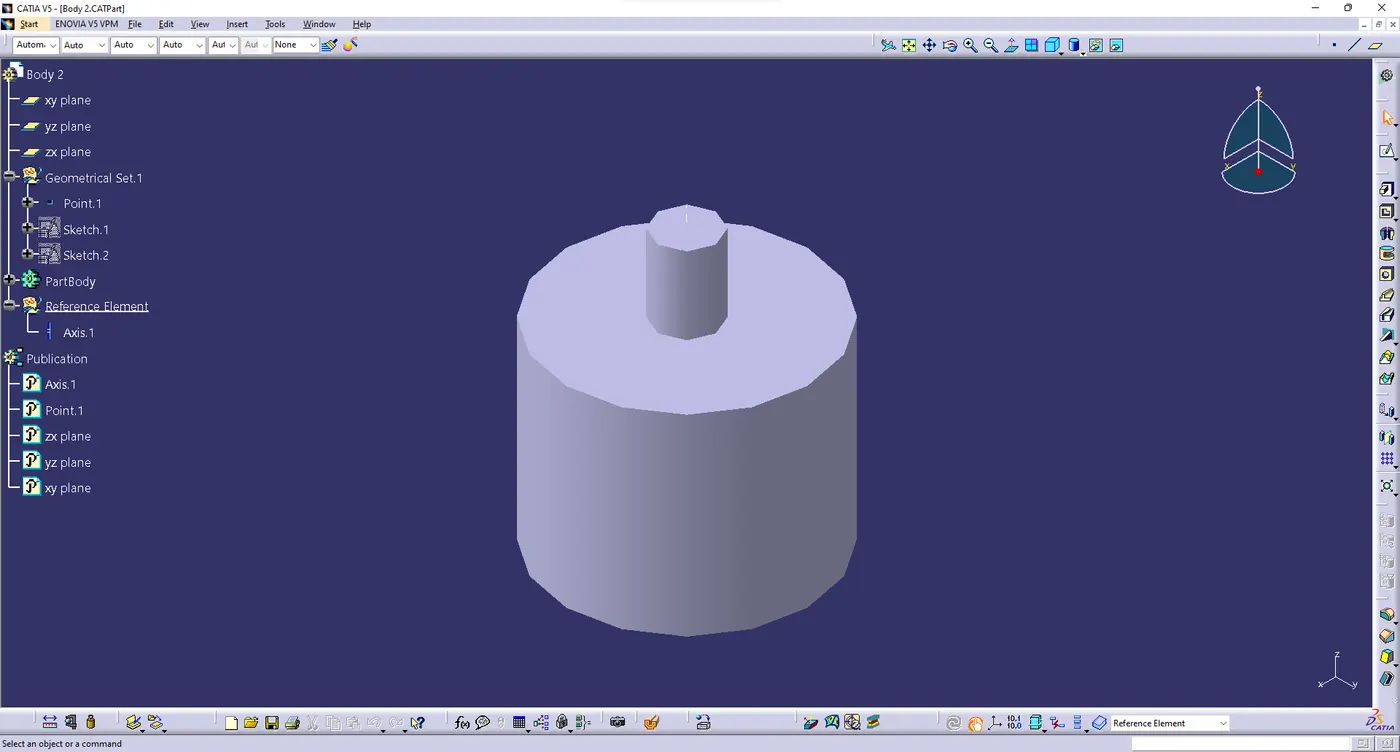
- now create the third part and given name has body 3 and similar to the previous one
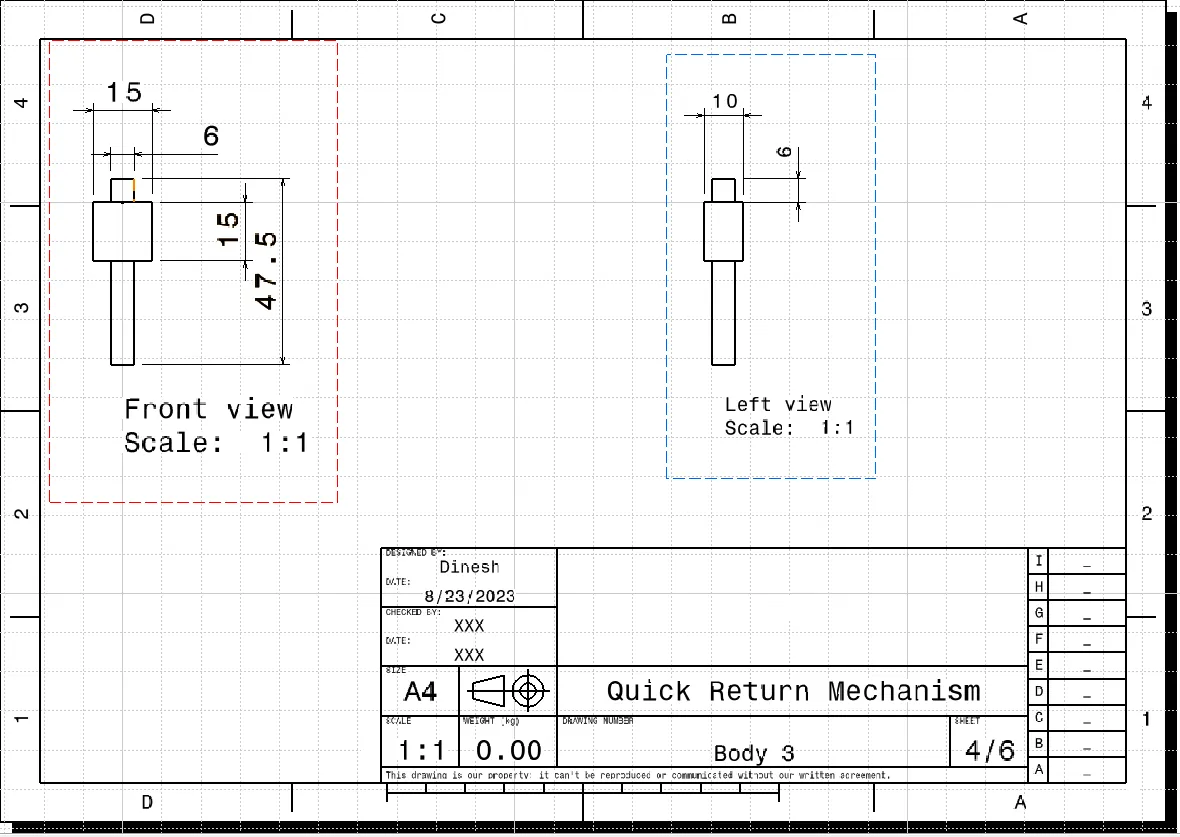
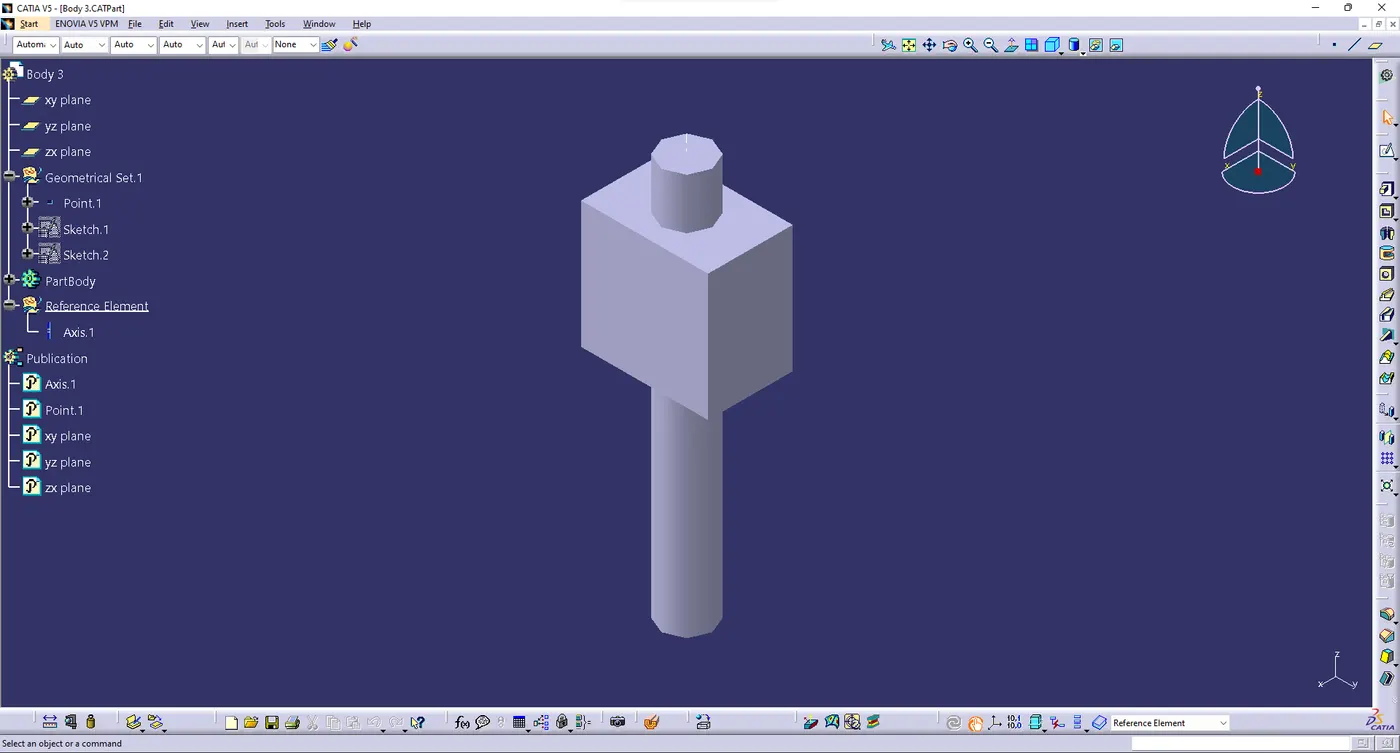
- next top most part were create and given name has body 4 and also create the 2d drawing workbench
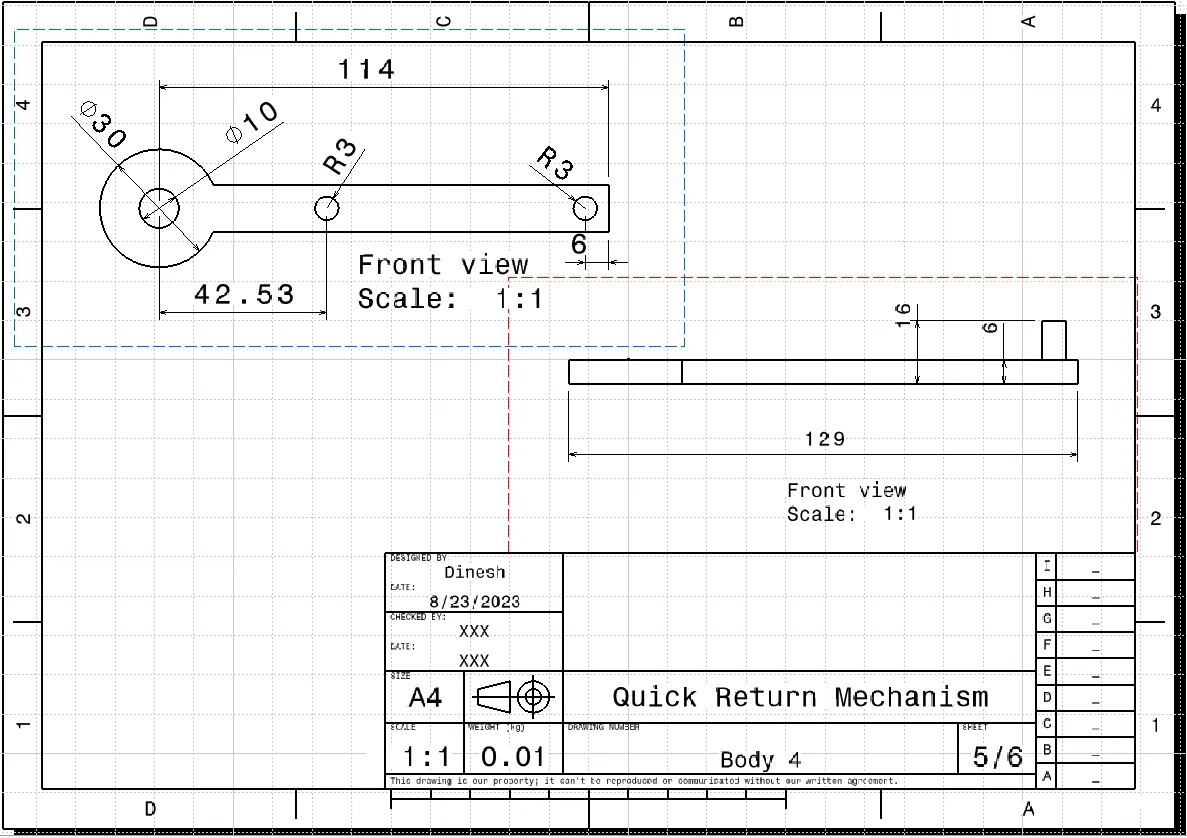
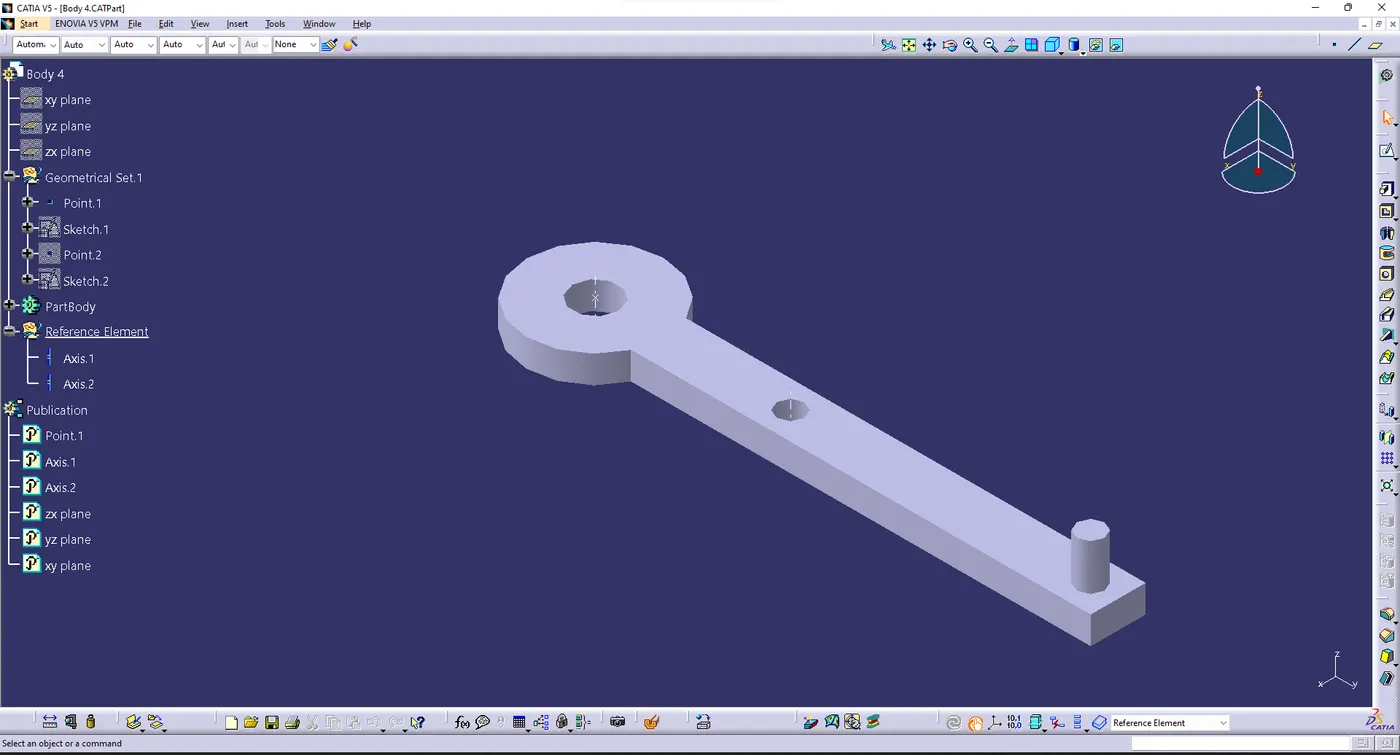
- create the y axis holder and given name has body 5 and it similar to the previous ones
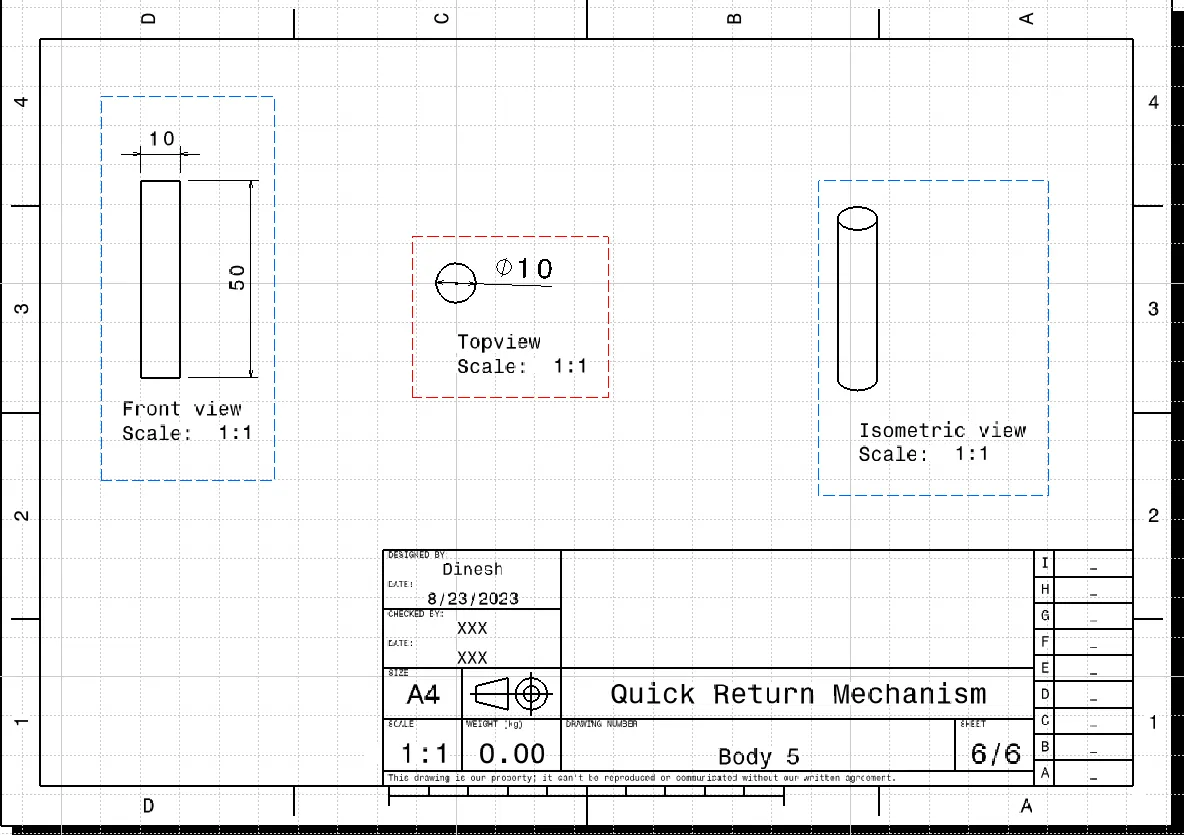
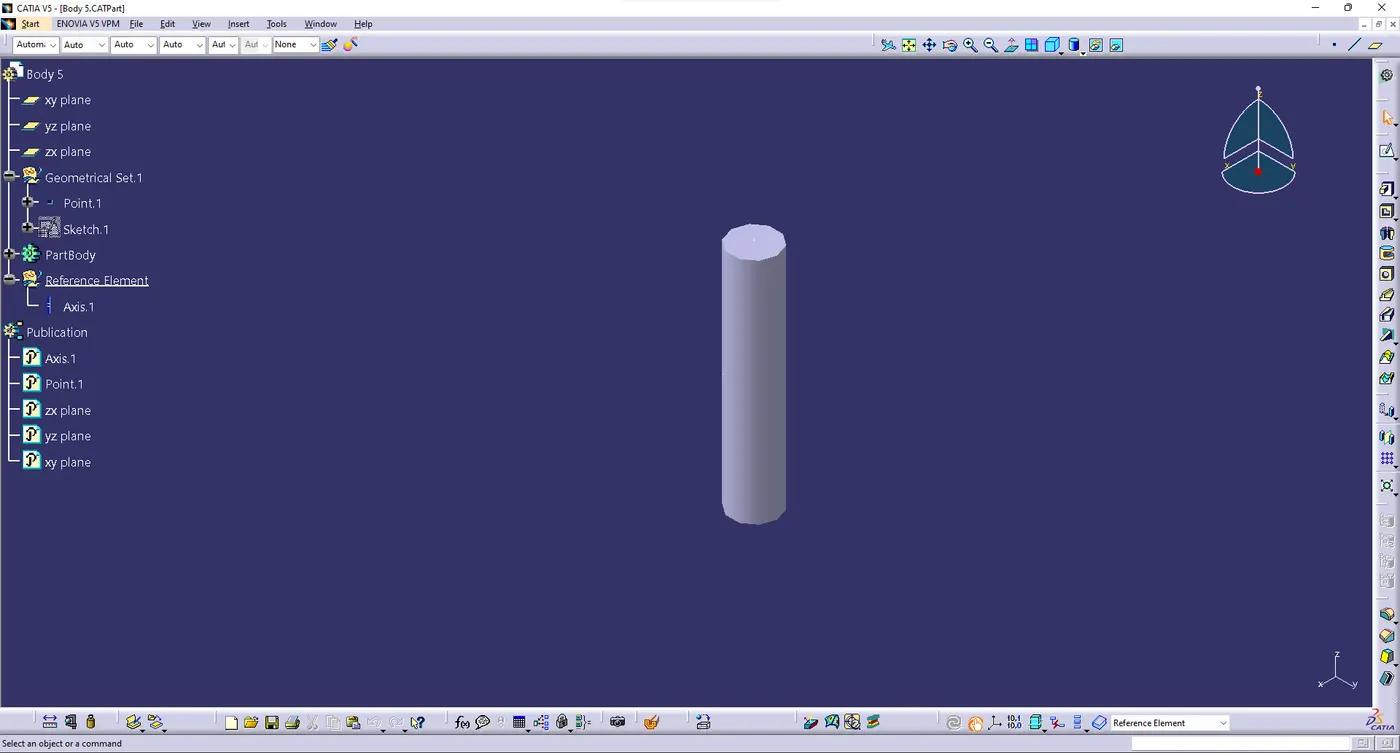
- Finialy assemble they were create the all body into the assembly workbench
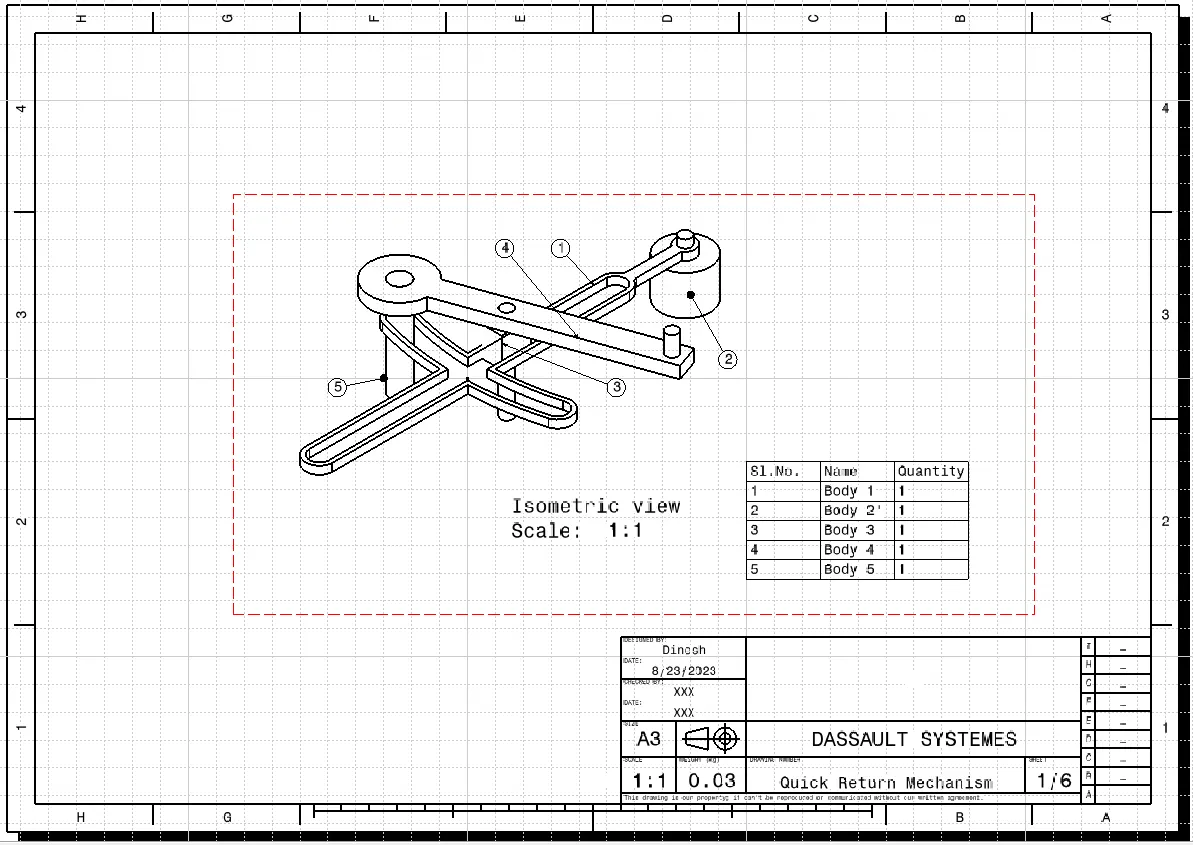
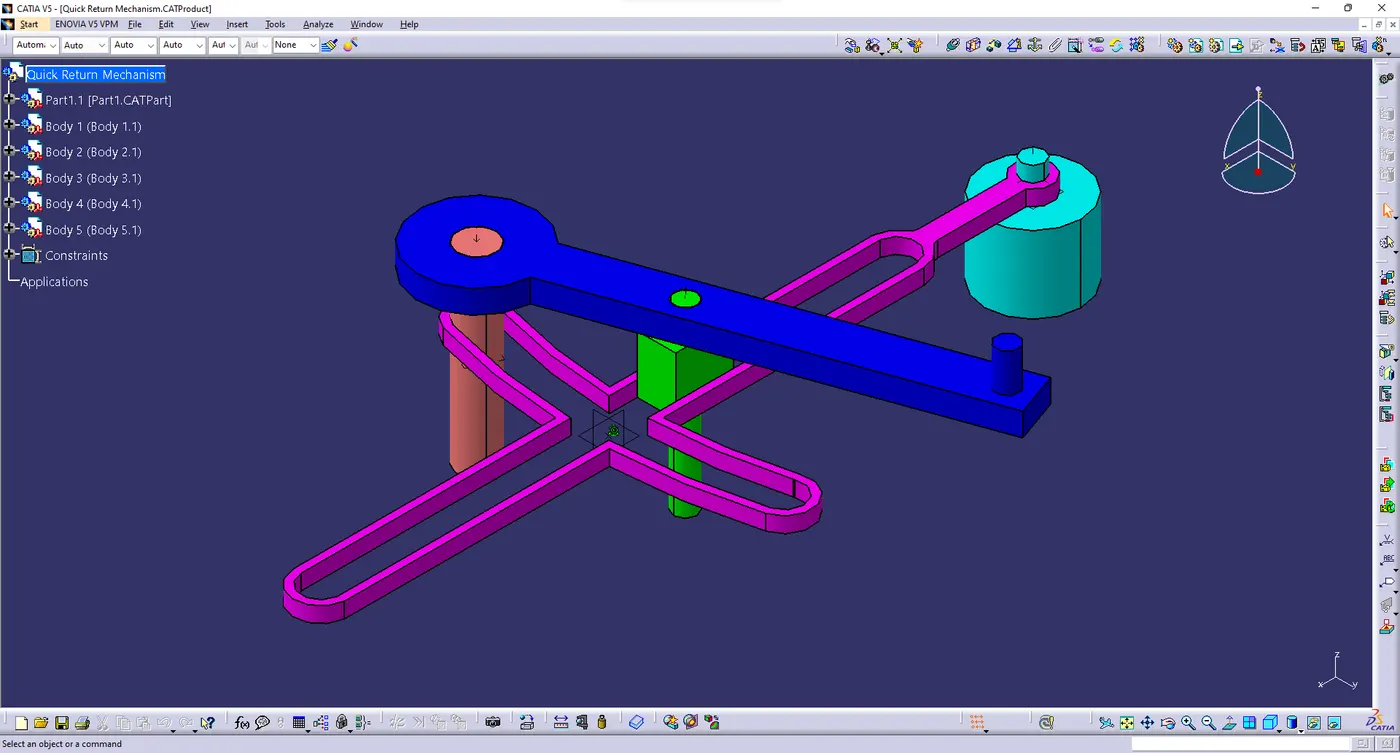
- Here the final output were mention above and those files were mention on choose files option
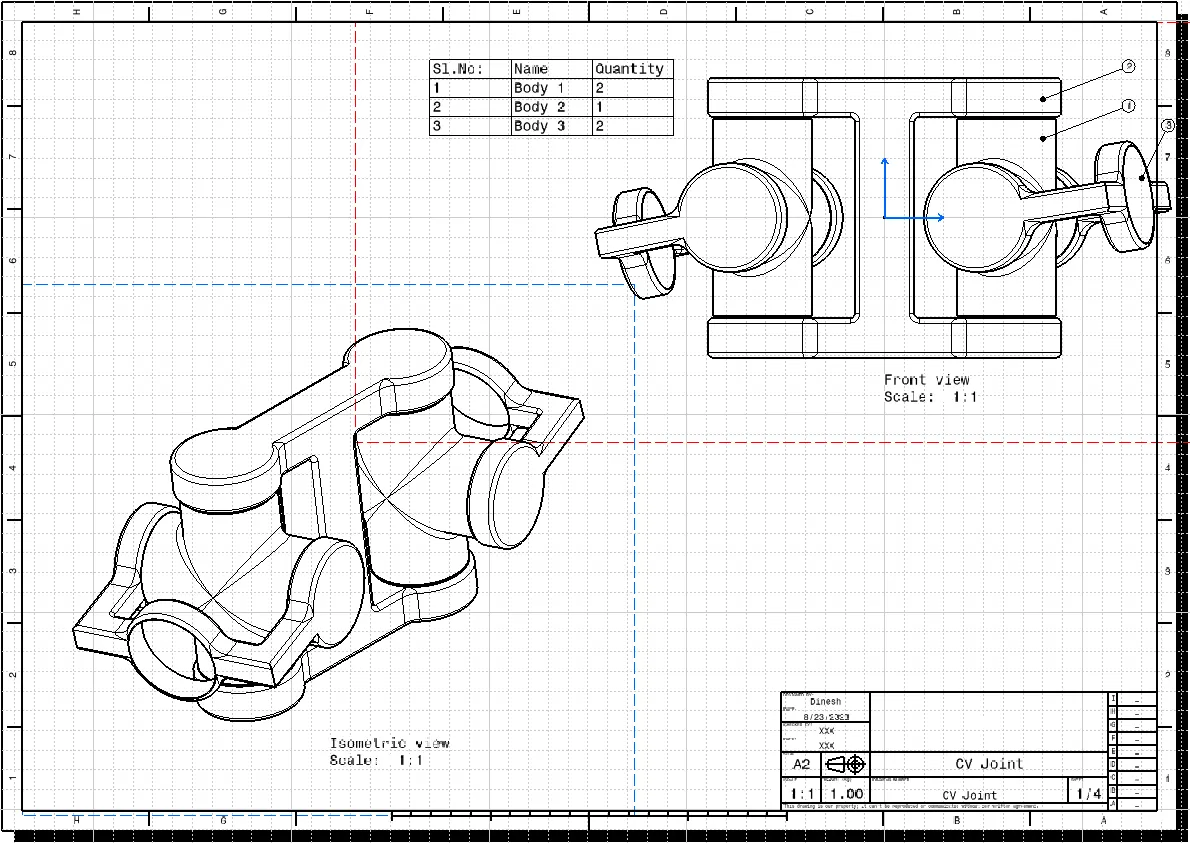
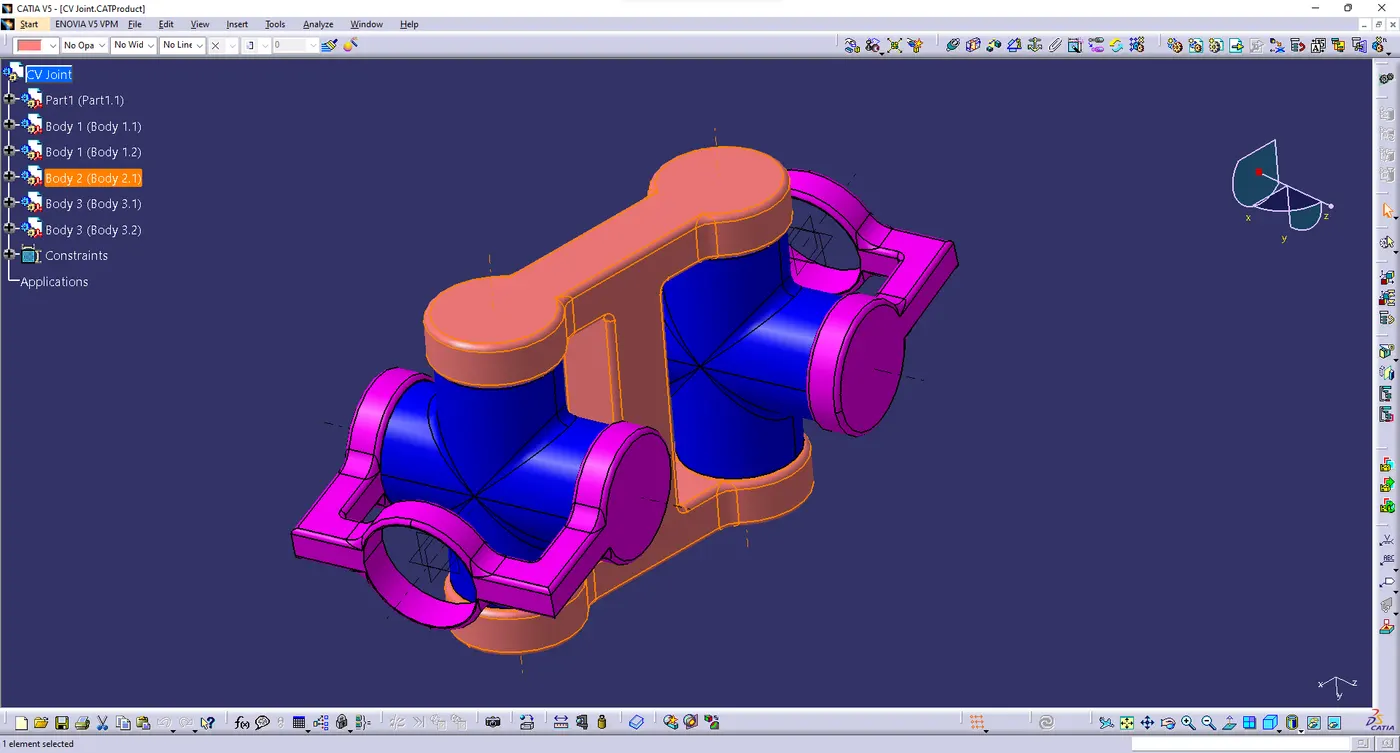
(B) CV Joint
- when create the CV Joint we need seperate body then assemble into a single body
- first create the base part and given name as body 1 and also create the 2d drawing using a drafting workbench
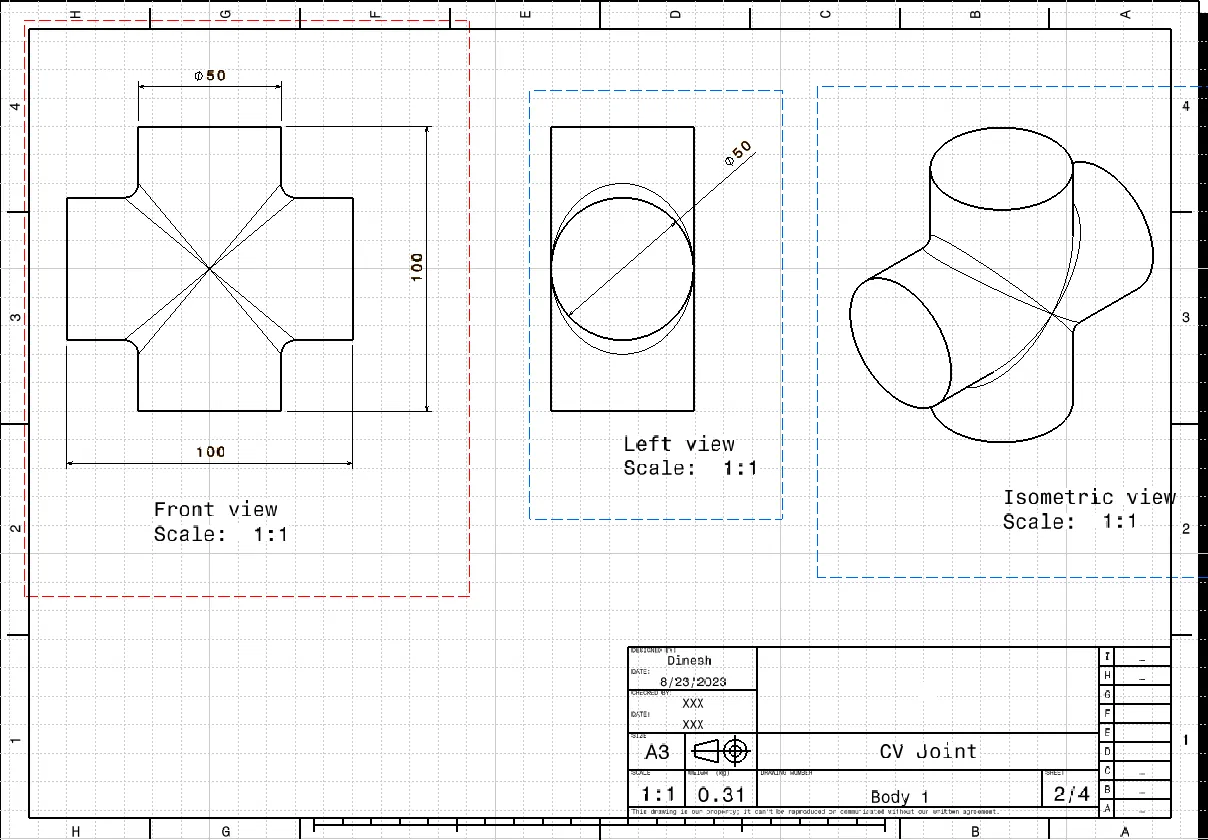
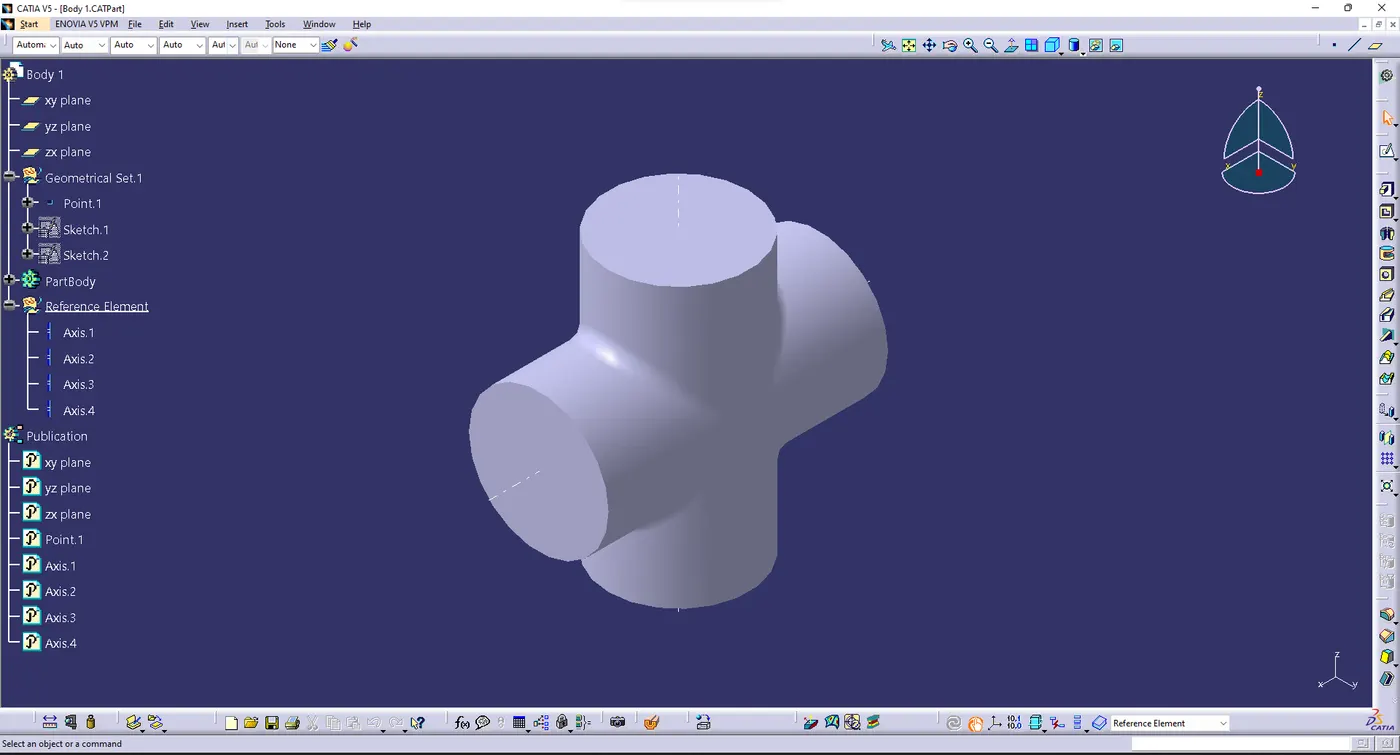
- Then create the second part and named as body 2 and also create the 2d drawing using a drafting workbench
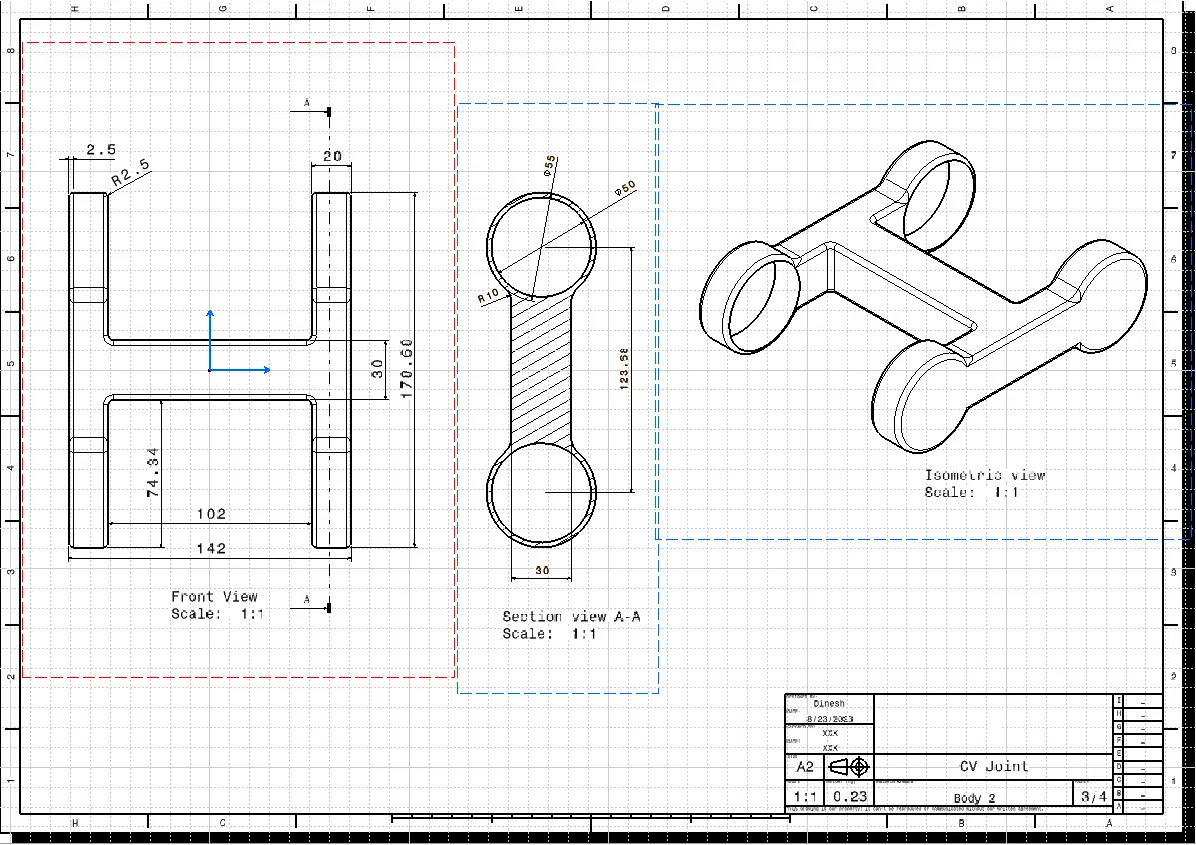
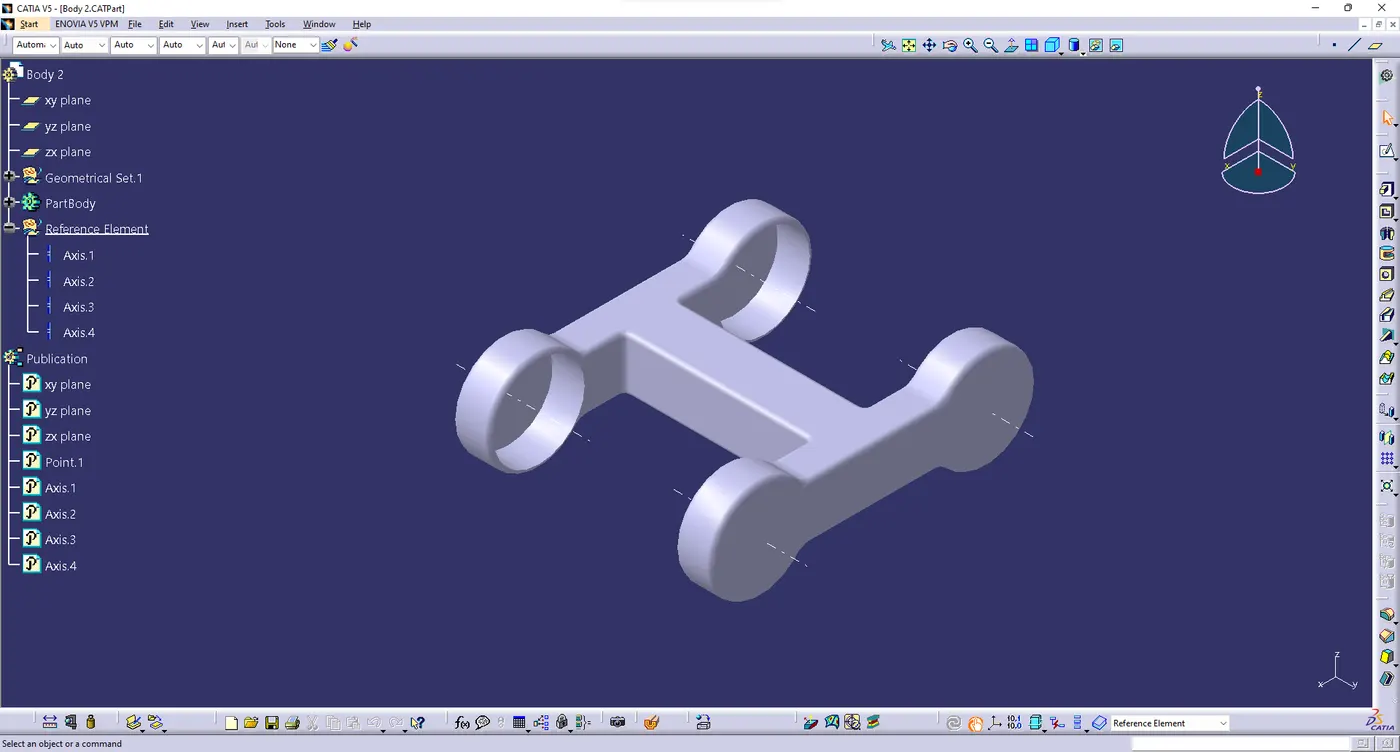
- now create the third part and given name has body 3 and similar to the previous one
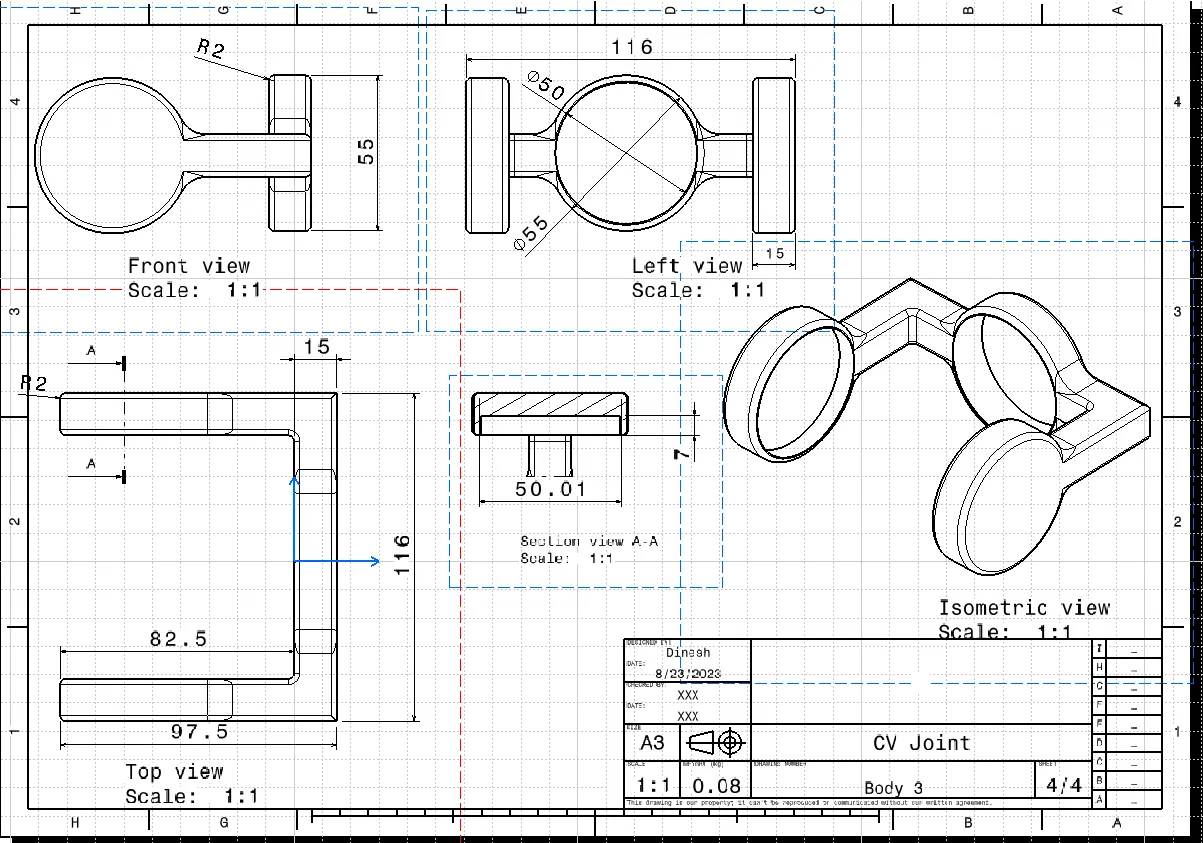
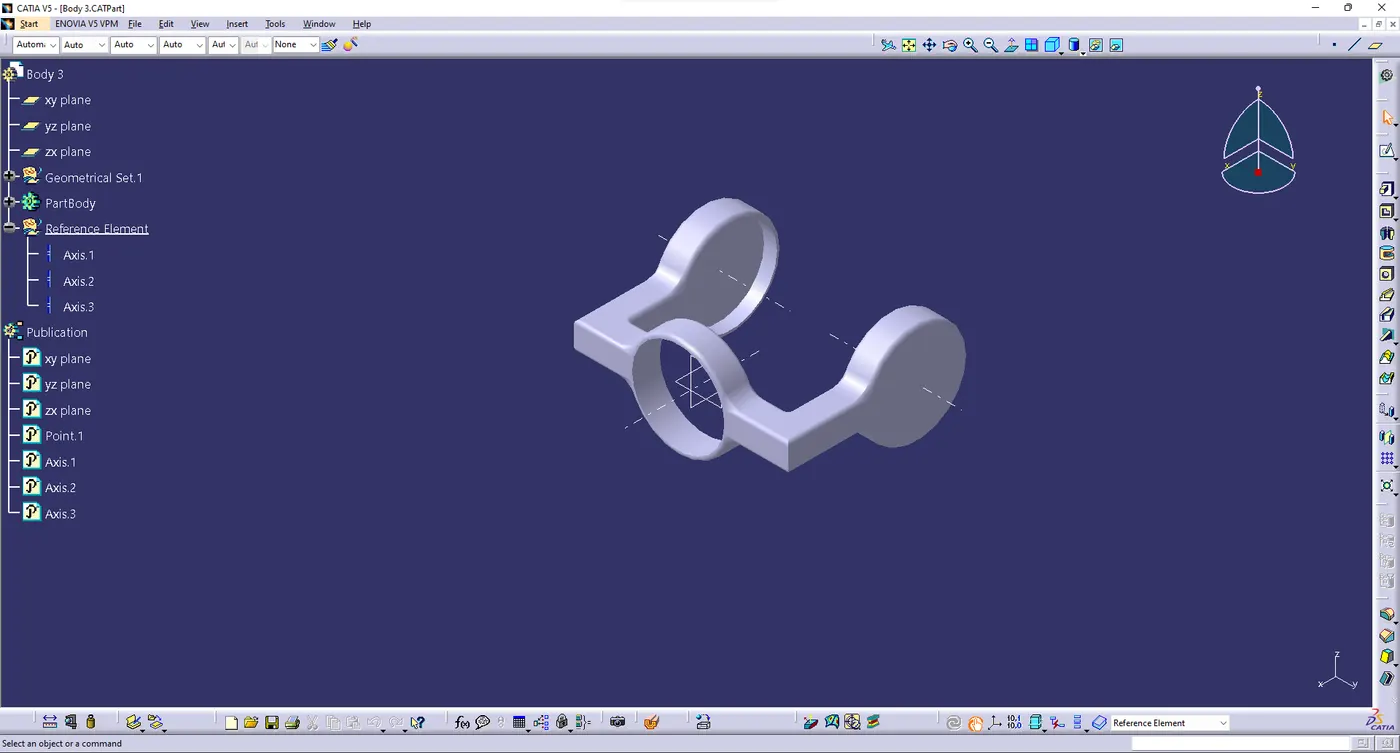
- Finialy assemble they were create the all body into the assembly workbench
- Here the final output were mention above and those files were mention on choose files option
- Files:
- Both assembly, part,drawing files were uploaded in the choose file option and it named has "Week 7 Challenges.zip"
- Them images also uploaded in the same folder