Week 7 Challenge - Assembly Workbench
Assembly Workbench
OBJECTIVE: To create the assemblies with the provided 2D diagrams of the components and have to create the individual part files and then create a complete assembly of those part files in the assembly workbench. After creating the assembly make use of the drafting tools to create a 2D drawing in CATIA from the 3D CAD Part by following the proper design standards.
MAIN PROJECT:
I) DRAWING 1:
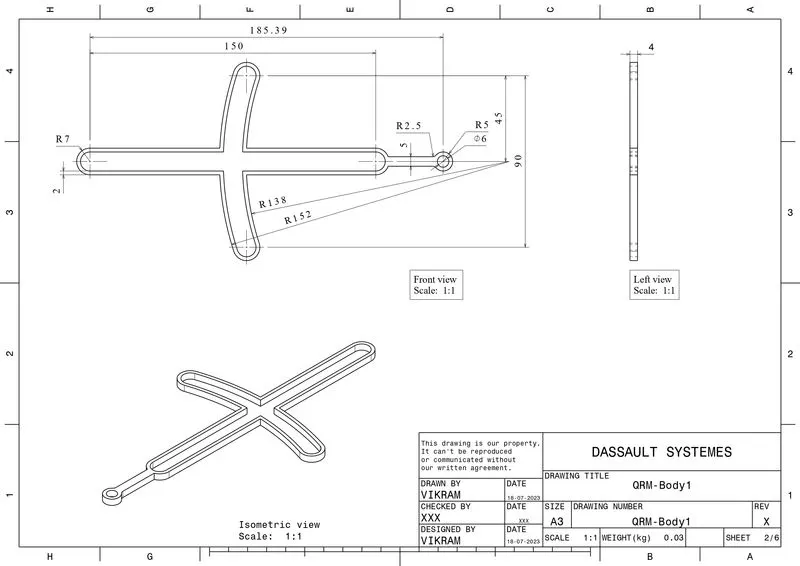
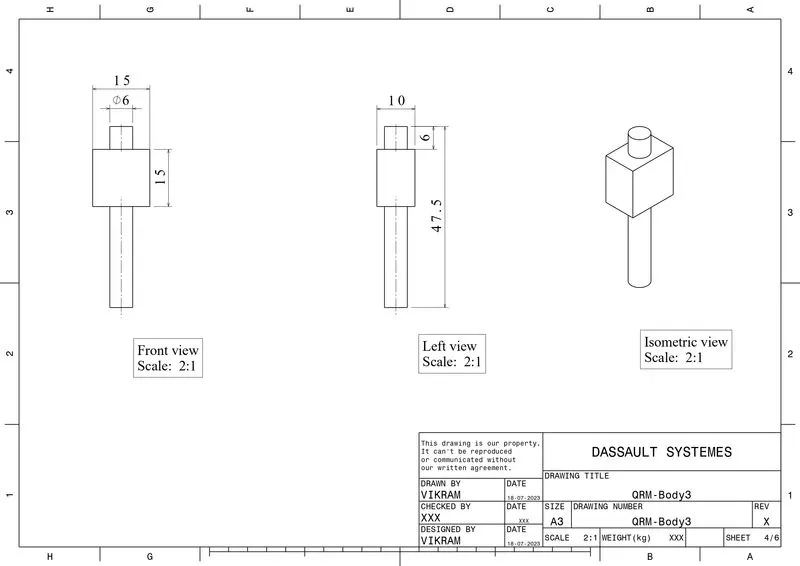
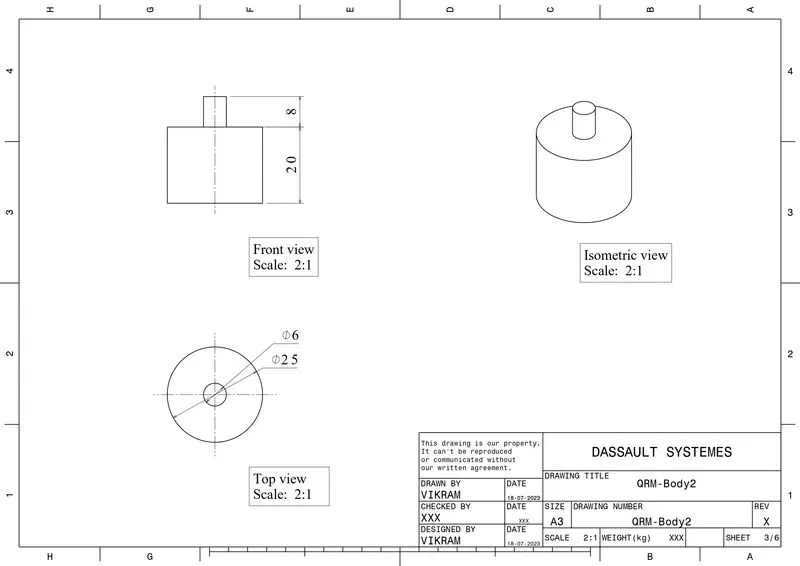
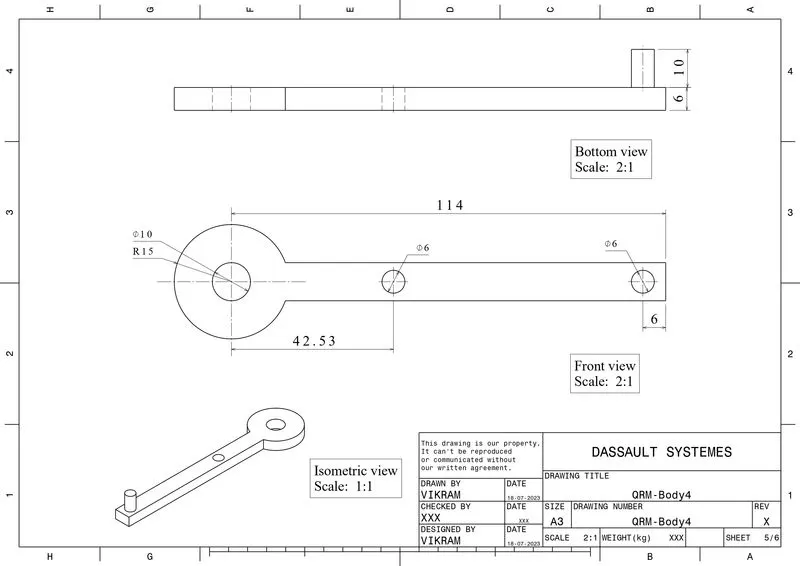
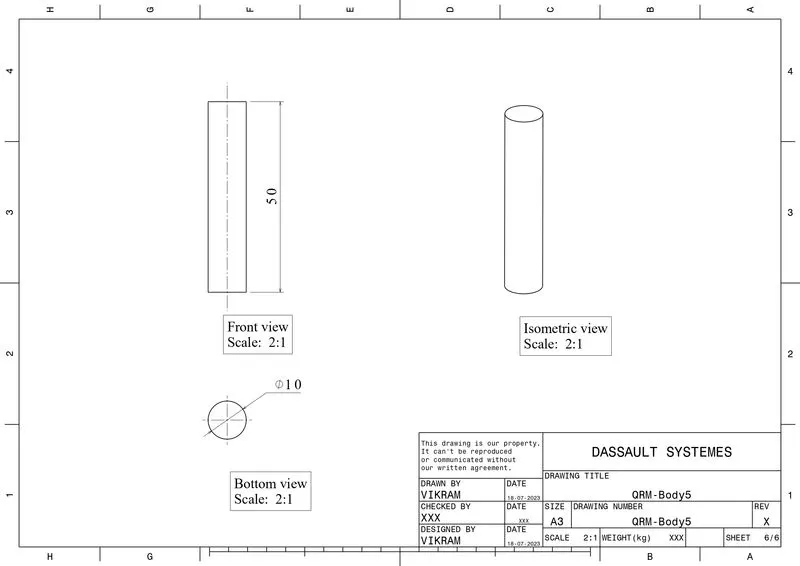
Given Data: Quick Return Mechanism
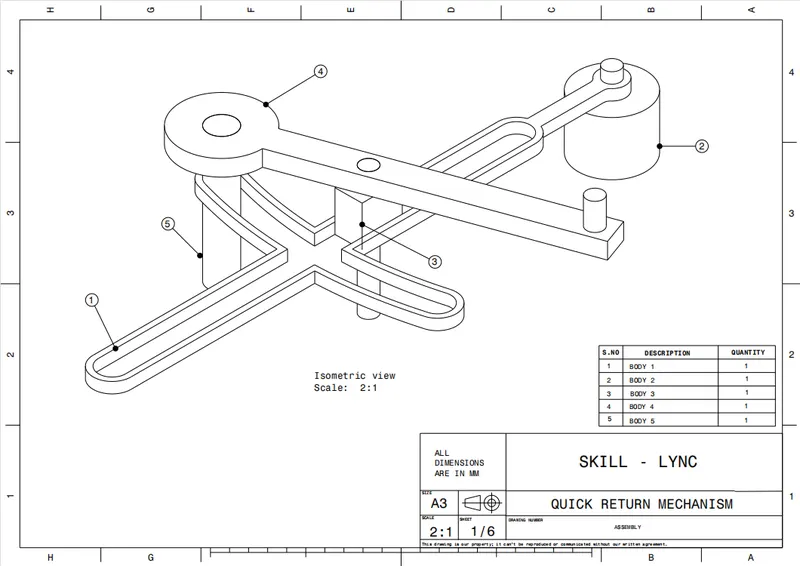
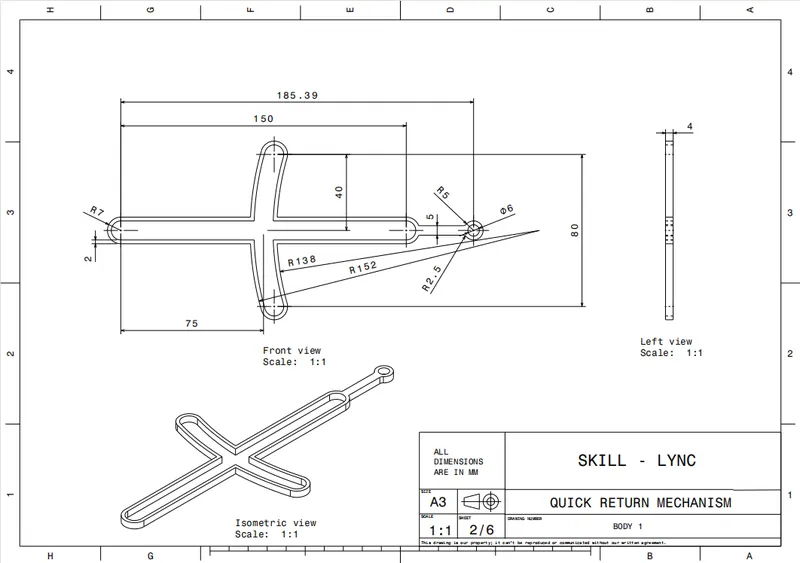
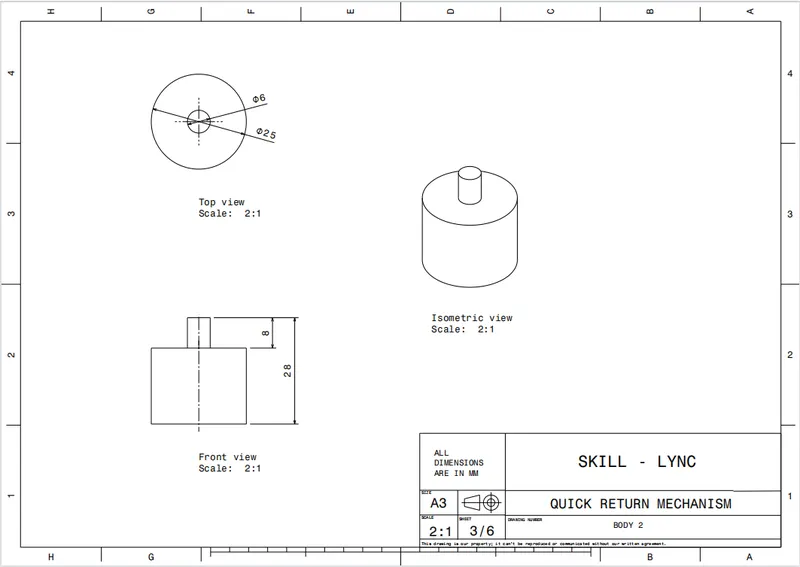
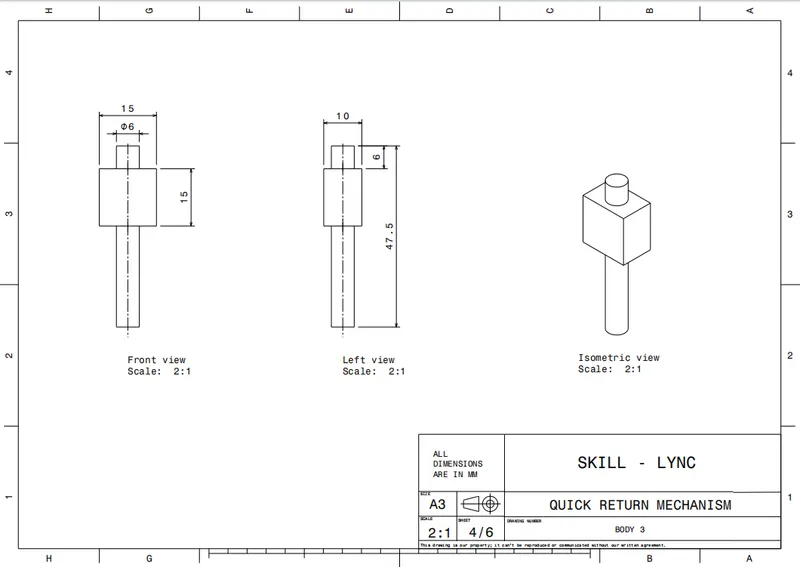
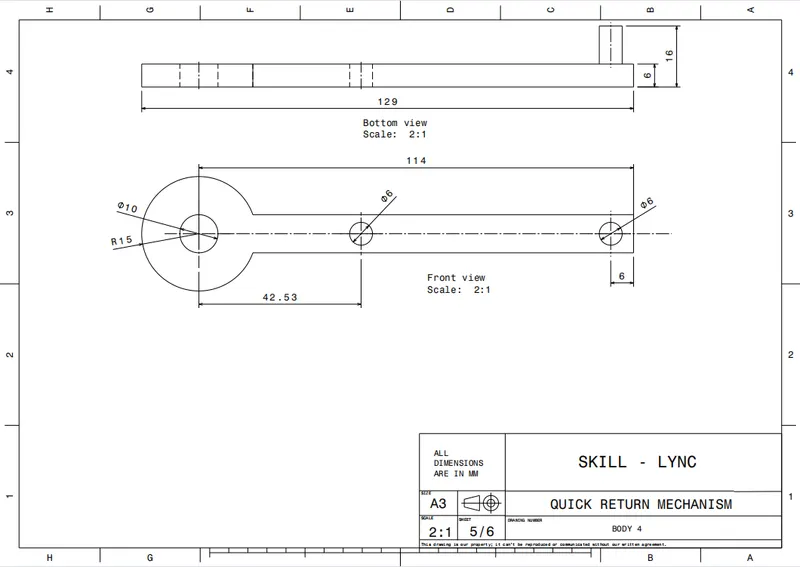
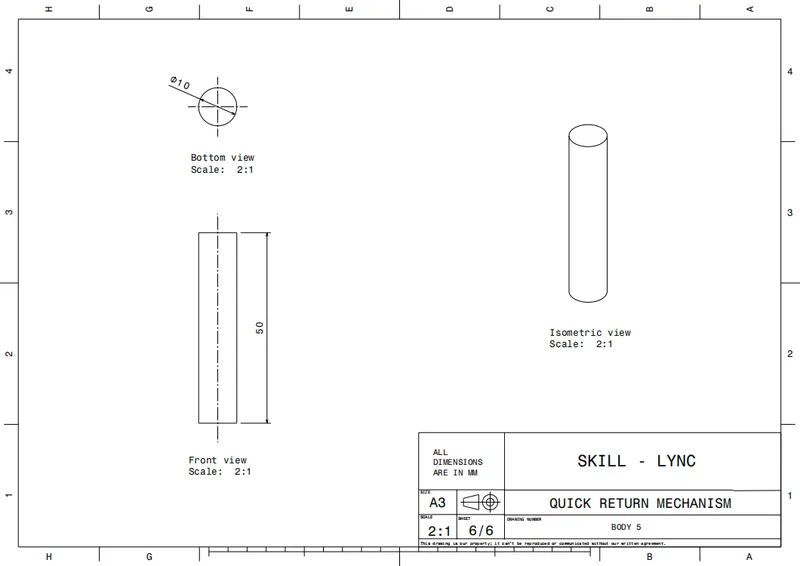
3D CATParts:
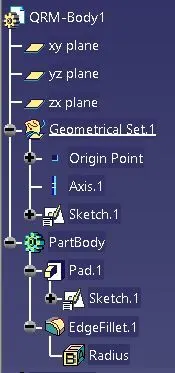
a) QRM-Body1:
Tree-Structure:
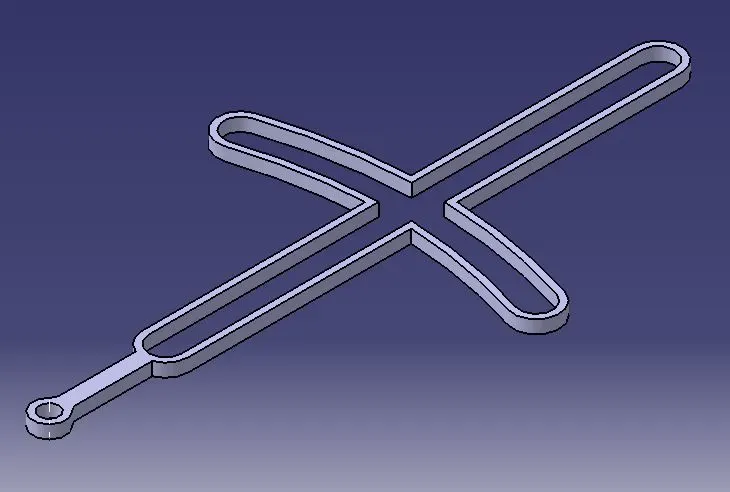
Isometric View:
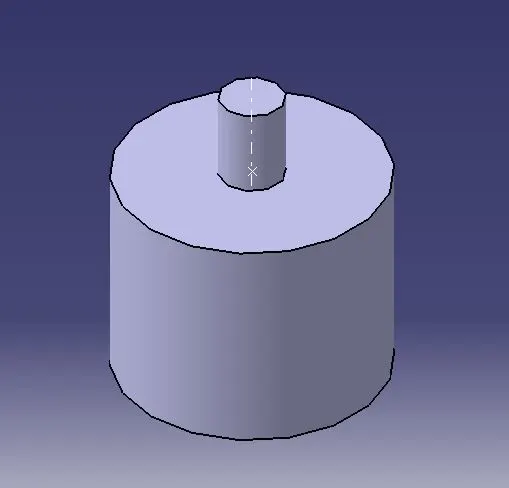
b) QRM-Body2:
Tree-Structure:
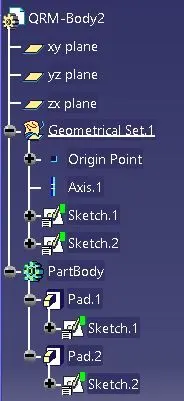
Isometric View:
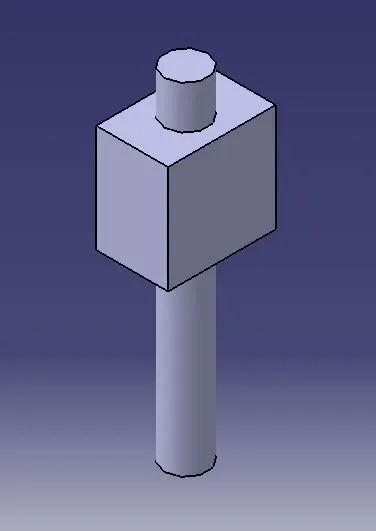
c) QRM-Body3:
Tree-Structure:
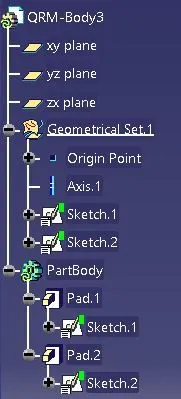
Isometric View:
d) QRM-Body4:
Tree-Structure:
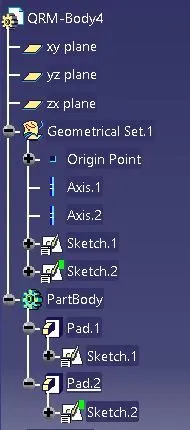
Isometric View:
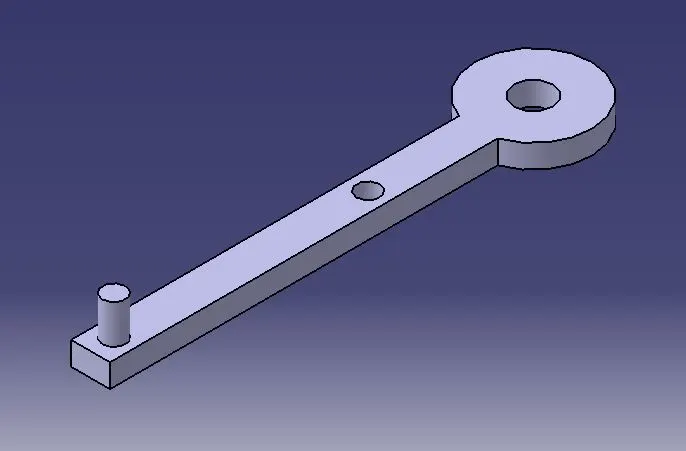
e) QRM-Body5:
Tree-Structure:
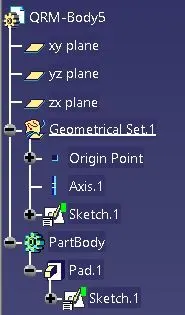
Isometric View:
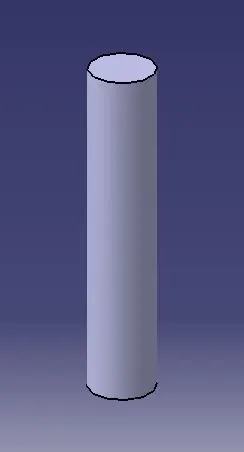
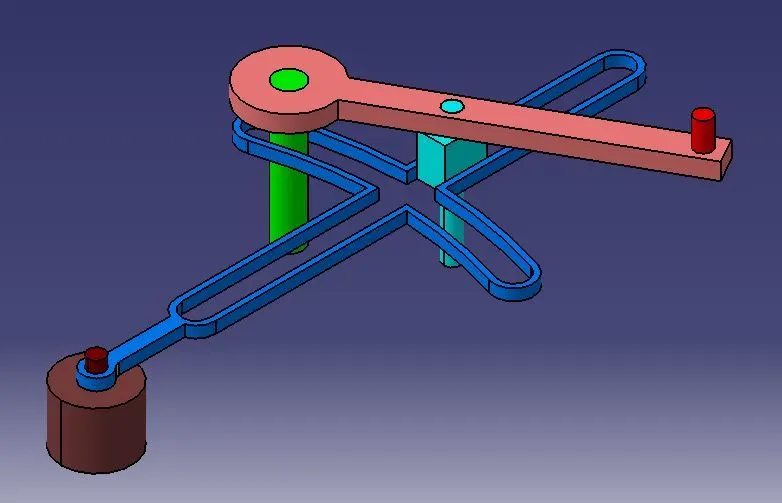
QRM Assembly:
Tree-Structure:
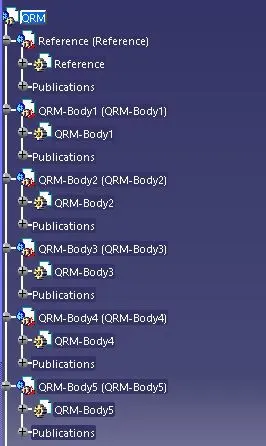
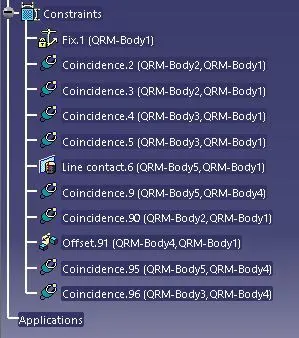
Isometric View:
Draft Copy:
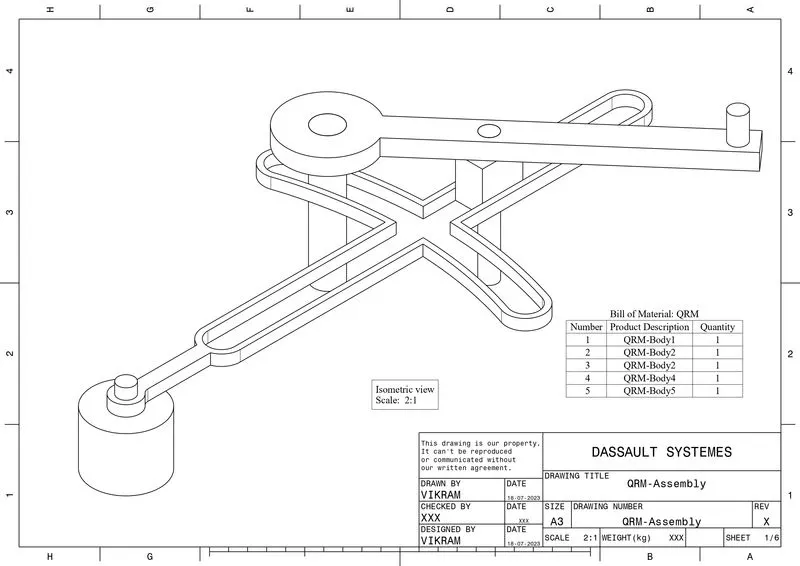
II) DRAWING 2:
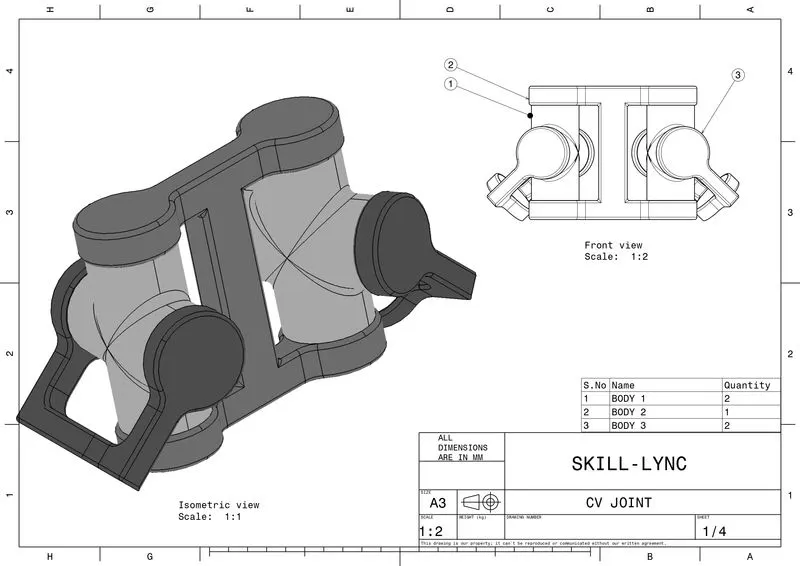
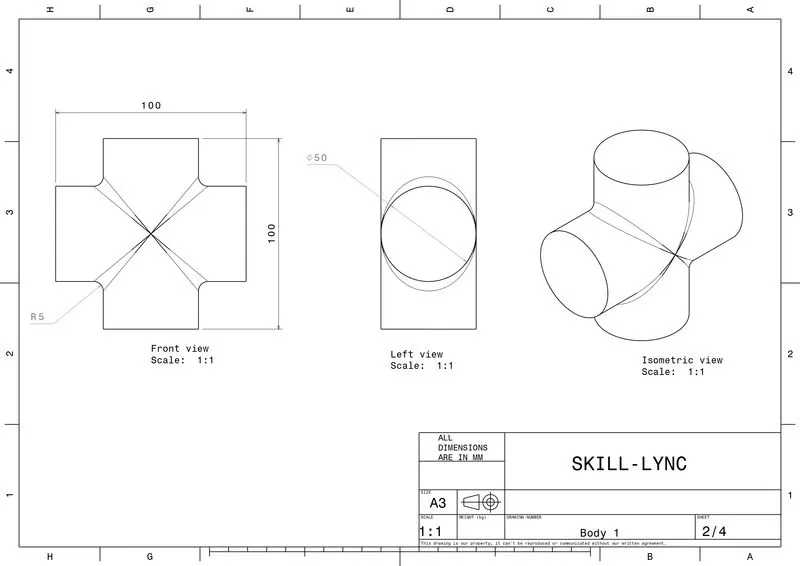
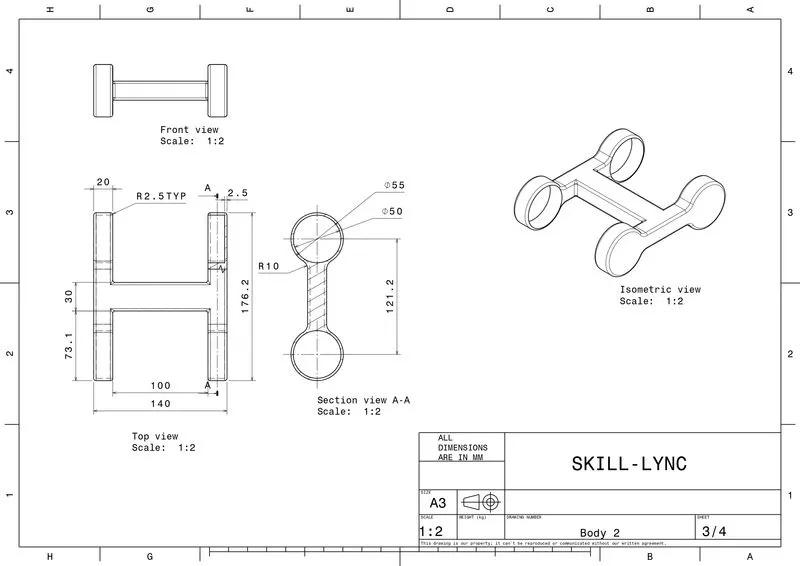
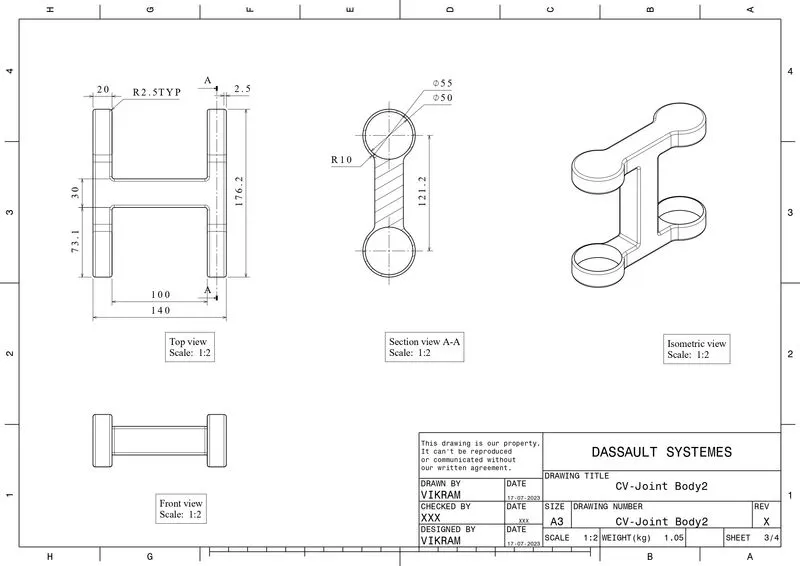
Given Data: CV-Joint
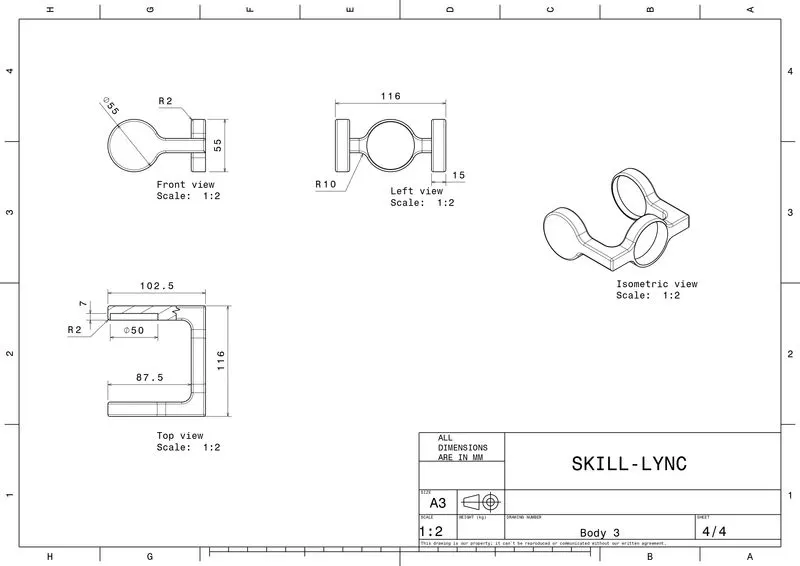
3D CATParts:
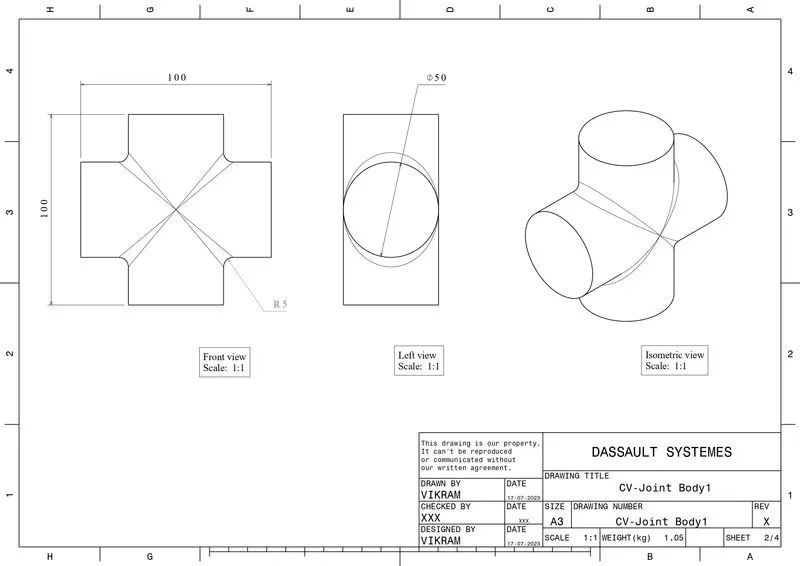
a) CV-Joint-Body1:
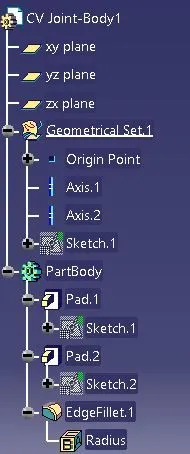
Tree-Structure:
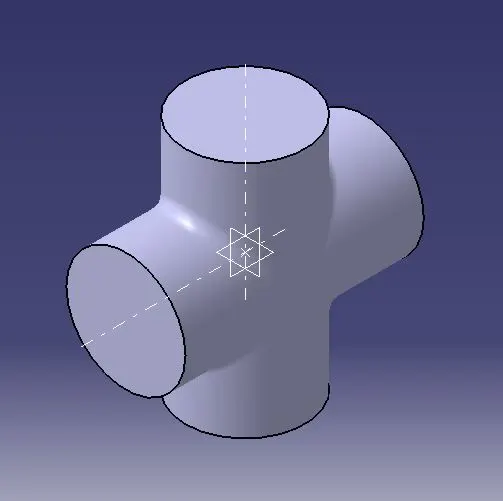
Isometric View:
b) CV-Joint-Body2:
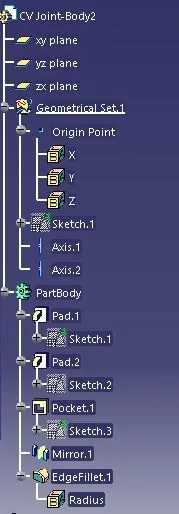
Tree-Structure:
Isometric View:
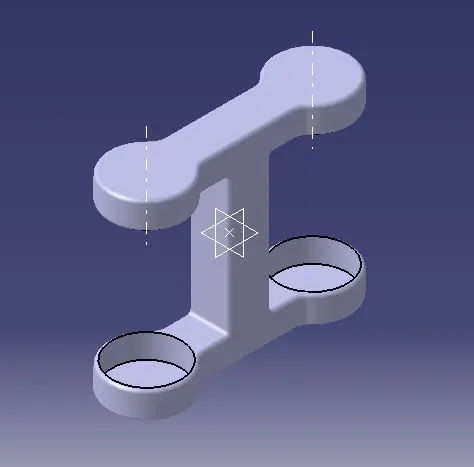
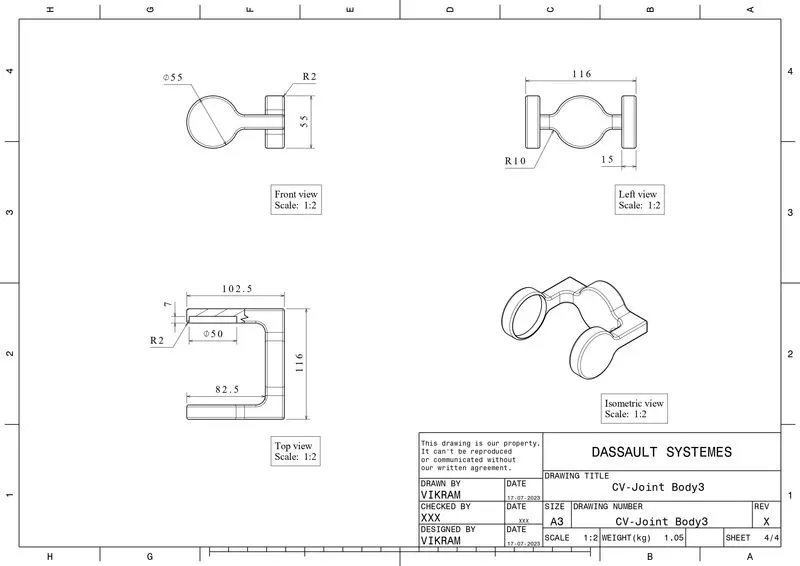
c) CV-Joint-Body3:
Tree-Structure:
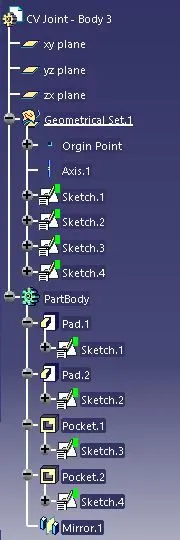
Isometric View:
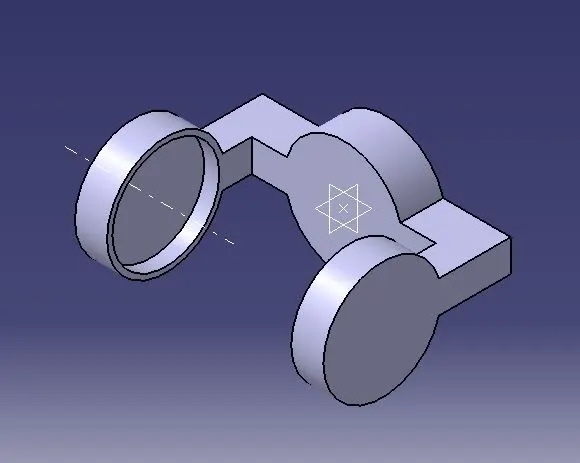
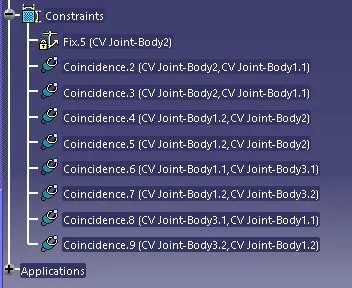
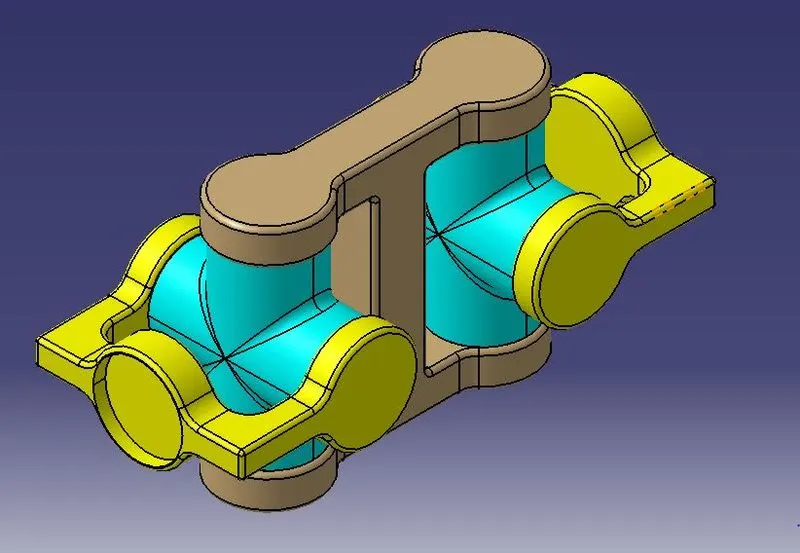
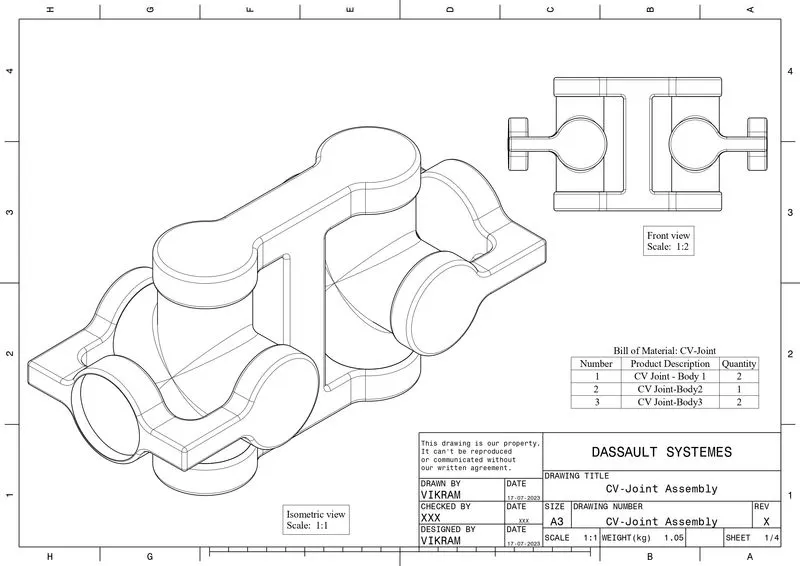
CV-Joint Assembly:
Tree-Structure:
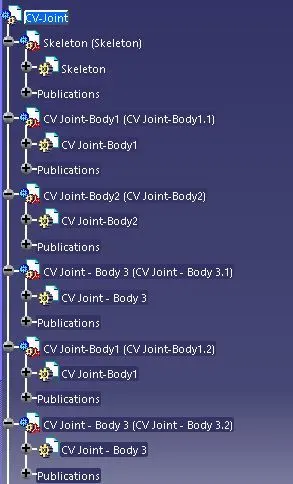
Isometric View:
Draft Copy:
Conclusion:
Thus, the individual part files are creatred with the provided component 2D diagrams and also completed the assembly in the assembly workbench. After creating the assembly, drafting also done for the 3D CAD Product by following the proper design standards.