Week 7 Challenge - Assembly Workbench
CATIA Assembly
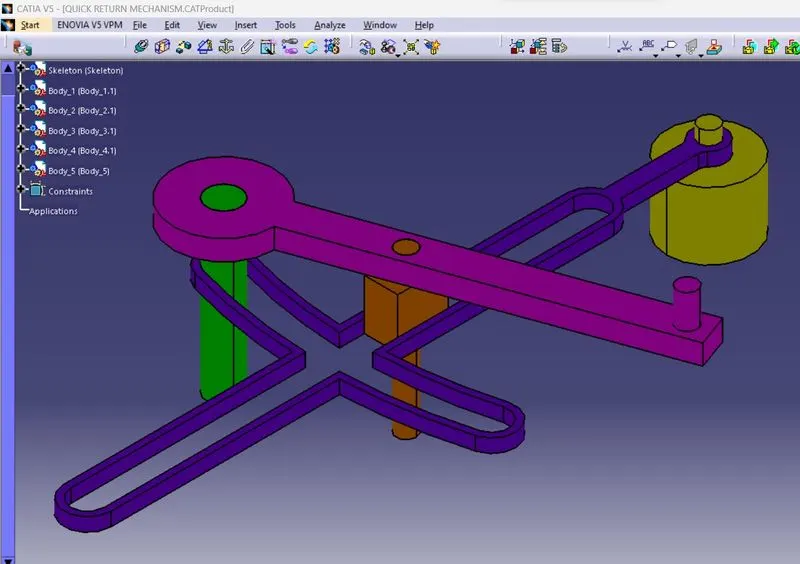
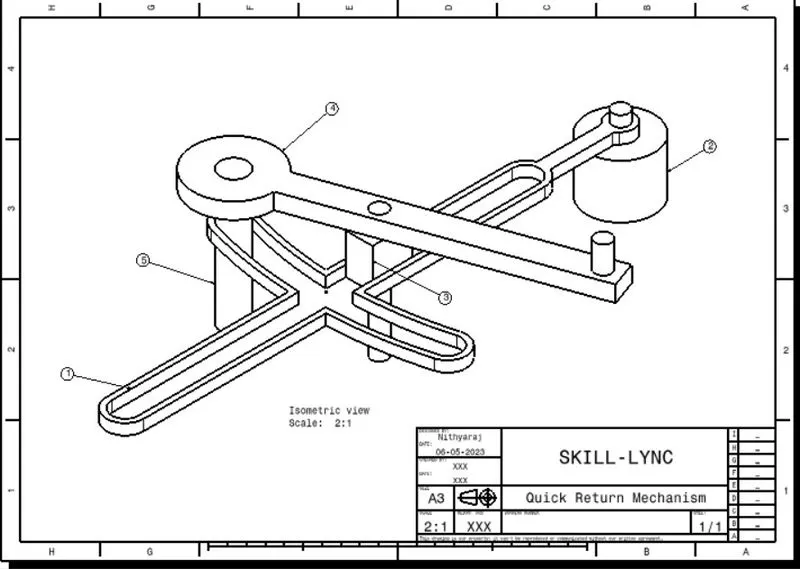
Model drawing 1
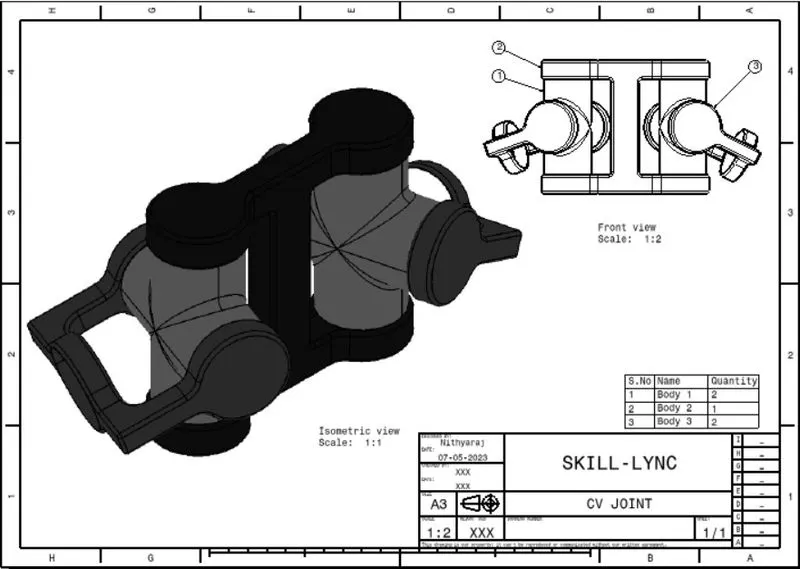
Model Drawing 2
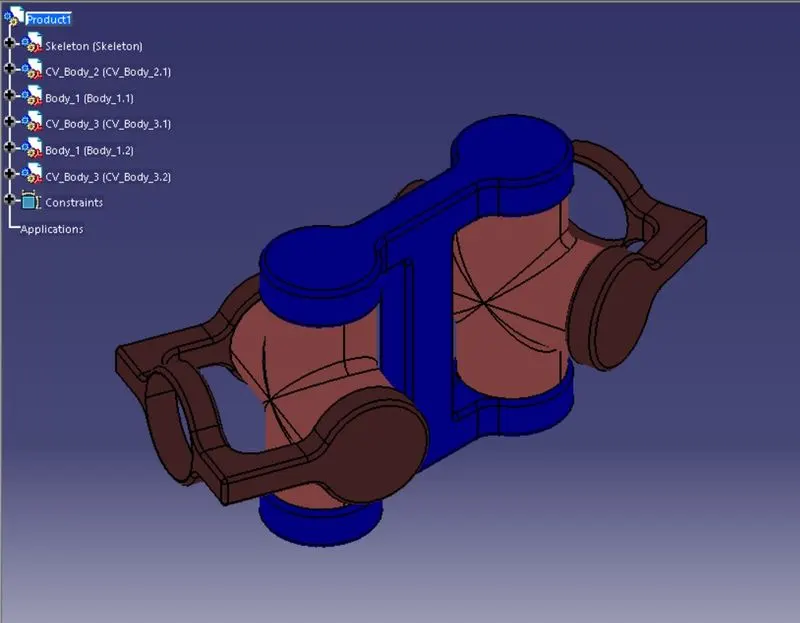
- Go to File- New - Product and name as skeleton then click OK.
- To make the publication a feature like a point, axis system, or line.
- Open the toolbars, Product Structure Tools, and Constraints.
- Use the button Existing Component from the Product Structure Tools toolbar.
- Make all necessary constraints to create the assembly.
- Create the drawing with the necessary details.