Week 7 Challenge - Assembly Workbench
AIM :
In this week’s assignment, you will have to create 2 assemblies according to the content covered in the course videos. You will be provided with 2D diagrams of the components and you will have to first create the individual part files and then create a complete assembly of those part files in the assembly workbench. After creating the assembly make use of the drafting tools to create a 2D drawing similar to the one given in the assignment folder.
INTRODUCTION:
ASSEMBLY WORKBENCH: Assembly Workbench in CATIA is a tool used for creating and managing assemblies of 3D models. It allows users to assemble various parts and components into a single product and simulate the assembly to check for fit, interference, and other design considerations. Assembly Workbench provides tools for managing assembly constraints, such as mating and aligning components, as well as tools for analyzing the assembly and its components. In CATIA, Assembly Workbench is an essential tool for creating complex mechanical products or systems.
PROCEDURE TO CREATE THESE BODIES AND ASSEMBLE THEM TOGETHER: In order to create the Quick Return Mechanism & the CV Joint, we need to assemble their respective individual parts. The 2D drawings provided in the challenge can be used to create these parts. Once the parts are created, they can be assembled to form complete bodies. This process involves carefully following the assembly instructions and ensuring that each part is correctly positioned and secured. As a professional, it is important to communicate clearly and concisely to colleagues or team members about the steps involved in the assembly process and to ensure that everyone understands the requirements and expectations for the project but since currently I am doing this entire process on my own hence I have to take all these things into consideration.
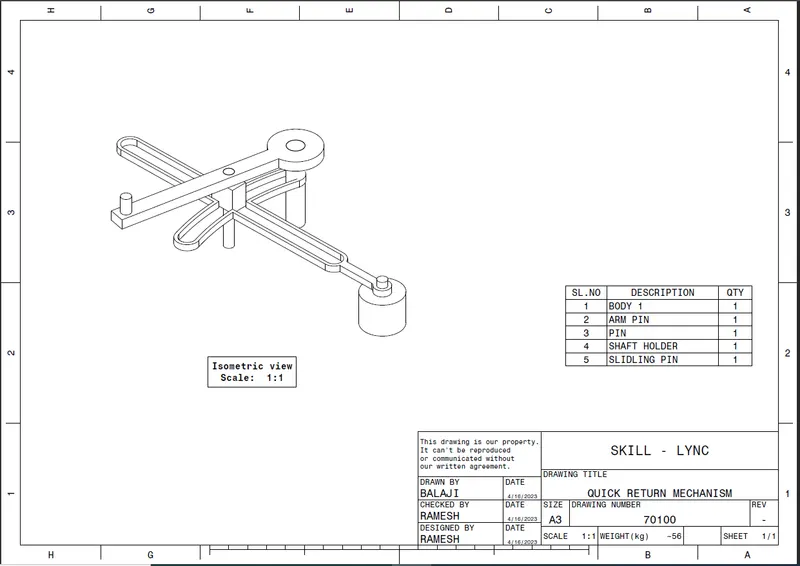
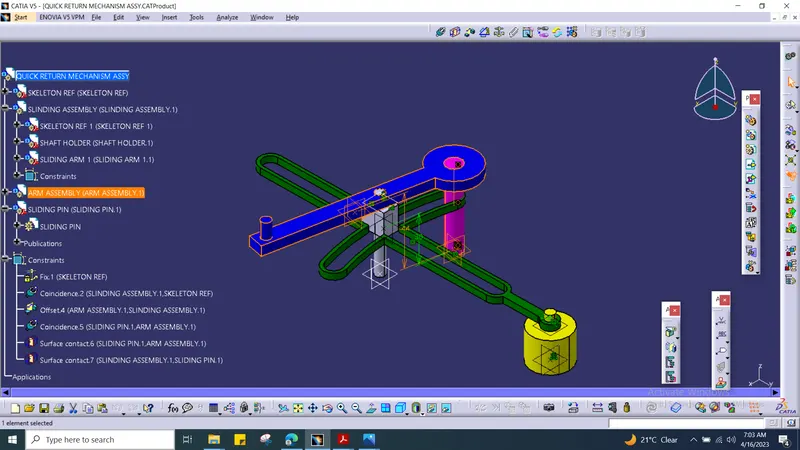
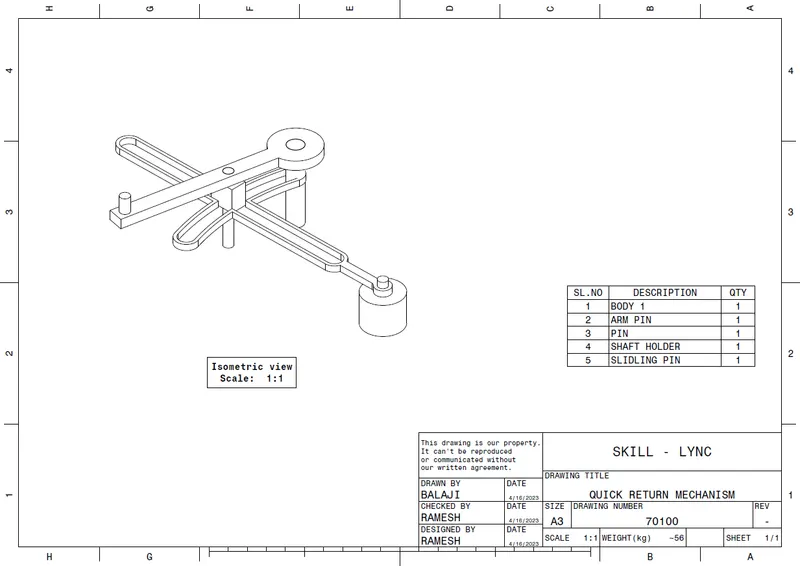
Hereby I have showed the quick return mechanism look after assembly entire parts together.
QUICK RETURN MECHANISM'S INDIVIDUAL PARTS MADE IN CATIA:
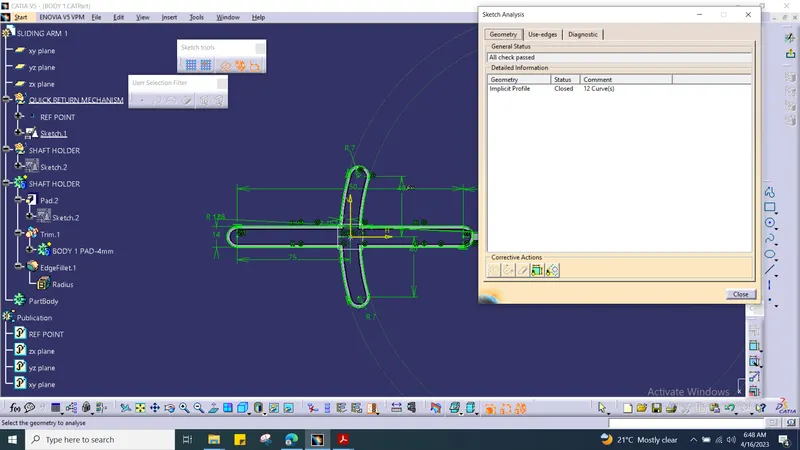
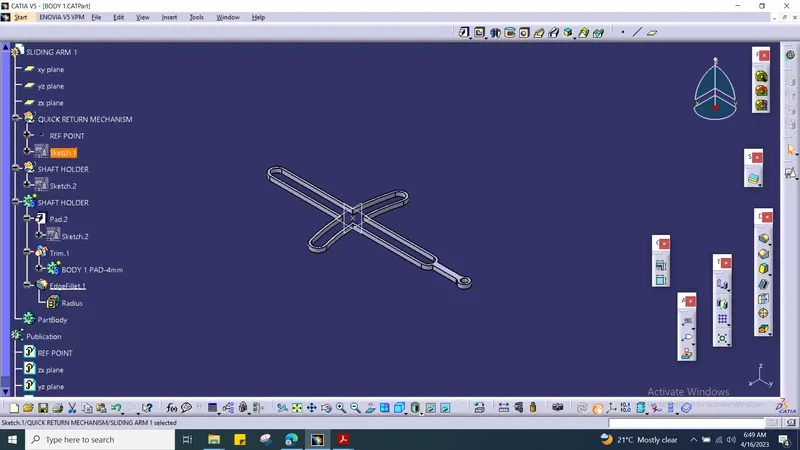
1. FIRST BODY:
2. SHAFT HOLDER :
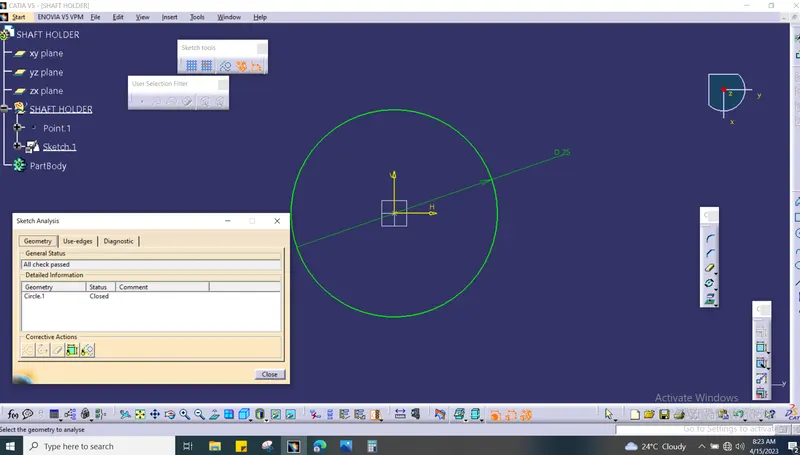
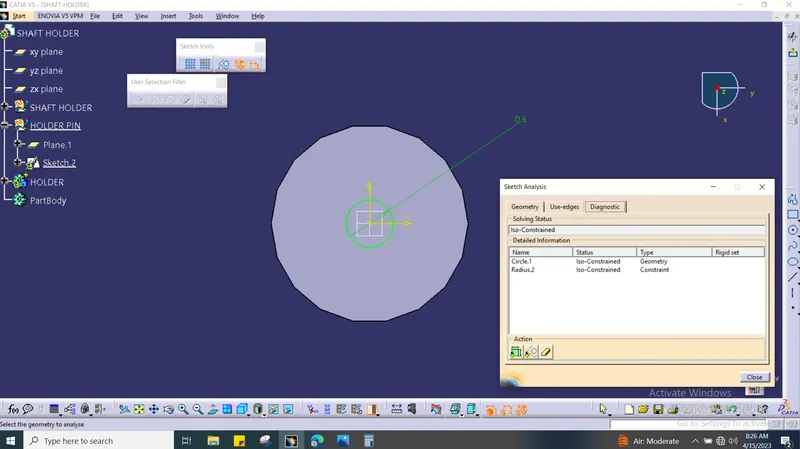
3.SLIJNDING PIN :
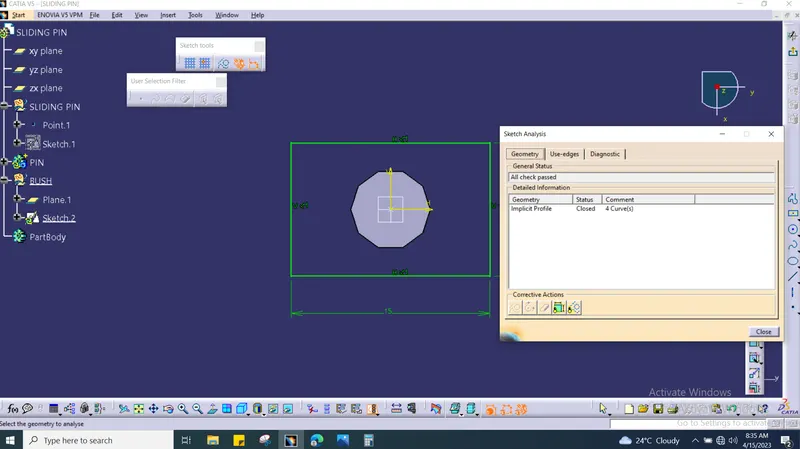
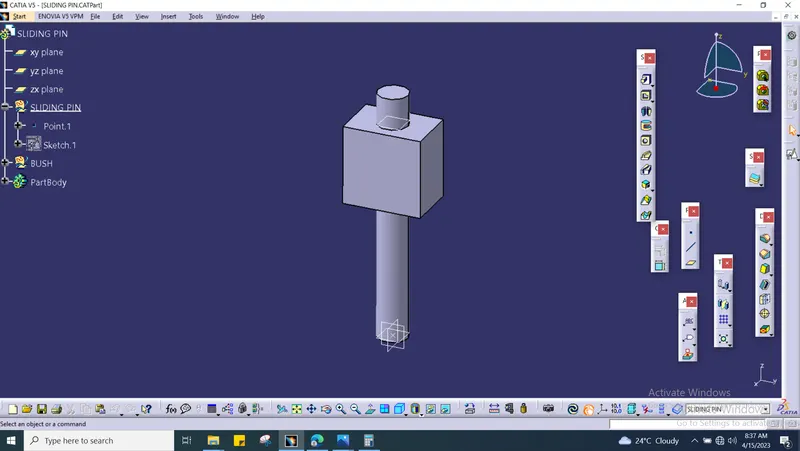
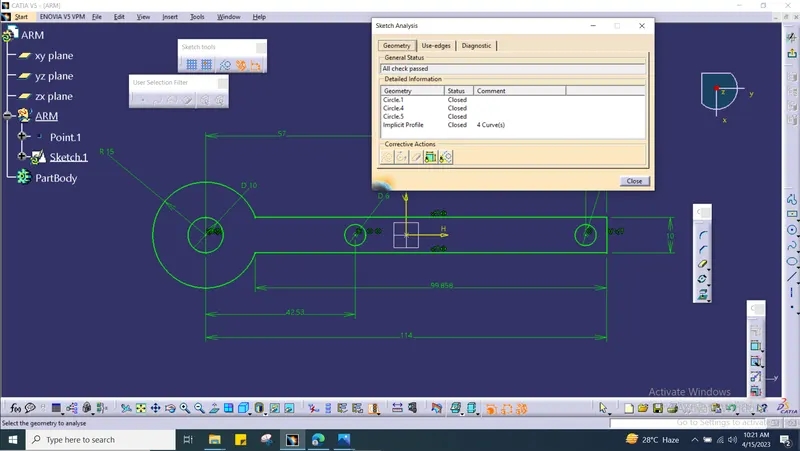
4. ARM :
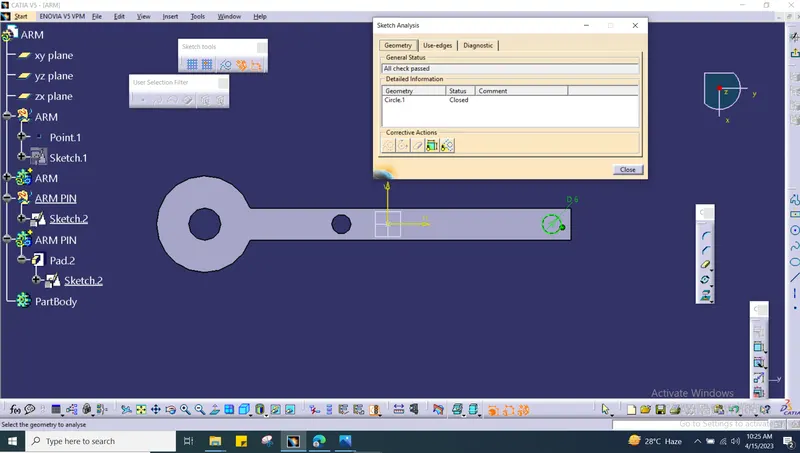
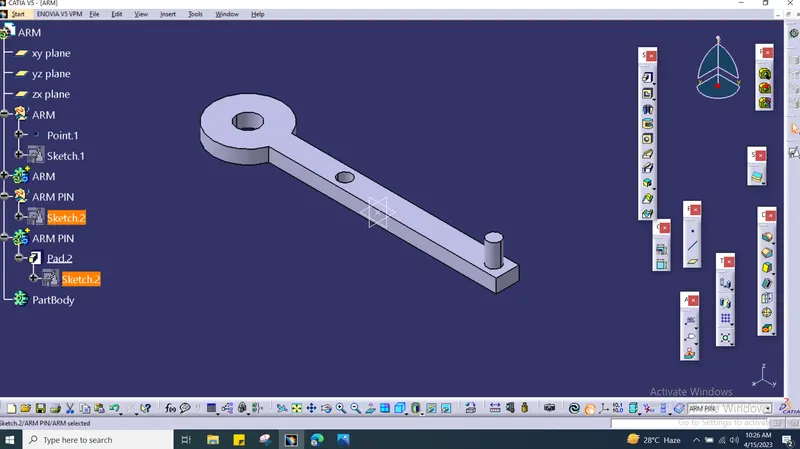
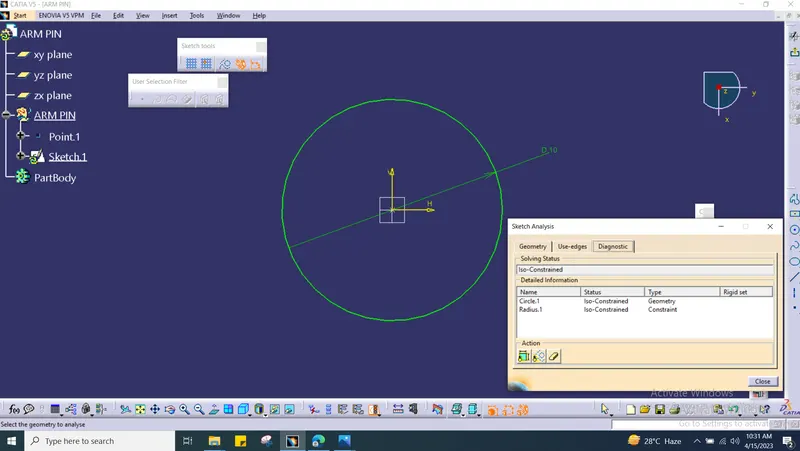
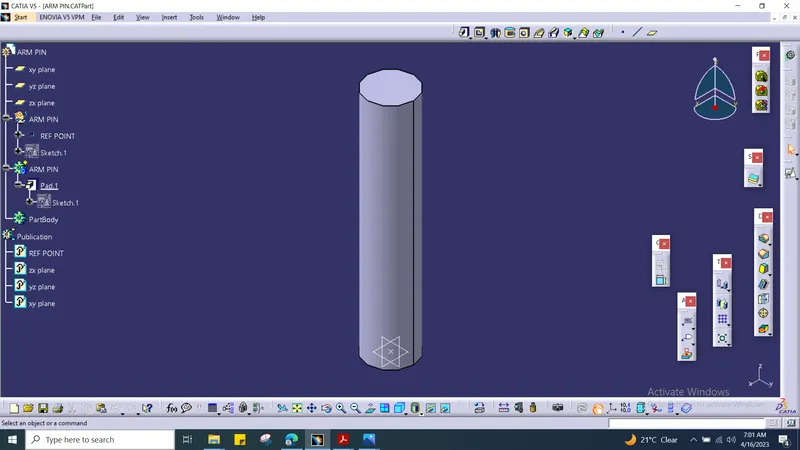
5. ARM PIN :
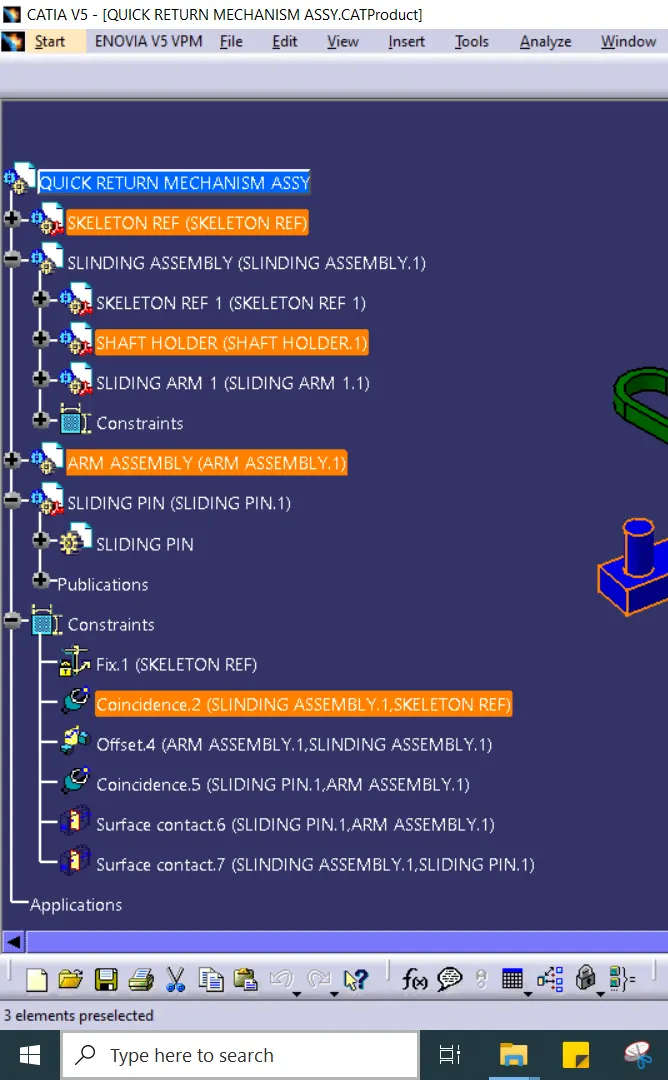
QUICK RETURN MECHANISM'S PARTS ASSEMBLED TOGETHER:
DRAFTING WORKBENCH FOR QUICK RETURN MECHANISM:
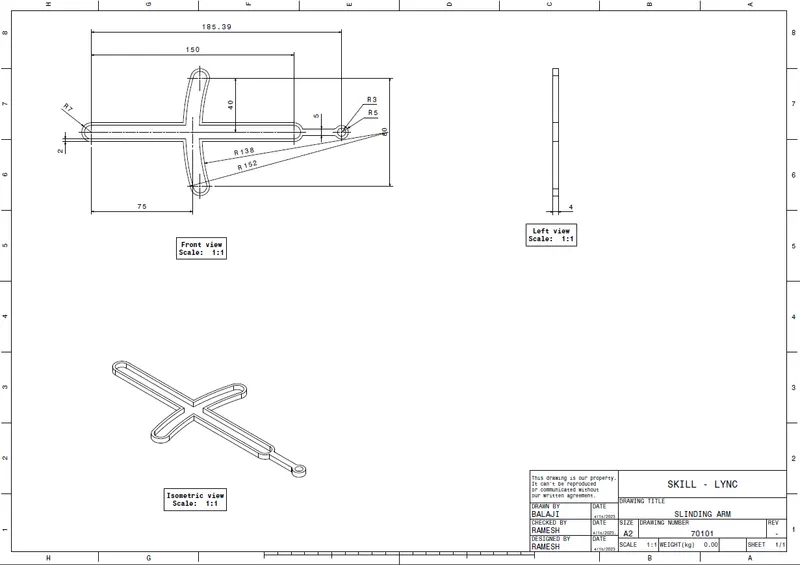
1. SLINDLING ARM :
2.ARM :
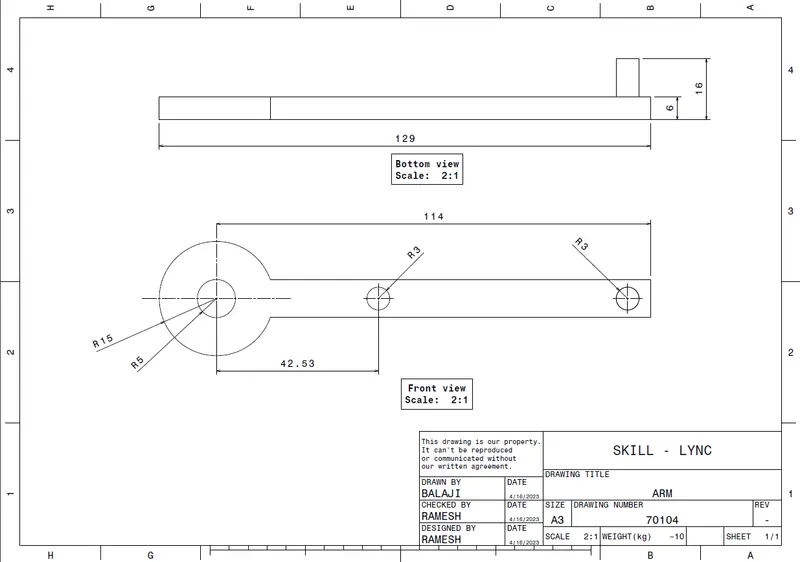
3. ARM PIN :
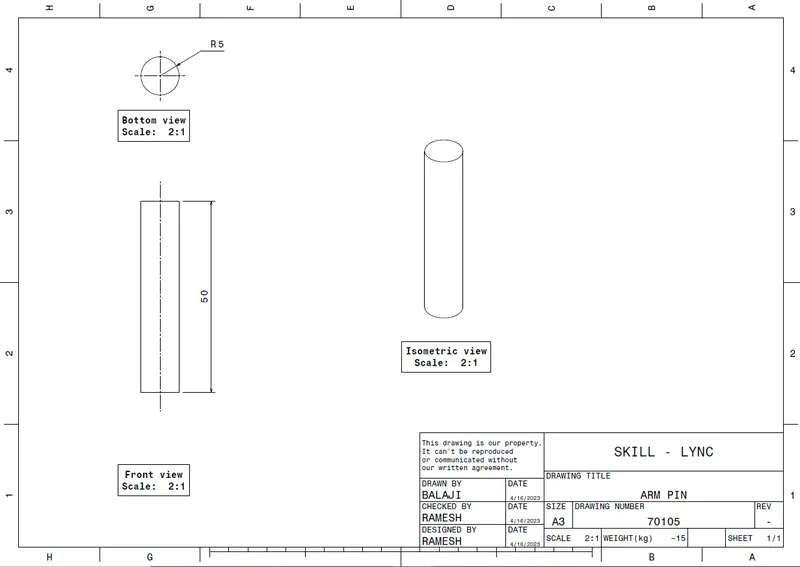
4. SHAFT HOLDER :
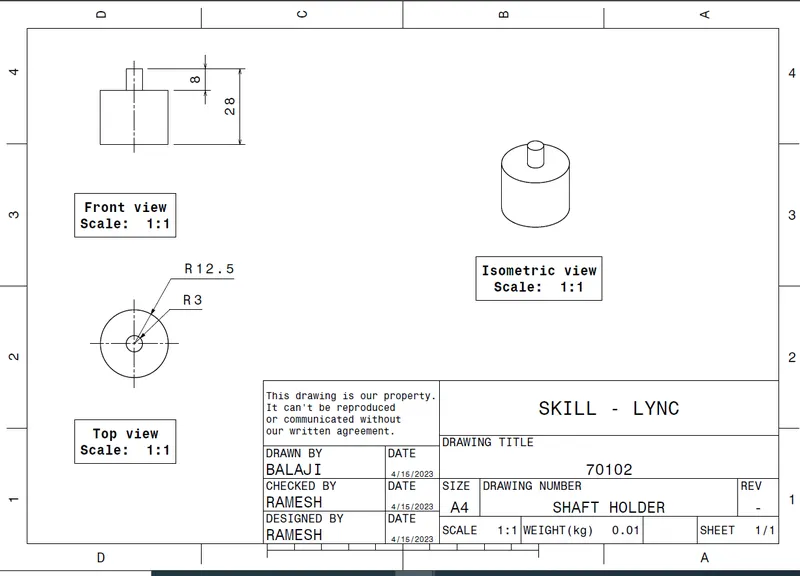
5. SLIDING PIN :
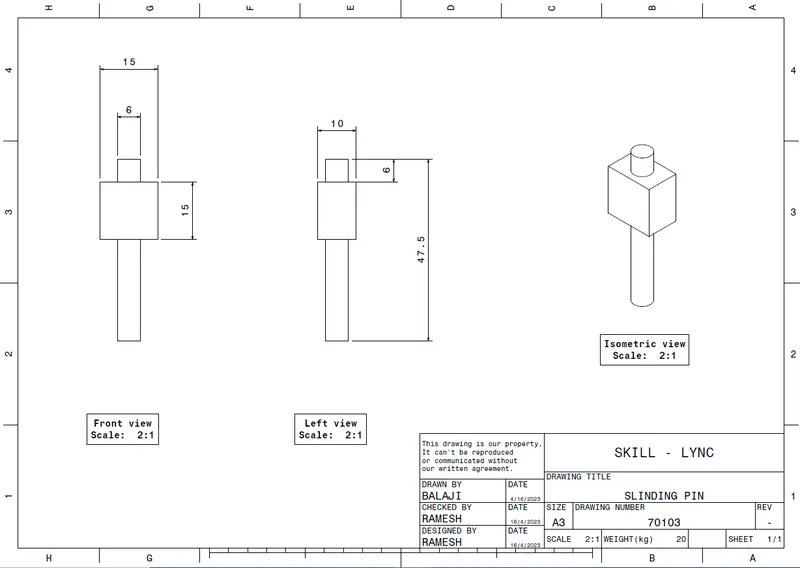
6. QUICK RETURN MECHANISM :
CV JOINT'S INDIVIDUAL PARTS MADE IN CATIA:
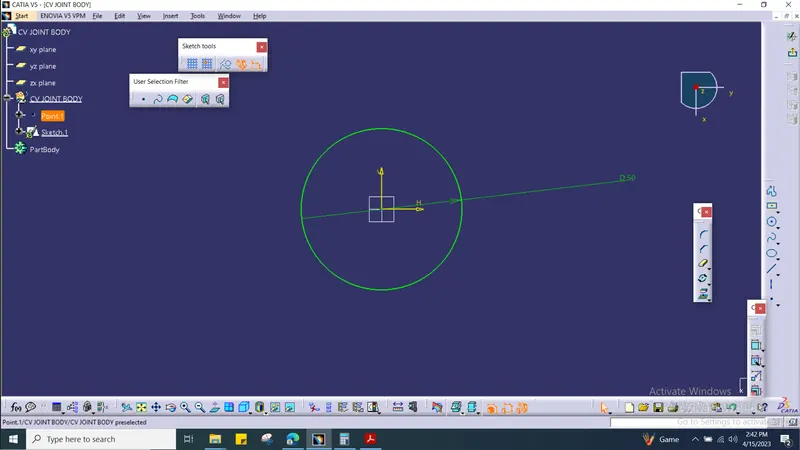
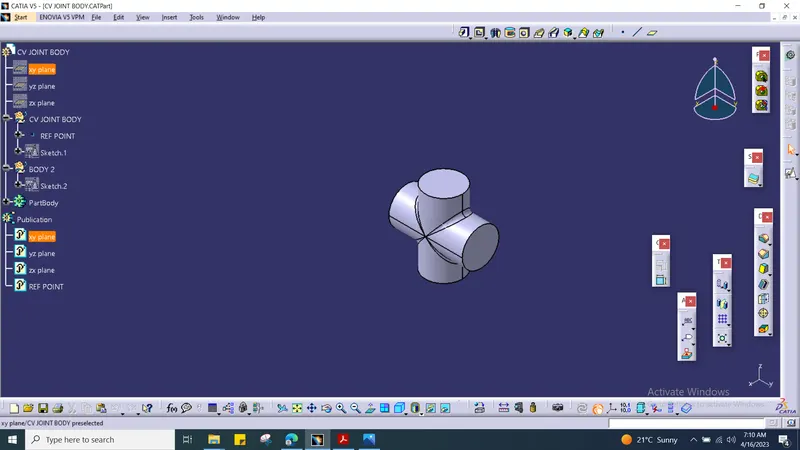
1. BODY :
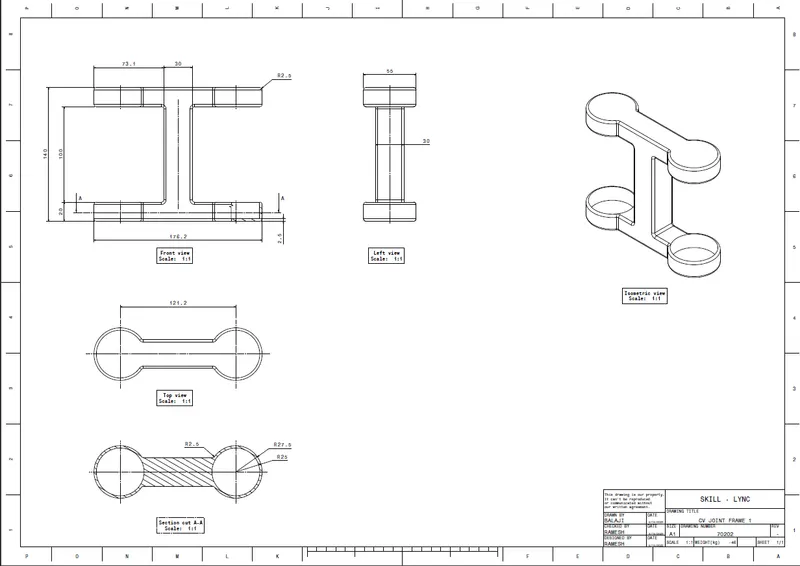
2.FRAME 1
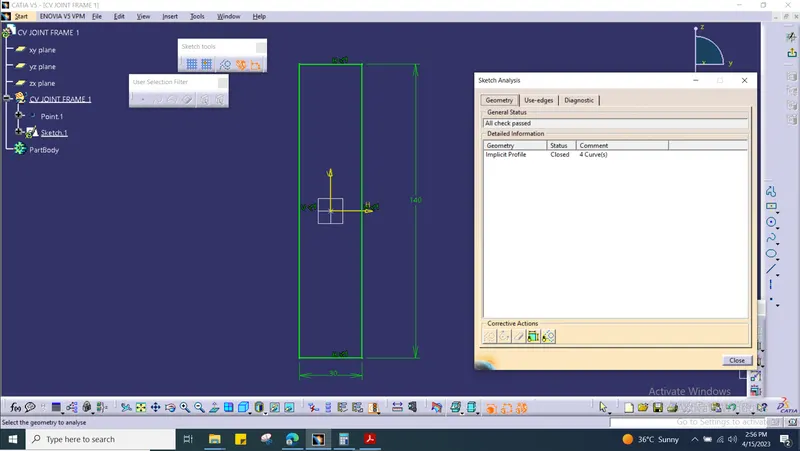
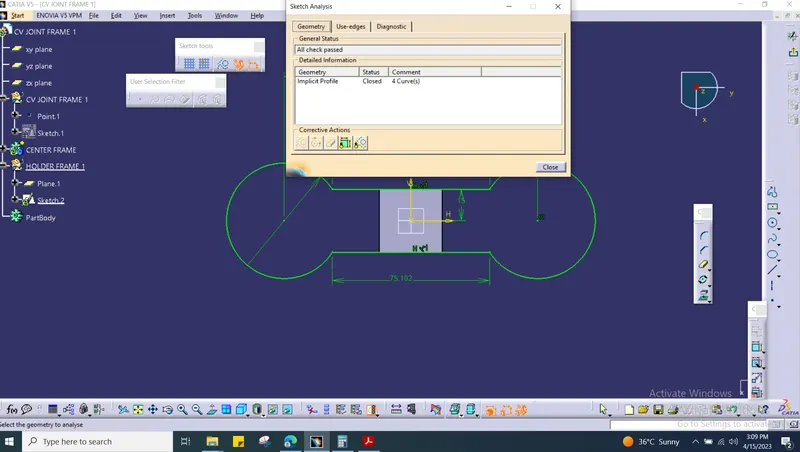
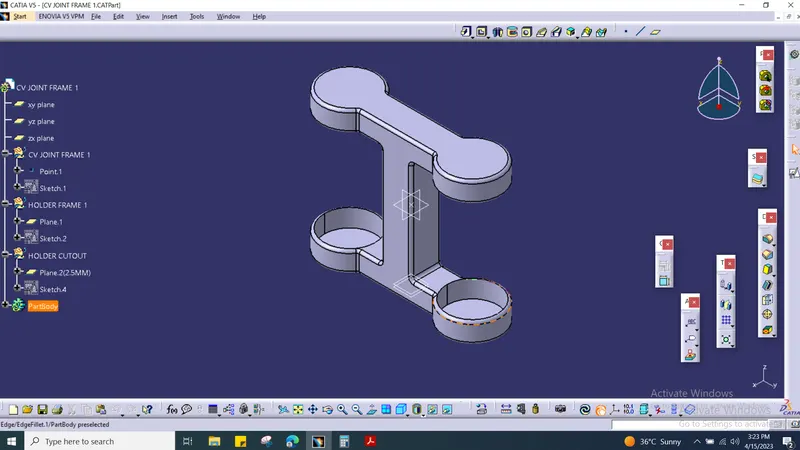
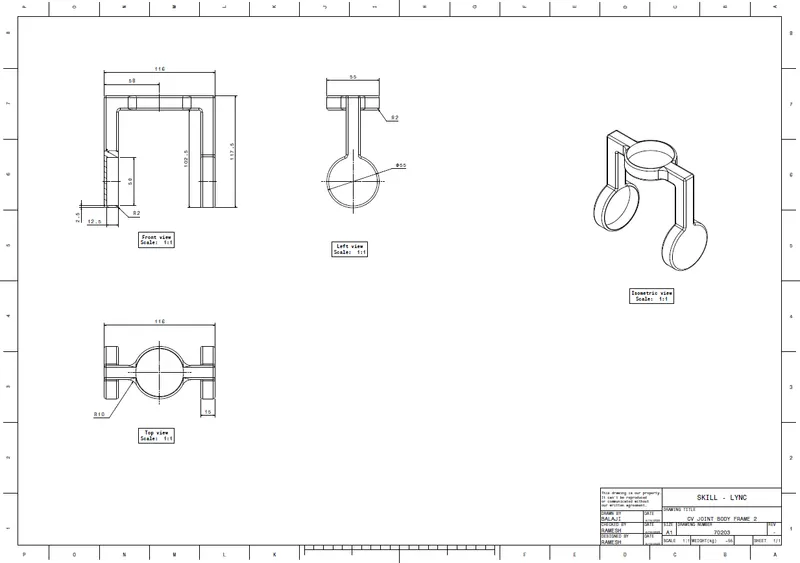
3. FRAME 2
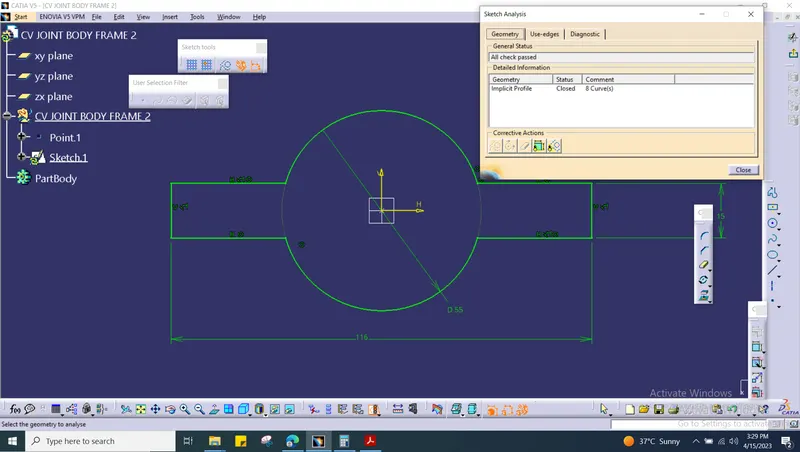
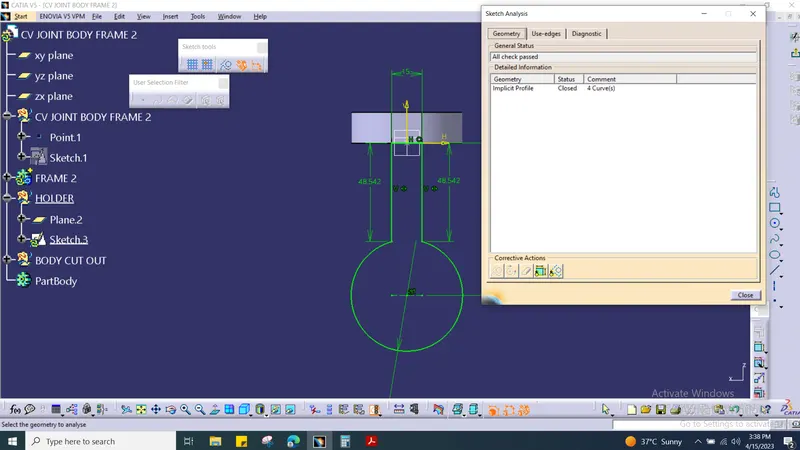
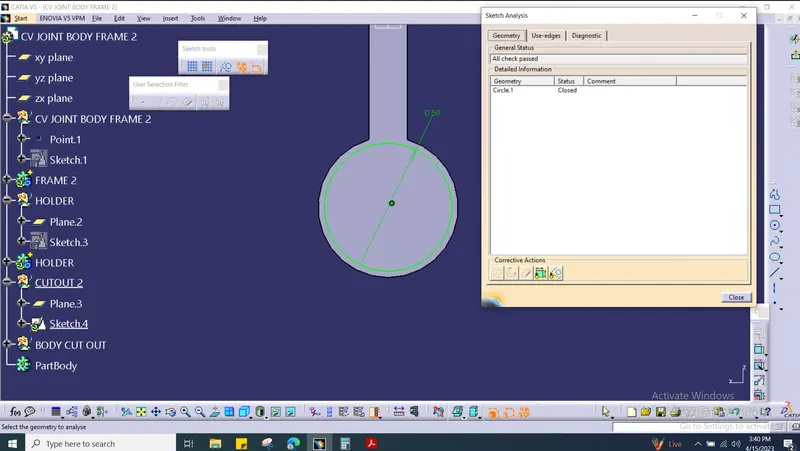
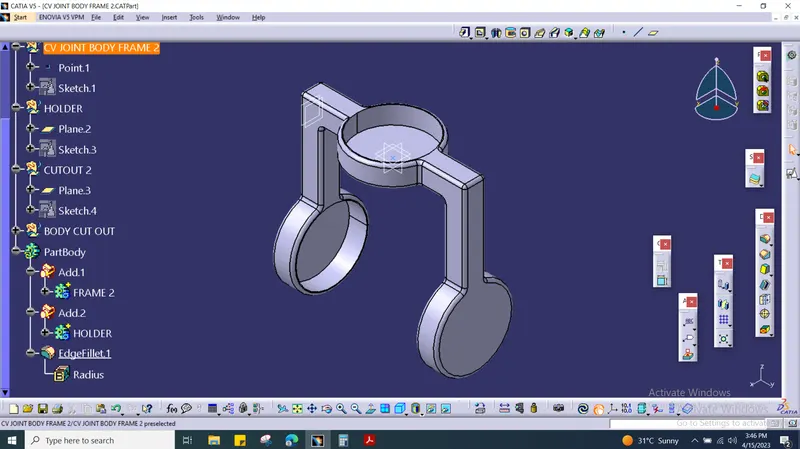
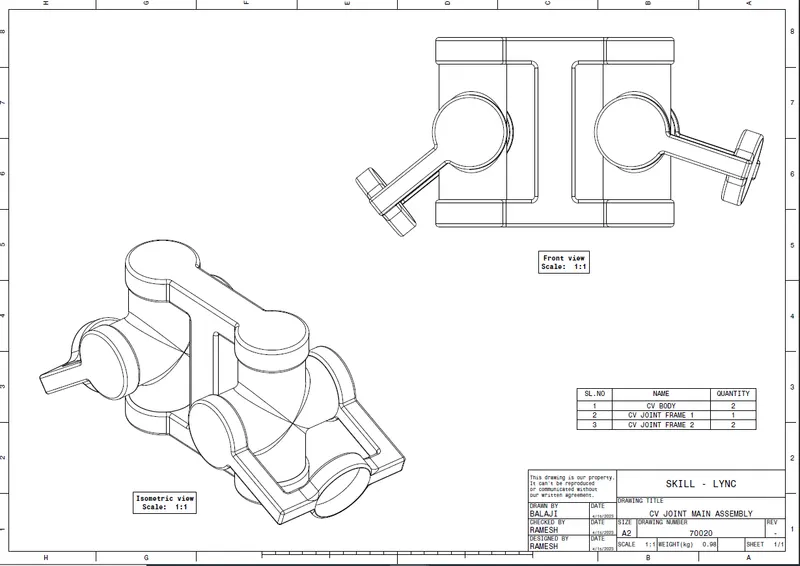
CV JOINT'S PARTS ASSEMBLED TOGETHER:
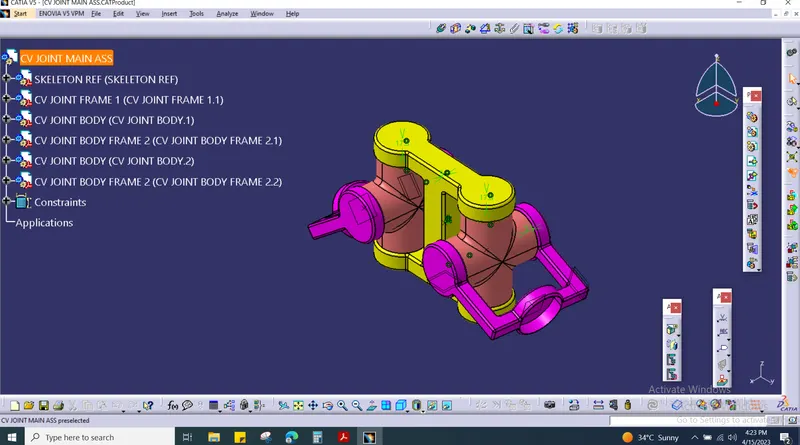
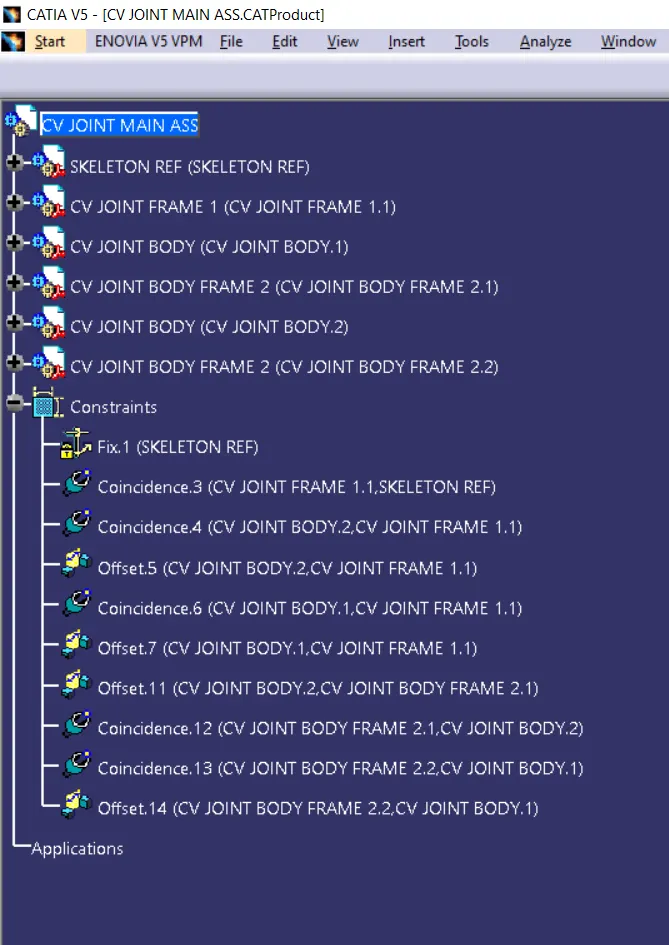
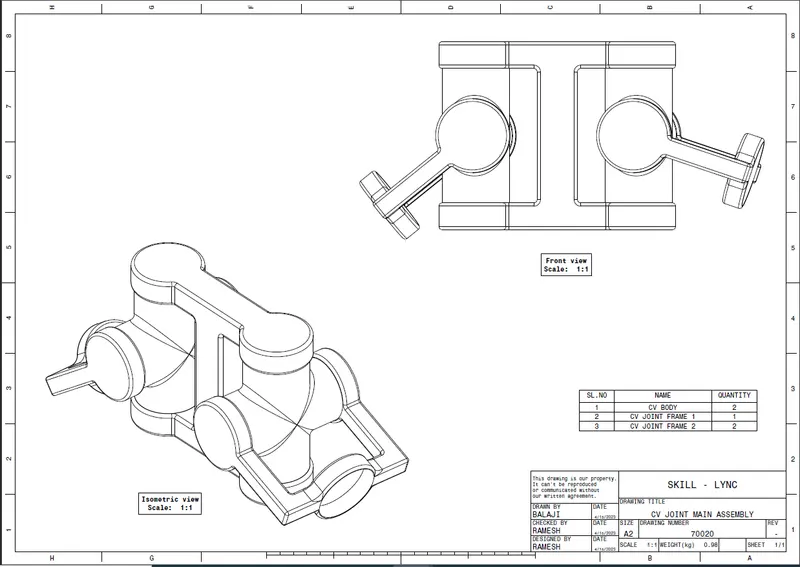
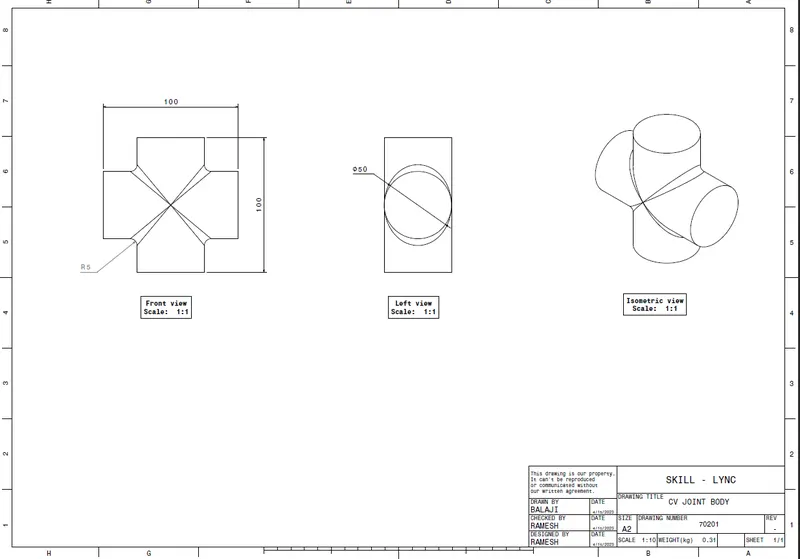
DRAFTING WORKBENCH FOR THE CV JOINT:
1. BODY
2. FRAME 1
3. FRAME 3
4. CV JOINT ASSEMBLY :
CONCLUSION :
The CATIA V5 software was used to design two products: a Quick Return Mechanism and a CV Joint. As per instruction given we made the two assembly and drawing using catia.