Week 7-12-Creation of 1D Connectors Challenge
Aim:-Create mesh and connection of given component according to quality criteria.
Target Element size - 5 Units
|
S.N |
Quality Criteria |
Value |
|
1 |
Aspect Ratio |
5 |
|
2 |
Skewness |
45 |
|
3 |
Warping |
15 |
|
4 |
Taper |
0.5 |
|
5 |
Min. Length |
2 Units |
|
6 |
Max. Length |
8 Units |
|
7 |
Min angle Quad |
45 |
|
8 |
Max angle Quad |
135 |
|
9 |
Min angle Tria |
30 |
|
10 |
Max angle Tria |
110 |
|
10 |
Tria % |
Step1:- First import the model and create a mesh.using 2D>automesh
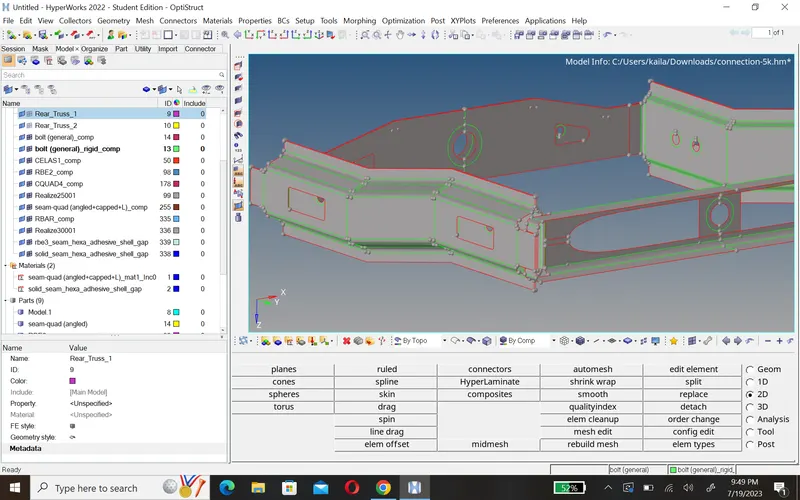
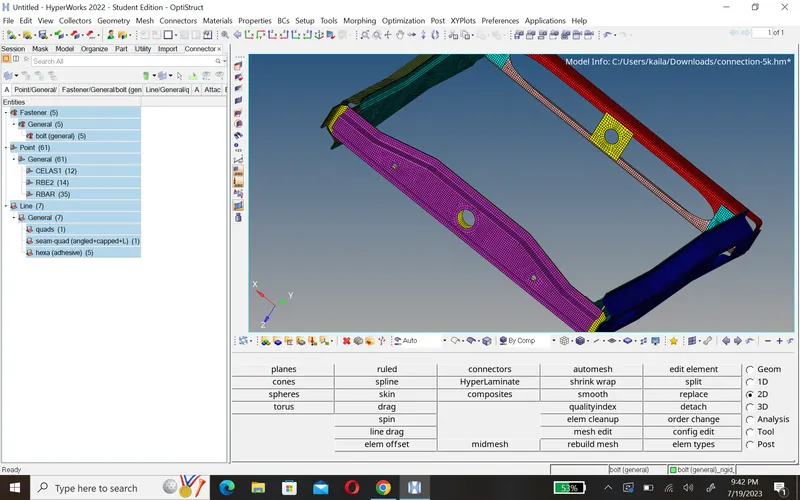
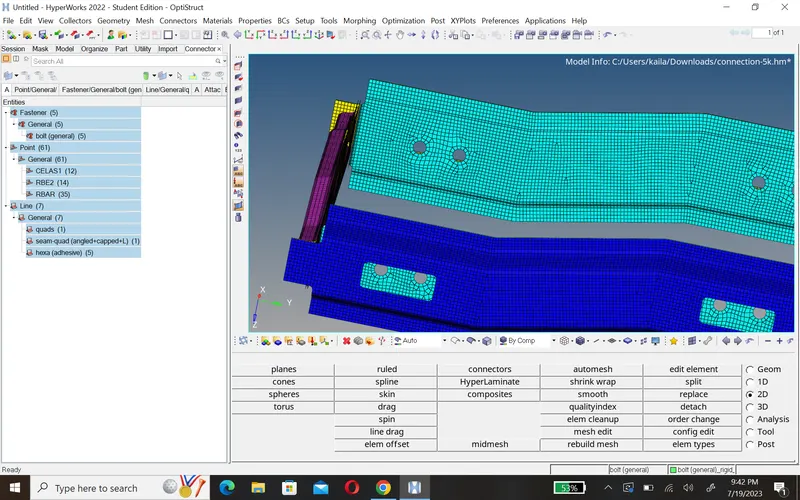
Step2:-Now we create connection. we can use 1D,2D,3D connection option.
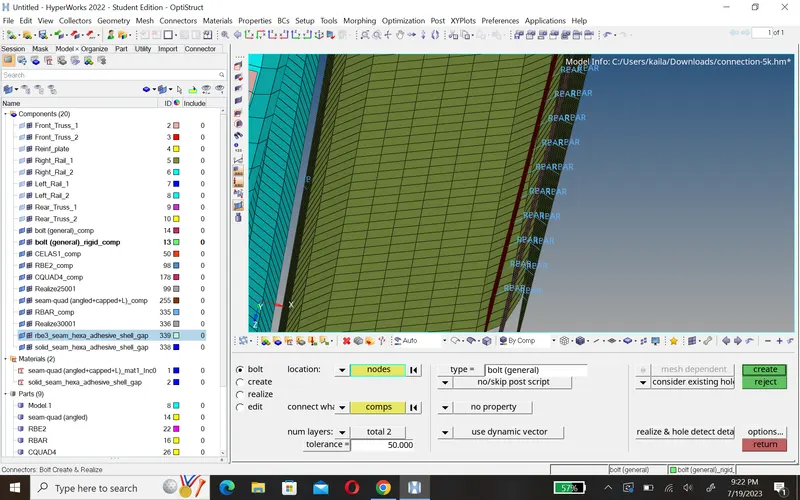
1.Bolt connection:- To create bolt connection we go 2D>connection>bolt>select node, component,type of layer and type of connection.
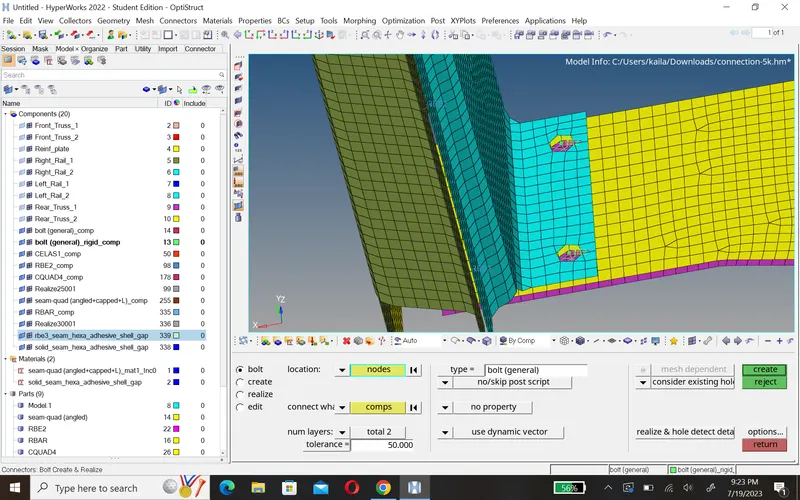
2. Spot-weld with rigid element:- To create spot-weld with rigid element connection we go 2D>connection>spot>select node, component,type of layer and type of connection.
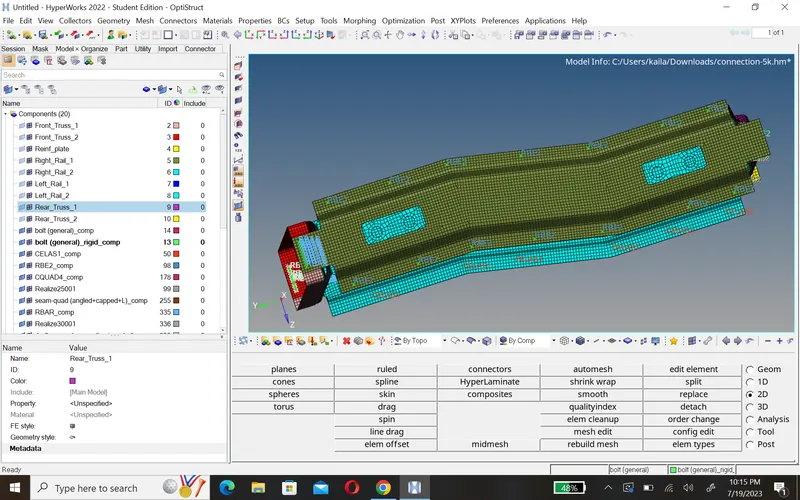
3.Spot-weld with spring element:- To create spot-weld with spring element connection we go 2D>connection>spot>select node, component,type of layer and type of connection.
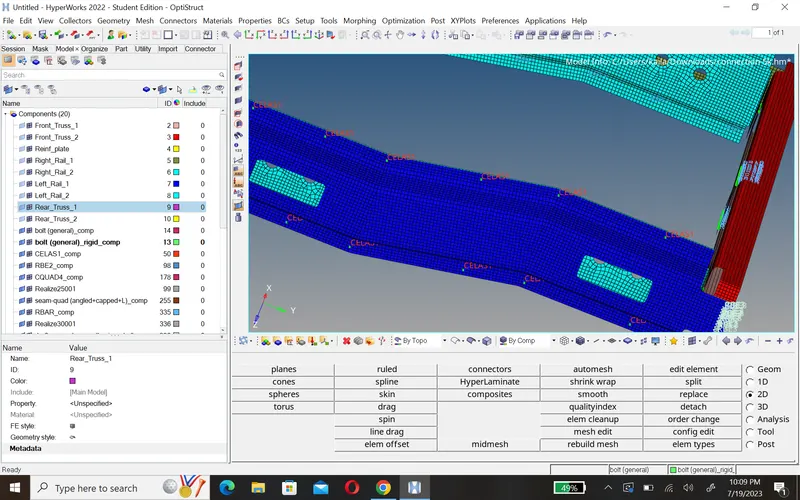
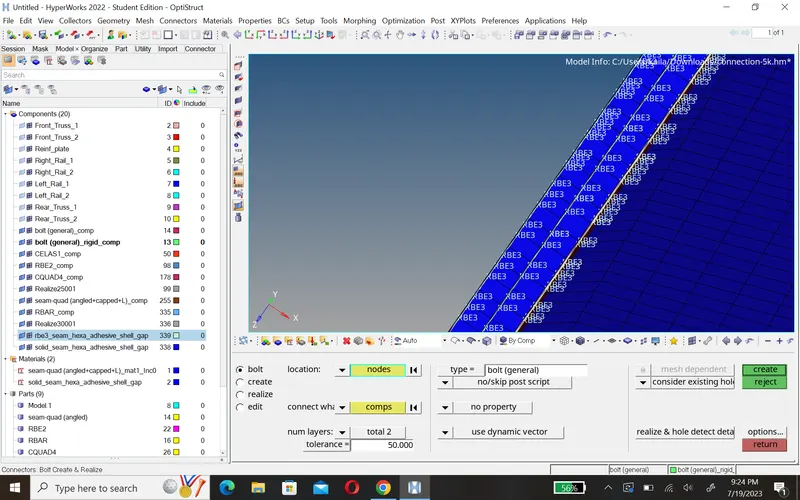
4.Hexa(Adhesive):-
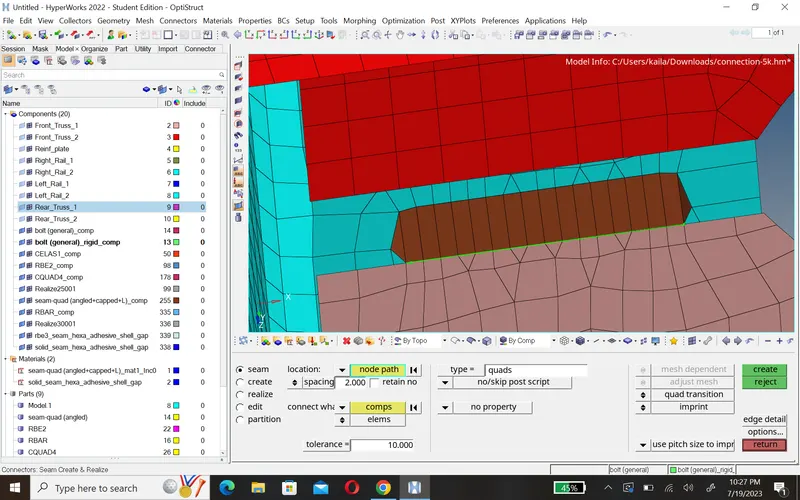
To create Hexa(Adhesive) connection we go 2D>connection>seam>select node, component,type of layer and type of connection.
5.Quad element:- To create quad element connection we go 2D>connection>seam>select node, component,type of layer and type of connection.
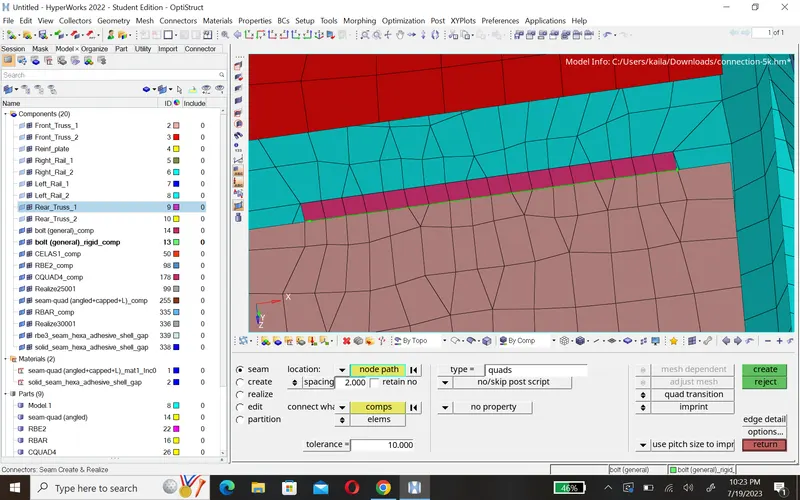
6.Seam-Quad(angled+cappled+l):- To createseam-quad(angled+capped+l) connection we go 2D>connection>seam>select node, component,type of layer and type of connection.
7.Spot-weld with 2layers and 5mm diameter:-To create spot-weld with 2 layers and 5mm diameter connection we go 2D>connection>spot>select node, component,type of layer and type of connection.
Conclusion:-
- In this challege, i learn how to create connection.
- type of connection.