Week- 6 - Solid meshing
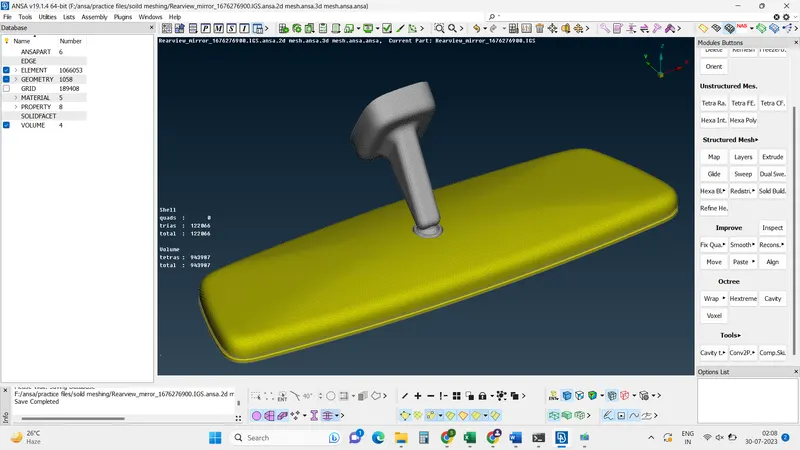
Aim: For the given Rear view mirror component, check for the geometrical errors and mesh the Surfaces with the given 2D element Quality criteria given below.
|
S.No |
Quality Criteria |
Value |
|
1 |
Target/Average length |
1 |
|
2 |
Minimum Length |
0.5 |
|
3 |
Maximum Length |
2 |
Use tetra elements to mesh the Volumes defined in the model and check for the below quality after Volume meshing.
|
S.No |
Quality Criteria |
Value |
|
1 |
Tet collapse |
0.2 |
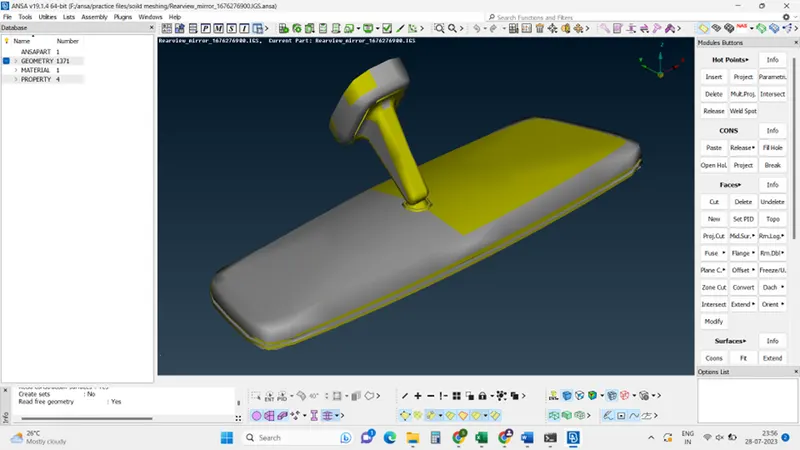
Cad model image:
The procedure with required images:
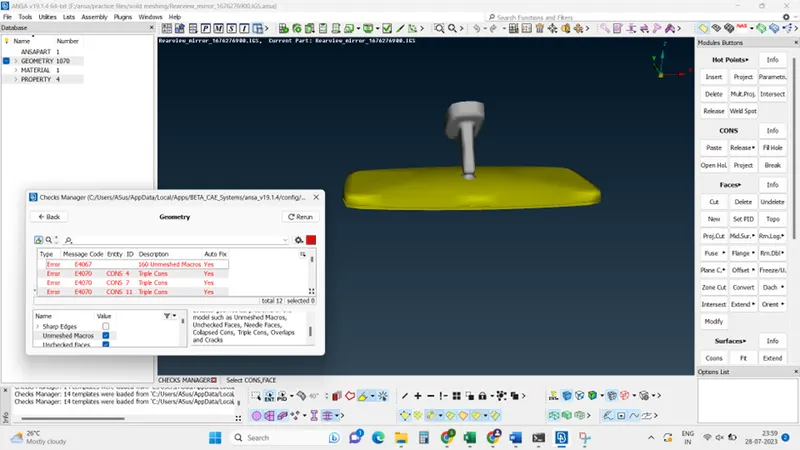
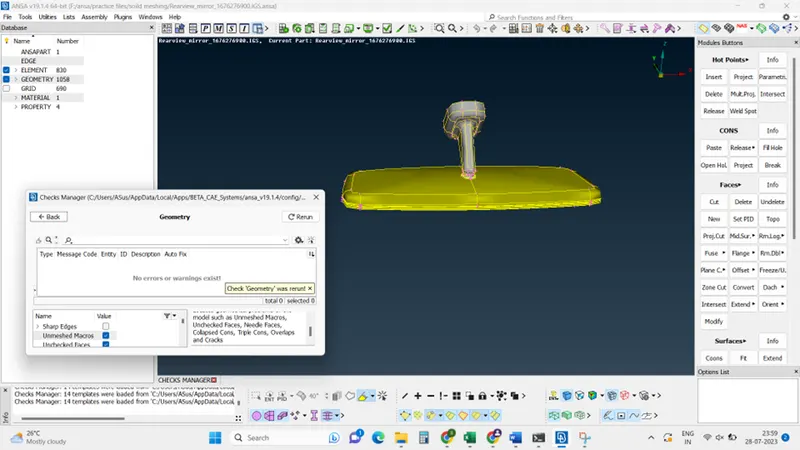
Step1: Geometrical check: Click checks mange> Geometry> (select the geometrical problems of the model such as Unmeshed Macros, Unchecked Faces, Needle Faces, Collapsed Cons, Triple Cons, Overlaps, and Cracks) >Execute.
some automatic problems can be fixed by clicking the auto fix in the check manager.
Other problems can be fixed manually (single cons, trip cons)
Before, Geometry error
After, Geometry error correction
Step 2: Generate mesh 2d
Give all quality criteria as per required.
Go to mesh module>create mesh> observe the tria and quad elements
reconstruct mesh >ok>ok.
Mesh will create with low tria.
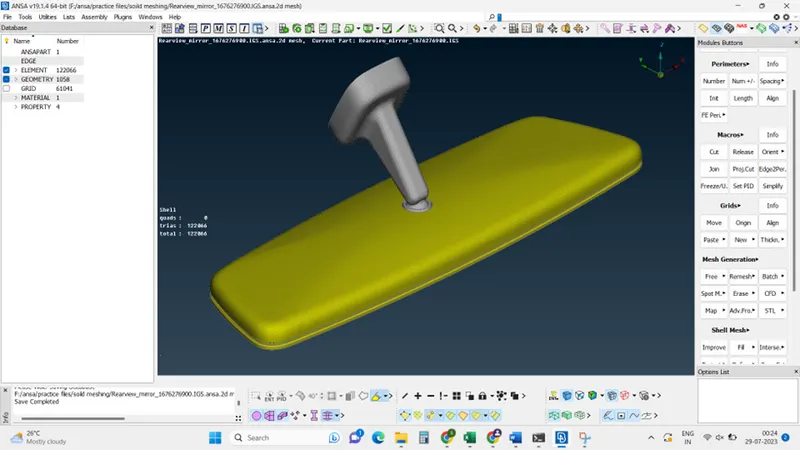
Step 3: Generate mesh 3d
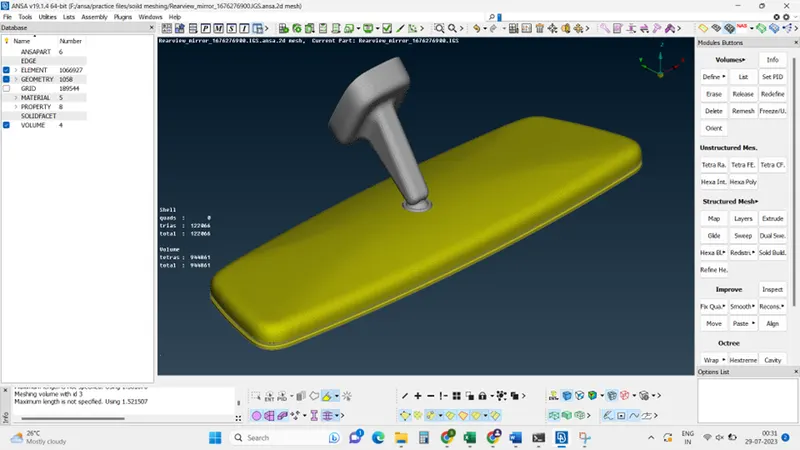
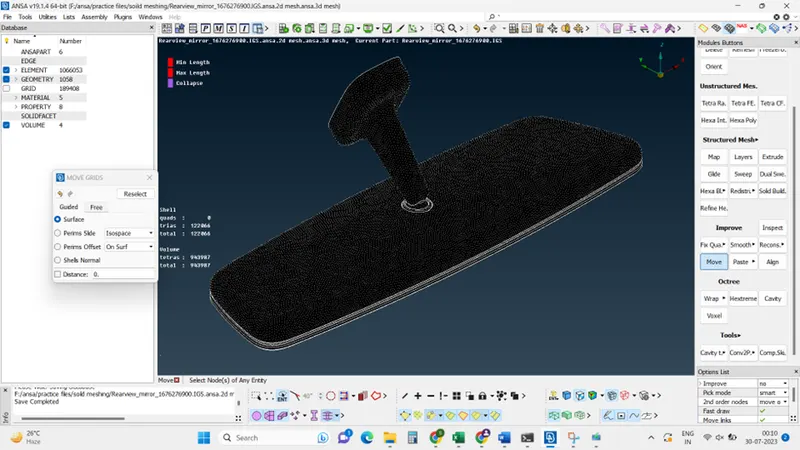
Step 4: Generate mesh with quality criteria:
Give all quality criteria as per required
Before, quality criteria
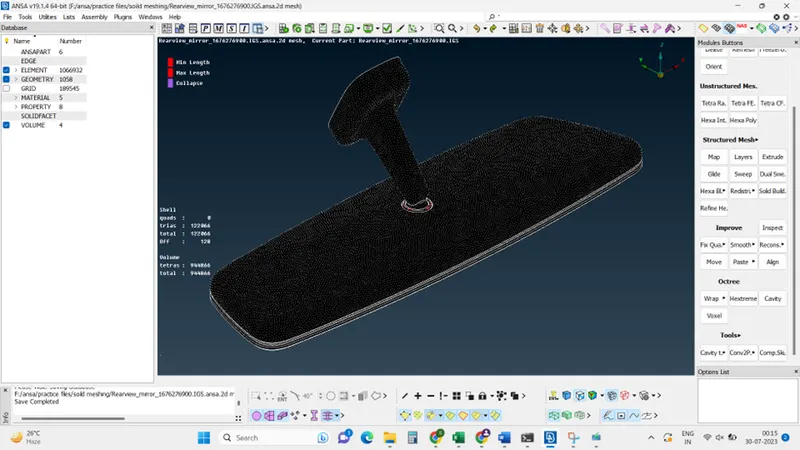
After, quality criteria
Learning Outcomes:
- Created 3D meshing- closed volume for defining a volume
- Checked No min length, length error, and collapse errors.
- To solve the model, we used tria and ortho tria mesh.
Conclusion:
Use tetra elements to mesh the volume defined in the model and check for the below quality after volume meshing.