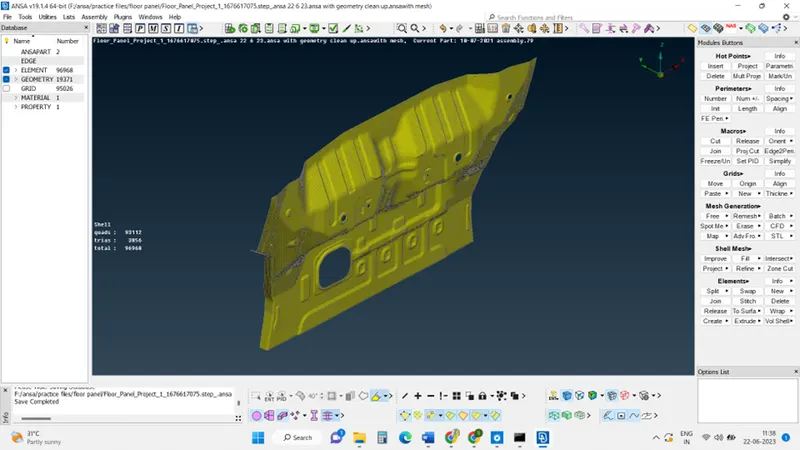
Project 1 - Meshing of Floor Panel
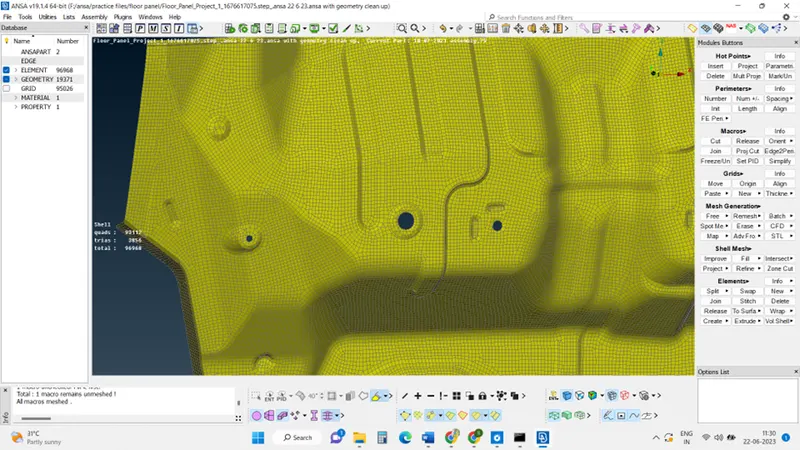
Objective: Generating mid-surface and geometry clean-up on the given component, generating mesh on the given components with low tria concentration and proper mesh flow.
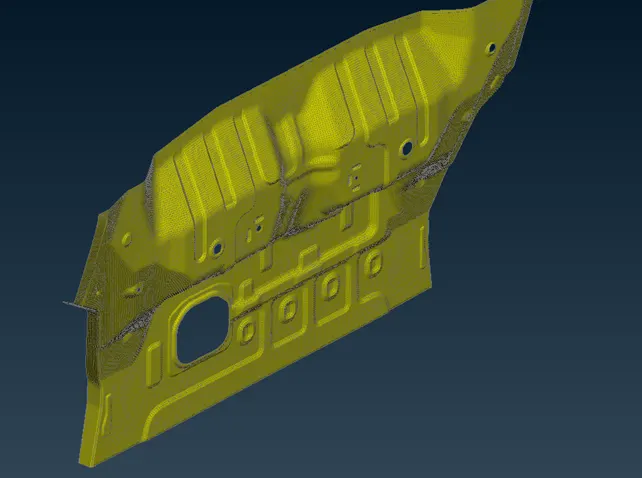
Cad model image:
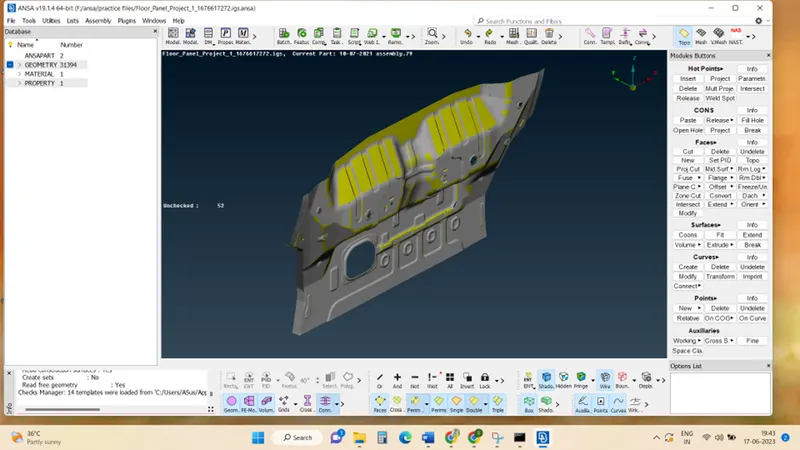
The procedure with required images:
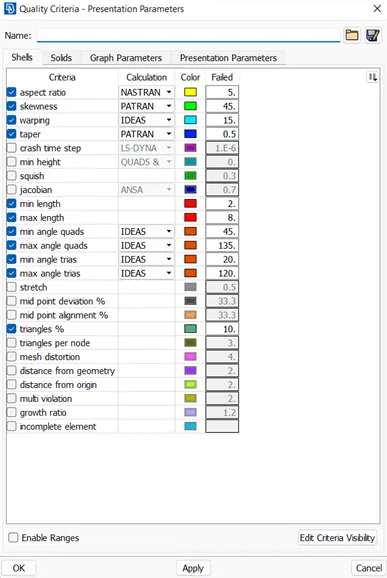
Step 1: Click utilities > quality criteria > then set each quality criteria parameter as given.
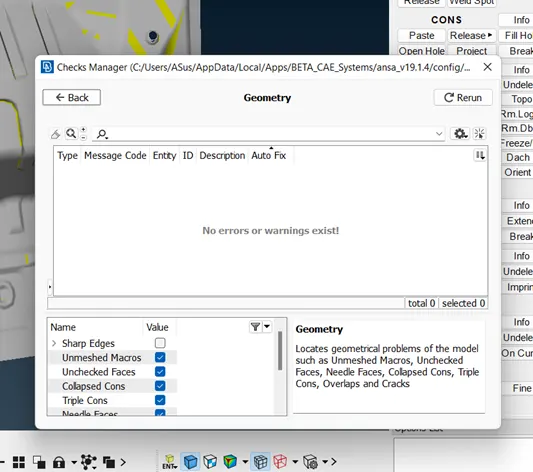
Step 2: Geometry Clean up in topo,
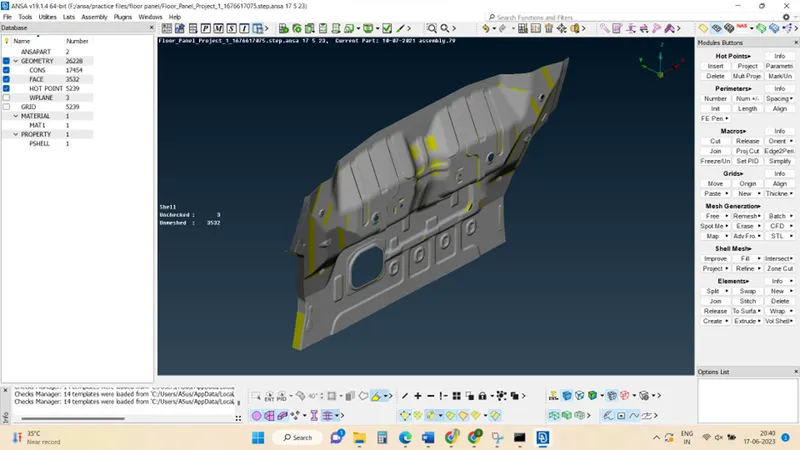
Click checks mange> Geometry> (select the geometrical problems of the model such as Unmeshed Macros, Unchecked Faces, Needle Faces, Collapsed Cons, Triple Cons, Overlaps, and Cracks) >Execute.
some automatic problems can be fixed by clicking the auto fix in the check manager.
Other problems can be fixed manually (single cons, trip cons)
Step 3: Create mid surface in topo:
Initially measure the thickness, then click on offset >click on the faces to create the mid surface.
And create mid-surface.
Step 4:
Change the target element length to 5 units, as per the given data.
Step 5: Create mesh
Initial mesh >mesh
Results:
Final model image: