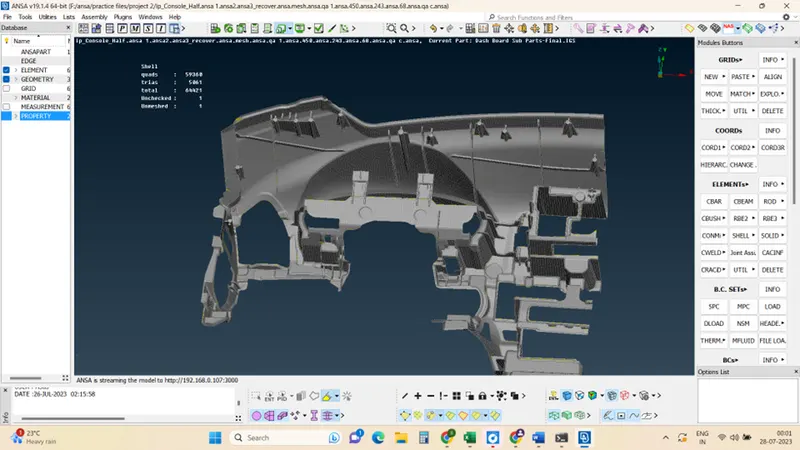
Project 2 - 2D meshing on the instrumental Panel
Aim: For the given component, check for geometrical errors and mesh with the given element Quality criteria. After meshing the component, the thickness has to be assigned.
Procedure:
The below picture represents the initial cad model
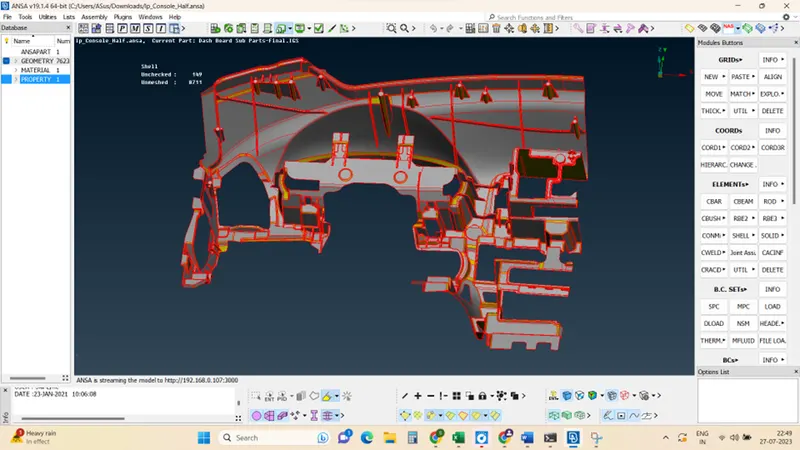
Step 1: Geometric check errors
Geometrical check: Click checks mange> Geometry> (select the geometrical problems of the model such as Unmeshed Macros, Unchecked Faces, Needle Faces, Collapsed Cons, Triple Cons, Overlaps, and Cracks) >Execute.
some automatic problems can be fixed by clicking the auto fix in the check manager.
Other problems can be fixed manually (single cons, trip cons)
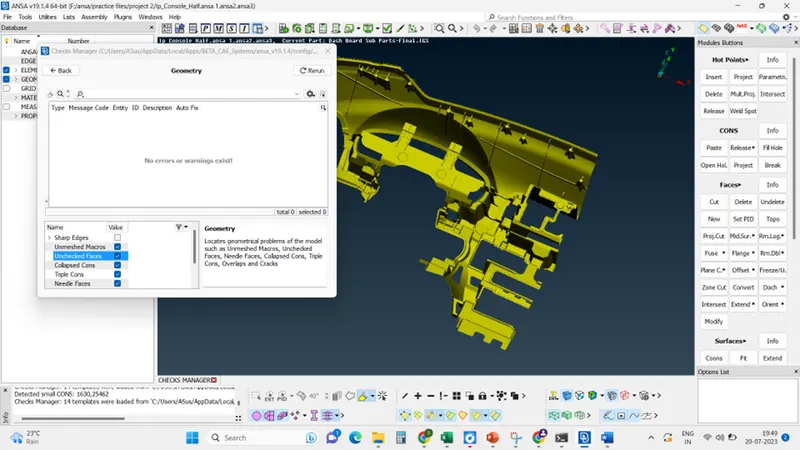
Step 2: Middle surface
generate mid surface for the given component, by using the offset command,
Click mid surface>skin> selection of the faces>ok>ok. Generated mid surface
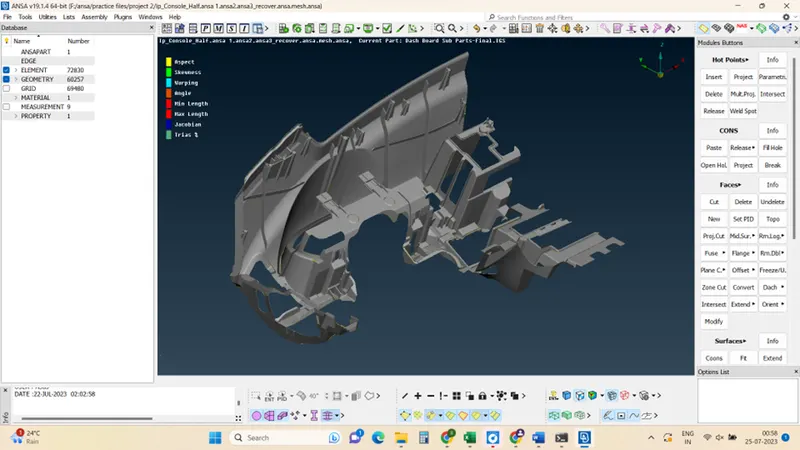
Step 3: Mesh
Go to mesh module>create mesh> observe the tria and quad elements
reconstruct mesh >ok>ok.
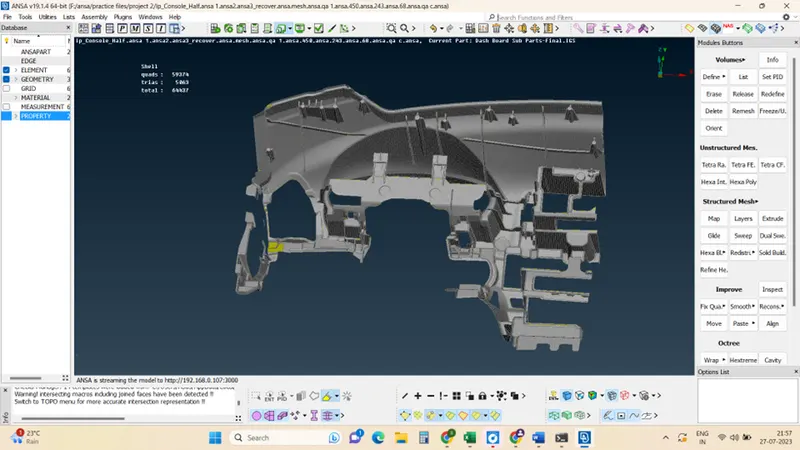
Step 4: quality criteria
Check on quality criteria and correct value as per the requirement, then correct the quality with the elements by improvement /reconstruction/reshaping.
Before
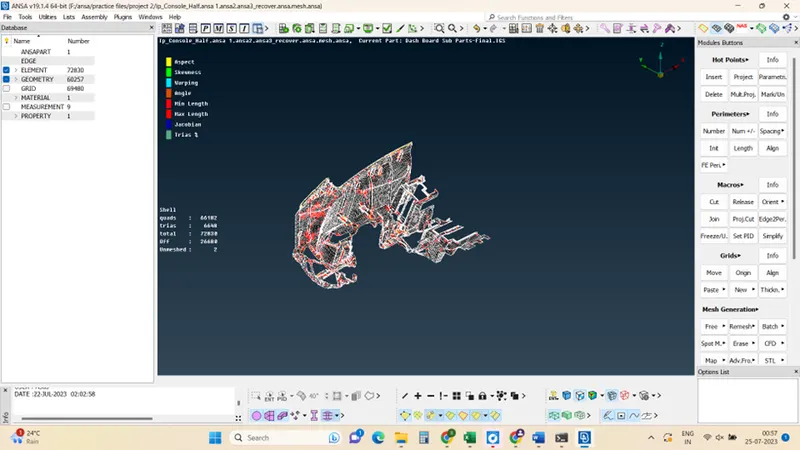
After
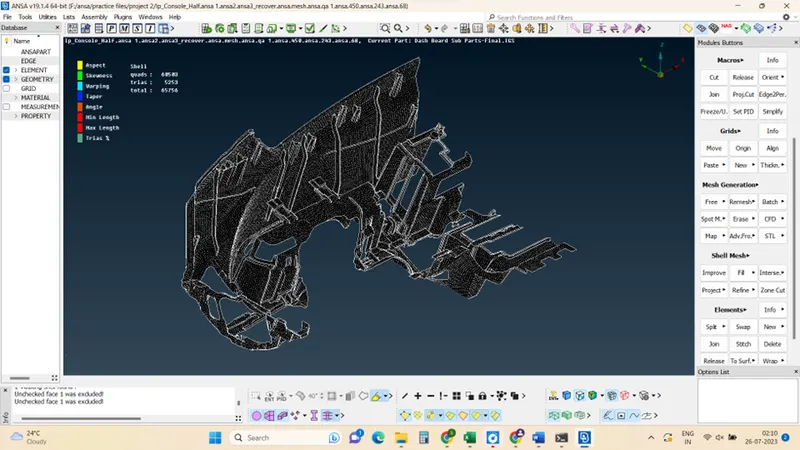
Step 5: thickness assignment
Set PID and thickness assignment,
click on the surface >feature command>property>new>assign and thickness of the feature>ok.
Continue this process for other feature to obtain required thickness
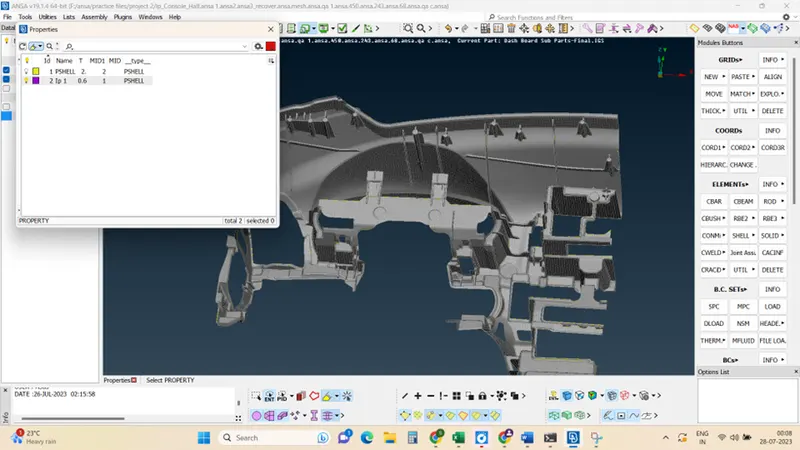
Learning Outcomes:
Mid surface of component should be correct, Mesh flow should be Good, No rotating quads and Opposite trias should present in the model. Trias near to free edge or holes or on the fillets should be eliminated. OFF elements after giving quality criteria must be zero.
Conclusion:
The dashboard sub-part is ready for the simulation analysis.