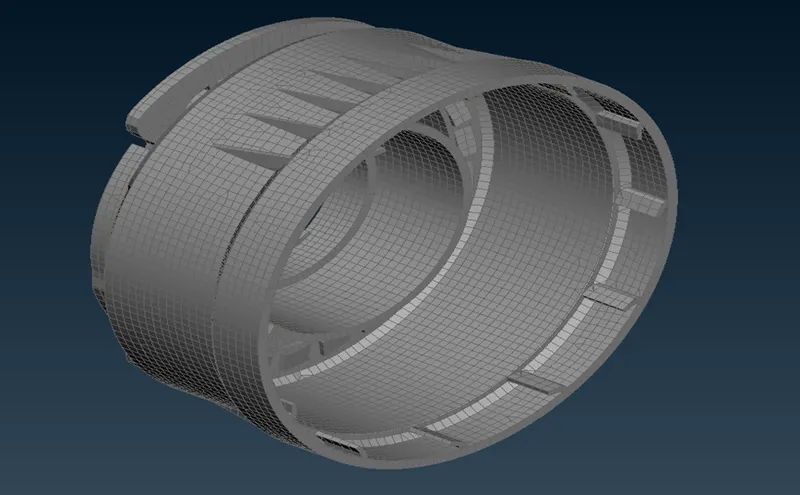
Week - 5 - 2D meshing for Plastic components
Plastic bottle cap:
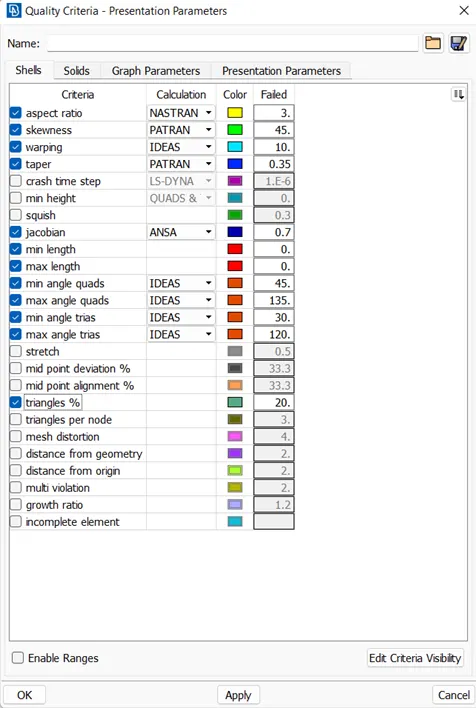
Objective: For the Plastic Bottle Cap model, check for geometrical errors and take the mid-surface using suitable mid-surfacing techniques. PID and Thickness assignment has to be done for all the mid surfaces. Mesh the same with the given element Quality criteria. (Refer to the table below for the Quality criteria).
Cad model image:
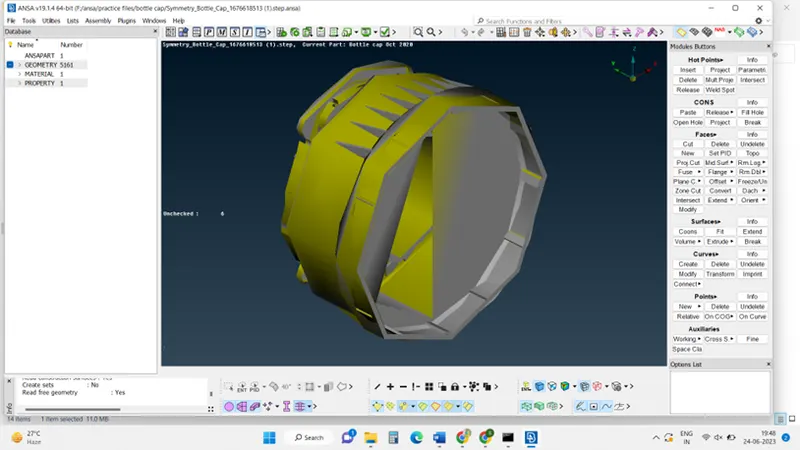
The procedure with required images:
Step1: Geometrical check: Click checks mange> Geometry> (select the geometrical problems of the model such as Unmeshed Macros, Unchecked Faces, Needle Faces, Collapsed Cons, Triple Cons, Overlaps, and Cracks) >Execute.
some mechanical problems can be fixed by clicking the auto fix in the check manager.
Other problems can be fixed manually (single cons, trip cons)
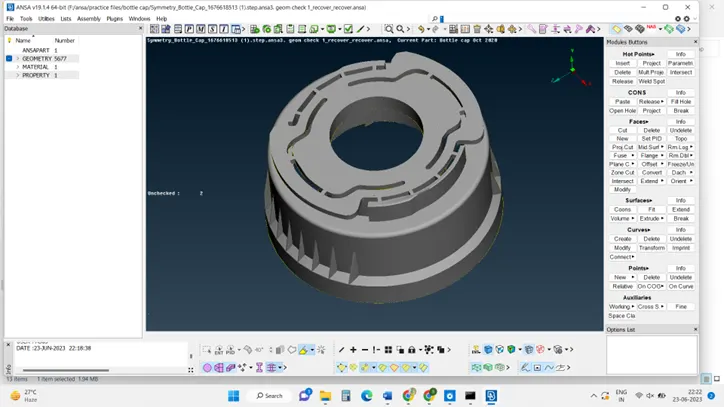
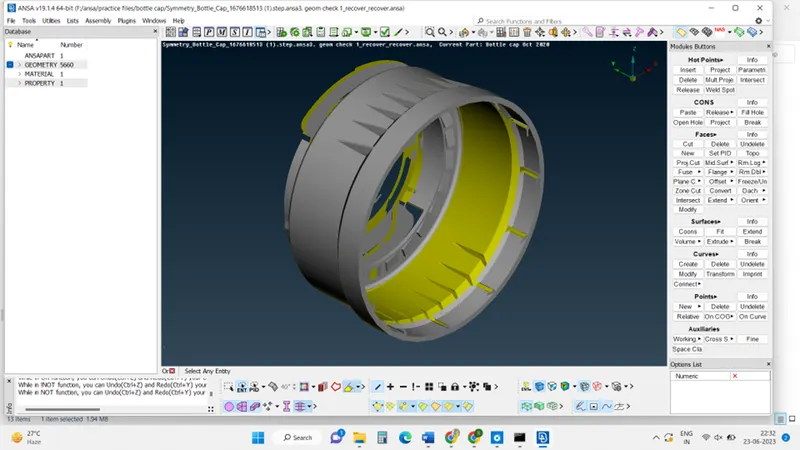
Step 2: generate mid surface for the given component, by using the offset command,
Click middle surface>casting> selection of the faces>ok>ok. Generated mid surface
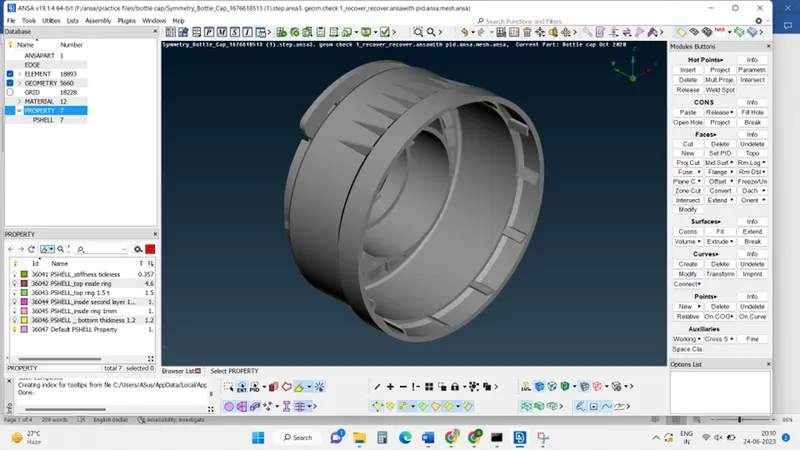
Step 3: Set PID and thickness assignment,
click on the surface >feature command>property>new>assign and thickness of the feature>ok.
Continue this process for other features to obtain the required thickness
Step 4: Generate mesh with quality criteria:
Give all quality criteria as per required.
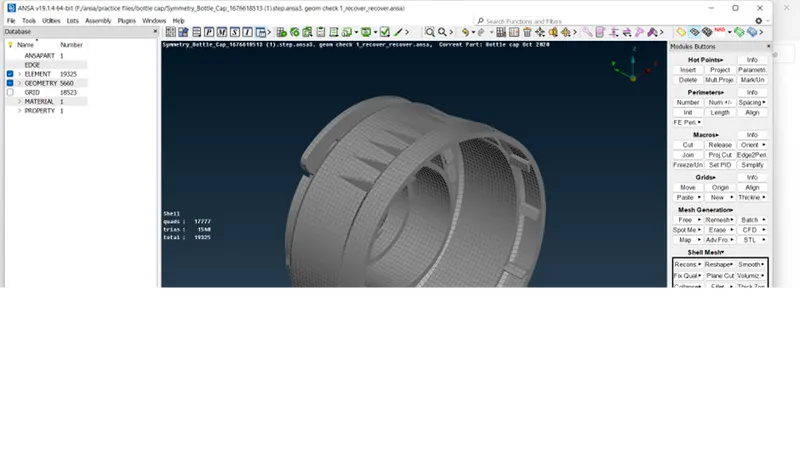
Go to mesh module>create mesh> observe the tria and quad elements
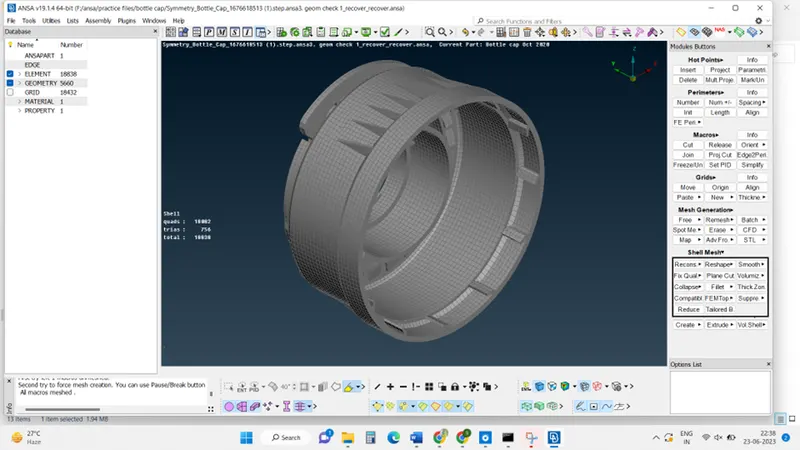
reconstruct mesh >ok>ok.
Mesh will create with low tria.
Results:
Final model image: