Meshing of Hood using Hypermesh
Aim :
The aim is to generate a mid-surface and to create a mesh for the given Hood Model.
FILE : HOOD_MODEL
Quality Criteria :
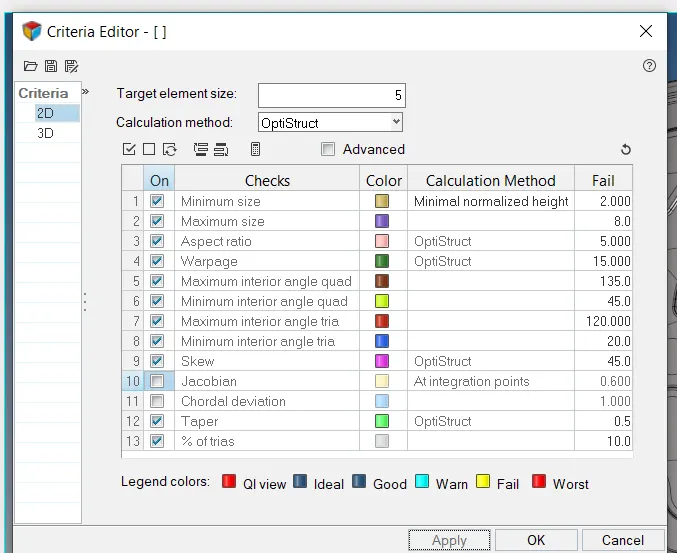
| S.N | Quality Criteria | Value |
| 1 | Aspect Ratio | 5 |
| 2 | Skewness | 45 |
| 3 | Warping | 15 |
| 4 | Taper | 0.5 |
| 5 | Min. Length | 2 Units |
| 6 | Max. Length | 8 Units |
| 7 | Min angle Quad | 45 |
| 8 | Max angle Quad | 135 |
| 9 | Min angle Tria | 20 |
| 10 | Max angle Tria | 120 |
| 10 | Tria % | 10 |
Procedure :
- Import the given CAD model into Hypermesh, Click on 'f' to fit the image into the screen.
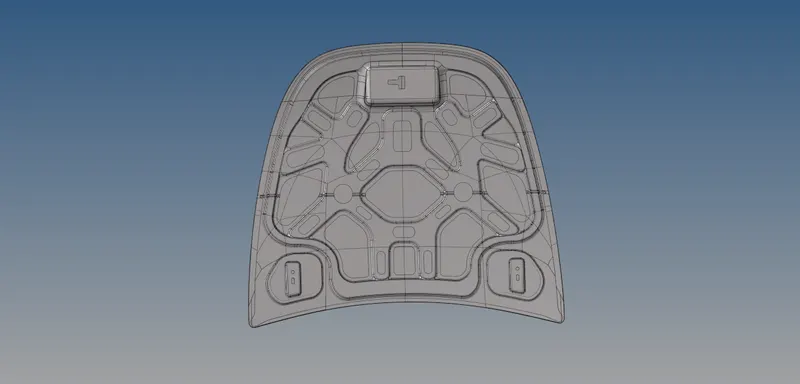
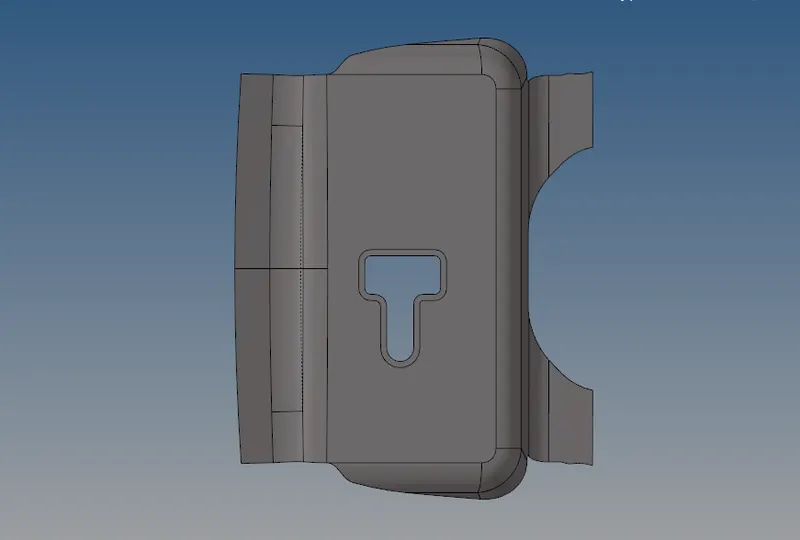
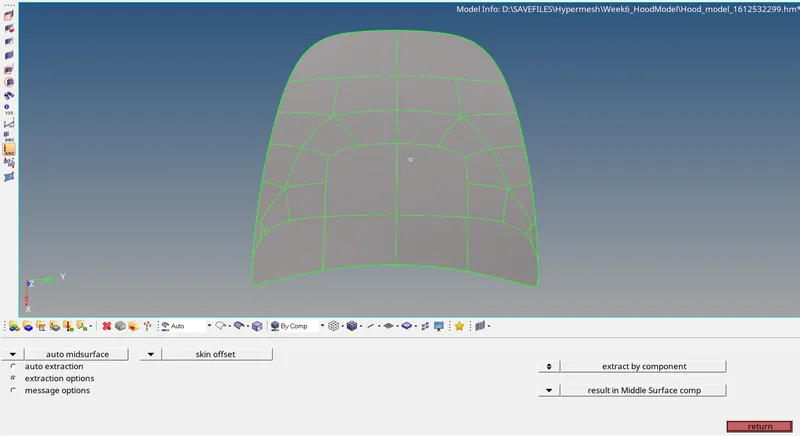
The imported geometry consists of 4 components. The solids are first deleted from the delete option. Check for any geometrical error and do topology clean-up for each of the component. - For the Mid Surface of the hood part, auto mid surfacing is performed. In Geometry Tab>Mid surface>Select the surface>Extract . Thus the mid surface is created. In the mid-surface option, Extraction Options>Skin Offset.
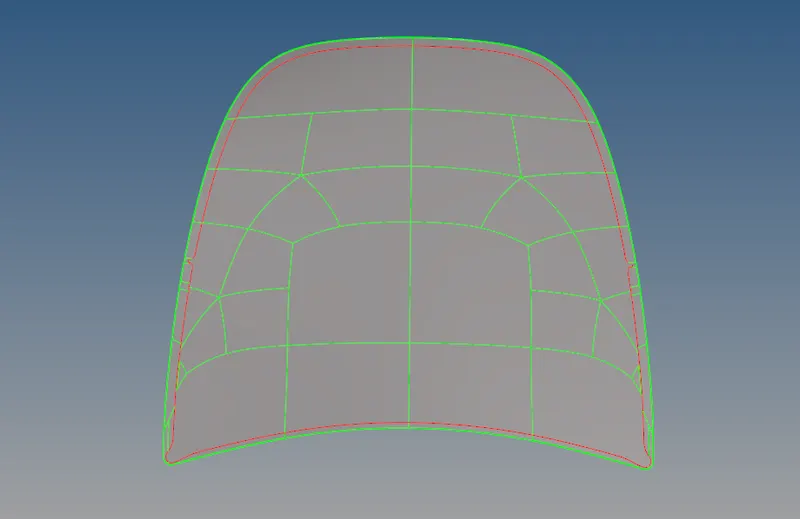
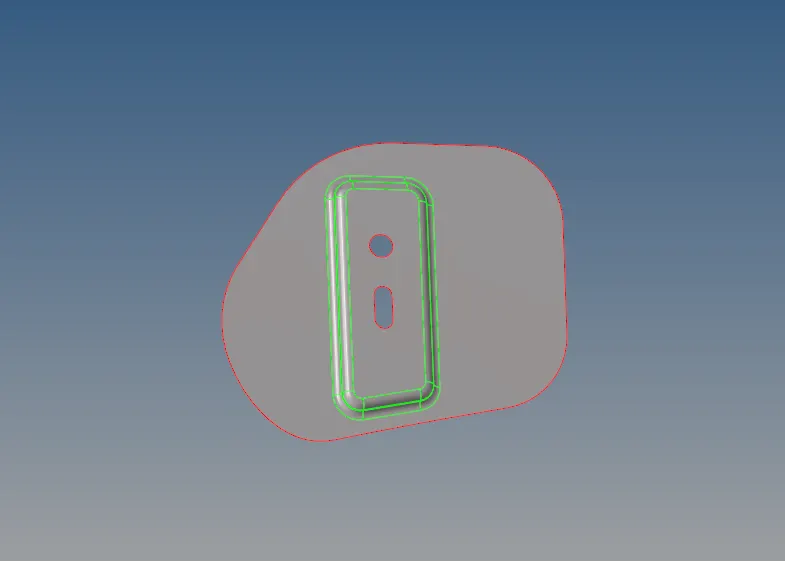
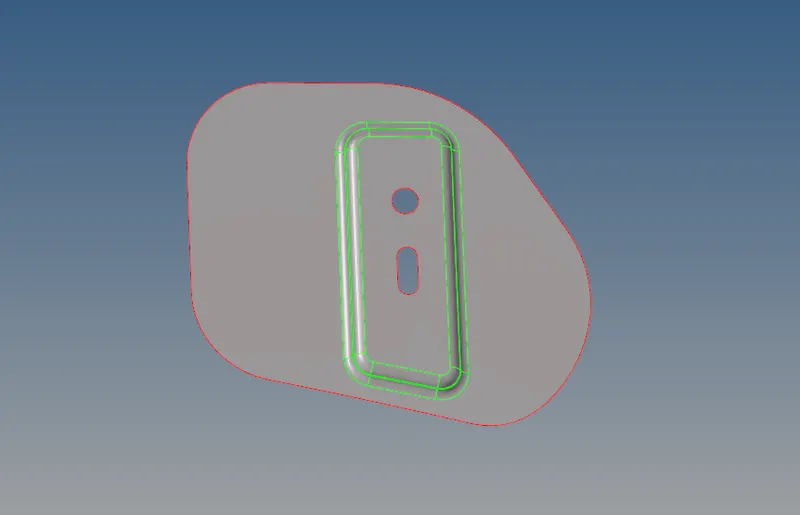
- Giving the Quality Criteria : Press F10 and click on settings to enter out required criteria.
- The mesh to be created on the mid surface so that the main part doesnt get affected. To mesh the component, 2D Tab>Automesh>Select surfaces>Give element size>Select mesh type>Click mesh.
After meshing each component, check the element quality using the Quality Index option under 2D menu. Try to clean these failed elements using clean-up tools and re-meshing when required. Meshed surface are :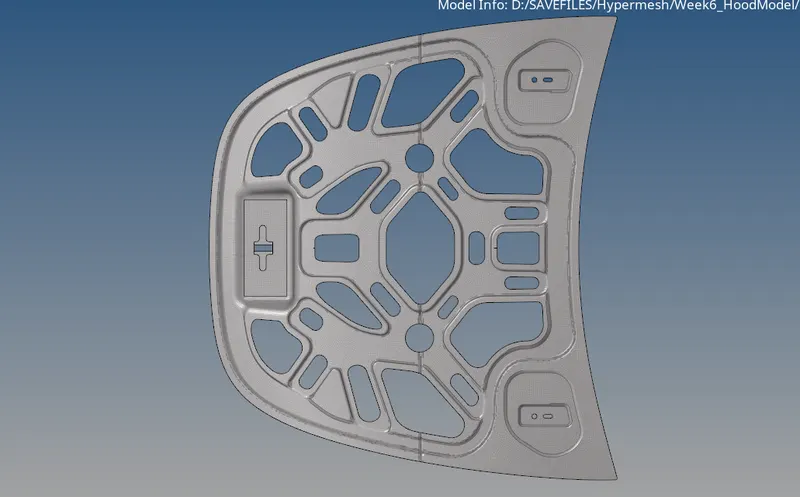
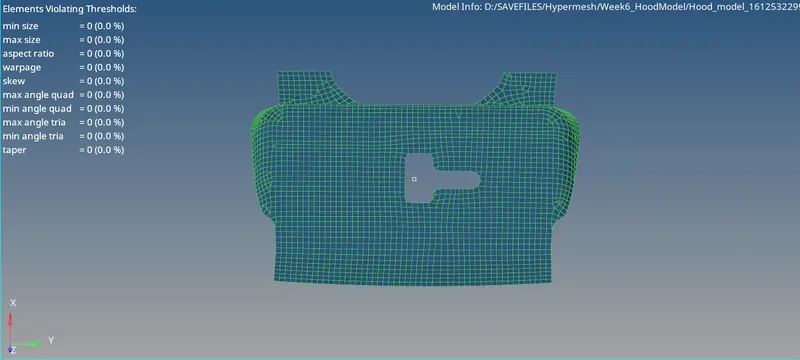
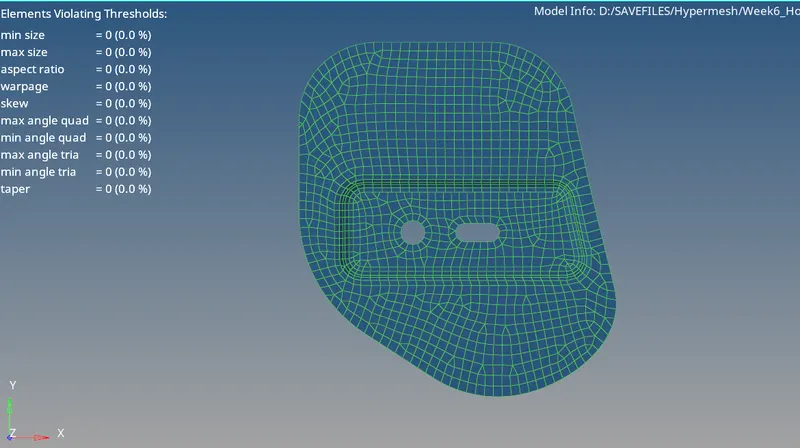
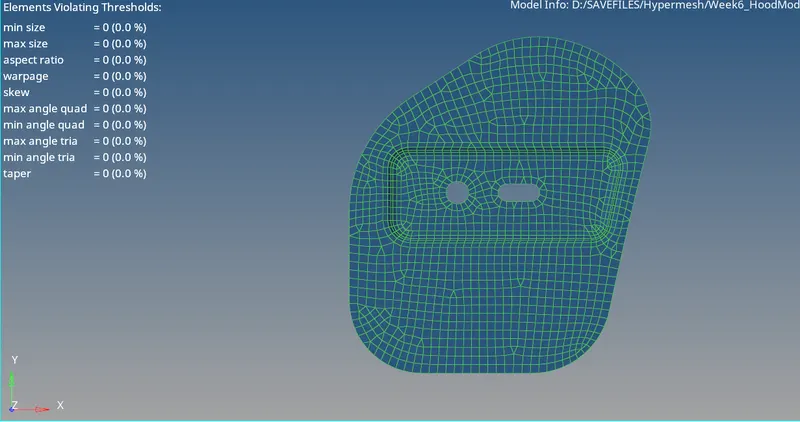
- While doing inner and outer hood, we take half of the midsurface since they are symmetrical, then mesh one hald and the other half is Reflected usiing the Tools Tab>Select Reflect>Select the elements>Select N1,N2,N3 and base point>Reflect.
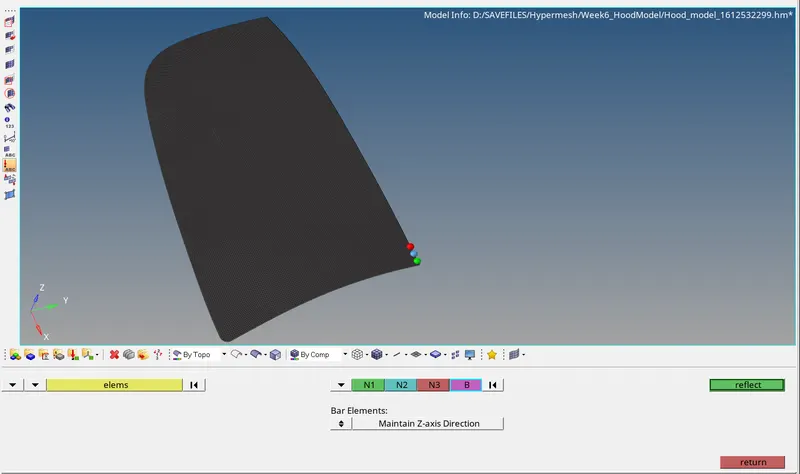
After Reflection,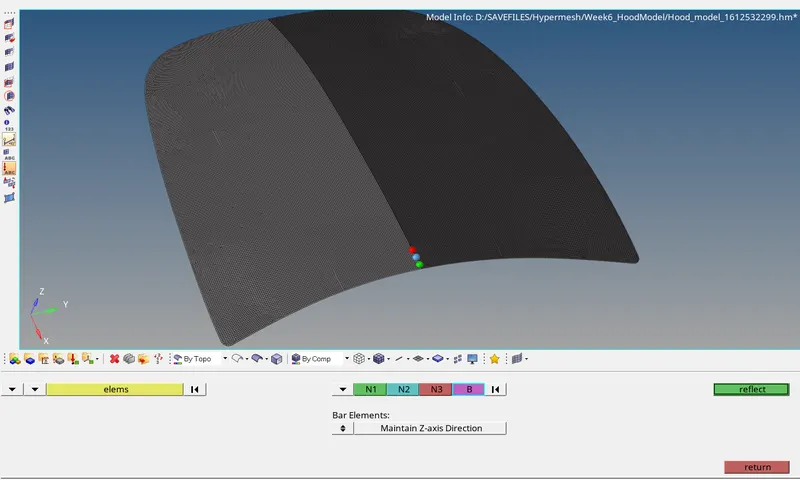
- After the reflection, go to Tool Tab>Edges>Select the components>Click preview Equivalence>Click Equivalanet.
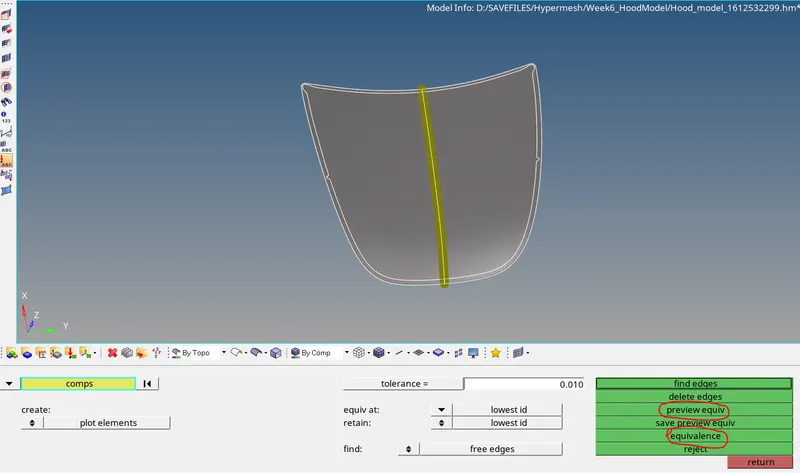
This same method is used to create the mesh surface of Inner Hood component. - From Tool>Edges>Find Edges >Delete Edges to remove all the free edges.
Result :
Final Meshed Model :
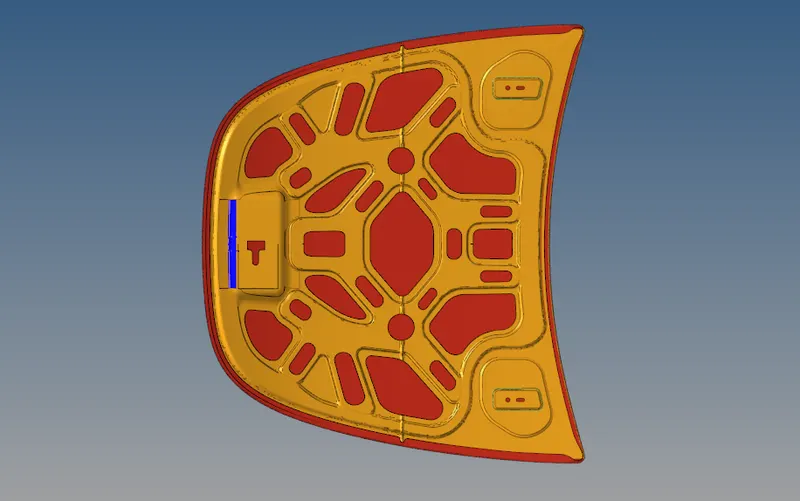
Learning Outcome :
- Learned to Create Mid-Surface
- Create mesh with Quality Criteria
- Mirroring the mesh to reduce the overall time