Car Hood Modeling using ANSA Preprocessor
Car hood Modeling using ANSA
AIM :
To clean the geometry and perform 2D meshing on the given car hood model according to the required Element Quality criteria.
PROCEDURE :
- The given hood model was opened in ANSA v19.1.5
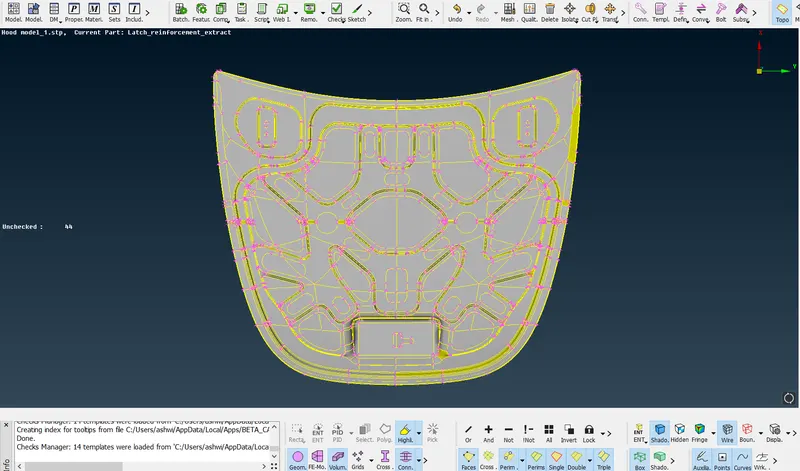
- Check geometry was carried out to find out the geometric errors in the given model
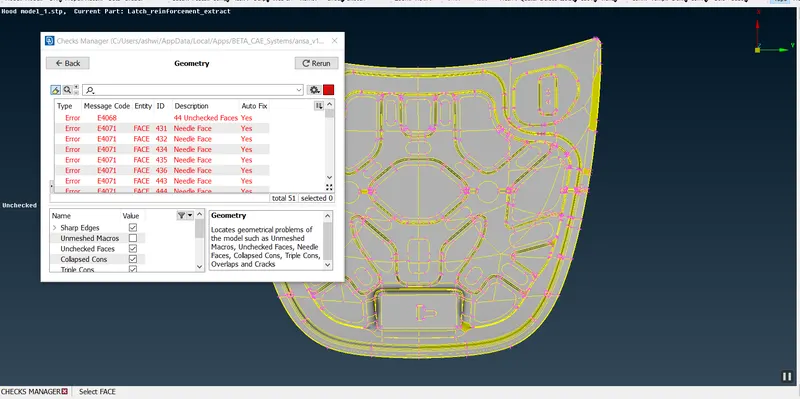
- Errors are solved using the various functions under Hot points and Cons
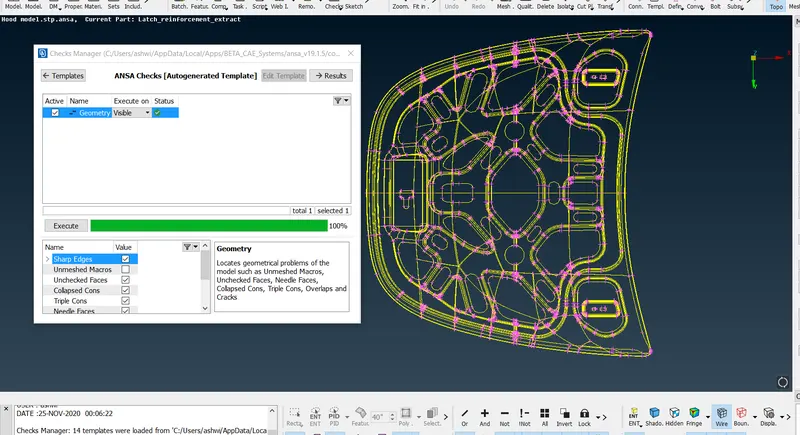
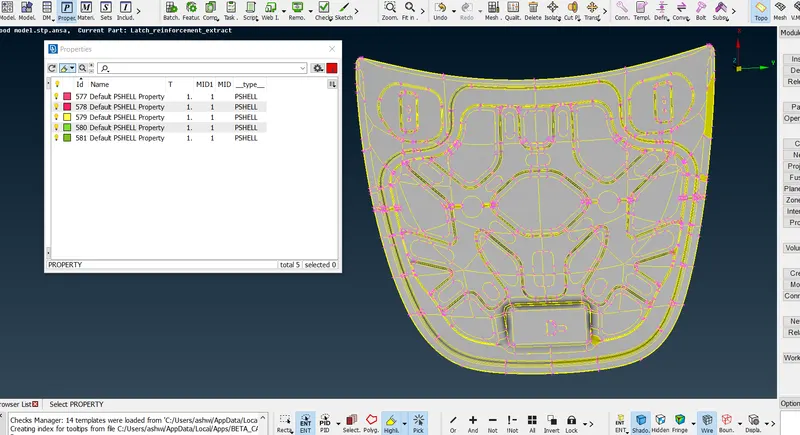
- The model consisted of inner and outer hood. To generate mid surface all the components where taken seperately using Property menu and mid-plane was formed
- Before generating mid-surface, the symmetry of inner and outer panel was checked to reduce the time of making offset using Rm.Dbl too.
Outer-hood Symmetry Check :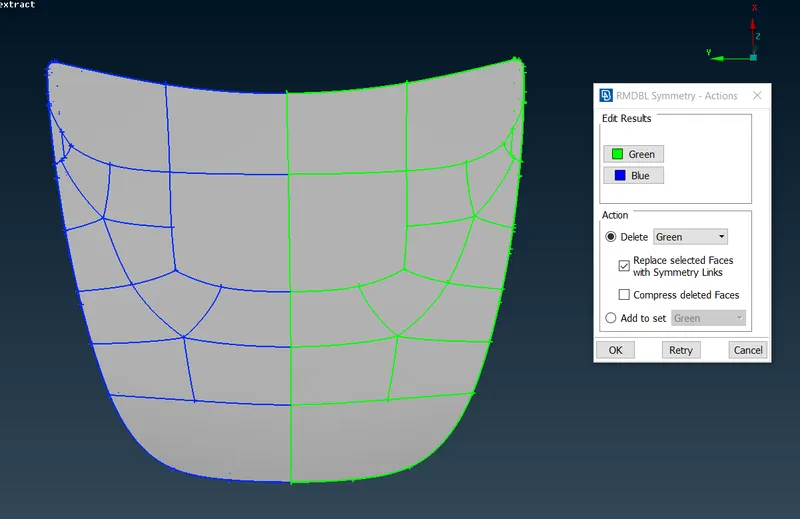
Using the above method the inner panel symmetry is also checked to reduce the time of doing offset. - The below is the Inner Hood and the Outer hood Mid-Plane.
INNER-HOOD MIDSURFACE :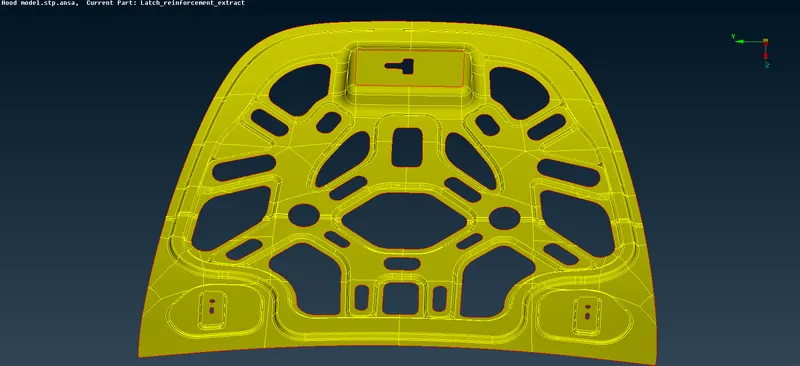
OUTER-HOOD MIDSURFACE :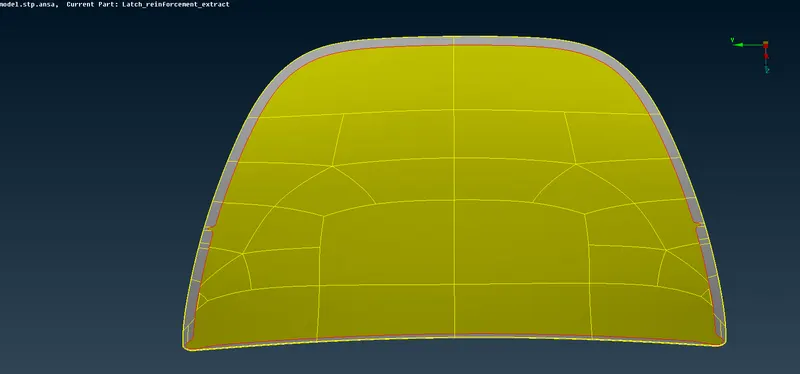
- Before meshing, the Quality Criteria and Mesh parameters are inputed accordingly.
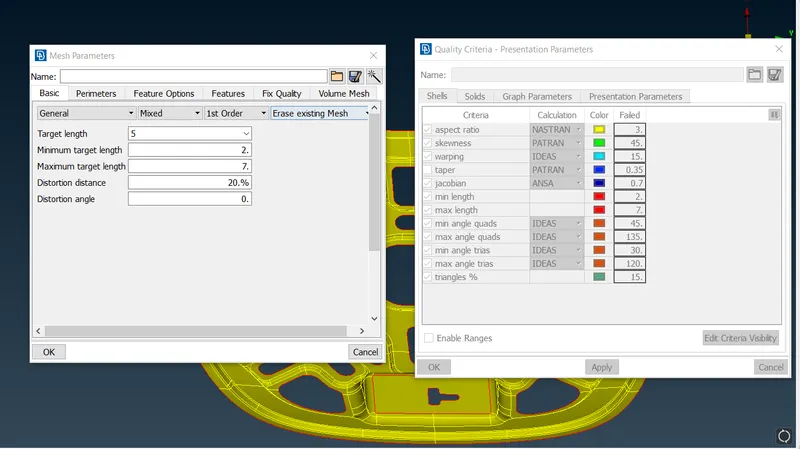
- Then the Mesh was generated separately for the Inner and Outer panel of the Hood. For meshing, the BEST and BATCH tool was used. The SMOOTH and RECONSTRUCT was used to give refinement to meshed surface.
INNER HOOD 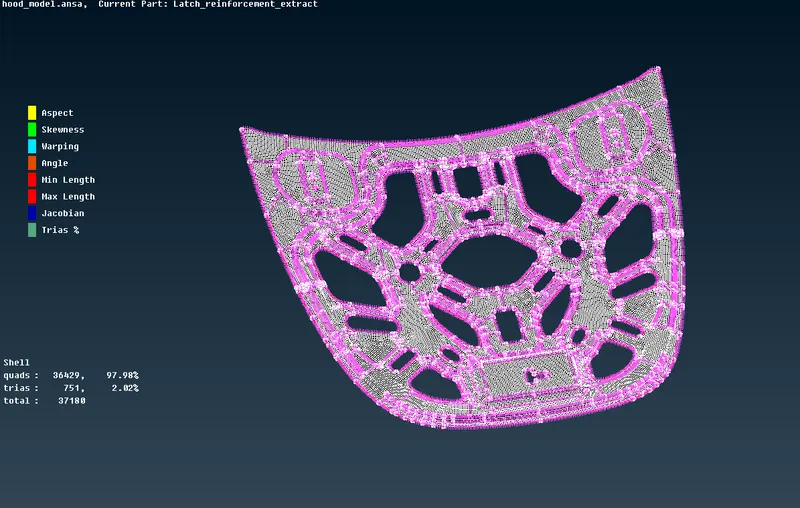
OUTER HOOD 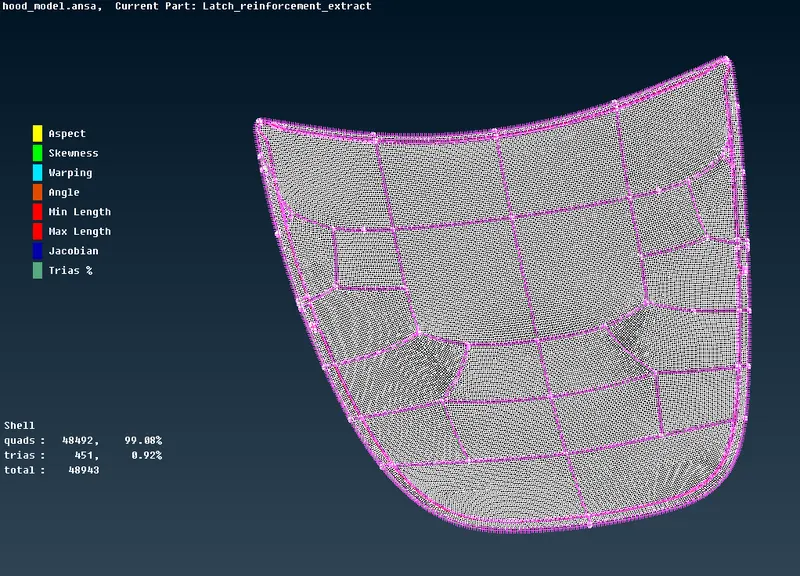
RESULT :
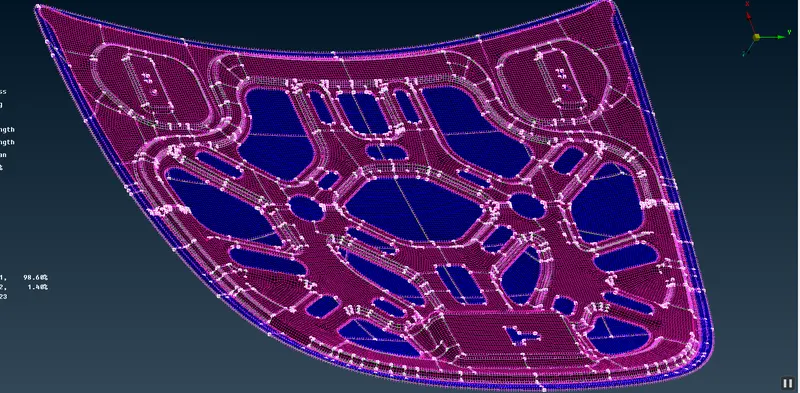
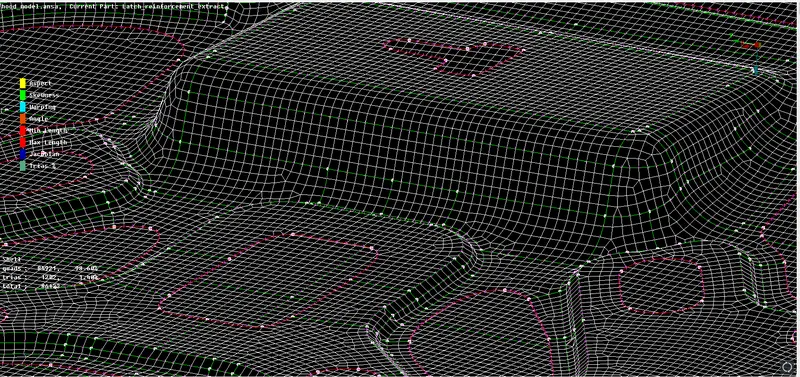
- The geometry of hood model was cleaned and meshed.
- Manual Midsurfacing was used.
- All the regions was meshed accoring to the Quality Criteria and it is checked in Hidden View.