Week 6-Meshing of Hood Challenge
AIM:To extract the midsurface of the given model(car hood) and perform meshing on them as per given quality criteria.
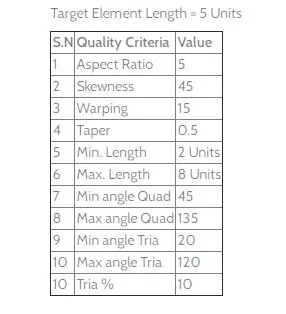
Procedure:
1.Firstly the models are imported into hypermesh with all its components.
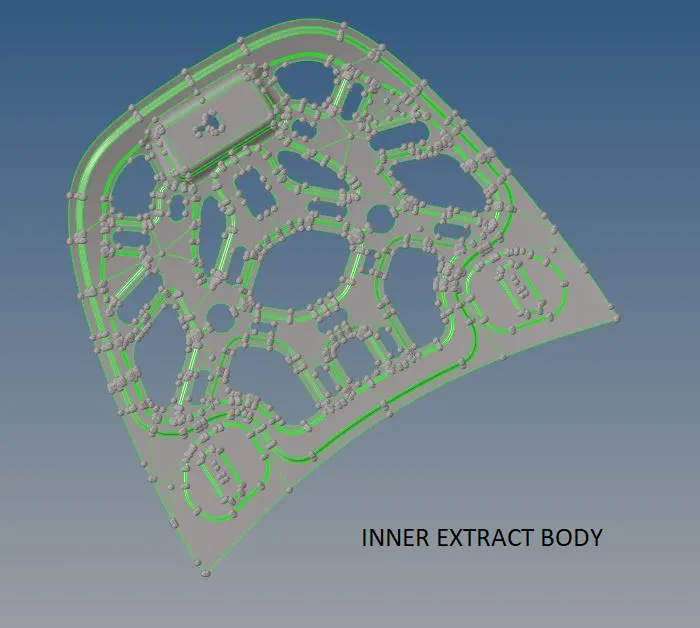
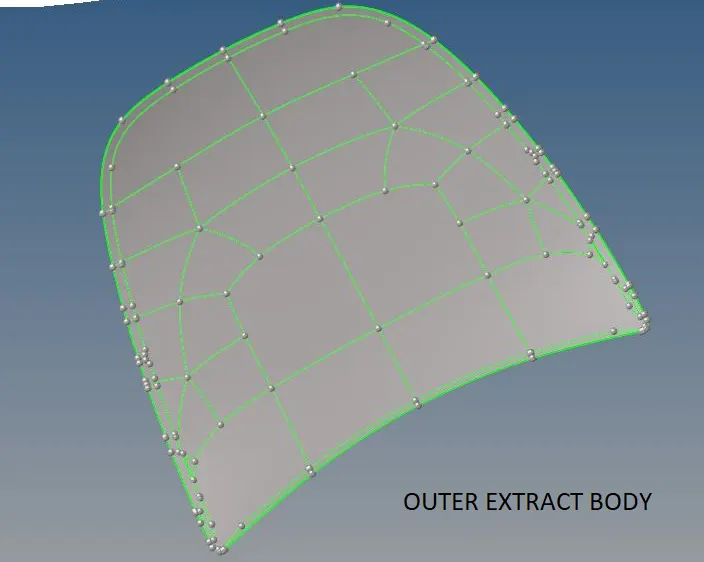
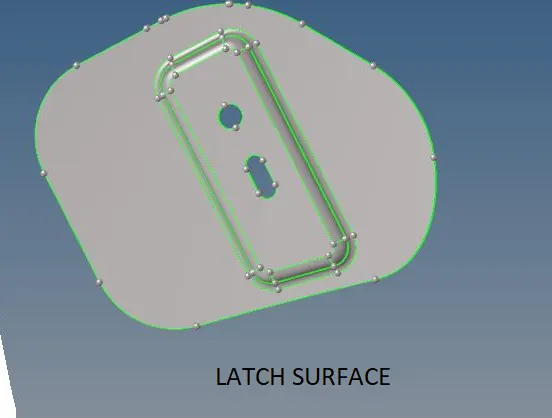
2.The quality criteria is set by going to preferences-criteria file settings.Then geometric clearance of the components are done by removing al the unncessary fillet lines,free edges by toggling the lines and then necessay splits are made on the surfaces for maintaining continity of edges,the unnecessary points are also removed from the surfaces by remove point option.All these are available in Goemetry-quick edit.
3.Then midsurface is created for these components by midsurface option under geometry.
4.Them manual meshing is performed on all the individual components.The mesh flow and quality of elemets are checked after meshing.If we get triangle elements side by side they are eliminated by merging or draging or remeshing under "2D-quality index".
a.For the inner extract body we perform meshing one one half as it is symmetric about vertical axis.The other half elements are selected and removed and them kept in any dummy component created.Meshing is performed for this half of the component.
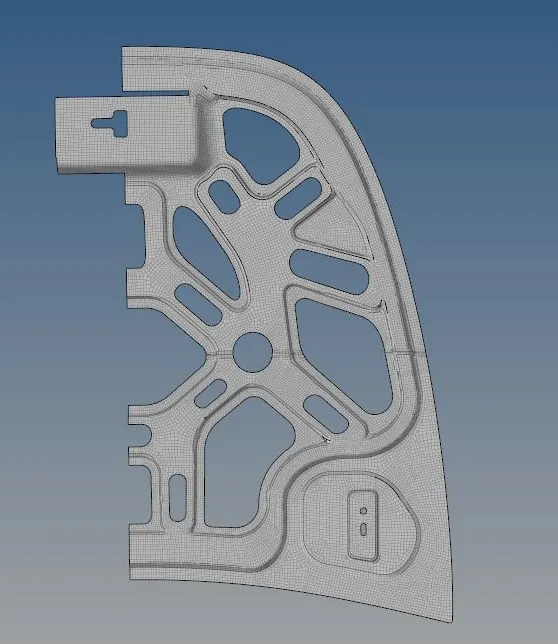
After meshing one halve the mesh elemts are reflected along the symmertric axis from Tools-reflect.
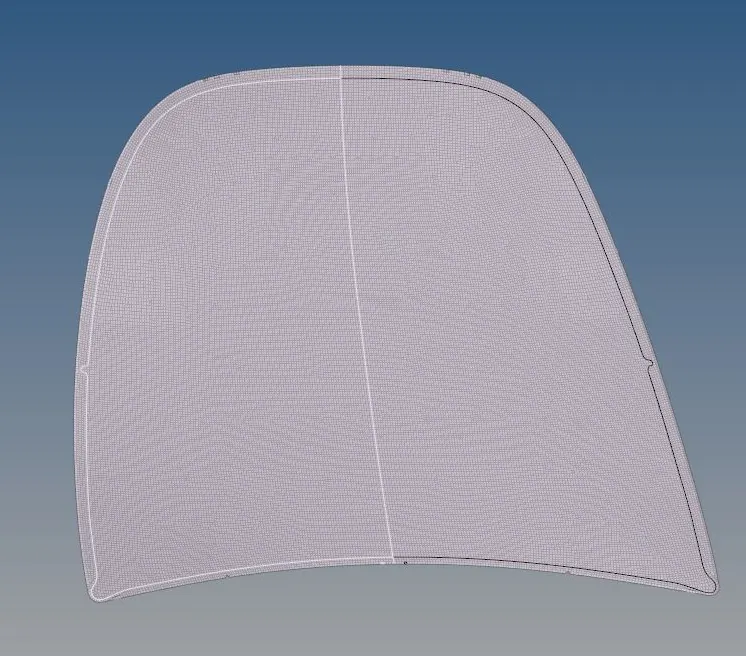
b.Similarly we proceed with the outer extract component by meshing one half and then reflecting the mesh elements after proper checking of element quality parameters and mesh flow.
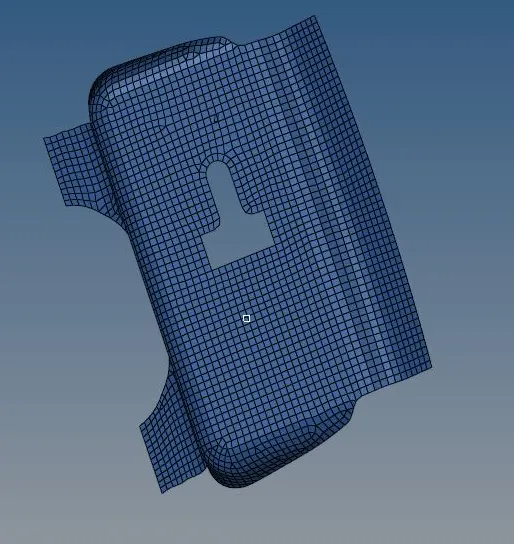
c.For the latch component the mesh is created for it surfaces manually and then it is checked for mesh flow and quality parametrs.
Conclusion:The meshing is completed for all the components of the elements following all the quality criteria.