Week 6-Meshing of Hood Challenge
AIM:
Mesh the geometry based on given quality criteria.
PROCEDURE:
1. Import *.hm file into hyperworks.
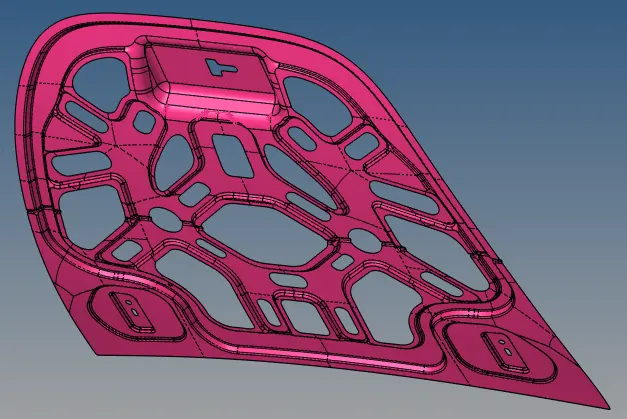
2. Run Auto cleanup on all the surfaces.
3. use quick edit> toggle edges and washer split on the construction lines.
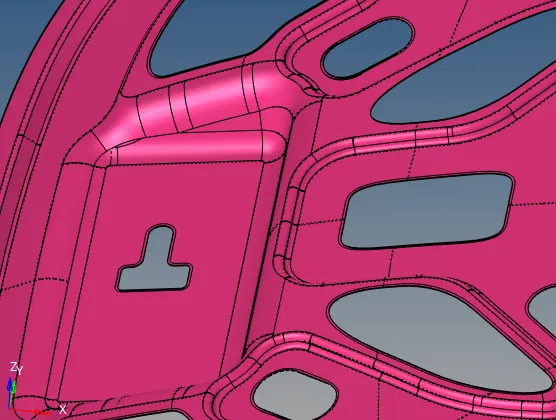
4. Extract Midsurface for the displayed body.
5. Create Material Data and Property ID for the Mid surface with thickness of 2 units.
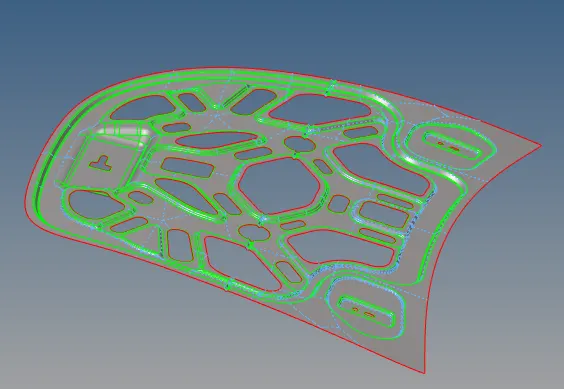
6. Create mesh with quickmesh of element size 5 units.
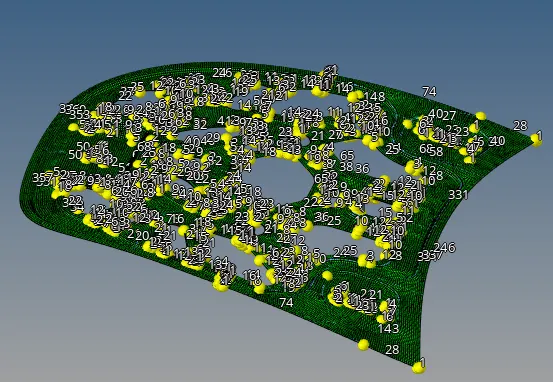
7. Checked for duplicate elements which is zero.
8. Compare source surface with element using comparison check to see whether the geometry is captured properly.
9. Use remesh by selecting element in local are to correct element patterns.
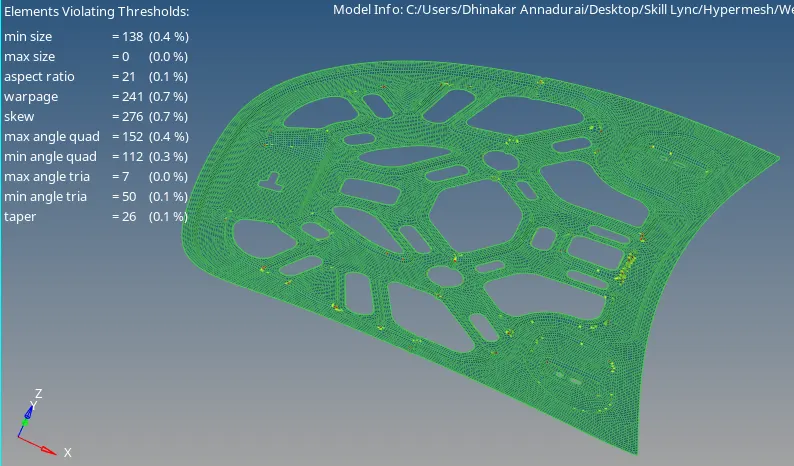
Outcome:
Learnt how to remesh and correct the mesh flow.
Learnt how to apply quality criteria