Week 6-Meshing of Hood Challenge
Title: PREPROCESSING OF HOOD USING HYPERMESH
Aim: To create mesh on Hood using Hyper mesh and extract mid-surface.
Provided model
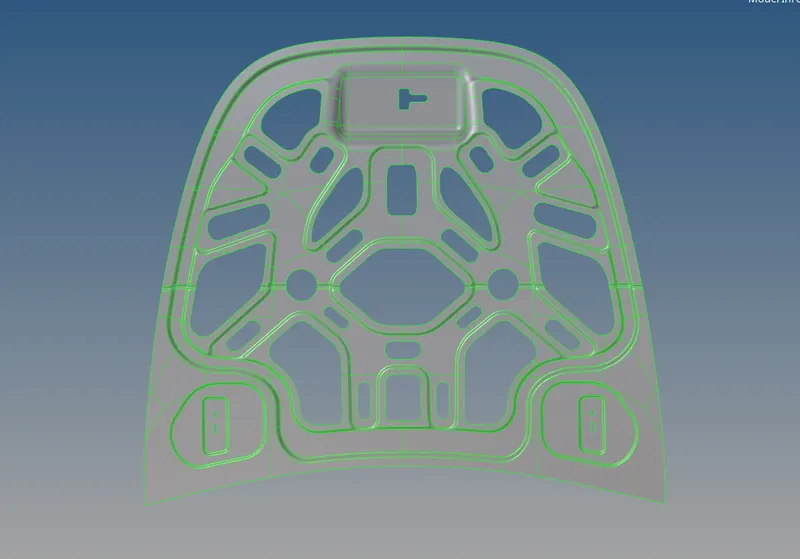
Steps required:
- Geometry import and cleaning.
- Mid-surface extraction and property assignment.
- Surface blending within the specified quality standards.
Procedure:
Step 1:Geometry import and cleanup:
- Go to file >> Import >> choose the file >> Import to import the geometry.
- The geometry is examined for any missing surfaces or triple cons after being imported.
- The geometry is prepared for the mid-surface extraction if there are no defects in it.
Step 2:Mid-surface extraction and property assignment
- Any of the four approaches listed below can be used to extract mid-surface.
- Offset + plane + sweep.
- Offset + plane.
- Offset
- Skin Offset.
- Go to geom >> mid-surface >> choose any extraction option >> choose the surface >> extract to extract the mid-surface.
- This task makes use of offset, plane, and sweep.
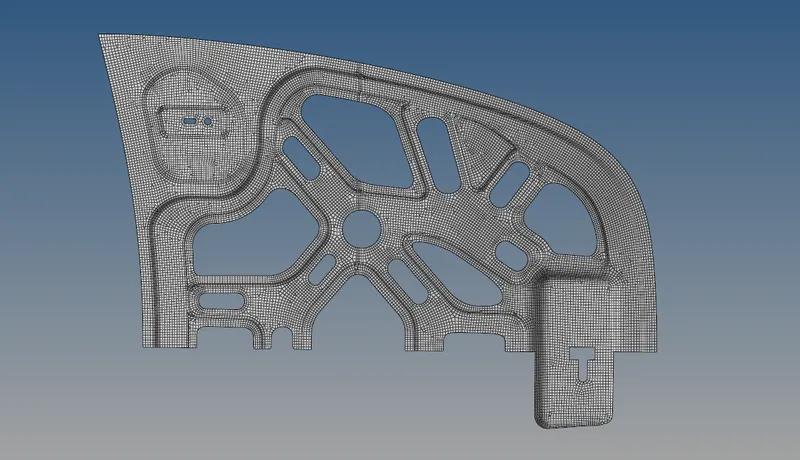
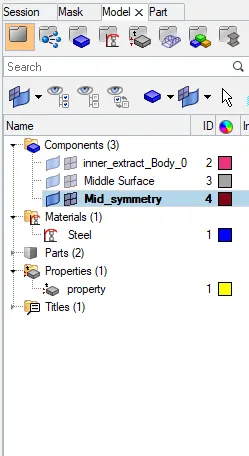
Step 3: Producing mesh that meets the specified quality criterion
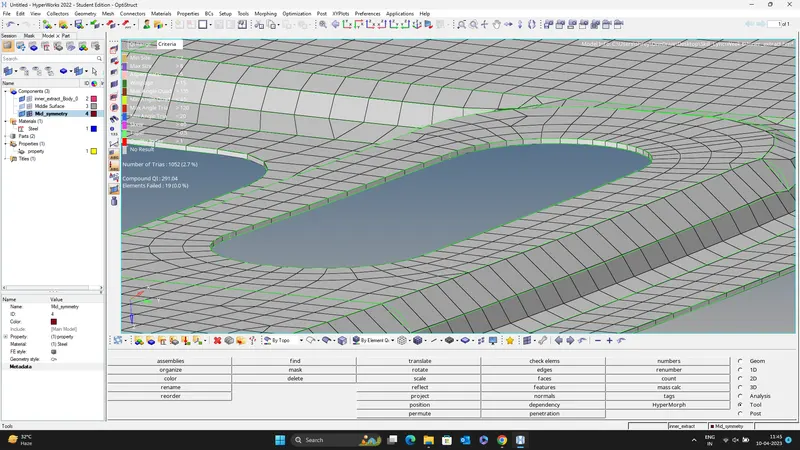
- For optimal mesh flow, the geometry is divided into smaller rectangles before mesh generation.
- Go to 2D >> automesh >> choose the surface >> mesh to create a mesh. The elements are chosen, then the mesh is modified to ensure correct flow.
- The cleaning tools option, which is included in the quality index, can be utilised if any items are failing for quality.
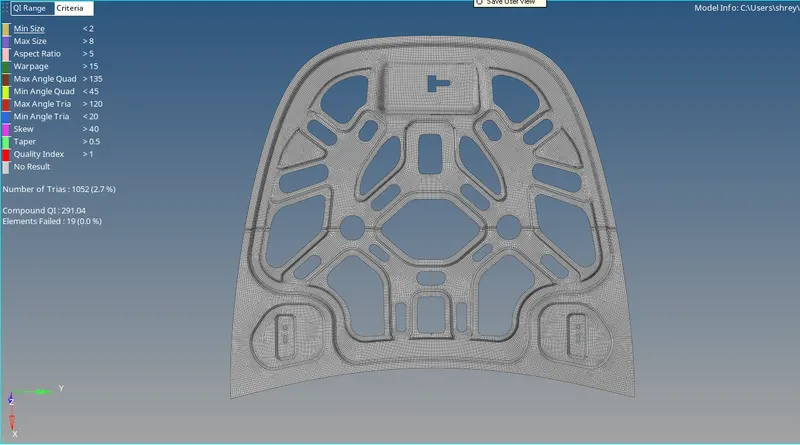
Conclusion:
Mid-surface is retrieved from the provided hood panel, and mesh is created in accordance with the provided quality standards.