Week 4 - 2D Meshing for Sheet Metal
Title: - 2D meshing for sheet metal
Aim: - To understand and perform 2D meshing on sheet metal using ANSA
Objective: - To learn and practice geometry clean-up
To learn extracting mid surface with suitable way and meshing
To remove most of possible off elements according to quality criteria
To remove tria percentage to it's lowest and mentain proper mesh flow
Body of the content: -
CCB CAD model
Steps performed on CAD model
Importing geometry
Performing Topo and Geometry check on imported geometry
Fixing all the errors showing in checks
For performing Auto-Midsurfacing geometry must be error free
Measuring thickness at different locations of different parts
We got parts with different thickness
Selecting parts one by one from property panel and performing mid-surface
(Selecting all parts at once and performing Mid-surfacing will not save parts according properties and respective thickness wich will be useful further)
Assigning Length ('5'which is provided) to parameters and macros also.
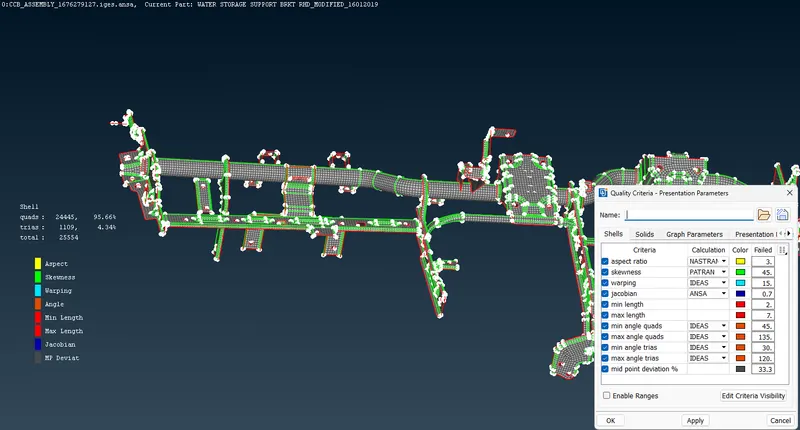
Feeding quality criteria as provided
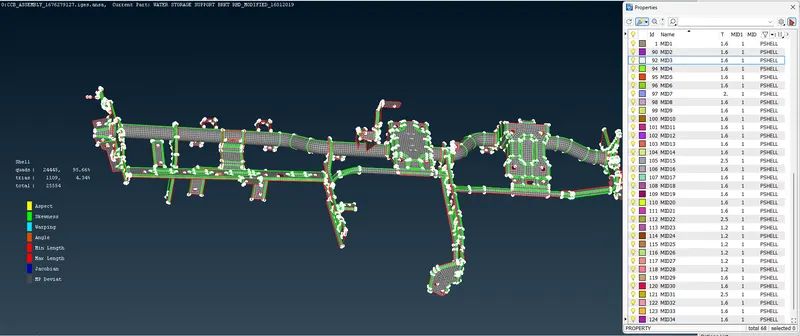
Now taking parts from property panel one by one and performing different tasks such as
- Supressing unwanted edges
- Performing 'Best' mesh and 'remesh' features
- Use of split/swap/collapse/join from element tab seperately or together to improve mesh quality and reduce tria percentage.
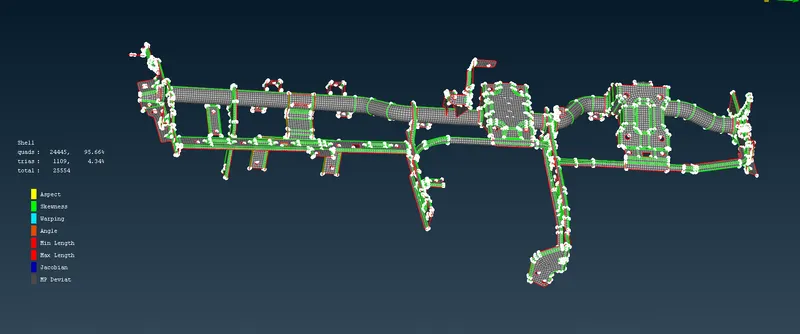
Results:- Quads: 24445
Quad percentage: 95.66%
Trias: 1109
Trias Percentage: 4.34%
Total: 25554
Off elements: 0
Conclusion:- From this challenge we have learned about 2D sheet metal meshing on multiple parts, reducing percentage of tria elements and error free meshing.