Week 6-Meshing of Hood Challenge
PREPROCESSING OF HOOD USING HYPERMESH
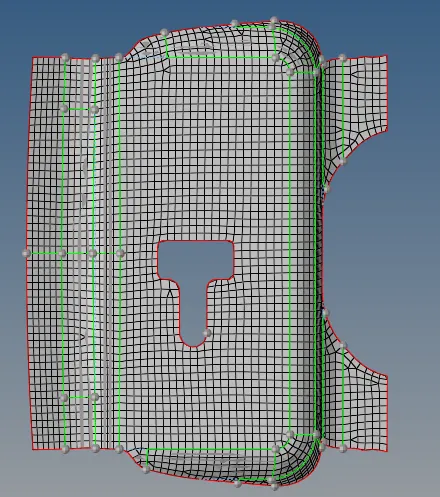
Aim: To extract mid-surface and generate mesh on Hood using Hyper mesh.
Given Model:
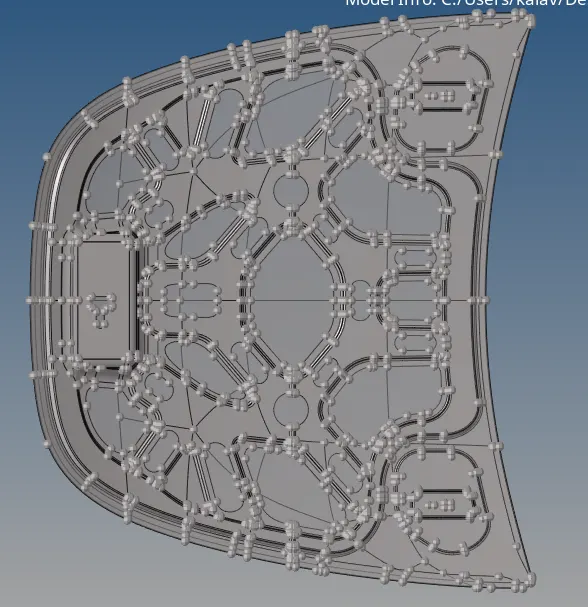
Steps Involved:
- Importing geometry and cleanup.
- Extracting Mid-surface and assigning properties.
- Meshing the surface with in the given quality criteria.
Quality criteria:
|
S. No |
Quality criteria |
Value |
|
1. |
Aspect ratio |
5 |
|
2. |
Skewness |
45 |
|
3. |
Warping |
15 |
|
4. |
Taper |
0.5 |
|
5. |
Min. Length |
2 |
|
6. |
Max. Length |
8 |
|
7. |
Min Quad Angle |
45 |
|
8. |
Max Quad Angle |
135 |
|
9. |
Min angle Tria |
20 |
|
10. |
Max angle Tria |
120 |
|
11. |
Tria % |
10 |
Procedure:
Step 1: Importing geometry and cleanup:
- To import the geometry, go to file >> Import >> select the file >> Import.
- After importing the geometry, the geometry is checked for any missing surfaces or triple cons. If there are no errors present in the geometry then the geometry is ready for the mid-surface extraction.
Step 2: Extracting mid-surface and assigning properties:
- Mid-surface can be extracted by any of the 4 methods below.
- Offset + plane + sweep.
- Offset + plane.
- Skin Offset.
- To extract the mid-surface, go to geom >> mid-surface >> select any extraction option >> select the surface >> extract. In this challenge offset + plane + sweep is used.
- After extracting the mid-surface, it is checked for any geometrical errors like needle faces, missing surfaces and triple cons. If any of the errors present then it should be rectified immediately.
- Now the properties like thickness, material etc. need to be assigned to the mid-surface. To assign the properties, select model in database and right click and choose create and then property.
- Now all the properties are entered in the property tab and the properties are assigned to the respective mid-surfaces.
- To assign the properties to mid-surface, right click on the mid-surface and then select assign and select the respective properties which needs to be assigned.
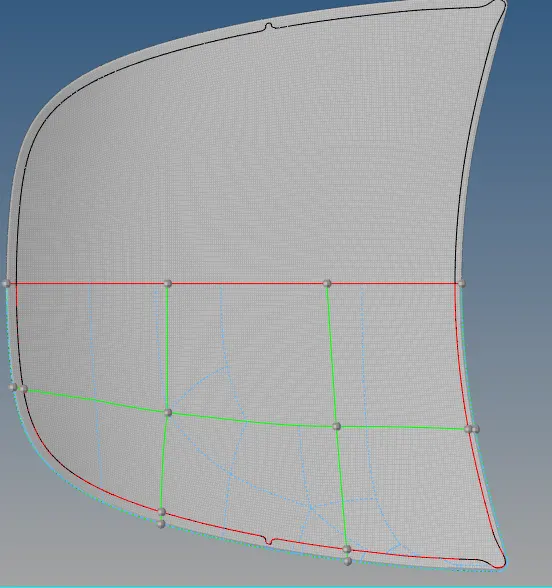
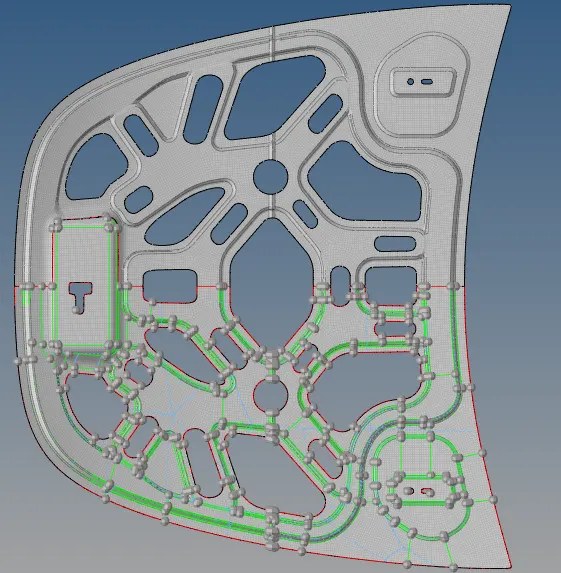
The mid surfaces which are symmetrical are cut chort in to two identical portions.
After completing meshing all the elemebts are mirrored using reflect option
Conclussion:
- Generated mid surfaces of the given components
- Performed gemotry clean up
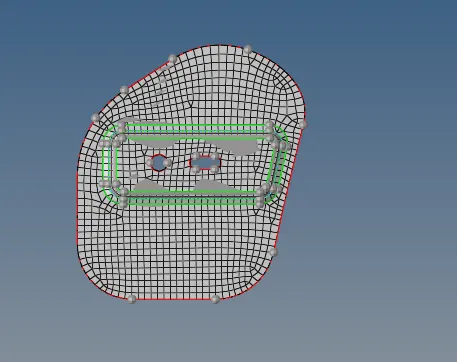
- Meshed the mid surfaces and eliminated all the quality errors.
Note :
Model file is not geting uploaded, so providing the drive link
https://drive.google.com/file/d/1WiAiIQD5GFrE3zN05DNMPj60FZ8bplnN/view?usp=share_link