Week 6-Meshing of Hood Challenge
Aim
To mesh the component with the given quality criteria.
Procedure
Step 1
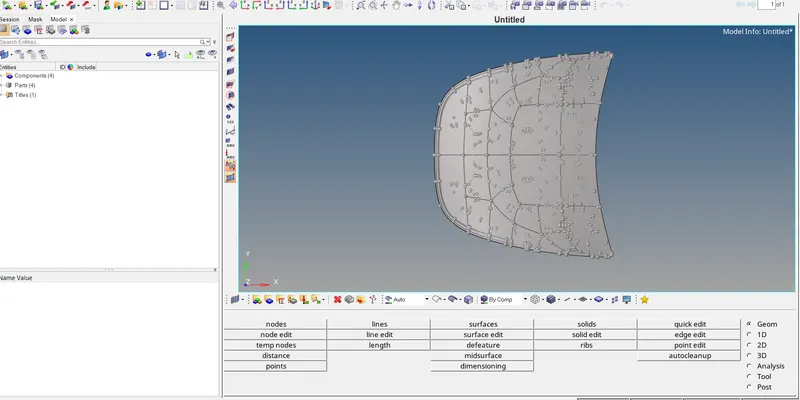
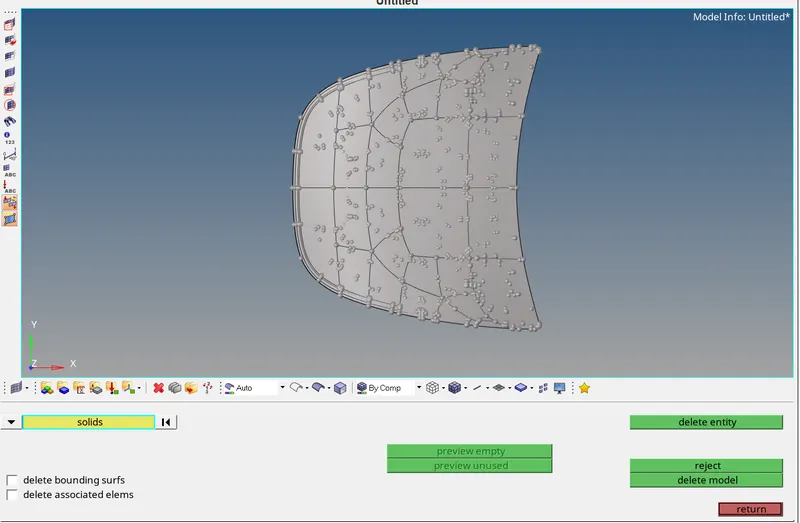
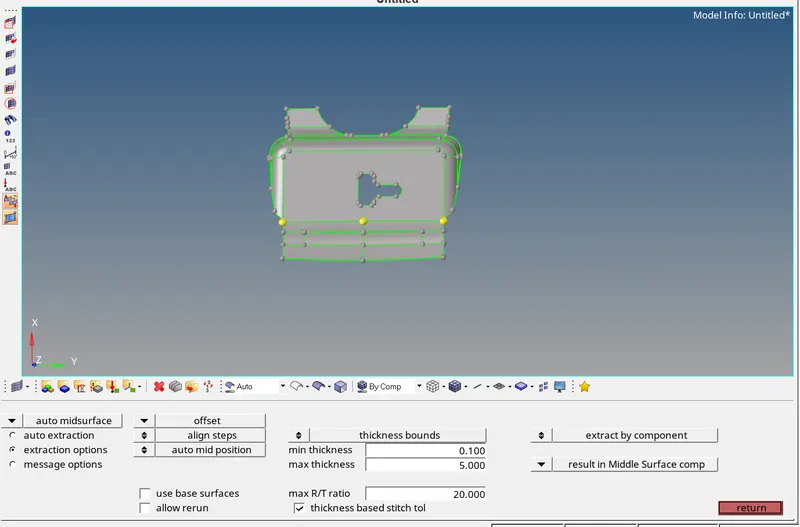
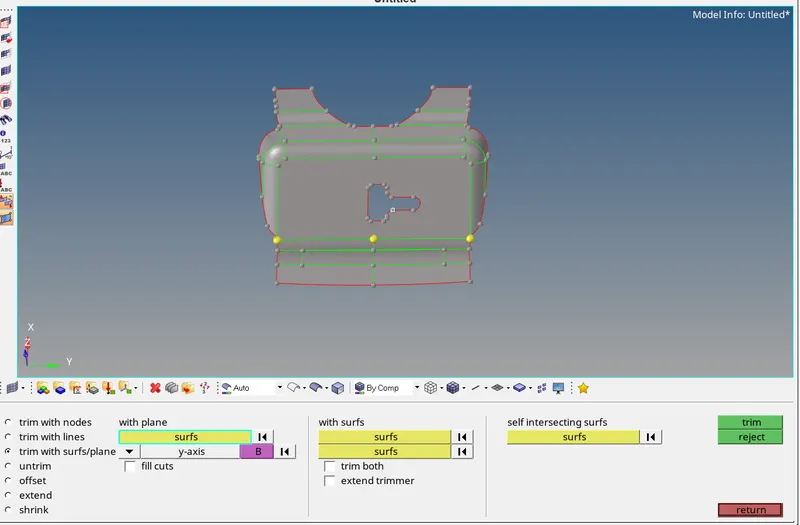
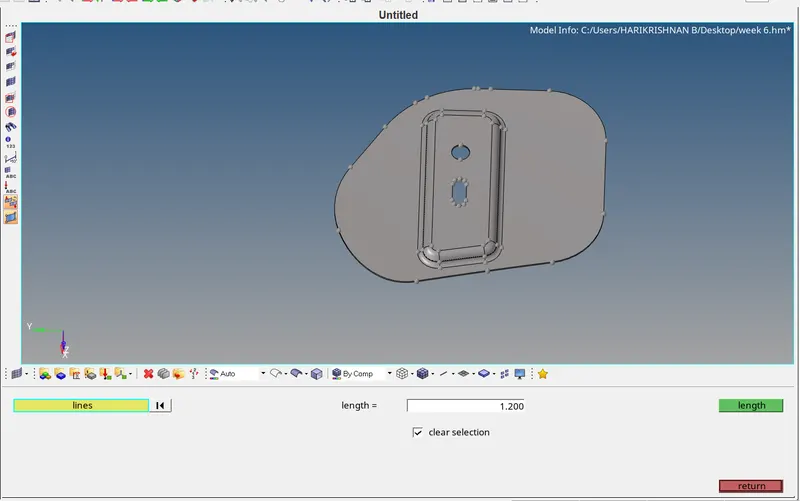
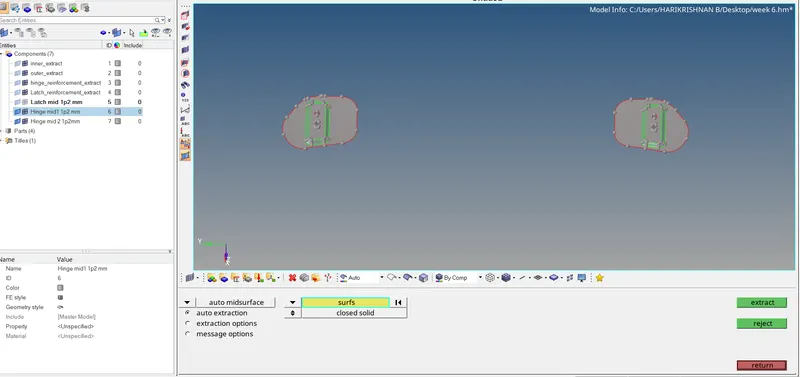
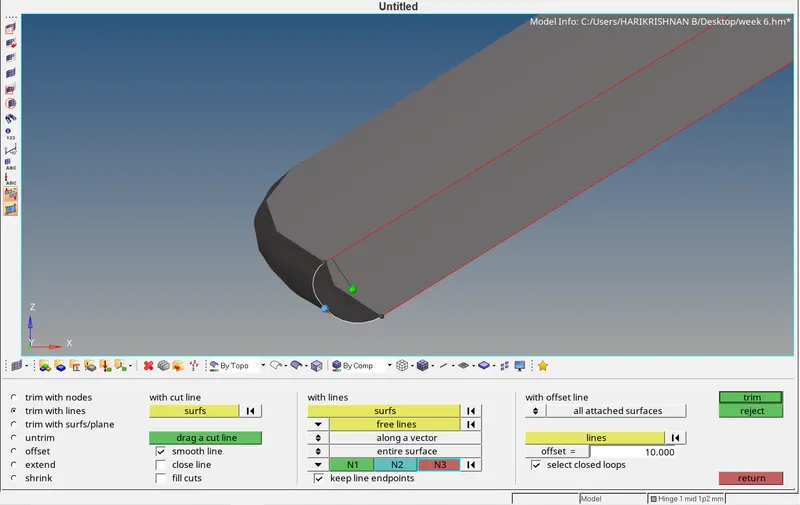
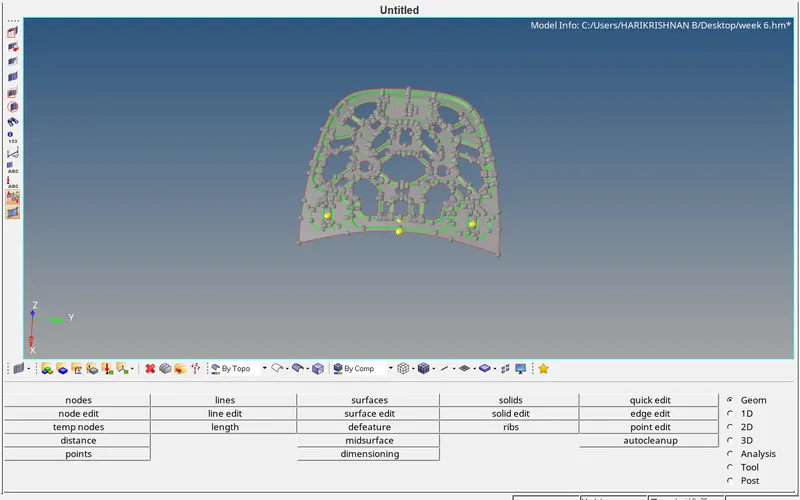
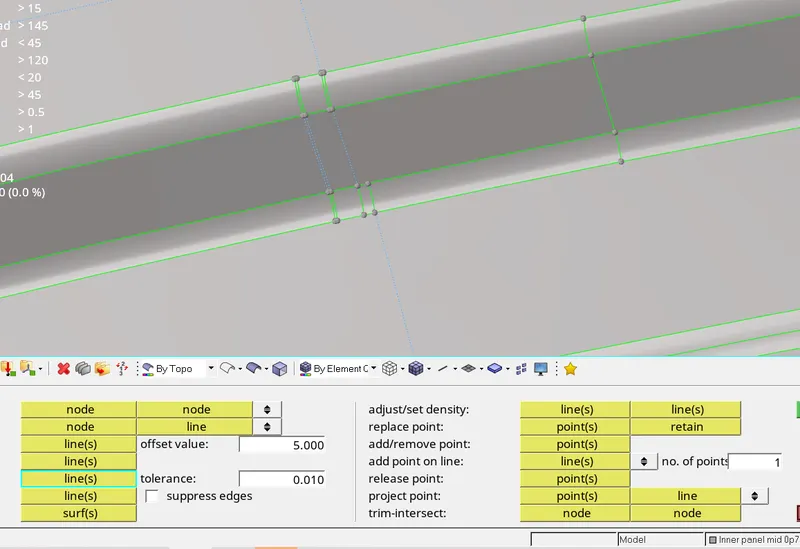
To extract the mid surface of the components of the components used the offset option and extracted the mid surface of the components, before that measured the thickness of the components.
Step 2
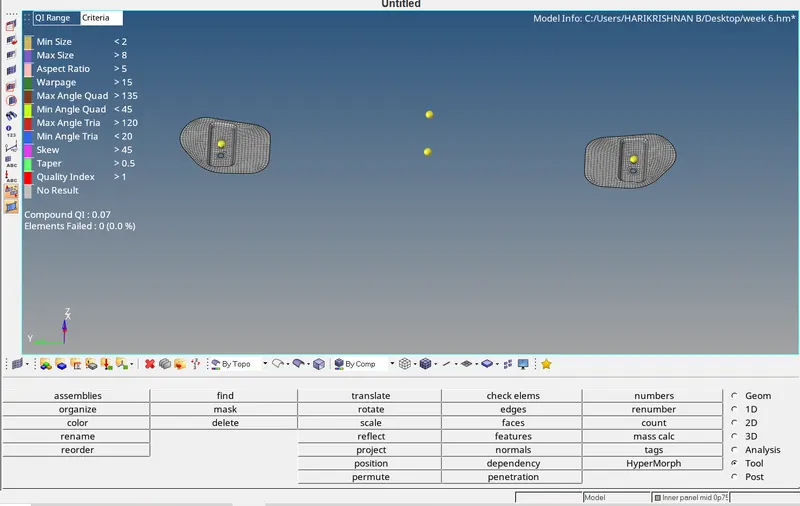
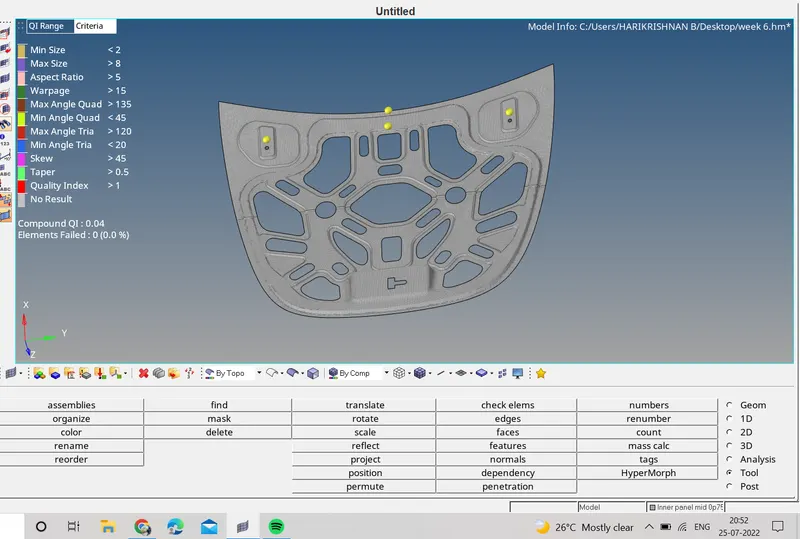
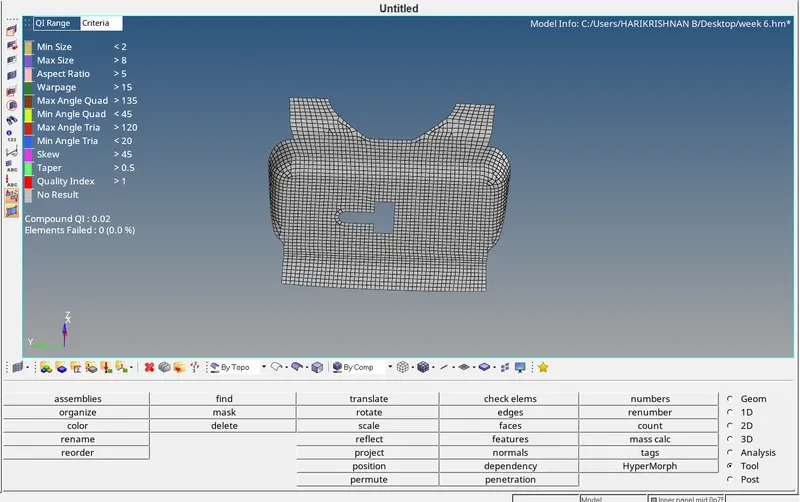
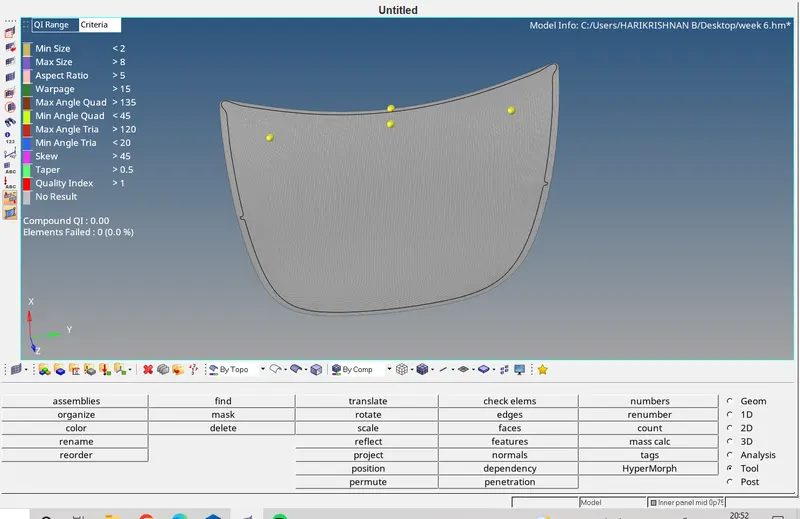
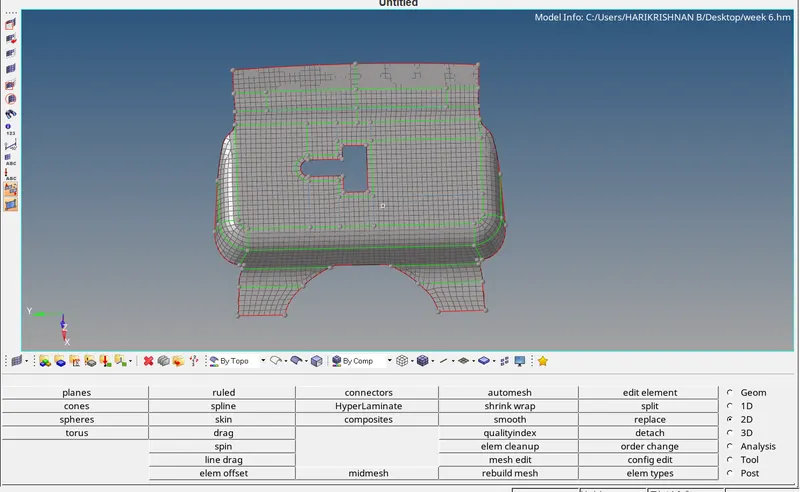
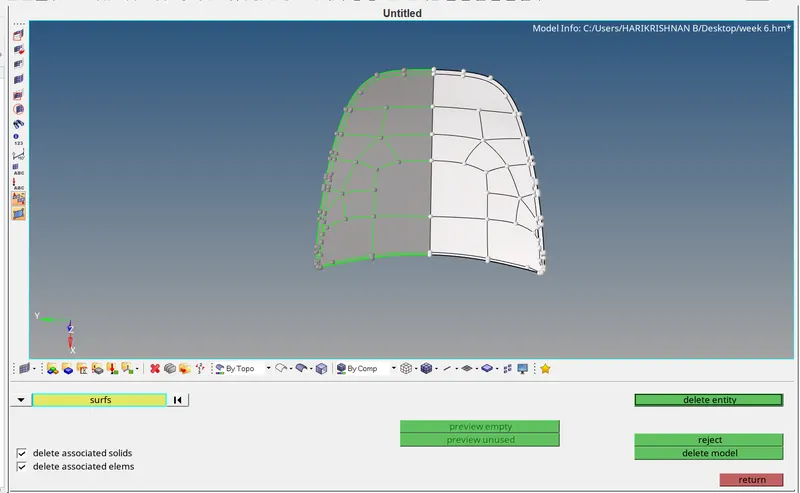
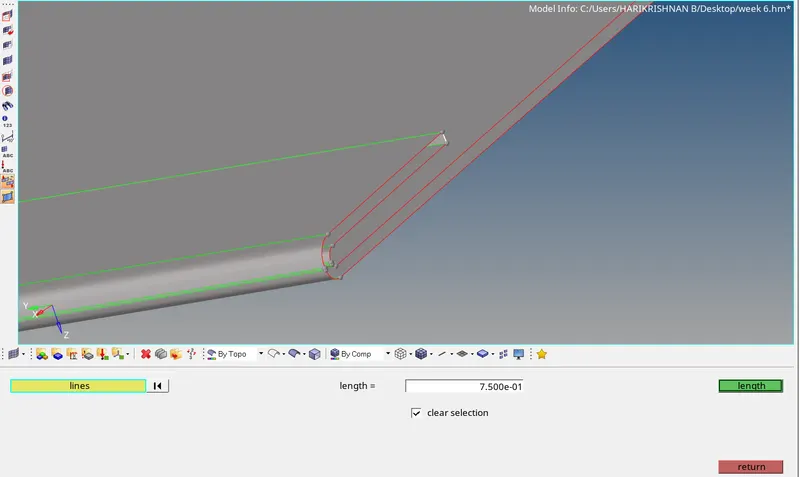
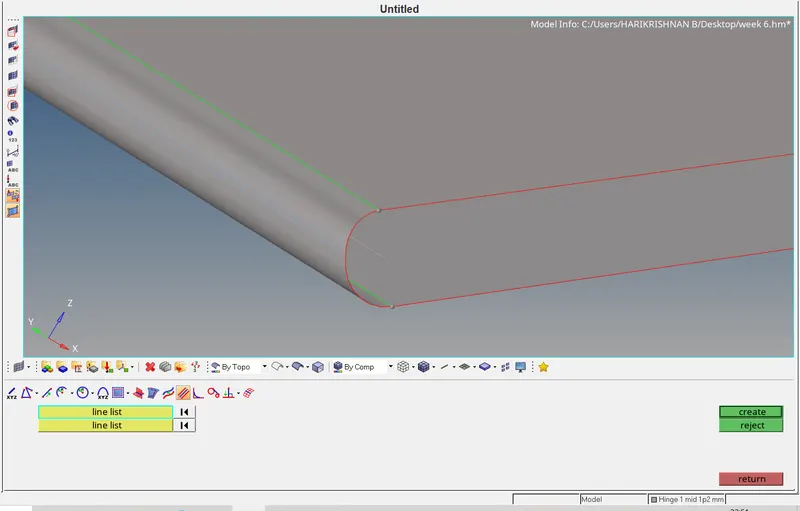
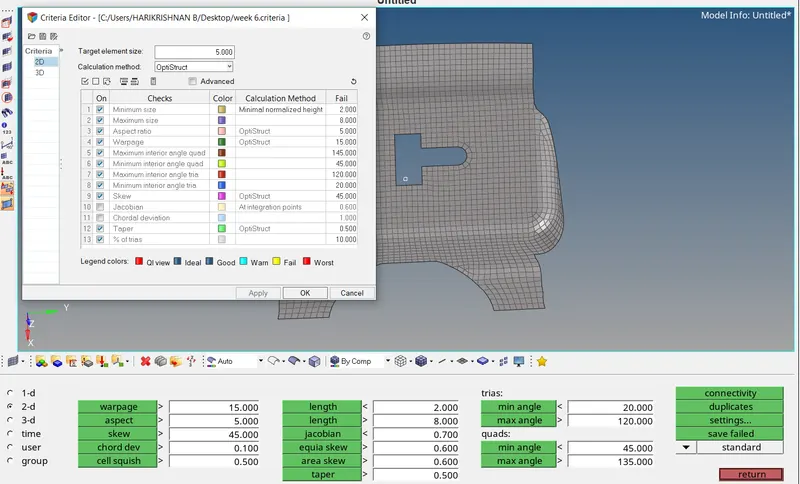
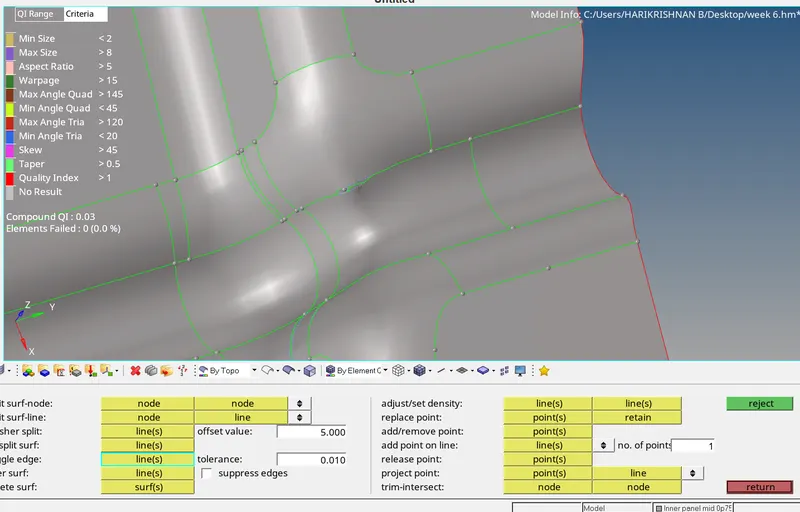
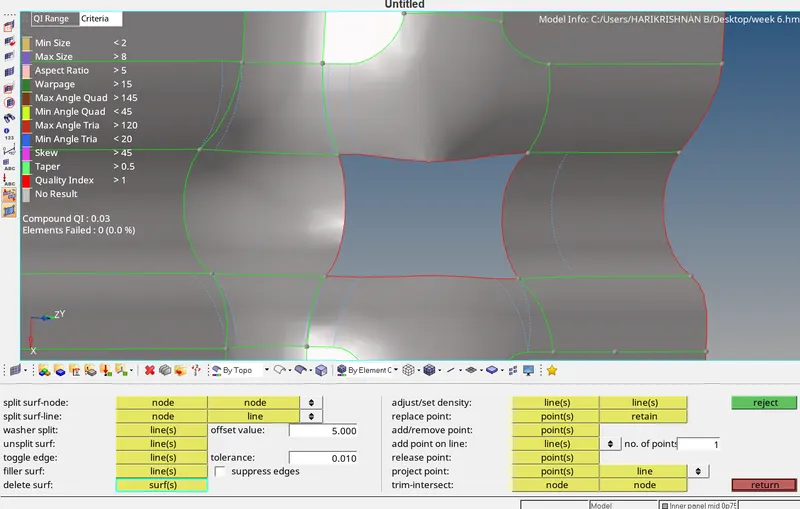
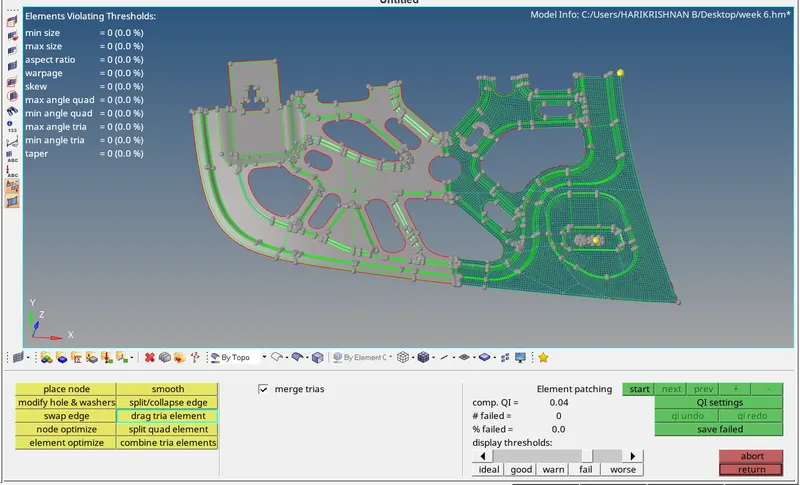
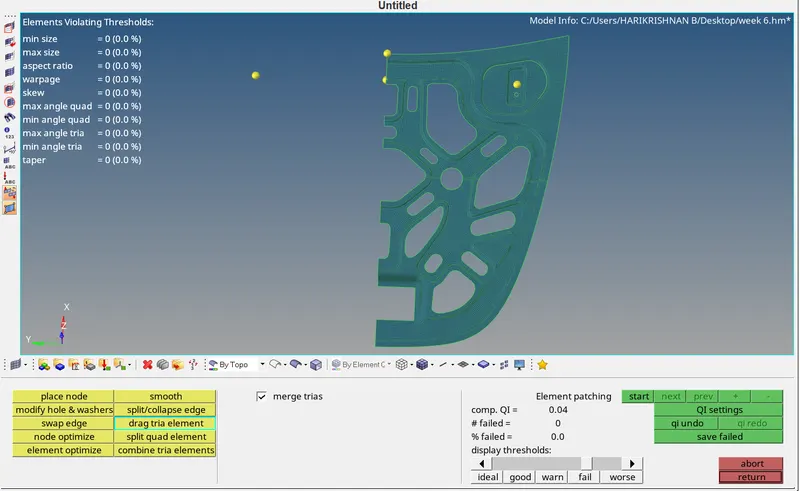
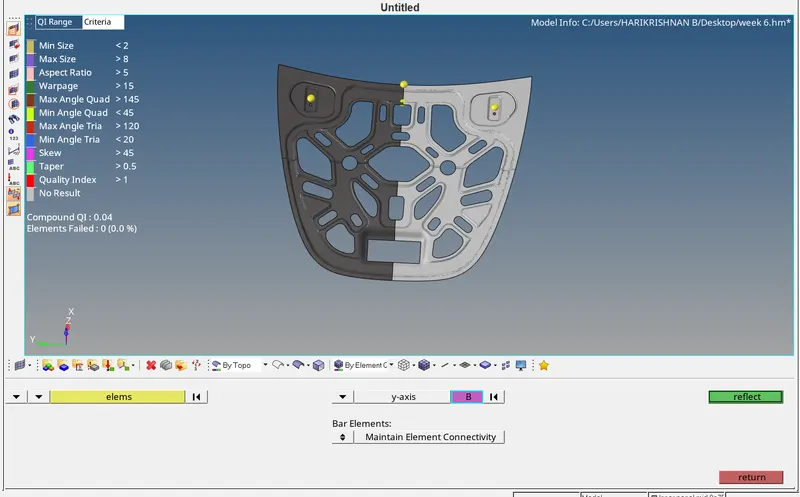
In the preferences, criteria files settings the given value of the quality intex given then one by one the components started to mesh, before that some of the lines doggled and created for the mesh flow. For the good mesh flow and quality issue using rebuild, quality index, element edit, node edit, quick edit, auto mesh, smooth and etc tools are used.Some components' larger position was mirror type, so I deleted half of the components and meshed further using the reflect option to reflect the mesh and using edges tool the mesh equivalence done. the thickness assigned with the components.
 |
 |
 |
 |
 |
 |
 |
 |
 |
 |
 |
 |
 |
 |
 |
|
 |
 |
 |
 |
Conclusion
I got a good knowledge about the tools, mesh, mesh flow and mesh quality clearing methods and understood the quality parameters. The given components mesh generated as pre the requirement.