Week 6-Meshing of Hood Challenge
AIM: To Mesh the model with given quality criteria and assign thickness.
| S.N | Quality Criteria | Value |
| 1 | Aspect Ratio | 5 |
| 2 | Skewness | 45 |
| 3 | Warping | 15 |
| 4 | Taper | 0.5 |
| 5 | Min. Length | 2 Units |
| 6 | Max. Length | 8 Units |
| 7 | Min angle Quad | 45 |
| 8 | Max angle Quad | 135 |
| 9 | Min angle Tria | 20 |
| 10 | Max angle Tria | 120 |
| 10 | Tria % | 10 |
MODEL
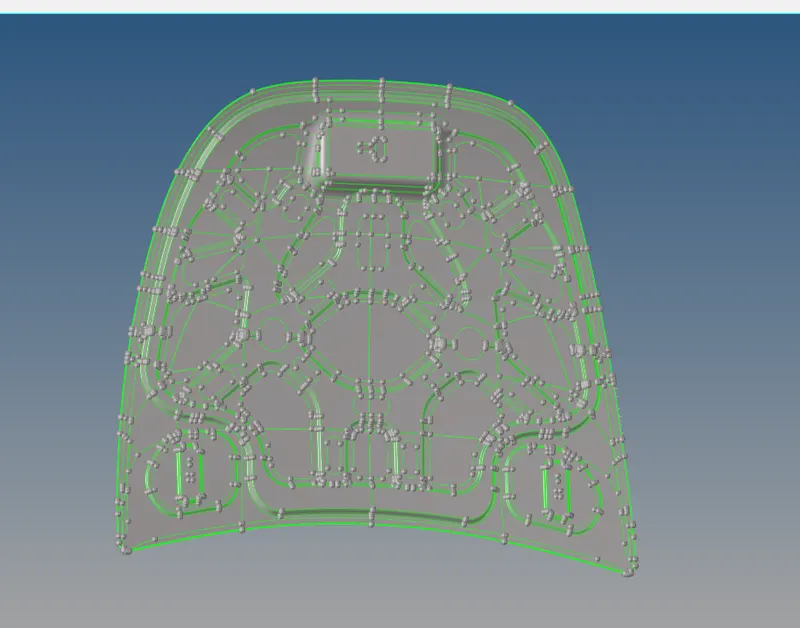
PROCEDURE
Setting the Quality criteria as per required using Preferences > Criteria file setting
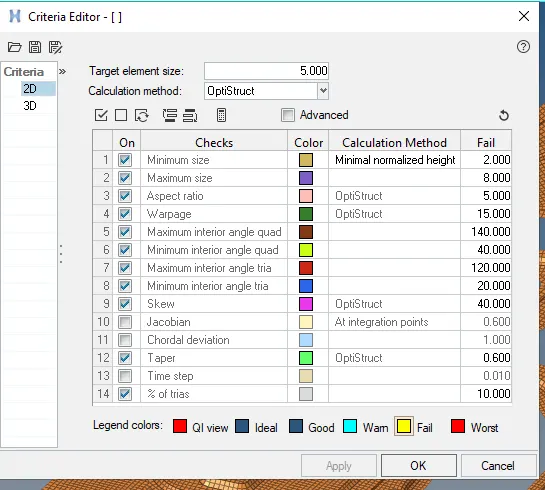
Extracting mid surface of each component .
Starting with the Latch component, extracting mid surface of it and geometry cleaning it.
HINGE PART
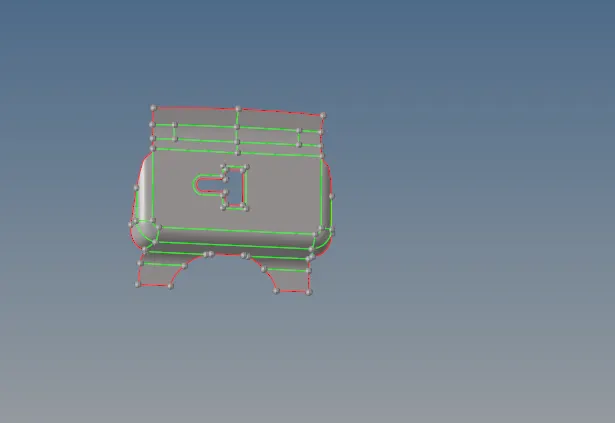
Then meshing the latch model with required element size.
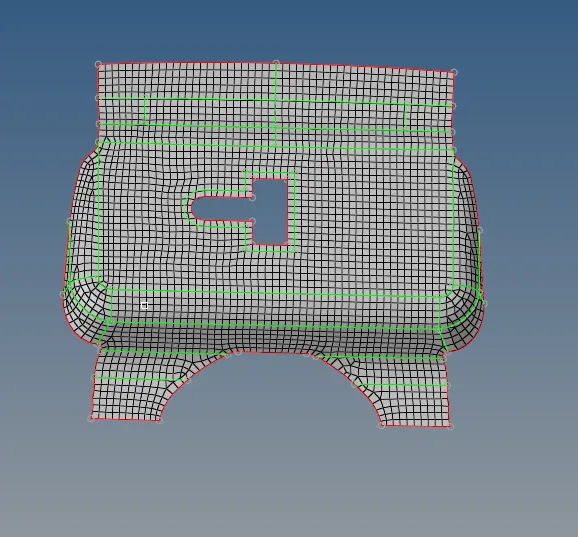
LATCH PART
Then Extracting mid surface of Latch part. 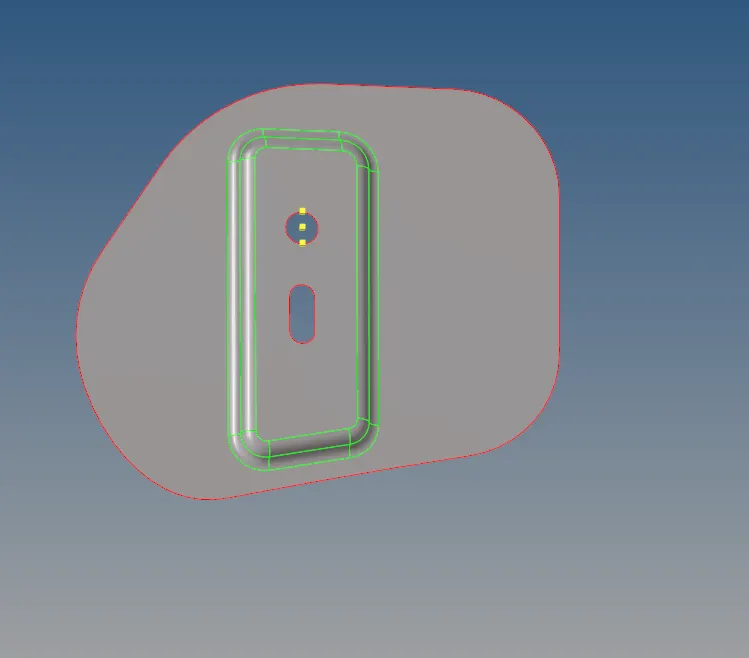
Then meshing the Latch part with required element size using 2D> Automesh. Then by using 2D>Rebuild mesh, made the mesh flow better and with lesser tria elements. 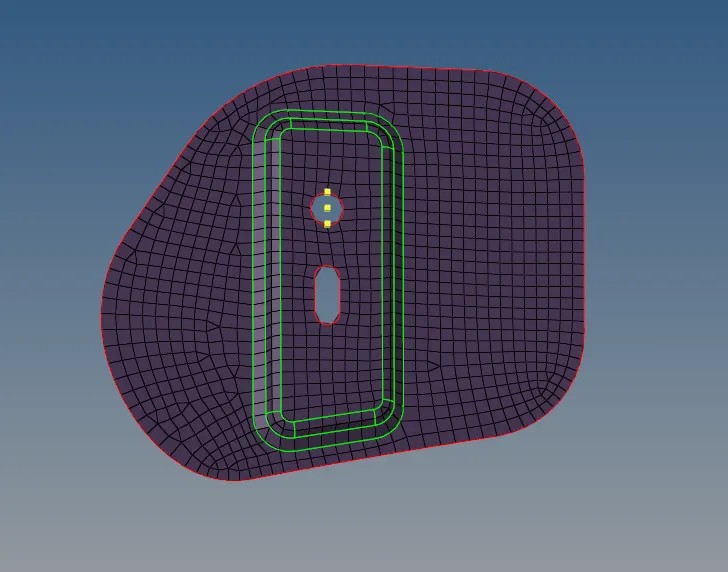 .
.
Then by using tools>reflect, reflected the mesh to the mirroring hinge present in the model. Before reflecting created base point by taking circle centre of twoLatch part and taking a mid point of them for the base point. Reflected the model along the Y-axis.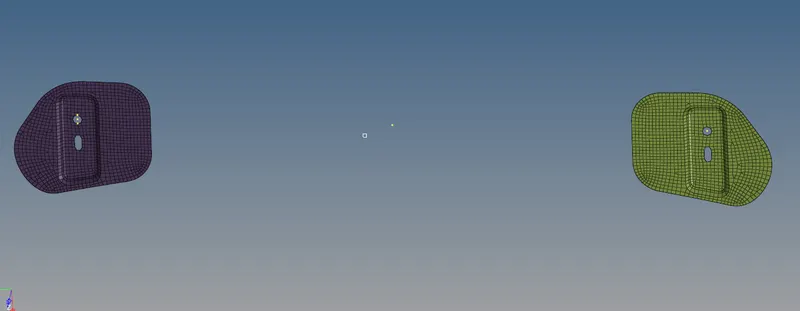
BASE HOOD
Then, taking mid for the hood base part.
Clearing the geometry ( Toggle, Replace nodes, split with nodes ) options to get better mesh flow.
kept only the mid line of the edges and toggled the other to get a smooth mesh and mesh without error.
After geometry clean up of base hood. 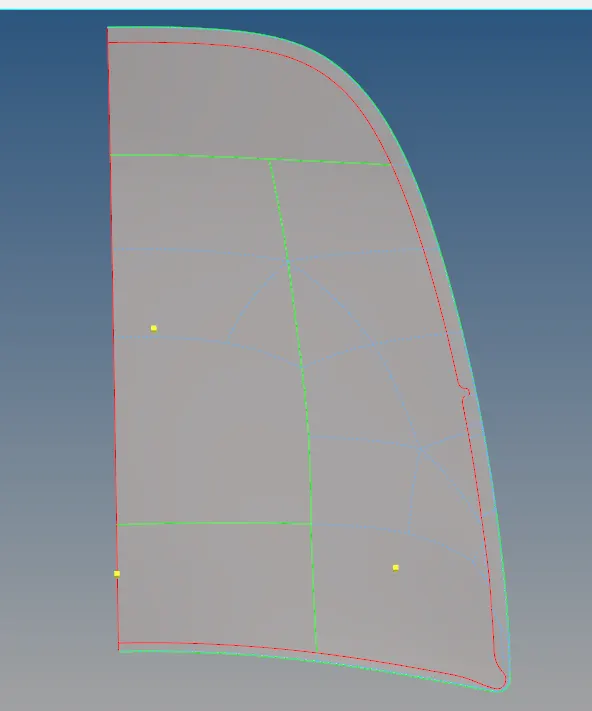
after meshing the one half, reflected the other half using tools>refloect option.
After meshing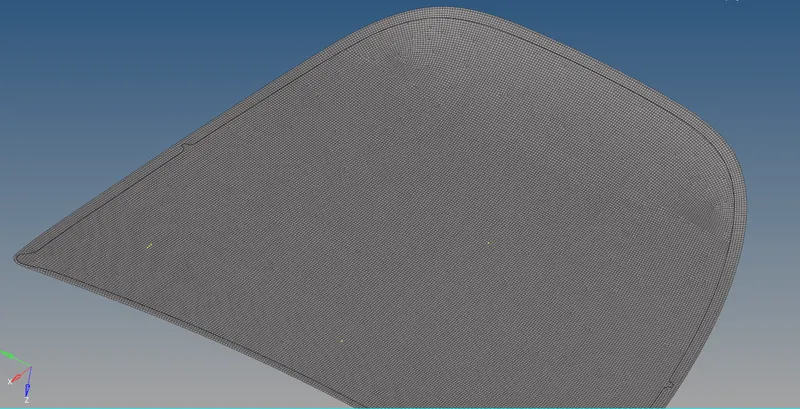
INNER HOOD
mid surface of the inner hood is extracted, then geometry cleaned up using the Geometry>Quick edit option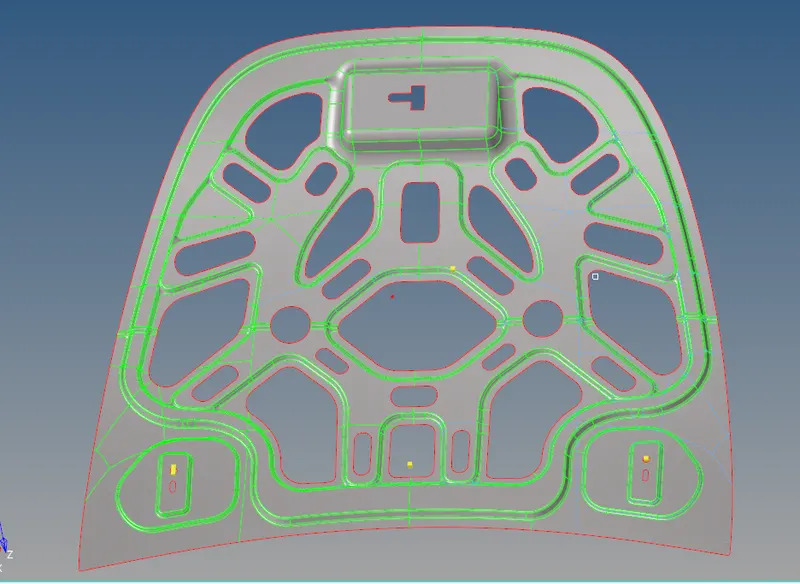
Then, meshed the part with requied element size( 5mm). 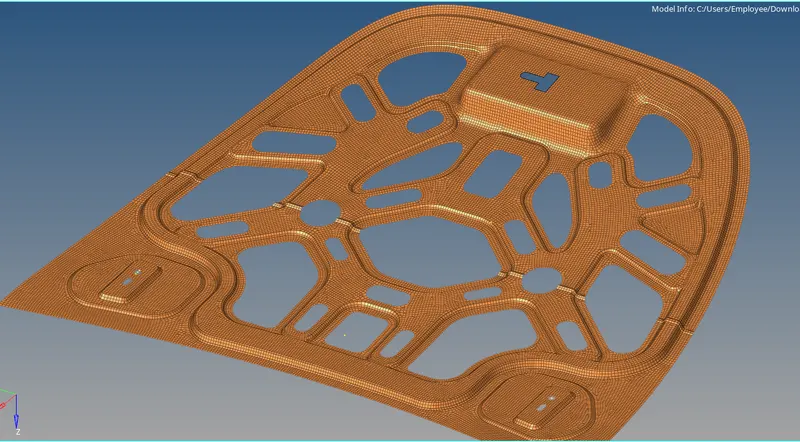
Meshed model without any element failure.
LEARNING OUTCOME
Geometry clean up,
Midsurfacing and meshing the part with quality criteria.
Using Tools>Reflect option, element criteria setting, Check edges.
Thanks,
Vishal R