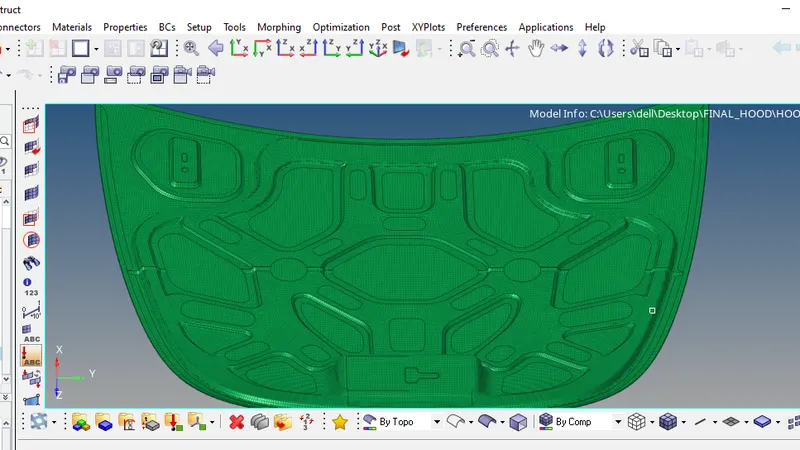
Week 6-Meshing of Hood Challenge
OBJECTIVE: To mesh the CAD model of a CAR HOOD considering the given Element Quality Criteria and then applying the thickness.
| S.N | Quality Criteria | Value |
| 1 | Aspect Ratio | 5 |
| 2 | Skewness | 45 |
| 3 | Warping | 15 |
| 4 | Taper | 0.5 |
| 5 | Min. Length | 2 Units |
| 6 | Max. Length | 8 Units |
| 7 | Min angle Quad | 45 |
| 8 | Max angle Quad | 135 |
| 9 | Min angle Tria | 20 |
| 10 | Max angle Tria | 120 |
| 10 | Tria % | 10 |
PROCEDURE: A) Importing the CAD model
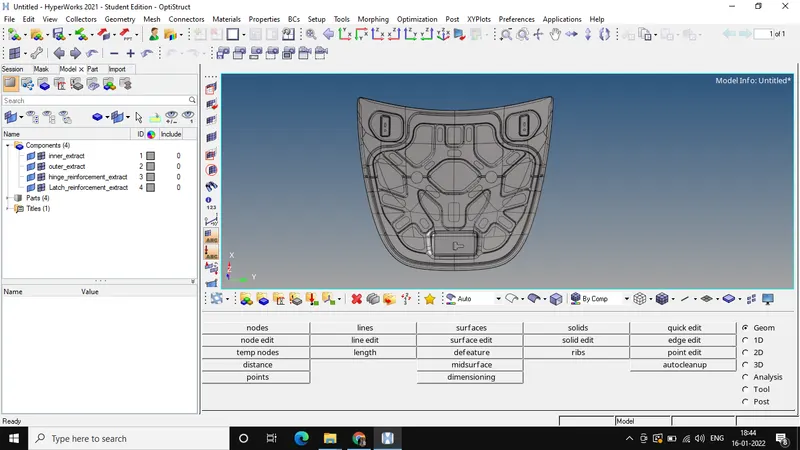
B) Delete the solids and extract the midsurface of each of the components separately.
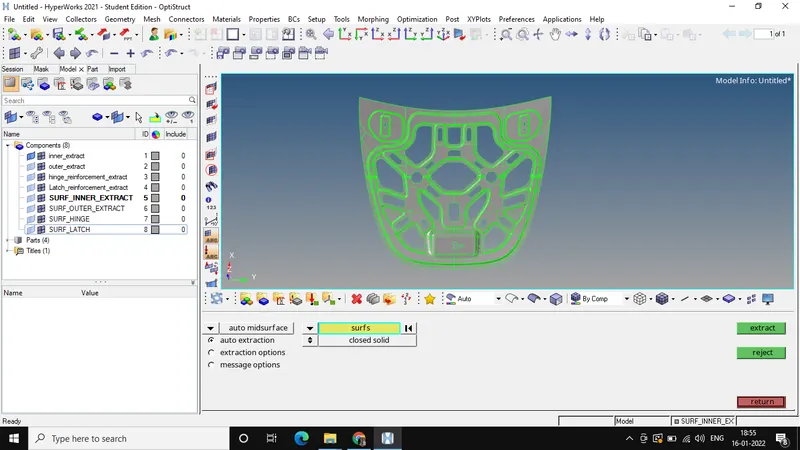
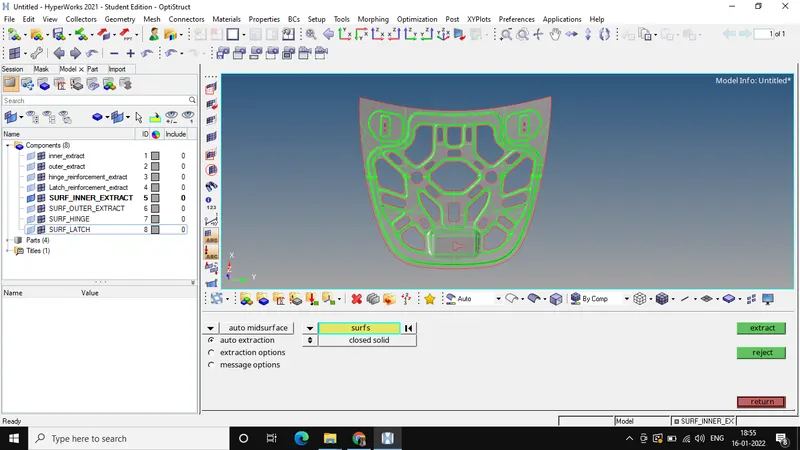
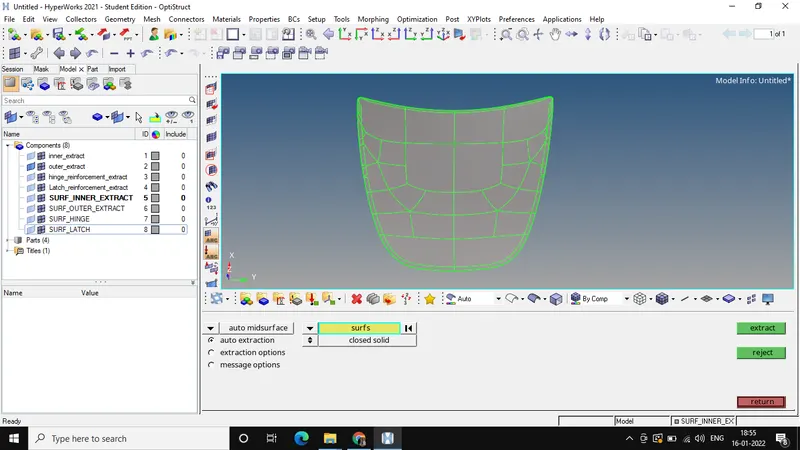
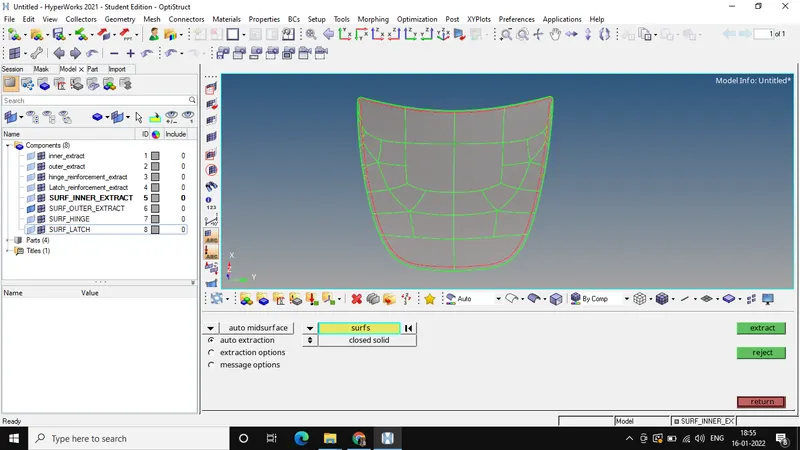
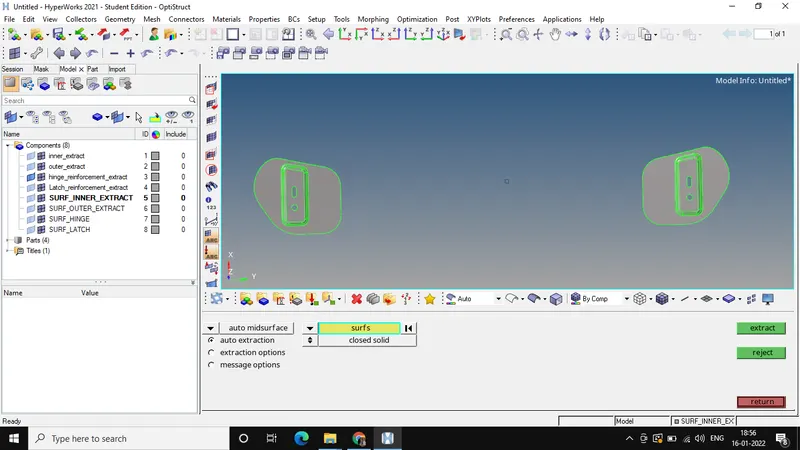
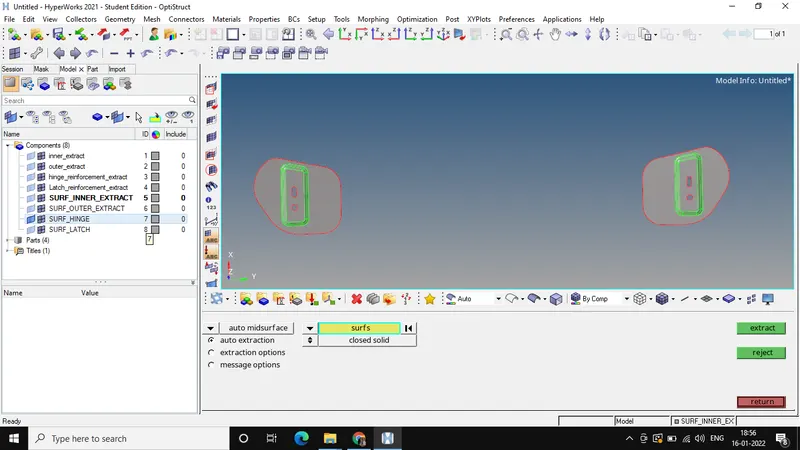
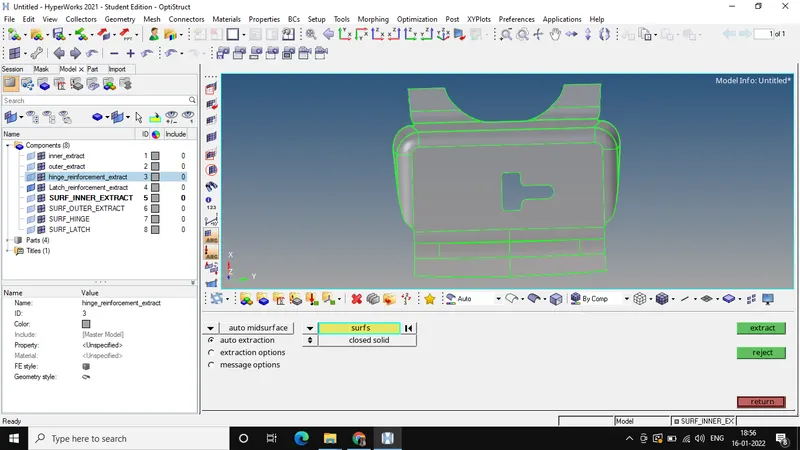
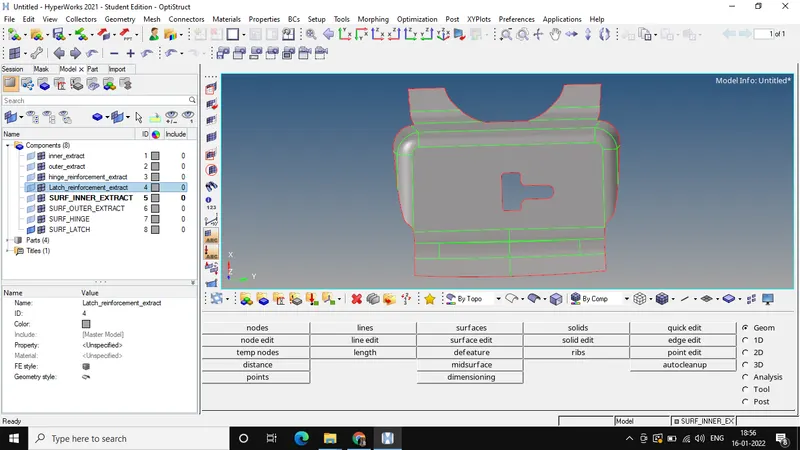
C) Apply all the element quality parameters.
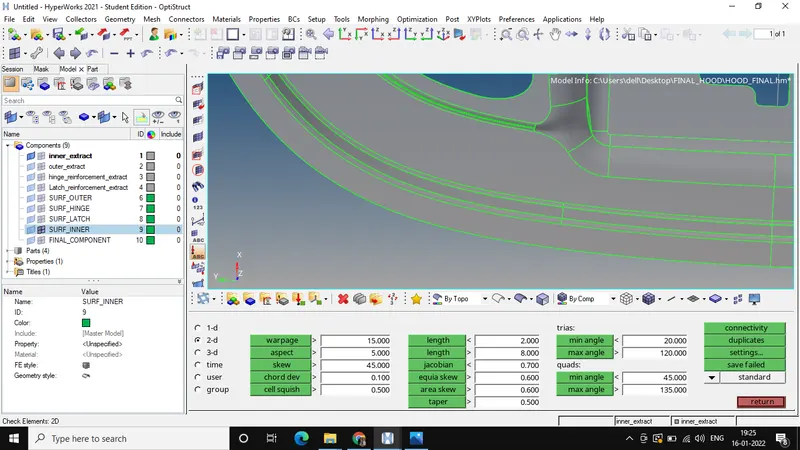
D) Working on each components separately.
1)INNER_EXTRACT:
a)Deleting the symmetrical surfaces if any by using surface edit tool.
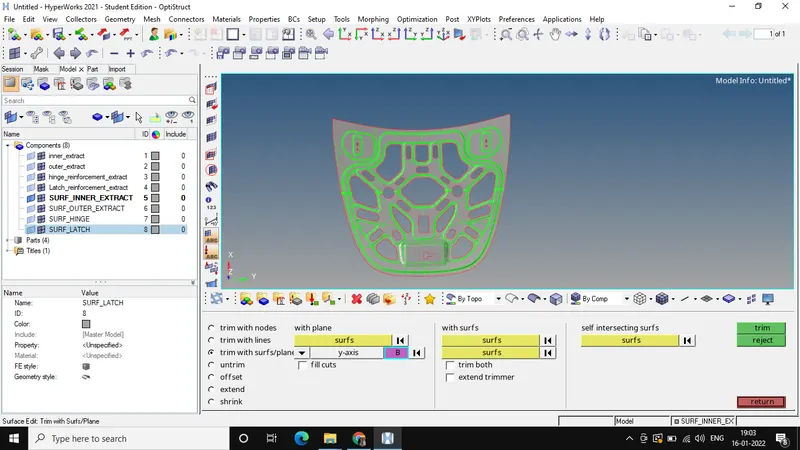
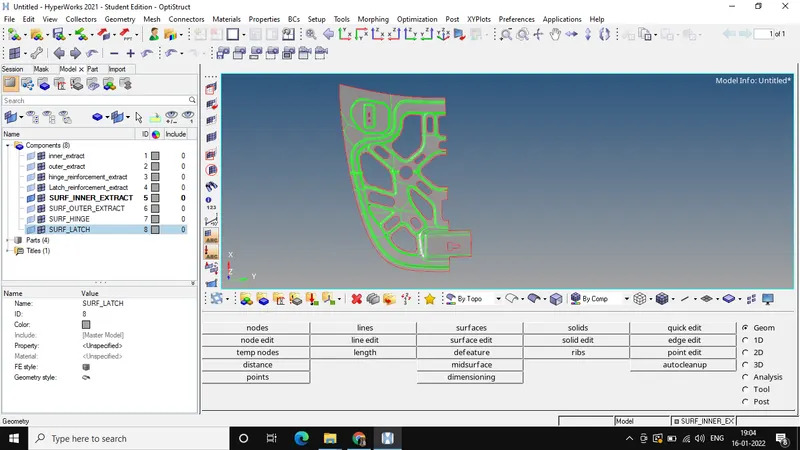
b) Toggle all the unwanted lines which doesn't contribute much to the analysis, draw lines at appropriate locations so that structured mesh is created.
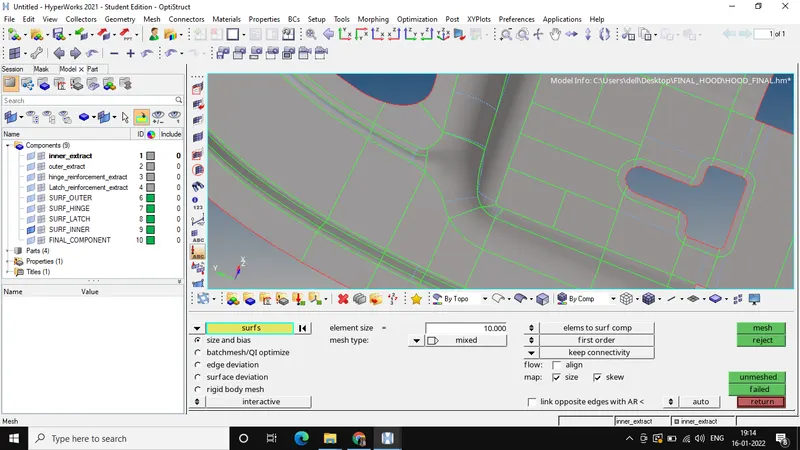
c) Meshing with the Element target size as 5 units, applying washer near holes by maintainging the element quality criteria.
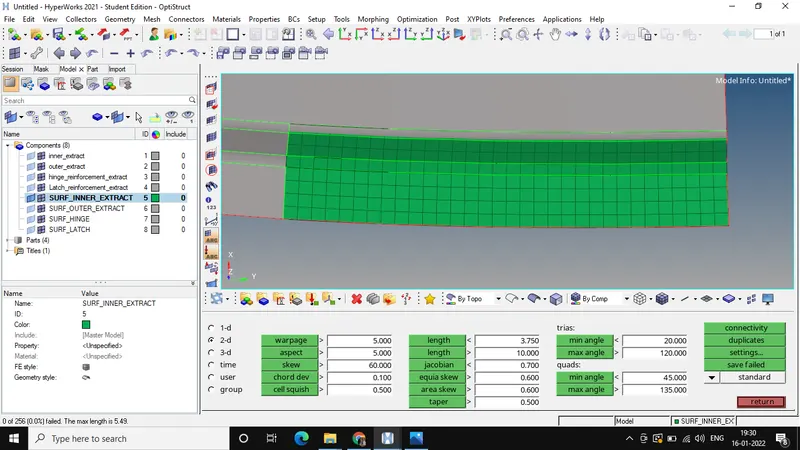
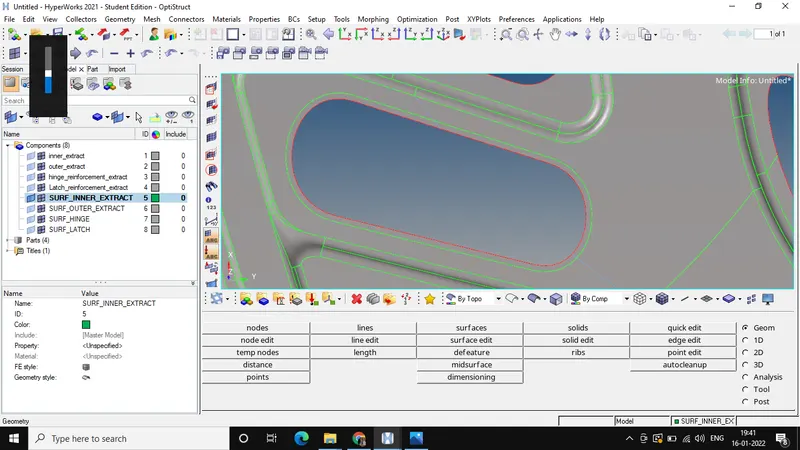
d) Reflect all the elements to the other half side of the symmetrical part by using Reflect tool, making sure that the elements are duplicated first.
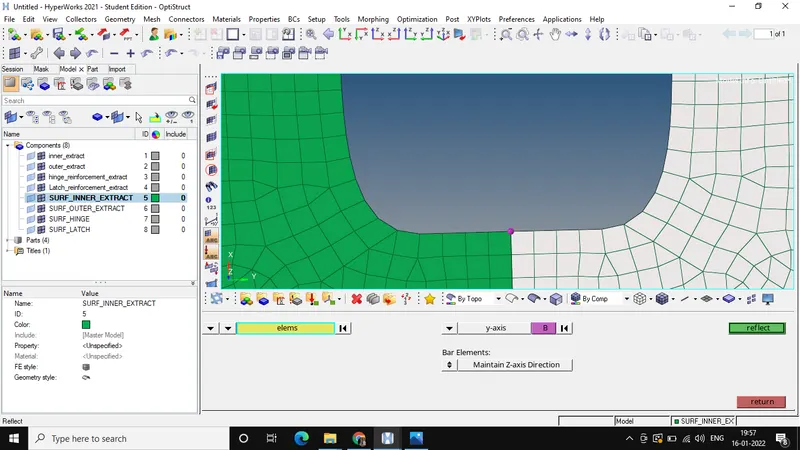
e) Checking free edges, if any, removing them using equivalence option.
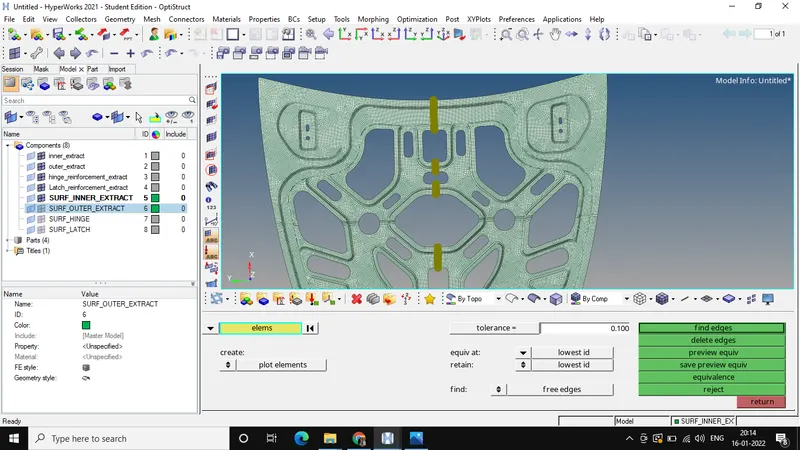
f) Final FE model of INNER EXTRACT.
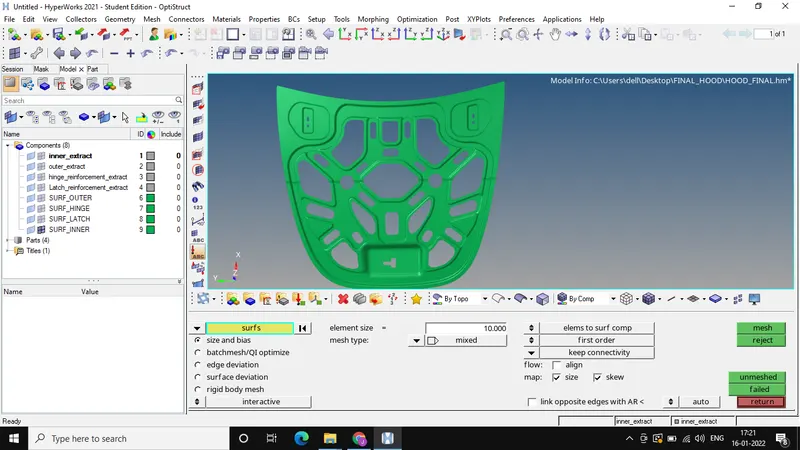
2) OUTER EXTRACT
a) Deleting the symmetrical surfaces if any by using surface edit tool.
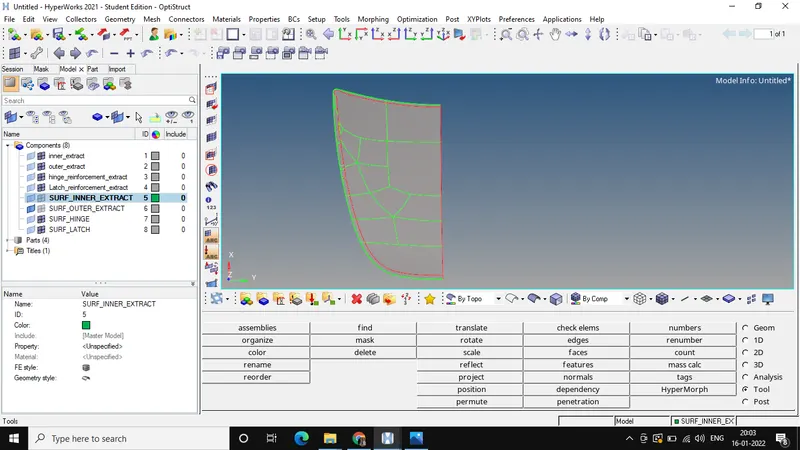
b) Toggle all the unwanted lines which doesn't contribute much to the analysis, draw lines at appropriate locations so that structured mesh is created.
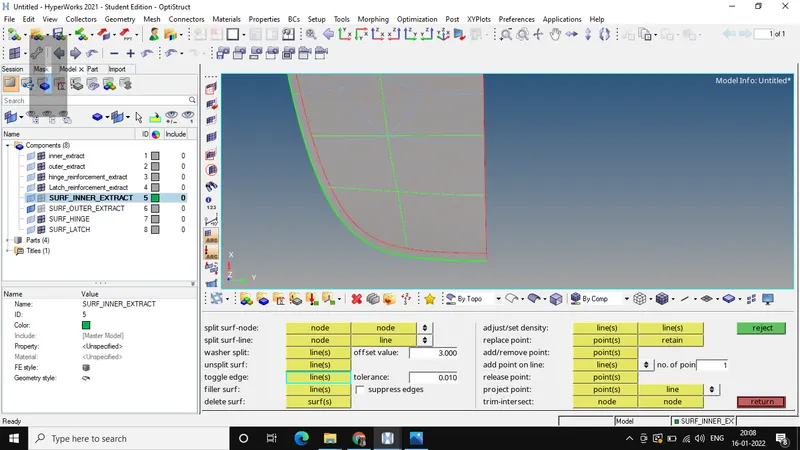
c) Creating Midline near hem region using mid line option and then trimmimg the surface using this midline using surface edit tool and then meshing the surfaces.
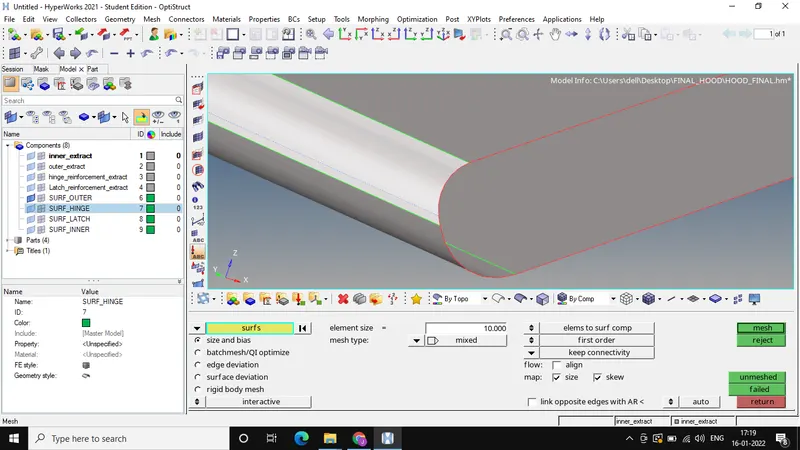
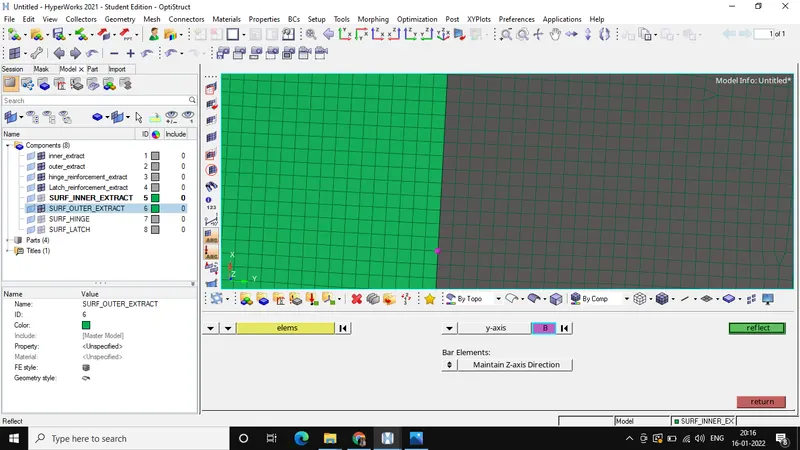
d) Reflect all the elements to the other half side of the symmetrical part by using Reflect tool, making sure that the elements are duplicated first
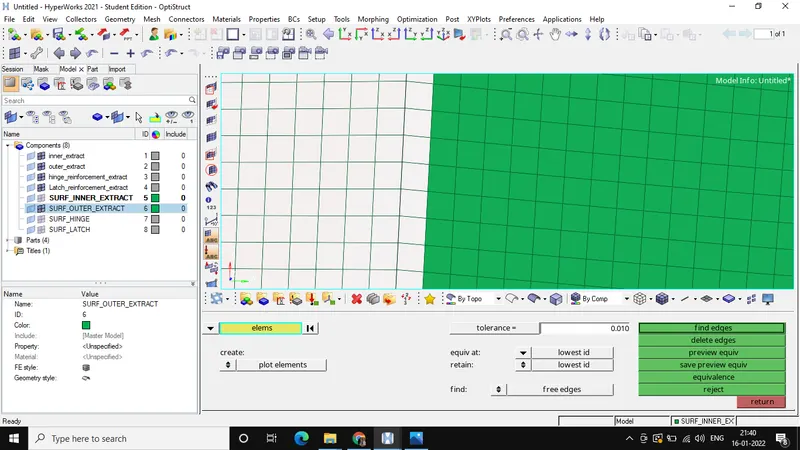
e) Checking free edges, if any, removing them using equivalence option.
f) Final FE model of OUTER EXTRACT.
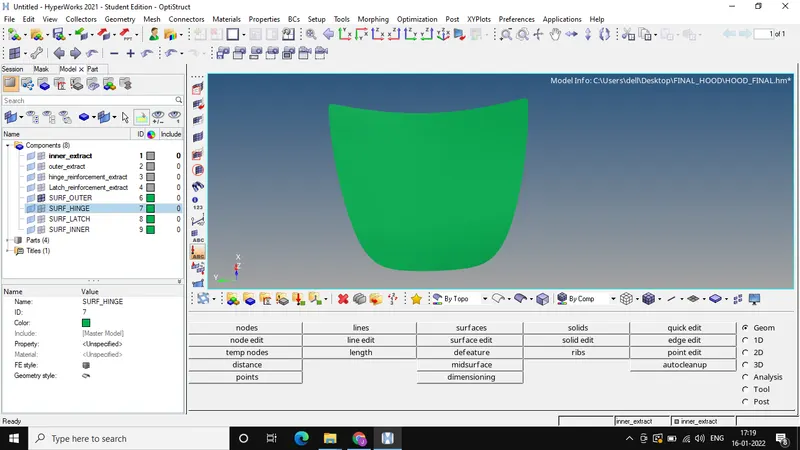
3) HINGE REINFORCEMENT.
a) Toggle all the unwanted lines which doesn't contribute much to the analysis, draw lines at appropriate locations so that structured mesh is created.
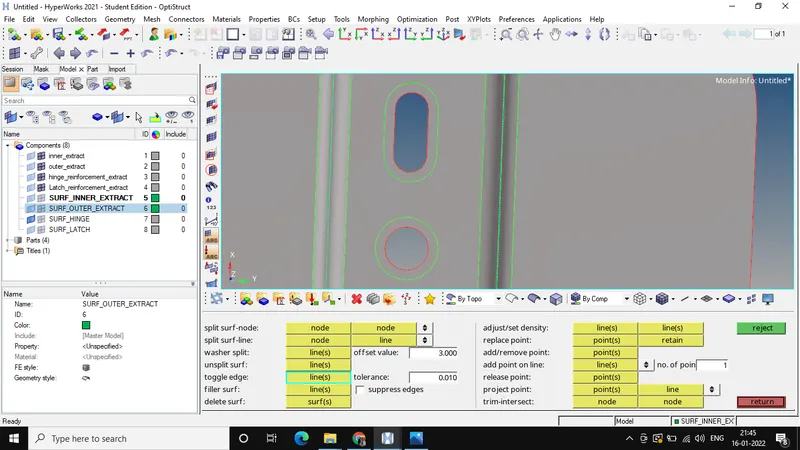
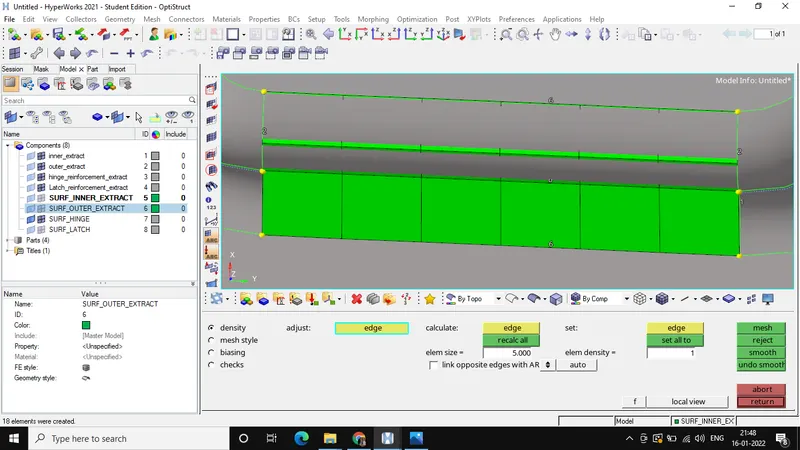
b) Meshing the surfaces and simultaneously checking the Element quality criteria.
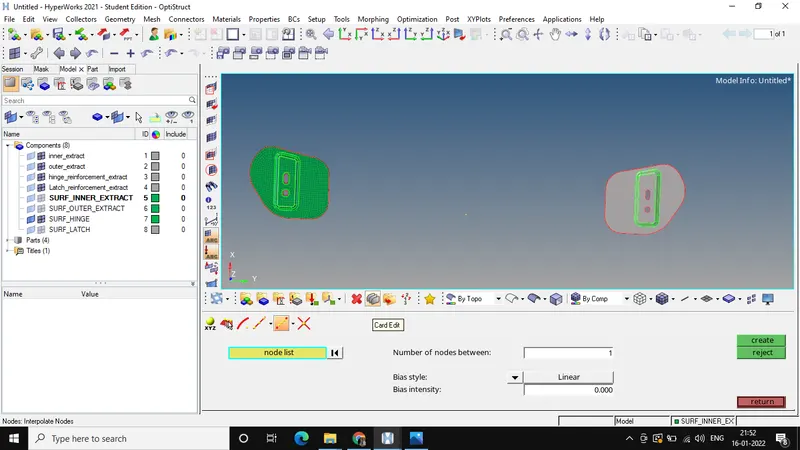
c) Creating a node exactly between to components so as to reflect all elements from one components to another, and use that node as a base node to reflects all the elements.
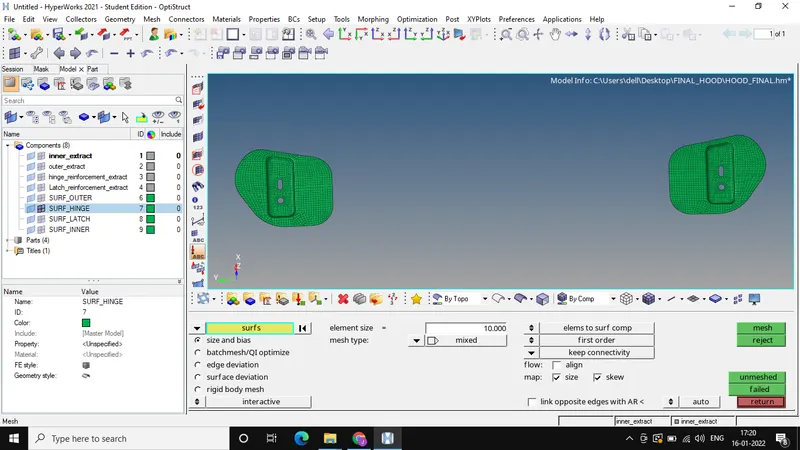
d) Final FE Model of HINGE REINFORCEMENT
4) LATCH REINFORCEMENT.
a) Toggle all the unwanted lines which doesn't contribute much to the analysis, draw lines at appropriate locations so that structured mesh is created.
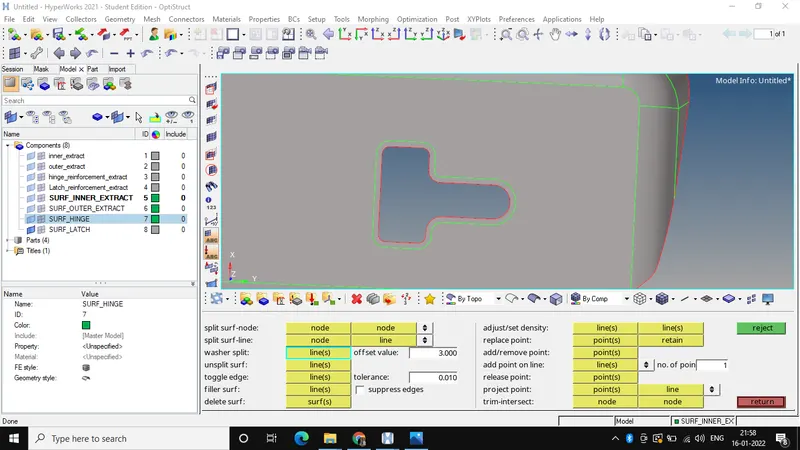
b) Meshing the surfaces and simultaneously checking the Element quality criteria.
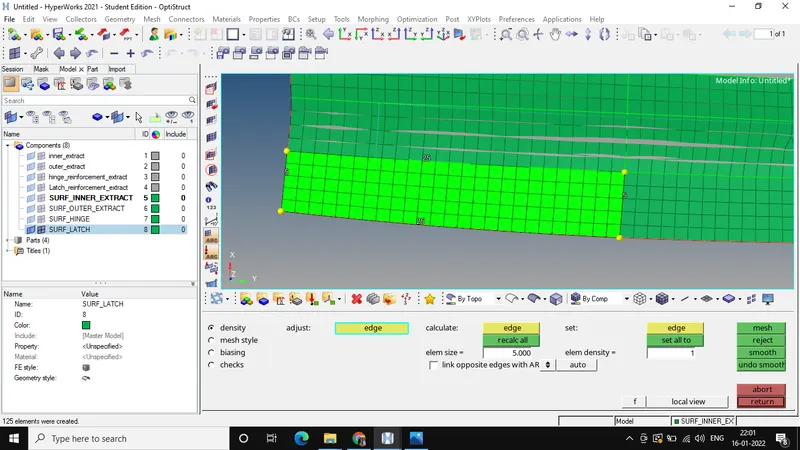
c) Final LATCH REINFORCEMENT
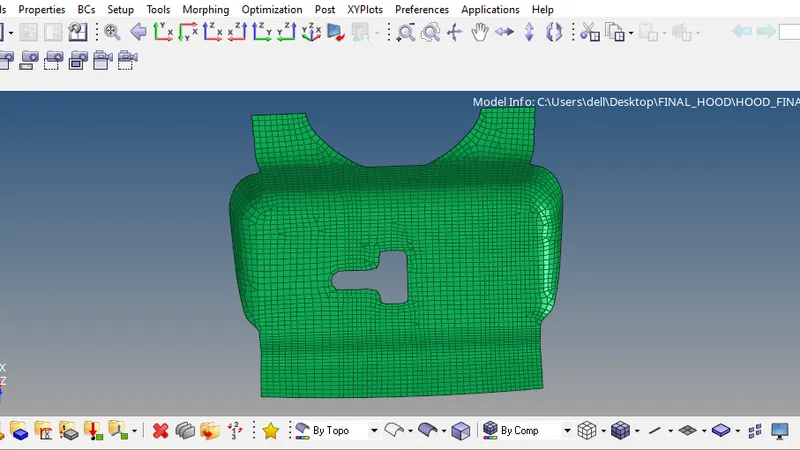
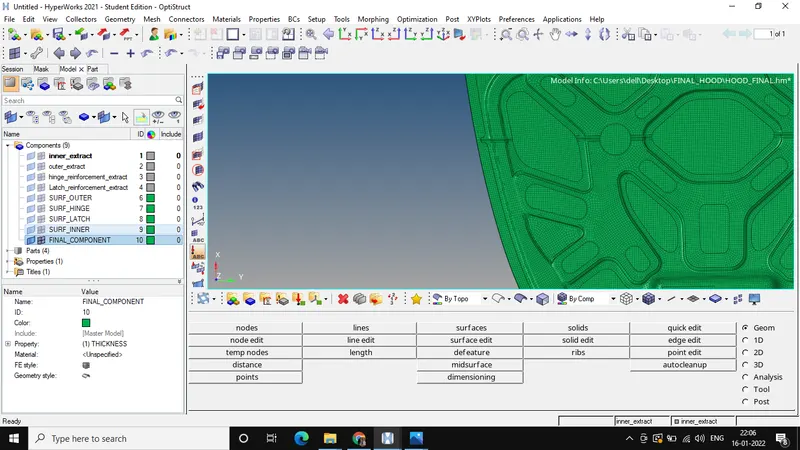
E) Creating a new component named FINAL COMPONENT and moving all the above mesh model into this one single component using Organize option.
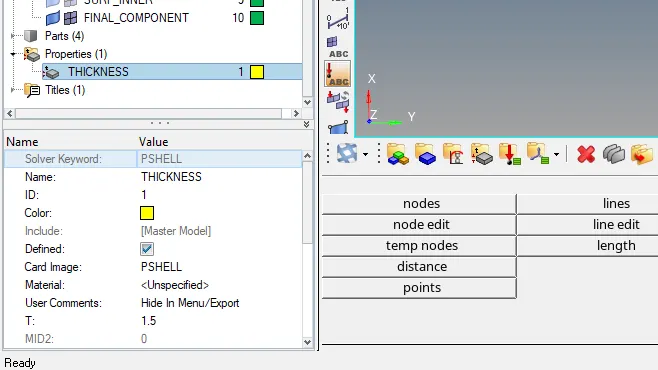
F) Creating a property and giving a thickness of 1.5 units
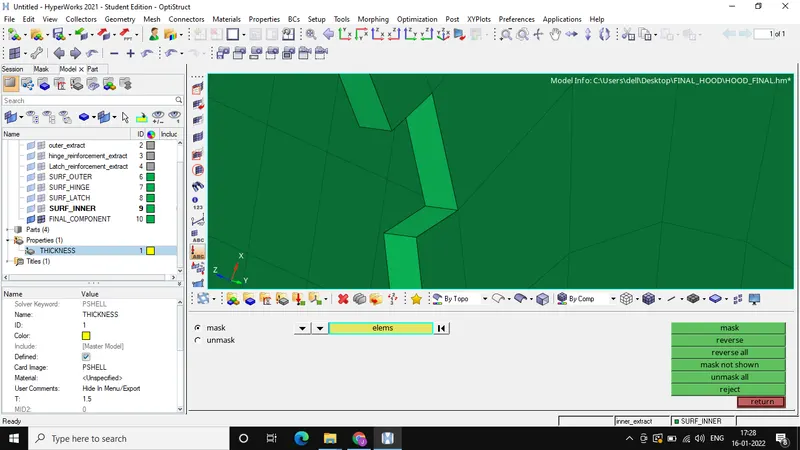
G) Assigning this new property to the FINAL COMPONENT and now 3D element can be seen by masking the adjacent element.
FINAL FE MODEL OF CAR HOOD: