Week 4-1D Element Creation Challenge
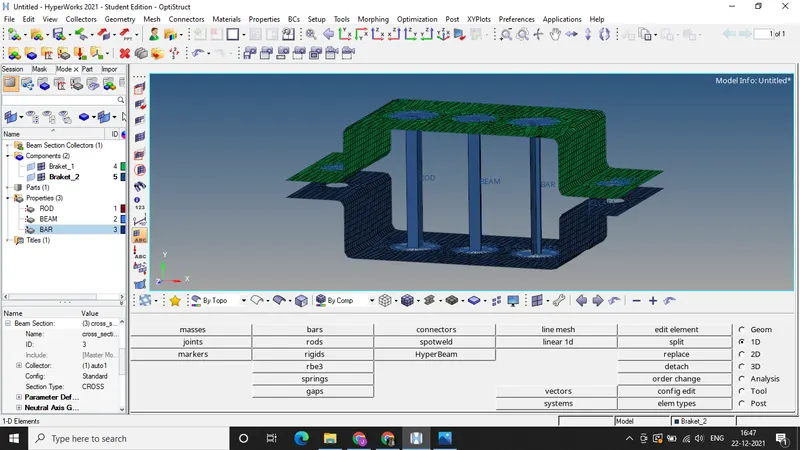
Objective : Generate 2D mesh of a given component by extracting midsurfaces, and to creating RBE2,RB23 links at specific locations and assigning the respective cross sections to each of the created elements.
CAD Image:
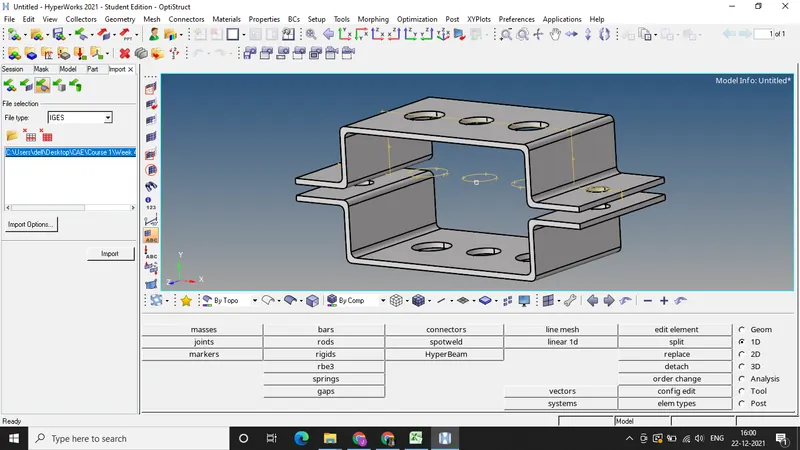
Procedure: a) Extracting midsurfaces of both the components
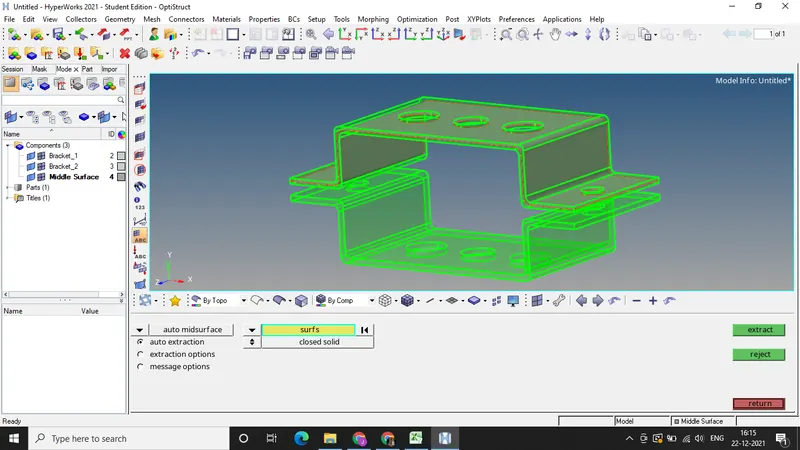
b) Deleting the solids and surfaces of both the components.
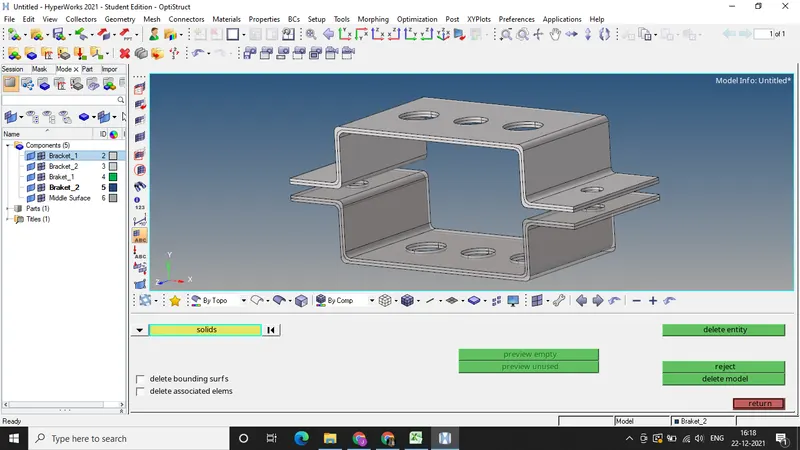
c) Extracted surfaces
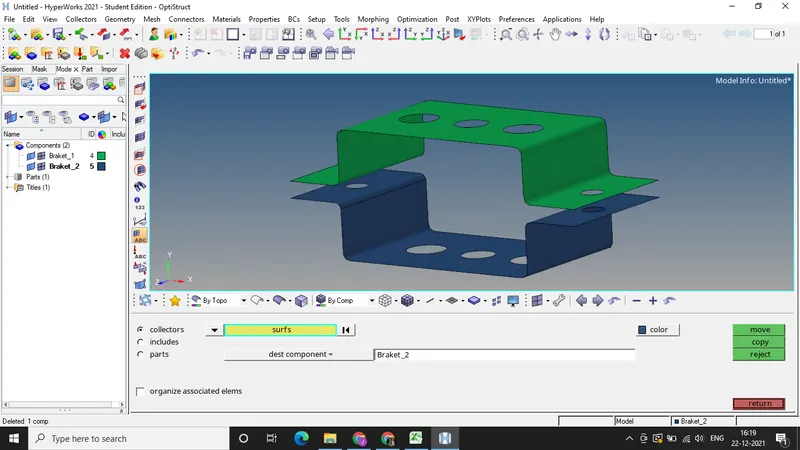
d) By selecting the washer split near the holes and generating 2D mesh of element size 5 units.
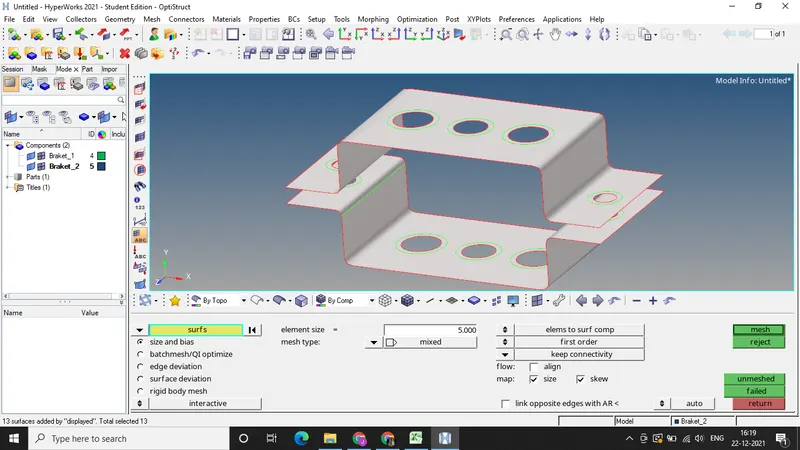
e) Mesh has been generated
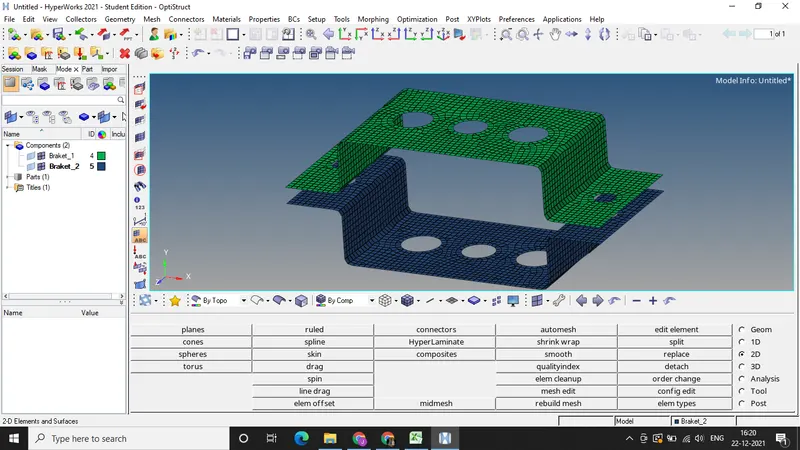
f) RBE-2 link has been created at specified location.
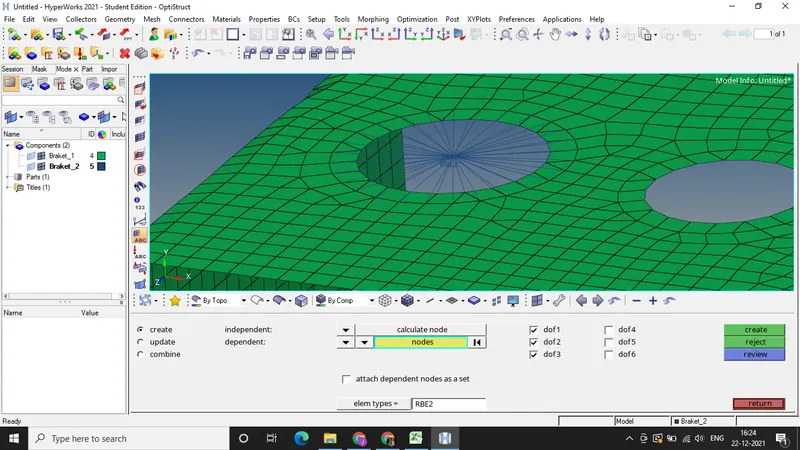
g) RBE-3 link has been created at specified location.
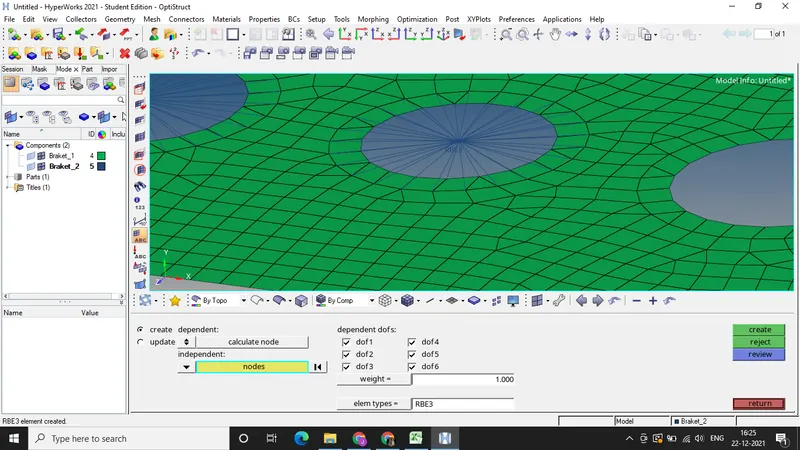
h) RBE-3 link has been created at specified location.
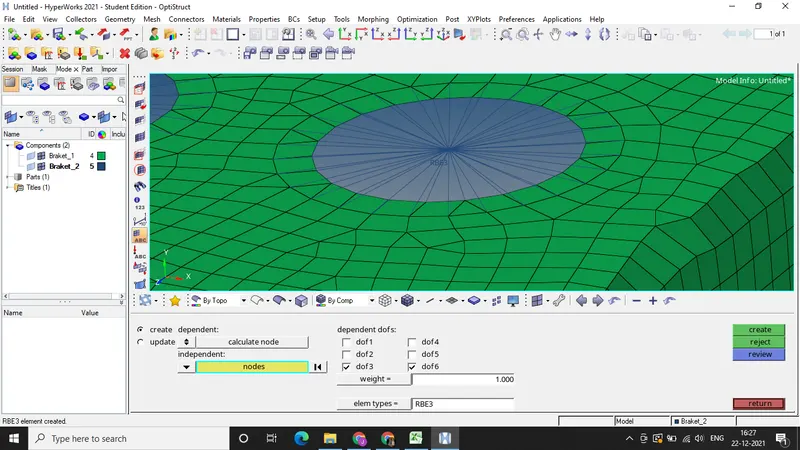
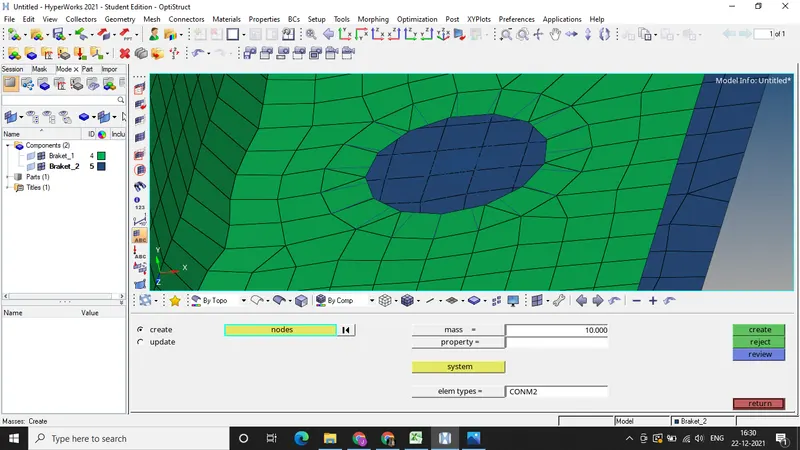
i) RBE-3 Link has been created at specified location and mass of 10 Units has been assigned to the RBE-2 link.
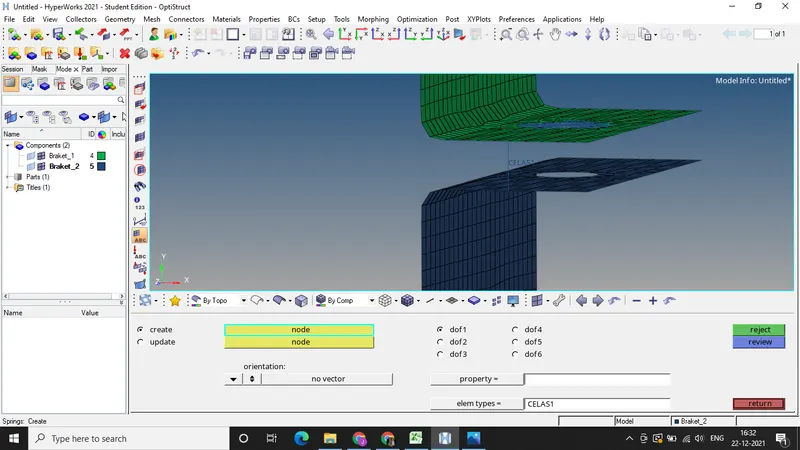
j) Two components has been connected with the help of spring element
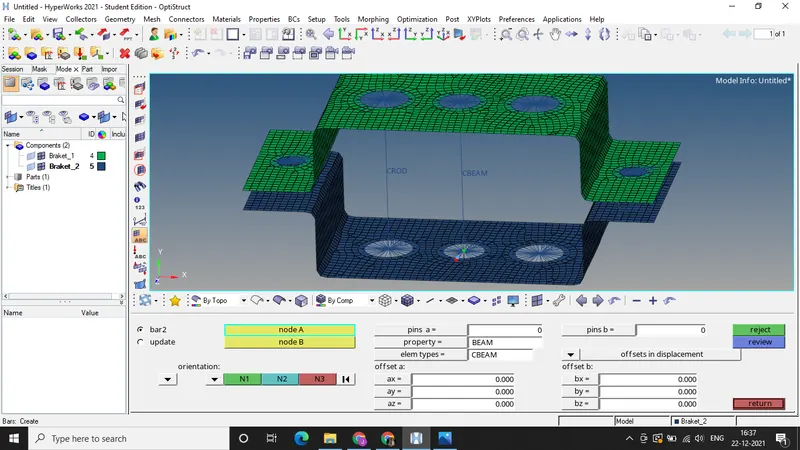
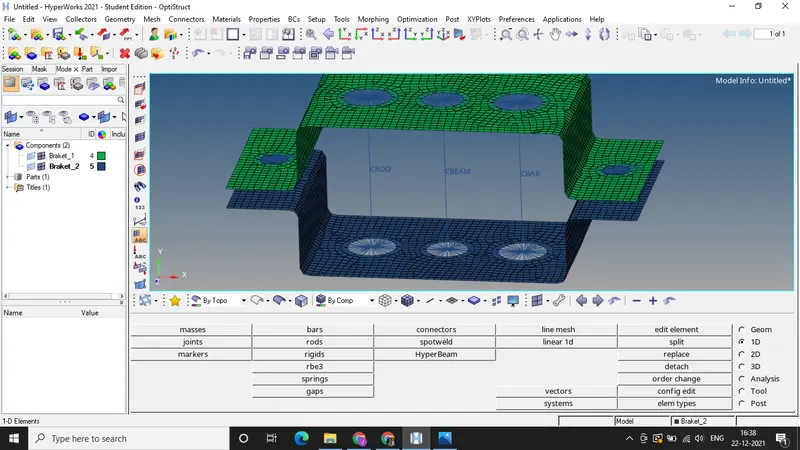
k) Creating CROD element by connecting two RBE-2 links, similarly creating CBEAM and CBAR by connecting two RBE-3 elements.
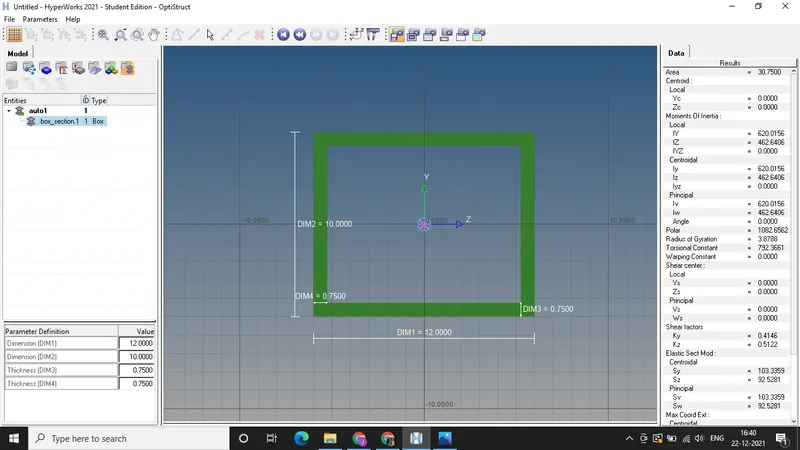
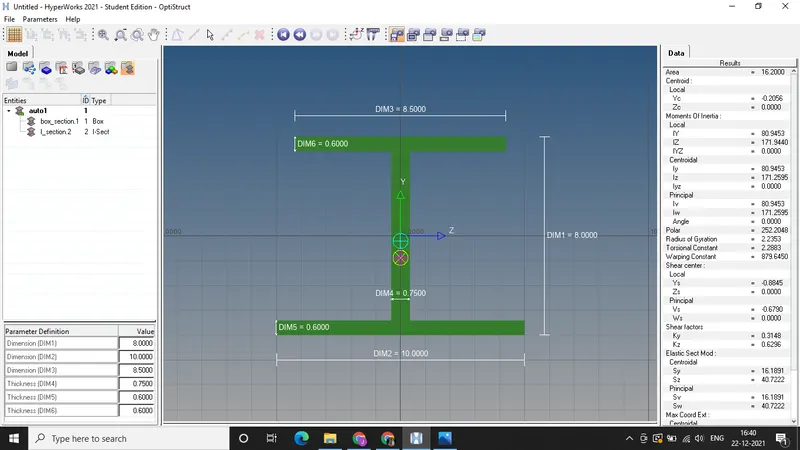
l) Creating cross sections BOX, I, X with specified dimensions.
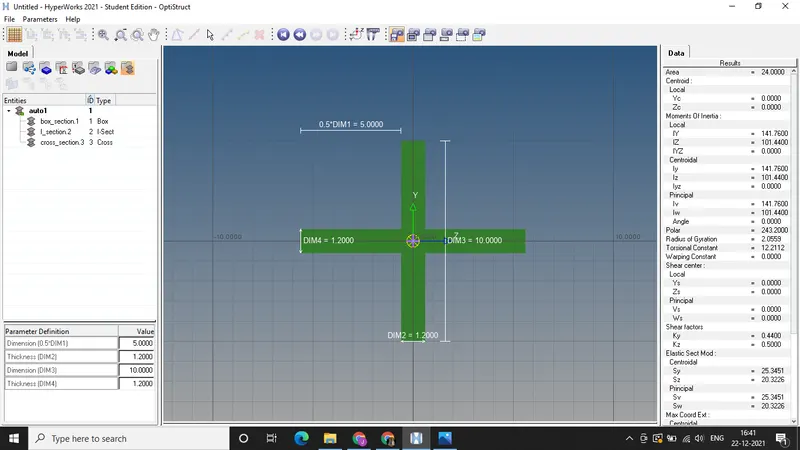
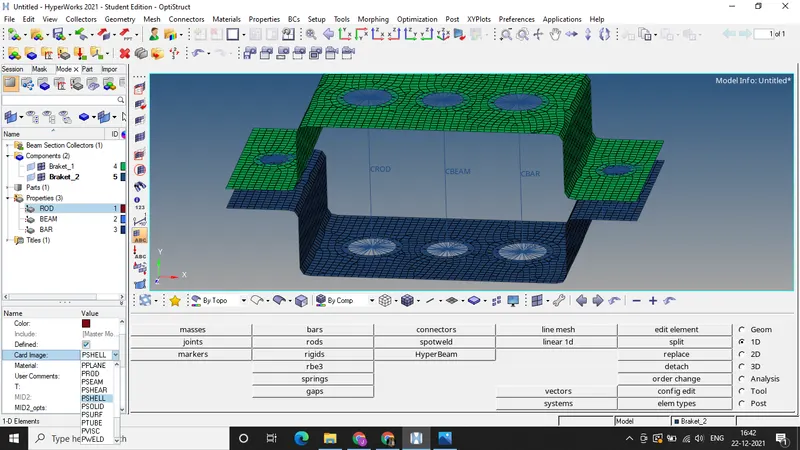
m) Creating properties for elements by selecting suitable card image and cross sections.
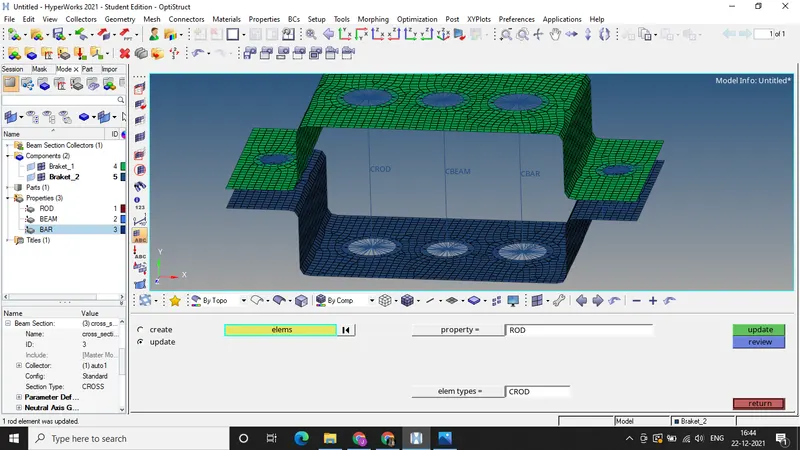
n) Updating the elements by assigning created properties.
o) Selecting the Detailed element presentation to look at the cross sections created at the elements.
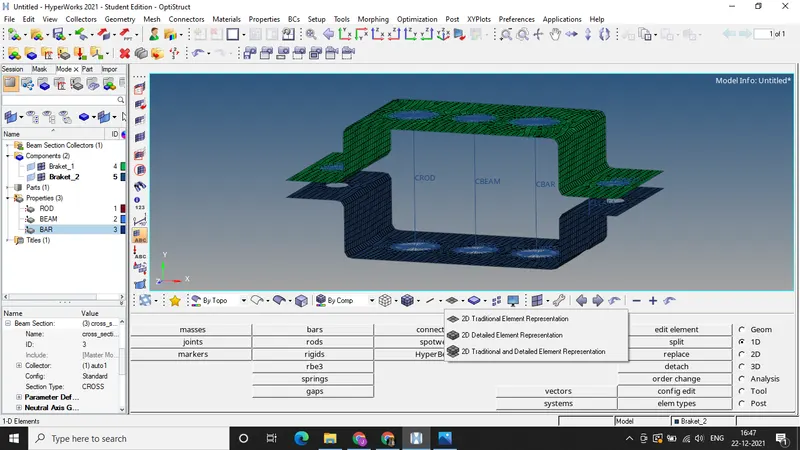
FINAL MODEL IMAGE: