Week 6-Meshing of Hood Challenge
AIM: To generate Mid Surface and the Hood model with given aspects.
Follow the below-mentioned quality criteria, mesh the component given below and assign thickness:
Target Element Length = 5 Units
| S.N | Quality Criteria | Value |
| 1 | Aspect Ratio | 5 |
| 2 | Skewness | 45 |
| 3 | Warping | 15 |
| 4 | Taper | 0.5 |
| 5 | Min. Length | 2 Units |
| 6 | Max. Length | 8 Units |
| 7 | Min angle Quad | 45 |
| 8 | Max angle Quad | 135 |
| 9 | Min angle Tria | 20 |
| 10 | Max angle Tria | 120 |
| 10 | Tria % | 10 |
SOFTWARE: HYPERMESH.
THEORY
Hood:
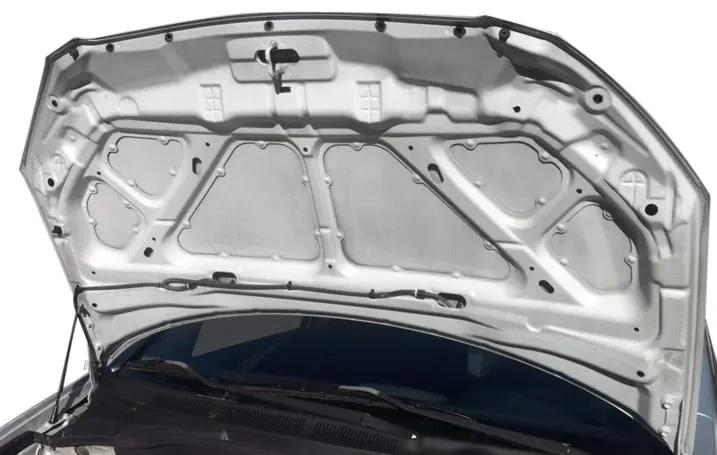
A car hood, also referred to as a bonnet in some other countries is the hinged cover that rests over the engine of a front-engine vehicle. Its purpose is to provide access to the engine for repair and maintenance.
Hypermesh:
HyperMesh is the market-leading, multi-disciplinary finite element pre-processor which manages the generation of the most significant, most complex models, starting with the import of CAD geometry to exporting a ready-to-run solver file.
HyperMesh supports various CAD and solver interfaces, making it a perfect solution for most industry verticals and domains. With its advanced geometry and meshing capabilities, HyperMesh provides an environment for rapid model generation. Generating high-quality mesh quickly is just one of HyperMesh’s core competencies.
For complex sub-system generation and assembly, HyperMesh has advanced model assembly tools. Modelling of laminate composites is supported by advanced creation, editing and visualization tools. Design changes can be made easily via mesh morphing and geometry dimensioning.
PROCEDURE:
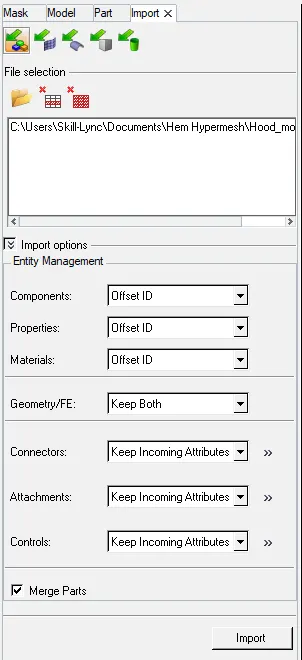
- Import the model from CAD to Hypermesh workbench.
File> Import file> select file> Import.
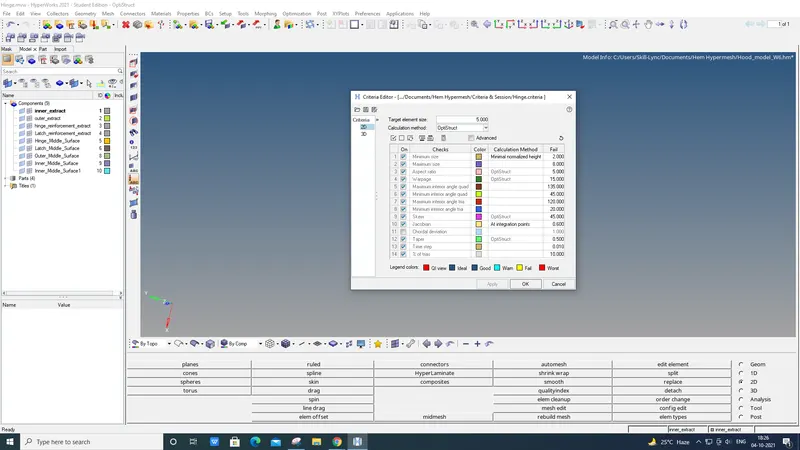
- Create Criteria file.
Preference> Criteria file> Make change> Save file> Apply> Ok.
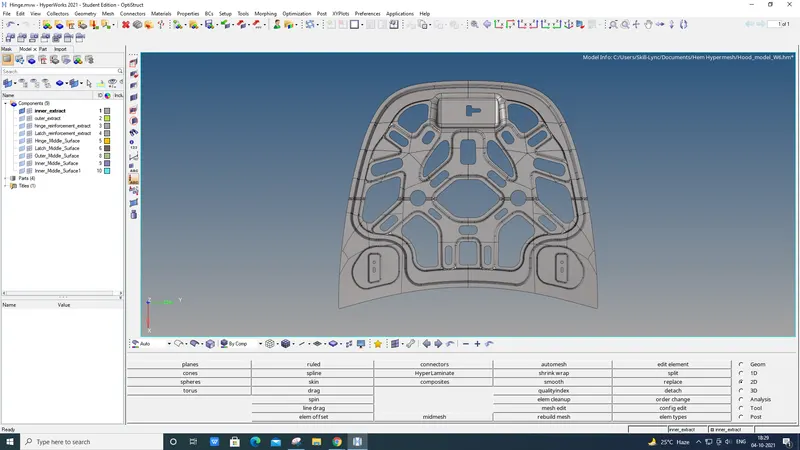
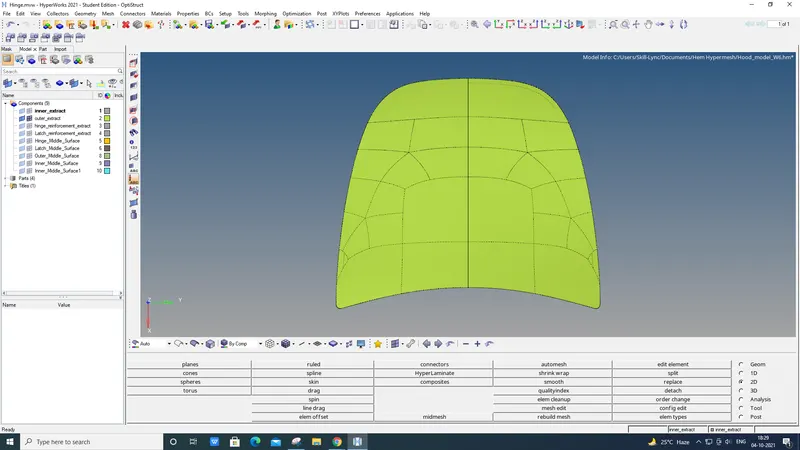
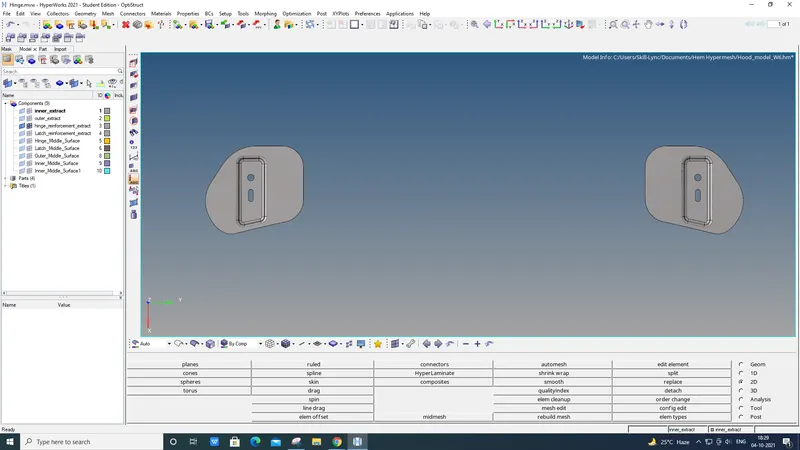
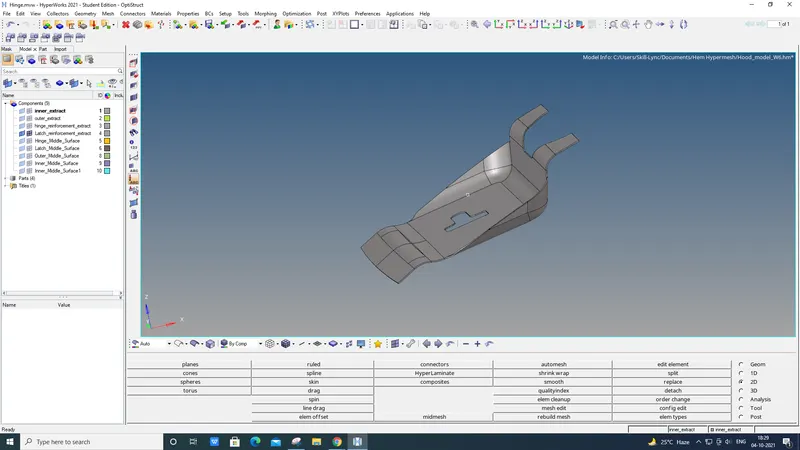
- Create the mid surface and delete the main body from all the components.
Delete> Solid> Ok.
Geo> Mid surface> Create> Ok.
- Toggle unnecessary future lines, Make perfect geometry for easy mesh creation.
Geo> Quick edit> Toggle> Ok
Geo> Node to Node / Node to Line> Ok
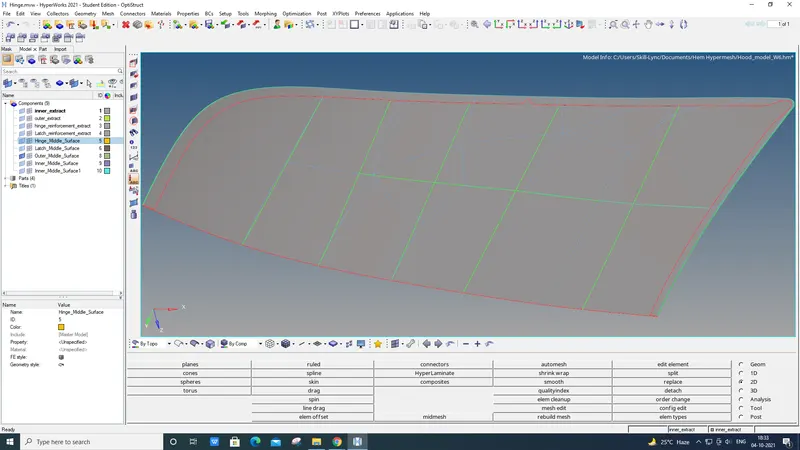
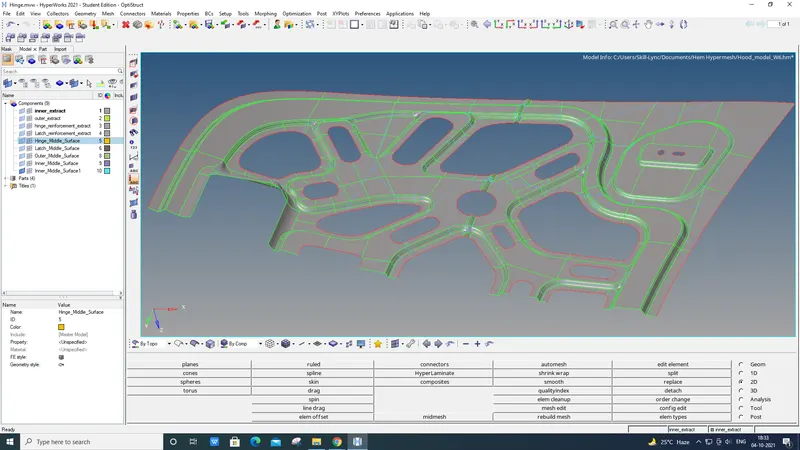
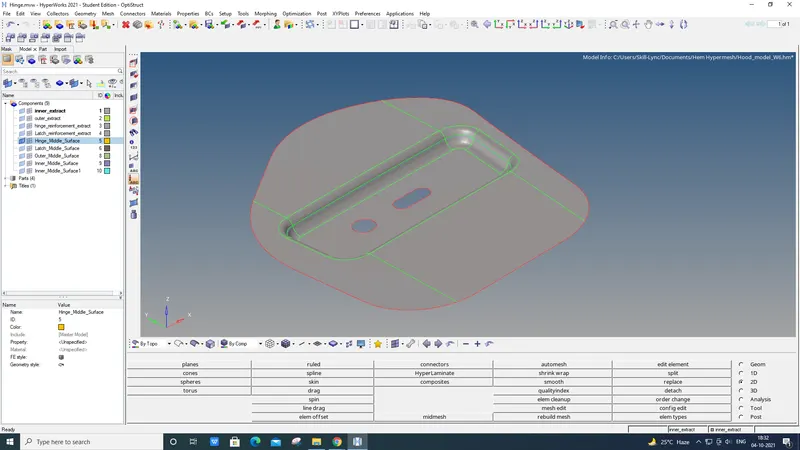
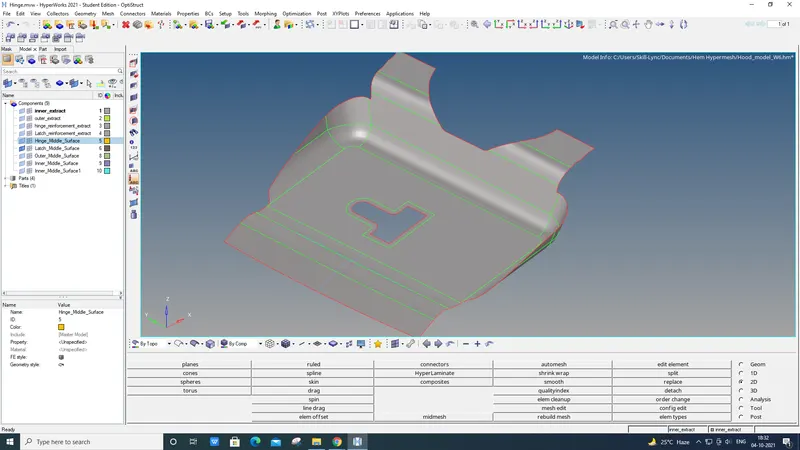
- Mesh All the components with element size 5.
2D> Auto Mesh> Select> Surface> Mesh> Smooth> Ok.
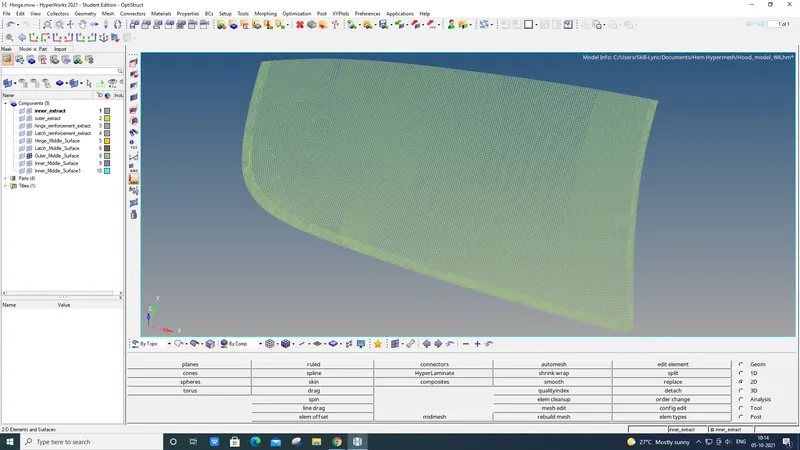
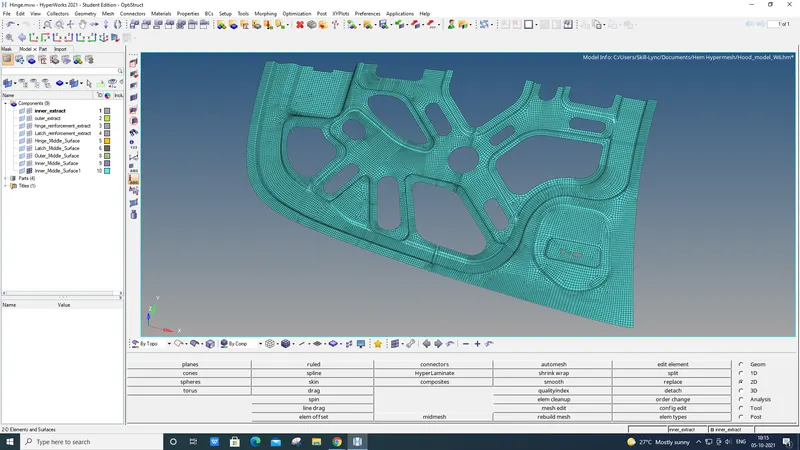
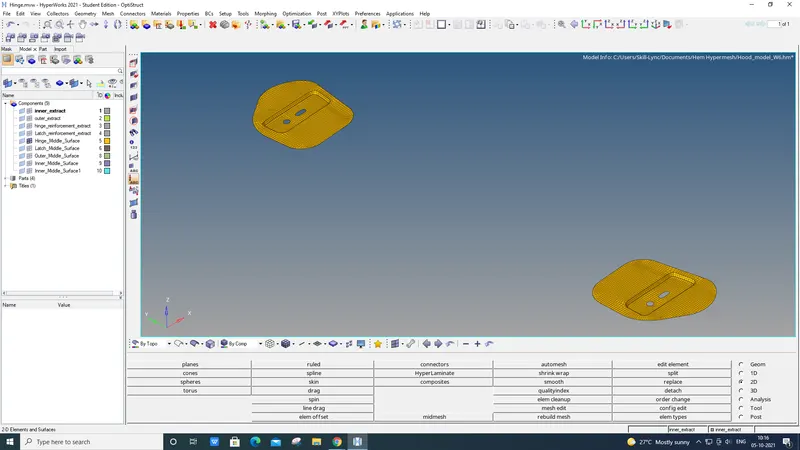
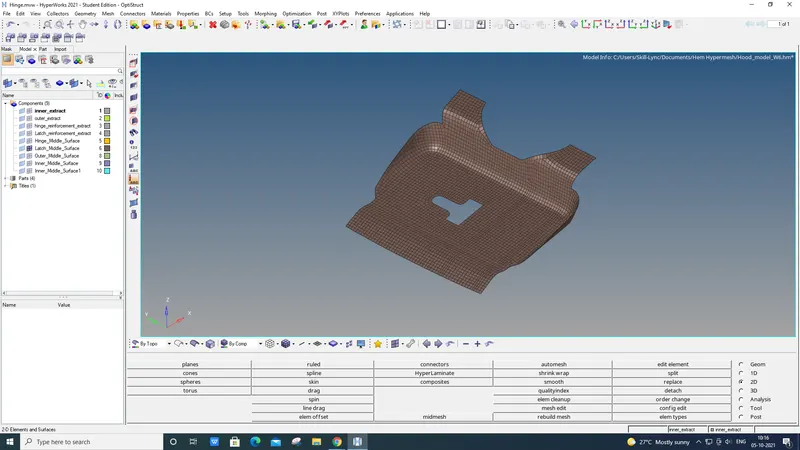
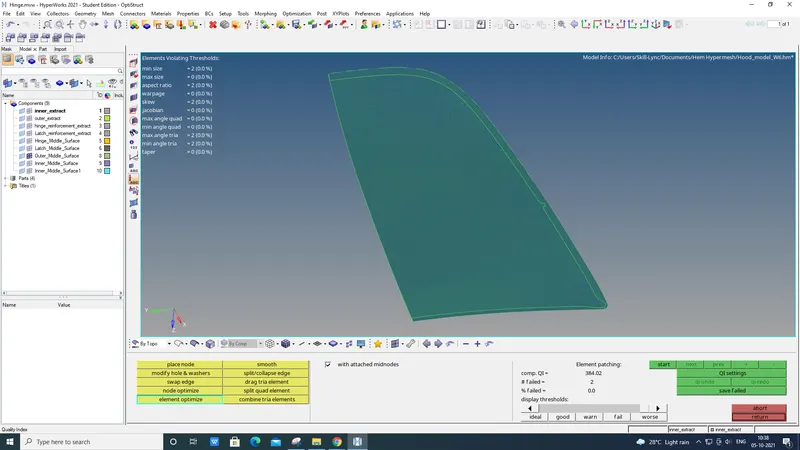
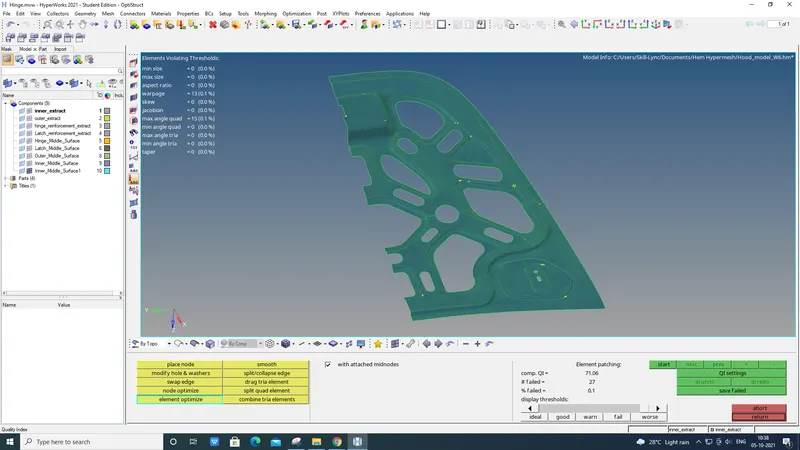
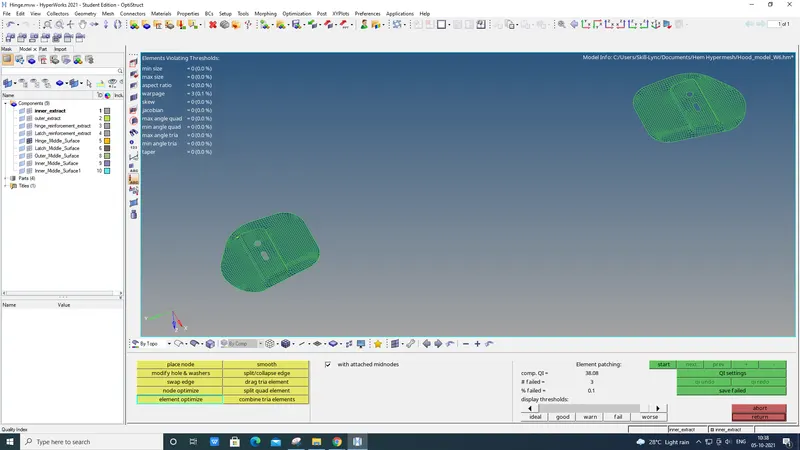
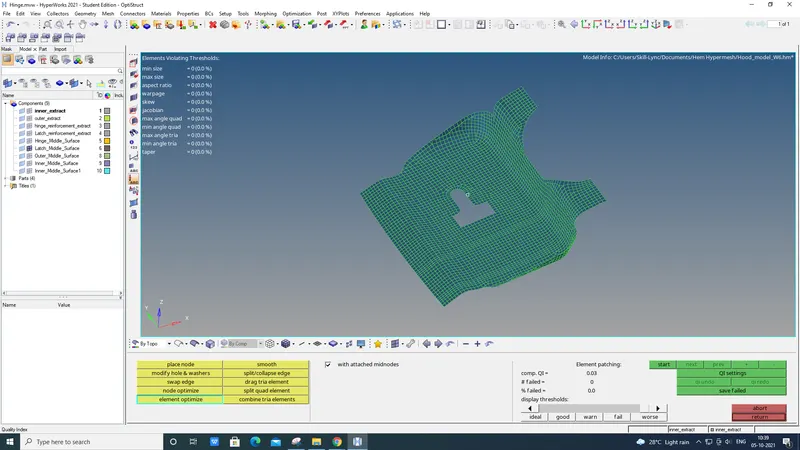
- Quality index and Element check must be done on all components.
2D> Quality index> Ok

Tools> Check elems> Ok

RESULT:
- Mid-Surface has been created.
- Generated mesh on all components.
- Element check and Quality index has been checked with the given criteria file.