Week 6-Meshing of Hood Challenge
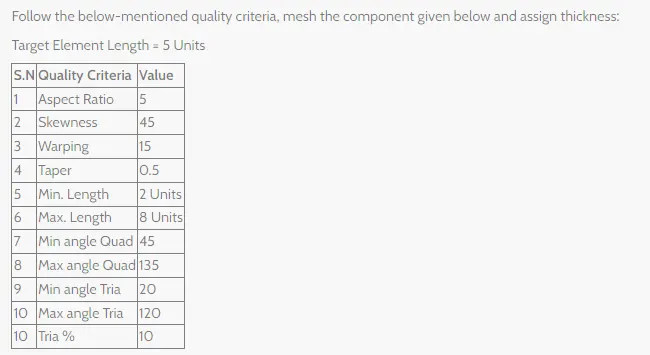
Follow the below-mentioned quality criteria, mesh the component given below and assign thickness:
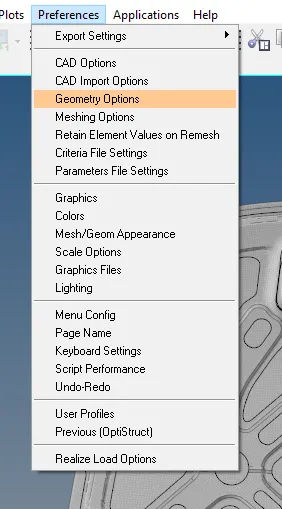
set the preference.
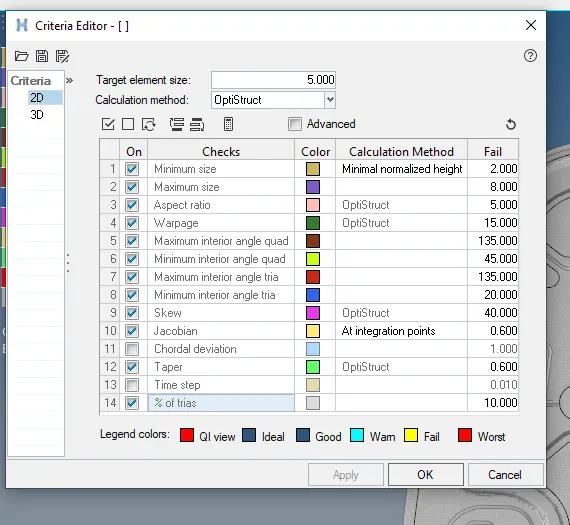
select the criteria file setting.
upload the values and save the value after uploading.
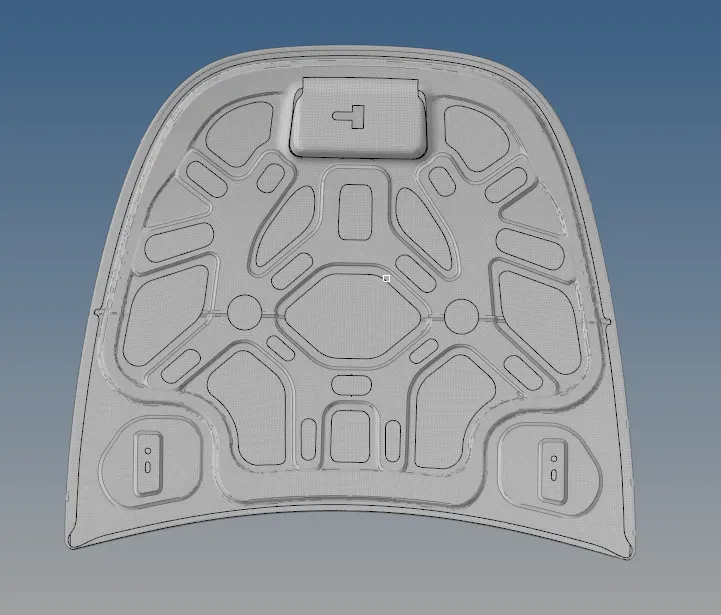
INPUT SURFACE BODY: INNER AND OUTER PANEL OF HOOD .
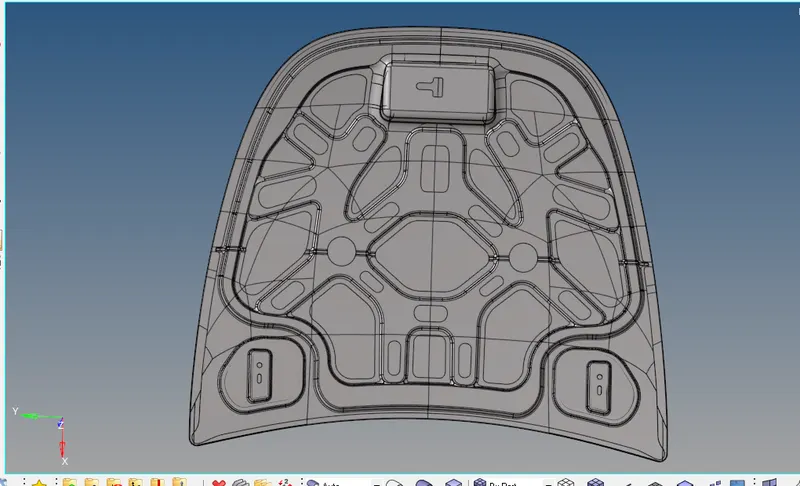
INNER PANEL:
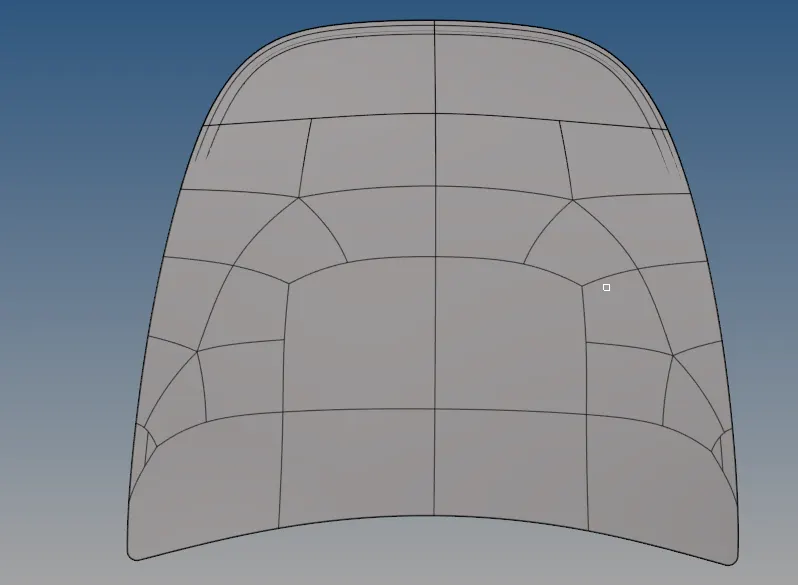
OUTER PANEL.
LATCH:
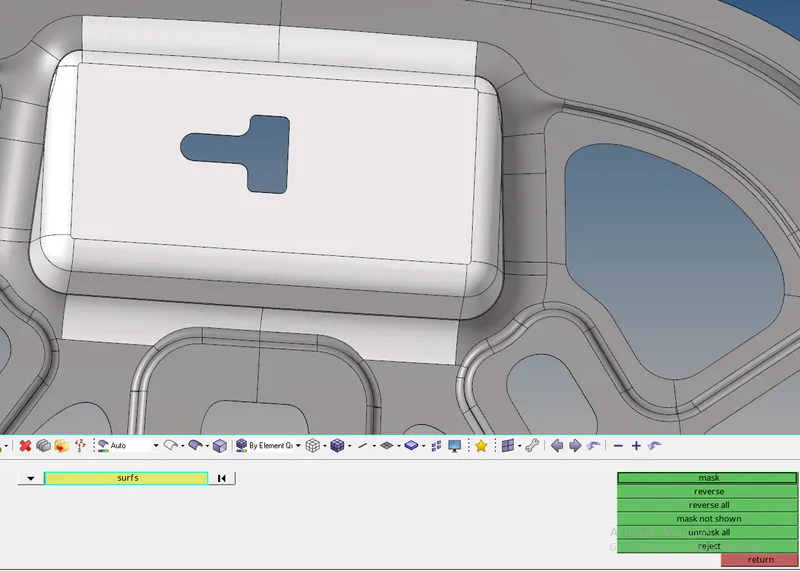
support the latch by using the command of mask.
select the required surafce.
click the mask and reverse the surface.
shows in the figure.
LATCH MID SURFACE:
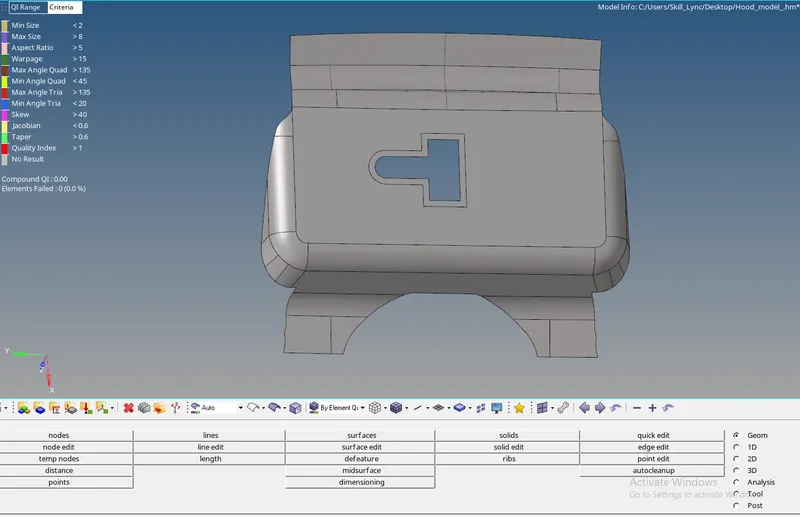
select the mid surface .
select the display all that will select the evary surface showed on the screen.
result showed in the below surface.
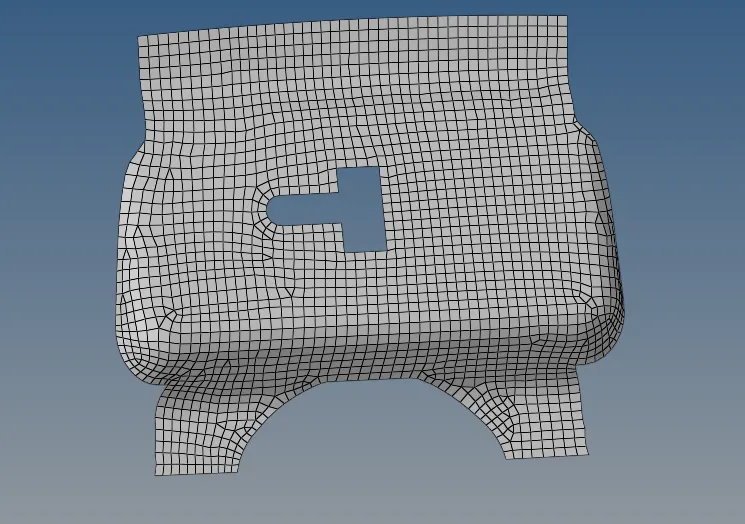
clear the triangles .
by uing the quality index.
select the drag tria and drag the triangle are opposite triangle can also combine.
surface should be clear and without errors.

smoothing the surface.
select the elements and smooth the element by using the middle mouse and by smooth command showed in the figure.


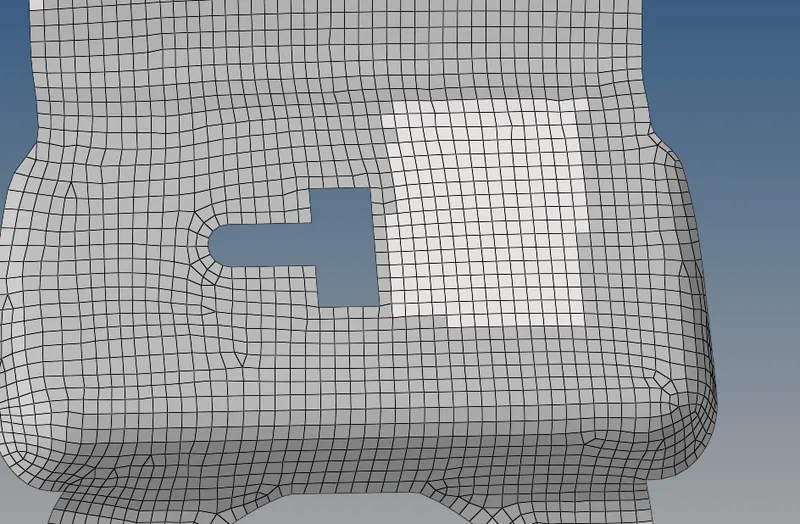
you see the diffrence after smoothing .
HINGE:
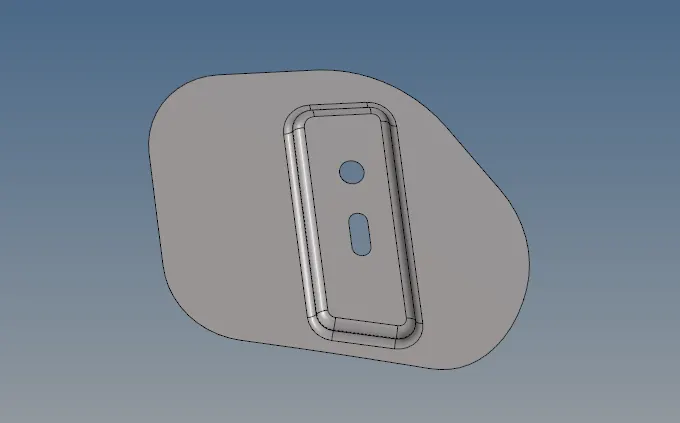
support by using the mask command .
MID SURFACE:
extract mid surface by using the solid surface.
red colour line are nothing free lines.
green colour lines are nothing the closed surface.
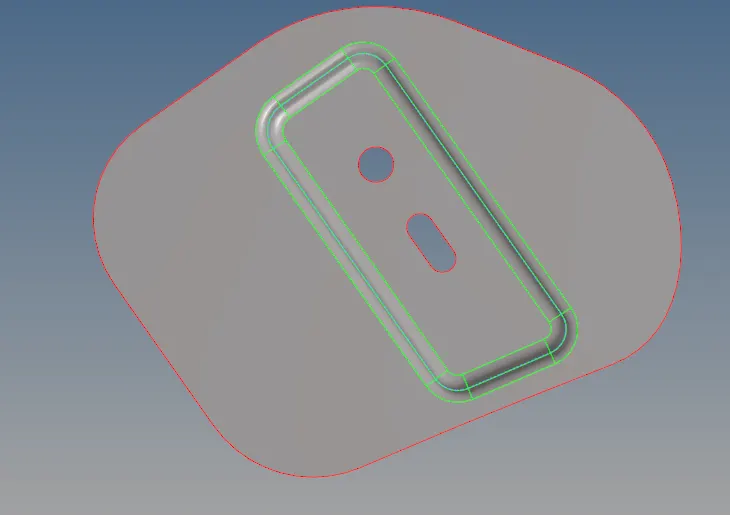
MESH :
meshing id done by divided in parts also by quick edit command.
by using the surface nodes.
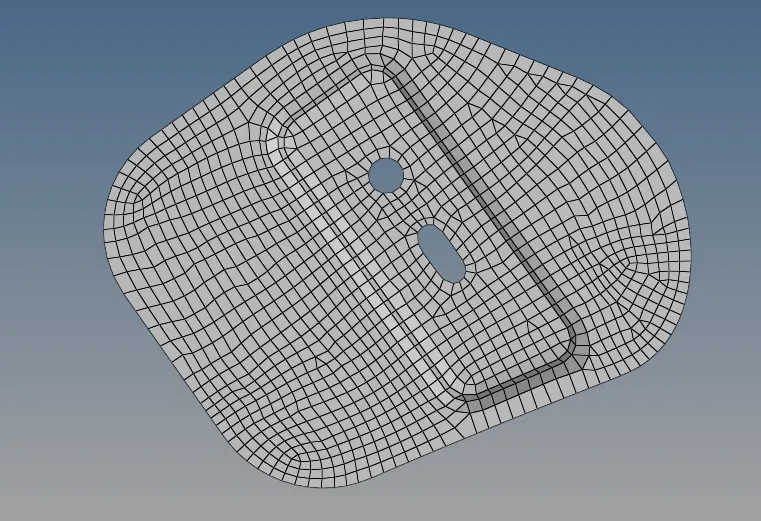
by using the auto mesh command .
showed in the figure .
OUTER PANEL.
WORKING SURFACE.
delect are mask the outer panel.
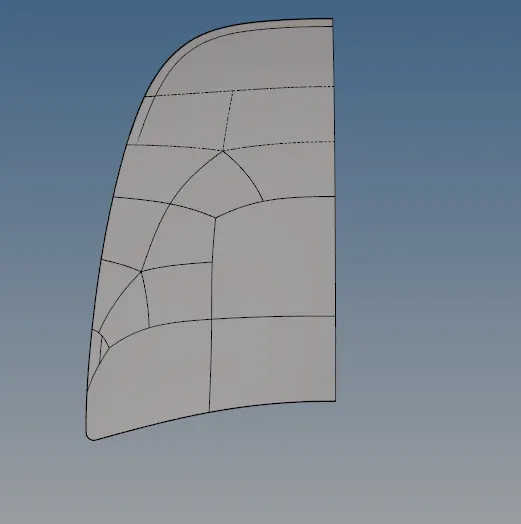
by using the mid surface command
extract the mid surface.
mid surface showed in the below.
MID SURFACE.
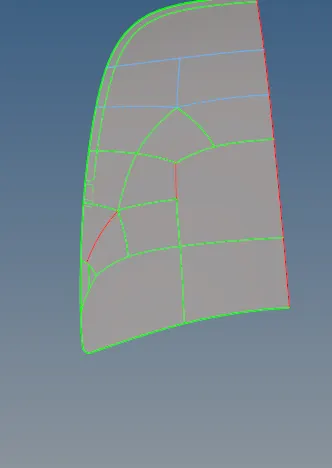
remove the un wanted lines.
by using the toggle edge .
toggle can use as create node to note line .
command are showed in the below.


surface showed be divided.
it will make easy to mesh and easy find the triangles .
showed in the below .
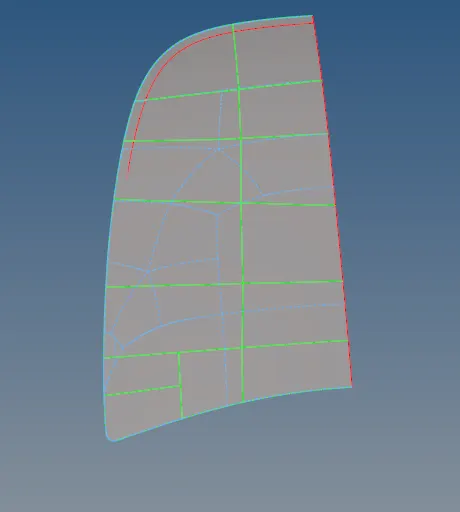
meshing commands.


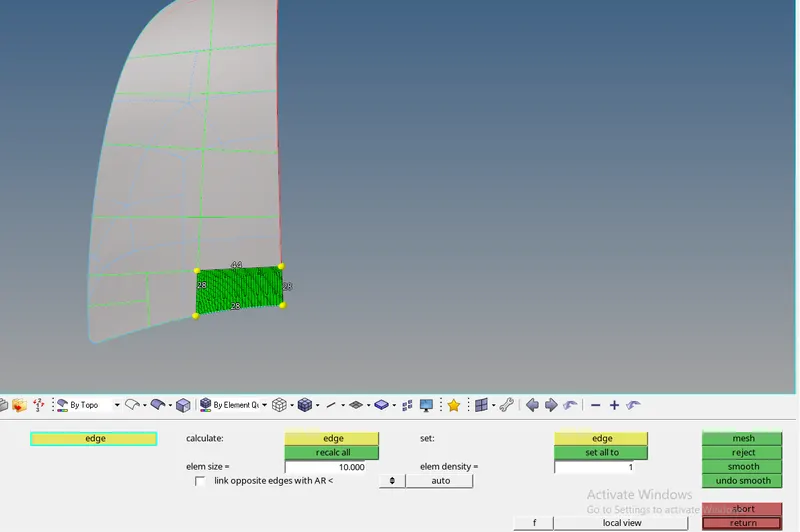
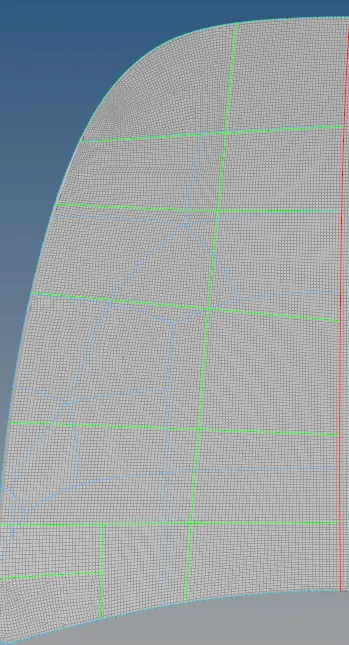
after comapleting mesh.
what are coammand used in the reflection.

select the axis .
select the elements and display all .
all elements will select.
colour will change .
select the edges are element edge.
select the reflect ,it will reflect.
showed in the below.
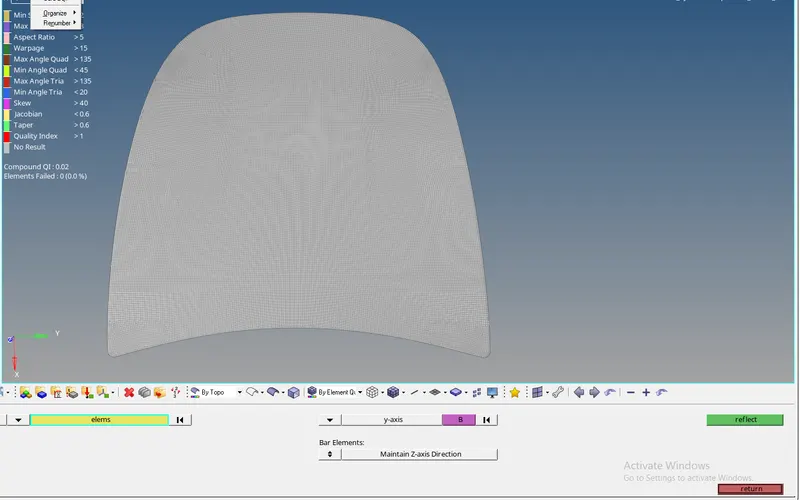
INNER PANEL:
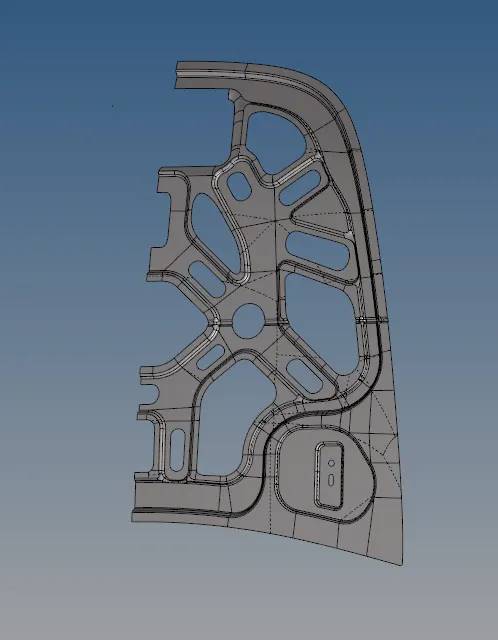
solid surface of the body.
MID SURFACE.
extract the mid surface.
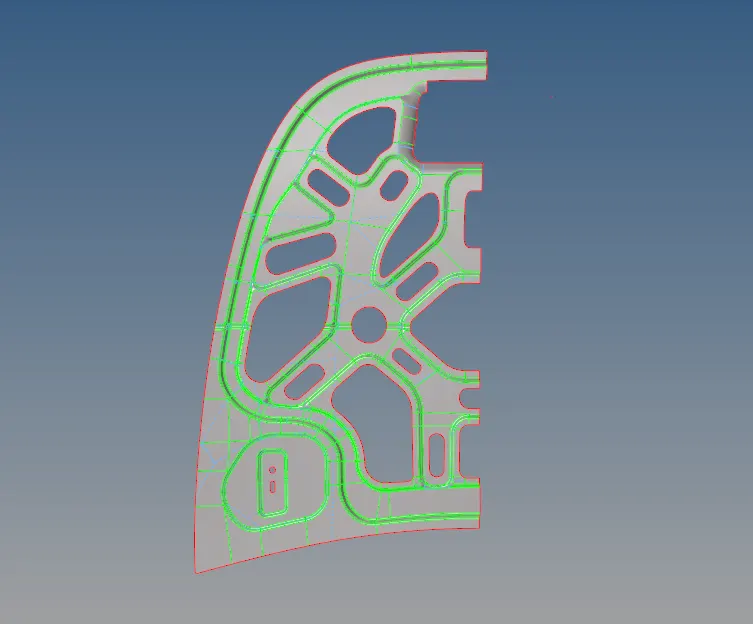
used similar operations on the outer panel also.
MESH:
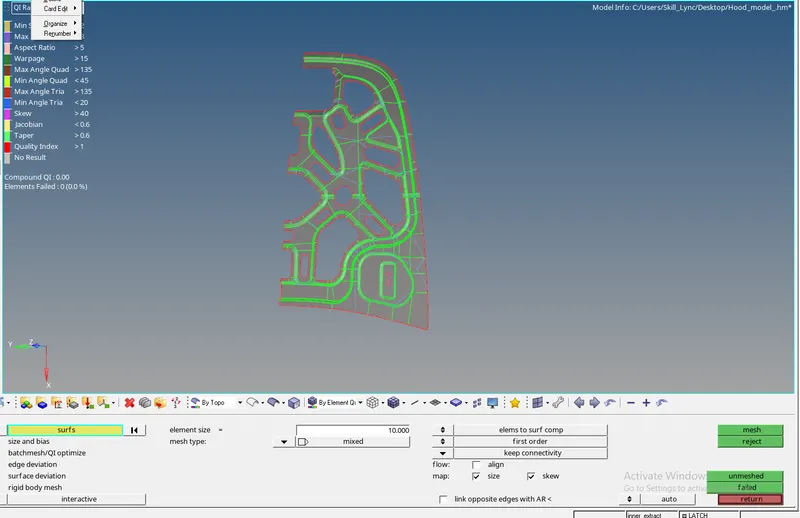
select the surface and mesh showed in the figure.
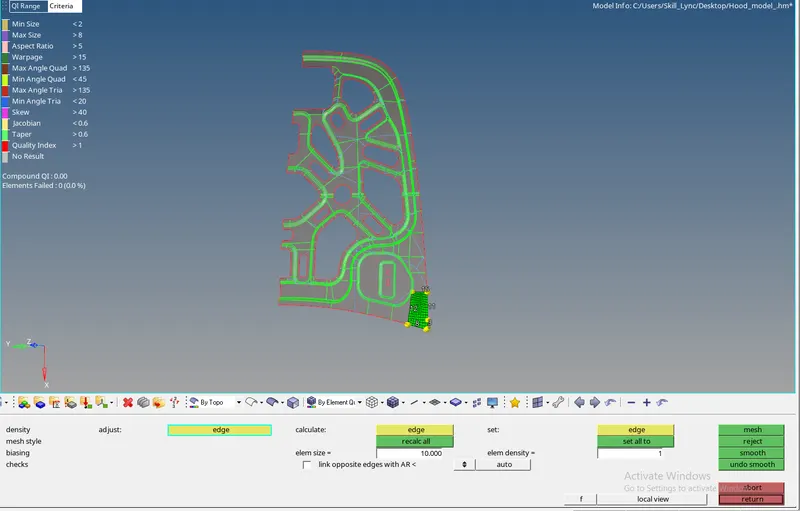
by dividing the mid surface is easy to mesh.
on the corners mesh will create the issues .
mid surface as to create again by using the surface.
AFTER MESHING:
after meshing the surface.
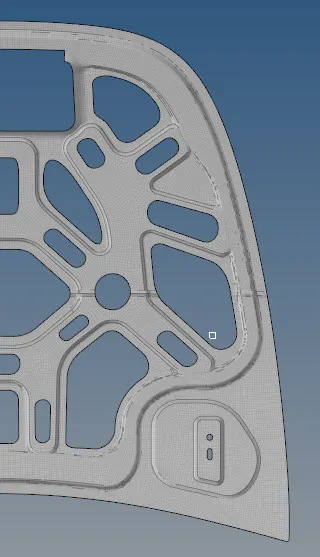
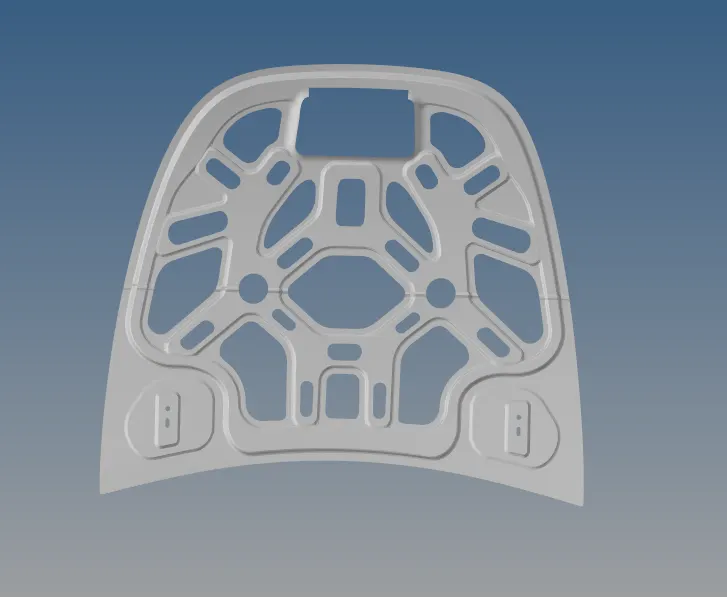
reflect surface.
ALIGN NODES:
If nodes have and gap
select the geom
and go to node edit

select the node
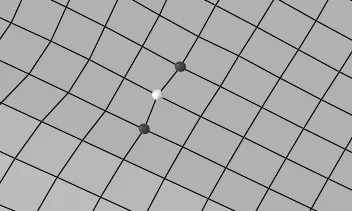
select the align.
it will align.

make sure your working surface is selected .
your working on the current wroking surface.

REPLACE THE NODES.

select the first node then another node.
final output.
showed in the below.