Week 6-Meshing of Hood Challenge
AIM: To extract the mid surface for each component and mesh with the given target element size of 5 mm and mentioned quality criteria.
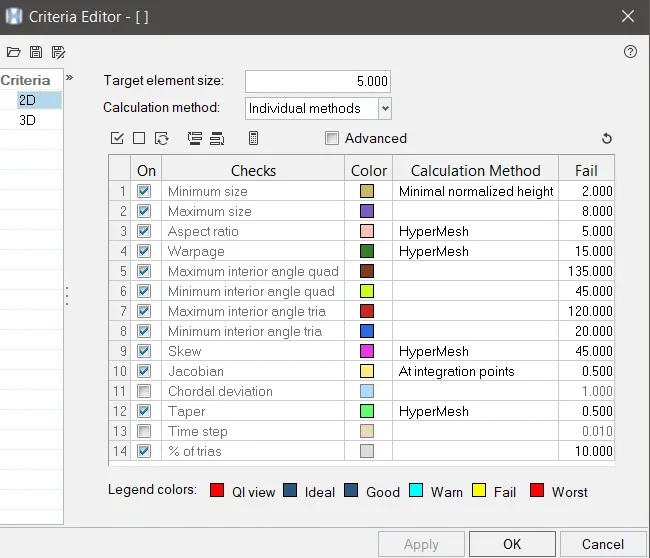
QUALITY CRITERIA:
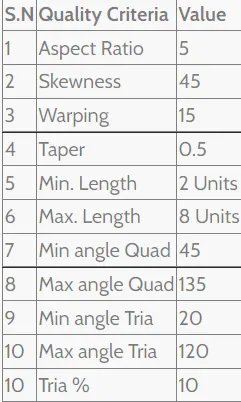
OBJECTIVE:
- Import the model.
- Extract the midsurface for each component.
- Clean up the component before meshing.
- Meshing.
- Checking quality index.
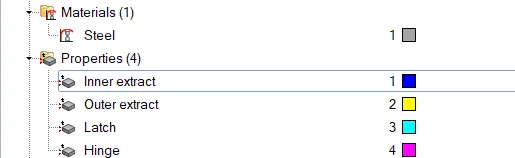
- Provide material and thickness to the components.
PROCEDURE:
1. Importing the model
- Click on the import option and select import geometry.
- Select the file type to STEP.
- Browse and select the file to be imported and click the import button.
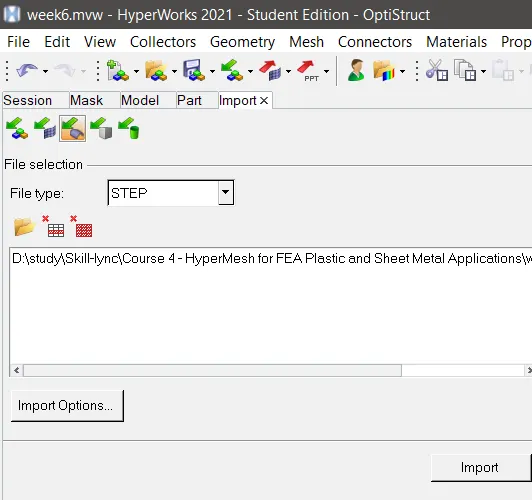
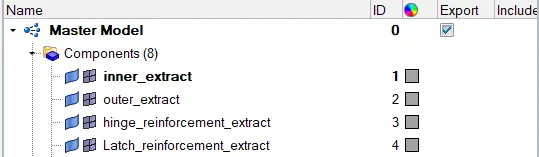
- The model is imported in the hypermesh and make it fit to the graphical area using the F key.
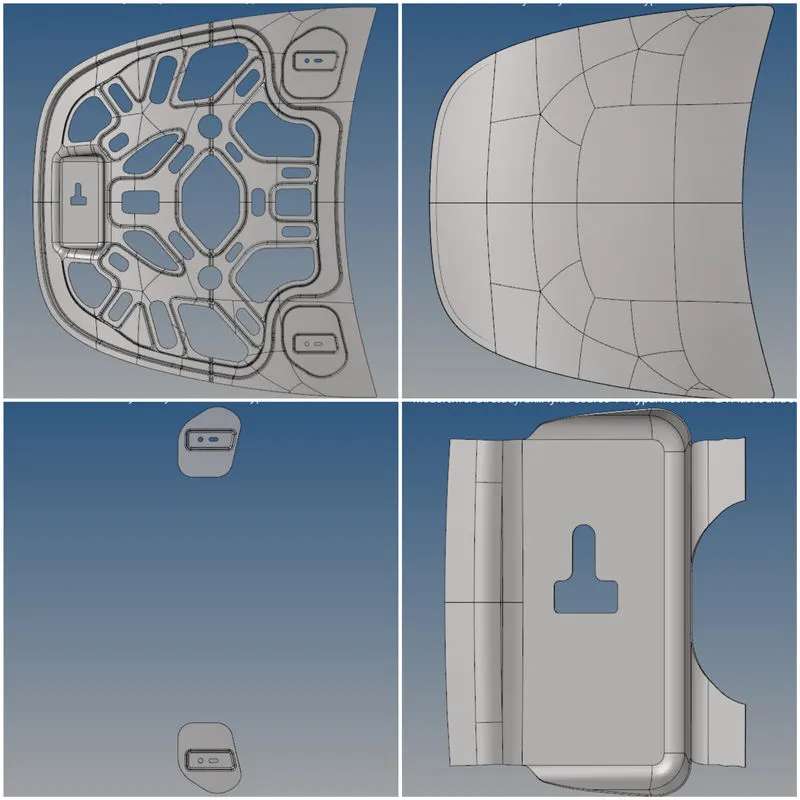
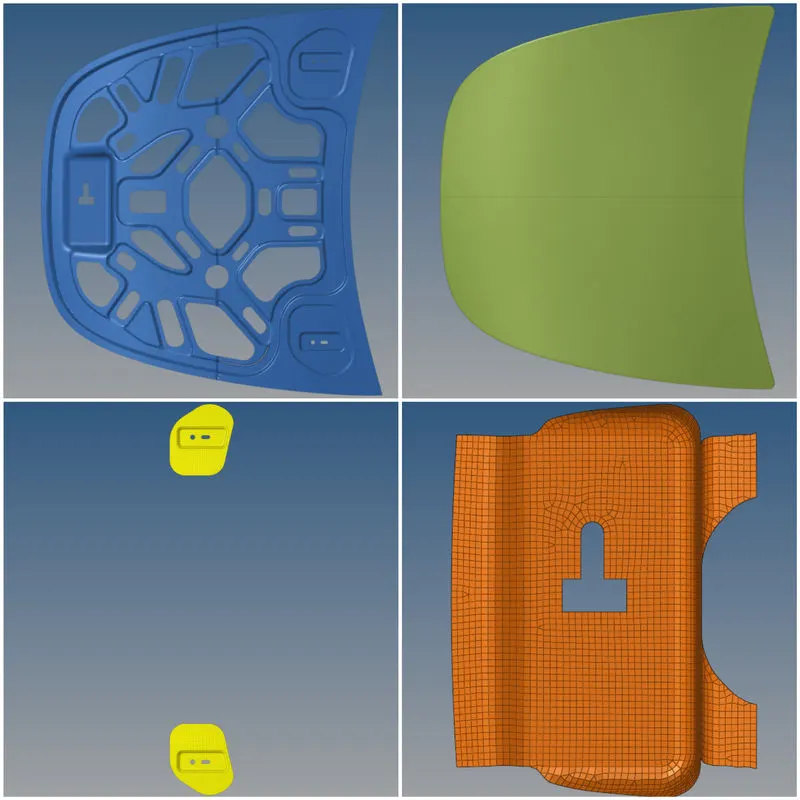
- There are four components in the model.
2. Midsurface extract
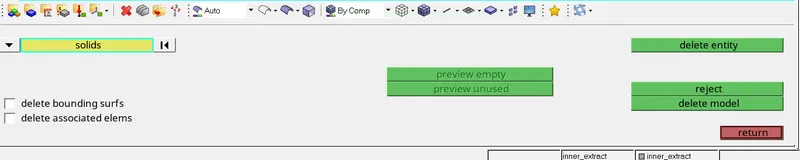
- Before extracting midsurface the solids are deleted.
- The midsurface is extracted for each component using the midsurface option from the geometry menu, renamed, and given color for each component as shown below.


3. Component Cleanup
- Cleanup is performed on each midsurface and thoroughly checked for any defects; this can be done easily by changing the geometry to topology mode.
- Auto clean-up is performed on small components and manual cleanup is done where necessary.
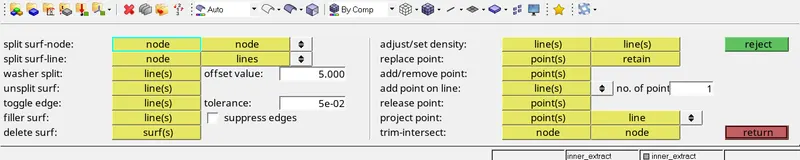
- Unnecessary lines are toggled by using the toggle edge tool & Lines are created where it is necessary by using the split surf node & split surf line tool.
4. Meshing the midsurfaces
- After the autocleanup, go to the 2D mesh menu and select the automesh option.
- change the element size to 5, element type to mixed and select the mid surface and click mesh to generate the mesh.
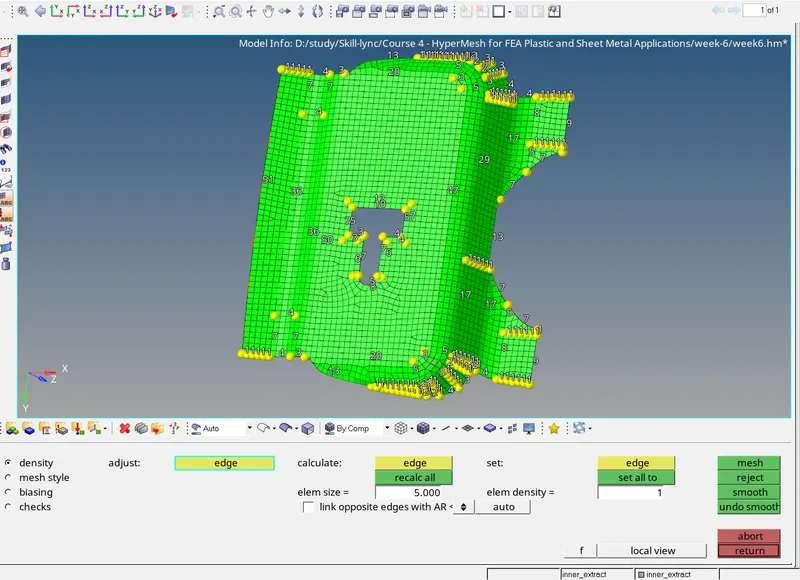
- Since we are using the student version of Hypermesh, it is not possible to mesh the entire component in one go, instead, the symmetrical component is split in half, meshed and it is duplicated, and reflected.
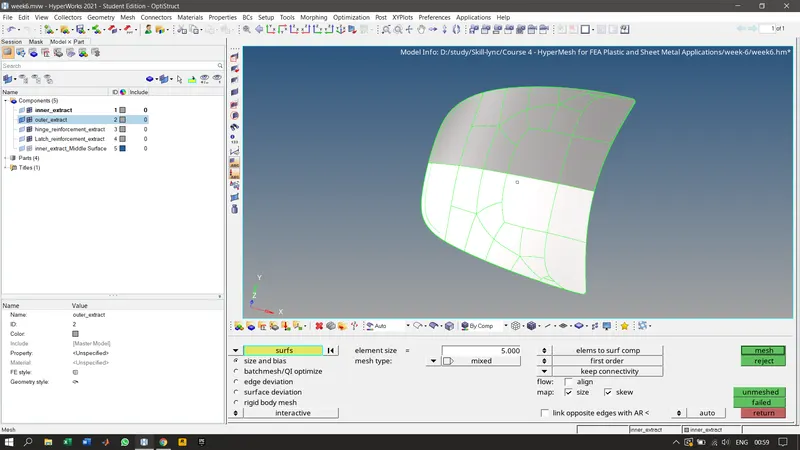
- Now the mesh has been generated for the components as shown below.
5. Quality check
- The quality criteria are updated according to the given need.
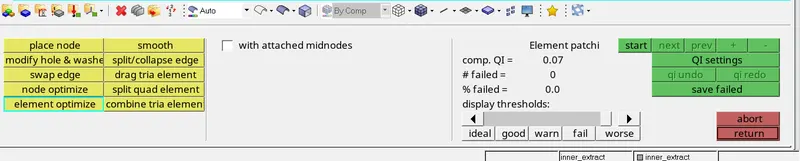
- Place node, smooth, node optimize, combine tria, etc. are used to improve the quality of the mesh.
- After that quality check is performed on each component.
- inner_extract
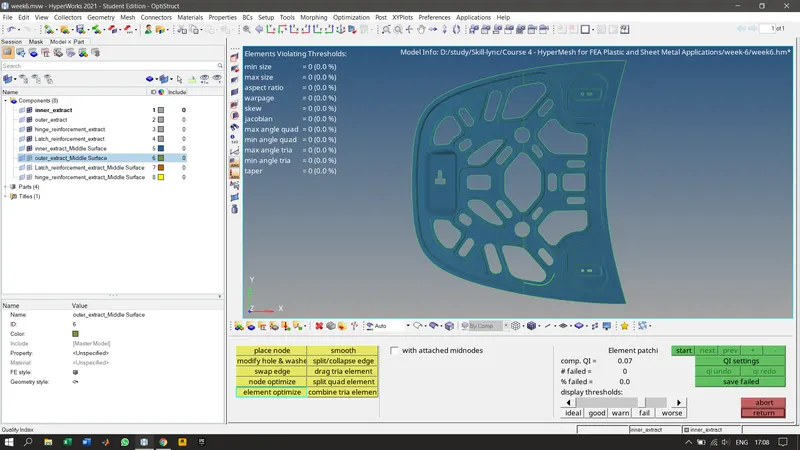
- outer_extract
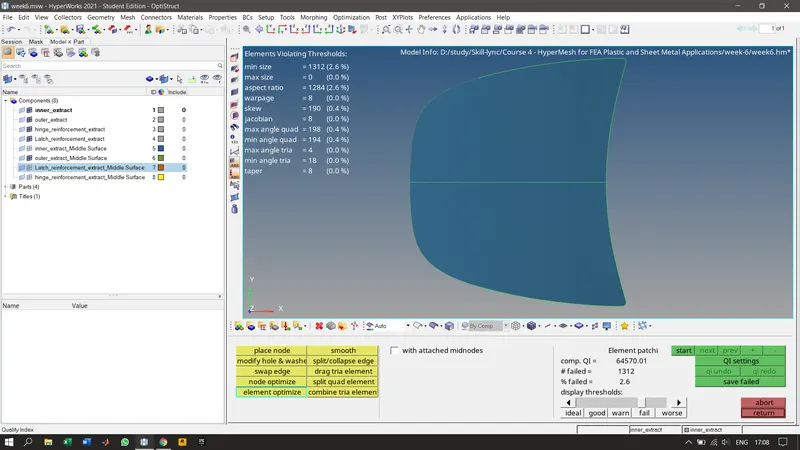
- hinge_reinforcement_extract
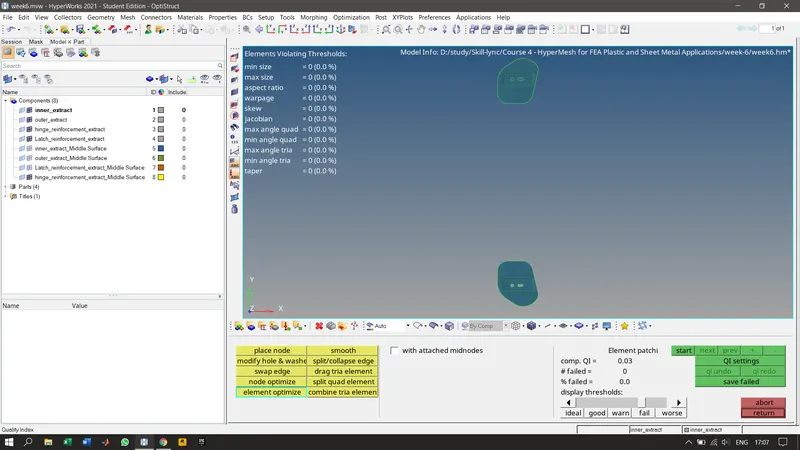
- Latch_reinforcement_extract
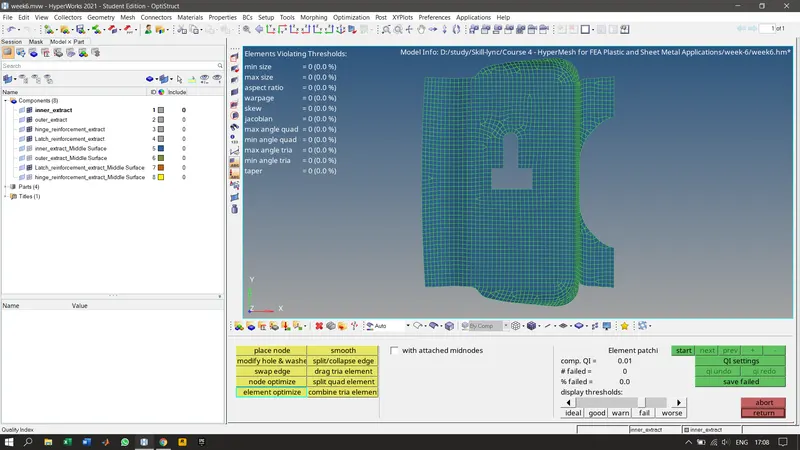
6. Providing material and thickness to the components.
RESULT:
The given hood assembly is successfully meshed according to the mesh quality provided and quality checked.