Week 6-Meshing of Hood Challenge
Objective : Mesh the hood components with given quality critera.
Procedure :
Import Geometry :-
- First of all import Hood model using import tool. we have four different components (Inner panel , outer panel, hinge reinforcement, latch reinforcement).
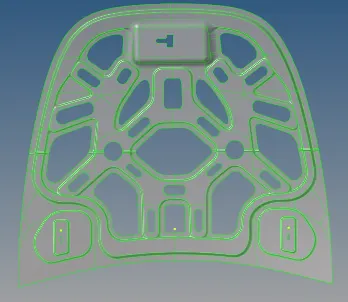
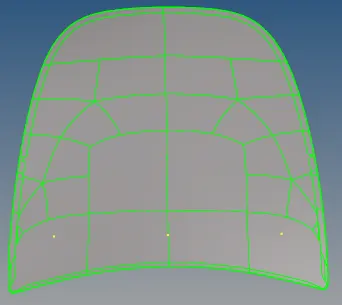
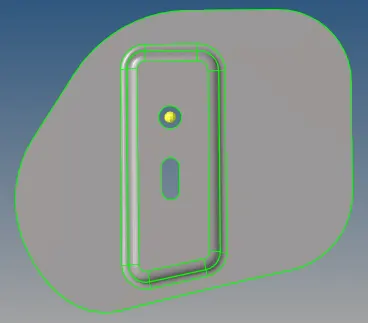
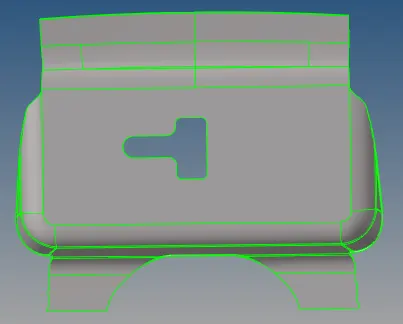
- Then we have to clean up geometry of component and extract the misurface. Midsurface extraction,Geometry Cleanup and meshing of each components are done seperately.
Midsurface Extraction :-
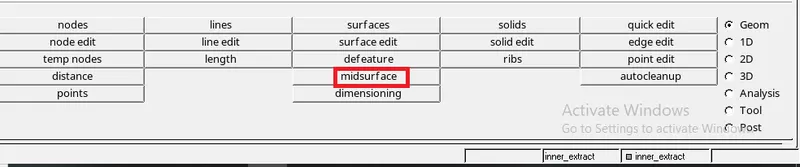
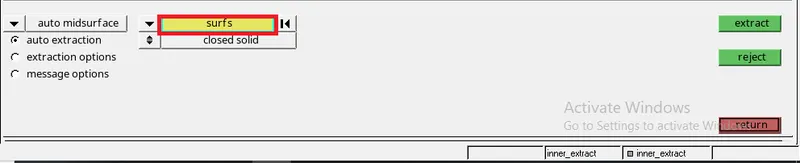
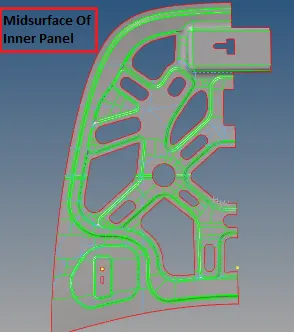
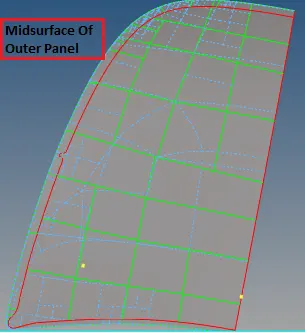
- For midsurface used midsurface option in "geom" tool, selected all surfaces of component and performed extraction of midsurface.
- Each component of hood has separate midsurface.
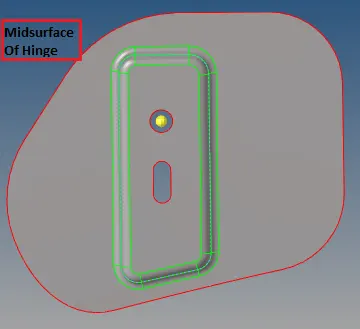
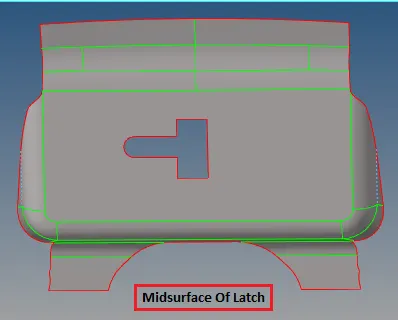
Geometry clean up :-
- Once midsurfaces are extracted from the model, geometry clean up of the surfaces should be done before meshing.
- Geometry cleanup is done by manually using "quick edit" and "Surface" tool.
- Clean-up is removed all connectivity errors and restored the surface data to a perfect representation of component.
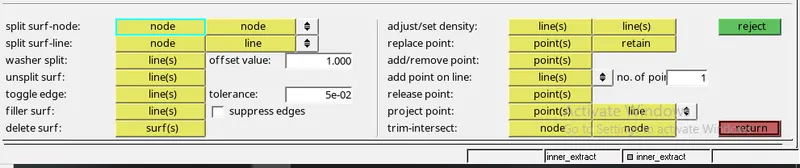
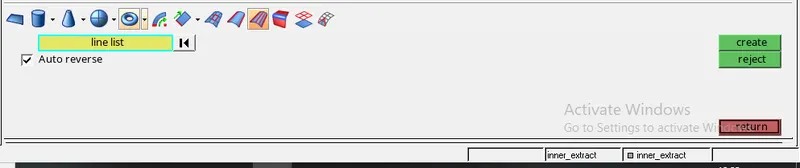
- Appropriate cuts are created and unwanted edges are toggled using quick edit tools.Larger surfaces are further divided to smaller surfaces for proper meshing.
Asigning Quality criteria :-
-
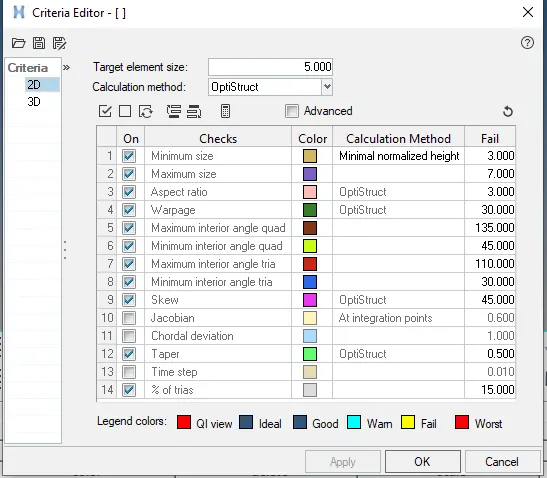
Given quality criteria is Target Element Length = 5 Units
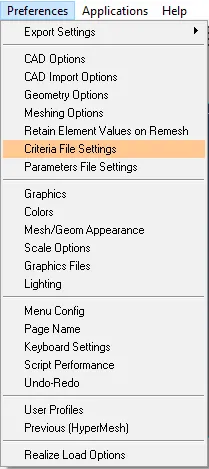
S.N Quality Criteria Value 1 Aspect Ratio 5 2 Skewness 45 3 Warping 15 4 Taper 0.5 5 Min. Length 2 Units 6 Max. Length 8 Units 7 Min angle Quad 45 8 Max angle Quad 135 9 Min angle Tria 20 10 Max angle Tria 120 10 Tria % 10 - To give quality criteria used tool in status bar "Preference", Criteria file setting, 2D and give criteria then clicked apply.
Meshing :-
- After clean up operation meshing of component should be done.
-
Things to Remember while Meshing
- Use the 'Mixed' (Not Quad) option to generate the mesh for this challenge because we are preparing the model for crash & safety simulations. The quad-only mesh is preferred for durability and structural simulations.
- The minimum length errors in the Hemming regions are acceptable because the hemming region has a very small cross-section when compared to our minimum length. If you want to avoid the minimum length error in the hemming, follow the below procedure
- Toggle all the split lines which are all less than the minimum length.
- Go to midline option (Geom → lines → Midline)
- Select the two fillet edges on the hemming portion and create a mid-line.
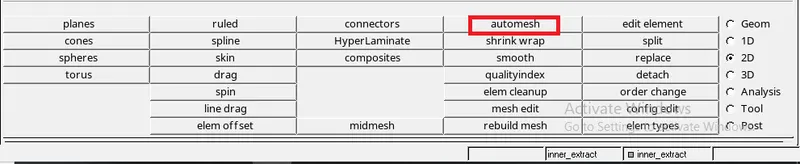
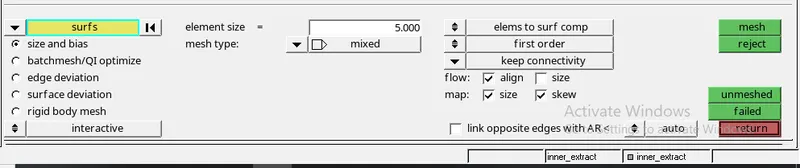
- To mesh the component used "2D tool" Select Auto meshing, select surfs, give Element size, Select Mesh Type as mixed and Clicked Mesh.
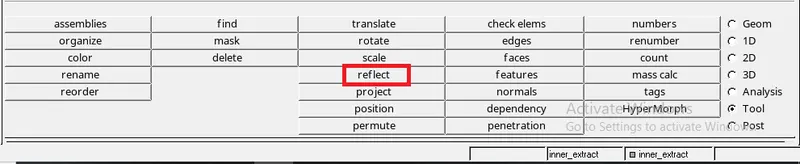
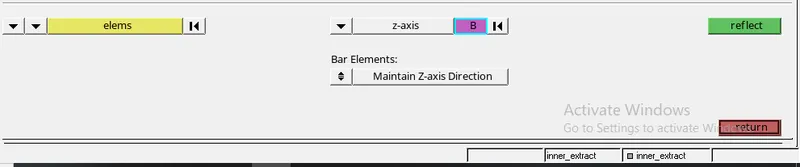
- To mesh of hoods inner and outer panel, one side of inner/outer panel is only meshed and using "reflect" tool reflect the mesh elements on other side.
- To reflect elements used "tools",reflect, select elements and made duplicates of elements and store them in current components and select z axis center to reflect the elements.
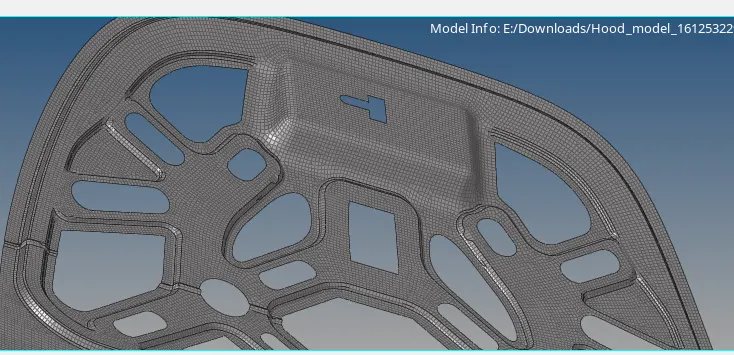
Meshing of Hood inner Panel
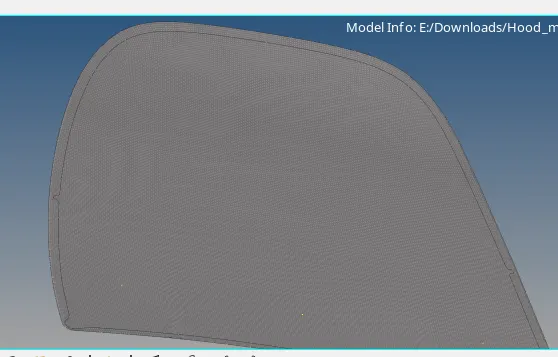
Meshing of Outer panel
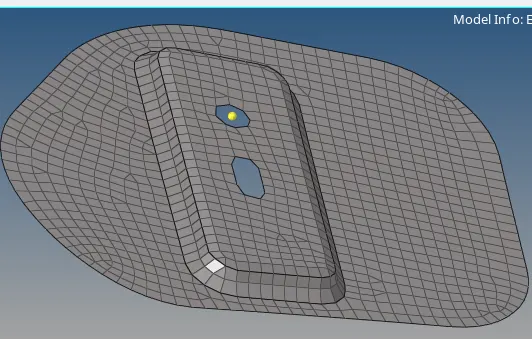
Meshing Of Hinge Reinforcement
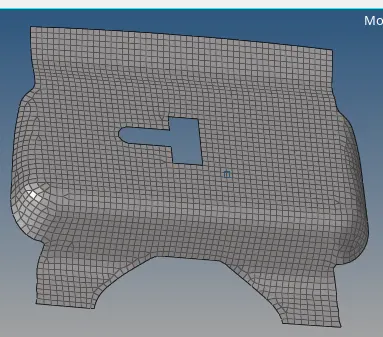
Meshing Of Latch reinforcement
Conclusion :
- Created midsurface and gave proper mesh to all components of hood.