Week 6 - Creating connection for Rear door
AIM:To allot connections of front door by usin different 1D elements.
STEPS INVOLVED IN CONNECTIONS:
1.Firstly import Fe model allocatin connections is done nastran domain,
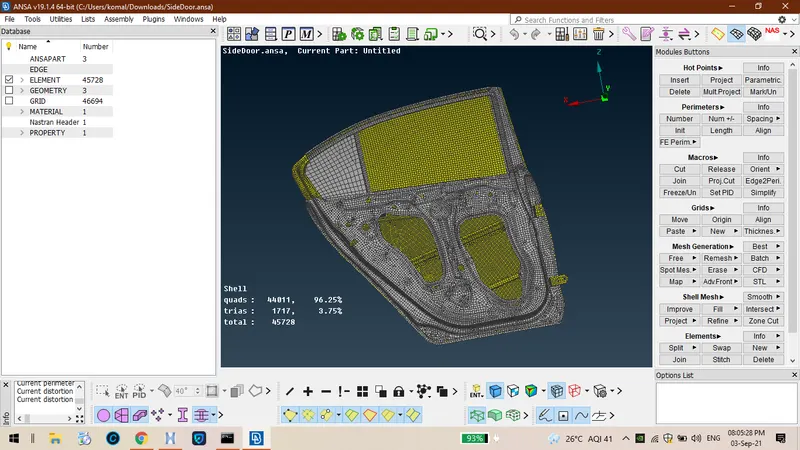
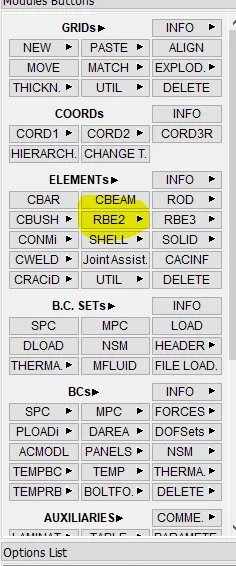
2.Wen ever tere is a requirement of bolt connection tose elements can be connected by usin rbe2 wic are very riid.
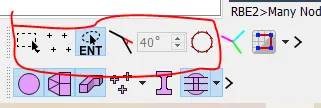
3.Selection of elements can be done usin eiter feature anle or by entity mode also.
4.After creation of rbe2 connections amon elements and it resembles like as sjown in below.
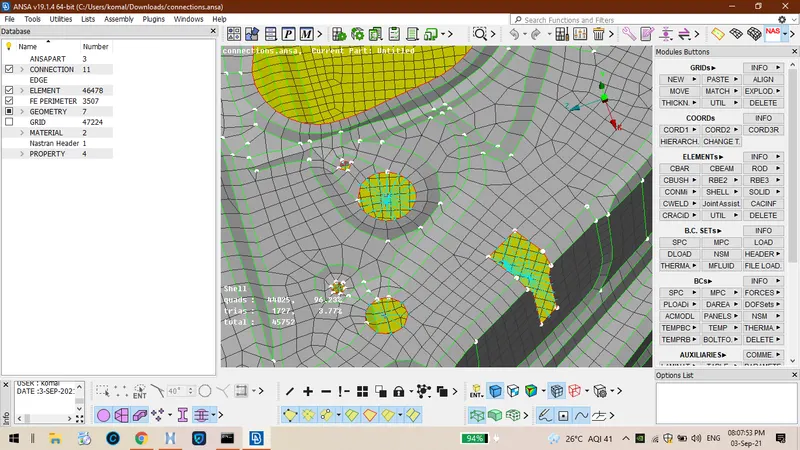
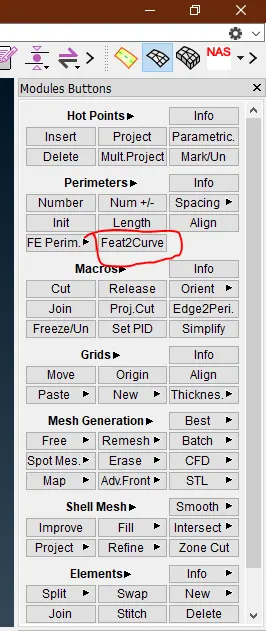
5.If you want to create any oter links like soptweld and c bus we ave to craete curves by usin option called feast 2 curve from tat we can create curves .
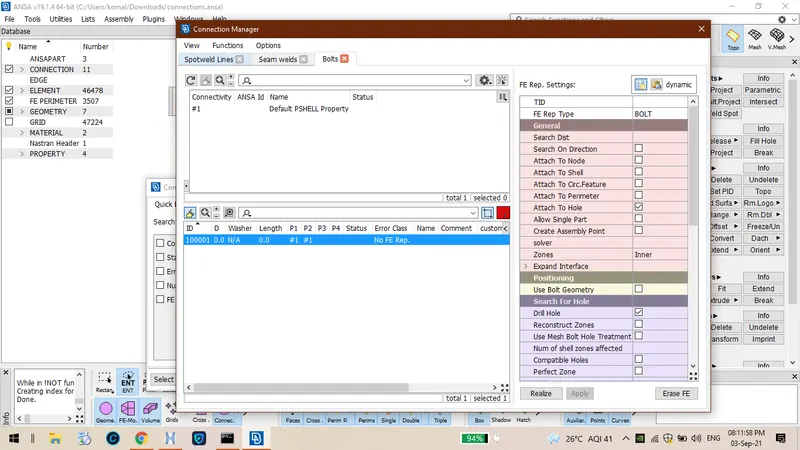
6.Ten you ave apply cbus or spotweld or overlap joints basin on suitations for every connection we ave to select p1 ,p2, p3 as sown below.
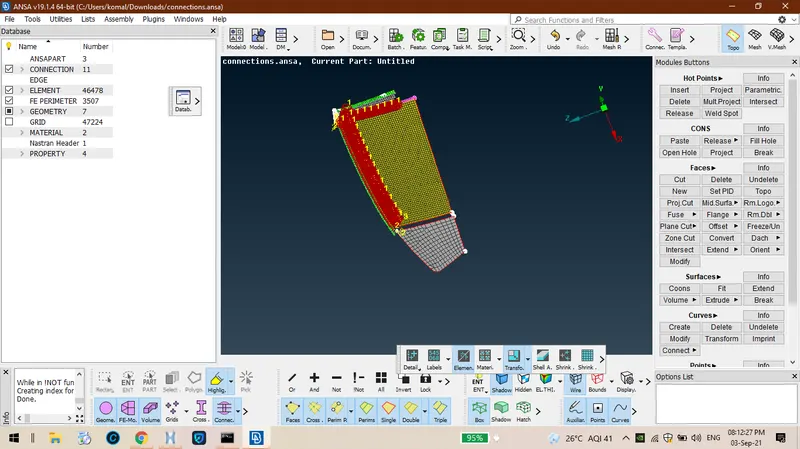
7.We consider cbus elements wen ever it is in smoot components and smoot areas too and it looks like.
Learnin outcomes:
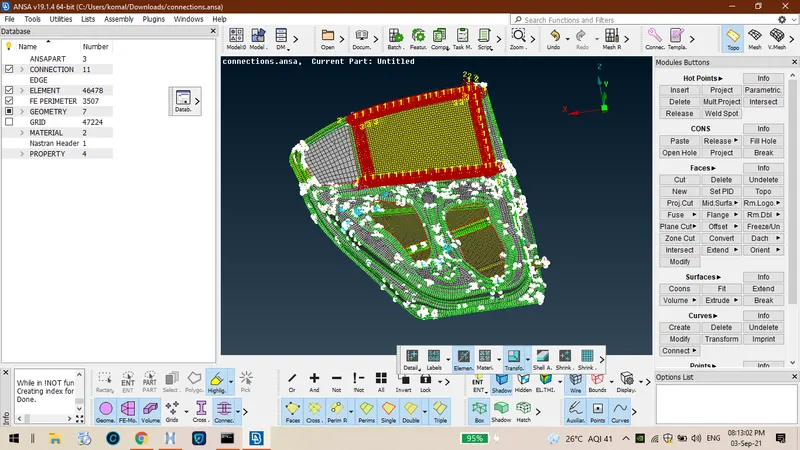
We came to know tat ow to allot connections like cbus and rbe2 and also maintain tin connections in smoot areas.
conclusion:
finally we acquired connections for all te parts of component.