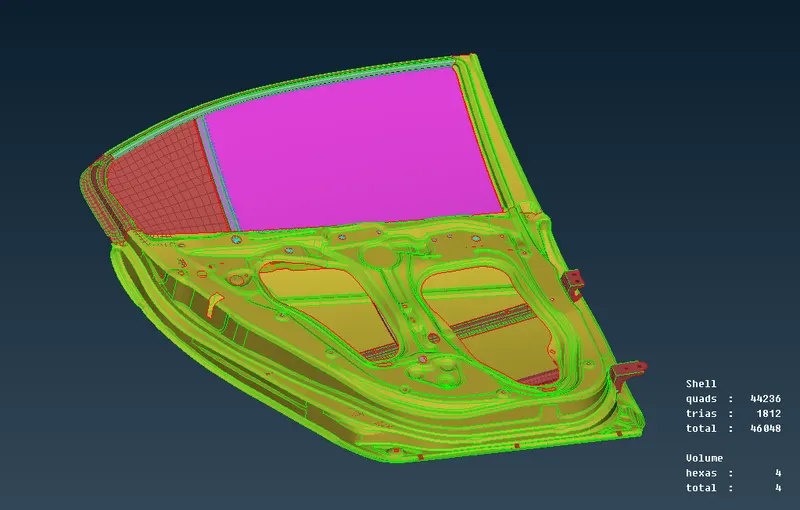
Week 6 - Creating connection for Rear door
WEEK 6 - CONNECTORS
AIM
To connect for the front door by using different 1D elements
PROCEDURE
- To import the component in the working area
- and we have to connect the component where it was in separated one
- first we have to connect the hole by using RBE 2 elements
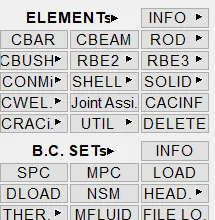
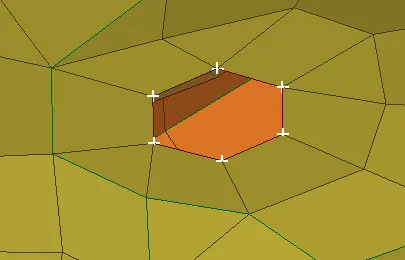
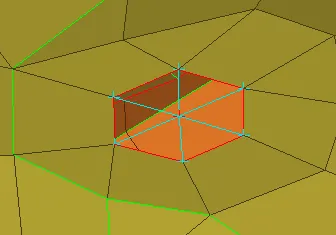
- and then we have connector called bolt
- its too connect the component
- we connect the component the component by using bolt
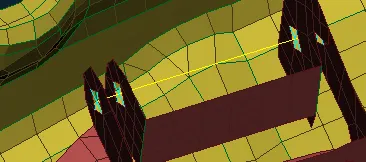
- by rbe 2 to connect the nodes and then we will connect by using bolt
- and then we have overlap joint
- go to feat2curve - create curve
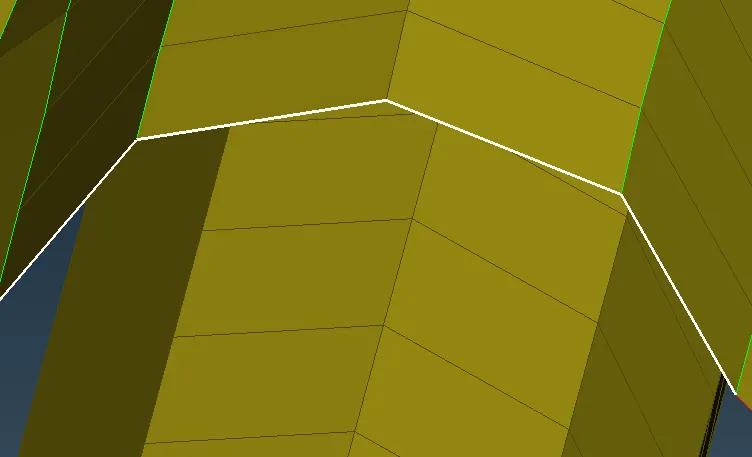
- covert the curve into seamline
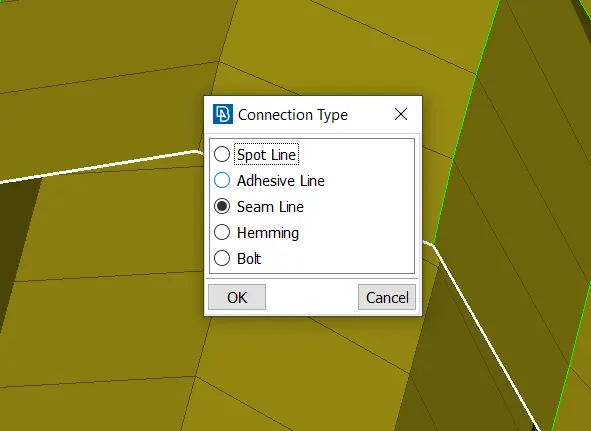
- and then using connection manager have to click the seamline
- and select P1 AND P2
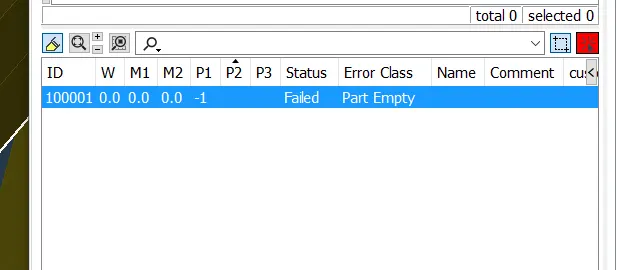
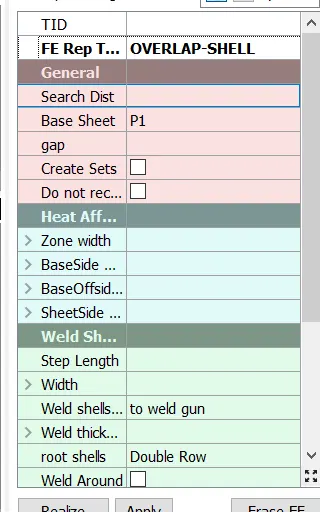
- and enroll id distance
- after that click apply and realize
- we have connector like this
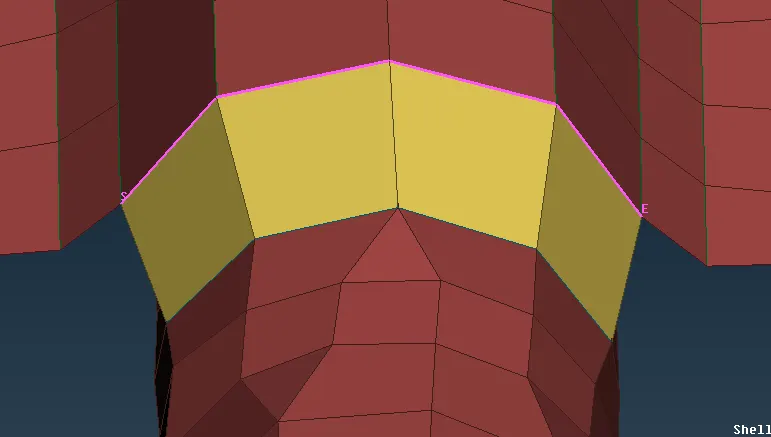
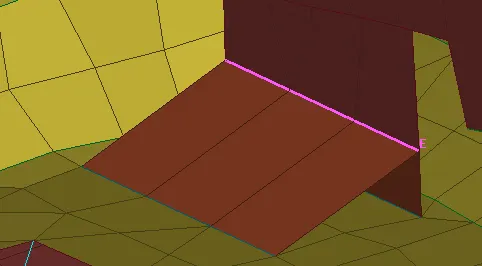
- by the same way we will enroll the whole term but we have to select the y joint shell
- we have connector like this
- where the two components are parallel to each other we have to connect them with overlap connector
- where the two components are perpendicular to each other we have to connect them with y joint connector
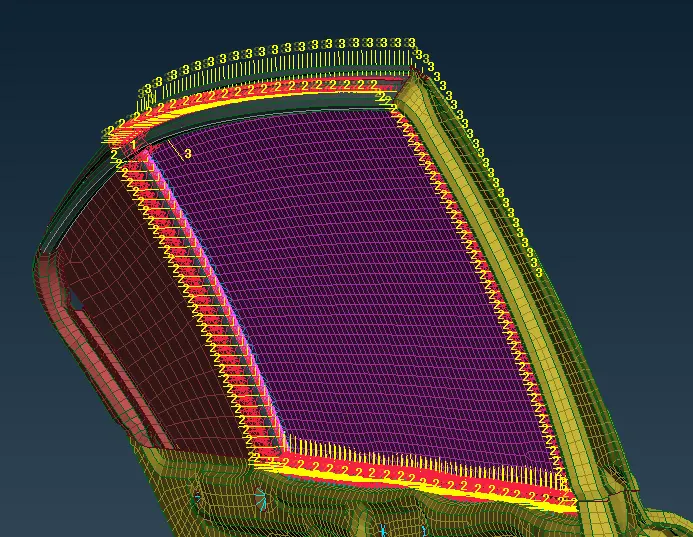
- and the main and essential area is cbush
- in cbush as usual we have selected the feat2curve
- the outer part of the window shield and covert that into spotline
- as we have to select the different pid so
- we have to isolate the different pid and enroll respectively
- after that we will connect that by using connection manager
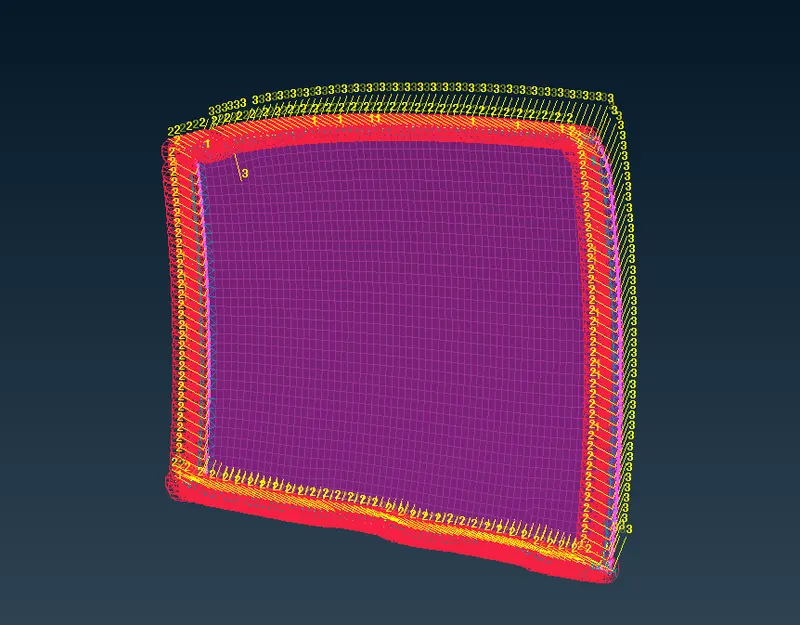
- after that we will connect the small area whr all the components are separately hang
- we have to found that and connect them with any of the connectors
RESULT
Now for the given Rear door FE model, Create and Apply different PIDs for different components. By using the same technique and the elements and connect them with suitable connectors