Week 6 - Creating connection for Rear door
Week-6 Challenge Report
Aim: Creating Connection For Rear Door
Procedure: Import geometry from the dashboard challenge section.
Inspect the model and check for the type of connections need to be done in the specific area.
1.For bolt connections see for the holes that are parallel and share same axis of formation.
Build the connection between them by using Nastran deck> Elements>RBE2>Many nodes functions.
Select the perimeters accordingly and establish connections. If required use two node option also.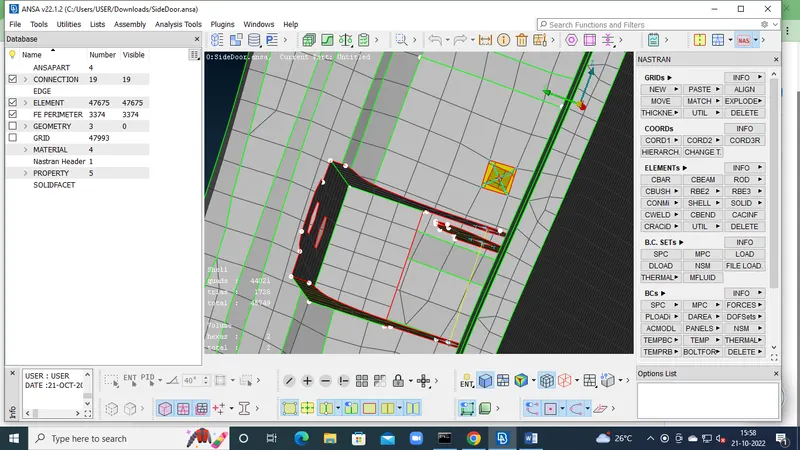
2.To create Hinge we need to create Cluster RBE2 at the holes with master node and join them by slave nodes using two nodes option.
Before creating hinge its DOF need to be constrained with respect to z axis direction by using CM:12345 in the option. 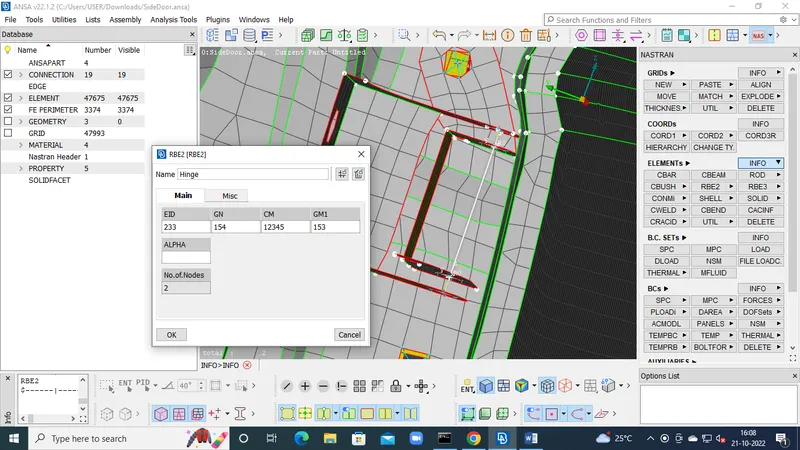
- To create CBUSH Connections for making weather insulation near Mirrors we have to create line from the classic mesh>perimeters>Feature2curve.
Convert line into curve by using Convert option and select curves>spot line option.
Use connection Manager to select type of connection.
Provide spacing value, select PID’s as P1 P2, etc.
Select FE type representation as RBE3>CBUSH>RBE3, then add search distance, create CBUSH PID then Apply and Realize it.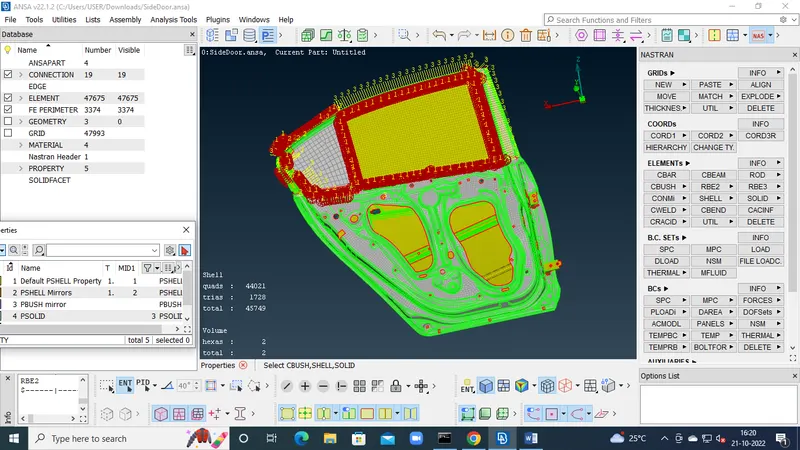
- To make Spot weld connections we have to create 3D point on the elements of two PID near to each other.
TOPO module>POINTS>con COG>Select Elements in middle>Confirm.
Convert Point into 3D point from Spot Weld Point Convert Option.
Connection Manager to select type of connection >select PID’s P1 P2>Confirm.
Select FE representation type as RBE3>HEXA>RBE3.
Provide search distance, create Weld PID, apply, realize.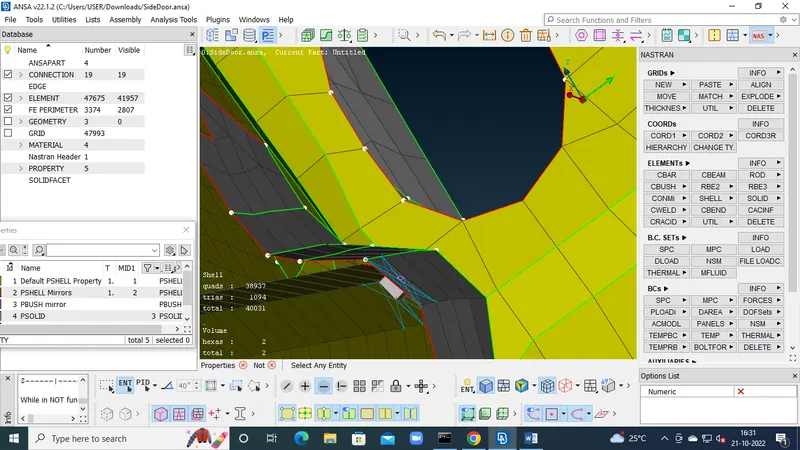
- Door Handle
Create Cluster RBE2 with many on both holes of the door. Join them by using slave nodes Two nodes option.
Add weight to the door handle by using Nastran>Elements>CONMASS>M11>Value>OK.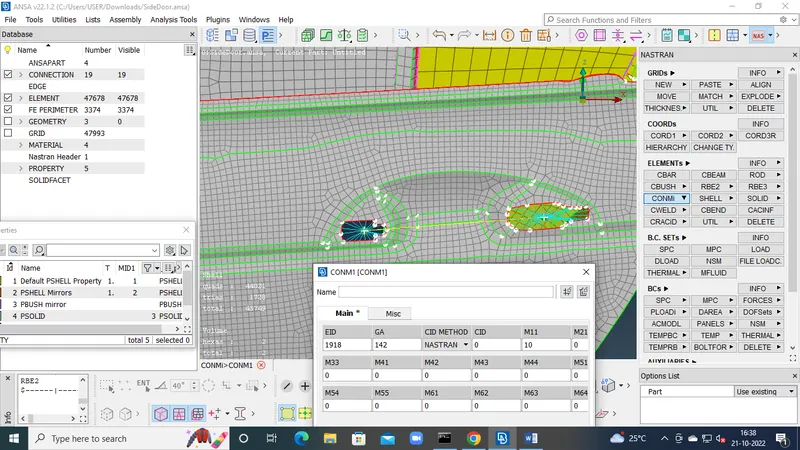
- SEAM Weld
To create seam weld, Line need to be made by using
MESH>perimeters>Feat2Curve>OK
Convert the Curve into Seam Line.
Connection Manager to select type of connection.
Select PIDS P1 P2 and confirm.
FE representation type to Overlap shell for parallel surfaces to weld and Y joint shell for perpendicular surfaces to weld.
Provide search distance, width as target element size, weld PID.
Apply and realize.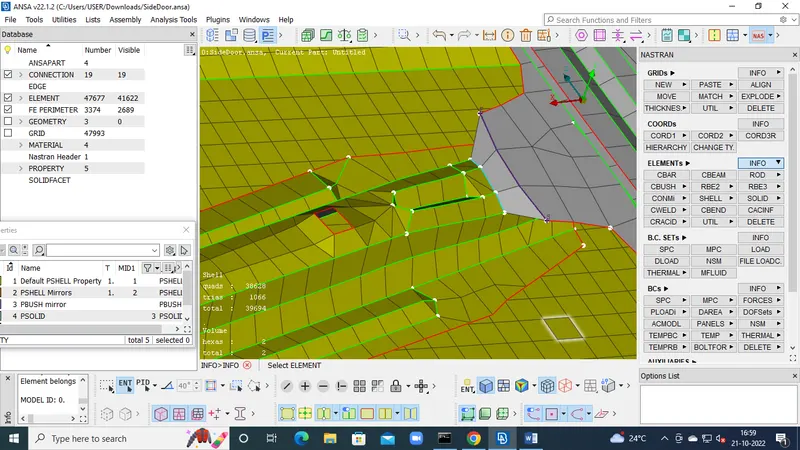
Conclusion : To save time procedure need to be foolowed.
Need to be careful while choosing FE connection types.