Week 6 - Creating connection for Rear door
CREATING CONNECTION FOR THE REAR DOOR.
AIM
To create a connection for all the meshed parts with applicable connections based on its functionality.
PROCEDURE
In these parts I have 1st started it to isolate because these models have any geometry here. So, I isolated every part with its meshed parts. I can’t isolate some bigger parts because of the Fe can’t be separated those features.
After the creating PID for every component, I’ve doing a RBE2 connection in those parts where ever the bolts are hinged and not have any stressing areas.
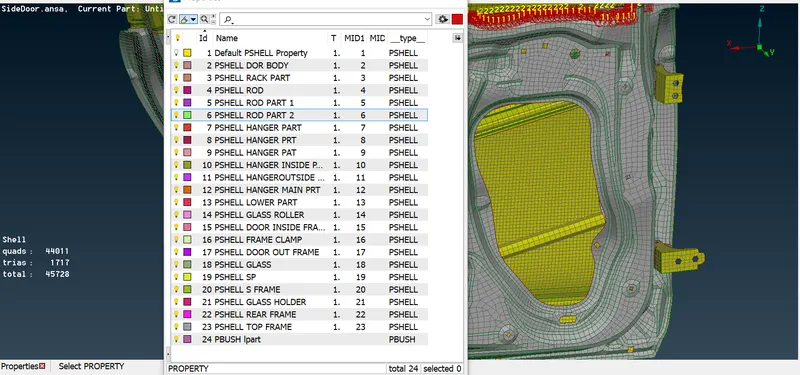
In the door hinge, where it is connecting to the body. Ive done some connections as 2 node RBE2 and cluster RBE2 connections.
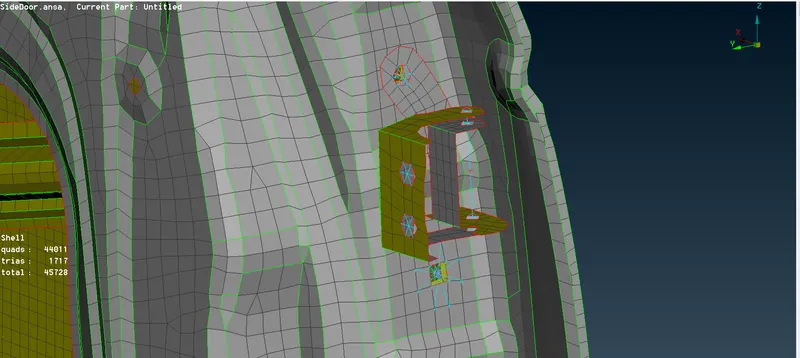
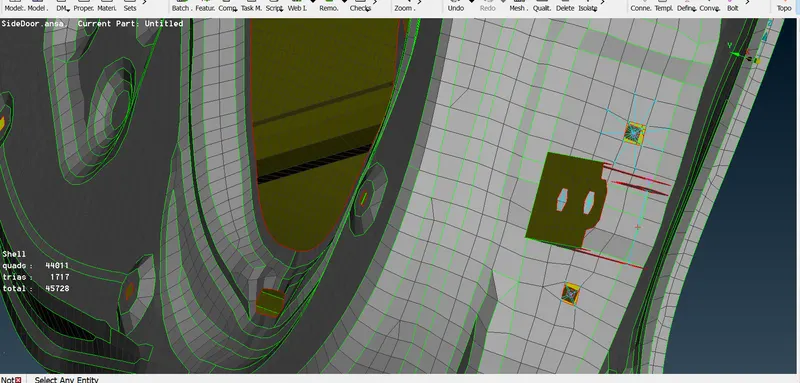
Where ever the door having mechanisms that support parts are spot welded to the body of the door.
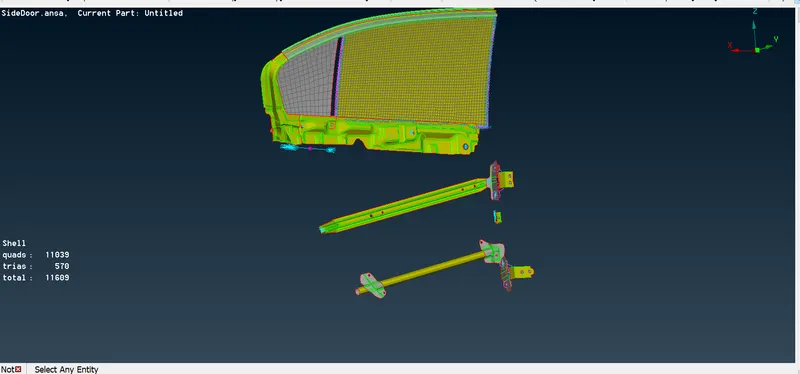
After the door handle is connected as RBE2 connection and both the joint connected as 2node connection.
And the body of the node connection should have a mass of the handle. So, we assign a mass to that part.
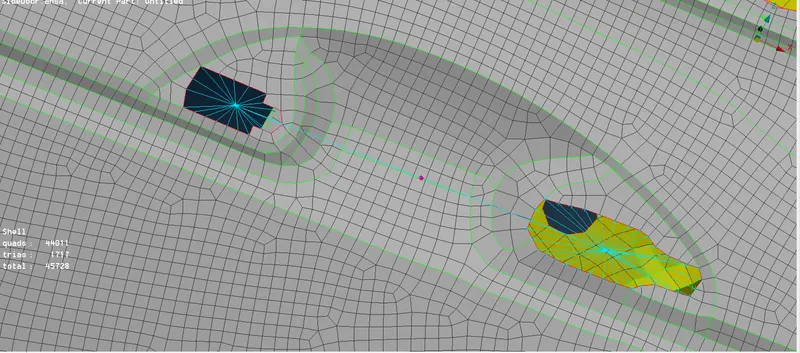
Now I connected glass and body of the part as bush of door. That will create a connection for the door and the rear glass.
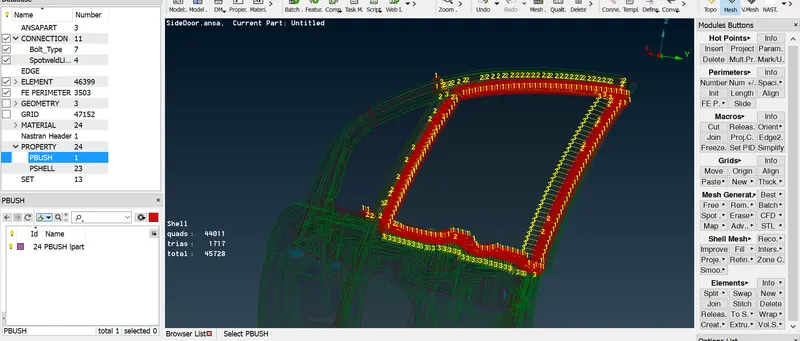
One thing I struggled because the body of the door parts is meshed as a whole part, so I can’t able to select the part when I gave connection to the backside of the glass and the body.
LEARNING OUTCOMES
- Creating a connection for the door is very critical so it took some days to finish.
- Creating a bush for the glass is little much tricky, so that I can’t able to select the parts.
- Connecting bolts and spot welds has some many methods that are very new.
CONCLUSION
In this model I’ve done whatever I can do the connections but I’ve learned how the connections works in this door and act like when we doing simulation.