Week - 4 - 2D meshing for Plastic components
AIM
To evaluate the given plastic model using pre-processor and performing topology and 2D meshing for the given component.
PROCEDURE
For doing pre-processing in ANSA we need to 1st check the geometry issues and after perform a topology, it will try to stick all the single cons in to double cons where ever it is needed. In my model I seen a only two errors in my model and I cleared it by giving fix itself.
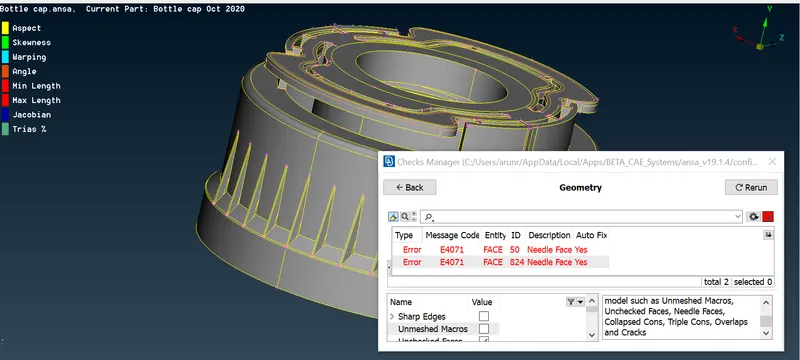
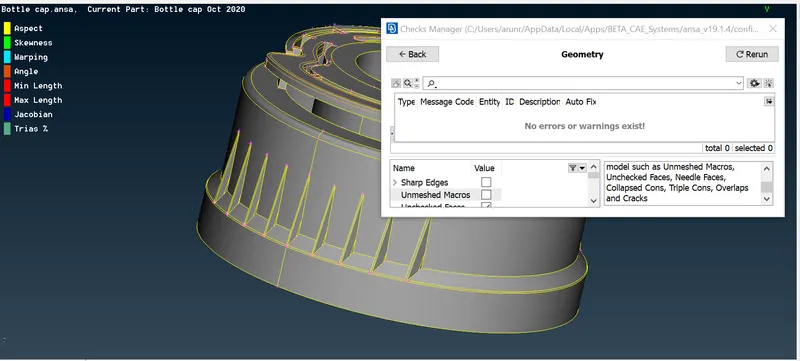
[Geometry errors before and after the images are given]
MID SURFACING
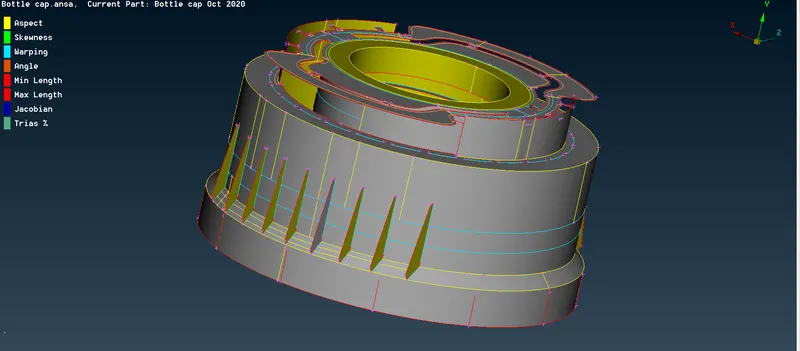
After the geometry clean-up we go for mid surfacing to do meshing. For doing 3D meshing it will take more time for us. So we can proceed with the 2d meshing by creating the mid surface for every single surface.
Use Boolean operations to create a mid surface for every single surface, using these operation will you do it easily. Use middle tool that will create a curve in middle of where u selected cons and you can create a new face.
{Refer image}
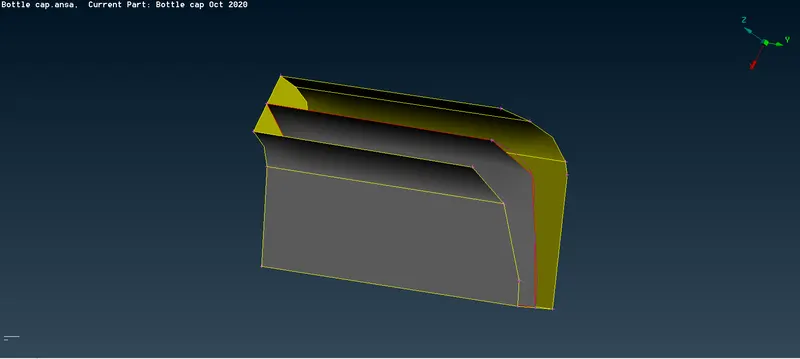
After creating a middle use transform- copy tool to rotate the entities. After creating a mid use the transform -copy -rotate and select entities. To rotate this entities, it need to two points as a reference.
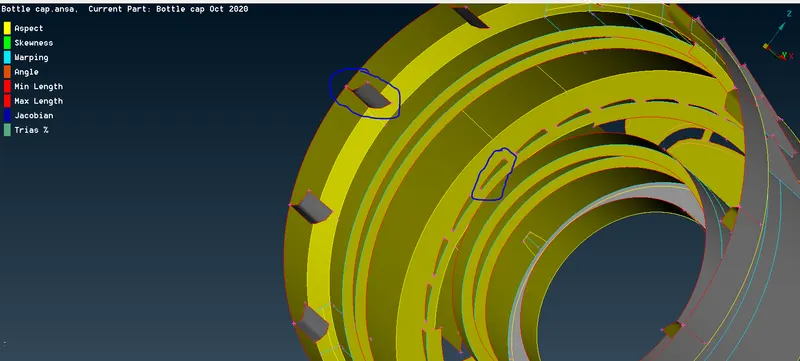
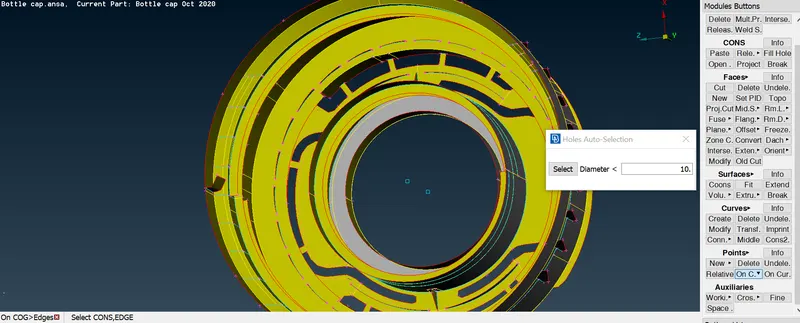
On a tool box use onCG option create two points at two different heights. That two points will act as a x and dx in the rotate tool.
[note: before selecting the curve to create a point make sure u select a loop option.]
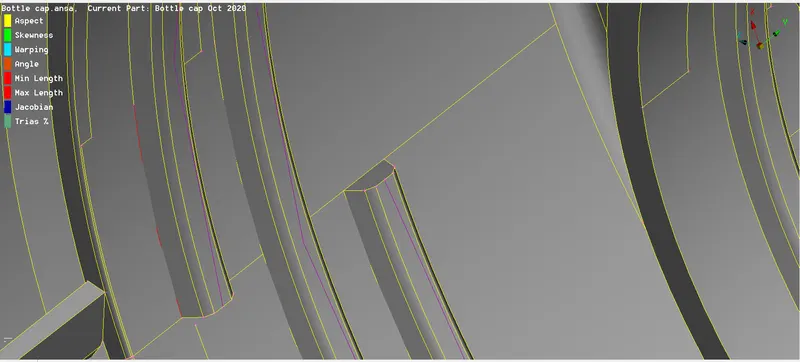
here create a curve using the middle option on the face and also on the bottom of the teeth, and create a new face.
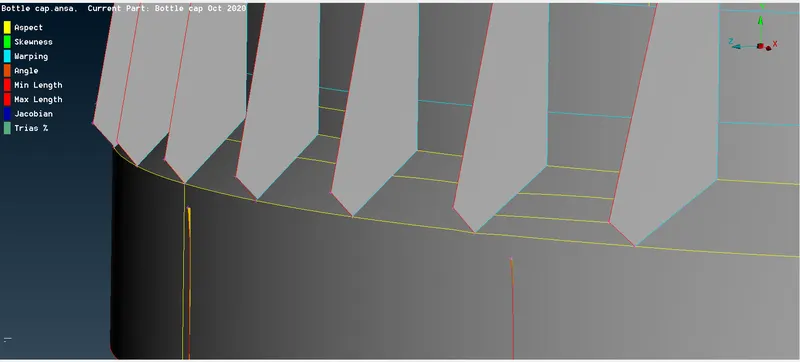
after creating a mid surfaces try to stick all the surfaces using the extend option in faces.
In the rib part i extended a faces towards down and inside of the model which act as an triple cons. after make sure end of the ribs[hot points] are correctly stiched to nearest cons or else create a new face.
this is the final mid surface i achieved.
MESHING
Meshing all the surfaces in a single click will give a more quality errors in the model. So here I used a best option to select every surface and doing it one by one.
here i faced an skewness error in meshing because of the triple cons are not stiched to the end of the bottom single con, so i make some changes in the geometry model.
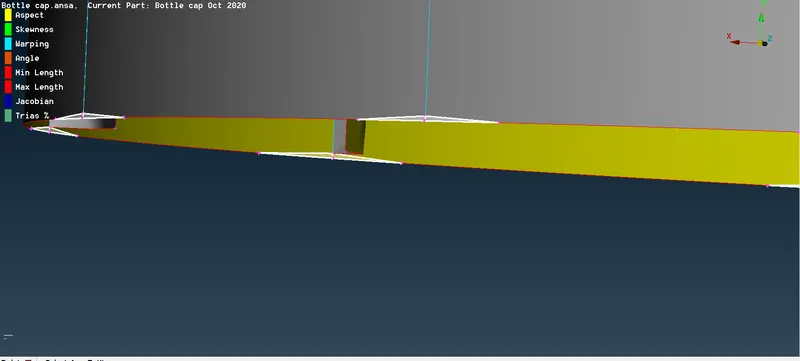
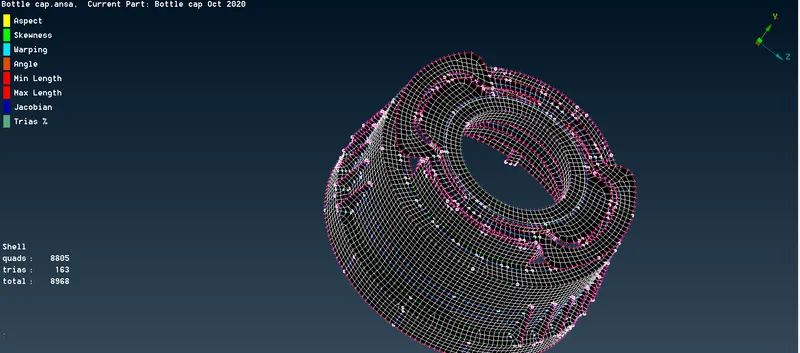
Here I used reconstruct option to eliminate the trias and also eliminate the quality errors. Where ever you facing these errors you can use split option and swap to reconstruct the trias and you can use smooth option for the better mesh flow.
Finally i achieved a proper mesh without having off elements and unmeshed surfaces.
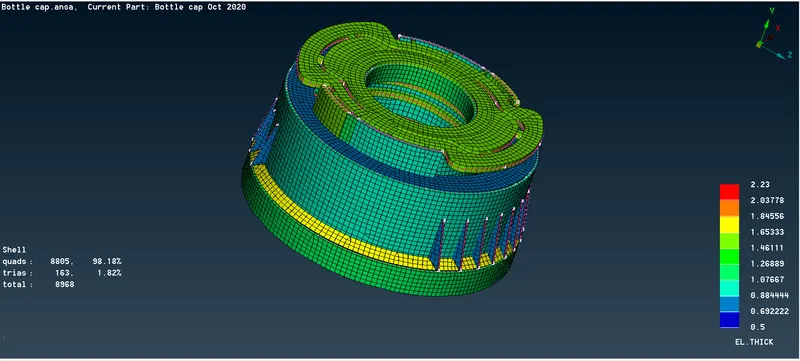
After doing all these procedures assign a property ID for every surface. If two surfaces have a similar thickness you can assign it in a single property ID.
For every property ID give a thickness for every surface , if the surfaces having the varying thickness you can measure and calculate the average of that whole surfaces.
In quality parameters give draw shell as solid will be given. It will enable the 2D surface into the 3D model.
LEARNING OUTCOMES
- Here I’ve learned how to create the midplane which have a cut in the one side of the edge. It solved by cons2curve and joining all the curve.
- I’ve learnt how to assign property id for each surface and how to assign thickness, because in my last assignment I missed this command.
- New things like how to join every surface and how to rotate the entities using the rotate option.
- Tools like transform, extend, middle, cons2curve, creating points, shell as solid, etc.
- Meshing the surfaces which are nonlinear is very new to me.
CONCLUSION
In this model I’ve used a new tools for the all the components. Where ever we facing issues like this will eliminate the issues by using the further tools and it should solve by our perspective.