Week 6 - Creating connection for Rear door
AIM:
- To Create and Apply different PIDs for different components. By using the same technique and the elements as shown in the video, Perform suitable connections for givenrear door FE model.
PROCEDURE:
- Import the FE model geometry,as shown in below.
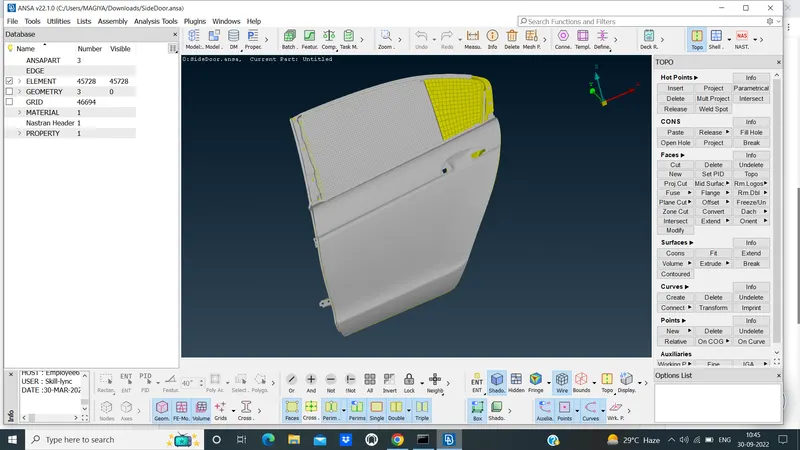 .
.
- I set the different part for different property,as shown in below.
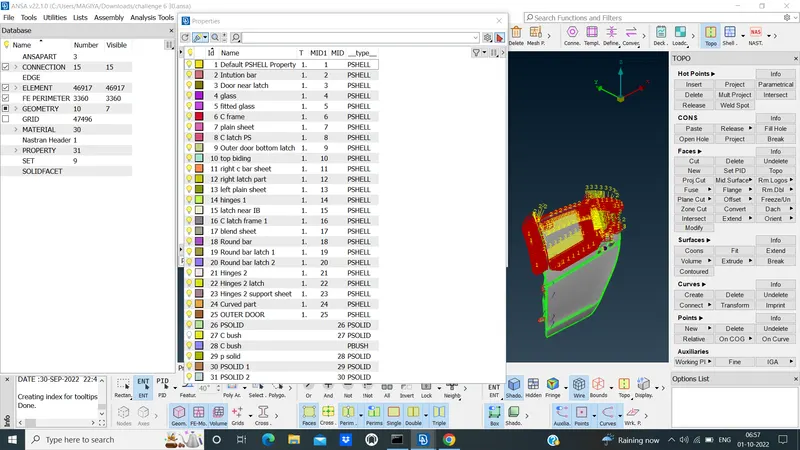 .
.
- I could done with the C BUSH in the region of glassdoor,as shown in below.
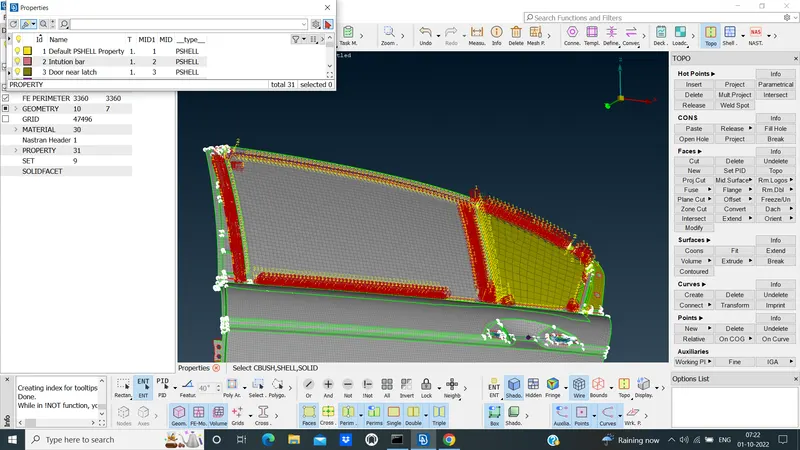 .
.
- In the Handle part,created the RBE 2 cluster of that and given CONMI mass is added in the handle,as shown in below.
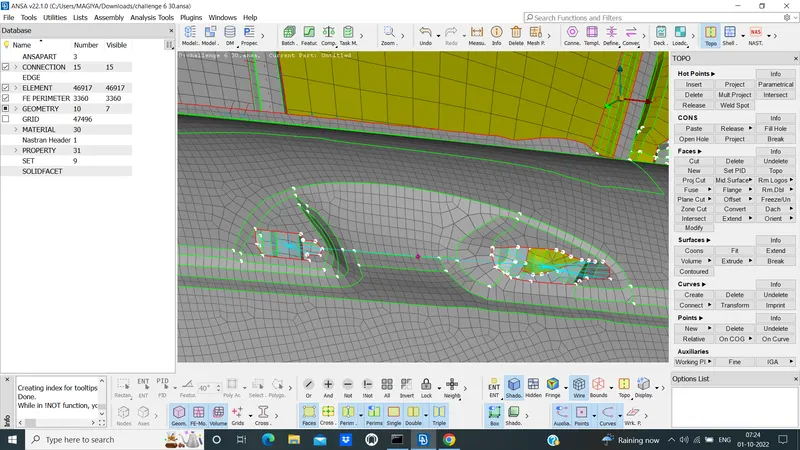 .
.
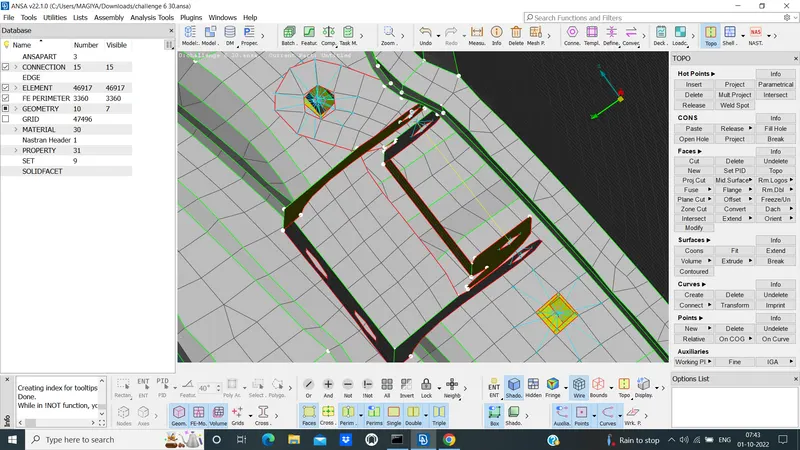
- I created the ONCOG in the bolt spot and convert the point 3D and to connection manager BOLT connections,as shown in below.
 .
.
- I given the Connections of RBE 2 clusters some hinges part, where ever it wants.
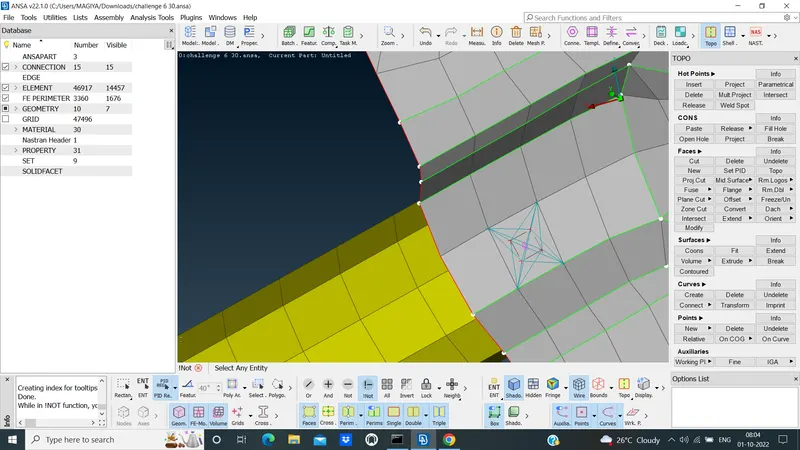
- Created the ONCOG and covert 3D pionts and taken spot weld point and in connection manager of FE model use the RBE3 HEXA RBE3 made a connections where ever it wants,as shown in below.
 .
.
LEARNING OUTCOME:
- Where want to give a connections.
- Learned how to give a spot weld connections.
- Learned how to give a bolt connectionsand RBE 2 connections.
- Learned how to give a C bush connections.
CONCLUSION:
- Here,I conclude that the connections where ever it wants,I made a connections of the regions as per the video.