Week- 5 - Solid meshing
AIM:
- To check for the geometrical errors and mesh the Surfaces with the given 2D element Quality criterias for the given Rear view mirror component.
- Use tetra elements to mesh the Volumes defined in the model and check for the collapse 0.2 quality after Volume meshing.
PROCEDURE:
- Import the geometry.
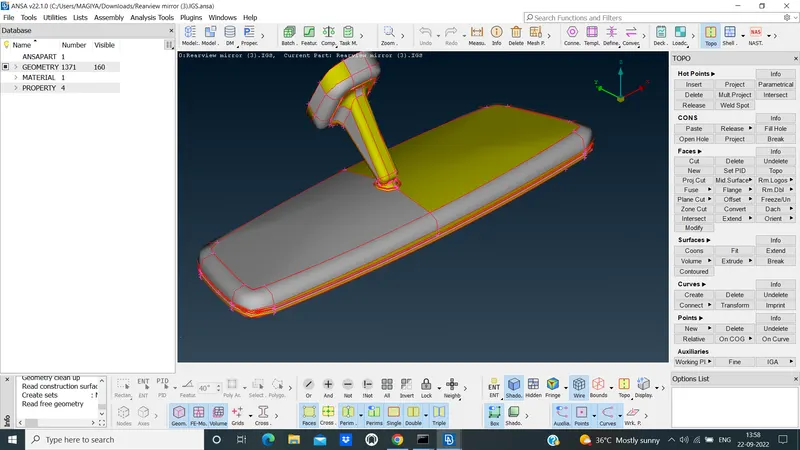
- Geometry with out topo clean up,as shown in below.
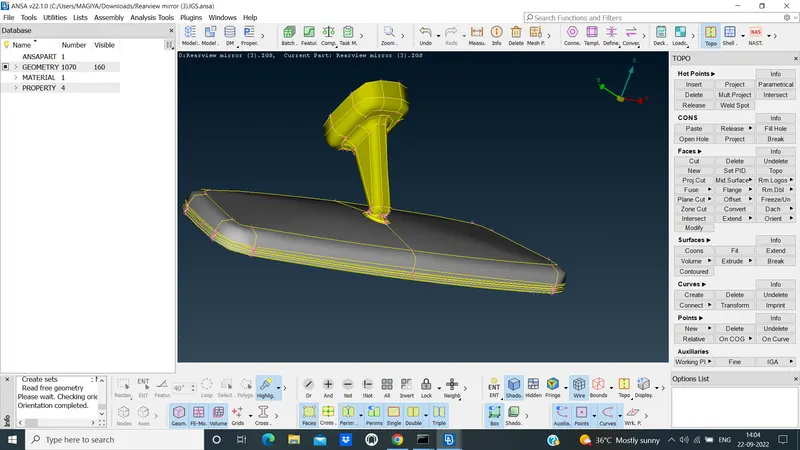
- Given the topo clean up and proper oreint of the geometry,as shown in below.
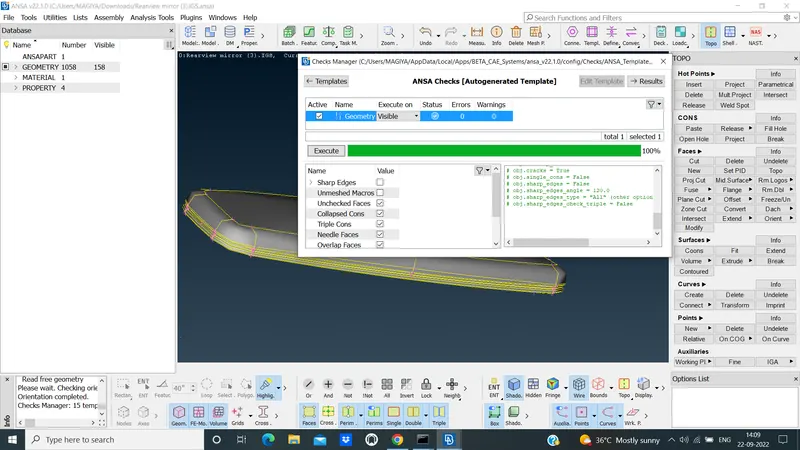
- check the geometry with zero errors, as shown in below.
- Go to the classic mesh deck and give the length(perimeter&Macros) of given average length.
- Given the quality criteria and mesh parameters are used ortho trias of the given target element of the model.
- Using the Best mesh generation to Mesh the all property of the given Rearview mirror.
- Some failing Elements are coming through the meshed parts and I have to Rework using Reconstruct option.
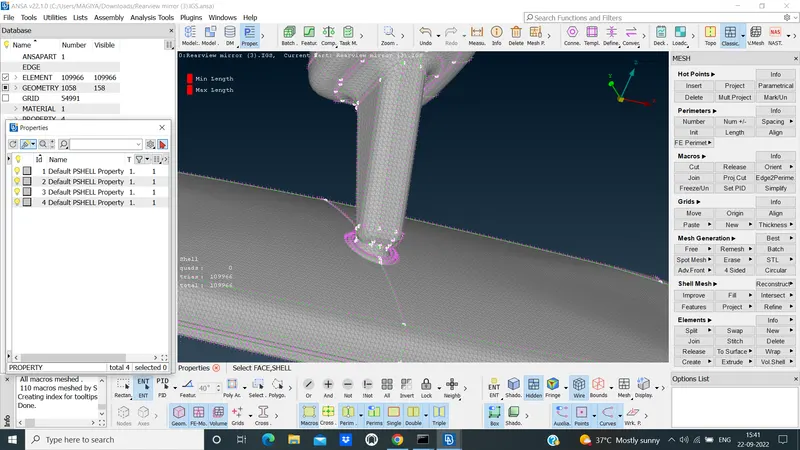
- Remeshed the property are done and I have the No OFF element and good mesh flow are done,as shown in below.
- Go to the volume deck and Use the DEFINE option under the volumes for property of Bearing.
- Mesh using the TETRA RAPID of Bearing property,as shown in below.
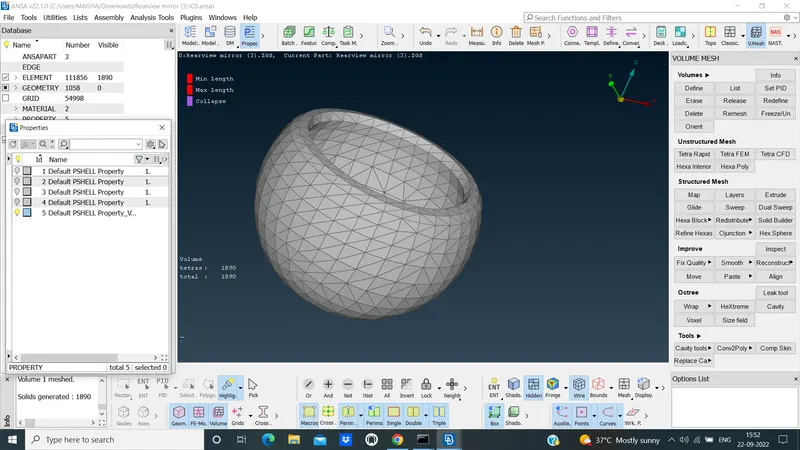
- Similarly, Meshed the all other property with No OFF Elements, as shown in below.
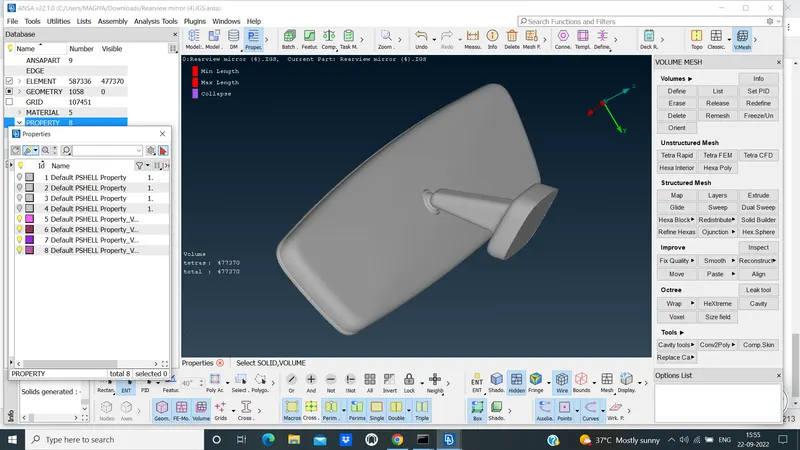
- These the procedure are done by me.
LEARNING OUTCOMES:
- Using Volume deck, How to mesh the solid component .
- Normal trias and ortho trias difference.
- Ortho trias are high computational time when compared to normal trias.
- some options like list,Tetra FEM,Tetra Rapid ect ,.I Learned during this process.
- No Mid surface is taken for solid component meshing.
- we could not define the volume meshes.
- Huge Number of Tetras volume,when compared to Trias shell.
CONCLUSION:
- I conclude,that the geometrical errors, Topo clean up, classic mesh and volume mesh with no OFF Elements and Good mesh flow for given as per quality criterias are done,as shown in below.
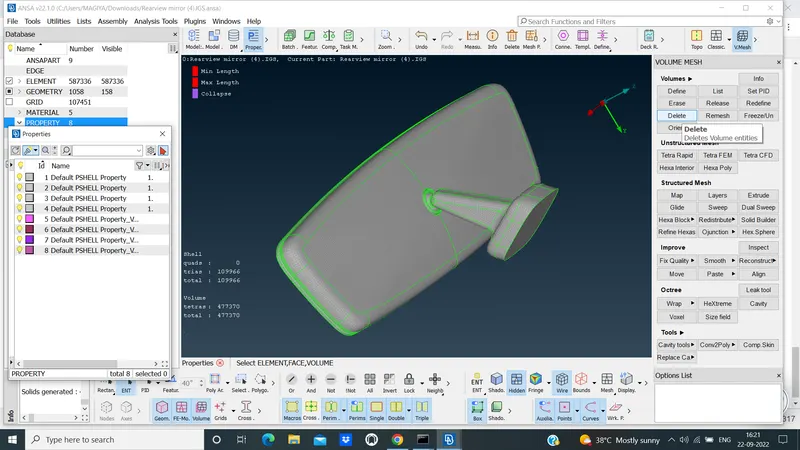 .
.