Week - 4 - 2D meshing for Plastic components
AIM:
- To check the geometrical errors and take the mid surface by the suitable mid surfacing techniques.
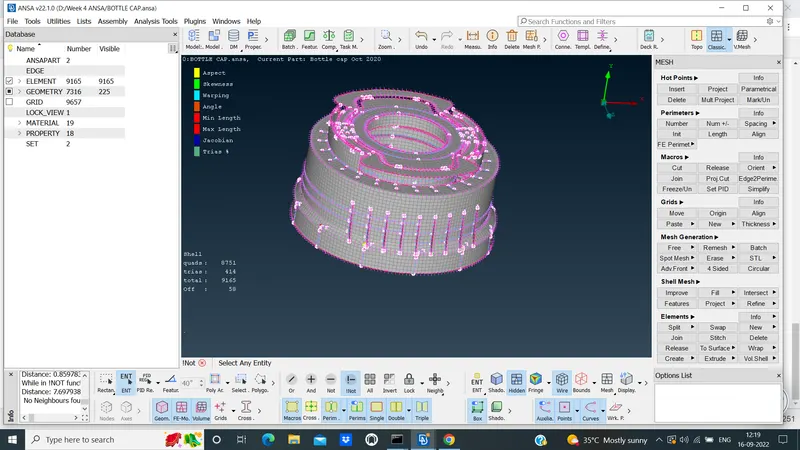
- To mesh the same with give element quality criteria for the given plastic bottle cap model.
OBJECTIVES:
- To rectify the given plastic models of geometrical errors.
- Give the geometry checks and the mid surface of all parent geometry.
- To Assign the PID and Thickness for all the mid surfaces.
- Give the good mesh flow of given plastic model.
PROCEDURE:
- To do the geometric checks of the given plastic model.
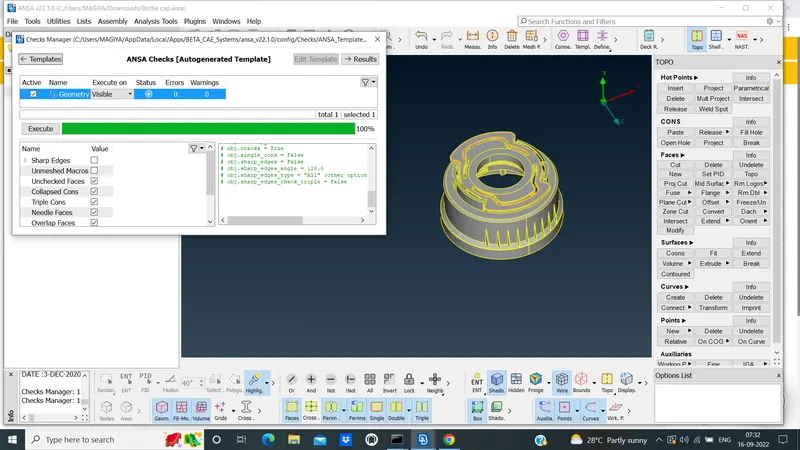
- To take mid surface for the given parent geometry for all parts inthe model.
- Using the mannual OFFSET option under the FACES to take the midsurface of parent geometry.
- Mid surface are done by mannual OFFSET of all parts seperately one by one.
- Complicated areas like,TEETH,THREAD taken the mid surface using CURVE middle >project>transform Rotate has to be done,as shown in below.
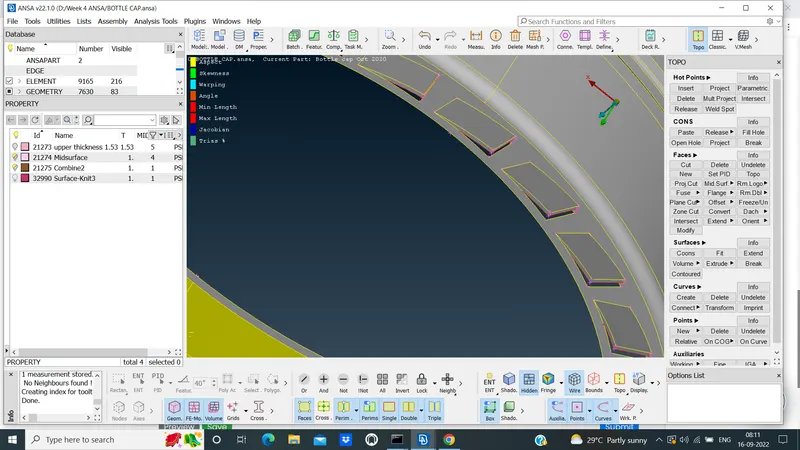
- Using the mannual OFFSET option to take the midsurface of parent geometry of all other parts has to done,as shown in below.
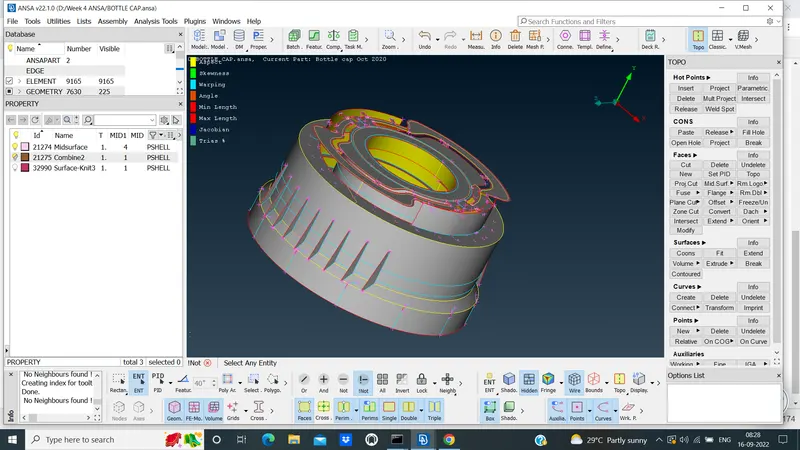
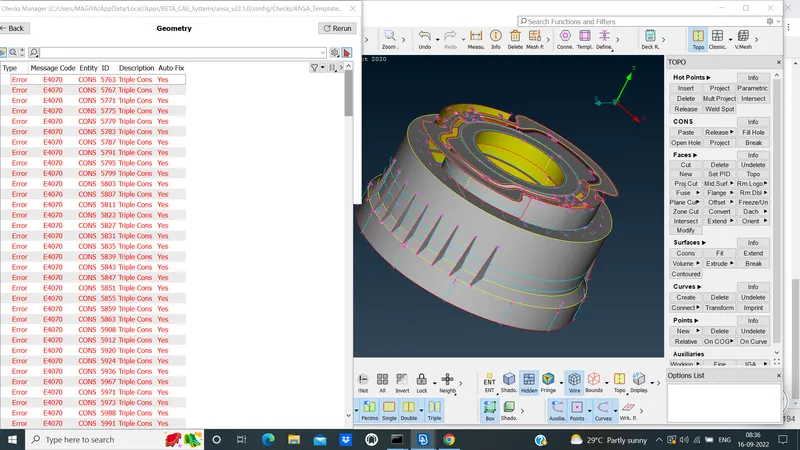
- In this model,having the Triple cons,so that geometrical errors will be having,as shown below.
- After that ,Go to mesh all mid surface parts and give the good mesh flow.
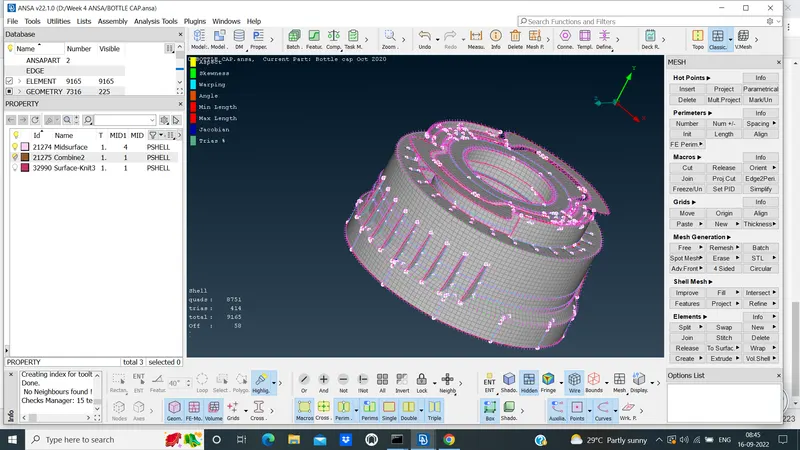
- Meshing all the mid surface parts has to be done,as shown in below.
- Assigned the thickness of all parent geometry of set new PID of given plastic model.
CONCLUSION:
- Here,I can achived the given Target Element Quality criteria and Meshing also done with target element quality criteria for all geometry parts,as shown in below