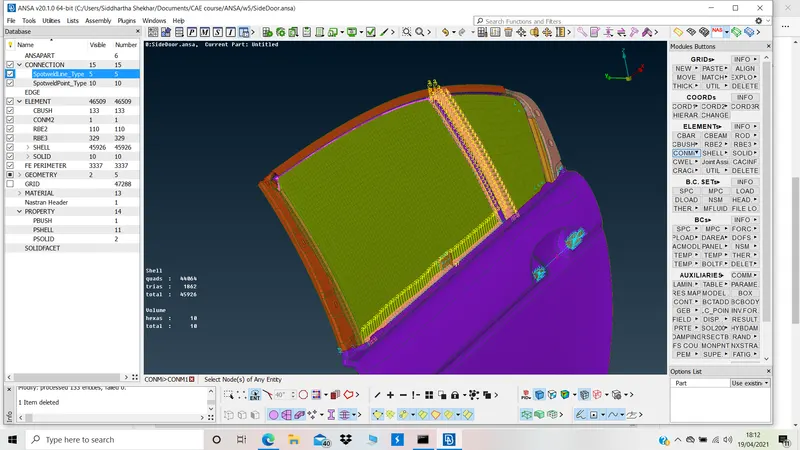
Week 6 - Creating connection for Rear door
OBJECTIVE:
To assign the PIDs to various componenets of the backdoor and then make connections to join the mechanisms.
PRE-REQUISITES:
1. Selection of FE using INOT-NOT for Macro region and PID region.
2. Identifying the linkage of various components.
3. Assigning the joints or type of connection for each connection assembly.
4. Assigning mass.
GEOMETRY IMPORT and Connection study:
- The released FE is imported in ANSA and is studied for connections.
- The panels which are parallel to each other can be joined using SEAM Overlap joint.
- The panels which are perpendicular to eachother can be joined using SEAM Y shell joint.
- The panels which are overlapping at smaller distances can be joined using Spot weld.
- Strength for spot welds is not as much as seam weld.
- The Bolt assembly can be realised using RBE2 rigid elements.
ASSIGNING PIDS:
To falicitate the connections, it is important to assign the different PIDs to the mating parts.
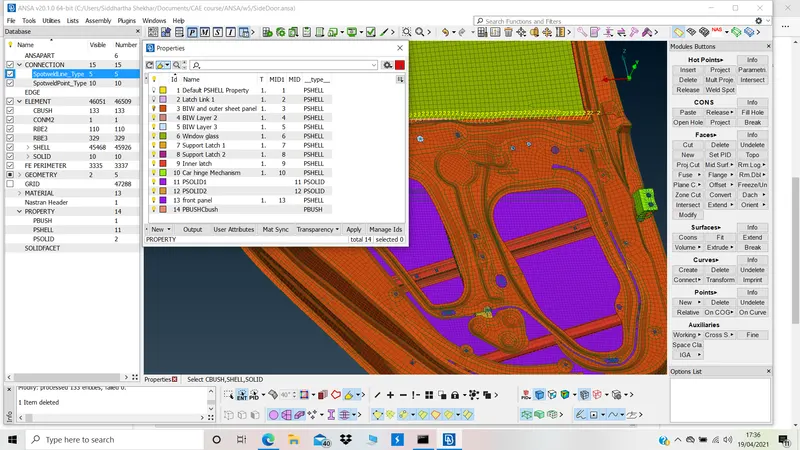
PID view:
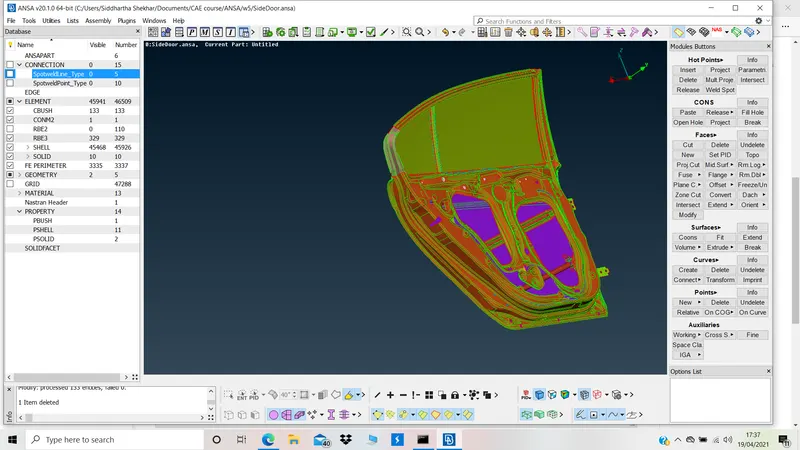
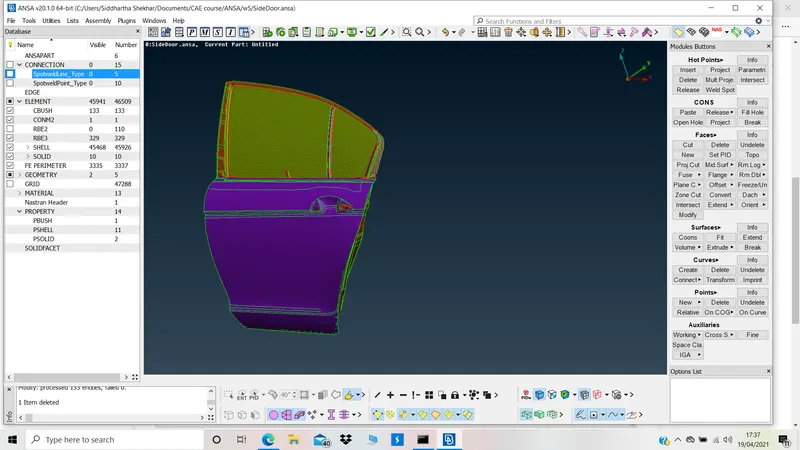
RBE2 connections:
Connecting Door hinge mechanism with door and body using RBE2 Bolts:-
Choose appropriate solver deck module(NAS)>RBE2>Many nodes>realize>RBE2 double node >realize.
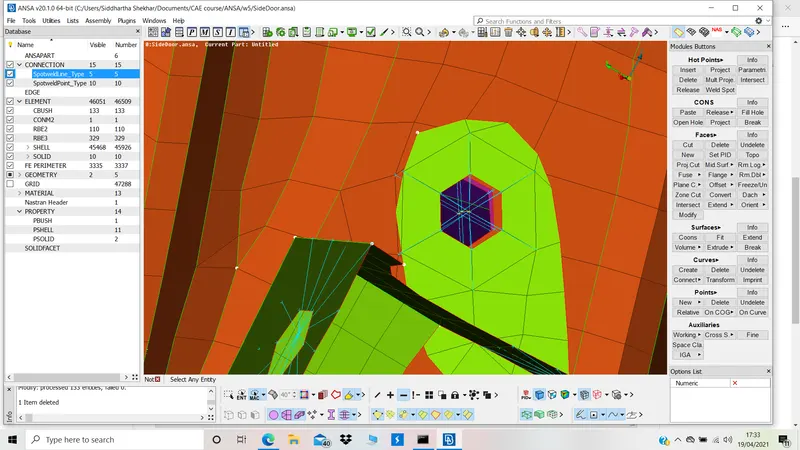
All holes the component are rigidised using RBE2
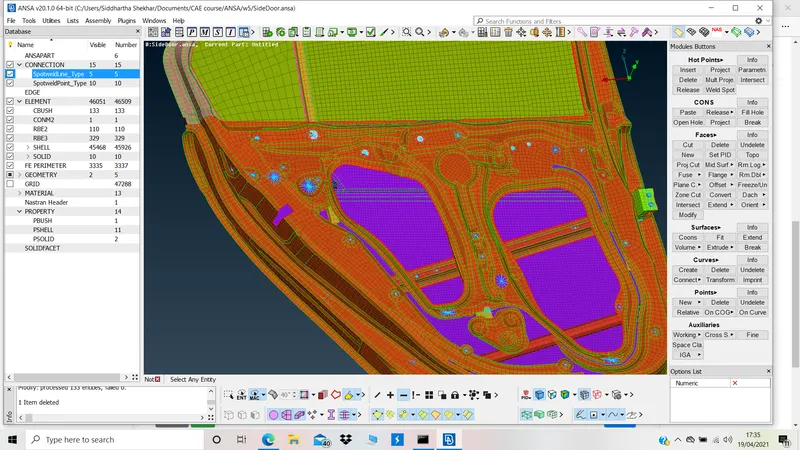
Spot Welds:
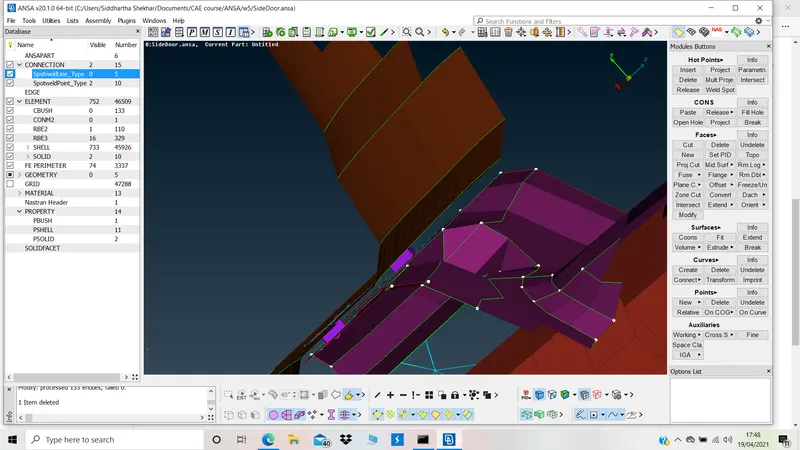
In order to spot weld
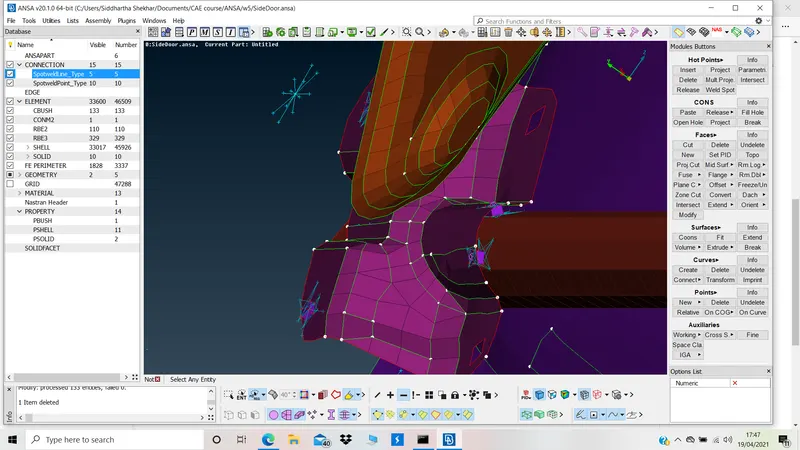
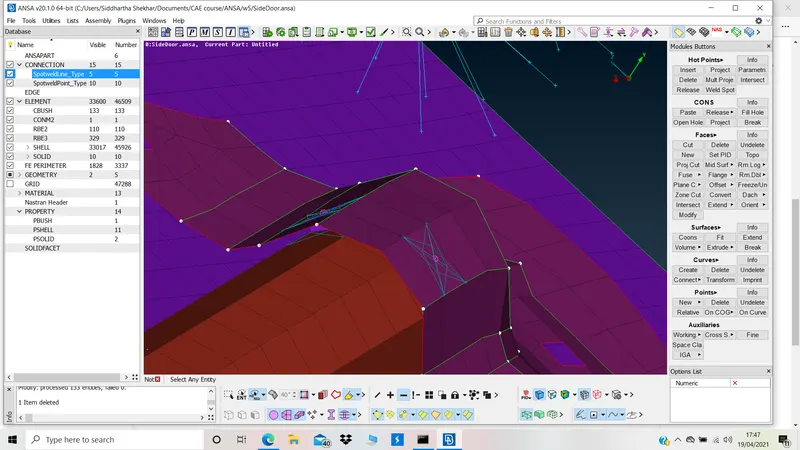
A 3D point is converted into Spot weld and a Psolid PID is created
Connection manager>>Choose PIDs>>RBE3-HEXA-RBE3>>search distance>>choose PSOLID id>>Realize
Assigning MAss to Handle connection:
RBE2 connections are made for Handle mechanism.
Mass is assigned at the Centre of gravity in tonnes using - NASTRAN >> ELEMENTS >> CONmi >>CONM2
CBUSH Connection:
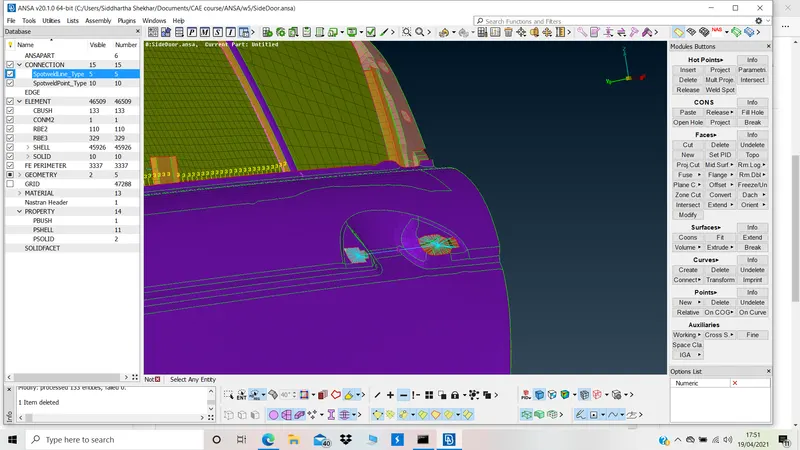
Curves of window are converted into spot line using
MESH>>FE2Curve>>Convert>>select curves>>Spot line
Connection manager>>Choose PIDs>>Give spacing>>Choose RBE3-CBUSH-RBE3>>specify search distance>>Choose PBUSH ID>>Realize.
Orient the CBUSH as per the global coordinate
as there is no specified custom global system, so use 0 as the CID in the modify CBUSH window.