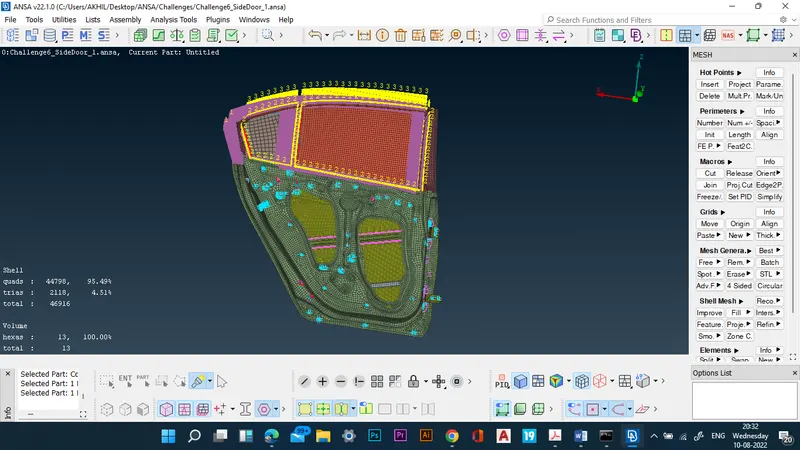
Week 6 - Creating connection for Rear door
OBJECTIVE: To create connections between the components of the back door.
MODEL IMAGE:
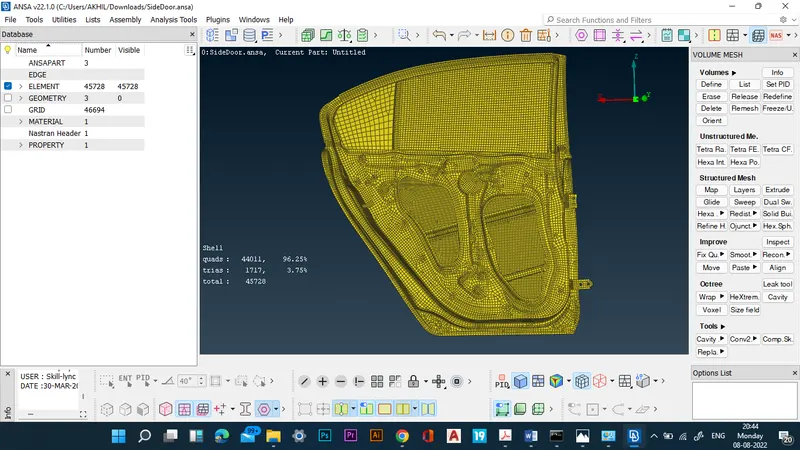
PROCEDURE:
- The given model of rear view mirror is imported by the open model command.
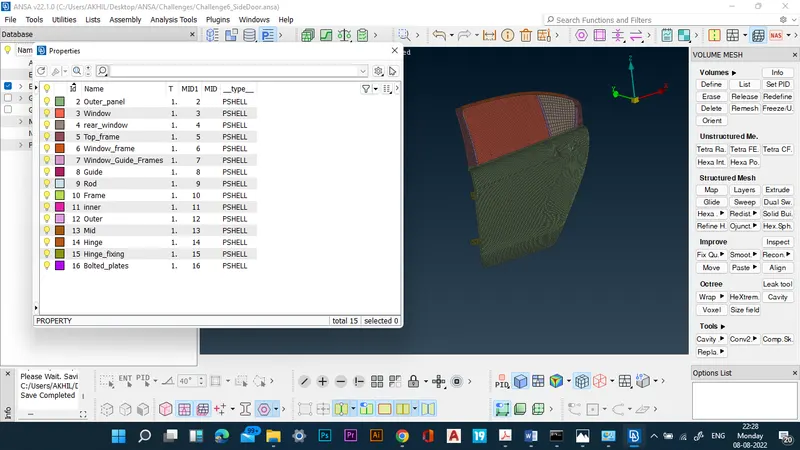
- PIDs are created for the various components.
- RBE2 connections are deployed where bolt holes are present on a single component.
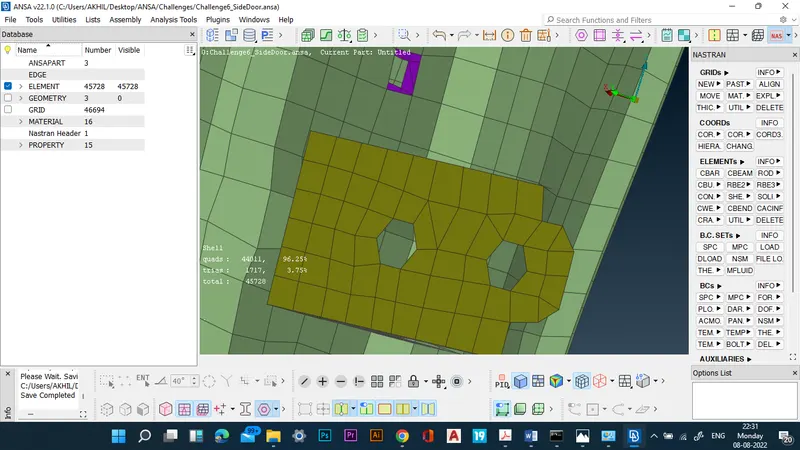
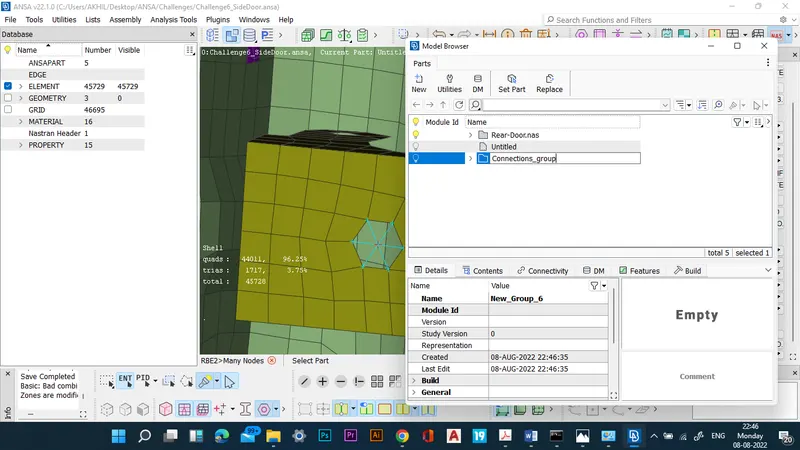
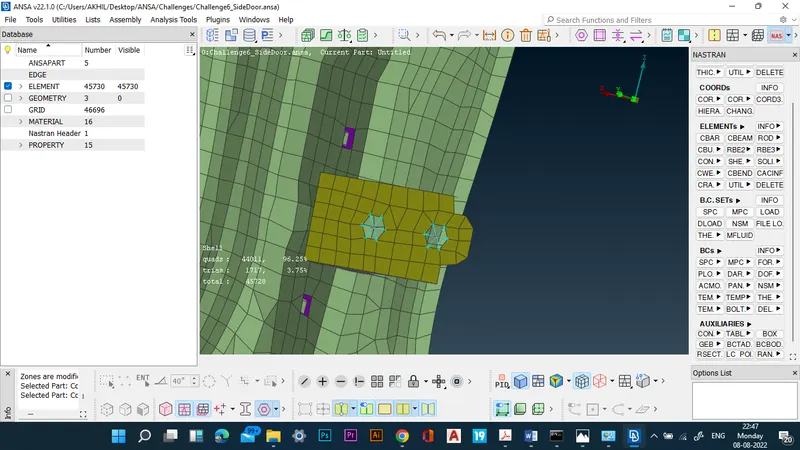
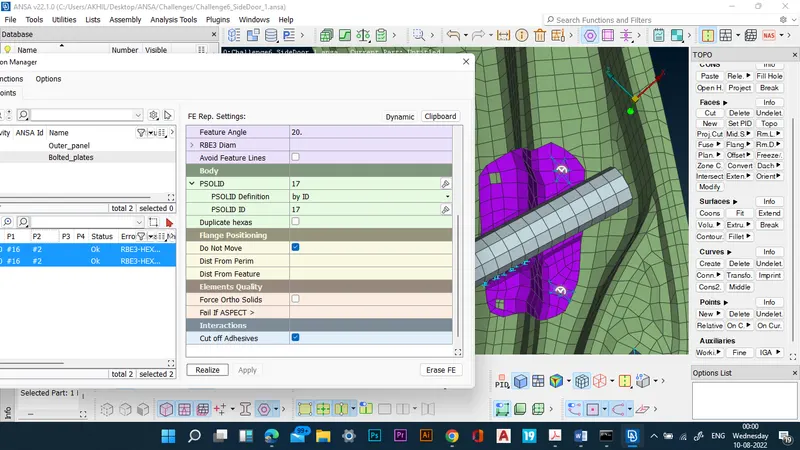
- For deploying bolt connections, the first 3D points are deployed on the bolt holes.
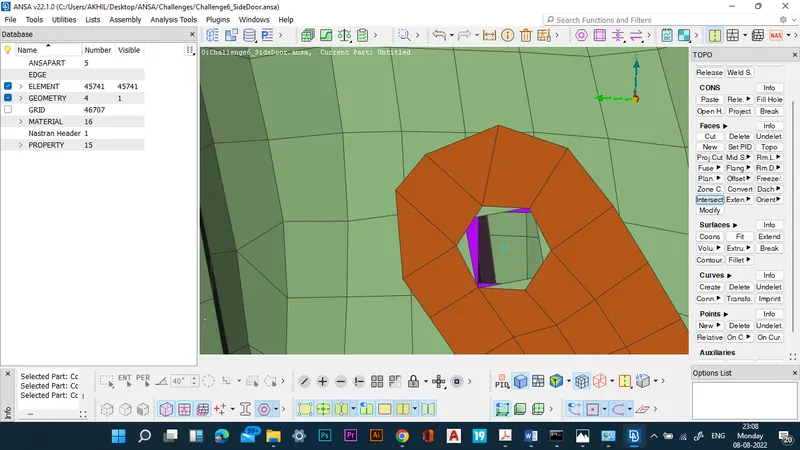
- The 3D points are converted to connections.
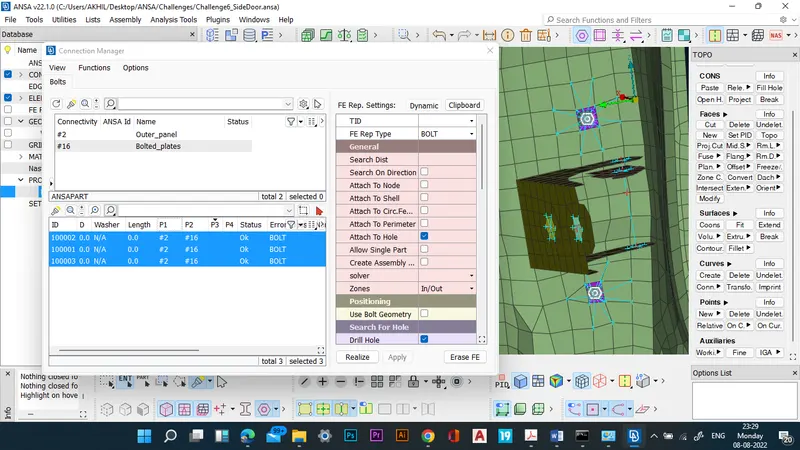
- The connections are then realized in the connection manager.
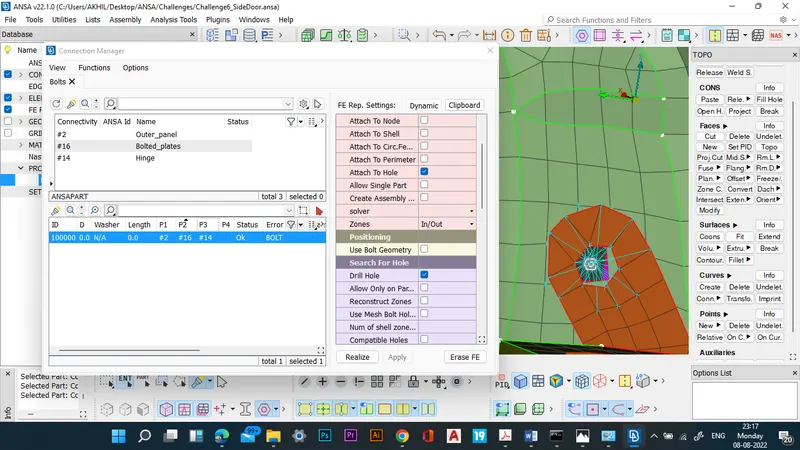
- Similar connections are deployed in other bolted areas.
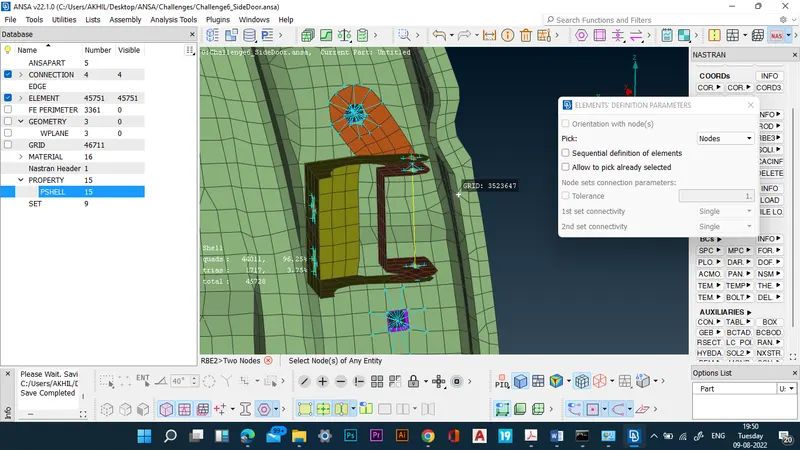
- 2 Node RBE2 elements are deployed in the hinged regions.
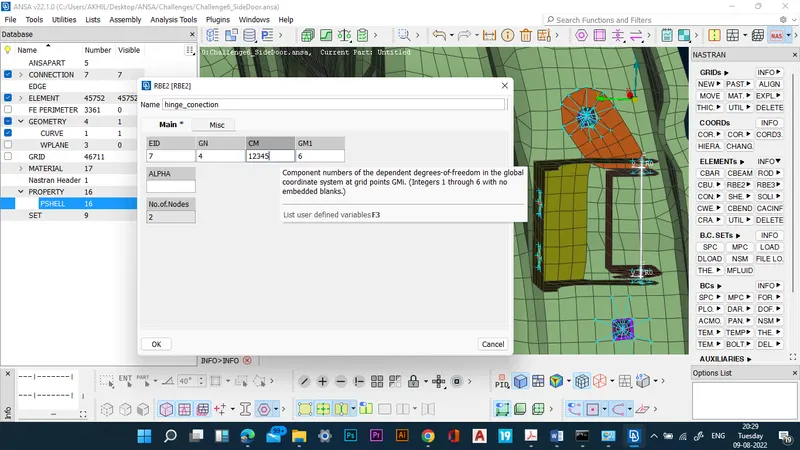
- The degrees of freedom is not restricted in the rotation axis along Z direction in the hinged case.
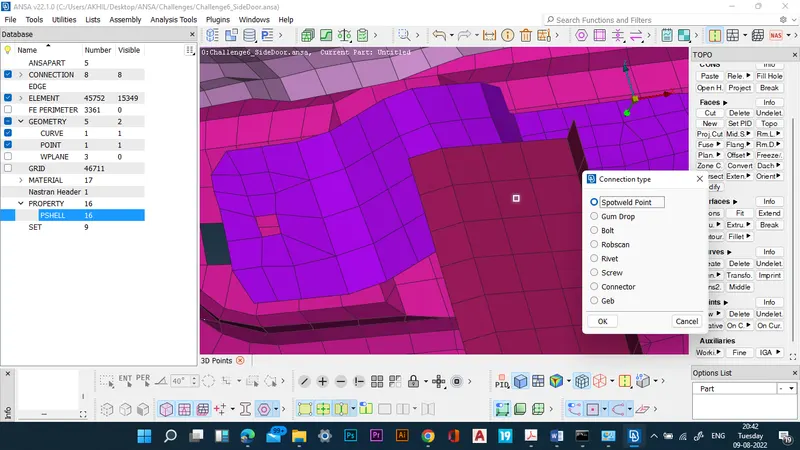
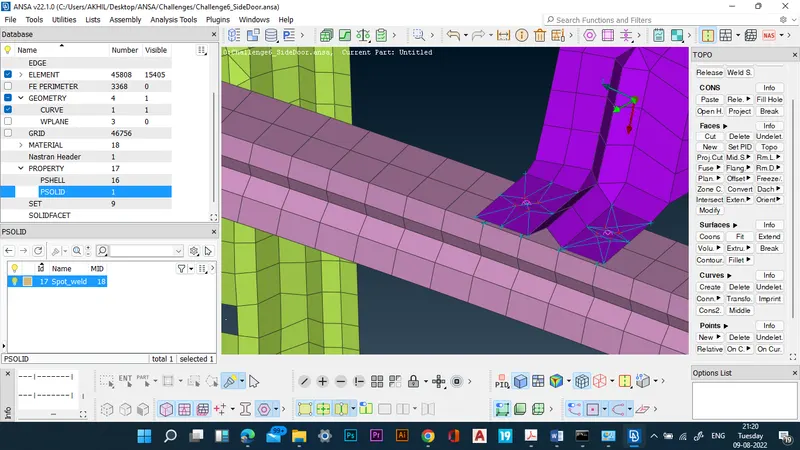
- For spot weld connections, first, 3D points should be made.
- Then the 3D points are converted into spotweld points.
- Then the spot weld connections are realized in the connections manager.
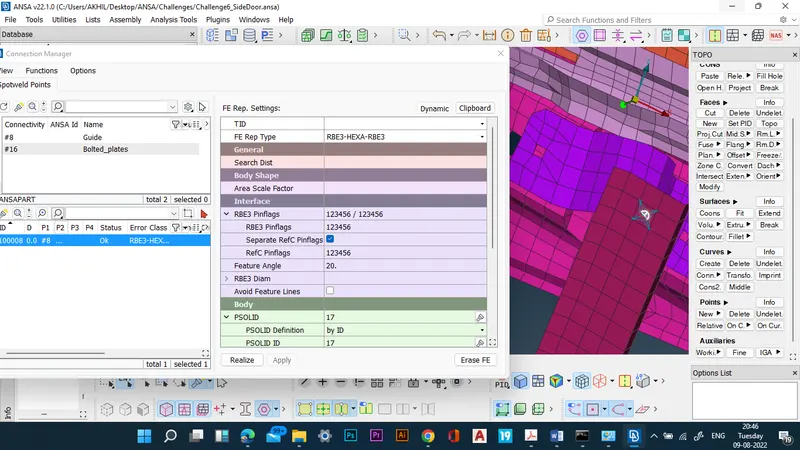
- All spot weld connections are realized in a similar manner.
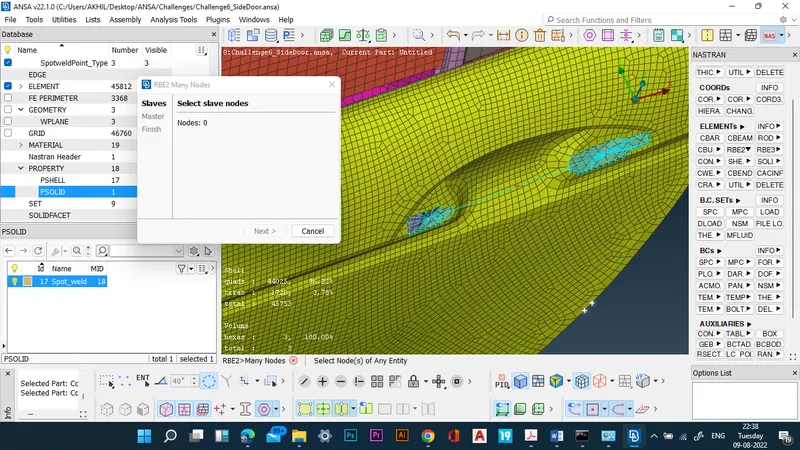
- The car handle connections are made using RBE2 elements.
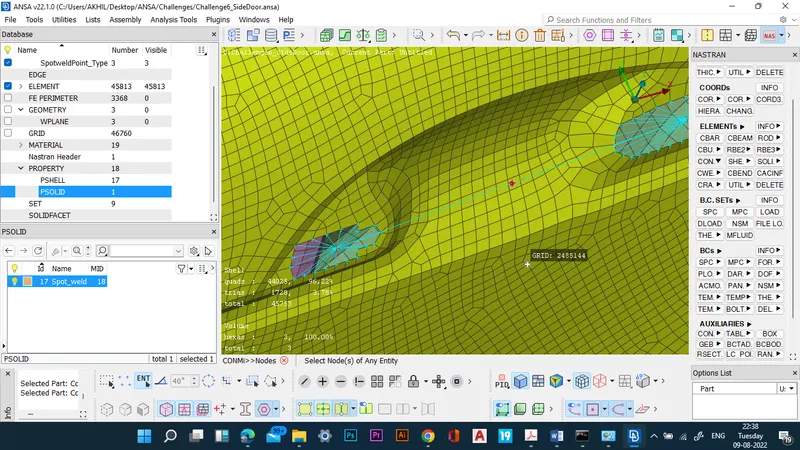
- The mass of the handle is then assigned on the handle using CONMi command.
- Now, bush elements should be created on the door line.
- RBE3-CBUSH-RBE3 elements are used to create the bush connections.
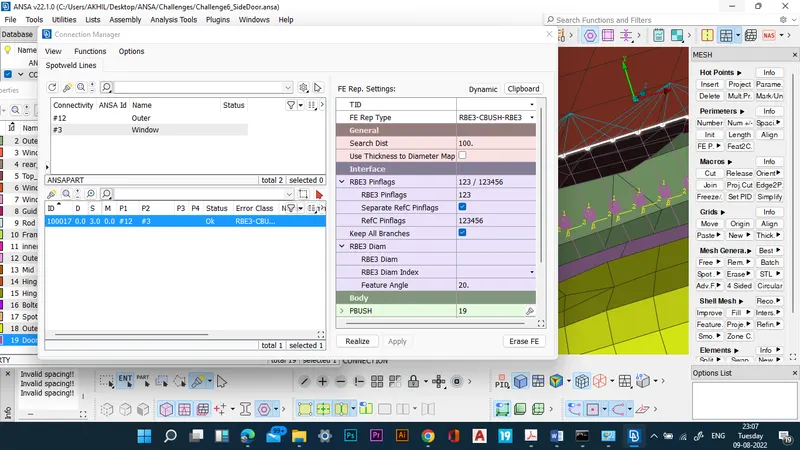
- Now the direction of the bush connections are aligned with the global coordinate system.
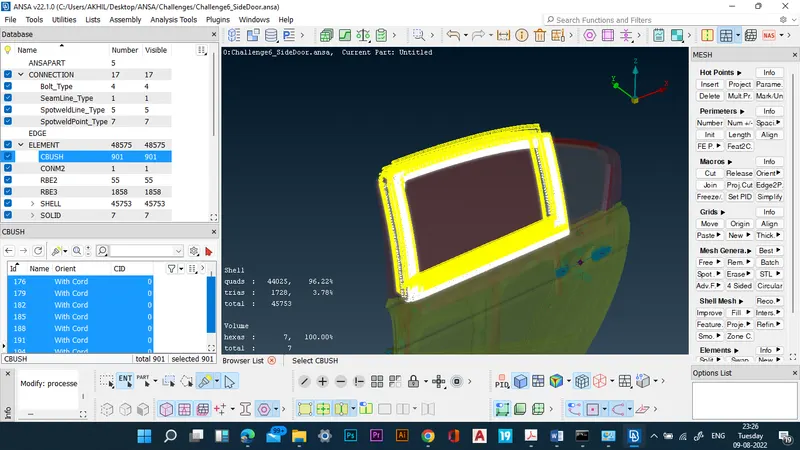
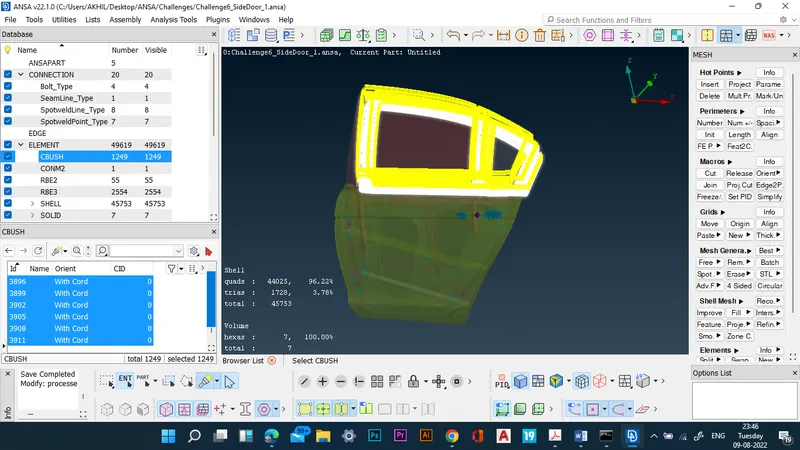
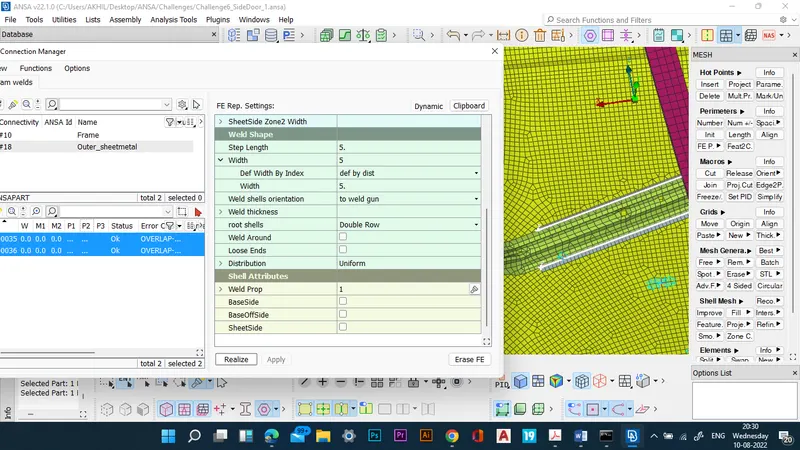
- The rest of the components are connected through RBE2, Seam weld and spot weld connections through the above mentioned procedure.
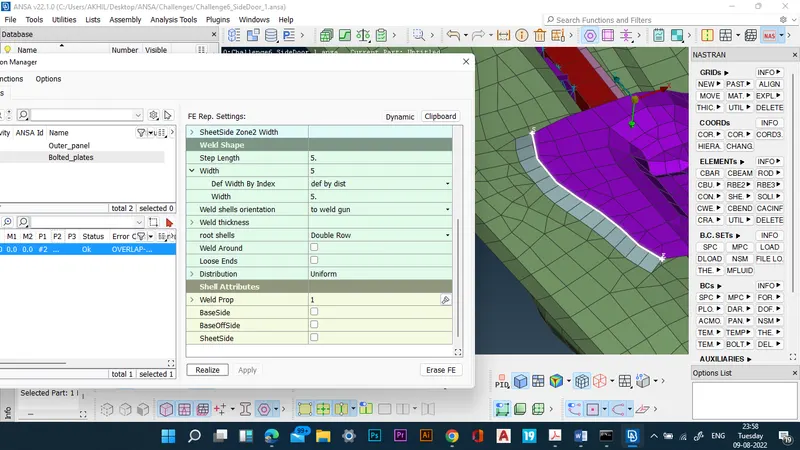
- Thus, all connections of the door are successfully created.
RESULTS: Connections between the components of the back door are successfully created.