Week 6-Meshing of Hood Challenge
OBJECTIVE: To Perform geometry clean-up, mdsurfacing and mesh generation on the given components.
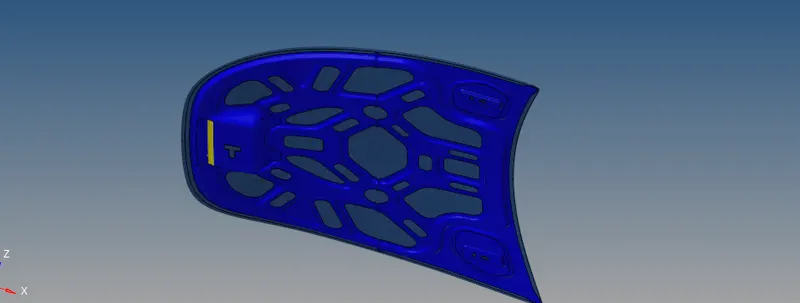
CAD MODEL IMAGE:
PROCEDURE:
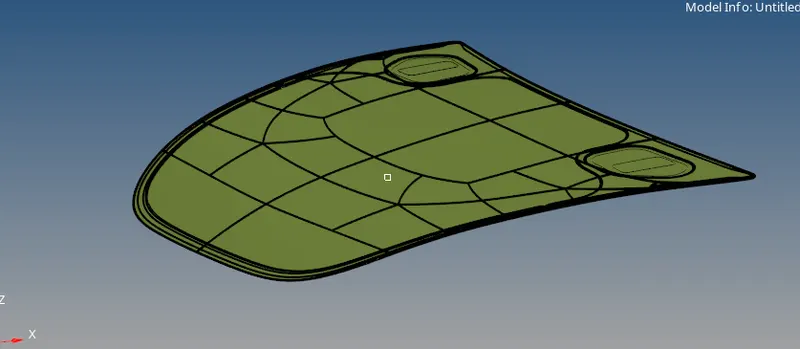
- The given model of the hood is imported by the import model command.
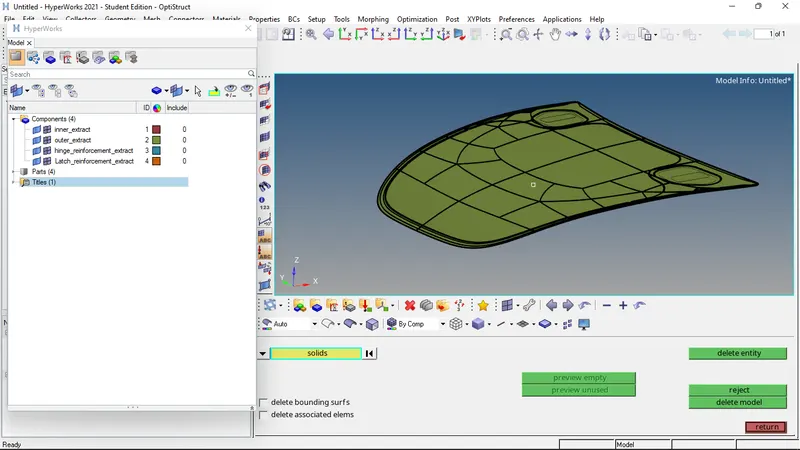
- To visualize the number of free edges, the model is viewed in wireframe geometry. Through this, we can see all the free edged in the model, which will be shown in red color.
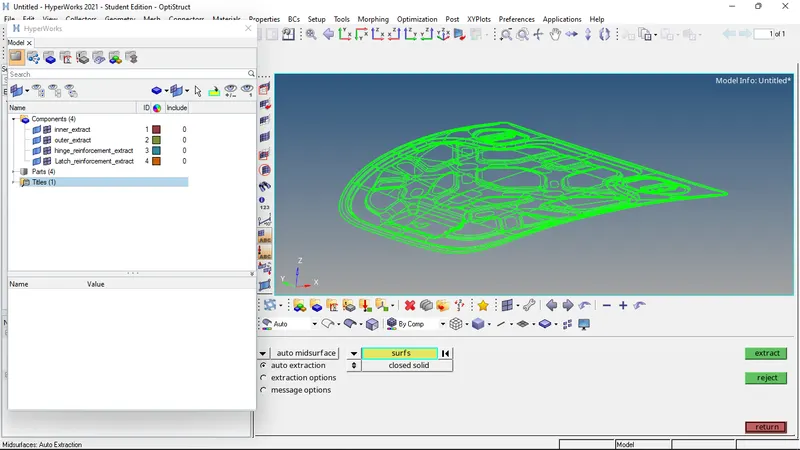
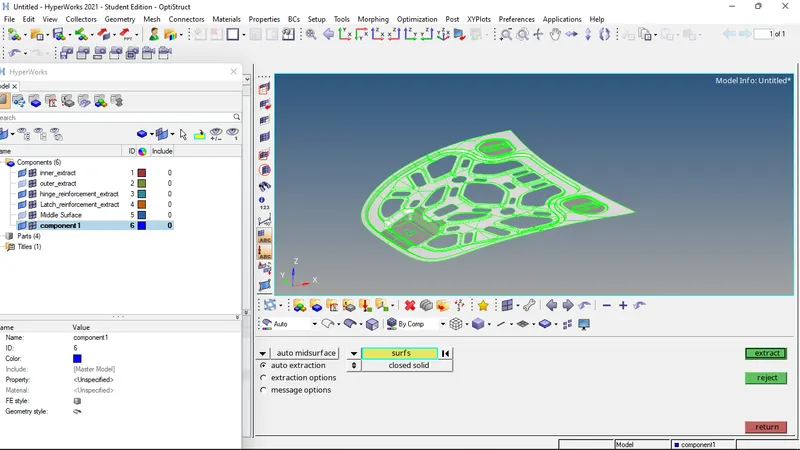
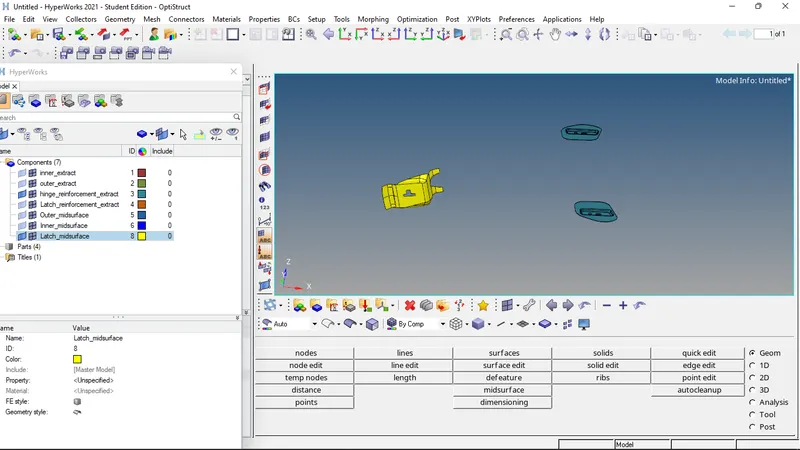
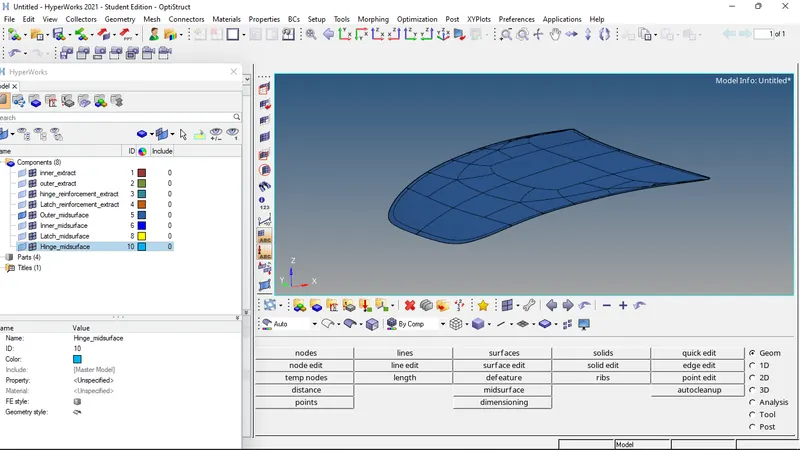
- Now the mid surfaces of the individual components (inner, outer, hatch, and hinge) are extracted separately.
- Now properties are created and material is assigned to the property. Then properties are assigned to the corresponding components. Thickness is also assigned to the components.
- First, we will be performing meshing of the latch reinforcement.
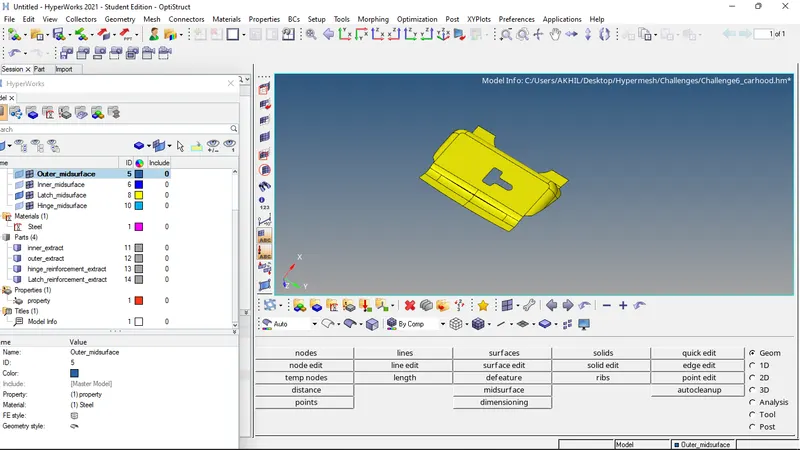
- Washer split and cleanup of the component is done before meshing.
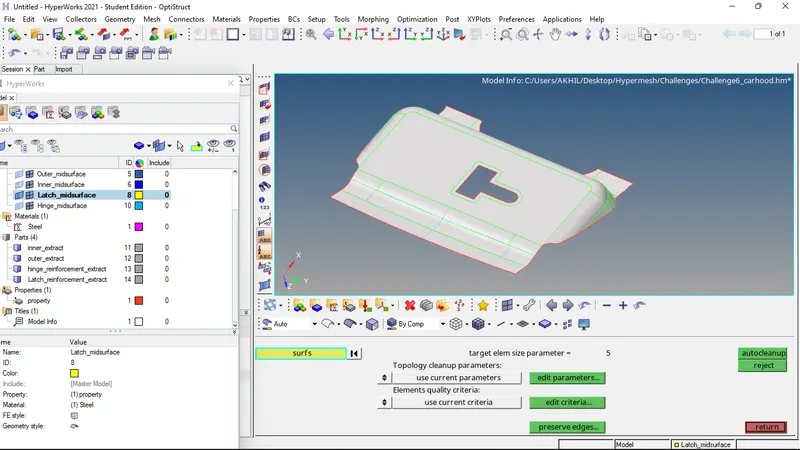
- Now that the component is ready for meshing, meshing is done by automesh command.
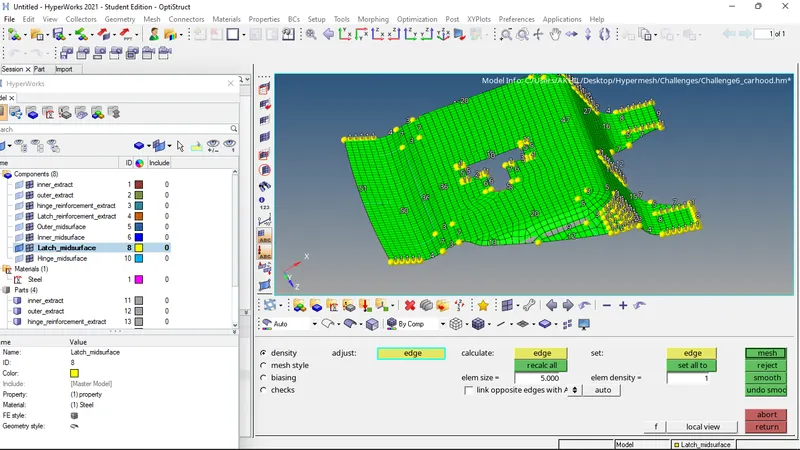
- For ensuring proper mesh flow, the elements are selected and remeshed.
- Then the tria elements are taken care of by split and combine commands.
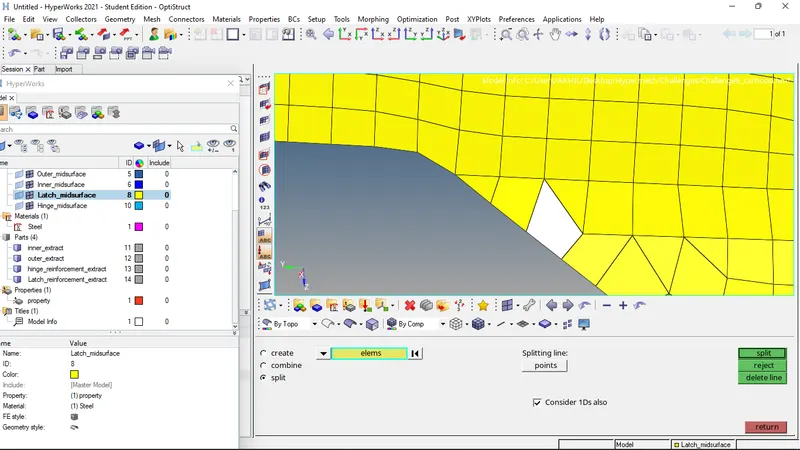
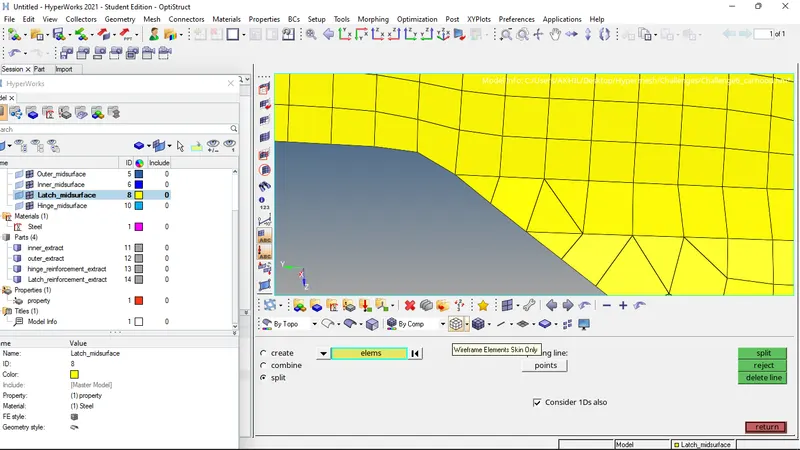
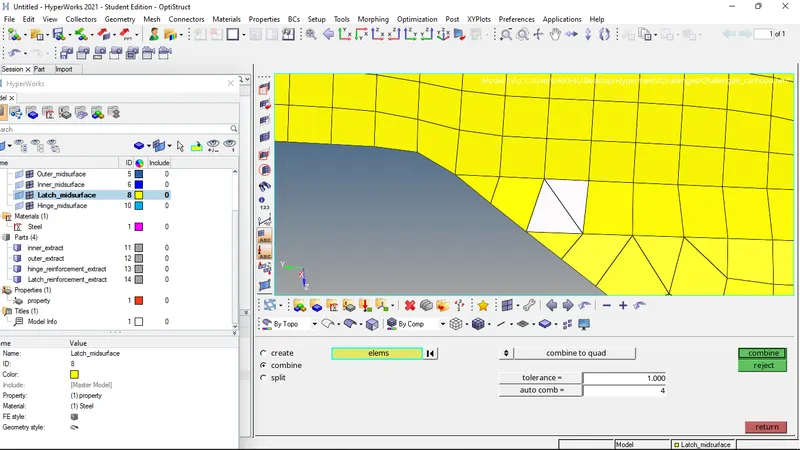
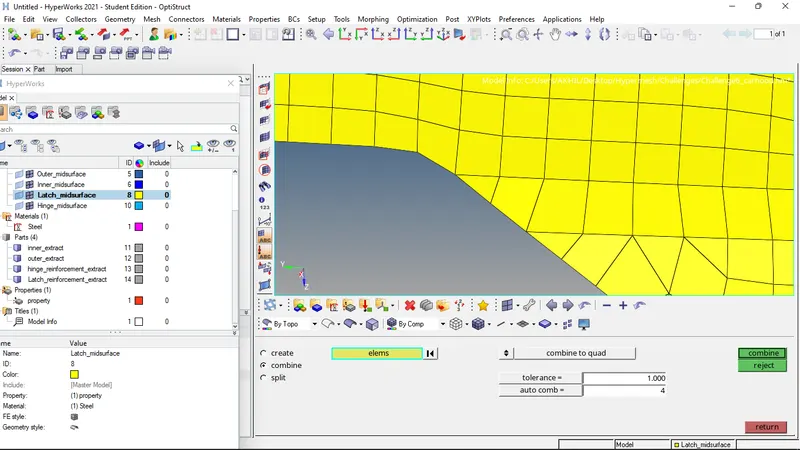
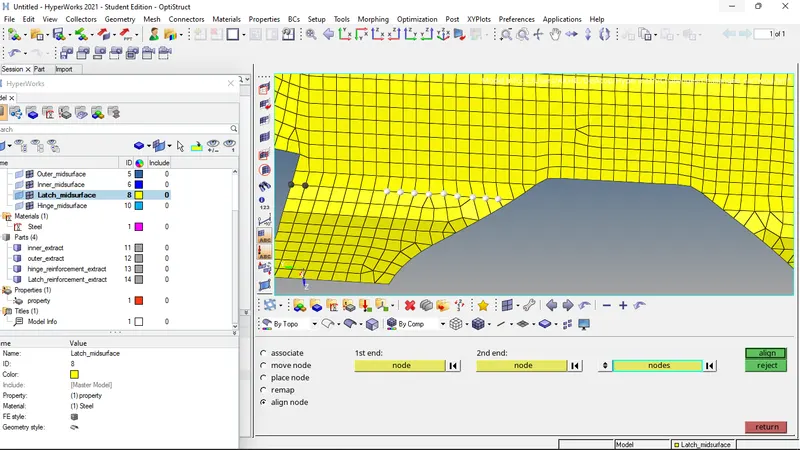
- Nodes are aligned using align nodes command.
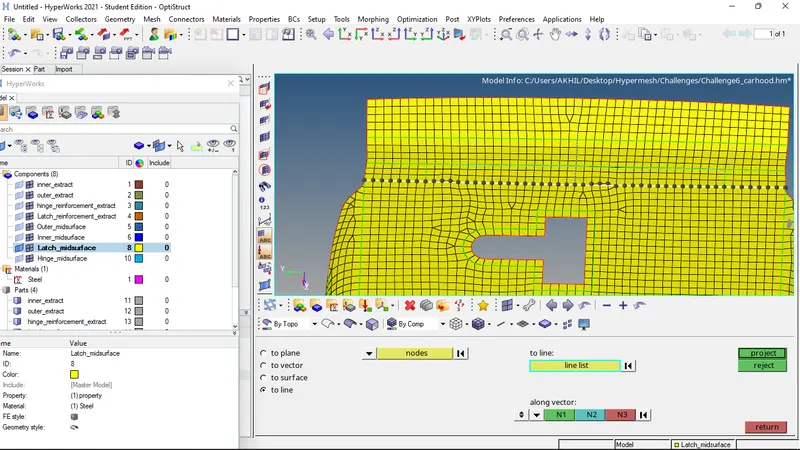
- The elements are projected on to a line or surface by project command.
- The elements are again remeshed to ensure proper mesh flow.
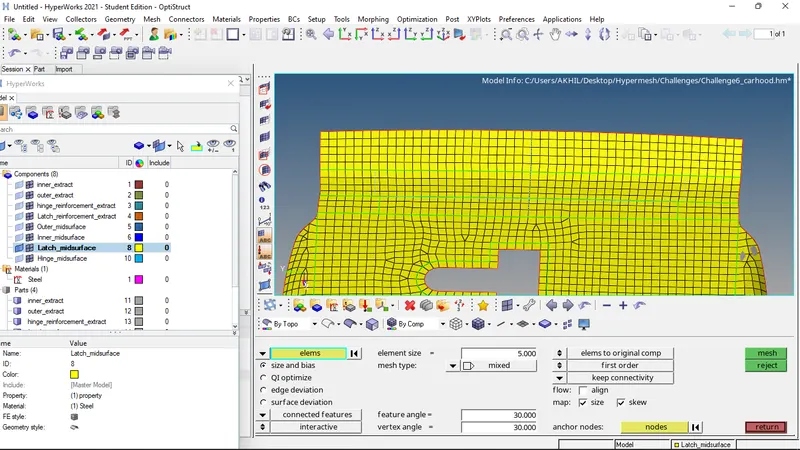
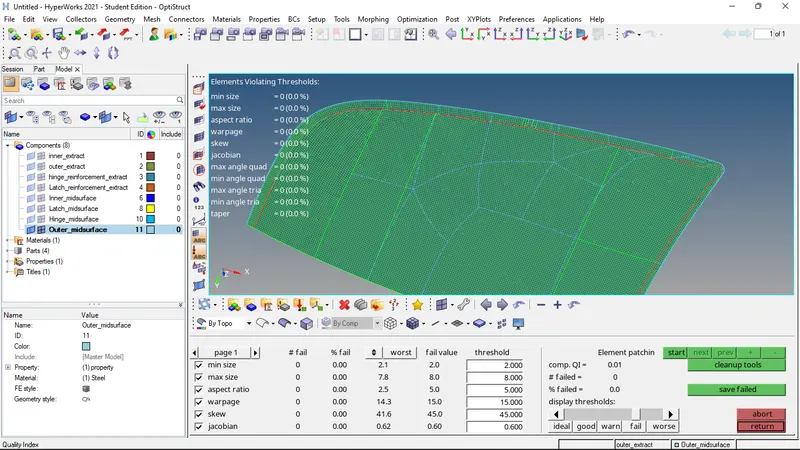
- Now the quality of the mesh is checked by the quality index command. The given quality threshold values are given and the quality of the mesh is evaluated.
- The elements which are failing the given criteria are then corrected by cleanup tools.
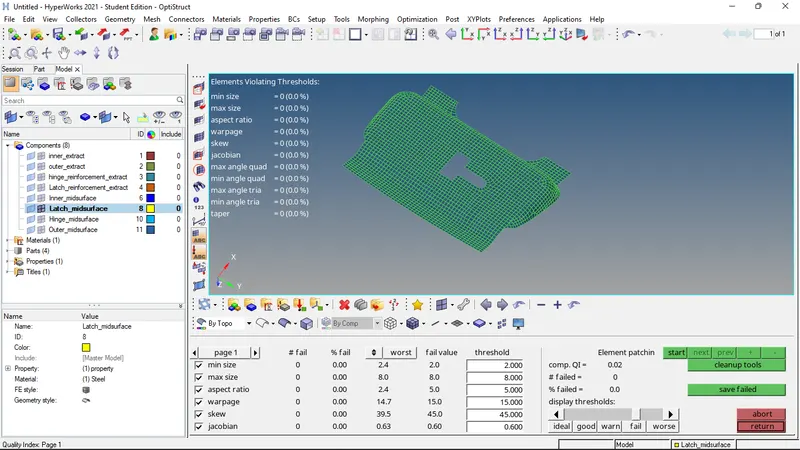
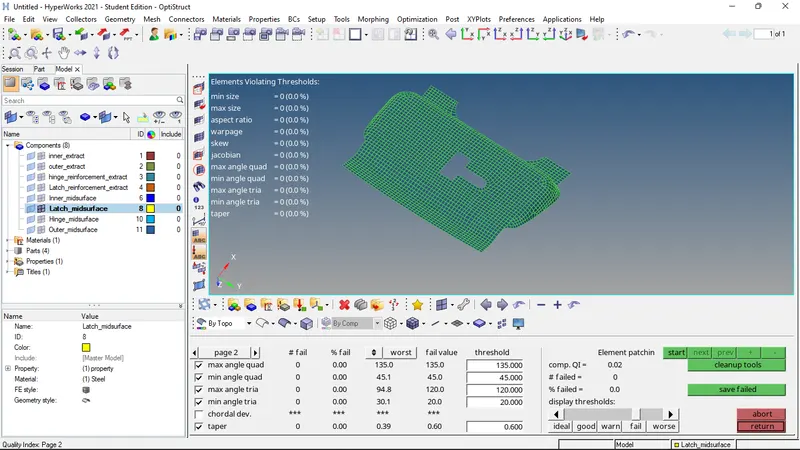
- Now check for edges, normals, dependency, and penetration is performed.
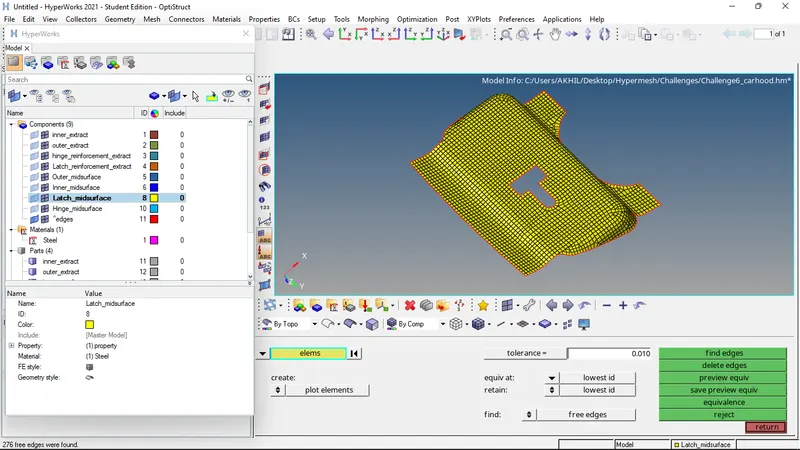
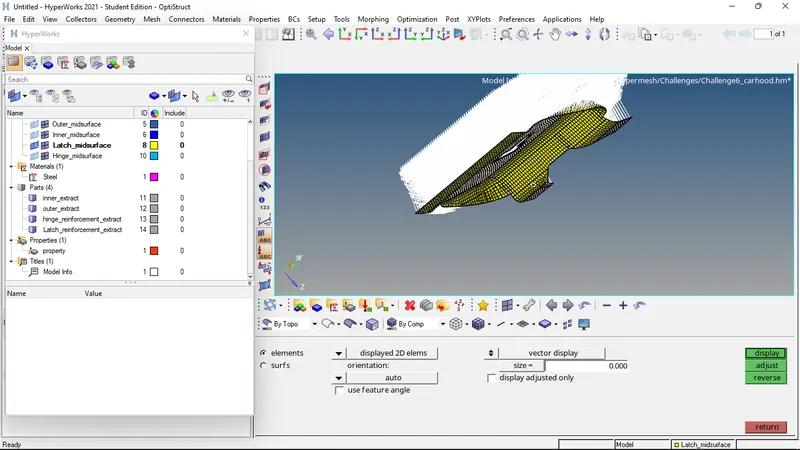
- Now comparison of the surface and the generated mesh is done.
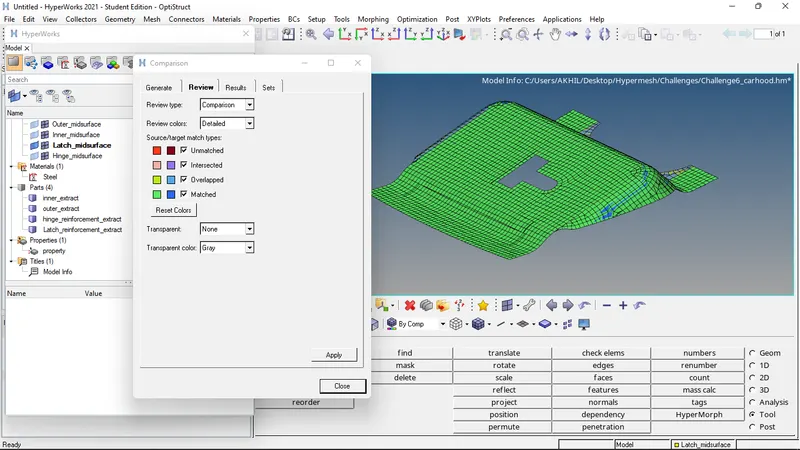
- Thus the meshing of the first component is successfully completed and checked.
- Now the hinge reinforcement component is selected for meshing.
- Washer split and cleanup of the component is done before meshing.
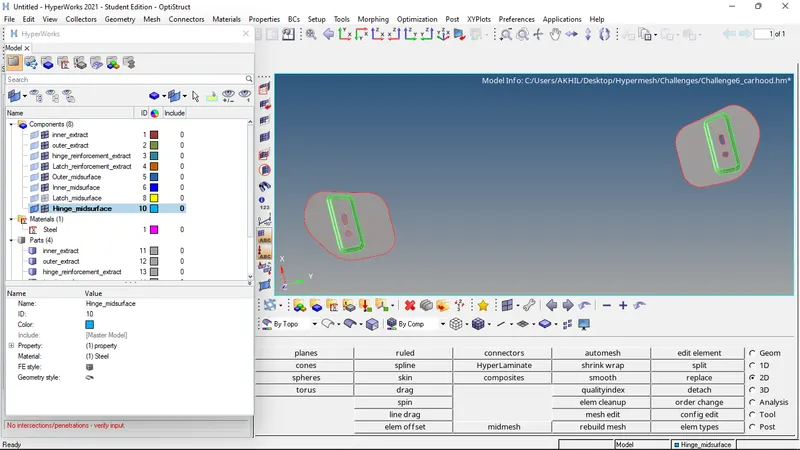
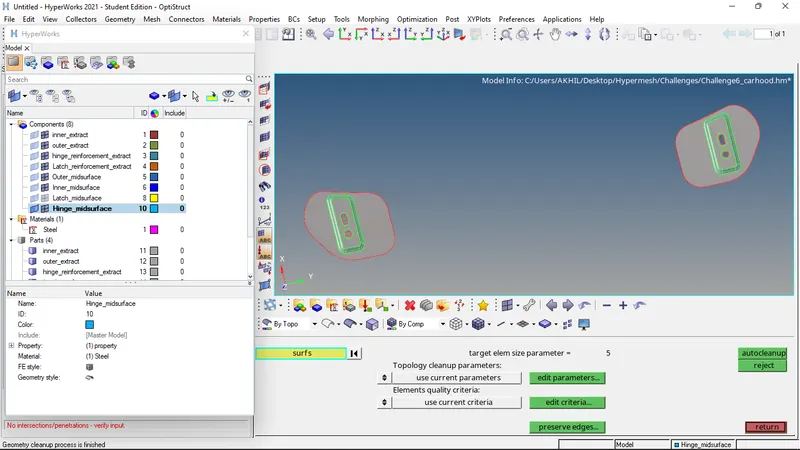
- Now that the component is ready for meshing, meshing is done by automesh command.
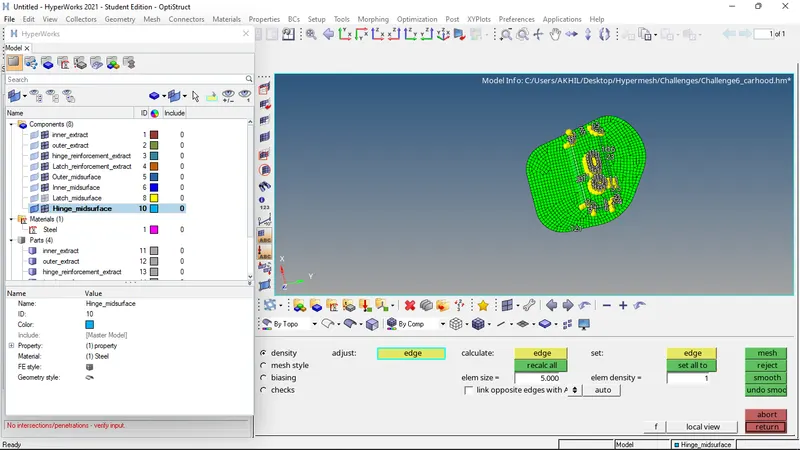
- For ensuring proper mesh flow, the elements are selected and remeshed.
- Then the tria elements are taken care of by split and combine commands.
- Nodes are aligned using align nodes command.
- The elements are projected on to a line or surface by project command.
- The elements are again remeshed to ensure proper mesh flow.
- Now the quality of the mesh is checked by the quality index command. The given quality threshold values are given and the quality of the mesh is evaluated.
- The elements which are failing the given criteria are then corrected by cleanup tools.
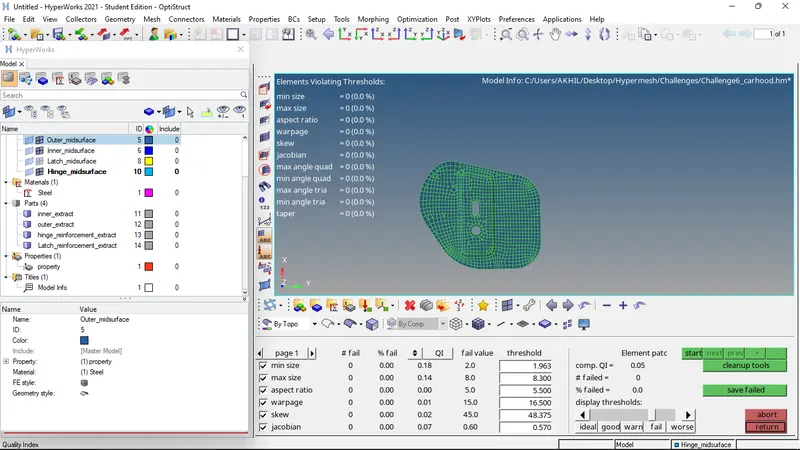
- Now check for edges, normals, dependency, and penetration is performed.
- Now comparison of the surface and the generated mesh is done.
- Thus the meshing of the first component is successfully completed and checked.
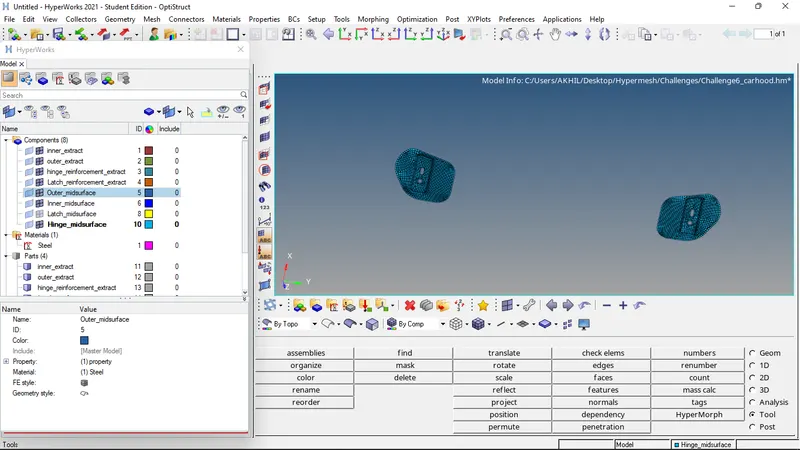
- Now the outer surface of the hood is selected for meshing.
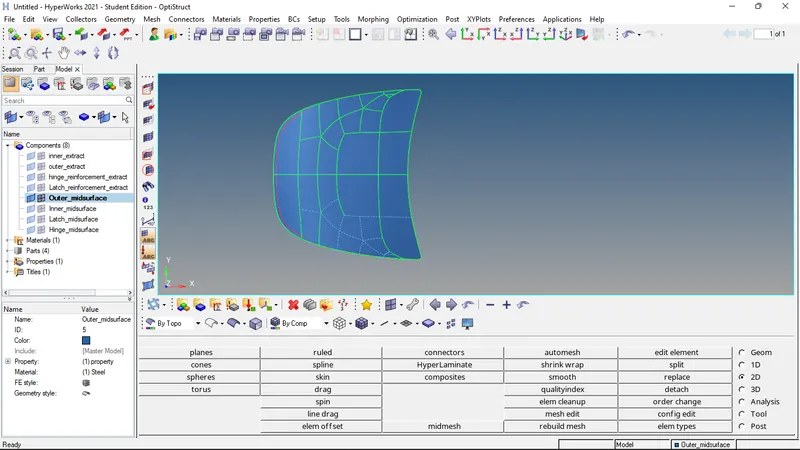
- As the component is symmetric we can mesh one half of the model and then reflect the mesh,
- Autoclean up of the surface is done, and also the unwanted edges are toggled by toggle edge command.
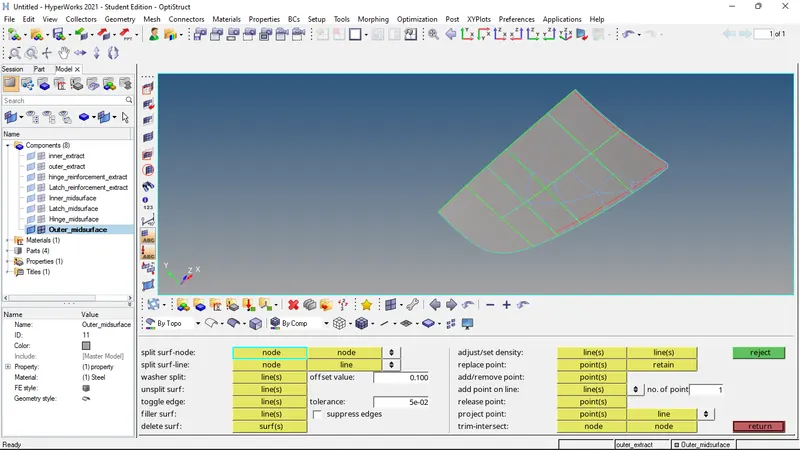
- Now meshing of the half model is done.
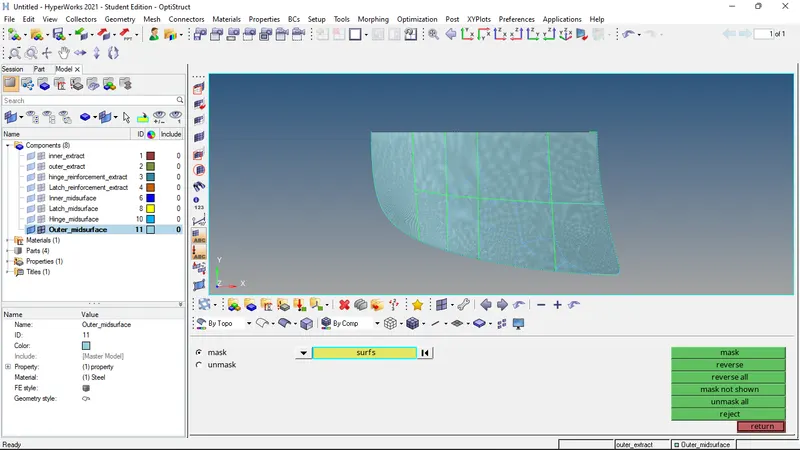
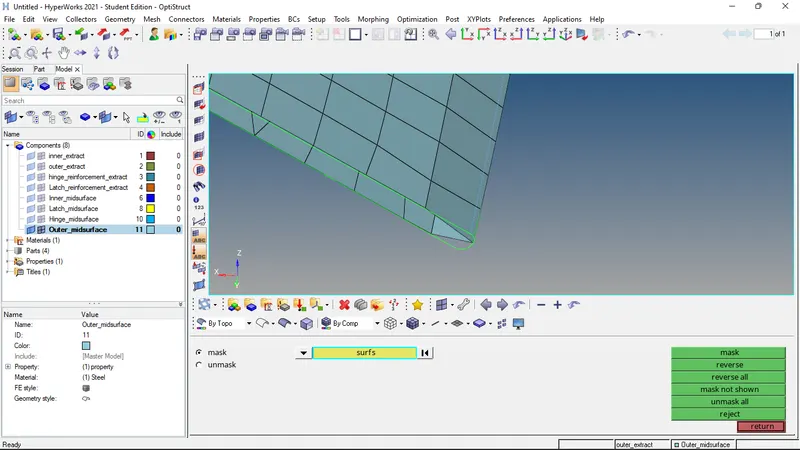
- To ensure that the meshes follow quality criteria, edges are toggled and surfaces are trimmed at the hemming.
- Clean up of the elements and quality criteria are checked as mentioned above.
- Now the elements are duplicated and reflected to form the entire mesh. then equivalence is evaluated and removed.
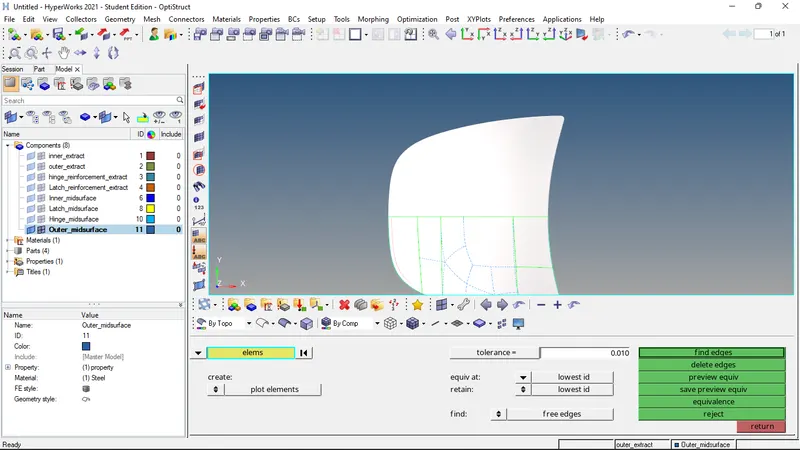
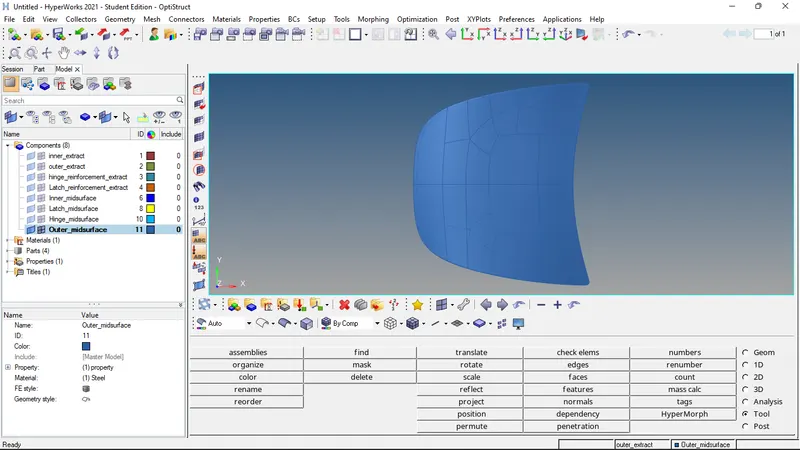
- Thus the meshing of the outer surface is completed.
- Similarly the meshing of the inner surface is done and checked.
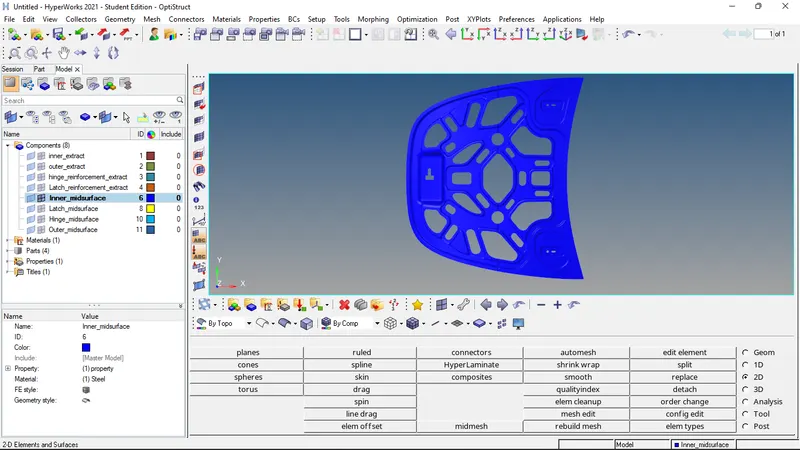
RESULTS: Mid-surface generation and mesh generation according to the given criteria of the given components are successfully completed.
FINAL CAD IMAGE: