Week 6 - Creating connection for Rear door
Aim: Create and Apply different PIDs for different components and create connections for door model using different techniques.
Procedure:
Importing the geometry
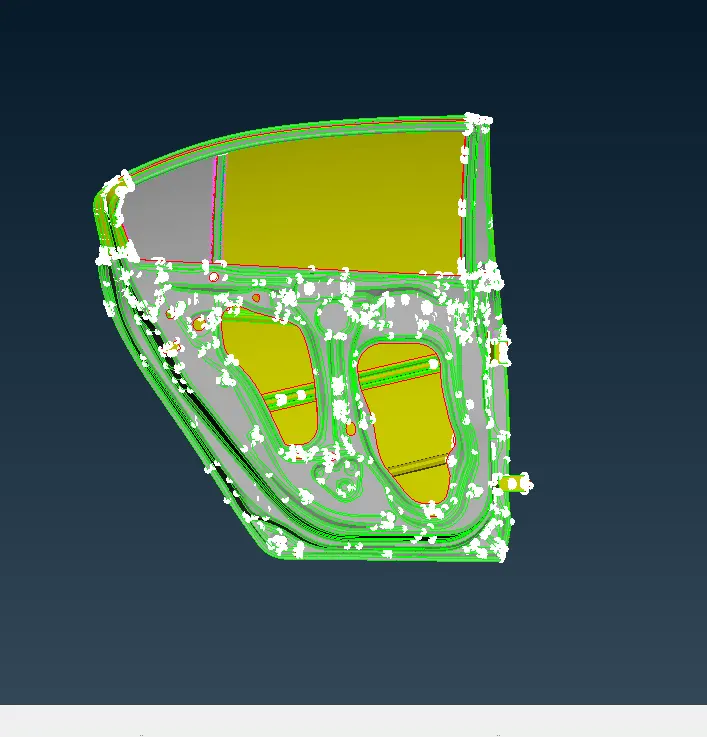
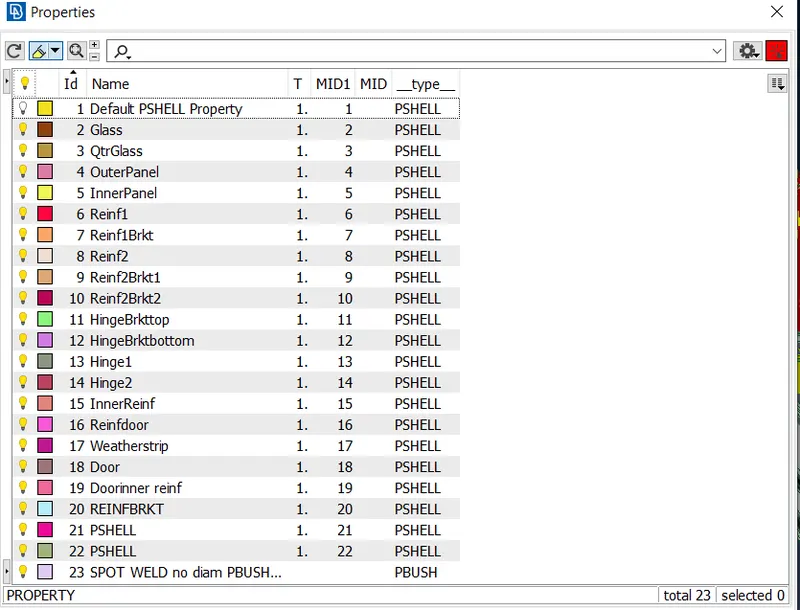
Creating Different PIDs
For Bolt Connection
Goto topo on COG option select the circle edge and create the point.
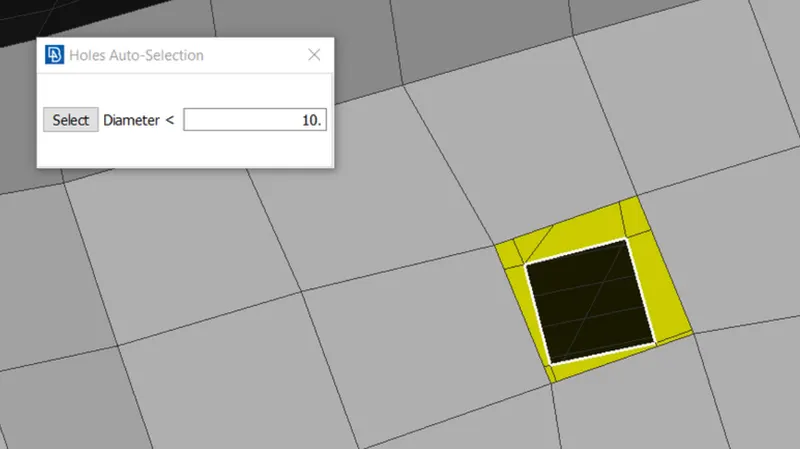
Convert the point into bolt in convert option.
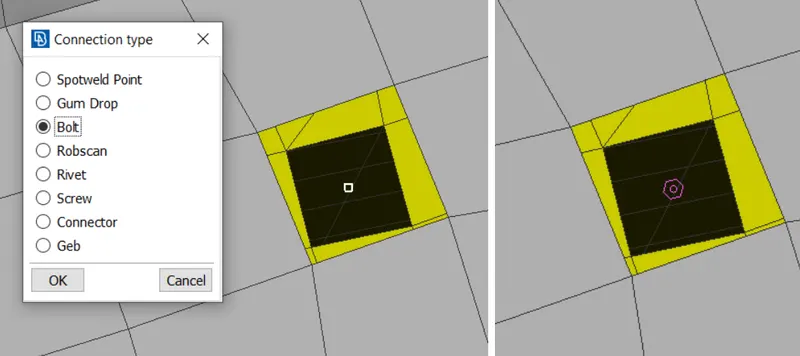
Now goto connection option and select the bolt and click middle button.The connection manager window will open.
Select the parts which are to be connected using F1 key.Select FE Rep Type as bolt and enter the properties.
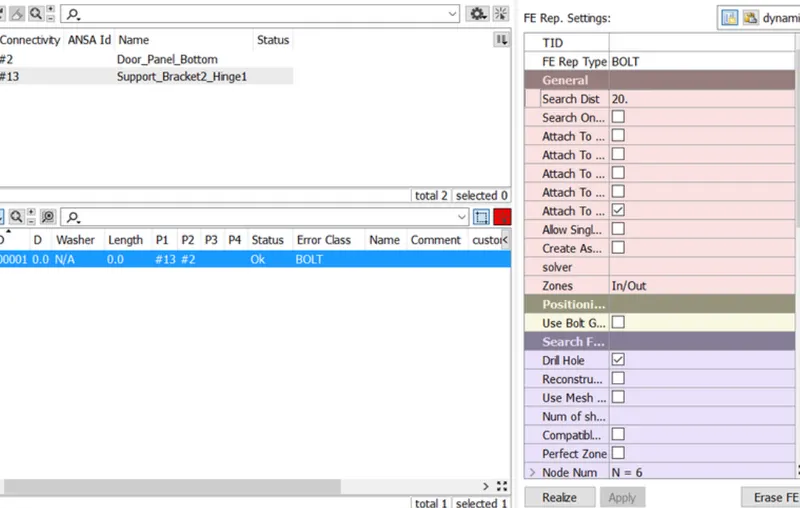
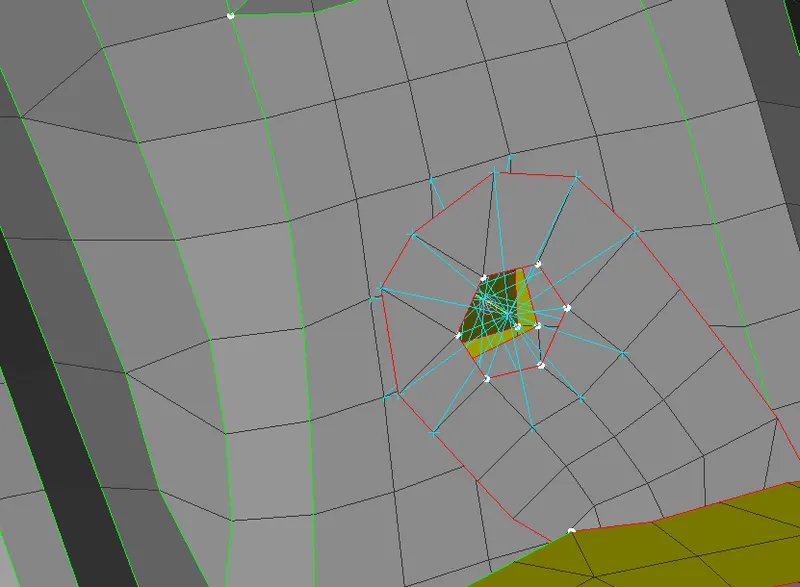
Define the RBE2 Connection to the hinge from NASTRAN option. and create 5 degree of freedom as the door open up in Z axis.
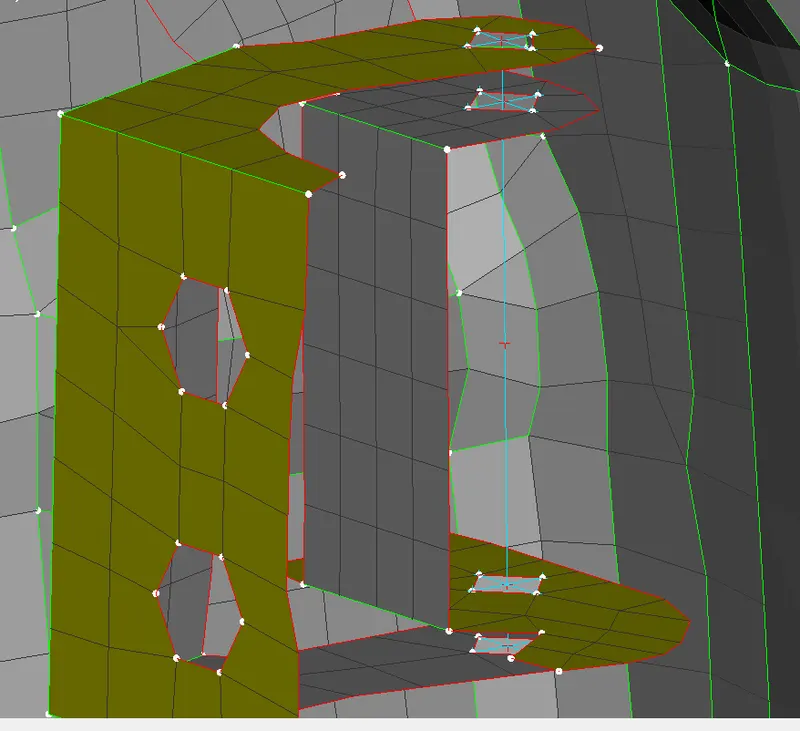
For CBUSH Connection.
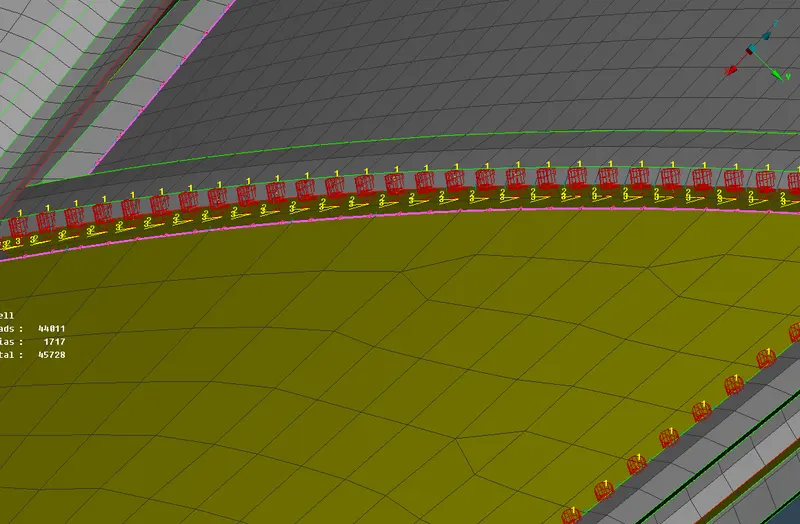
Goto Mesh- Perimeter - Feat2Curve option and select the edges to create the curve.
Goto convert option and convert the curve to spot weld. Then goto connection manager and enter the parameters.
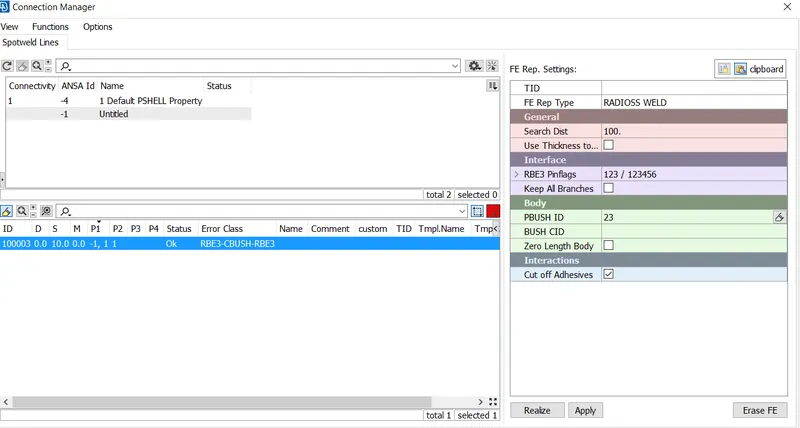
and Realize the connection is now made. Do the same for all the surrounding curves.