Week 6 Challenge
AIM: To create material properties for tensin fitting geometry from aluminum alloy 7075-T7351 with E = 10e6 and nu = 0.33. Then create the loads, and boundary conditions Bolt load of 2500lbf (~11000N) applied at the main Bolthole. Use RBE2 (spider element) for applying the bolt load. Next Constraint the Bottom 3 holes using Boundary condition – SPC 123 (Ux = Uy = Uz = 0). Use RBE2 (spider element) for applying the Constraints.
Procedure:
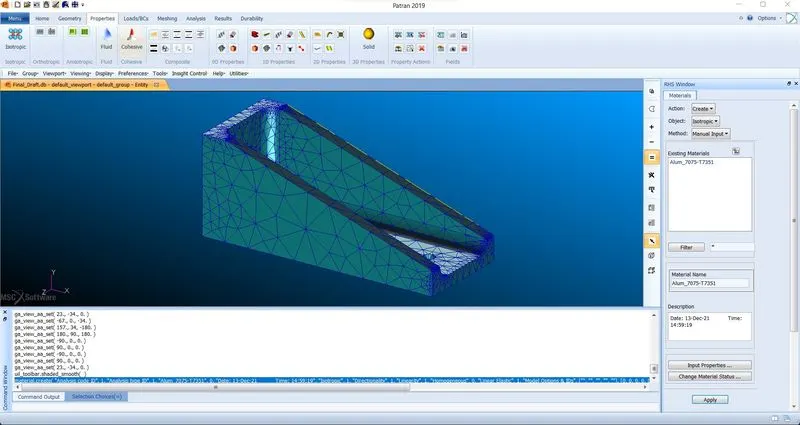
- Create the material properties for the geometry using the aluminum alloy 7075-T7351.
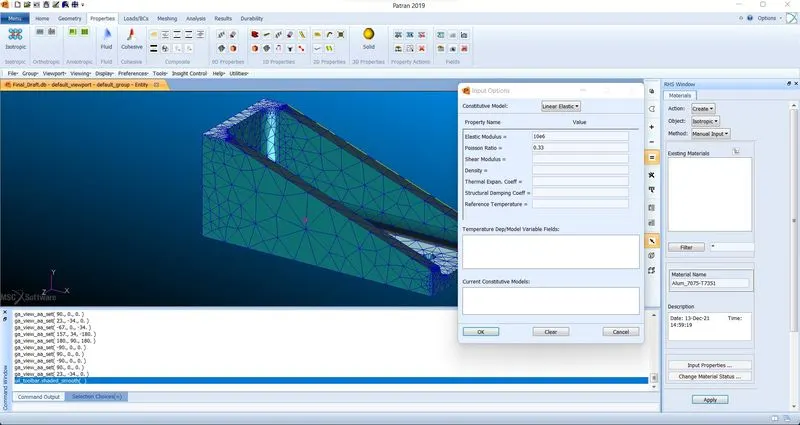
- Materials: Create>Isotropic>Manual Input. Enter the material name as Alum_7075-T7351 and then click input properties. Enter the Youngs modulus value as 10e6 and Poissons ration value as 0.33. then click apply.
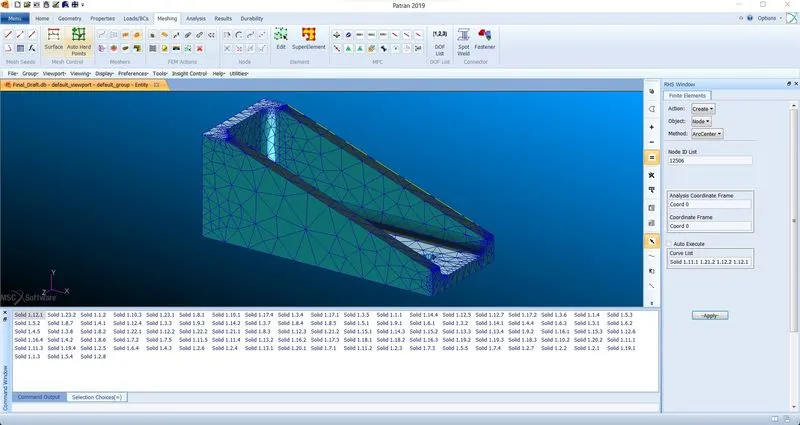
- Create nodes at the center of the holes using the ArcCenter method.
- Meshing: Create>Node>ArcCenter. Select the four circles in the curve list and then click on apply.
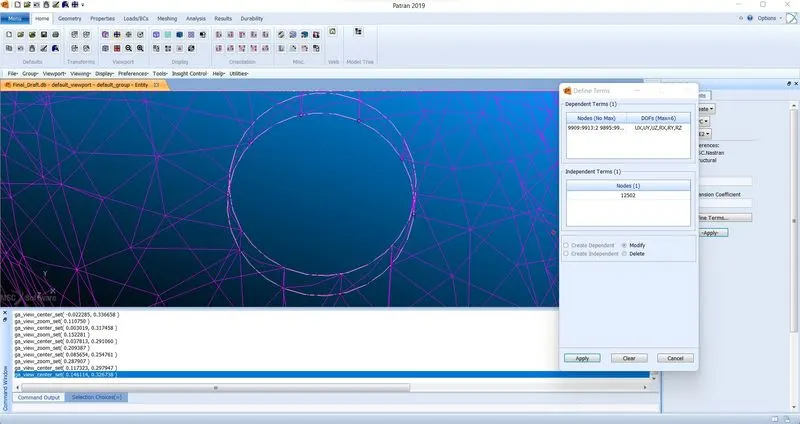
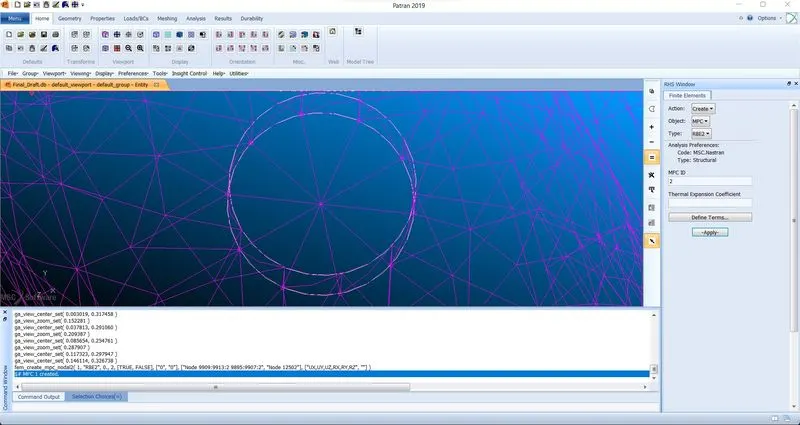
- Create RBE2 (spider element) for applying the bolt load and the Constraints for the holes.
- Meshing: Create>MPC>RBE2. Select define terms and then define the center of the circle node as the independent node and all the other nodes on the circle as the dependent nodes. Select all the 6DOFs for the dependent nodes. Then click on apply.
- Repeat the same process for all the circles.
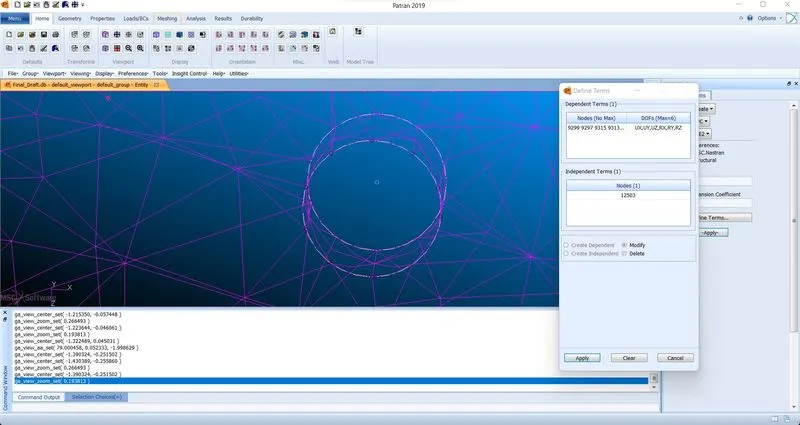
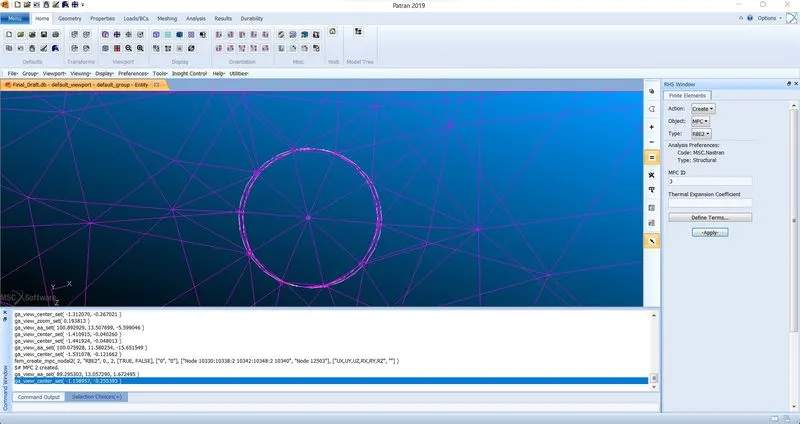
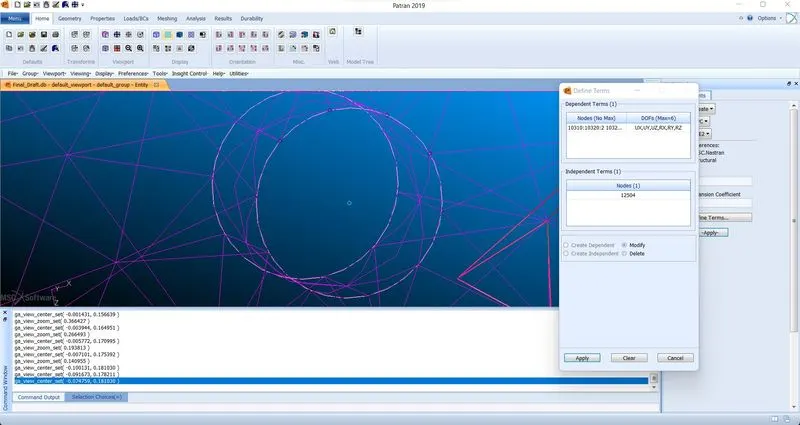
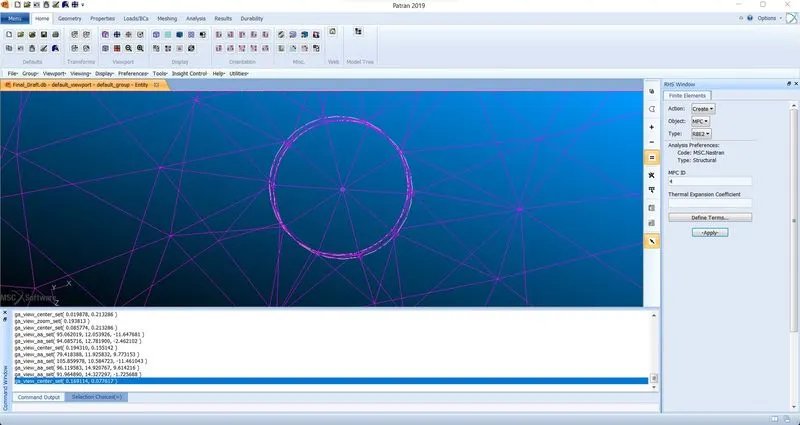
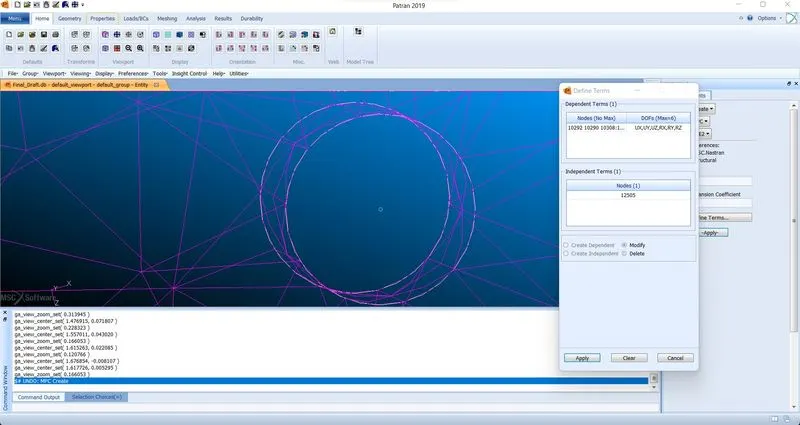
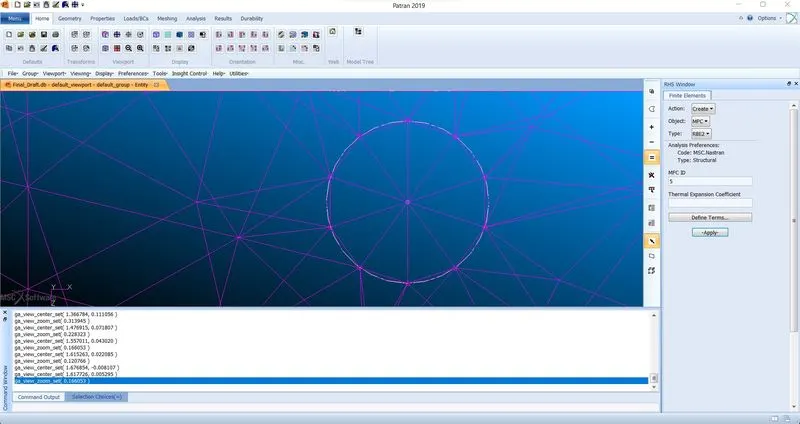
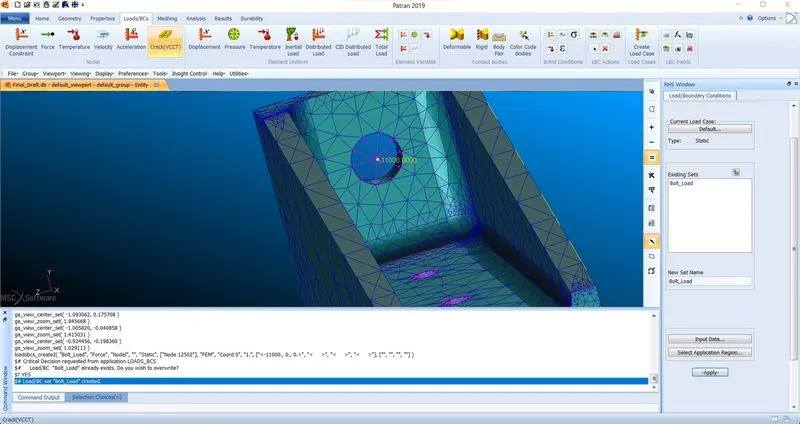
- Create Load and Boundary Conditions for the Bolt load of 2500lbf (~11000N) applied at the main Bolthole.
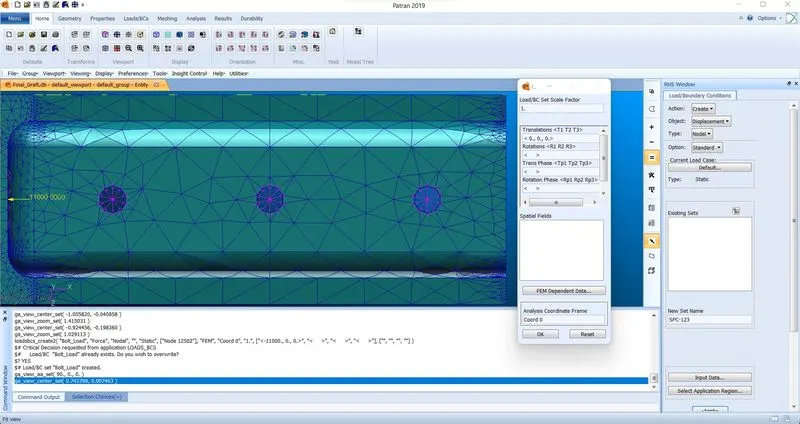
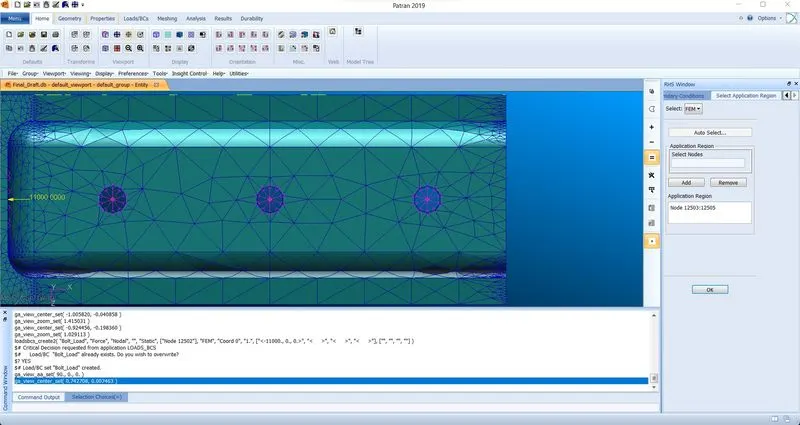
- Loads/BCs: Create>Force>Nodal. Set the new name as bolt load and then click on input data. For Force enter <-11000, 0, 0>. Then select the application region. Select: FEM and select the center node of the main Bolthole. Then click on apply.
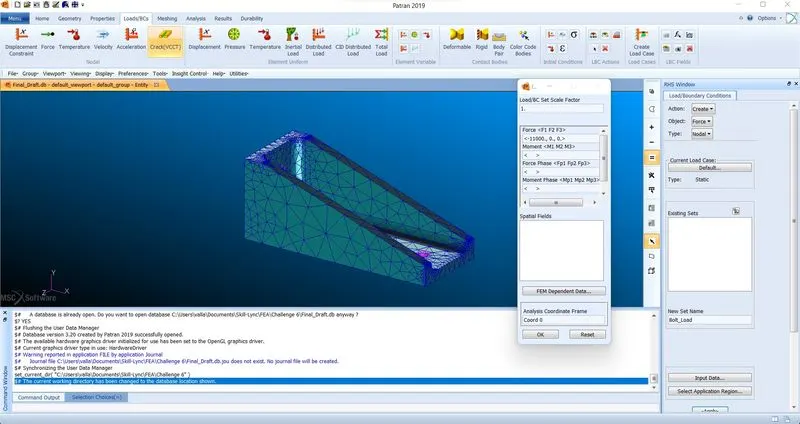
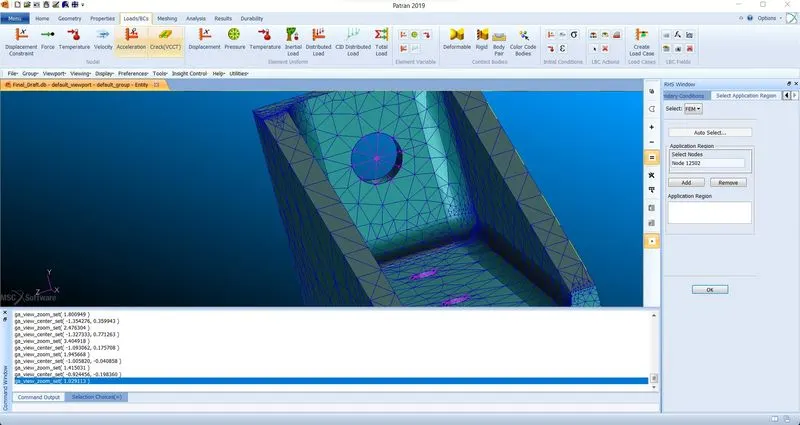
- Create Load and Boundary Conditions for the bottom 3 holes of SPC 123 (Ux = Uy = Uz = 0).
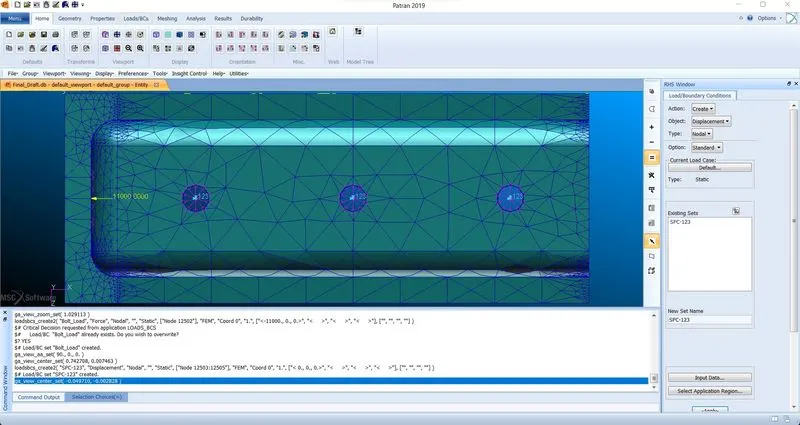
- Loads/BCs: Create>Displacement>Nodal. Set the new name as SPC 123 and then click on input data. For Translation enter <0, 0, 0>. Then select the application region. Select: FEM and select the center node of the bottom 3 holes. Then click on apply.