SHELL MESH ON HOOD BY HYPERMESH
AIM:-To perform shell meshing on automobile hood model
PROCEDURE:-
- Import the model by going to import and select import cad and select the format of the file and click import
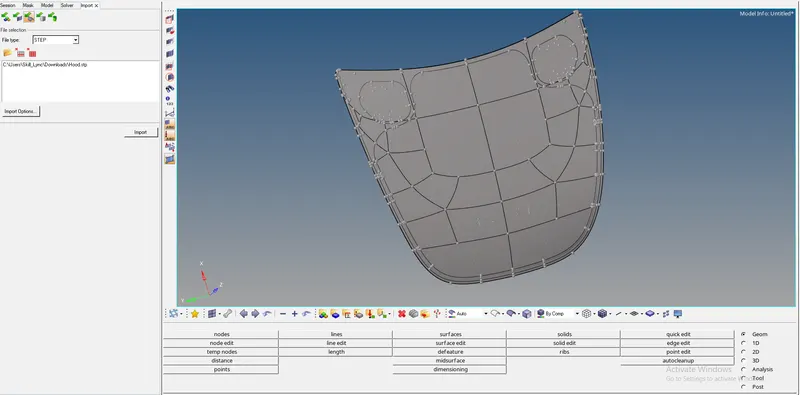
- Then we need to give the parameters to the component for meshing
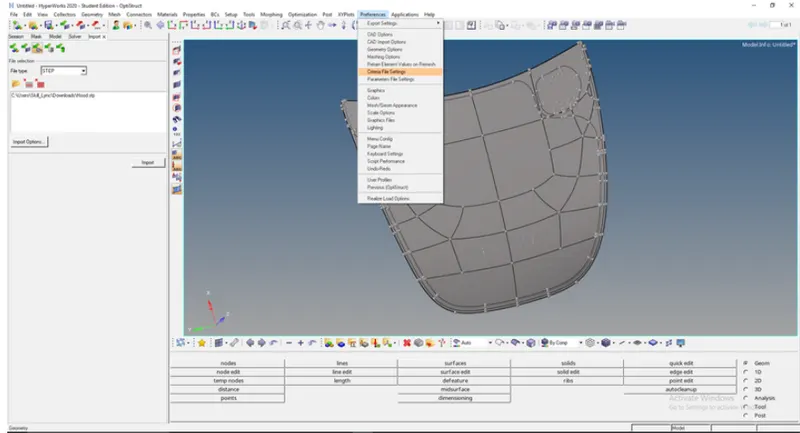
- To give the parameters we need to go to preferences and select criteria file setting and give the conditions of mesh-like target size
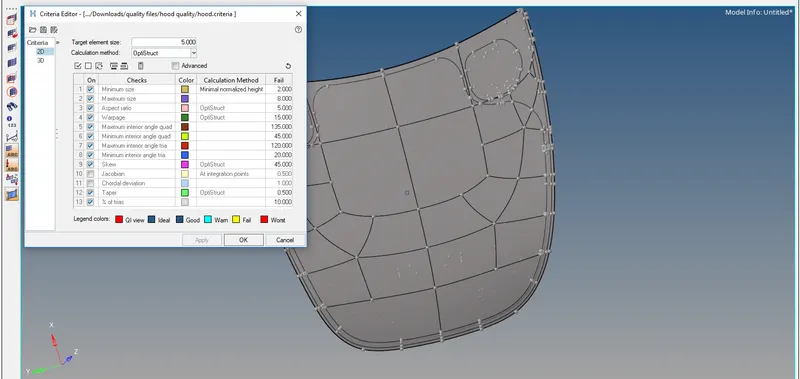
- Here we need to specify the quality criteria given to the component
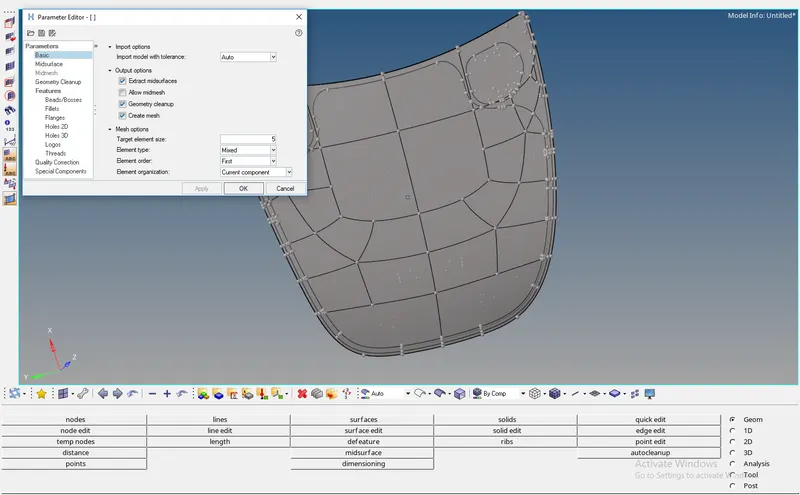
- Open the parameter and give target element size and press ok
- To save the criteria and quality we need to select the save button
- The component is solid so we need to go to the delete and select solid and select delete entities
- Then we need to measure the thickness of the component by using dimensioning in geometry
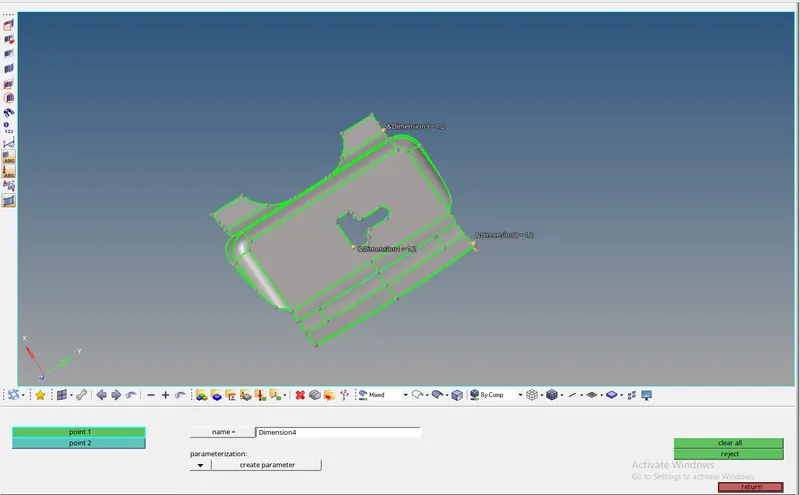
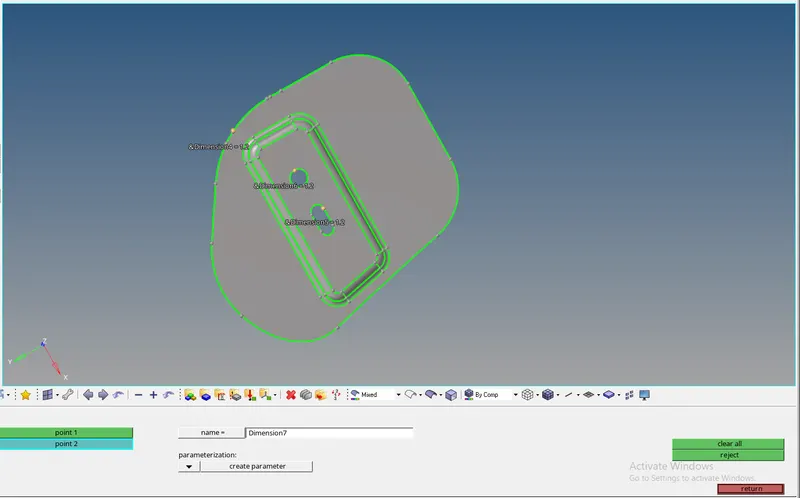
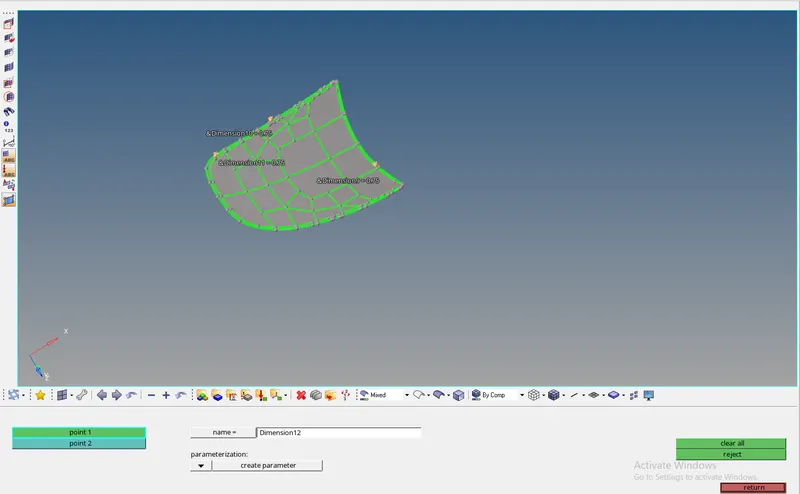
- Then after we need to extract the mid surface
- To extract the mid surface we need to go to geometry and select the mid surface in the column of surface
- We need to change the options of auto mid surface we need to goto extract option and we need to set the option as skin offset
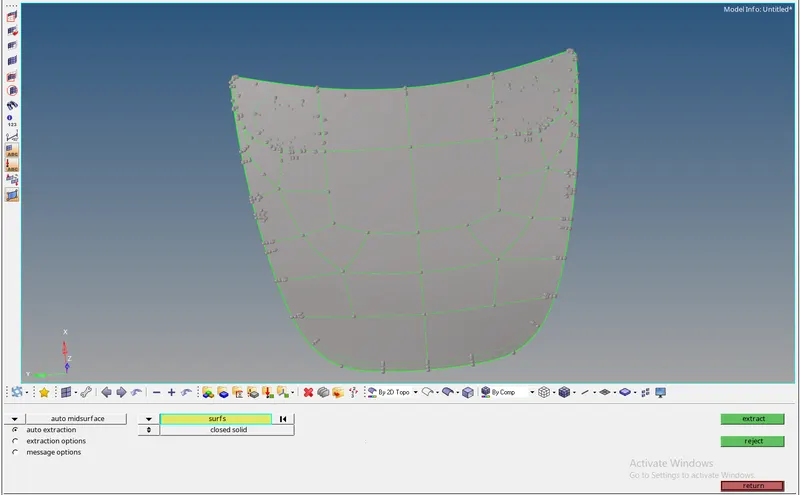
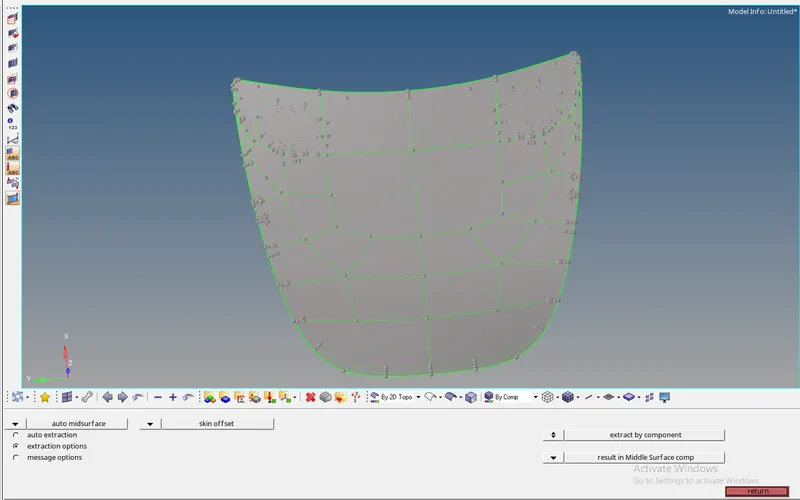
- we need to select auto extraction and select the option as auto extraction and select the surface and select extract and it will create a component
- While extracting the different component keep them as current with respect to the parts
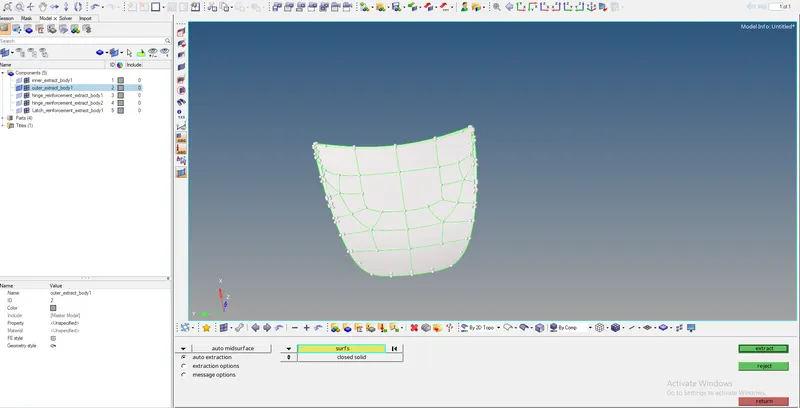
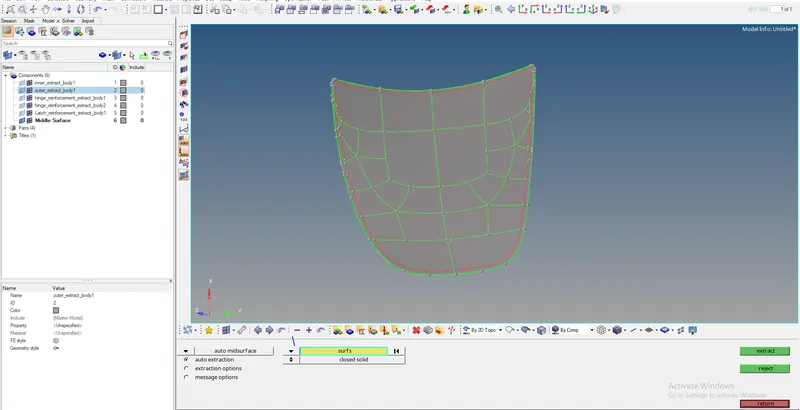
- After extracting the mid surface we need to goto geometry clean up and clean the geometry
- For geometry cleanup, we need to go to geometry and select quick edit

- To split the surface we use split with node and split with line
- To reduce the concentration at the hole we need to select the washer
- To unsplit surface, we need to use unsplit surface
- To paste or to trim we use toggle edges
- The raw geometry has the missing surface to fill the surface we need to use the filler surface
- To delete surface we use delete surf
- To replace or combine the points we need to use replace point
- To add or remove a point we need to use the add/remove point
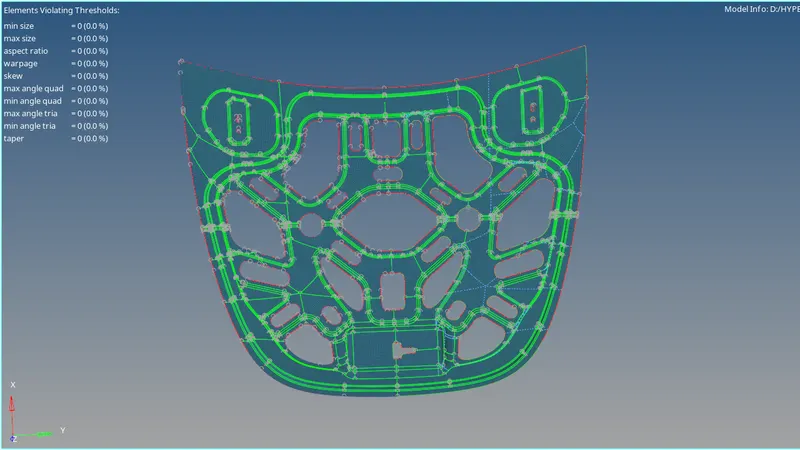
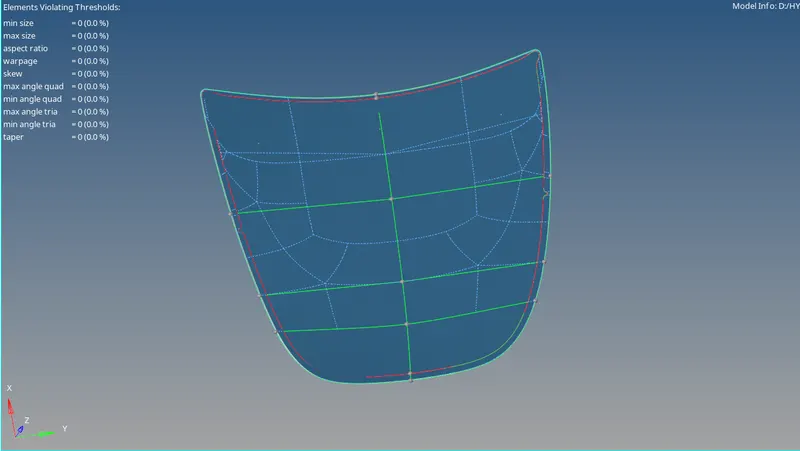
- Mid surface after cleaning the geometry
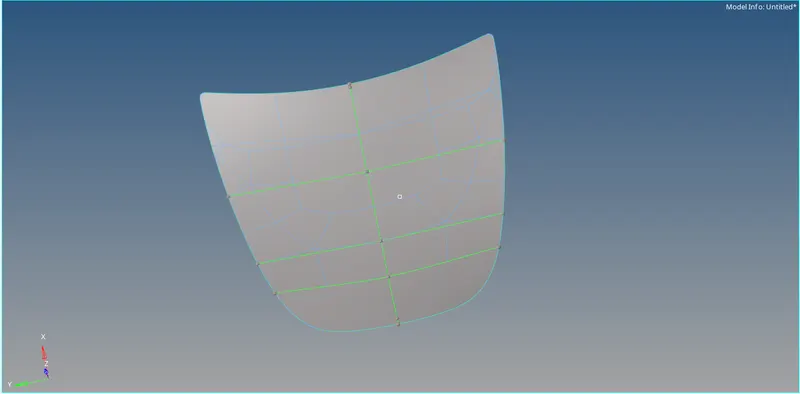
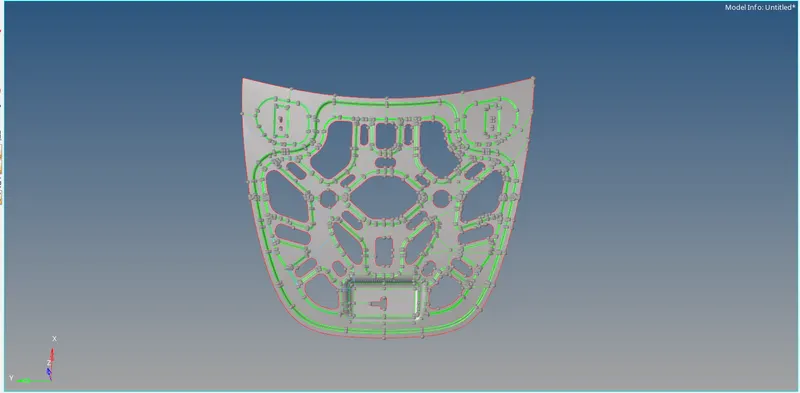
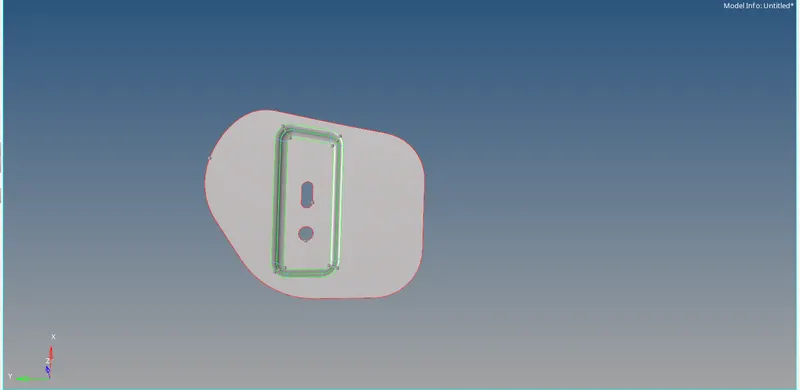
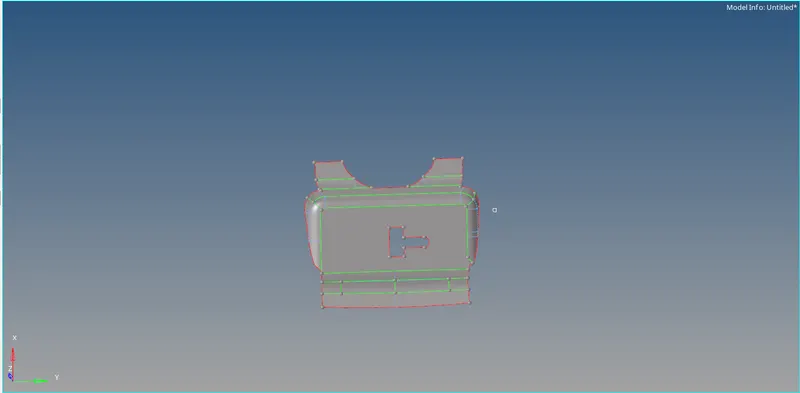
- After cleaning geometry we need to mesh the surface
- To mesh we need to select the surface and give the target element size and mesh the part
- To alter the mesh we need to change the number of nodes
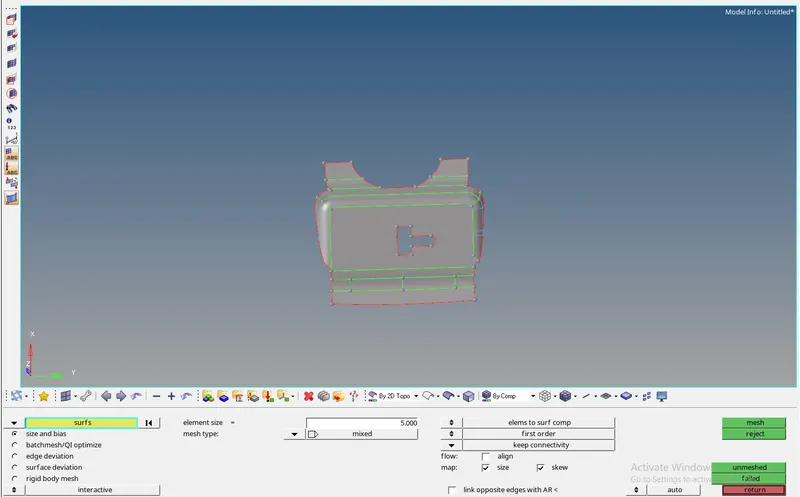
- The major option for doing meshing is to perform the mesh if any flow issue is there we need to mesh

- For quality issues, we use the quality index

- PLACE NODE to move the nodes freely to reduce the quality
- Element optimizer will optimize the element quality
- Smooth will smooth the mesh flow and adjust with respect to the min and max size
- Split edges are used to split the edge of the quads
- Drag tria which used to drag the trias from one point to another point
- combine trias it will combine two tria in a quad
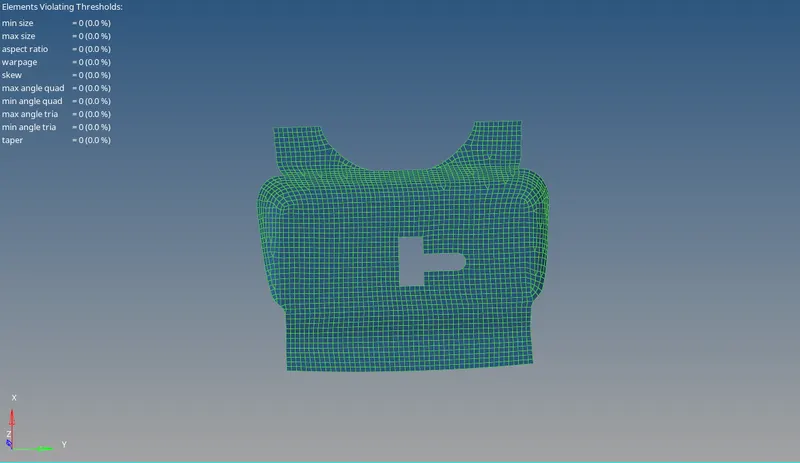
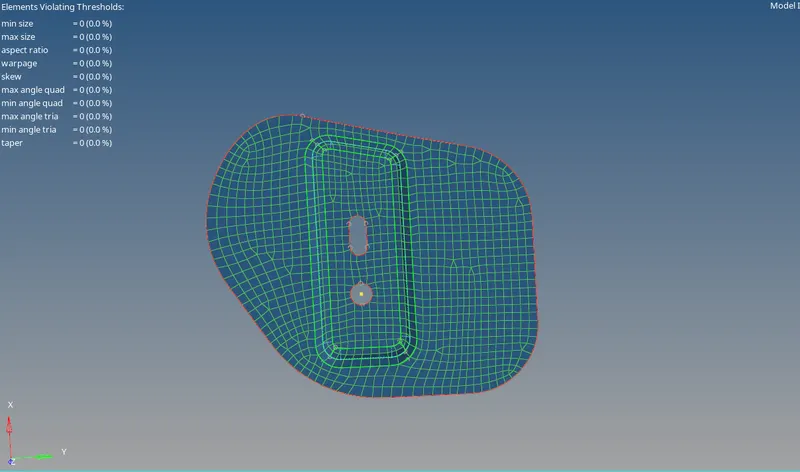
- Parts that are been meshed
CONCLUSION:-
- We must clean the geometry of mid surface before entering into the mesh
- We must avoid trias which are facing opposite and back to back
- We must provide a perpendicular construction line which enhances the quality of the mesh
- Avoiding trias in a certain area is difficult then we must give space between them
- While comparing tria vs quality, we must give importance to quality first
- By understanding the symmetrical structure of the part we can minimize the time