GENERATING GOOD MESH FLOW ON HOOD MODEL WITH 2D MESHING USING HYPERMESH
AIM:
To create better mesh quality by applying given quality criteria parameters on the given Hood model.
OBJECTIVE:
Make proper geometry cleanup before going to extract midsurfaces of the different components in the Hood model, After that go for meshing by setting given quality criteria parameters and correct the failed elements, By using quality criteria tools. Finaly assign the thickness to all the components in the Hood model.
HOOD MODEL:
*Hood is used to cover the engine of the vehicle.
*materials used to make hood is Steel,Aluminium etc. In advanced marketing steels are replaced with fiber glass or carbon glass to make vehicle lighter.
*Components in given Hood model
i.Inner extract body
ii.outer extract body
iii.Hinge reinforcement extract body 1
iv.Hinge reinforcement extract body 2
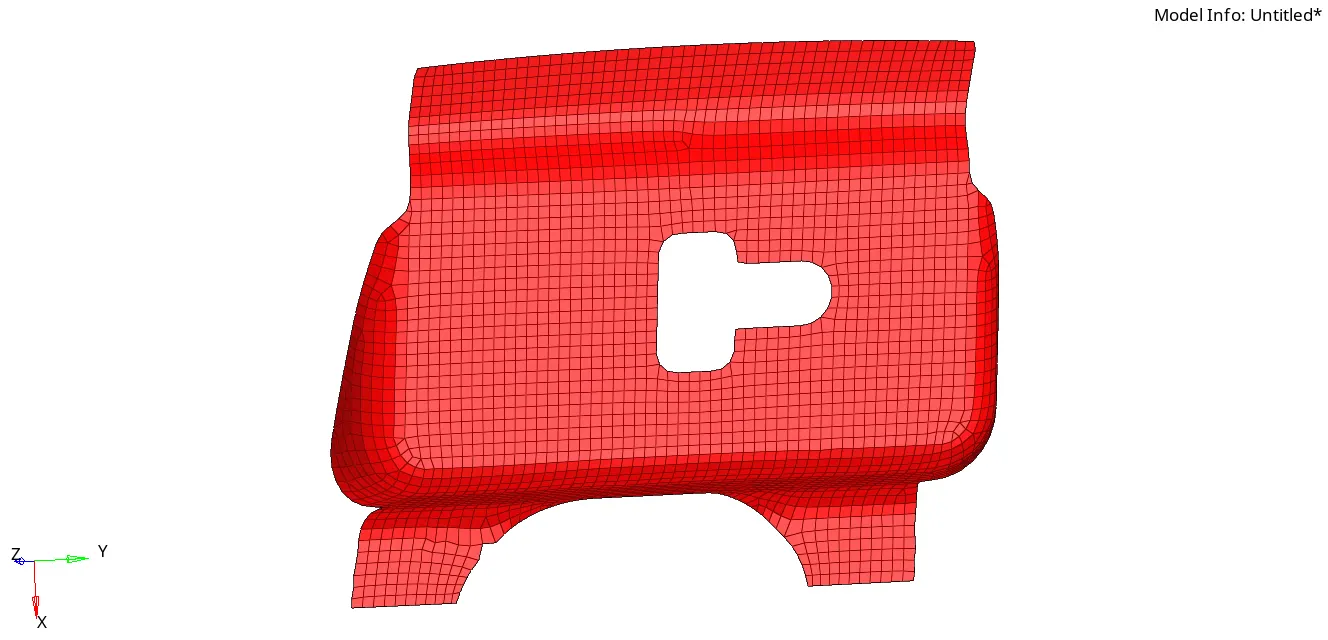
v.Latch reinforcement extract body.
Hood Model:
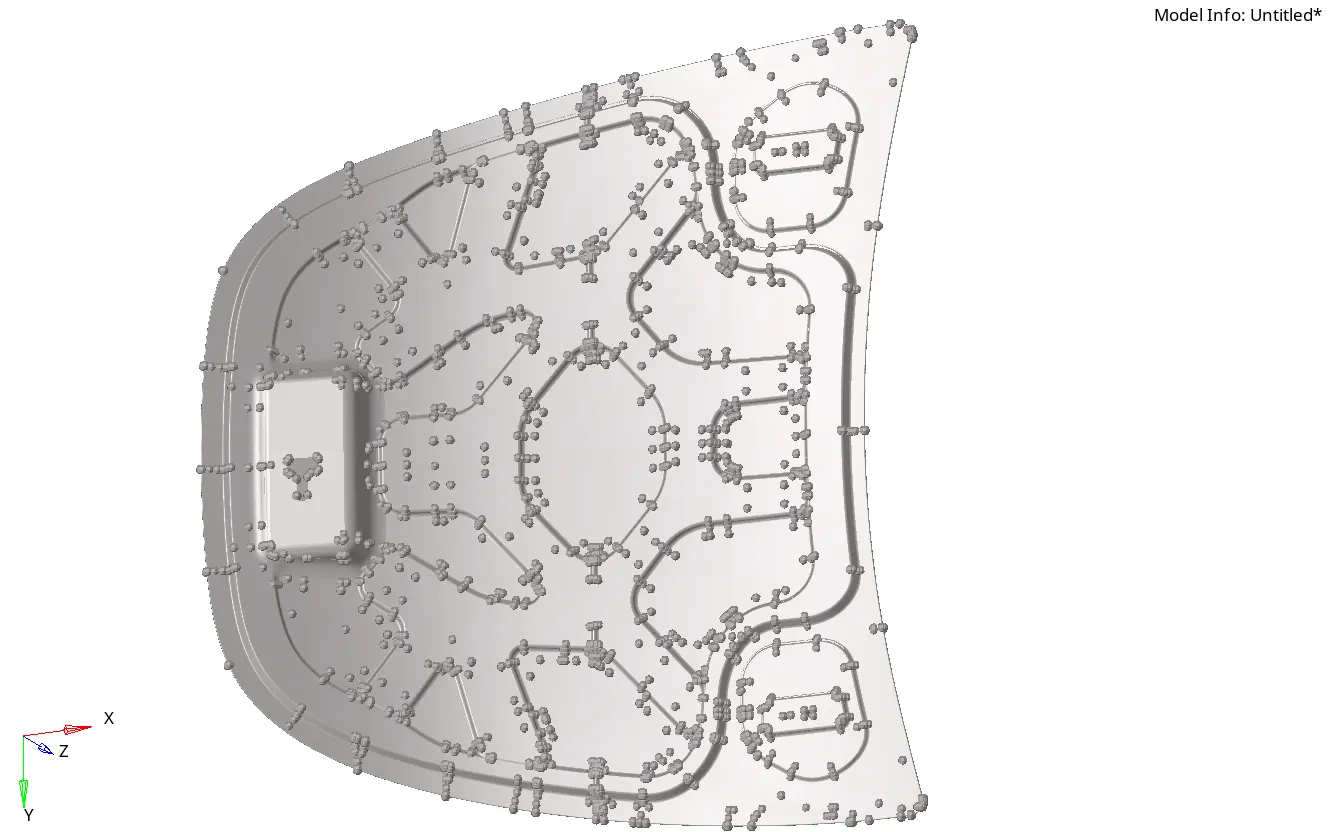
i.Inner extract body:
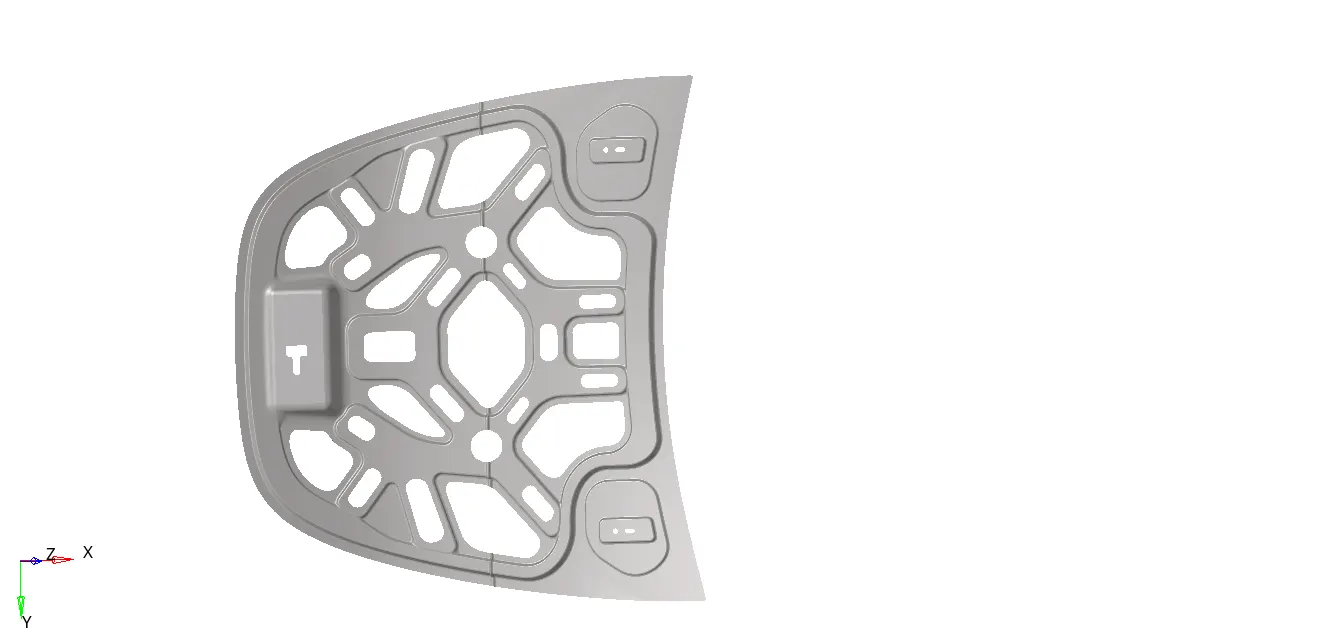
ii.outer extract body:
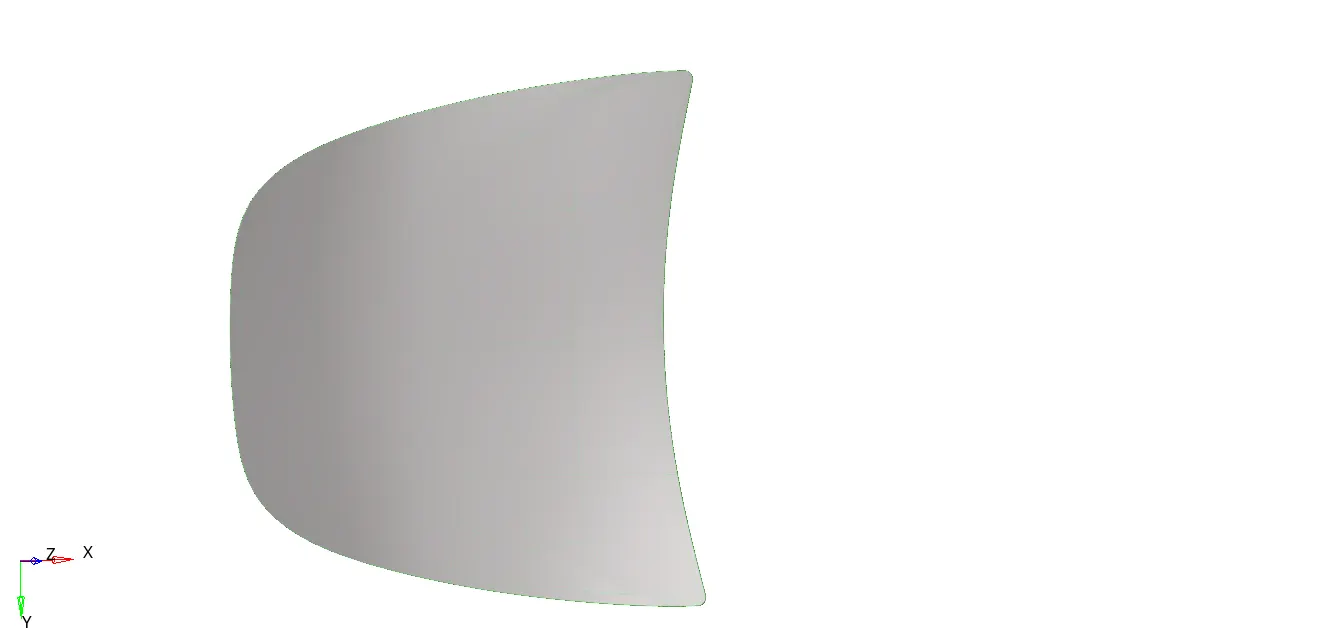
PROCEDURE:
- Once received cad model first perform the geometry cleanup to remove all unwanted points and lines,which are going to disturb the mesh quality using quick edit panel. All this process is done by manualy. we can perform the same operation using automesh tool but, problem here is that system can not identify ideally,which lines are getting disturbance to mesh. So, all the CAE Engineers do geometry cleanyup manually.
- After that extract midsurfaces for all the above mentioned components using auto midsurface tool. extracting midsurface is recommended for sheet metals and plastics whose thickness is less than 6mm.
- After extracting midsurfaces still there may be some geometry cleanup required to midsurfaces that is also done by using quick edit panel.
- Observe the inner extract body and outer extract body those are symmetic about the y-axis. To do mesh for complete components, mesh only half component then reflect the mesh on other half. By following this process can save time.
- Delete the half components in both inner and outer extract bodies to perform t he mesh.
6.Before performing the mesh edit the criteria parameters.
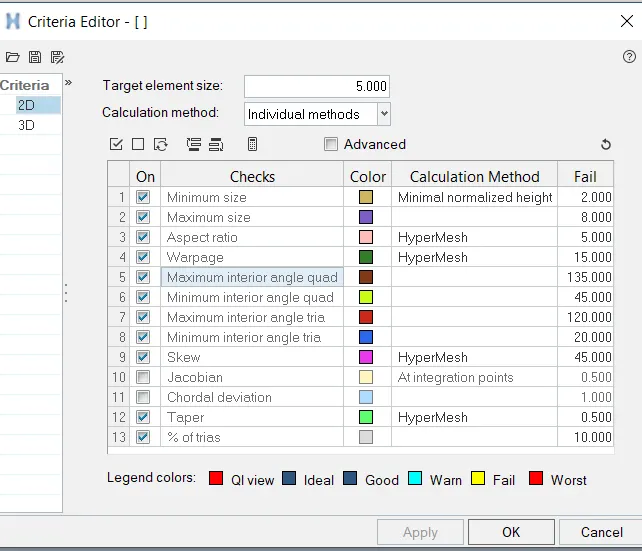
7.Perform mesh by applying the above mentioned criteria parameters with element type is mixed to all the surfaces(2D>>automesh>>surf>>mesh).
8.make sure that all failed elements get fixed by using the quality criteria tools( i.e qualityindex,check element,element edit,edge edit tools).
9.After correcting all the failed elements we can reflect the elements to another half using reflect option in tool panel(i.e too>>reflect).
QUALITY CRITERIA:
*Consider one component let say, inner extract body to know more about quality criteria.
i.Take extracted midsurface of inner extract body and delete half part using delete option (i.e press F2 in keyboard). Make proper geometry cleanup manually and then mesh with target element size is Five and element type is mixed.
ii.After meshing there is few elements which gets failed as shown in below image.
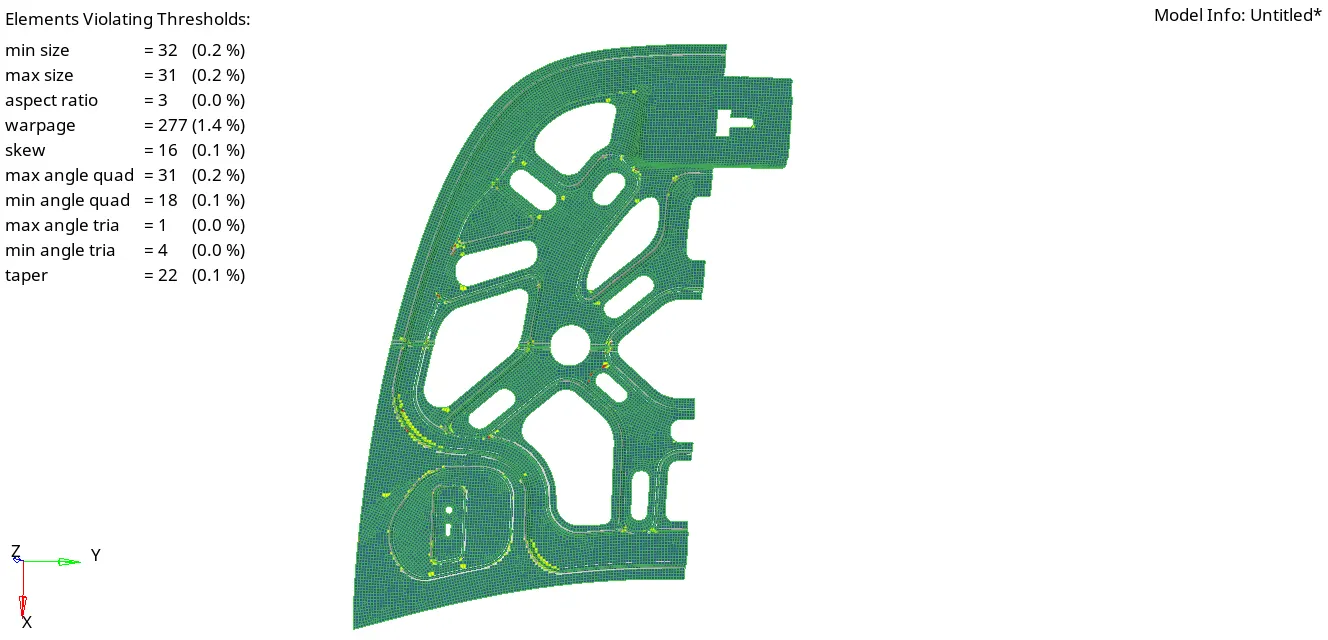
iii. In above image there is a list which indicates how many elements gets failed under given parameters.
iv. By performing some operations in quality index tool(i.e 2D>>quality index),check elements and performing remesh we can correct failed elements one by one manually.
v.One more important thing that we need to consider is mesh flow if, our mesh flow is bad then it will produce bad results.
vi.To fix mesh flow go to edges in tool panel select all the elements and check is there is any free edges between elements. If there is free edges between the elements then it's mesh flow is not good. so, it has to be done by manually(i.e correct the proper connection between the elements).
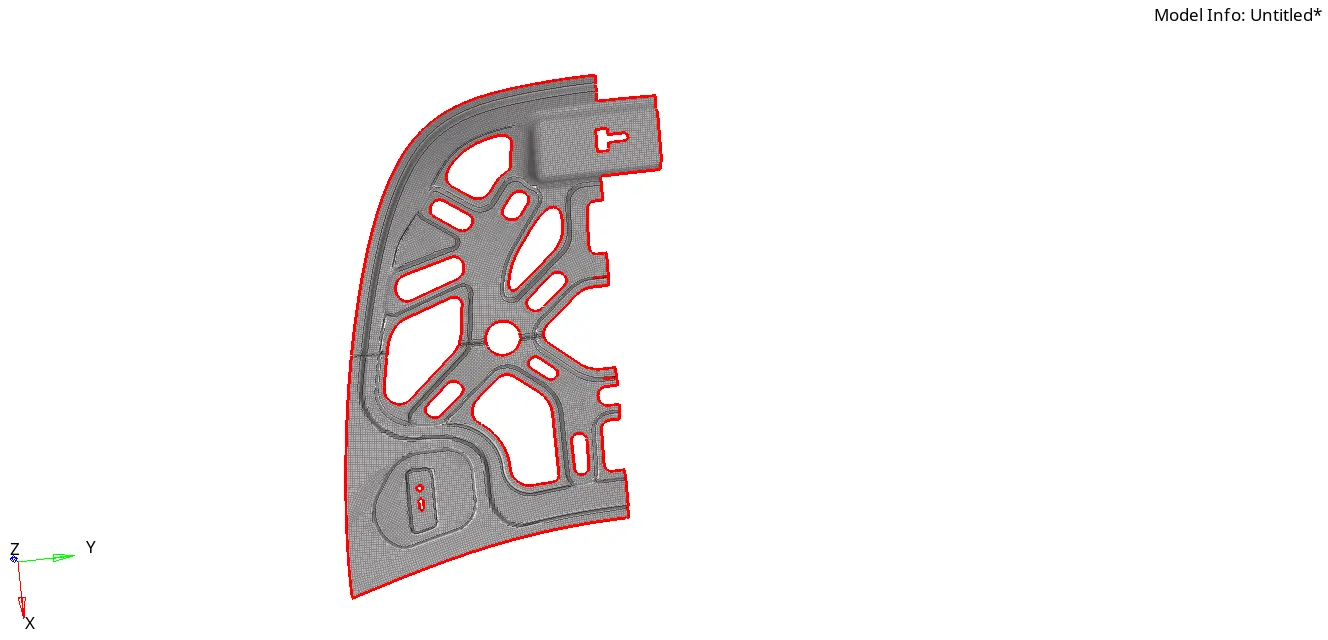
vii.Since we don't have any free edges between the elements then correct the elements which gets failed.
viii.Finally check the component whether it has failed elements nor any mesh flow problem then reflect the elements on another half.(i.e Toll >> reflect)
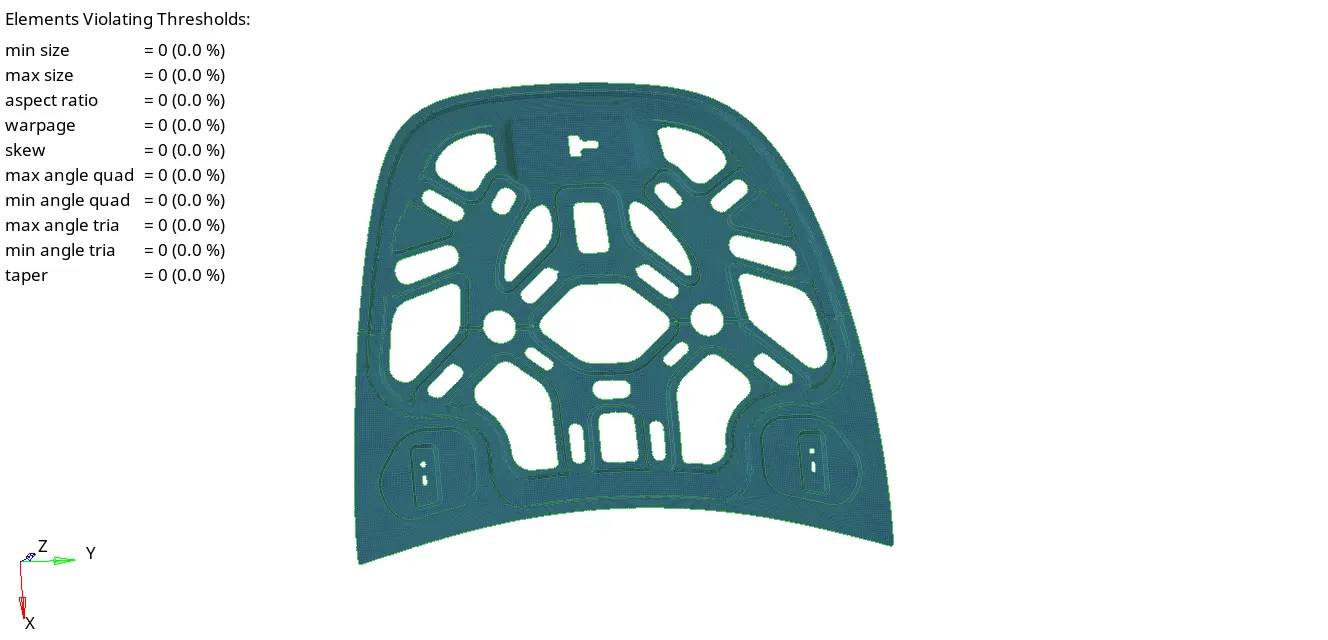
ix.Above image shows that the complete quality mesh with out any failed elements.
x.Similarly the same process done for remainig components to get good mesh.
THICKNEES ASSIGNING:
i.To assign thickness first we need to create the material and property.
ii.Here material is steel, Hypermesh have all the properties of steel (i.e youngs modulus , possion ratio etc) and card image of steel is MAT1.
iii.Create property, since it is a 2D mesh so, card image is PSHELL and assign thickness value in property.
iv.Assign properties to all extracted mid surfaces at required thickness.
RESULTS:
1.Performing geometry cleanup,extracting midsurfaces, creating mesh and improving the mesh quality of all the components in given Hood model.
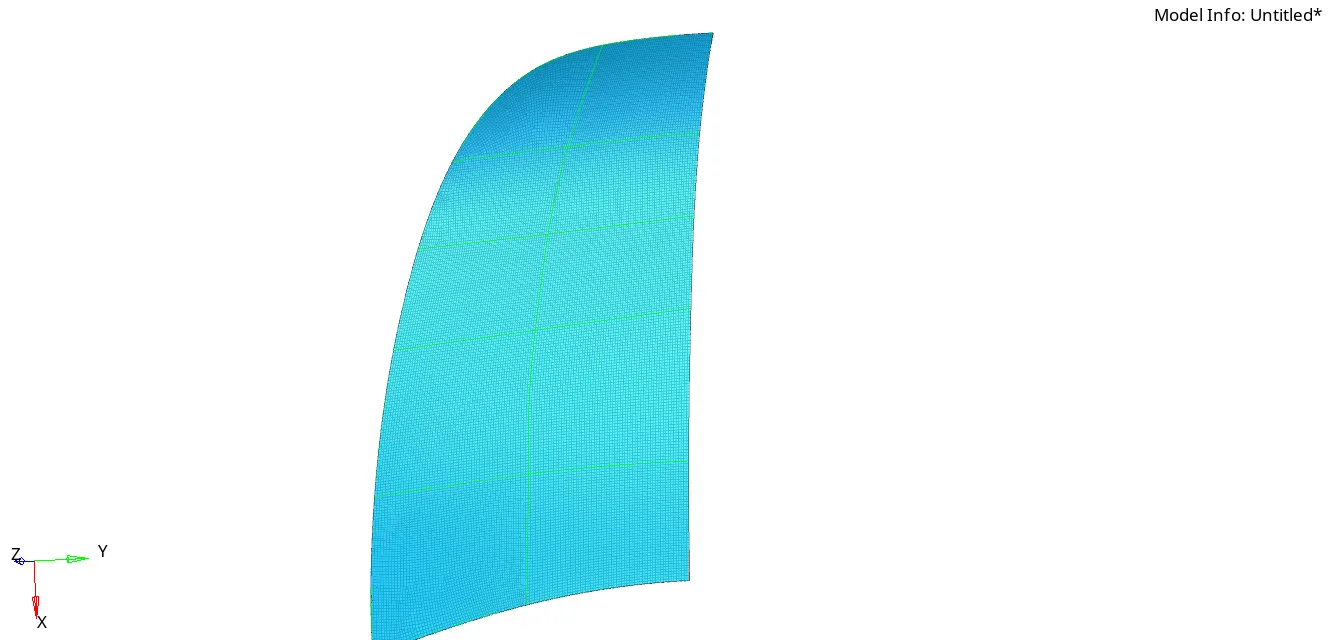
2.My final mesh elements get crossed the 100000 limit in student version so, i could not able to submit full outer extract body mesh. I submited half part only by reflecting that part we can get complete result.
3.FILE_NAME:HOOB1.HM
OUTER EXTRACT BODY:
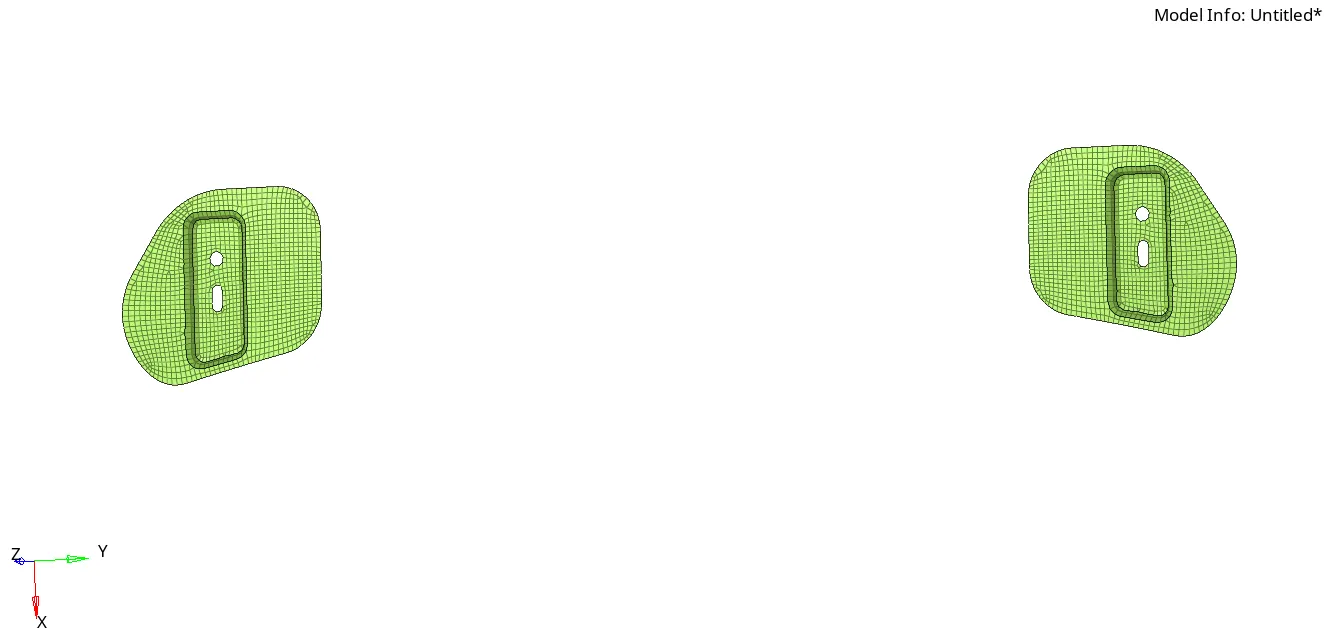
HINGE REINFORCEMENT EXTRACT BODY 1 AND 2:
LATCH REINFORCEMENT EXTRACT BODY:
CONCLUSION:
*Sheet metals and plastics components which have thickness less than 6mm can perform 2D meshing it gives good results in analysis.
*To perform one operation we have different methods in HYPERMESH.