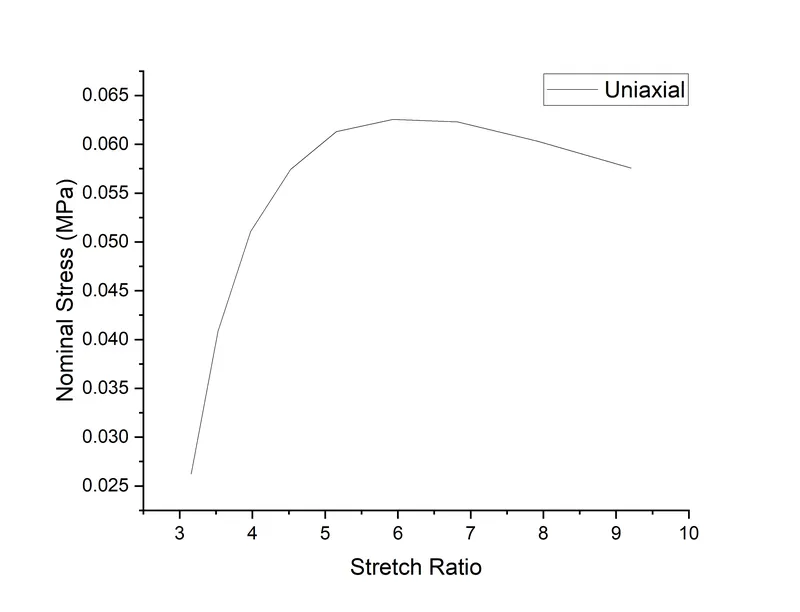
Week-6 Calculate the Stretch Ratio by comparing the ELFORM (-2,-1,1,2) with Ogden_Material Model.
Aim: Calculate the Stretch Ratio by comparing the ELFORM (-2, -1,1,2) with Ogden Material Model.
Procedure:
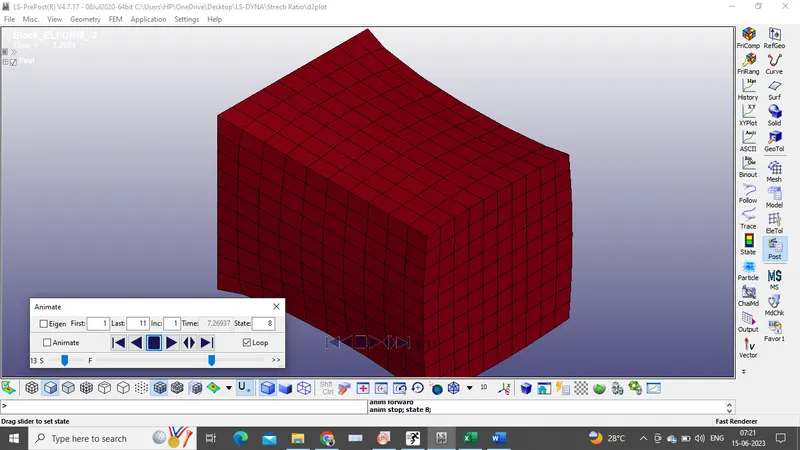
1)Firstly, Cube with 10*10*10 is created using the Box command from the solid tool in the reference geometry group. Later a mesh with element size of 1 is applied to the cube using auto Mesher command in the element and mesh group.
2)The part has to be assigned with a material card (Ogden_Material) and element formulation (SECTION_ID). So, for material, *MAT_77_O is used, this material provides rubber model combined with linear viscoelasticity.
3)Implict solver is used because the end step is of importance.
4)Implict keywords are used as Implicit_general, Implicit_auto, Implicit_solution, Implict_solver.
5)Different ELFORMs are used to perform the simulation.
COnclusion:
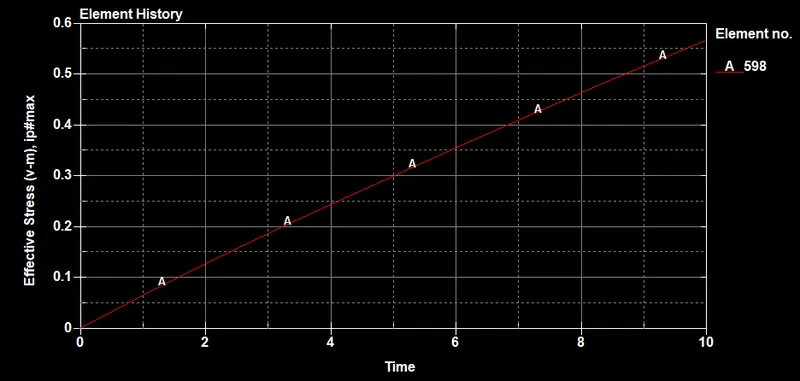
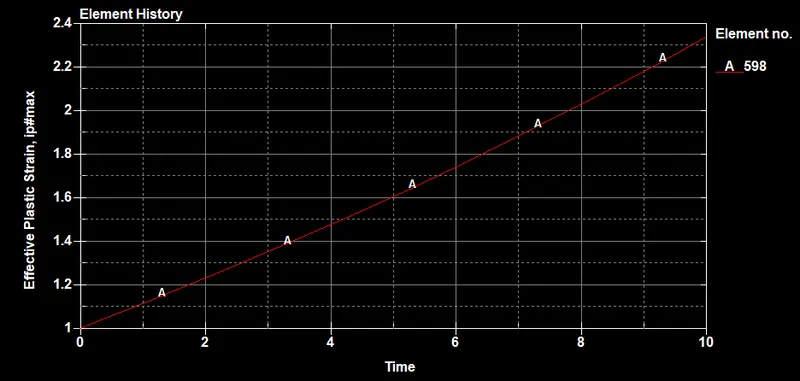
The below plot is drawn by using the stress and stretch values extracted form the simiulation. i.e, we get true stress and true stain value, changing them to engg stress and engg strain and finding the stretch value.