Week 3 - 2D meshing for Sheet metal
Objective:
Generate a mesh on the given Hood model using ANSA tool and also check the quality criteria for the given parameters.
Cad Model:
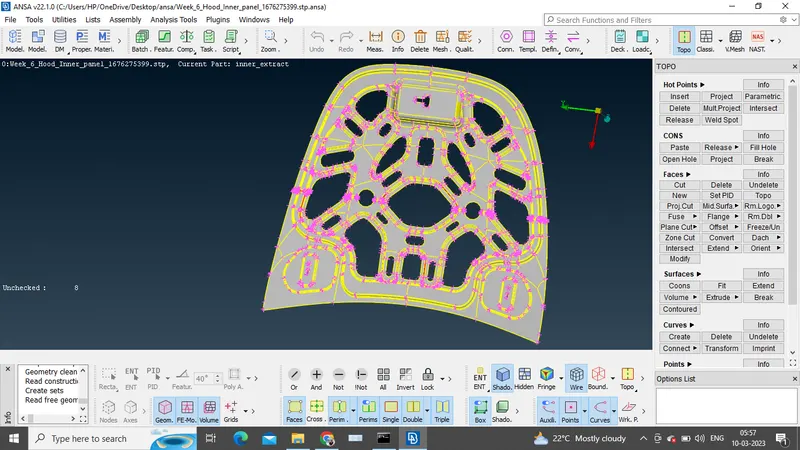
Procedure:
1. Firstly, import the design model into ansa. Understand the geometry and perform geometry checks.
Tools>>Checks>>>Geometry
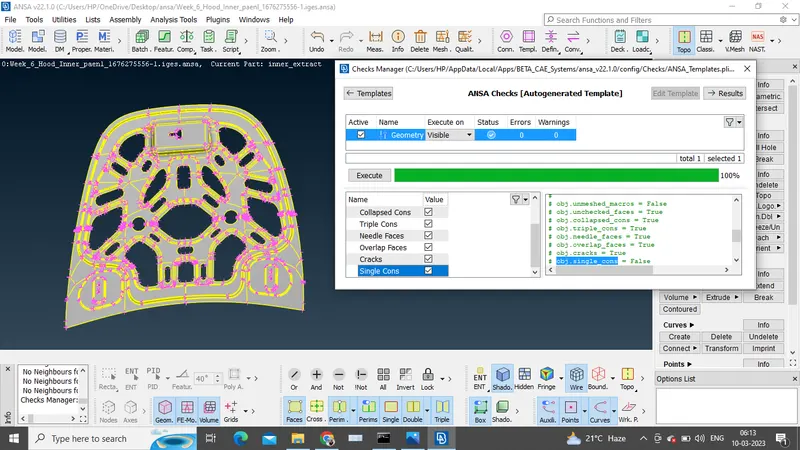
So, the geometry checks are done with zero errors.
2. The second step is to perform Mid-surface of the design model for meshing. Mid-surface can be executed by two methods. Manual mode and Auto mode.
a.In Manual mode, offset each faces by selecting offset option. After creating the mid-surfaces combine the faces using topo command.
b.In auto mode, mid-surface command is used to generate mid-surface automatically.
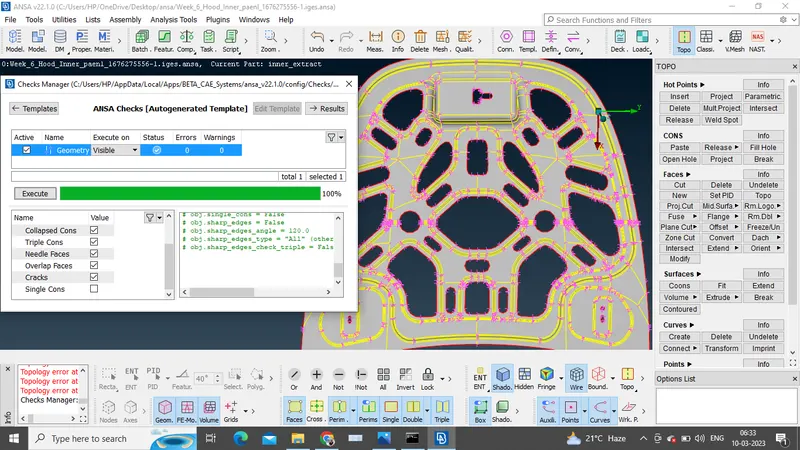
3. Before the final step of meshing, very important step has to be performed i.e, is geometry clean-up. Proper geometry clean-up gives good mesh flow.
*Assign perimeter length as 5mm, and as the property ID to the mid-surface.
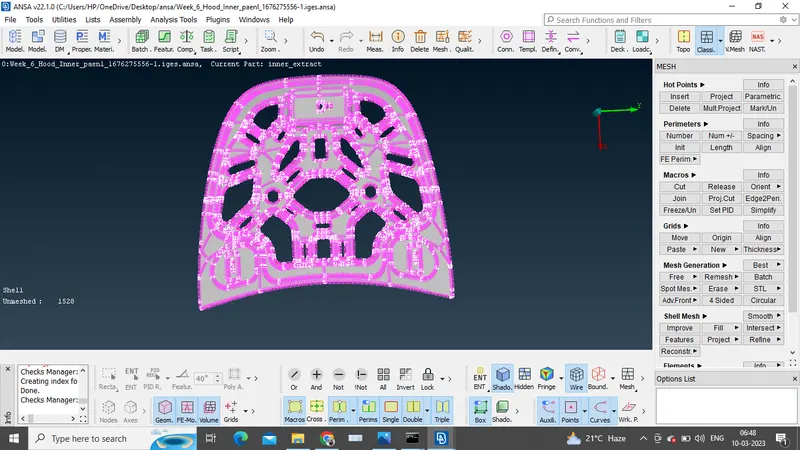
4.The model is symmetry, so symmetry operation is performed to reduce the time of meshing.
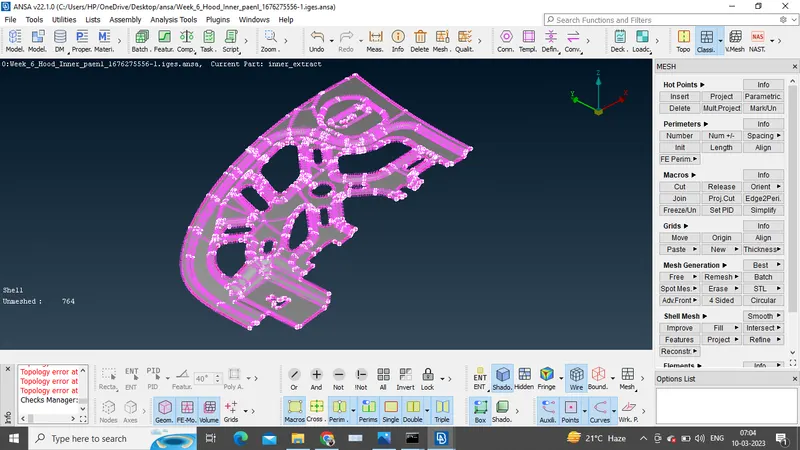
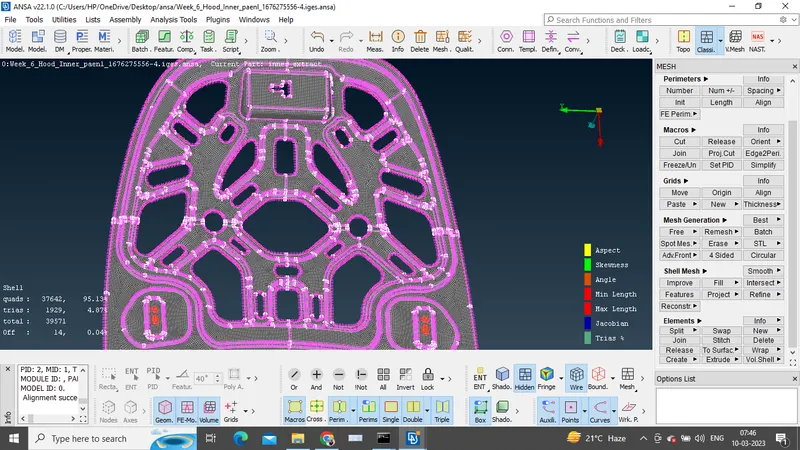
5. Finally meshing, add the mesh parameters and quality criteria conditions.
Use transform command to obtain complete model.
Conclusion:
The given Hood model is mesh with zero geometry errors and considering all the quality criteria.