Week 6-3D Tetra Meshing Challenge
Aim:- There are given three model to tetra meshing for different methed.
1.TetraMesh Generation Method: 2D to 3D Conversion
Elements sizes: Min- 2 Units, Target- 5 Units, Max- 7 Units
Tet collapse: 0.15
- Uplode model and chack it using wireframe mode there are no any free edges.
| Before | After |
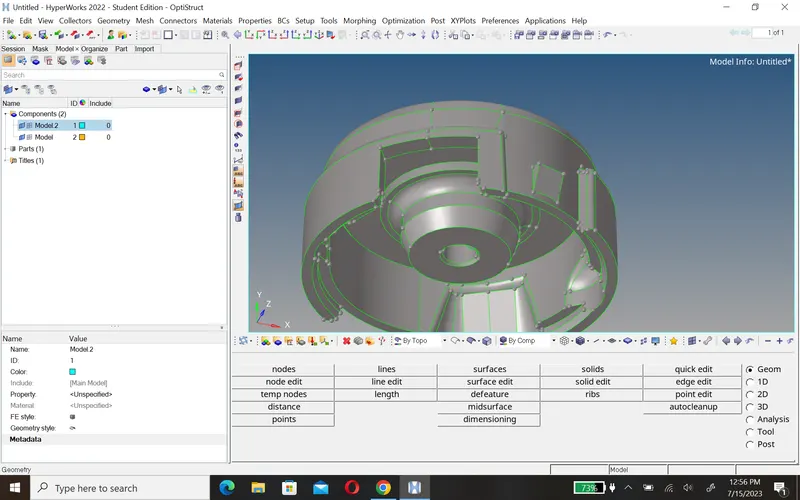 |
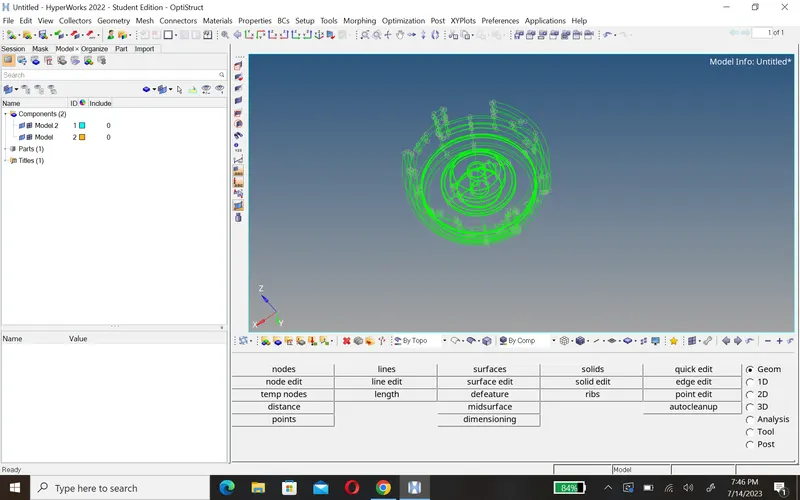 |
B. After that we create 2D mesh using trias.2D>automesh>select tria
c. Then create a 3D mesh from 2D mesh.
D.2D>automesh>select tria after that go 3D>tetramesh>again tetramesh and select element and create mesh
| 2d mesh | 3D mesh |
 |
|
| 2D mesh | 3D mesh |
 |
 |
E. Then set the criteria and fix tat collaps using remesh tetra and translate option.
F. After creating tetramesh delete 2D mesh.
2.TetraMesh Generation Method: Quick Tetra Mesh/ Volume Tetra Mesh
Target Element size: 3 Units.
Tet Collapse: 0.15
- First upload model and chack geometory, if it is cleare then go forther
-
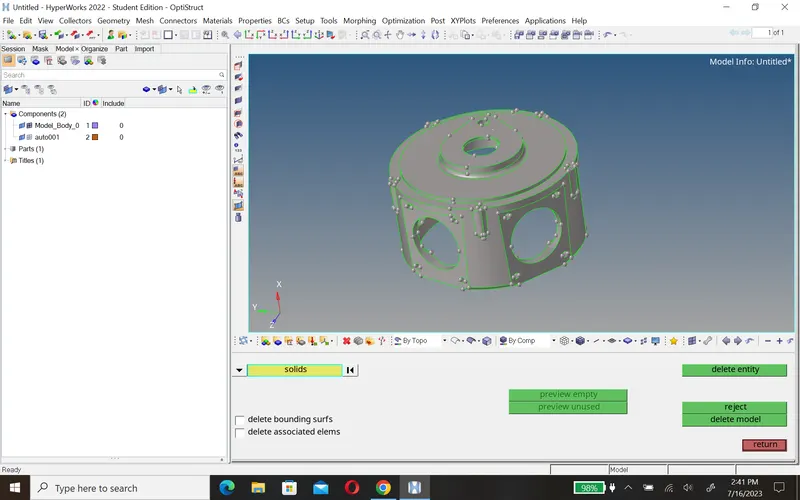
This is a solid component After deleting solid 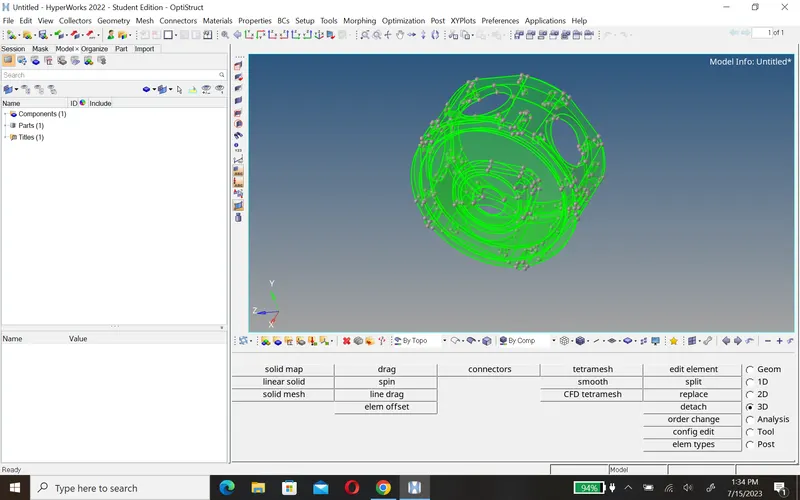
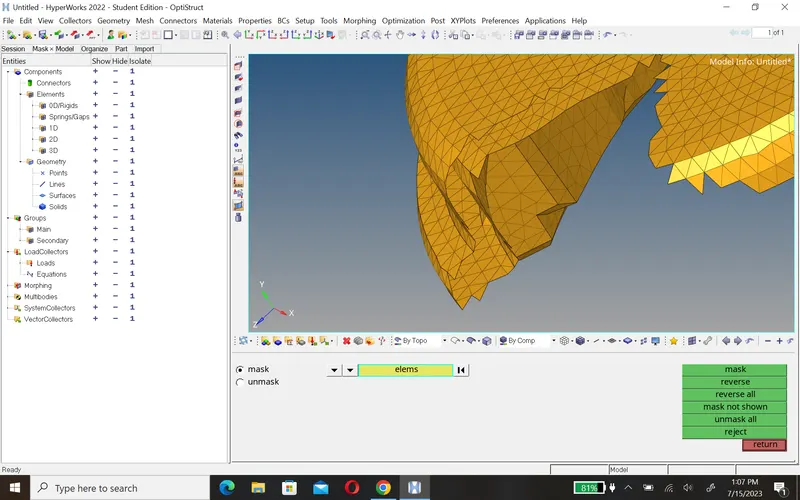
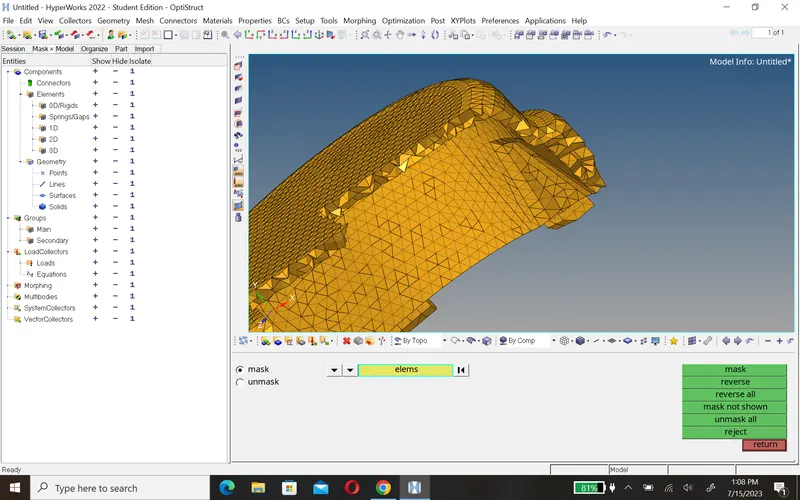
- Now we create a tetramesh then we go 3D>tetramesh>volume tetra>select surface.
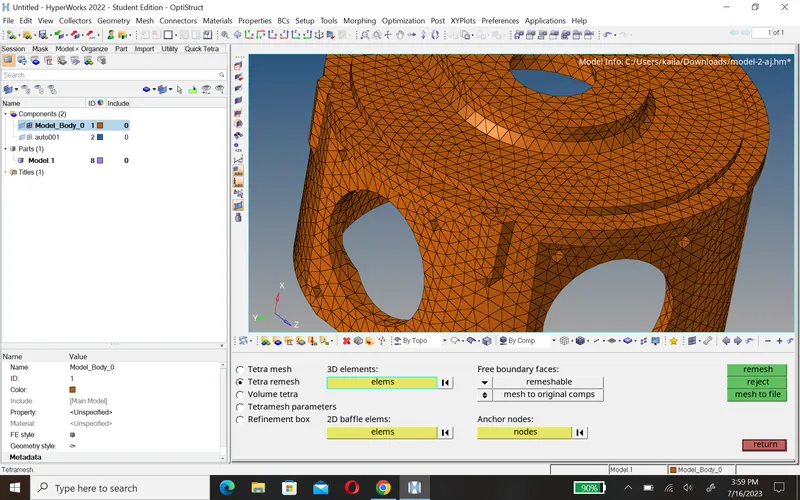
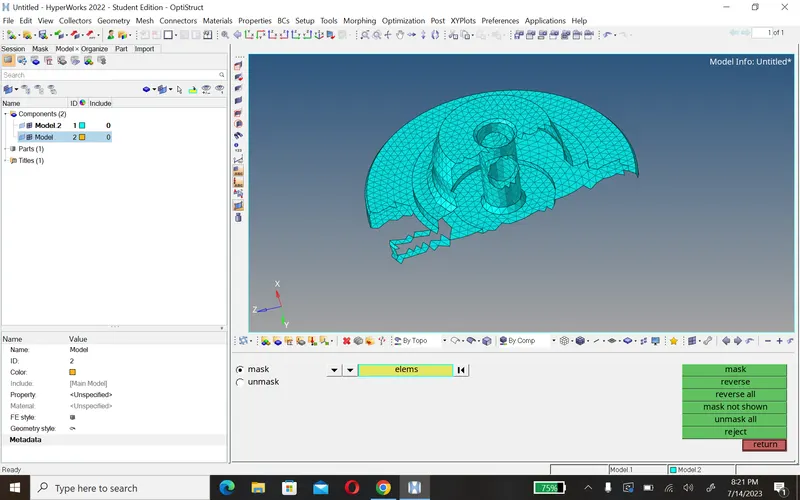
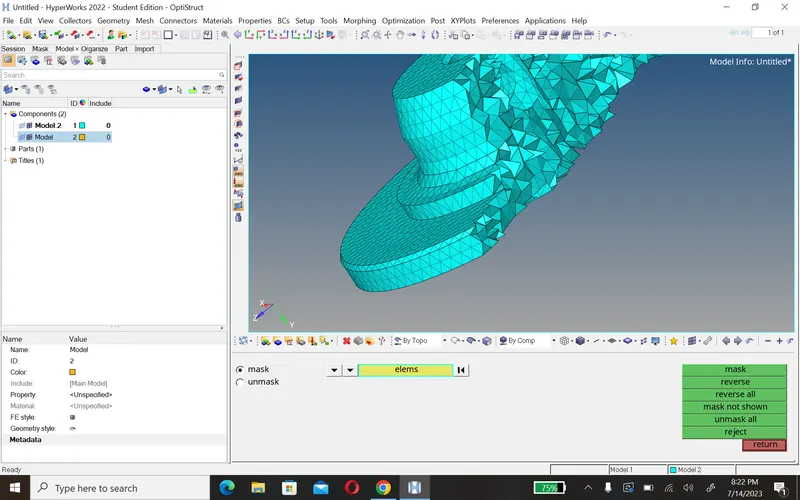
d. After creating tetra mesh we chack element then we use mask opdtion.
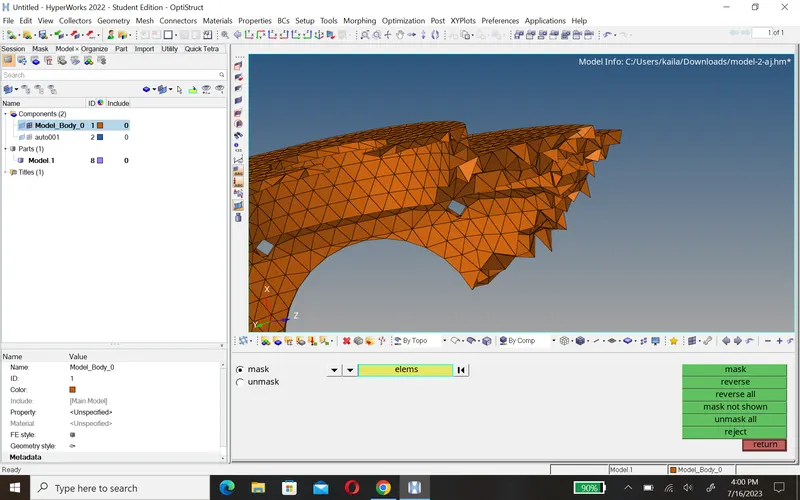
e. Now chack quality press f10 and chack tat collapse ans fix them using remesh tetra and translate option.
3.TetraMesh Generation Method: Quick Tetra Mesh/ Volume Tetra Mesh
Target Element size: 4 Units.
Tet Collapse: 0.15
- First uploade model and convert into solid to surface using delete option if you want and chack the geometry there no free edges.
-
surface wireframe mode 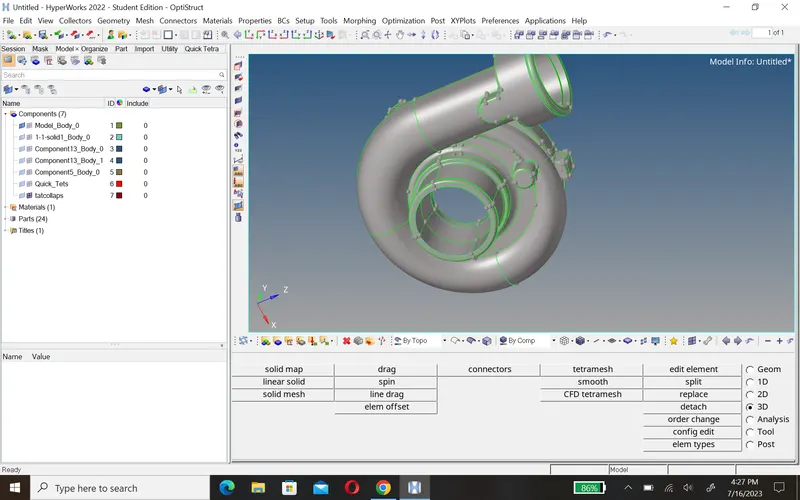
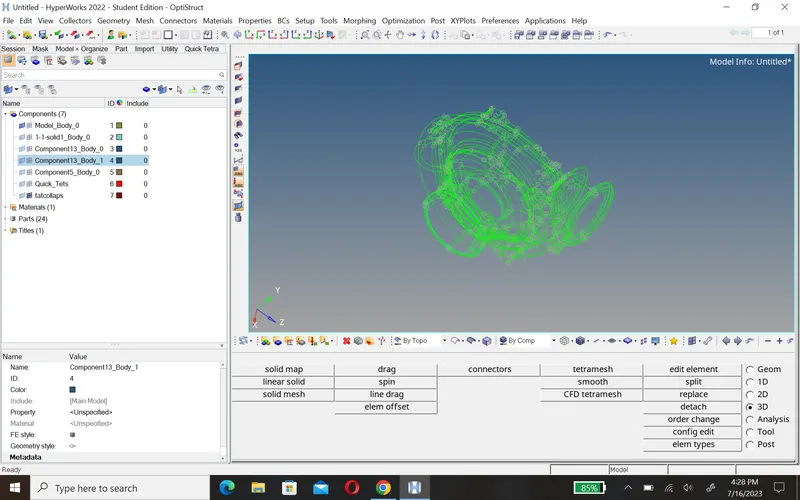
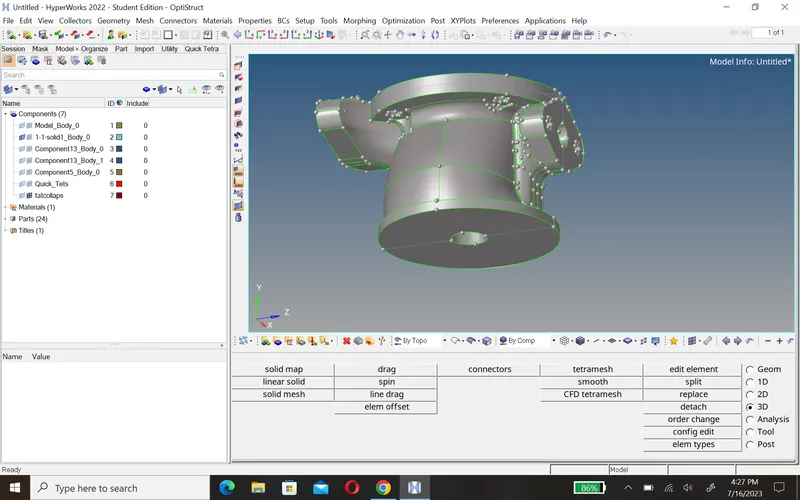
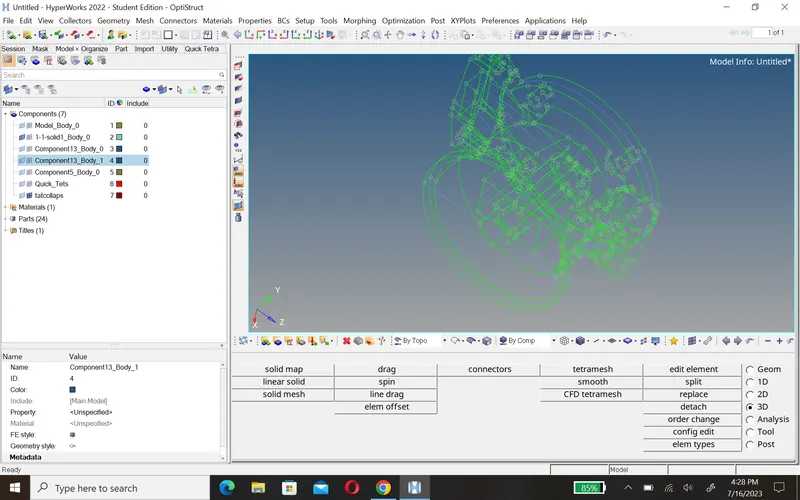
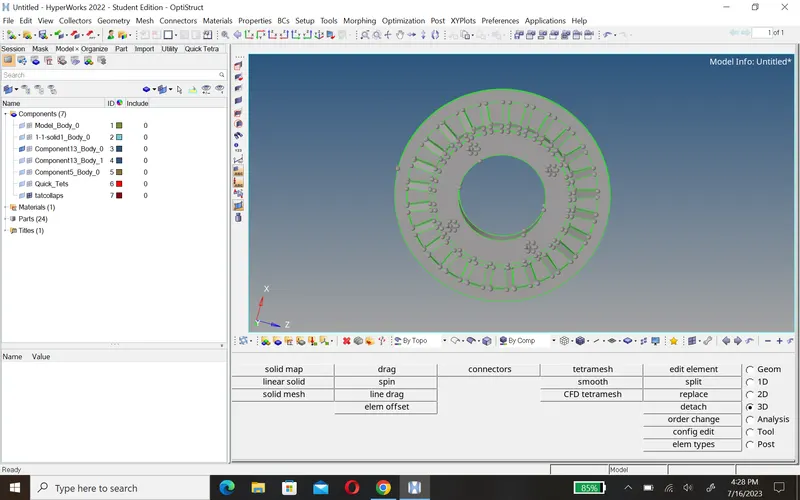
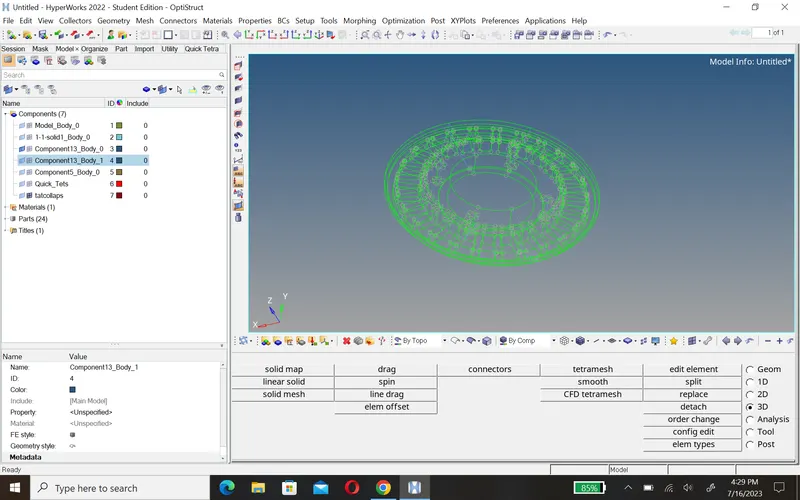
- Now we create tetramesh using Quick Tetra Mesh/ Volume Tetra Mesh, i mantion here , i use both option here
- you can go with quick tetra then go view>Browsers>hypermesh>utility>then open a panal and go with geom/mesh>quick terra>select component.
- if you go with volume tetra then go 3D>tetramesh>volume tetra>select surface and do mesh
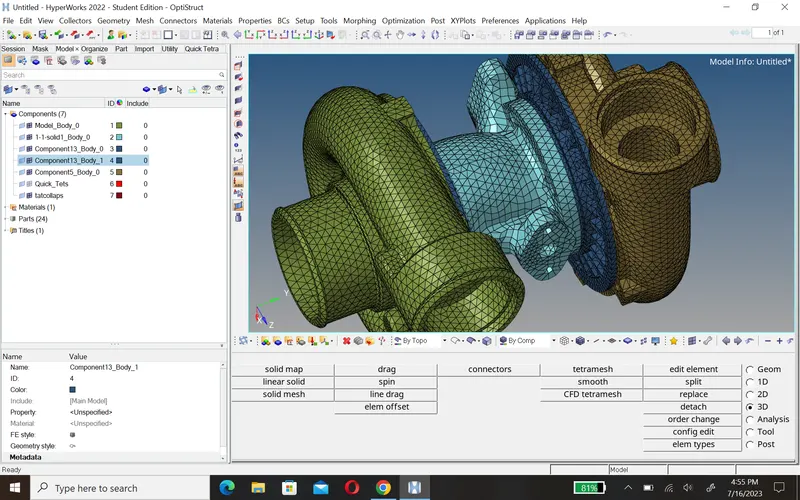
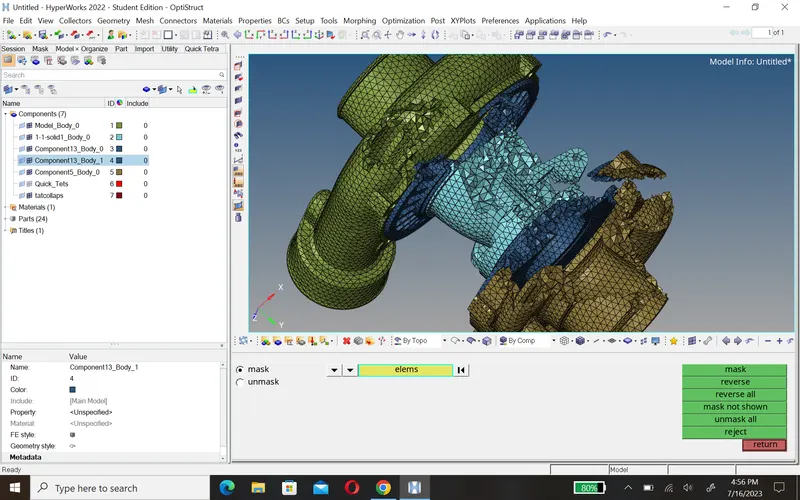 for chack element use mask option
 - to chack quality press F10 fix tet collapse using remeshtat and translate.
Conclusion:-
- In this challange i learn how to cteate mesh 2D to 3D, volume tetra.
- i learn how to fix tet collapse using remesh and translate.