Week 5 Sphere pressing on a plate
Aim - To simulate a sphere pressing on a plate
Procedure
1. Open ANSYS static structural.
2. Set the materials required for simulation.
3. Import the geometry.
4. Open the modelling section.
5. Rename the geometry to your preference.
6. Assign structural steel NL to the plate.
7. Add symmetry to the geometry.
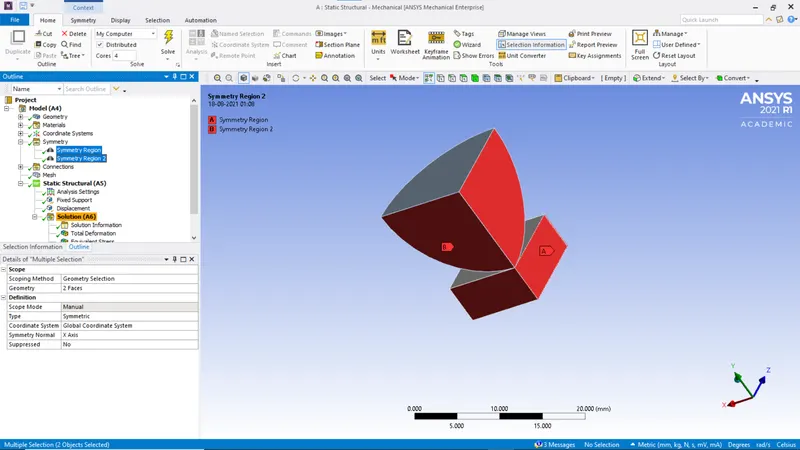
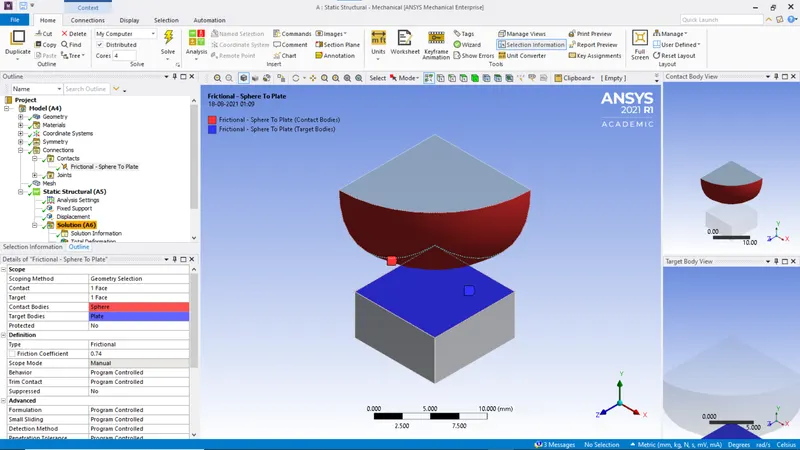
8. Add contacts
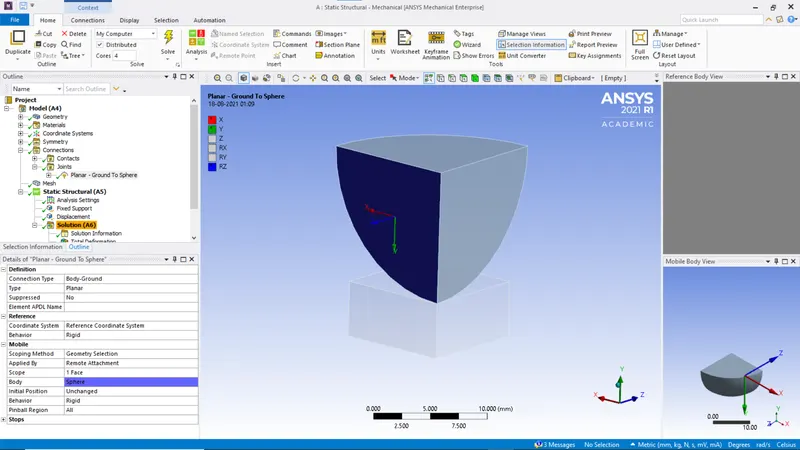
9. Add planar joint
10. Generate mesh
11. In the Analysis settings, set the number of steps to 2 and solver tyoe to direct.
12. Add fixed joint to the bottom of the planar face.
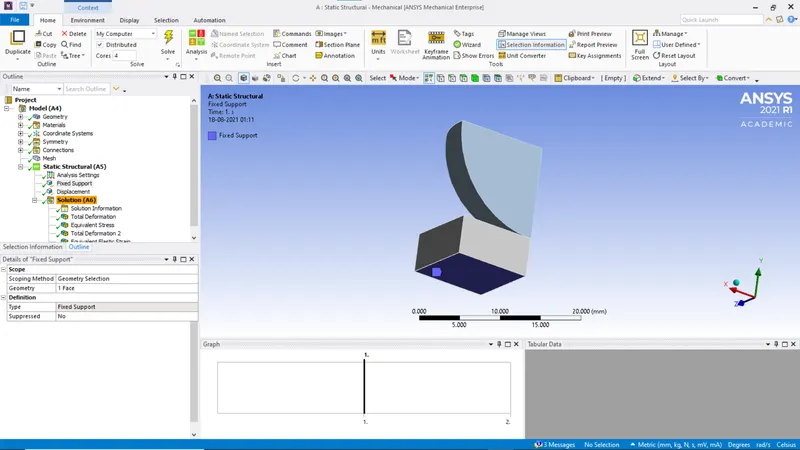
13. Add displacement
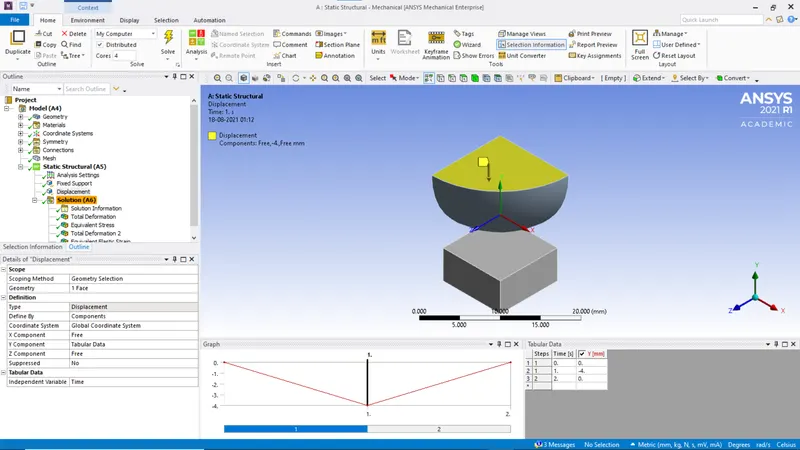
14. Add the required solutions to the analysis.
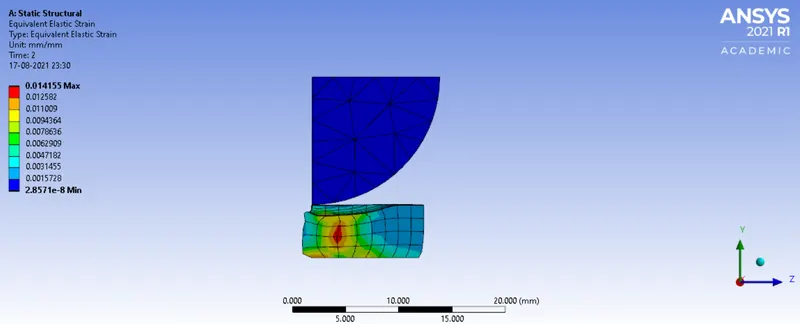
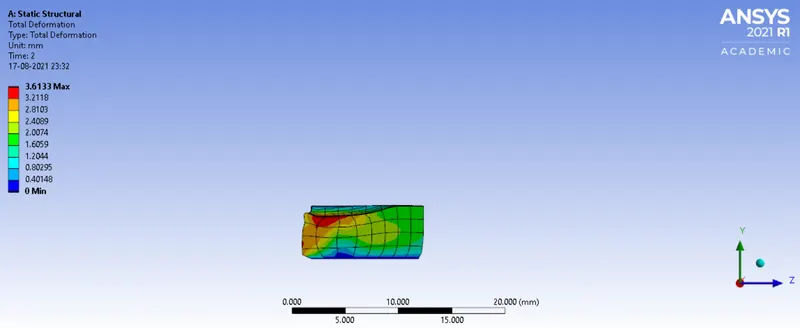
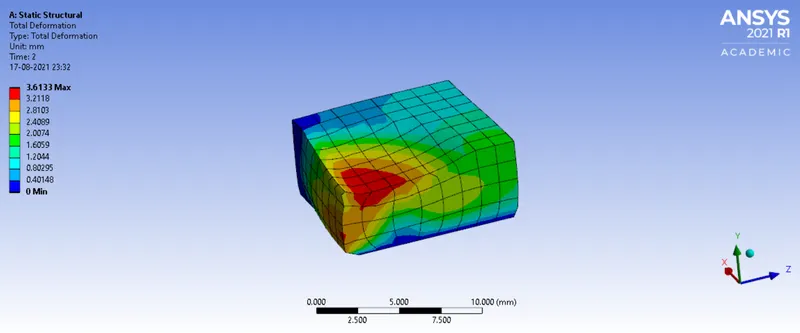
Results
Conclusion
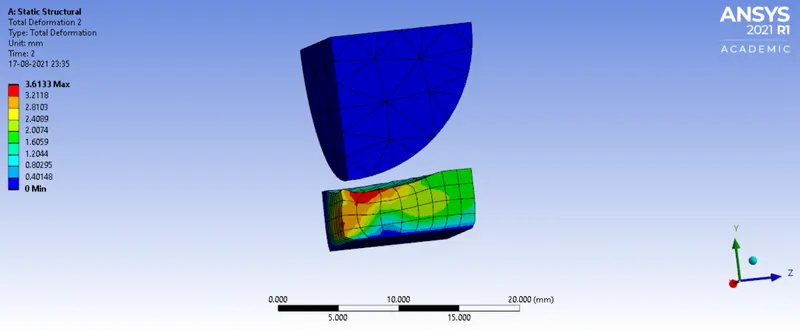
As it can be observed, since the plate does not come back to its original shape after the sphere is lifted, it can be cocluded that the deformation is plastic.