Week 3 Verification of Weld Joints
Aim - To verify the weld joints of different materials
Procedure
1. Open ANSYS Workbench and select static structural
2. Select materials: Bronze, Copper, Aluminum, Stainless Steel, from ANSYS Granta.
3. Import the geometry
4. Open the modelling section. Assign the materials to the geometry.
5. Rename the geometry according to the preference.
6. Edit the contact of 2 plates and 2 ribs as frictional with frictional coefficient of 0.2. Leave all the other connections as bonded.
7. Add a fixed support in static structural. Select the edges of the holes in the big plate.
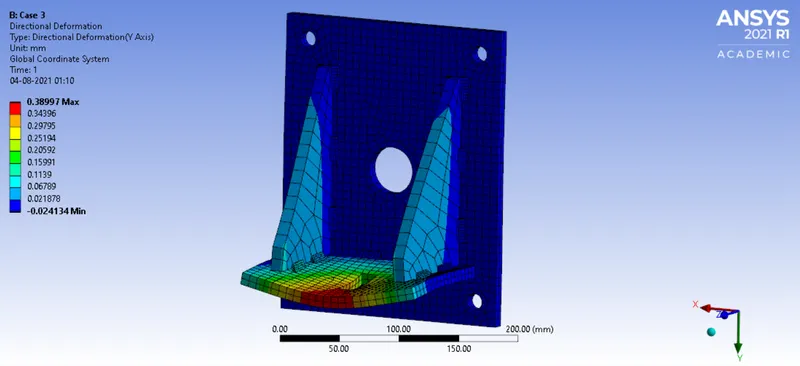
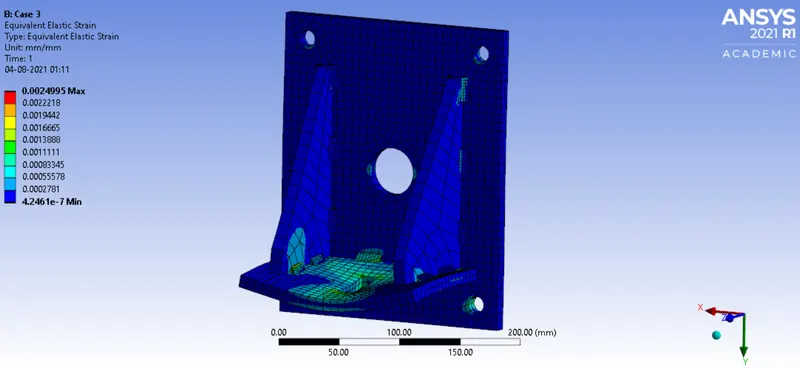
8. Add a force of 15000N on the inside edges of the smaller plate.
9. Add the desired results in the solution sections.
Results:
Case-1 - Stainless Steel
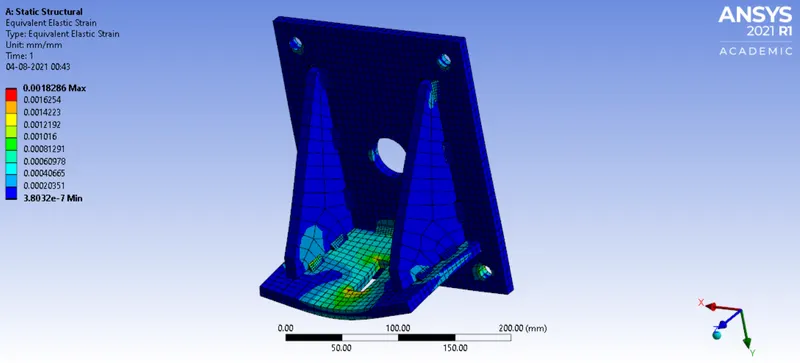
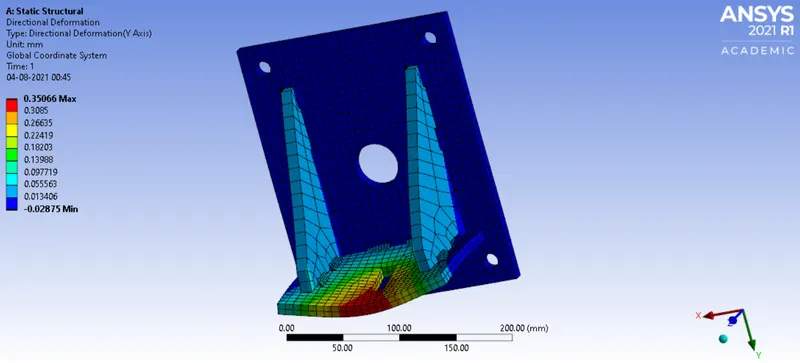
#Case-2 - Aluminum Alloy
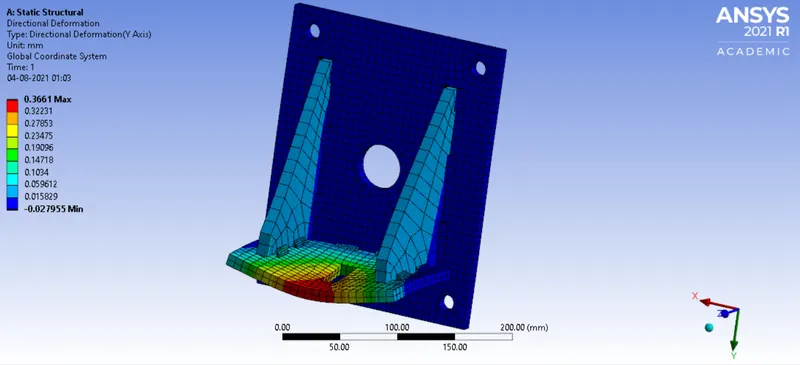
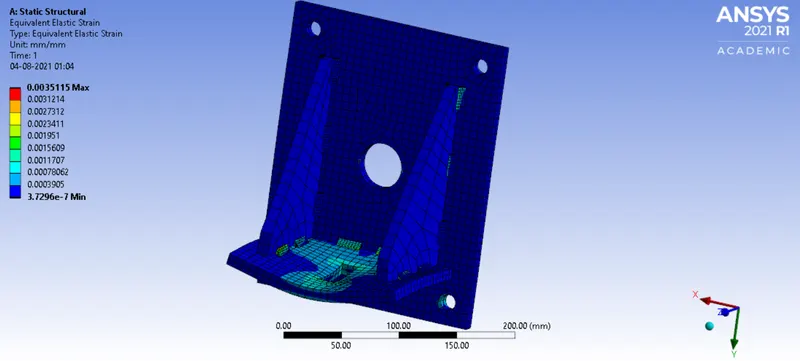
#Case-2 - Bronze