Week 5 Sphere pressing on a plate
Objective:
To perform the analysis to simulate a sphere pressing on a plate by 4mm downward and to capture the plastic deformation on the plate.
Set up & procedure:
- From the Engineering data source we have selected Structural steel and Structural steel NL for analysing the above simulation. The material properties are described as below.
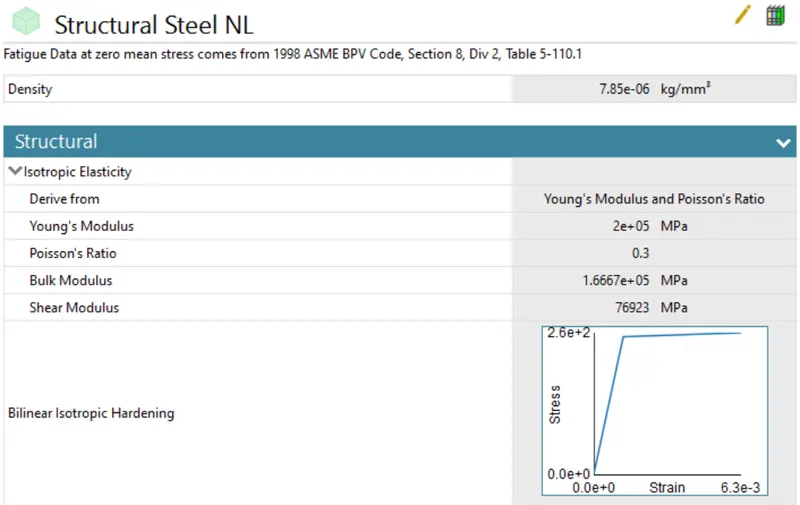
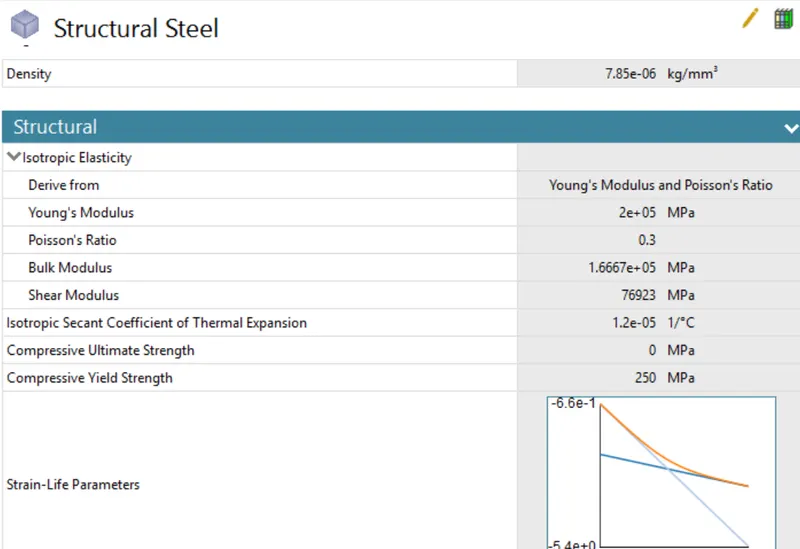
- The CAD geometry has been imported to carry out the analysis and we have assigned structural steel to the sphere portion and structural steel NL to the plate.
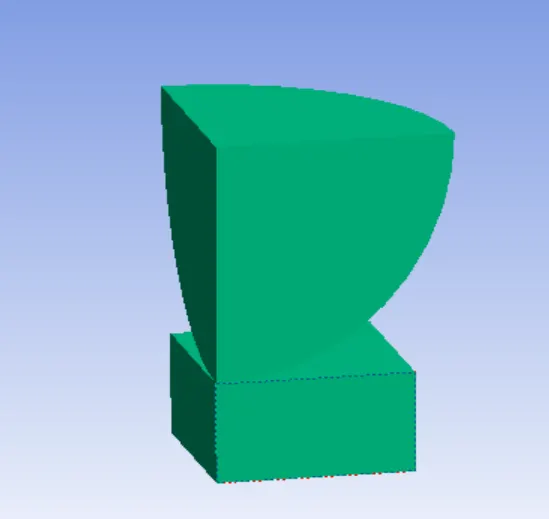
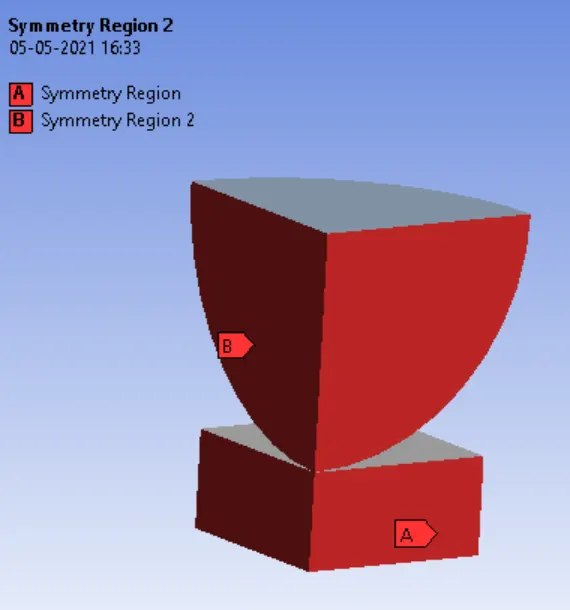
- We have assigned two symmetrical regions to the two portion of the geometry so that the overall computational time for the analysis can be reduced.
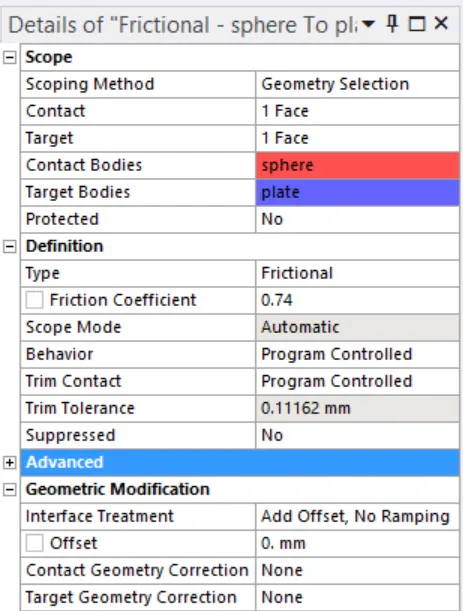
- In the contact region we have assigned frictional contact between the sphere and the plate with coefficient of friction as 0.74.
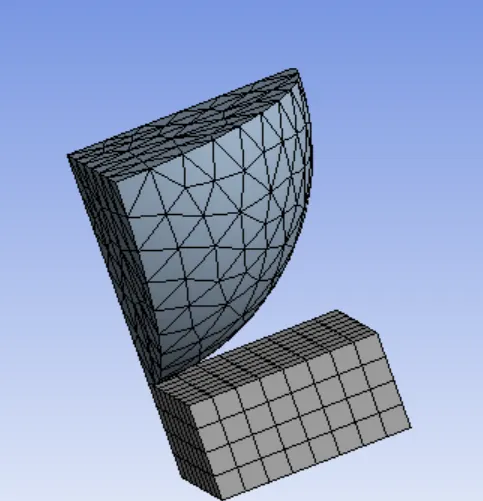
- For the meshing we have used face sizing for the sphere with element size of 2mm. The total number of nodes are 2524 and elements as 891.
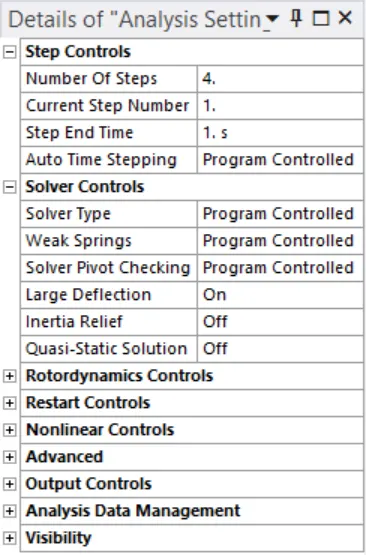
- In tha Analysis setting we have used 4 steps to implement the loads. The other changes done are shown in the figure below.
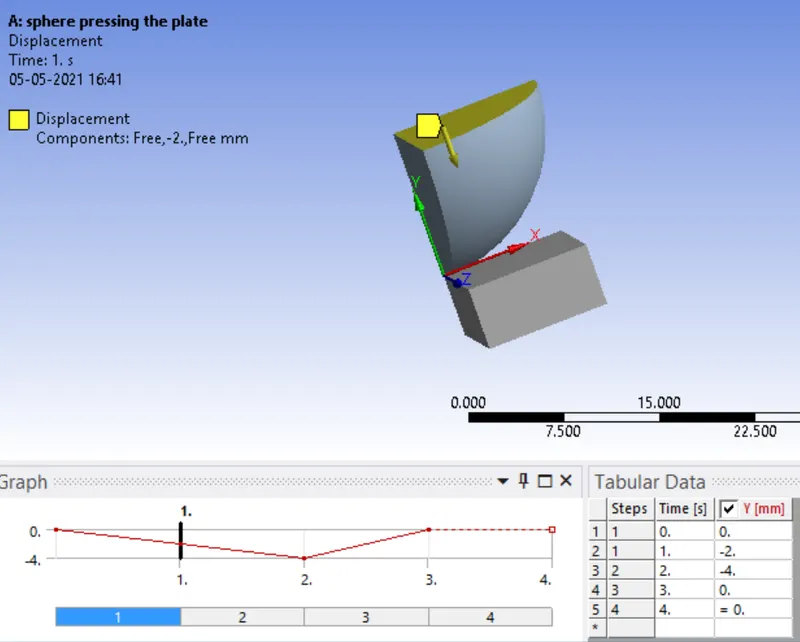
- The bottom portion of the plate is fixed and a displacement is applied to the sphere in a increasing step of 2mm in two steps and the the sphere is broughr back to its original position.
- In the solution section we have used directional deformation to observe the deformation in the Y direction.
Results:
Directional Deformation:
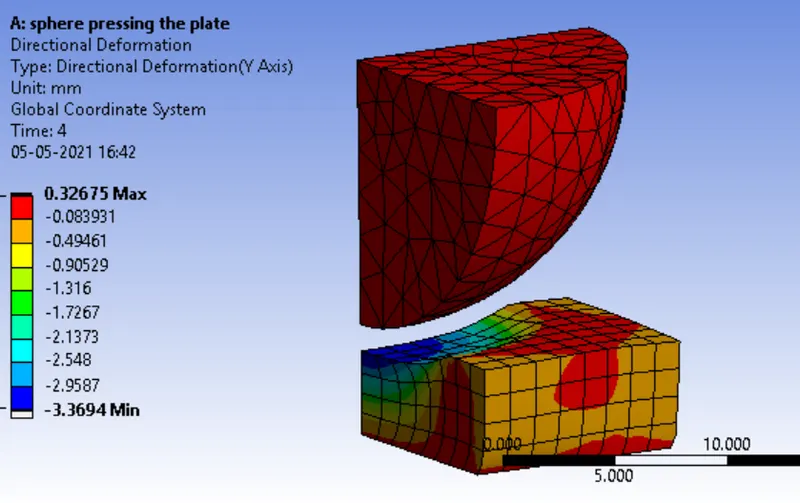
Directional deformation of the plate:
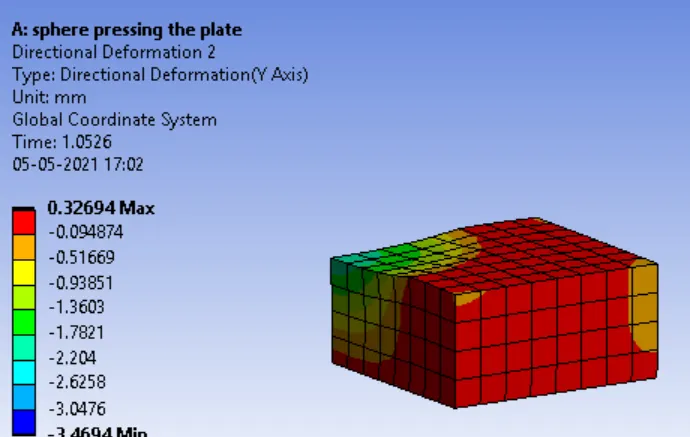
Animation files:
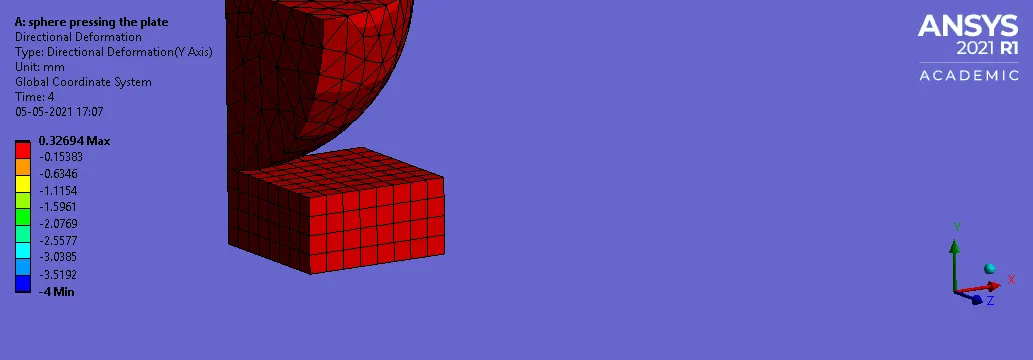
Discussion & Conclusion:
- Thus on implementation of a displacement of 4mm by the sphere we can observe a deformation of 0.33269mm on the plate.
- By using symmetry we can save our computational time as well as computational work.
https://drive.google.com/file/d/1v3YAUEvxD7pi8qjWx2XjjiLDb6N4fvgc/view?usp=sharing