Week- 5 - Solid meshing
AIM:For the given rear view mirror component,checking the geometrical errors and meshing on the surfaces with the given 2D element uality criteria as given below
TARET ELEMENT :1
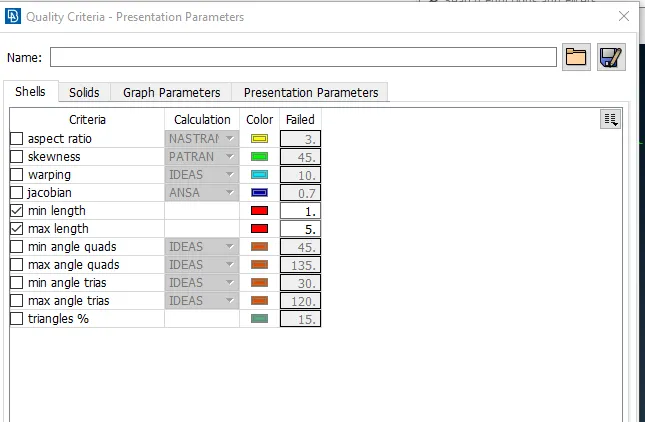
MIN LEN:0.5
MAX LEN:2
PROCEDURE:
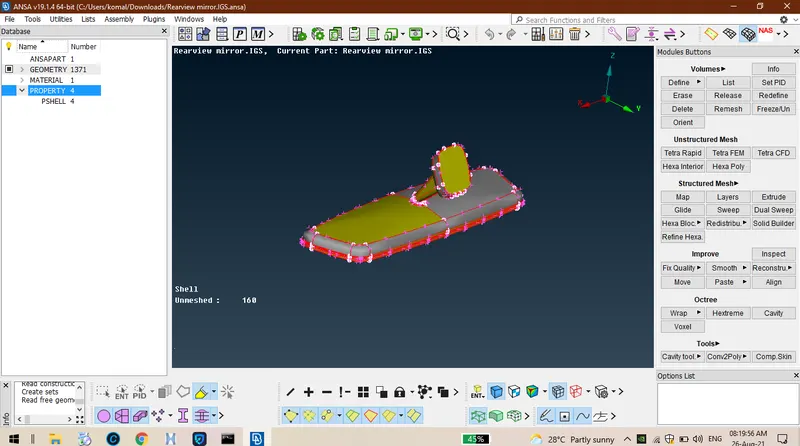
STEP 01:Firstly import the model, after importing the component seems to be distorted as shown below.
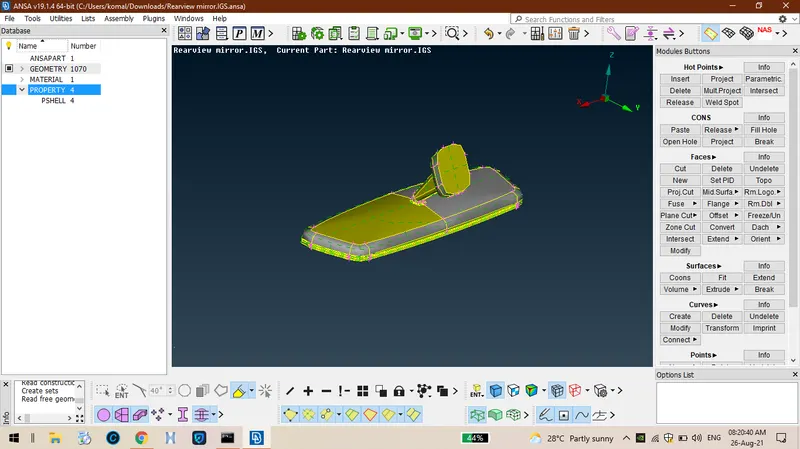
2.Then apply topo for the whole geometry so that the component will be in a clear surface attached manner.
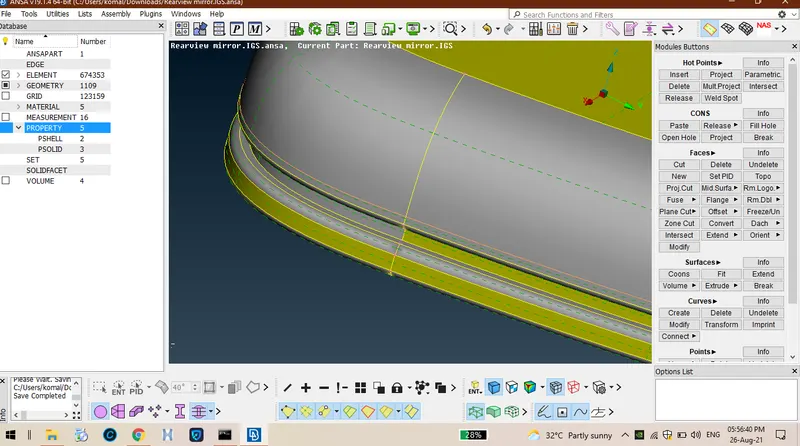
3. Geometry clean up must be on the surfaces itself , if the distance between any two cons is less than the min element size then the element failures will takes palce to avoid tat togle unnecessary lines and delete unwanted ot points as shown in below.
4.Press F12 to display quality criteria eneter te min and max lent sizes as iven in te quality criteria table .
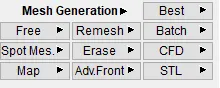
5. o to mes mode -mes eneration-select spot mes ten mes all te surafces witout any element failures. keep mes mode in trais or orto tria.
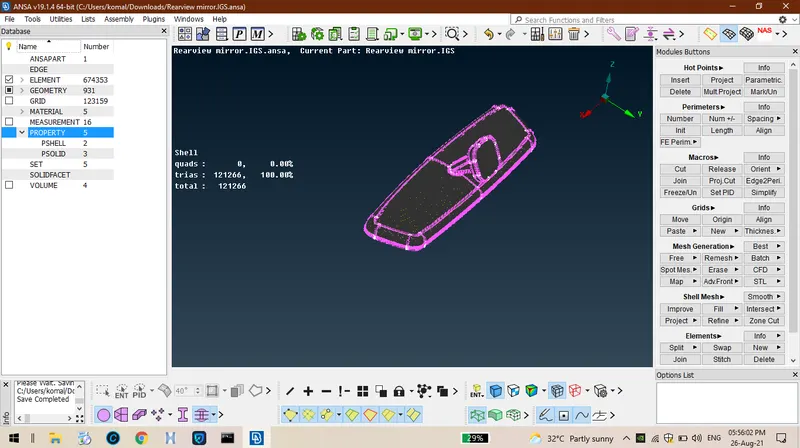
6.Make sure tere must be no minimum and maximum element failures on te surfaces after te completion of mesing process.
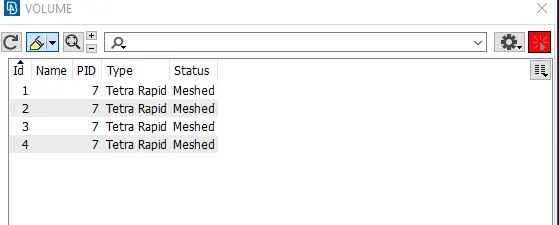
7.then goto volume mesh- craete no of volumes as no of surfaces on display by selectin option,volumes-define-manual.
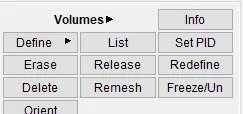
8.after definin volumes , all te defined volumes will be listed in list option.
9.Ten ive quality criteria only tet collapse value sould be iven in tat as keep te mode in solids.
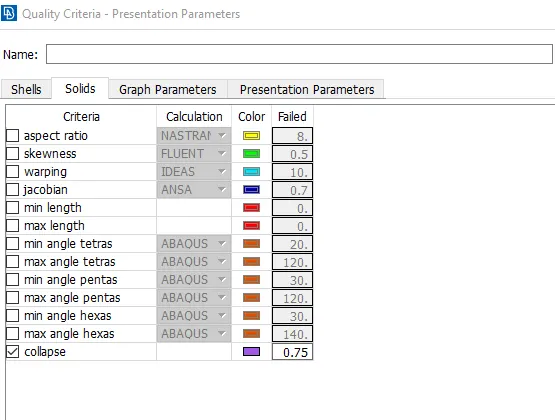
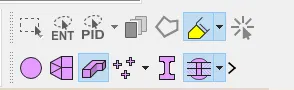
10.make sure tere must be no elements failed for the tet collapse value. switch of the geometry and fem only keep on volumes icon. so tat te defined volumes will be visible on te screen.
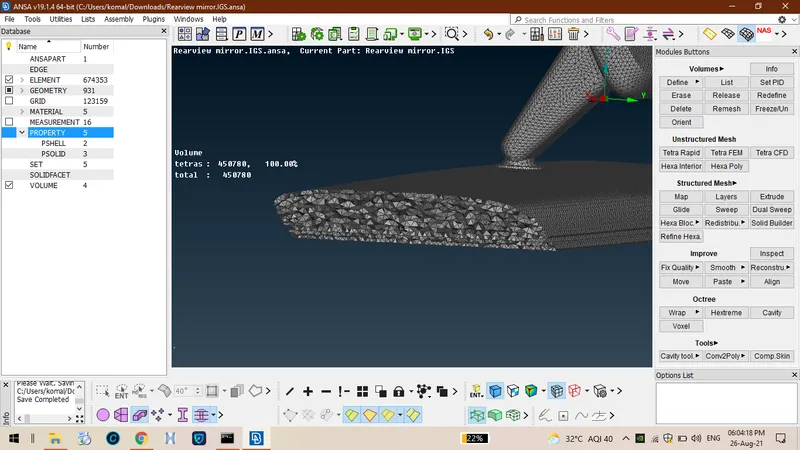
11.so ten click eiter tetra rapid or tera fem so tat te mes will be enerated on te surfaces clearly as sown below.
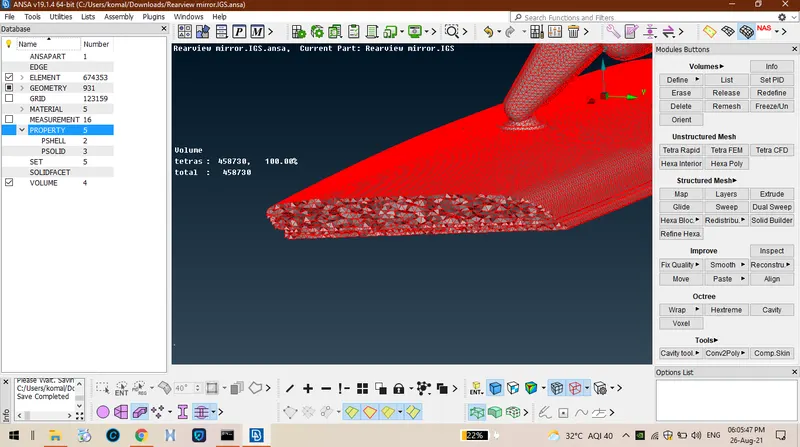
LEARNIN OUTCOMES:
From tis I came to know tat ow to do volume tetramesin and ow reduce tet collpase failures too.
NEW APPROAC:
NEW OPTION called FIXV quality in improve option.
CONCLUSION:
FINALLY TETRA MESIN AS BEEN PERFORMED ON TE COMPONENT AFTER EOMETRY CLEAN UP IS DONE.