Week- 5 - Solid meshing
Week 5 (Solid Meshing in ANSA)
Aim: To create the Tetra-mesh for the rear-view mirror component and it should follow the quality criteria as mentioned below
For 2D element quality criteria
|
S.No |
Quality criteria |
Value |
|
1. |
Target/Average length |
1 |
|
2. |
Minimum length |
0.5 |
|
3. |
Maximum length |
2 |
Quality criteria for volume meshing
|
S.No |
Quality criteria |
value |
|
1. |
Tet collapse |
0.2 |
Instructions to be followed
Surface model after volume mesh should be good (i.e. There should not any kinks and dips on the surface of the component
Model:
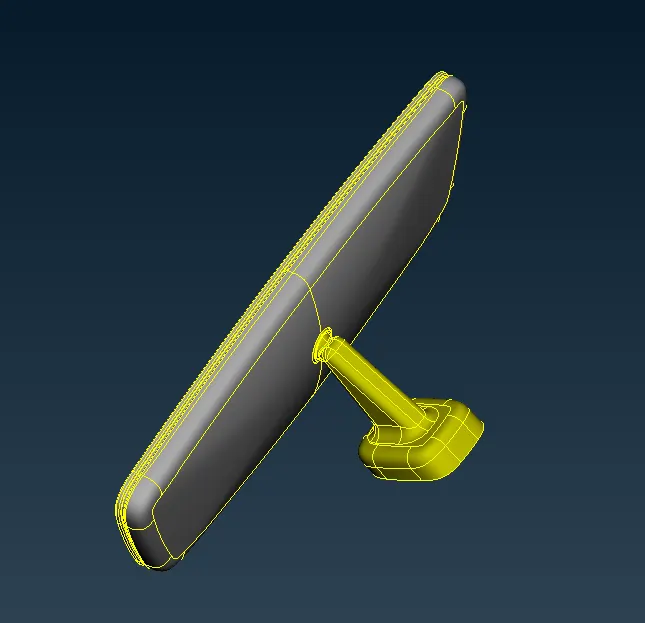
Rear view mirror model of the car
A rear-view mirror is a flat mirror in automobile and other vehicles, design to allow the driver to see rearward through the vehicle’s rear window (rear windshield)
In cars, the rear-view mirror is usually affixed to the top of the windshield on double-swivel mount allowing it to suit the height and viewing angle of any driver and to swing harmlessly out of the way if impacted by vehicle occupant in a collision.
When to use 3D elements
We use 3D elements when all of the dimension are comparable (x-y-z)
Element shape: Tetra, Penta, hex, pyramid
Additional data from the user: nothing
Element type: Solid
DOF for solid elements:
Solid elements only have 3 translation DOF (Degree of freedom), no rotational DOF
Tetra-Meshing Technique:
There are two method of tetra meshing
- Automatic Mesh: This approach is limited to simple geometries and pre-requisite is for error free CAD model. User has to just select the volume and software automatically carried out meshing as per specified element length, quality criteria.
Advantages: Very quick, no meshing effort
Disadvantages: Result in very high number of nodes and elements, There, is no control on mesh flow lines and specific meh pattern requirement (like bolted, welded joint or contact surface simulation)
- 2D tria to 3D tetra: Most commonly used method. Quad or tria meshing is carried out on all the outer surface of the geometry, quads split into trias and then converted into tetras
Procedure:
- Import the model file by using open option in ANSA
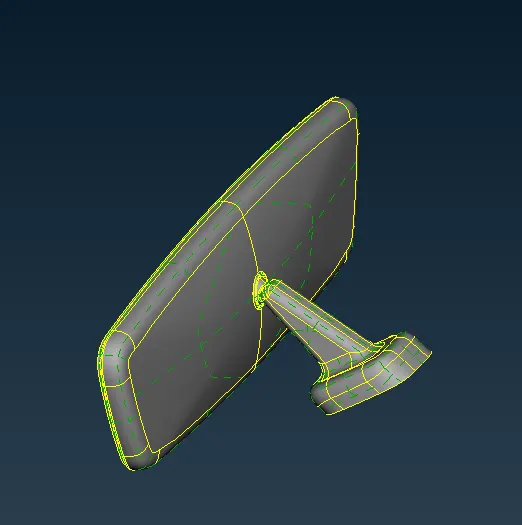
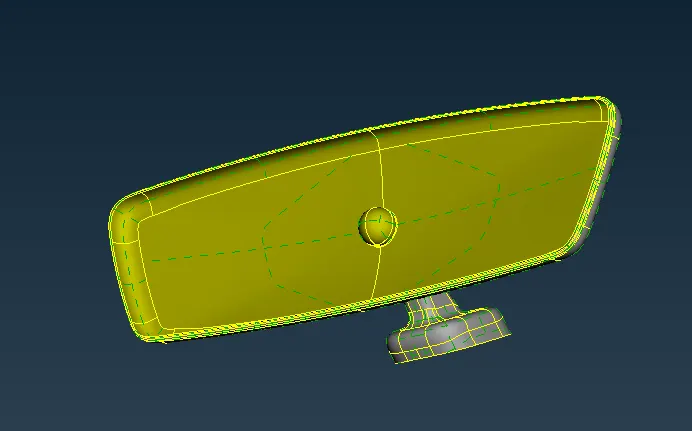
Rear view mirror model of the car
- After importing the model, check whether the geometry is good or not, means it contain any error or not, if error present then we have to remove them, to check the geometry we can go to check option > check geometry
- After checking the geometry, now we can start the mesh. Here, we follow manual method to create tetra from tria, so firstly we have to create the tria shell elements, before meshing we have to set mesh parameter and mesh criteria as mentioned above
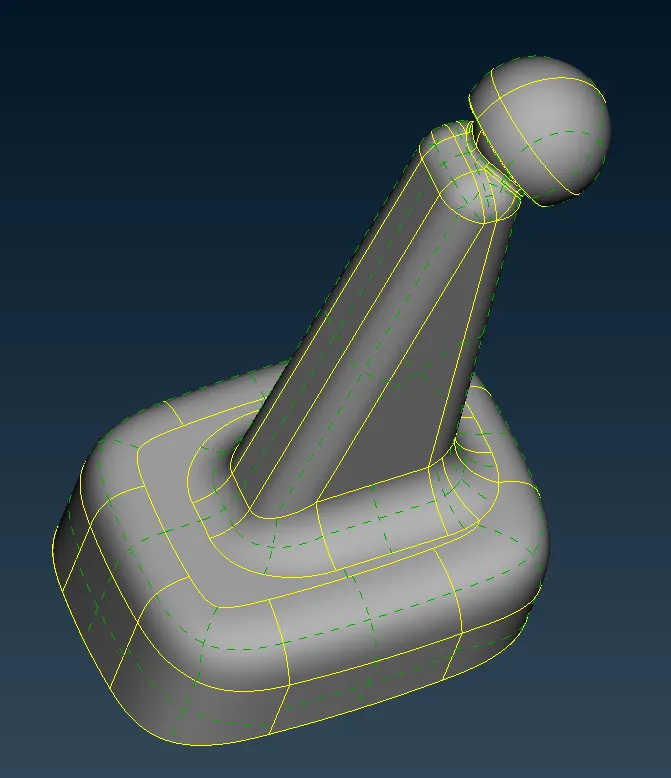
- Now we can start the mesh with target element size of 1 unit, we can use both tria and ortho-tria to mesh the model
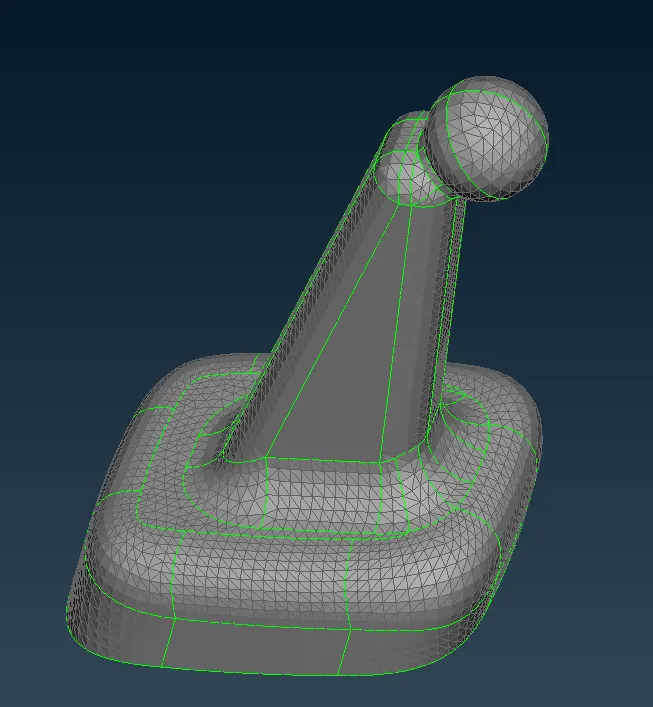
Meshed model of mirror connector and Holder
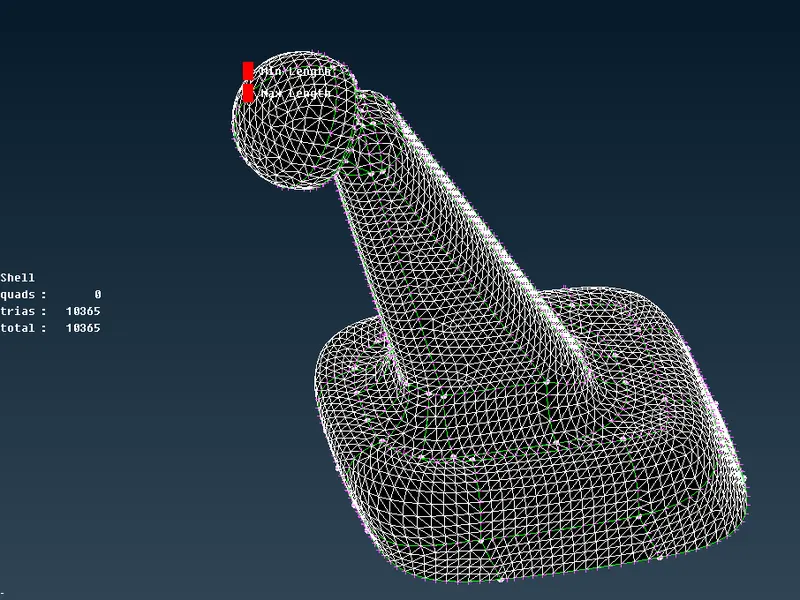
- For tria shell element we have to check only for minimum element length and maximum element length
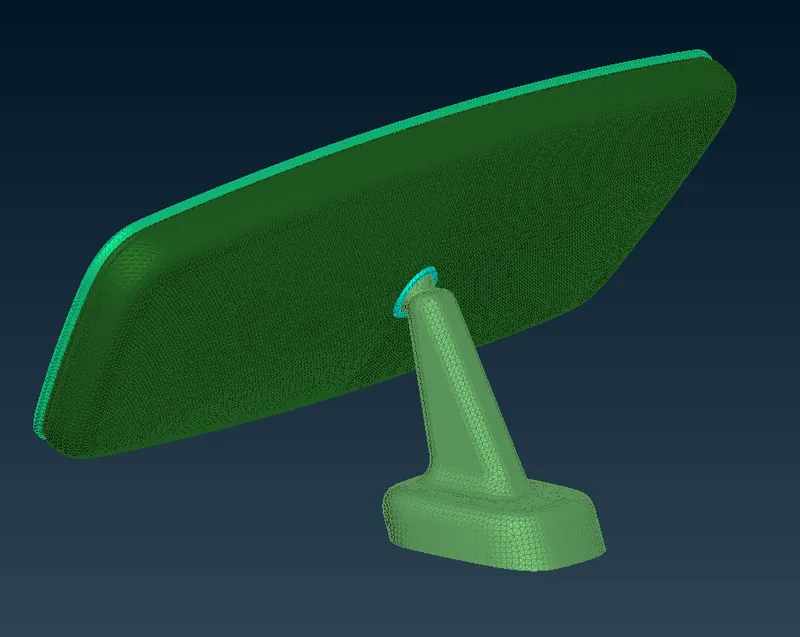
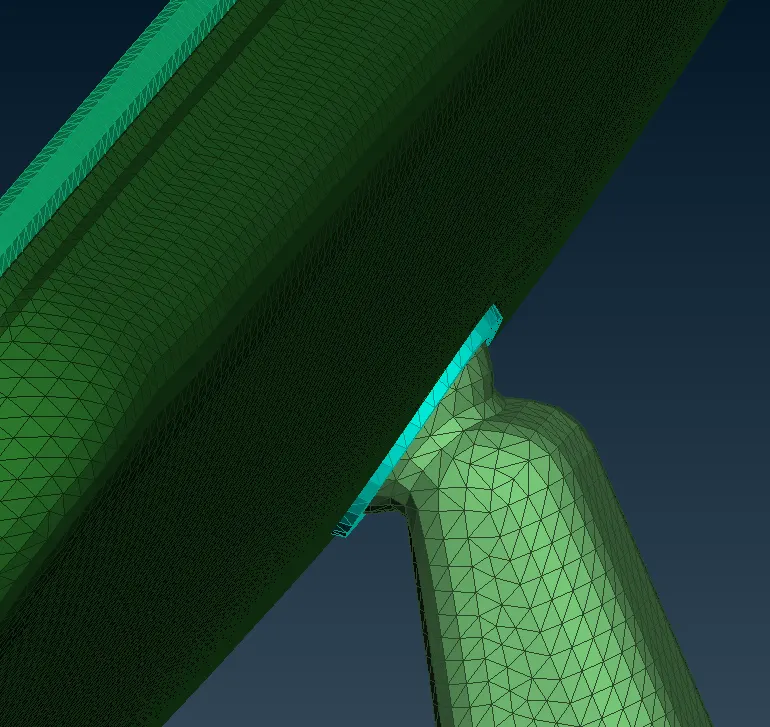
Shell meshing on rear-view mirror
- After creating the shell mesh, now we can convert that tria shell mesh into tetra mesh, but before that, firstly we have to define volume, from this we can check whether our geometry is closed or not, to define a volume go to volume sub-panel and define the volume manually
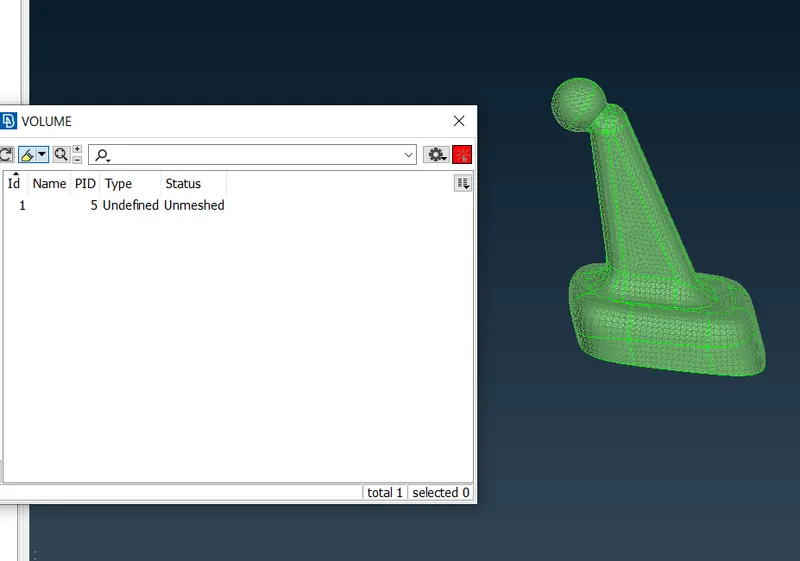
- After defining the volume, go to list, in list it shows us that volume is not meshed, right click on it and re-mesh the volume
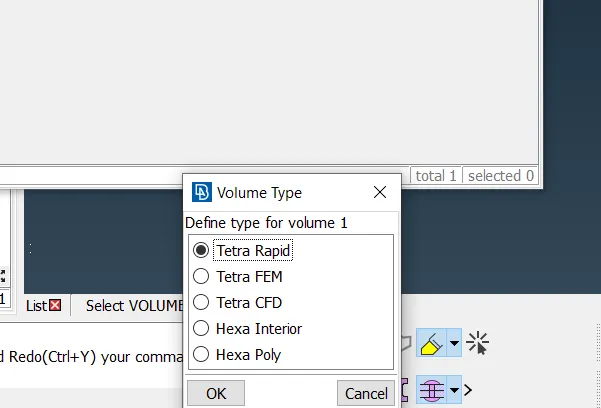
Remeshing by Tetra FEM method algorithm
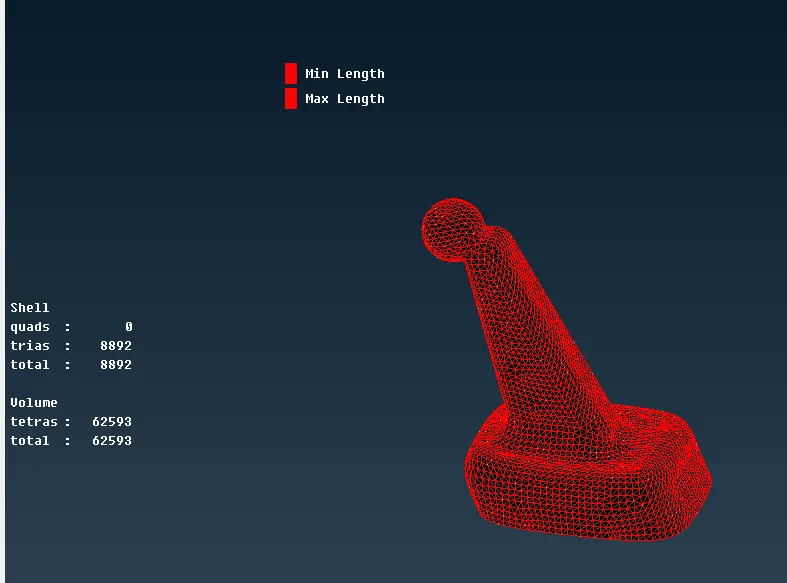
Volume mesh is generated
- Same step we have to be follow for other parts of the model
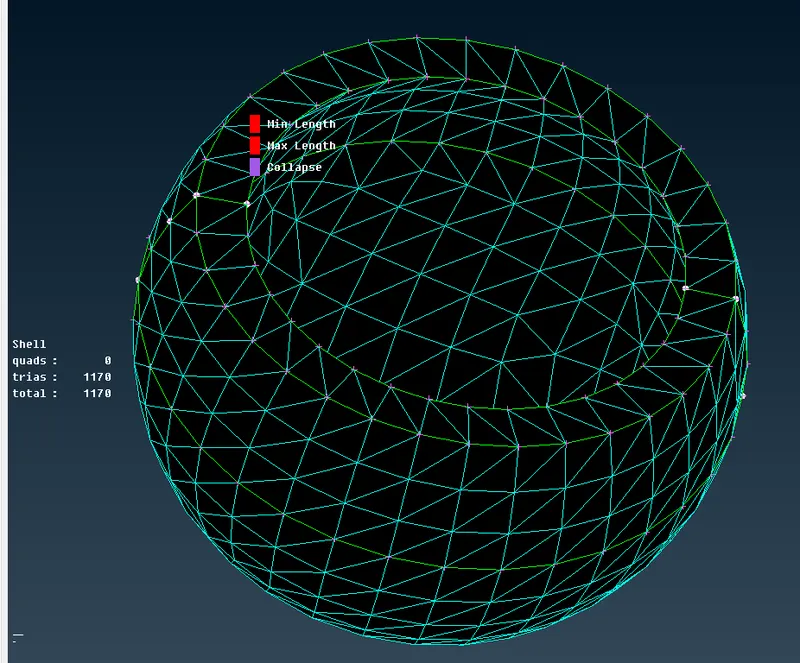
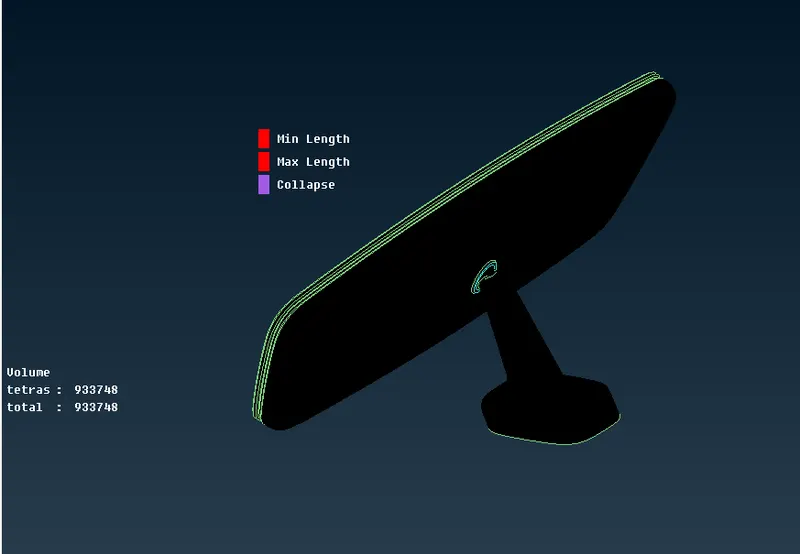
Volume mesh is generated
- In volume meshing / solid meshing we have to be only check for the value of Tet-collapse, during clearing the Tet collapse make sure that it doesn’t create any kinks and dips on the surface
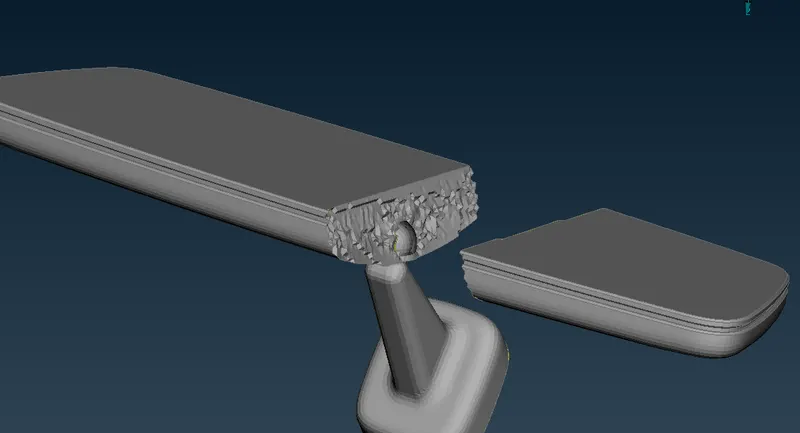
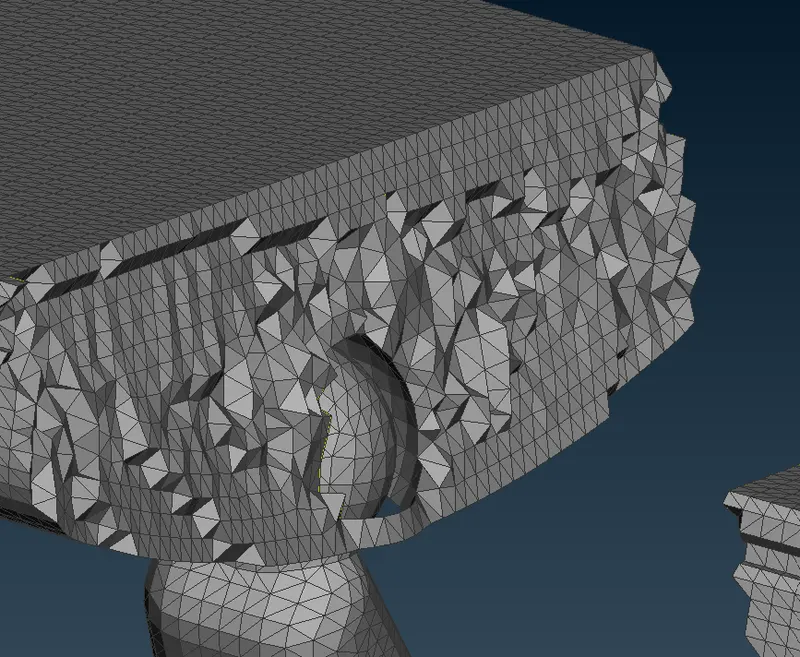
- After creating the volume mesh, now we have to delete the shell mesh, and release the volume mesh.
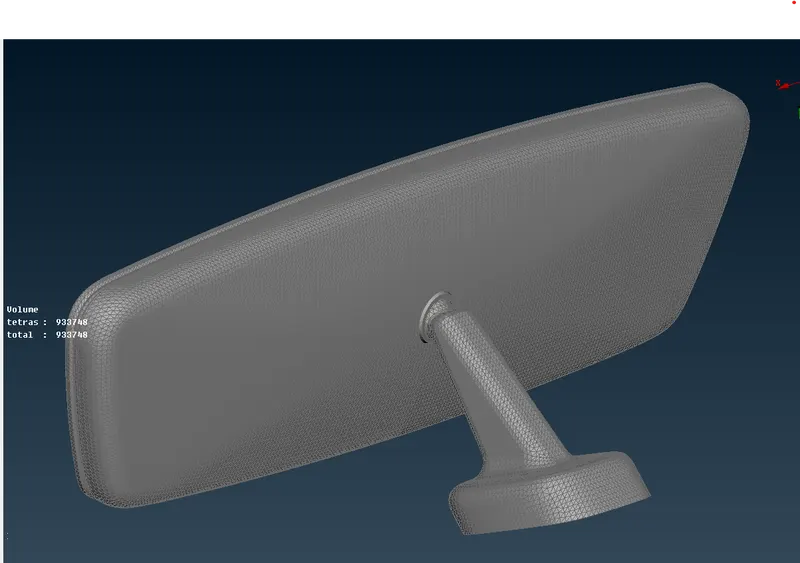
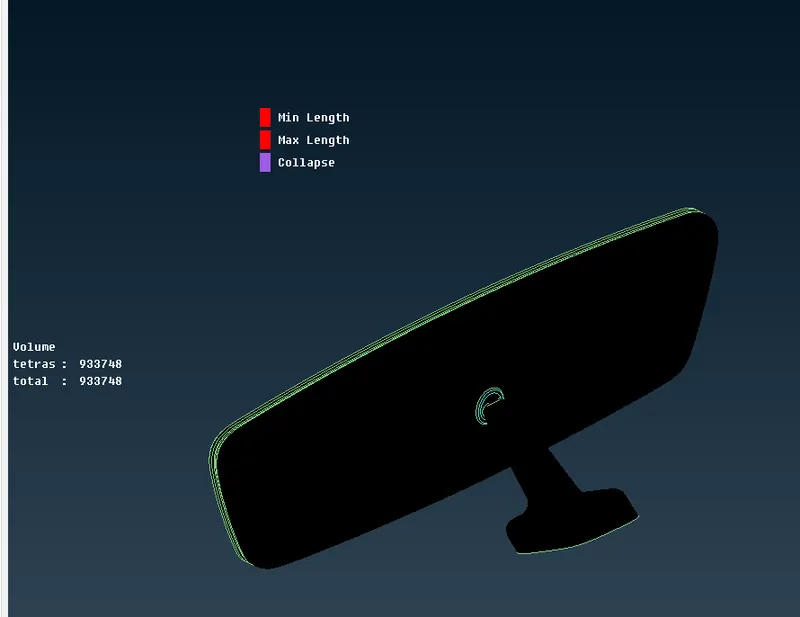
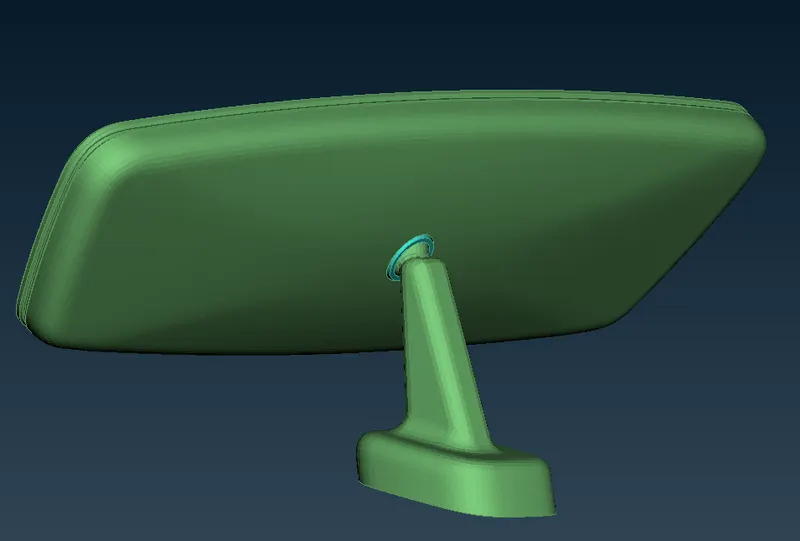
Solid meshing of Rear-view mirror
Learning outcomes:
- Able to understand about solid meshing
- Able to handle tet-collapse failure in Sloid meshing
- Able to understand about the various 3D elements and how to use them