Week- 5 - Solid meshing
Aim- For the given Rear view mirror component, check for the geometrical errors and mesh the Surfaces with the given 2D element Quality criterias. Also needs to perform the solid mesh
for the component without any tetcollapse errors.
Procedure- First import the model to the GUI so, easily visible on screen for fit option.
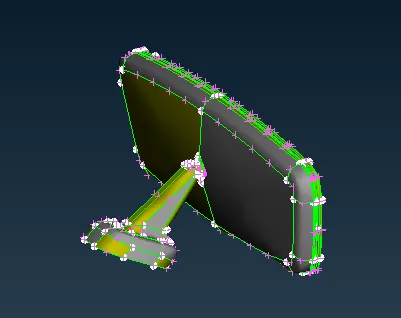
Set into shadow mode and set the orientation colour for the component.
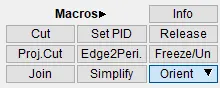
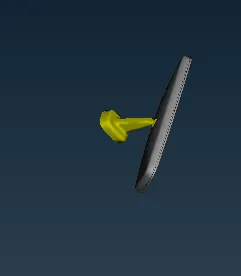
As below shown the orientation has been set.
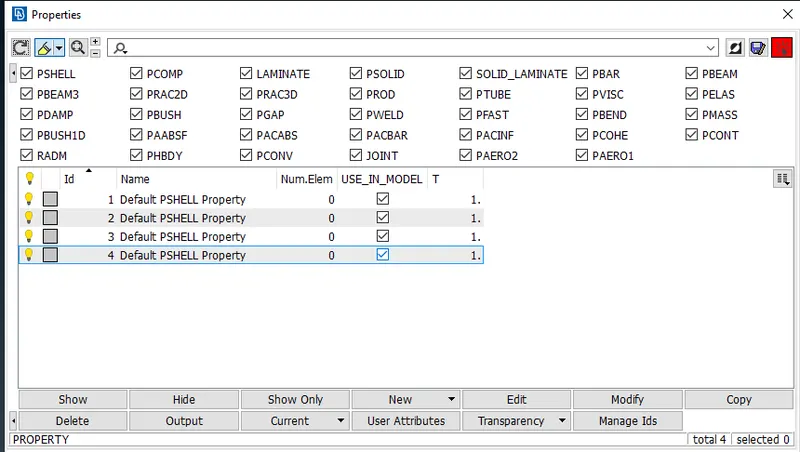
Check for the property index shown there are 4 component have component in it.
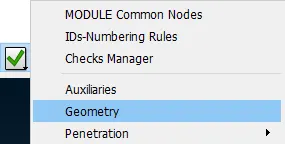
The checks has been done with component by selecting the geometry.
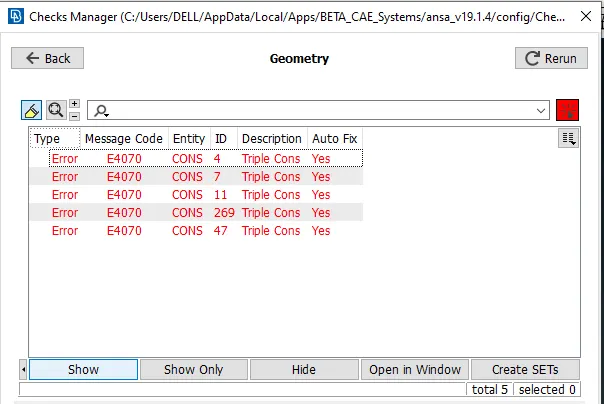
The below shown triple cons error can fix by selecting all.
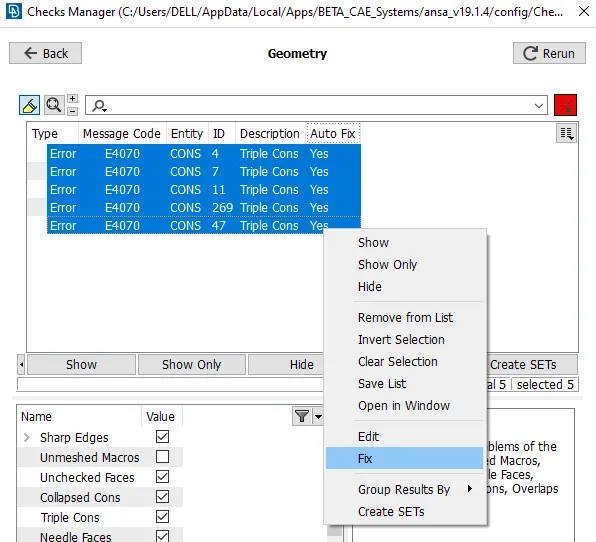
Fix the all errors can be selecting the fix command.
Fix the perimeters and macros for the compoenent to better visualization.
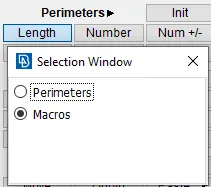
For the same component below shown before appliying
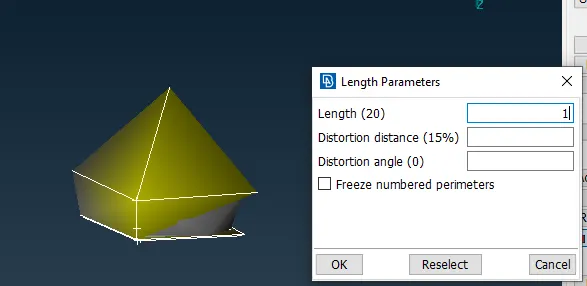
After applying for the component the visualization can be seen.
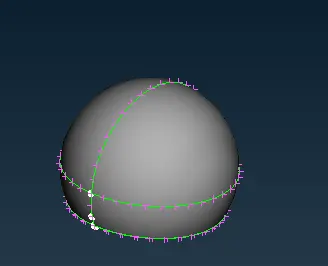
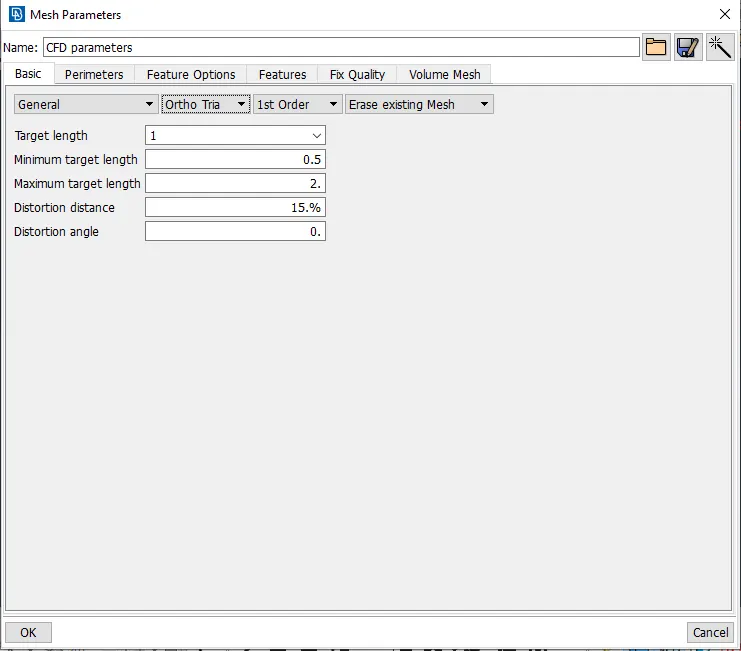
Set it topo mode and set the mesh parameters. In that set it as ortho tria for the component.
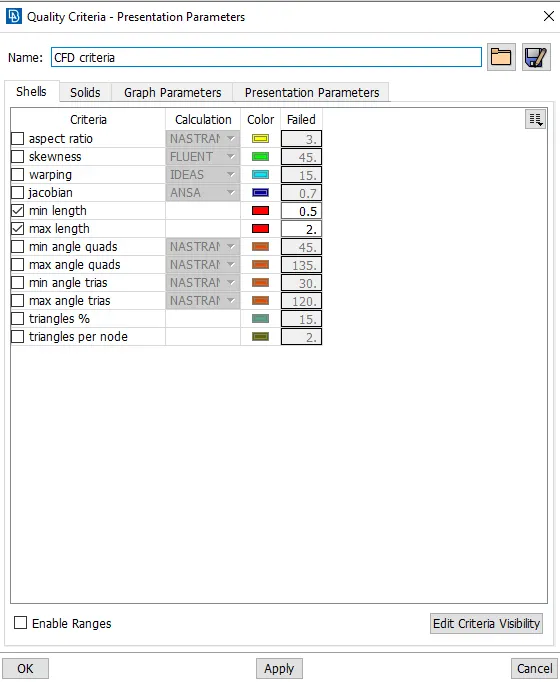
Similarly the quality criteria has been set over the component as shown in below.
Then start meshing for the selected component by using the ortho tria in fillet or curved region.
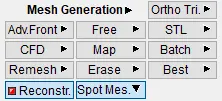
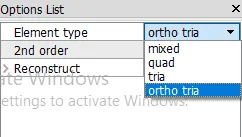
Check in the option list select the element type as ortho tria.
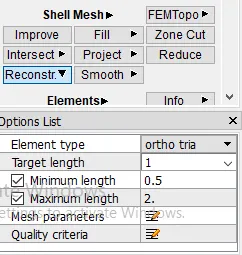
After using the ortho tria for the component, the component is seems like below shown.
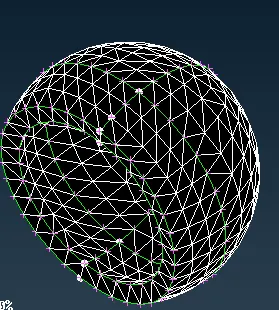
To perform the solid mesh for the given component by using the manual.
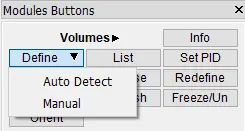
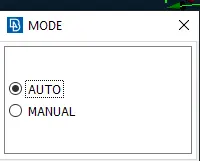
Set it as auto and select the component and click the middle mouse botton.
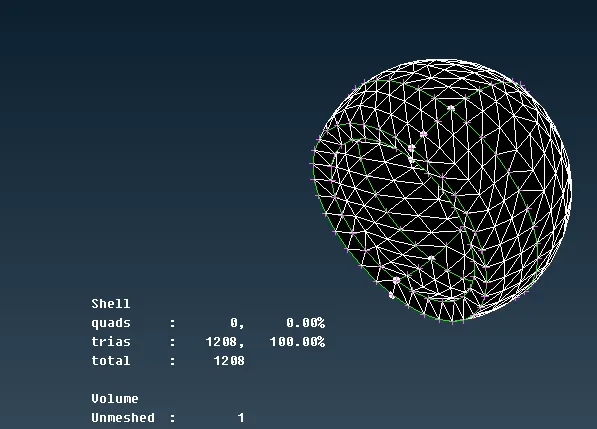
Below shown the volume as the unmeshed region.
Go the list in volume mesh and select the closed volume file and select it as remesh.
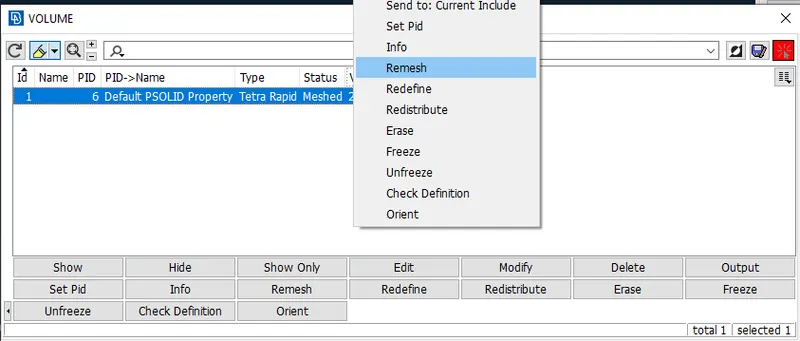
In volime type there are several types and select it.
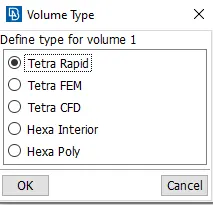
The below component has been created solid mesh for the component as shown in below.
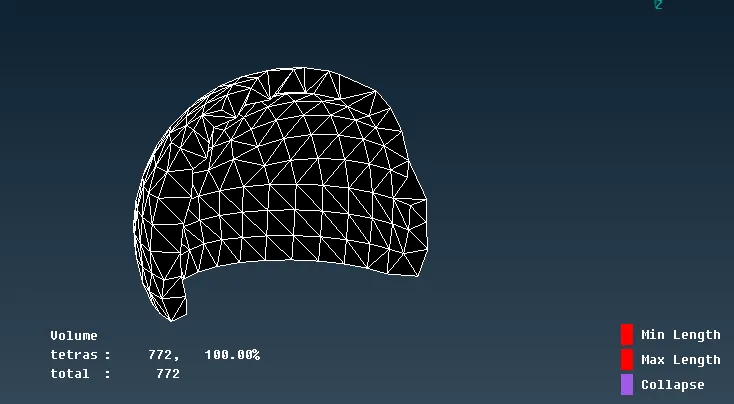
Similarly for others also do the 2D and solid mesh can be create.
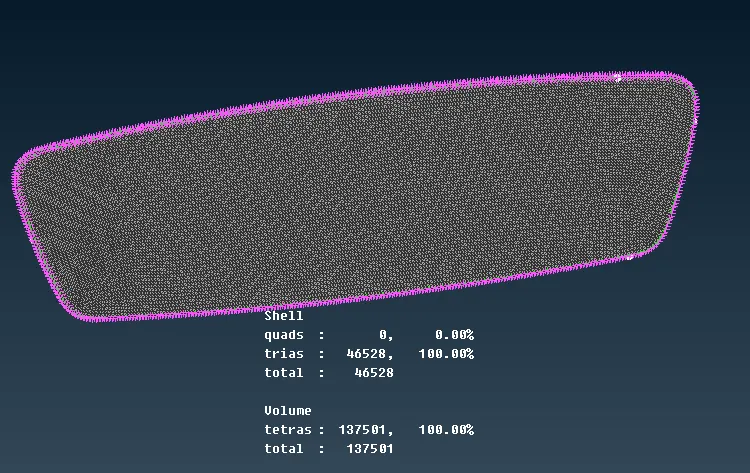
The way to crating the solid mesh over the mirror.
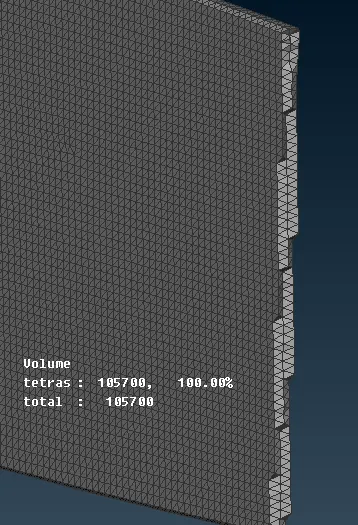
For holder it will created 2D teramesh. If any element are failed for min or max edge length by using the peaste fix that errors.
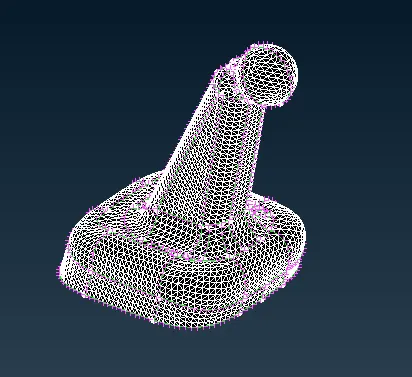
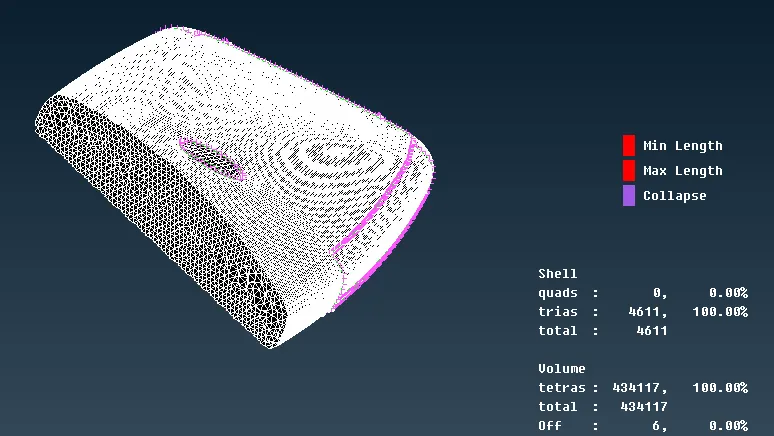
Check for the tetcollapse for the solid mesh. If any tet collapse use the fix qualiy solve the issue.
The below shown the component has been shown without any tetcollapse.
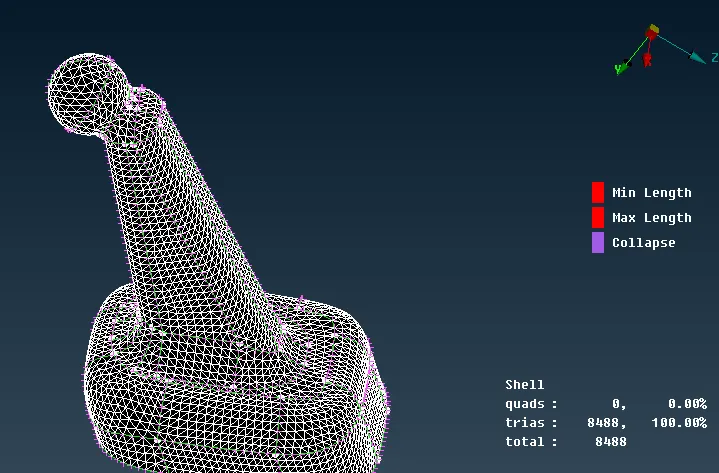
The elements below shown the solid tetra mesh for the compoenent
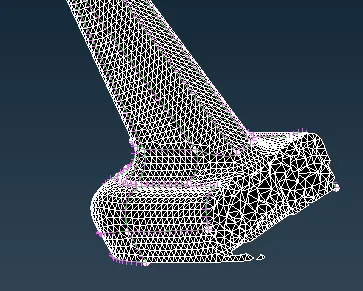
Similary for mirror hoder also have do with the same procedure.
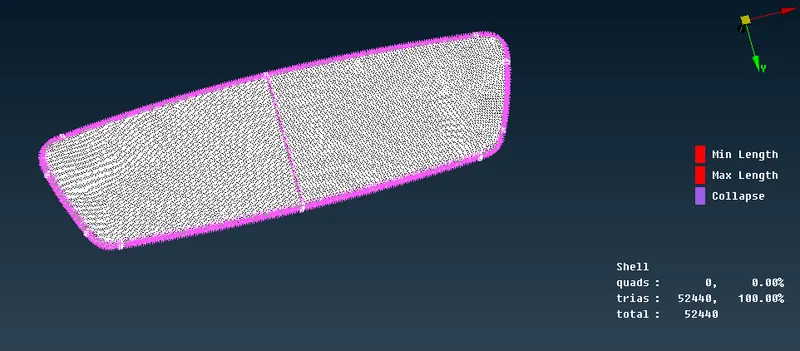
The mirror hoder how the tetra solid mesh can be formed below shown.
Conclusion
For doing the solid mesh to understand how can do the solid mesh for the perticular compoenent and how to remove tet collapse in it.