Week 12:Project-1-Meshing of Door Inner Panel Challenge
Aim - The given plastic component for the side door pannel component have Quality Criteria and mesh the following component and assign thickness.
Procedure - For downloaded file for plastic component file has to import.
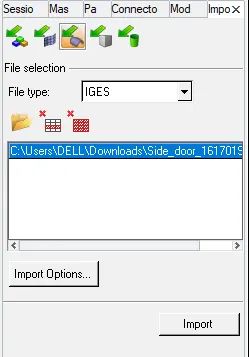
The plastic component is set as the, by topo.
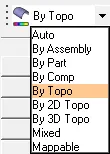
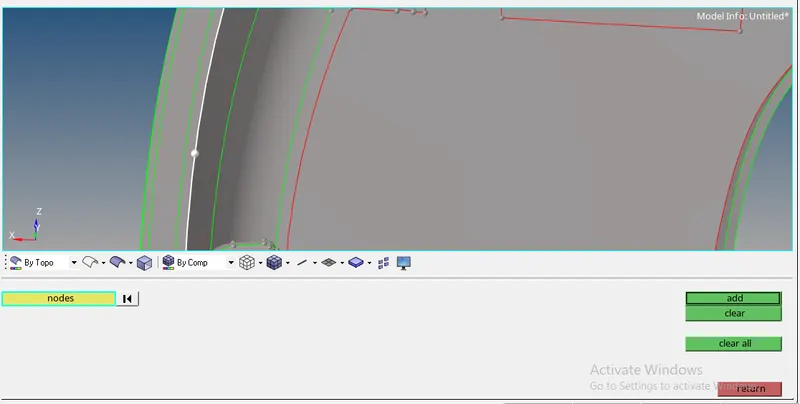
If topo has selected then the plastic component is shown its cracked areas and sapress the nodes, as shown in below image.
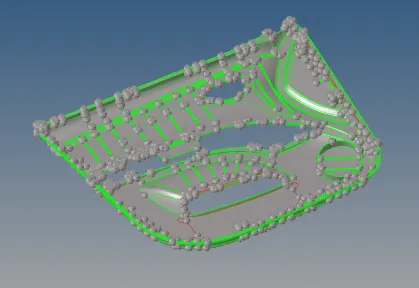
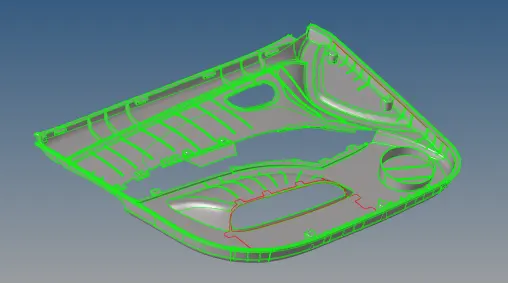
Create the node for the component and add.
The component has been splited in to 4 equal parts to the component.

After spliting the surfaces in to 4 seperate surafces.
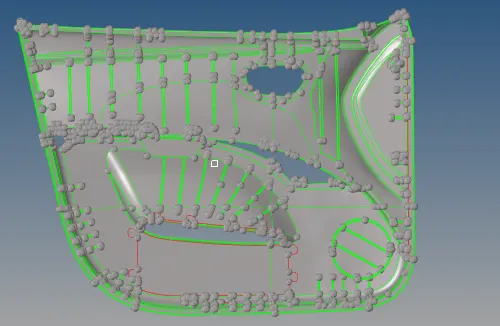
Also to create duplicate collector for the seperated component by selecting tool, select the organize for to make the seperate 4 component.

Select the surfaces for the component and name it as side body 1, select the move.

After the component is stored the seperate in to the different collectors.
Similarly do the same for the other 3 components also as shown in below and collectors are the naming as ( side body 1, side body 2, side body 3 and side body 4 )
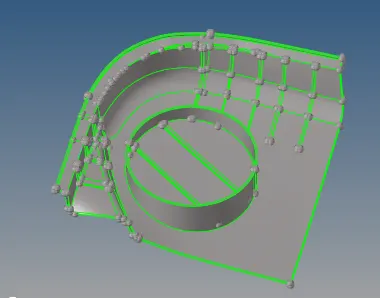
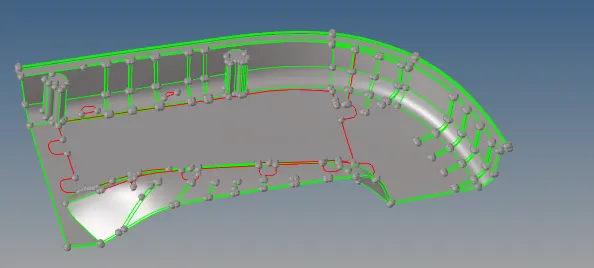
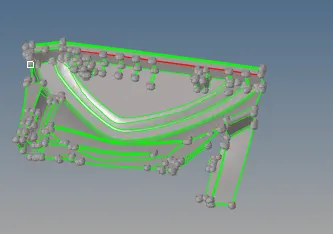
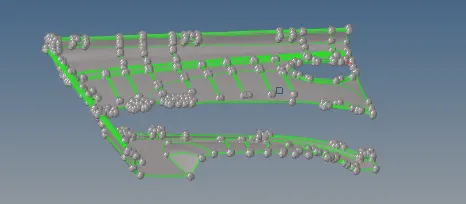
For all surfaces need to extract the manual mid surface, because this component is the various thickness.
With component have different types of ribs have different thickness over there, so need to check thickness.
Before that the unnecessary fillets can be removed by using the Defeature option.
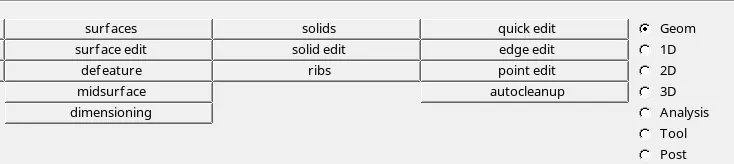
In this select the defeature and select the surf fillets and select the surface, mension the min. and max radius for the component.

After defeaturing the surface the ribs are shown in below
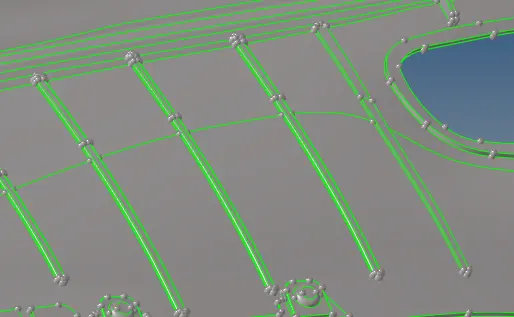
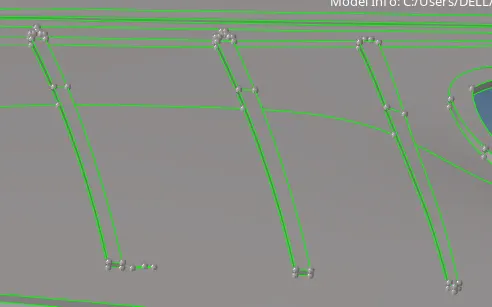
Similarly for all the four component will do the same procedure.
Take the mid surface for all the four component and properly extend over the surface.
Before taking the mid surface check the dostance between the 2 planes

As below shown the figure check the distance between nodes and do the offset exactly half for that distane in taking mid surface.
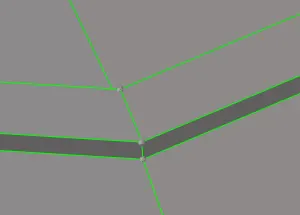
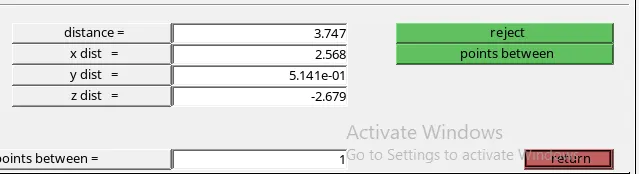
Select the surface edit and select the offset option.
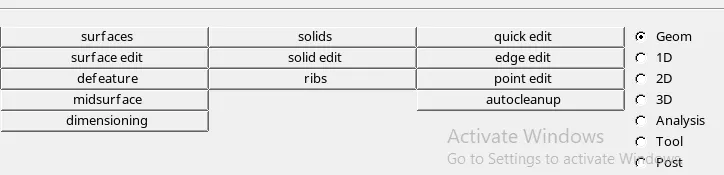
Select the one side of the surface and give the offset value for the components and do that surface to be duplicated.

Select the duplicate and give the values for the offset and mafe offset plane

Extend the offset line to the surface and use the extend option or ruled option.
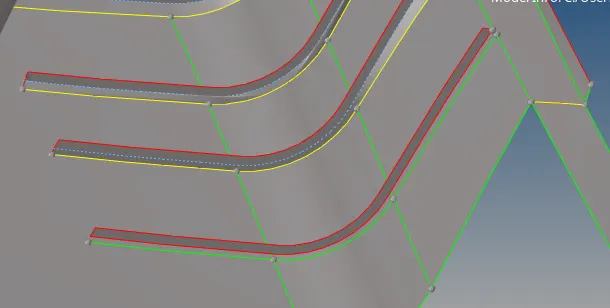
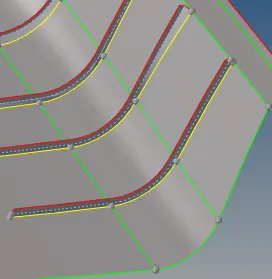
If extend the command will not work preperly use the ruled option.

By using ruled option make the surface to the component and do the necessary surface in component

Similarly for other ribs also do the same procedure for the componrnt and do the ribs proprly.
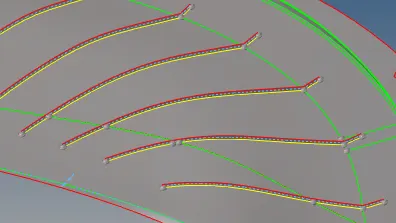
For several region extracting the midsurface for the component as shown in below shown.
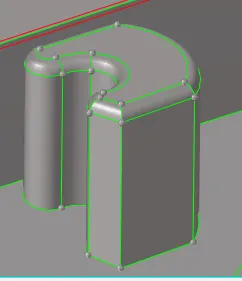
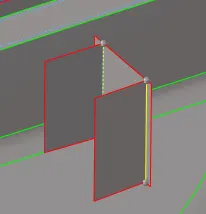
Similarly the component is of seems like this.
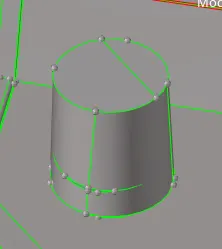
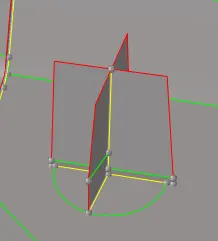
In this areas the mid surface has to taking the below shown.
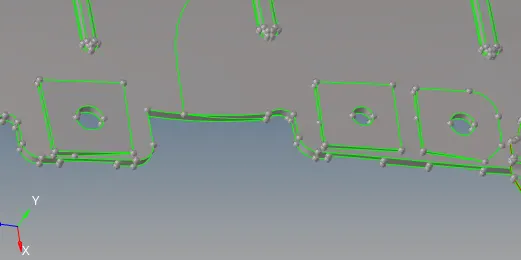
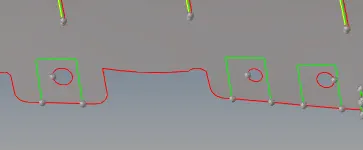
After extracting the mid surface for the all components, aslo seperate collector for below shown components.
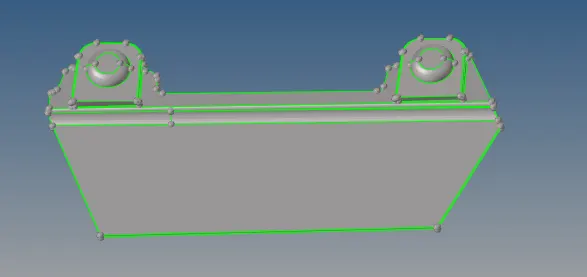
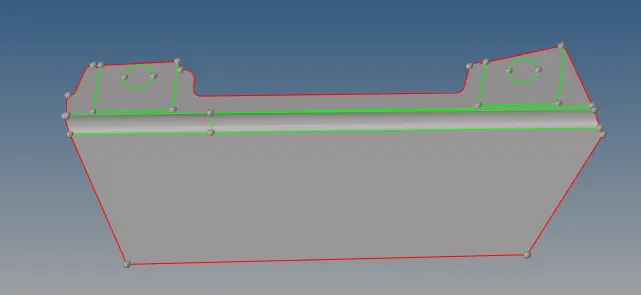
After extracting the all mid surface is seems to be below shown.
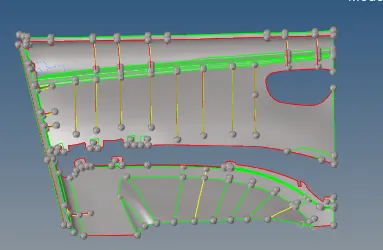
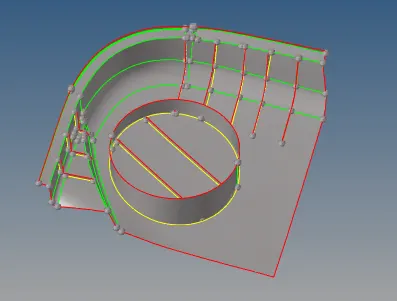
Similarly for other two components.
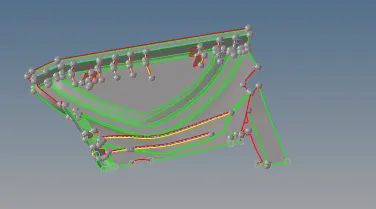
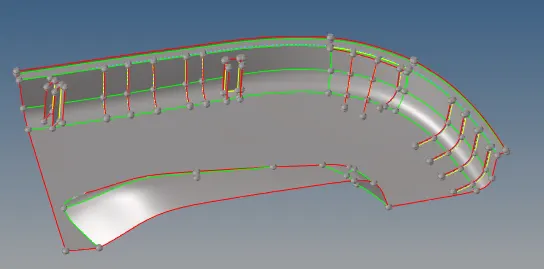
Join the all extracting midsurface by useing the toggle the edges for all the surfaces.

The final extracting the mid surface is shown in below.
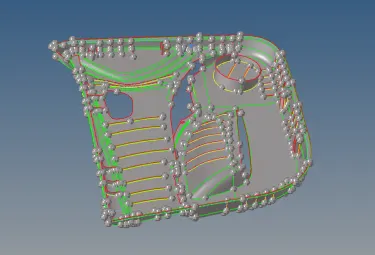
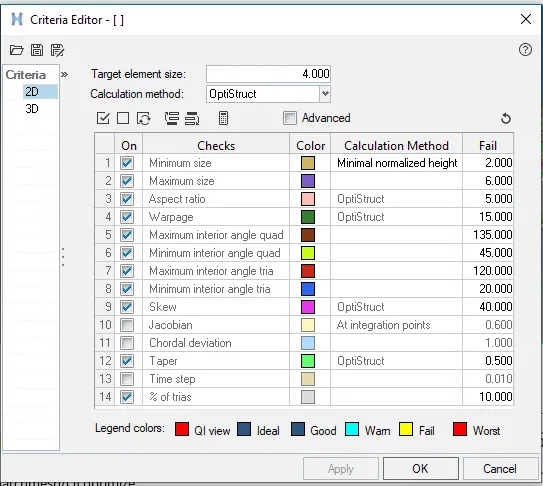
As per the given quality preferences and do the criteria file setting.
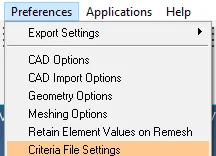
As per the given condition assign the values in criteria file setting as shown in below.
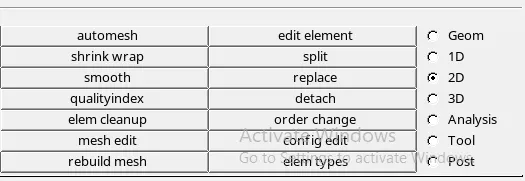
Now the component to ready for meshing. select the 2D and automesh.
Select the surface to mesh and give the element size and mesh type and set as the elems to surf compo and do the mesh. the elements can be save the particular component.

As much as avoide the trais from the component and keep mesh flow will be smooth.
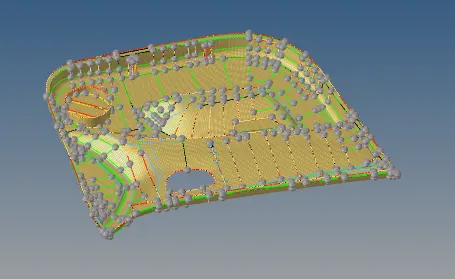
Also, Connect the 5th component with connected component by using the 1D connectors, select the type as quad and create the connections.

After meshing assigne the property for the ribs and other different type of thickness. Select to make the different collectors
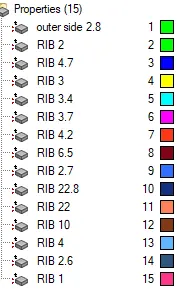
To assign these thickness properties in to different collectors. Creating the collectors by selecting organize from the tool.

Select the elements by using the by geoms and give the name.

Take the name for the component and give the specific name for respective component.

Select the surface and add to selection and choose the all elements.

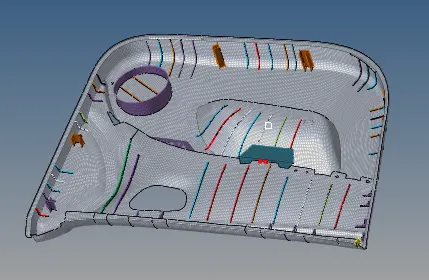
As above shown properties are assign different thickness of suitable collectors for elements in component.
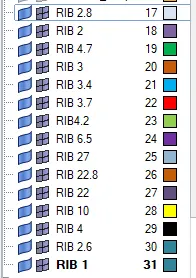
Select the particular component and select it as current component.
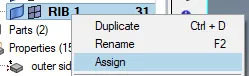
Select to assign the property in component.
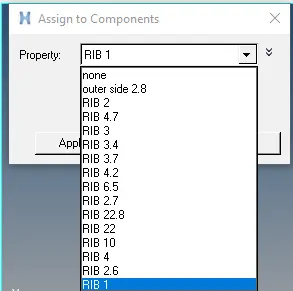
Apply the thickness property for the component and select ok.
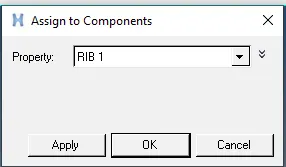
After assigning the all thickness properties to the respective surface elements to the component.
The component is as shown in below.
Conclusion
By doing this how to do mesh for plastic component by taking manual midsurface and assigning the thickness properties.