Week- 5 - Solid meshing
Objective: To check for the geometrical errors and mesh the Surfaces with the given 2D element Quality criterias and to use tetra elements to mesh the Volumes defined in the model.
Procedure:
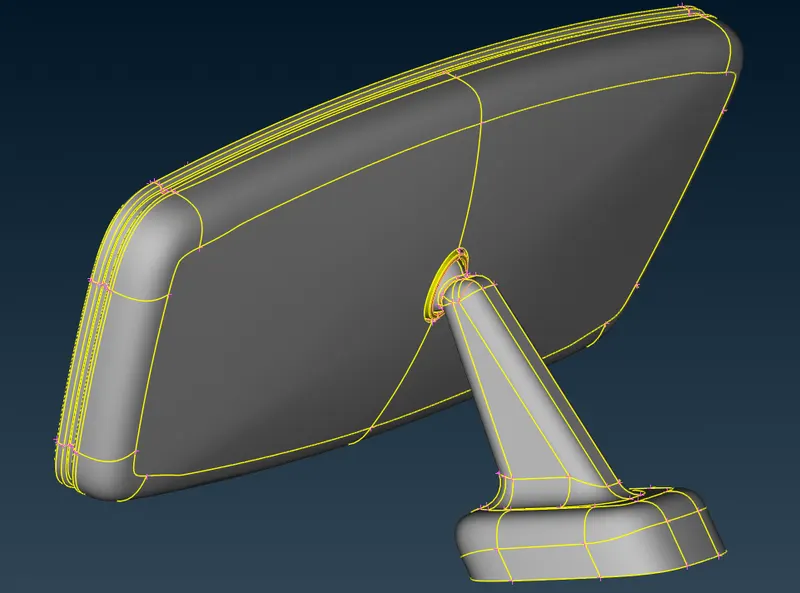
- Geometric clean up (Fix the single cons and missing surfaces)
- Toggle the unwanted edges (Topo Module - Faces - Cut right click)
- Change the element criteria as per the given problem (F11 for quality criteria)
- Change the element parameter (Mesh Parameters from Utilities toolbar)
- Go to classic mesh module and generate ortho mesh on curved surfaces and tria mesh on flat surfaces.
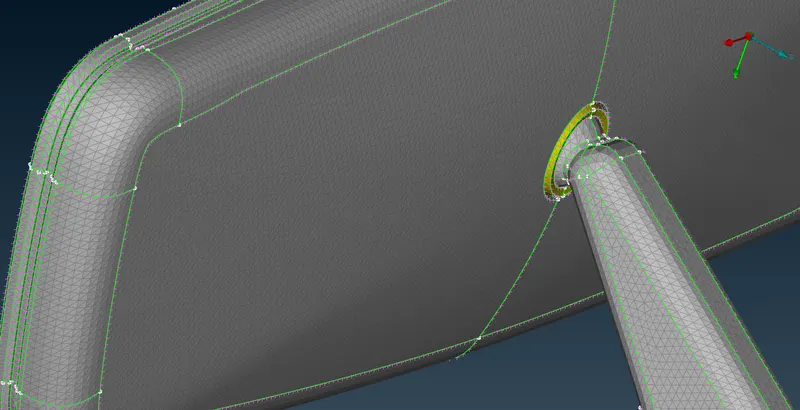
- Go to volume mesh module and define a new volume from all the surfaces.
- Go to unstructured mesh and generate rapid tetra with reference to the 2D mesh
- Check and fix for tet collapse (See only the failed elements if any and switch on first neighbour - Improve - Fix quality)
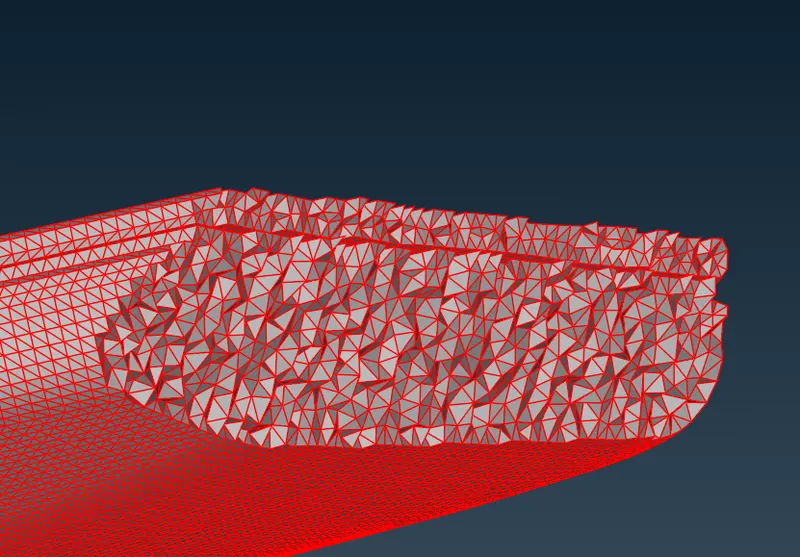
Results: Tetra elements have been created to the given component with the given element criteria.